Screen Mirroring - Sharing to
AIOO inc広告を含む
- 3 歳以上対象年齢
- ツールカテゴリ
- 2024/1/2更新日
- 無料価格
com.AIOOinc.mirroringのGoogle Play公式ページにリンクしています。最終確認:2026/11/27。
スクリーンショット

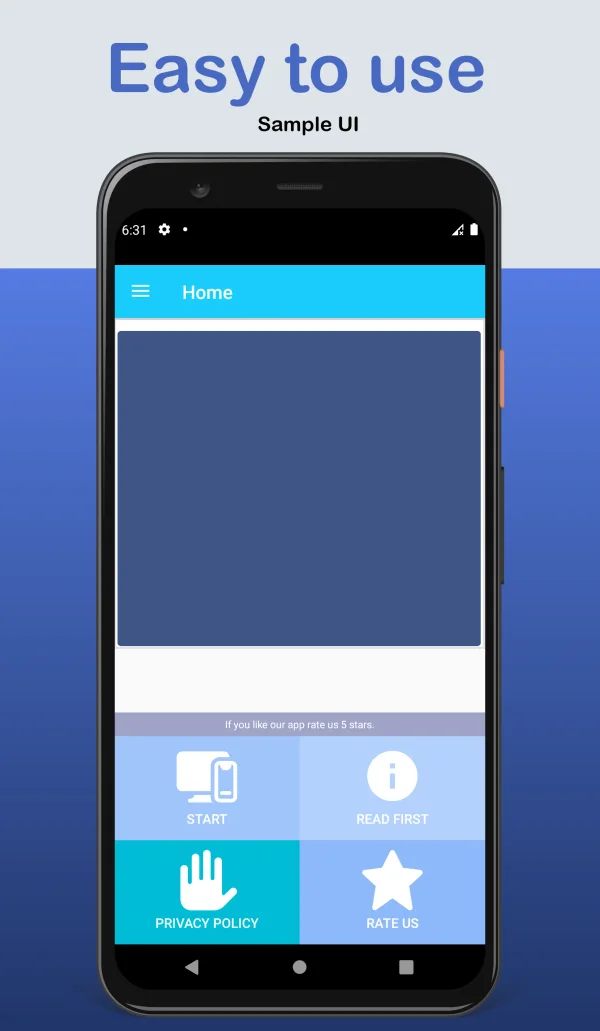

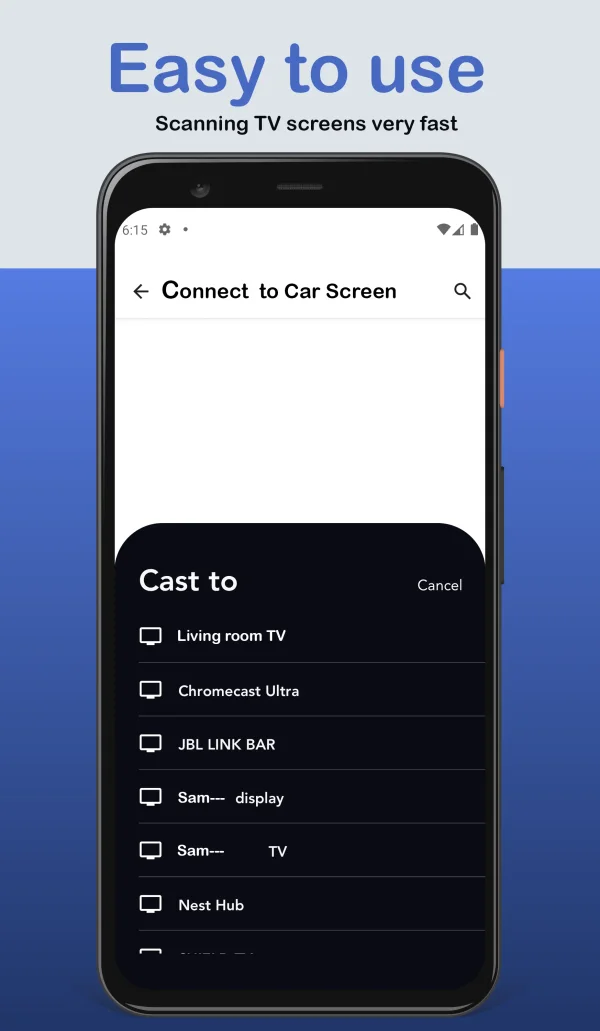
このアプリについて
Googleによる英語 (アメリカ合衆国)からの自動翻訳です。
テレビへの画面ミラーリングと画面共有
画面ミラーリングアプリ-テレビへの画面共有
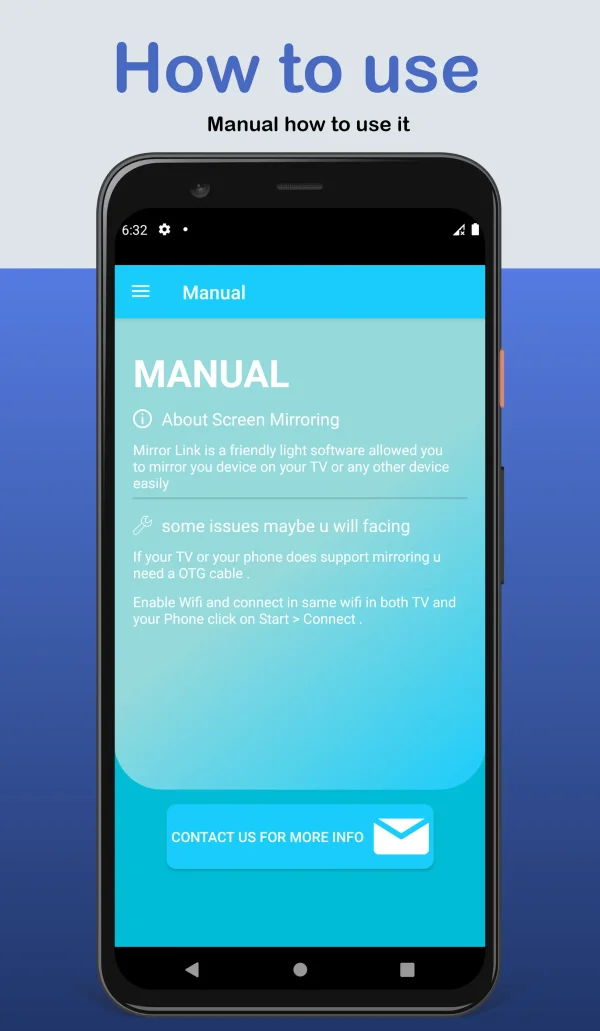
画面ミラーリング作業は、テレビがワイヤレスディスプレイをサポートしている必要があり、テレビは電話と同じようにWi-Fiネットワークに接続されている必要があります。スクリーンミラーリングアプリを使用して、モバイル画面をスマートテレビにミラーリングします。
スクリーンストリームミラーリングは、Androidの画面とオーディオをリアルタイムでミラーリングおよびブロードキャストするための最も強力なアプリです。
これには、ビデオプレーヤーとオーディオプレーヤーの両方が含まれます。スクリーンミラーを介して接続すると、携帯電話やテレビで人気のあるすべてのビデオおよびオーディオ形式を視聴できるようになりました。
TVアプリを使用した画面ミラーリングは、Androidフォンまたはタブの画面をスマートTV /ディスプレイ(miraキャスト対応)またはワイヤレスドングルまたはアダプターでスキャンしてミラーリングするのに役立ちます。画面ミラーリングスマートフォンでビデオ、音楽、写真などを任意のデバイス(スマートフォン、smartTV、ラップトップ、タブレットなど)でどこでも再生できます。
TVアプリを使用した画面ミラーリングは、Androidフォンまたはタブの画面をスマートTV /ディスプレイまたはワイヤレスドングルまたはアダプターでスキャンしてミラーリングするのに役立ちます。
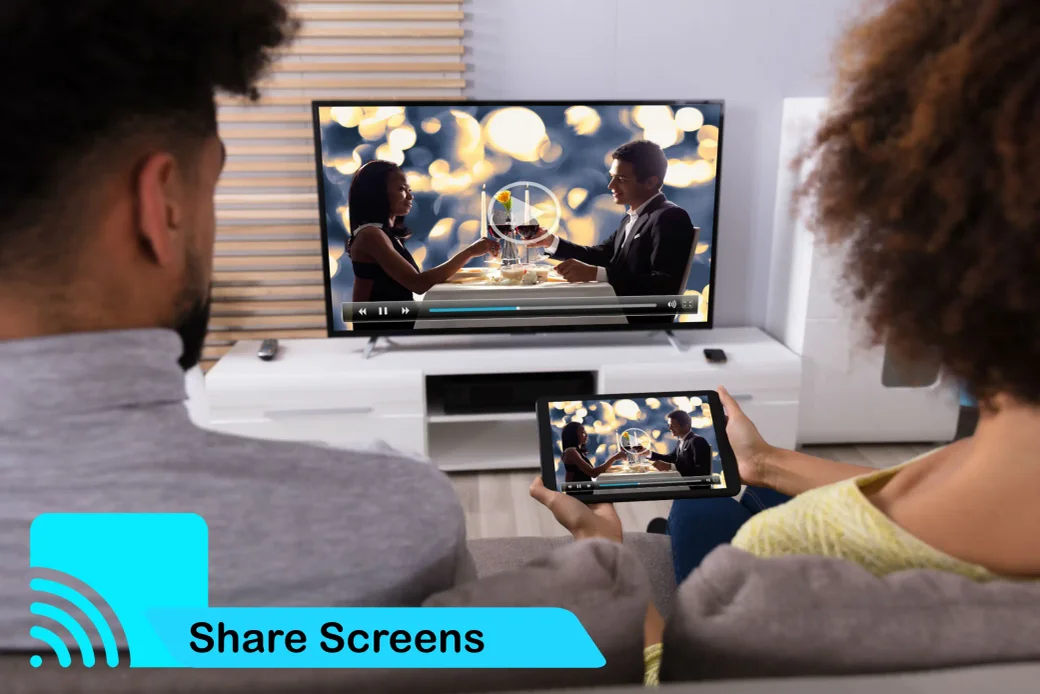
モバイル画面でビデオを再生したり、モバイル画面をテレビと共有したり、テレビでビデオキャストしたりできます。
画面ミラーリングアシスタントアプリは、携帯電話からスマートテレビ画面のウィンドウを開くのに役立ちます。セカンドスクリーンスローワイヤレスとwifiを共有し、電話ドングルをスマートTVミラーリングアシスタントに接続します。
Screen Mirroring Appは、Android携帯電話をミラーリングし、タブ画面をスキャンして、ワイヤレス、Wi-Fi、BluetoothドングルまたはアダプターによってスマートTV /ディスプレイ(mira cast対応)に表示するのに役立ちます。
スクリーンミラーテレビに接続し、ビデオプレーヤーを使用してビデオを視聴します。メディアプレーヤー:ストリーミングは最も簡単な電話ビデオプレーヤーであり、電話に保存されているほぼすべてのビデオファイルの再生を簡単にサポートする強力なビデオデコード機能を備えています。
スクリーンストリームミラーリングは、デバイスの画面とオーディオをミラーリングおよびブロードキャストするための強力なアプリケーションです。 Android画面は、メディアプレーヤー、ウェブブラウザ、Chromecast、またはUPnP互換デバイス/ DLNA(多くのスマートTVまたはその他のデバイス)を介して、ローカルネットワーク上の他のデバイスまたはPCとライブで共有できます。
画面ミラーリングアプリはコンテンツのみを再生できますが、HDMI、MHL、Miracast、Chromecastなどの画面をそのまま送信できます。テストされ、ほとんどのAndroidモバイルで動作することがわかりました。
特徴 :-
•解像度と密度を簡単に変更-外部ディスプレイの解像度を最大限に活用し、電話を使用している場合はAndroidタブレットのインターフェースを表示します
•シンプルなプロファイルベースのインターフェイス-さまざまなタイプのディスプレイのさまざまなプロファイルを簡単に有効/無効にできます
•BluetoothとWi-Fiを自動的に有効にする-キーボード、マウス、ゲームコントローラーをすばやく接続します
•画面の向きを横向きにロックする
•デフォルトでChromeでデスクトップサイトを表示します-テレビで実際のWebを閲覧します!
•タスカーとの完全な統合
•デバイスのバックライトやバイブレーションを無効にする-デバイスが接続されている間はバッテリーを節約します(すべてのデバイスと互換性があるわけではありません)
•ディスプレイが接続されると、プロファイルが自動的に読み込まれます
スクリーンミラーリングは、Androidの画面とオーディオをリアルタイムでミラーリングおよびブロードキャストするための最も強力なTVアプリです。これで、モバイルコンテンツをスマートテレビとフレームテレビに拡張できます。 Screen Mirroring Assistantは、Androidスマートフォンまたはタブの画面をスマートテレビで共有、表示、ミラーリングするのに役立ちます。
サムスンのスマートテレビ用のこの画面ミラーリングの経験を楽しんだ場合は、Playストアで評価してください。
原文を表示
Screen Mirroring App - Screen Sharing to TV
Screen mirroring work your TV should support Wireless Display and TV must be connected to wifi network same as your phone. use Screen Mirroring App to mirror your mobile screen to smart TV.
Screen Stream Mirroring is the most powerful app for mirroring and broadcasting your Android screen and audio in real time !
This contains both video and audio player. Now You can watch all popular video and audio formats on your phone or TV if you connect through screen mirror.
Screen Mirroring with TV App will assist you to scan and mirror your android phone or tab's screen on smart TV/Display (mira cast enabled) or Wireless dongles or adapters. Screen Mirroring Able to play videos, music, photos, etc in my Smartphone with any devices (smartphone, smartTV, laptop, tablet, etc) at anywhere.
Screen Mirroring with TV App will assist you to scan and mirror your android phone or tab's screen on smart TV/Display or Wireless dongles or adaptors.
You can play video on Mobile screen and share mobile screen to TV and video cast on TV.
Screen mirroring assistant app helps to open window in smart TV screen from your phone. Share second screen throw wireless and wifi and connect phone dongles with smart TV mirroring assistant.
Screen Mirroring App helps to mirror android mobile phone & scan tab screen to display it on smart TV/Display (mira cast enabled ) by wireless, Wifi & Bluetooth dongles or adapters.
Screen Mirror Connect with TV and watch video using our Video Player. Media Player : Streaming is the easiest phone video player, has a powerful video decoding capability to easily support you play almost all video files stored on your phone.
Screen Stream Mirroring is a powerful application for mirroring and broadcasting the screen and audio of your device! You can share your Android screen live to any other device or PC on your local network, via a media player, web browser, Chromecast, or UPnP compatible devices / DLNA (many Smart TVs or other devices).
Screen Mirroring App can only play contents but send screen as is such as HDMI, MHL, Miracast and Chromecast. It has been tested and found works on most of android mobiles.
Feature :-
• Easily change resolution and density - take full advantage of the resolution of your external display, and show the Android tablet interface if you're using a phone
• Simple profile-based interface - easy to enable/disable different profiles for different types of displays
• Automatically enable Bluetooth and Wi-Fi - quickly connect a keyboard, mouse, and/or game controller
• Lock screen orientation to landscape
• Show desktop sites in Chrome by default - browse the real Web, on your TV!
• Full integration with Tasker
• Disable device backlight and/or vibration - save battery while your device is connected (not compatible with all devices)
• Load profiles automatically when a display is connected
Screen Mirroring is the most powerful TV app for mirroring and broadcasting your Android screen and audio in real time! Now you can Extend your mobile contents onto your Smart TV and The FRAME TV. Screen Mirroring Assistant will help you to share, display and mirror your android phone or tab's screen on smart TV.
If you have enjoyed your experience with this screen mirroring for Samsung smart tv, rate us on play store.
データ セーフティ
このアプリが収集・共有するデータについて、AIOO incがGoogle Playで申告している内容です。
- このアプリはサードパーティと以下の種類のデータを共有することがあります位置情報、アプリのアクティビティ、他 2 件
- このアプリは以下の種類のデータを収集することがあります位置情報、アプリのアクティビティ、他 2 件
- データは送信中に暗号化されます
- データを削除できません
開発元の連絡先
- ウェブサイトaioosoft.blogspot.com
- メールAIOOinc@outlook.com
- プライバシーポリシーaioosoft.blogspot.com
- 住所Morocco
情報
- 提供元
- AIOO inc
- カテゴリ
- ツール
- バージョン
- 3.0
- 更新日
- 2024/1/2
- リリース
- 2021/11/9
- 必要条件
- Android 4.4以降
- 対象年齢
- 3 歳以上
- 価格
- 無料
- パッケージ名
- com.AIOOinc.mirroring