SD141
Speedydesign- 3 歳以上対象年齢
- カスタマイズカテゴリ
- 2026/8/12更新日
- ¥180価格
com.watchfacestudio.sd141のGoogle Play公式ページにリンクしています。最終確認:2026/11/15。
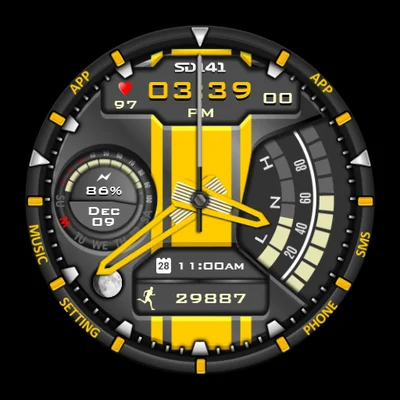
スクリーンショット
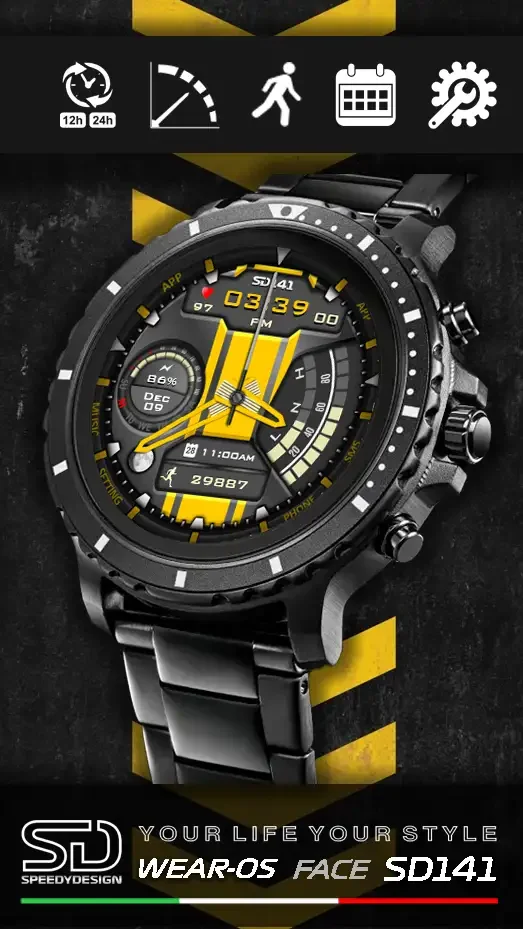
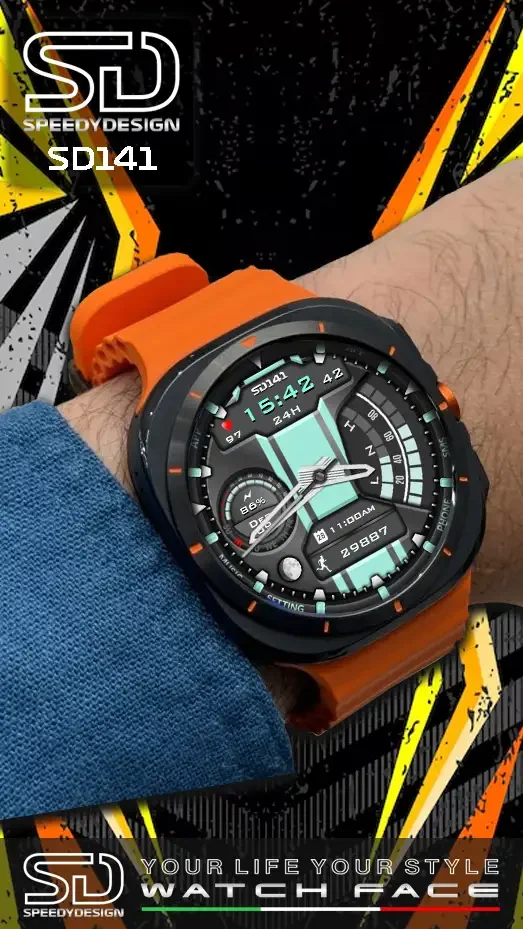
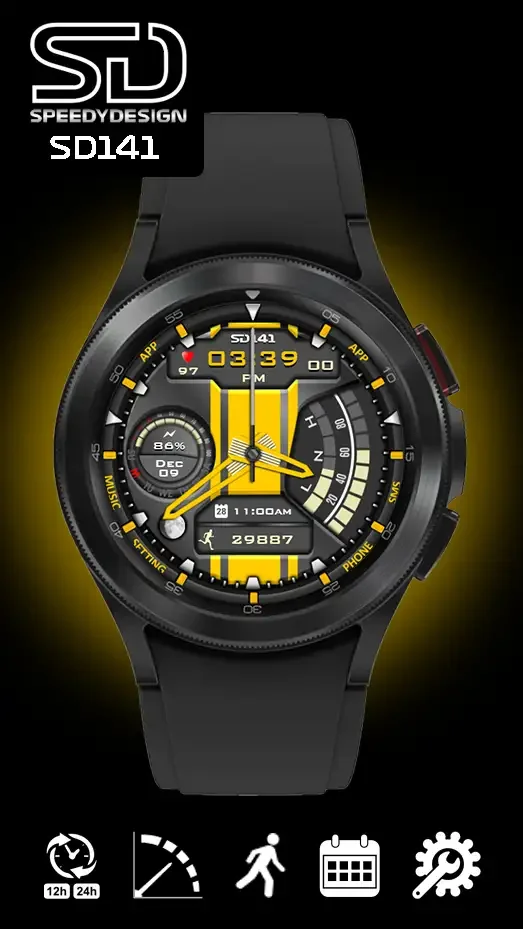


このアプリについて
Googleによる英語 (アメリカ合衆国)からの自動翻訳です。
アナログとデジタルの時間
カスタマイズ可能なセンターライン、リング、昼夜針、テキストを備えた直感的なアナログスポーツダイヤル。 2つのショートカットが含まれています。 4 つのプリセット ボタン: 音楽、設定、メッセージ、電話。 1 ウィジェットのカスタマイズにより、天気、気圧、移動距離、カロリー、UV インデックス、降水確率などの好みのデータを取得できます。
インストールに関する注意事項:
インストールとトラブルシューティングのガイドについては、このリンクを確認してください: https://speedydesign.it/installazione
このウォッチフェイスはすべての Wear OS デバイスをサポートしています。
説明:
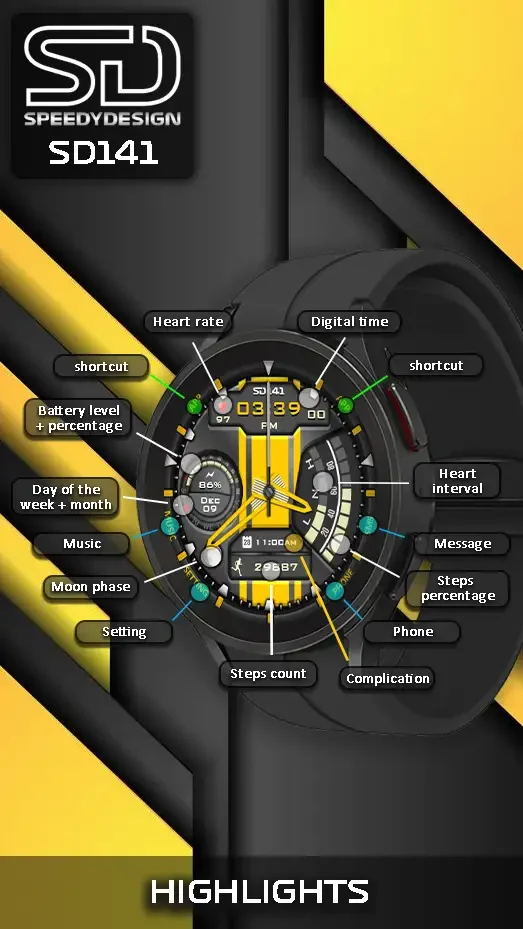
• アナログおよびデジタル時間 (電話の設定に基づく 12/24 時間)
• 曜日 + 月
• バッテリー残量 + パーセンテージ
• 歩数 + パーセンテージ
• 心拍数 + 間隔
• ムーンフェイズ
• 合併症
• ショートカット
• プリセットキー
•AOD
カスタマイズ可能:
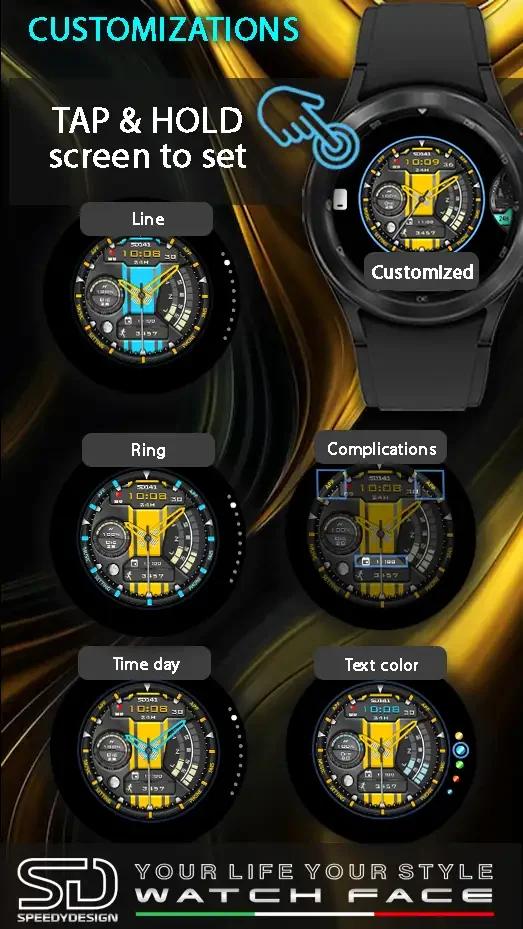
×10 ラインカラー
× 10 リングカラー
× 10 手の日の色
ハンドナイトカラー×10
× 10 文字の色
x 01 合併症
×02 ショートカット
× 04 プリセットキー
ダイヤルのカスタマイズ:
1 - ディスプレイをタッチしたままにします
2 - [カスタマイズ]オプションをタップします
ダイヤルの複雑機構:
必要なデータをすべて入力してダイヤルをカスタマイズできます。
たとえば、天気、心拍数、気圧などを選択できます。
心拍数に関する注意事項:
ウォッチフェイスは、インストール時に心拍数を自動的に測定したり、結果を自動的に表示したりしません。
ダイヤル上の現在の心拍数データを確認するには、手動で測定する必要があります。
これを行うには、心拍数表示領域をタップします。
数秒待ちます。ダイヤルで測定が行われ、現在の結果が表示されます。
ウォッチフェイスをインストールしたときにセンサーの使用が有効になっていることを確認してください。そうでない場合は、別のウォッチフェイスと交換してから、このウォッチフェイスに戻ってセンサーを有効にしてください。
最初の手動測定の後、ダイヤルは 10 分ごとに心拍数を自動的に測定できます。手動測定も可能になります。
(時計によっては一部の機能が利用できない場合があります)。
乞うご期待:
ニュースレター@speedydesign.it
スピーディーデザイン:
https://www.スピーディデザイン.it
フェイスブック:
https://www.facebook.com/Speedy-Design-117708058358665
インスタグラム:
https://www.instagram.com/speedydesign.ita/
LNKバイオ
https://lnk.bio/speedydesign
ありがとう !
原文を表示
Intuitive analog sports dial with customizable center line, ring, time day and night hands, and text. Includes 2 shortcuts. 4 preset buttons: Music, Settings, Messages, and Phone. 1 widget customization, allowing you to get your favorite data such as weather, barometric pressure, distance traveled, calories, UV index, chance of precipitation.
INSTALLATION NOTES:
Please check this link for installation and troubleshooting guide: https://speedydesign.it/installazione
This watch face supports all Wear OS devices.
Description:
• Analog & Digital time (12/24 hours based on phone settings)
• Day of the week + month
• Battery level + percentage
• Steps count + percentage
• Heart rate + intervals
• Moon phase
• Complication
• Shortcut
• Preset keys
• AOD
Customizable:
x 10 Line colors
x 10 Ring colors
x 10 Hand day colors
x 10 Hand night colors
x 10 Text colors
x 01 Complications
x 02 Shortcut
x 04 Preset keys
Dial customization:
1 - Touch and hold the display
2 - Tap on the Customize option
Dial Complications:
you can customize the dial with all the data you want.
For example, you can select weather, heart rate, barometer etc.
Notes on heart rate:
The watch face does not automatically measure and does not automatically display the heart rate result when installed.
To see current heart rate data on the dials, you will need to take a manual measurement.
To do this, tap the heart rate display area.
Wait a few seconds. The dial will take a measurement and display the current result.
Make sure you enabled the use of sensors when you installed the watch face, otherwise swap it with another watch face and then go back to this one to enable the sensors.
After the first manual measurement, the dial can automatically measure your heart rate every 10 minutes. Manual measurement will also be possible.
(Some features may not be available on some watches).
STAY TUNED:
newsletter@speedydesign.it
SPEEDYDESIGN:
https://www.speedydesign.it
FACEBOOK:
https://www.facebook.com/Speedy-Design-117708058358665
INSTAGRAM:
https://www.instagram.com/speedydesign.ita/
LNK BIO
https://lnk.bio/speedydesign
Thank you !
データ セーフティ
このアプリが収集・共有するデータについて、SpeedydesignがGoogle Playで申告している内容です。
- 第三者と共有されるデータはありません詳しくは、デベロッパーが共有を申告する方法についての説明をご覧ください
- データは収集されません詳しくは、デベロッパーが収集を申告する方法についての説明をご覧ください
新機能
バージョン 1.0.0 · 2026/8/12
- Initial release
開発元の連絡先
- ウェブサイトspeedydesign.it
- メールsupport@speedydesign.it
- プライバシーポリシーspeedydesign.it
- 住所Via dell'Alpino, 33 33047 Remanzacco Italy
情報
- 提供元
- Speedydesign
- カテゴリ
- カスタマイズ
- バージョン
- 1.0.0
- 更新日
- 2026/8/12
- リリース
- 2024/12/9
- 対象年齢
- 3 歳以上
- 価格
- ¥180
- パッケージ名
- com.watchfacestudio.sd141