Simple Control Center
Galaxy studio apps広告を含む · アプリ内課金
- 3 歳以上対象年齢
- カスタマイズカテゴリ
- 2026/10/25更新日
- 無料価格
com.controlcenter.icontrol.osのGoogle Play公式ページにリンクしています。最終確認:2026/11/20。
スクリーンショット
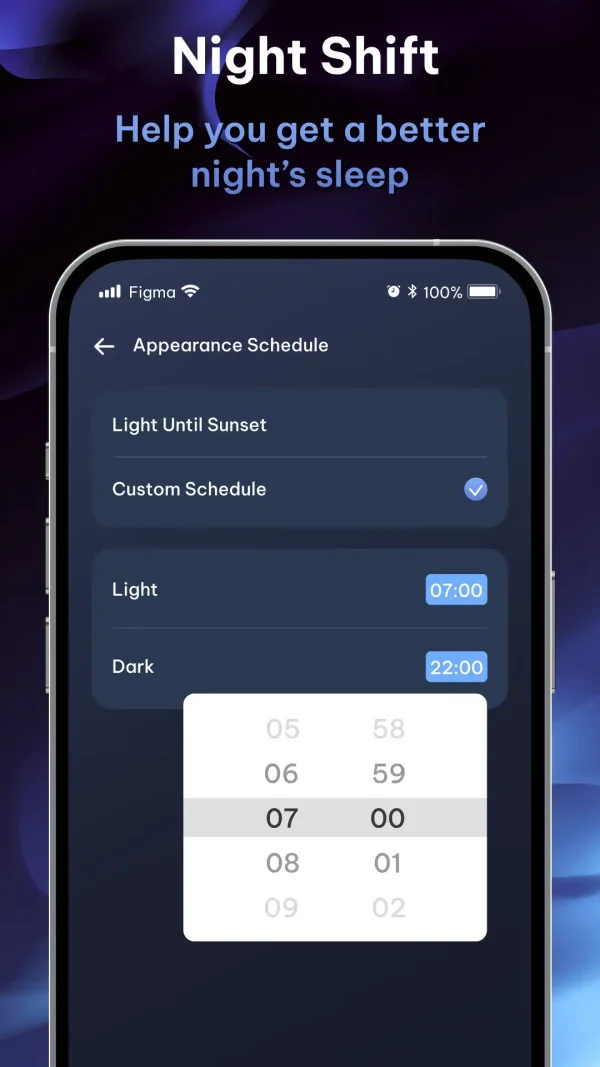

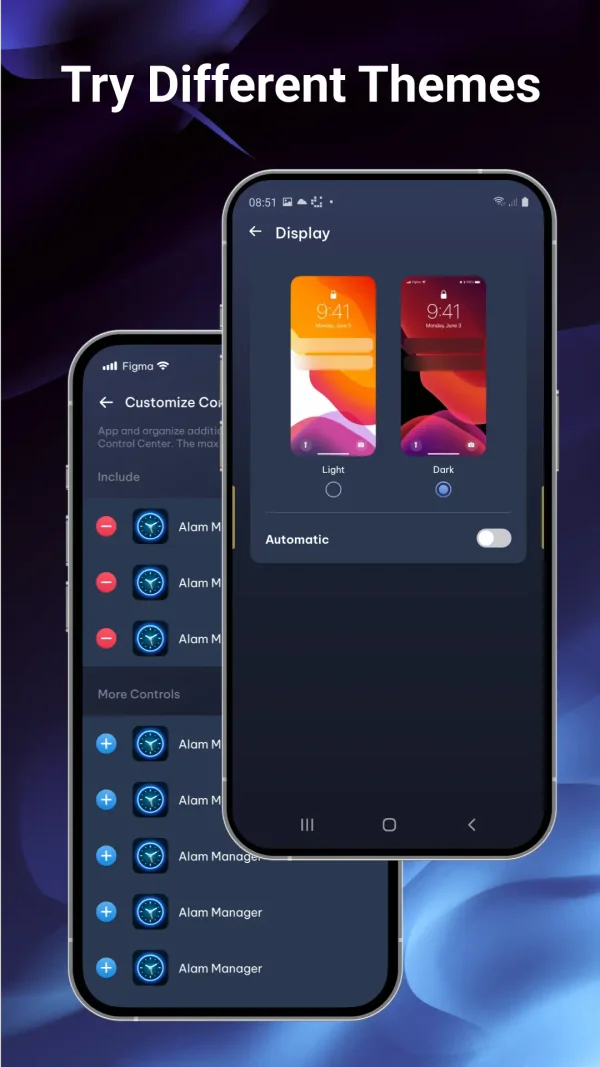

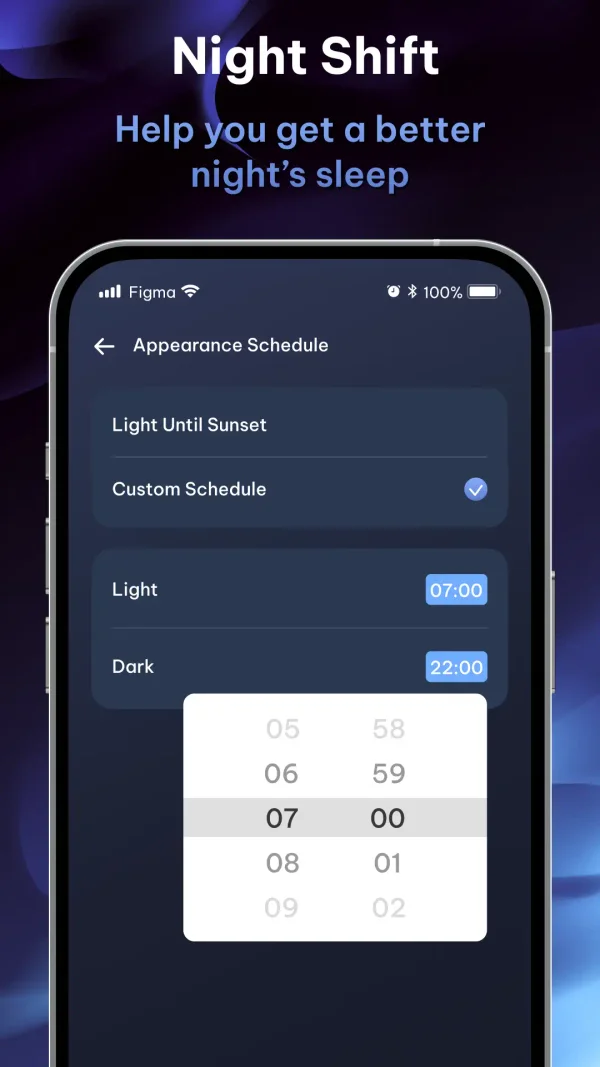
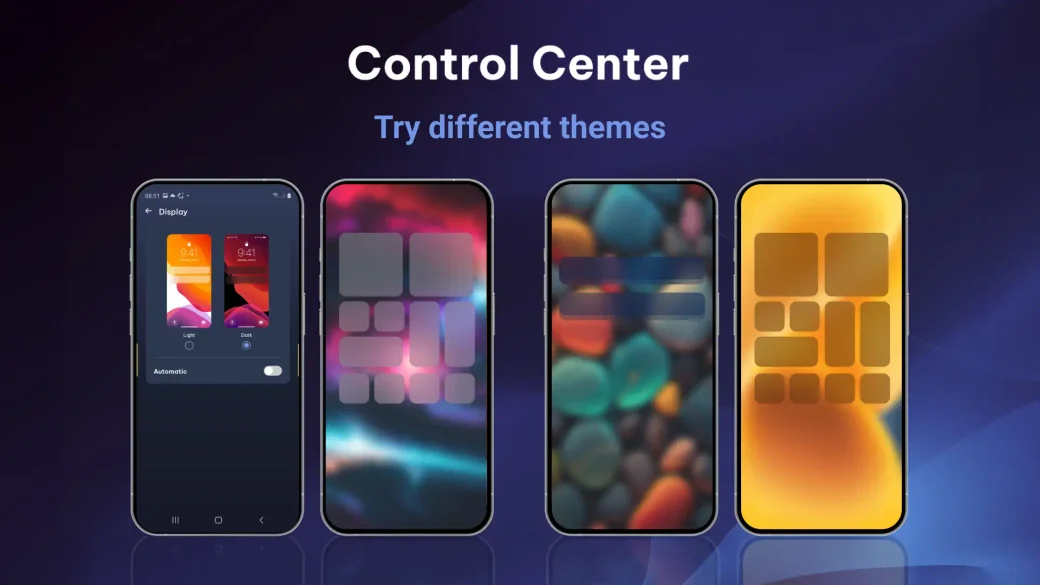
このアプリについて
Googleによる英語 (アメリカ合衆国)からの自動翻訳です。
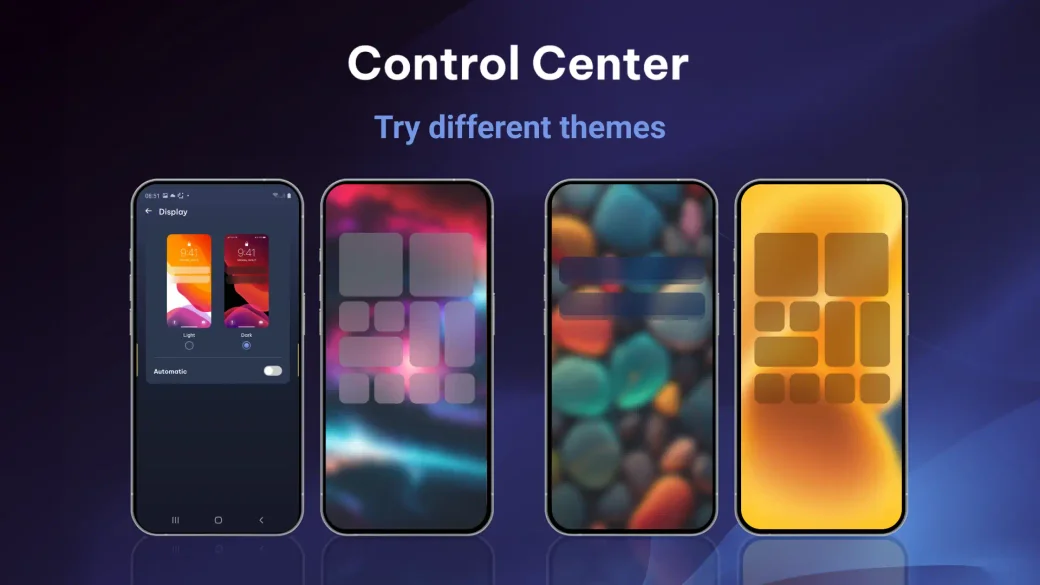
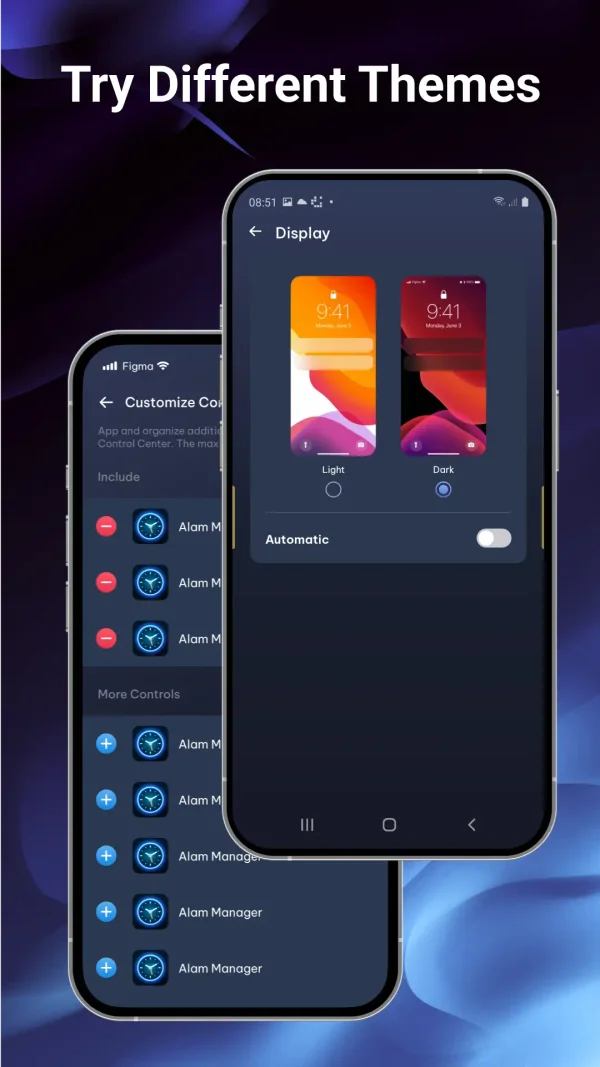
コントロール センター - 通知センター: 電話機のユーティリティをすばやくカスタマイズします。
モバイル コントロール センター: 携帯電話をカスタマイズ!
携帯電話の機能を強化するシームレスな方法をお探しですか?モバイル コントロール センター: 電話機をカスタマイズすると、重要なツールや機能に即座にアクセスできます。効率性を重視して設計されたこのモバイル アプリを使用すると、コントロール パネルをカスタマイズし、日常のタスクを効率化できます。シンプルなコントロール センター ウィジェット: 電話カスタマイザーを使用すると、電話の管理がより直感的で楽しくなります。このモバイル アプリでは、必要なものすべてにすばやくアクセスできます。
📄 モバイル コントロール センターの主な機能:
🛠️ 個人的な電話管理のためのカスタマイズ可能なレイアウト。
📸 カメラに素早くアクセスして、瞬間を簡単に撮影します。
💡 必要なときにいつでも瞬時にLEDライトを点灯できる懐中電灯。
📶 Wi-Fi と Bluetooth を切り替えて接続を簡単に管理できます。
🔇 着信や通知をサイレントにする「おやすみモード」。
🔒 縦ロックで画面の向きを必要に応じて維持します。
🌞 画面を簡単に調整できる明るさコントロール。
⏰ アラーム、タイマー、世界時計などの時間ツール。
📱 画面録画により、電話のアクティビティをスムーズにキャプチャします。
📷 重要な瞬間を即座に保存するスクリーンショット オプション。
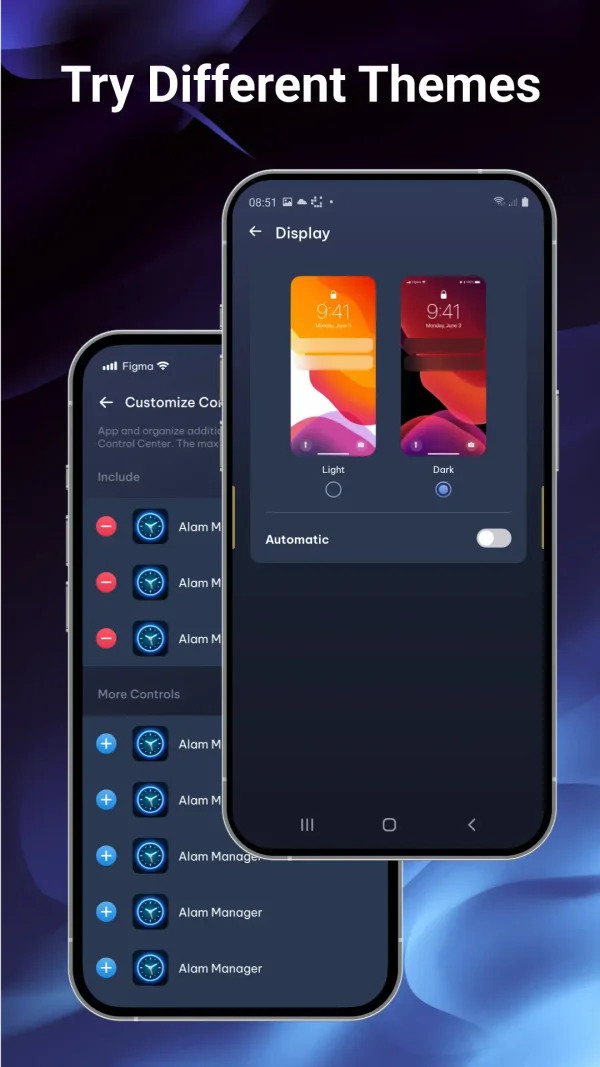
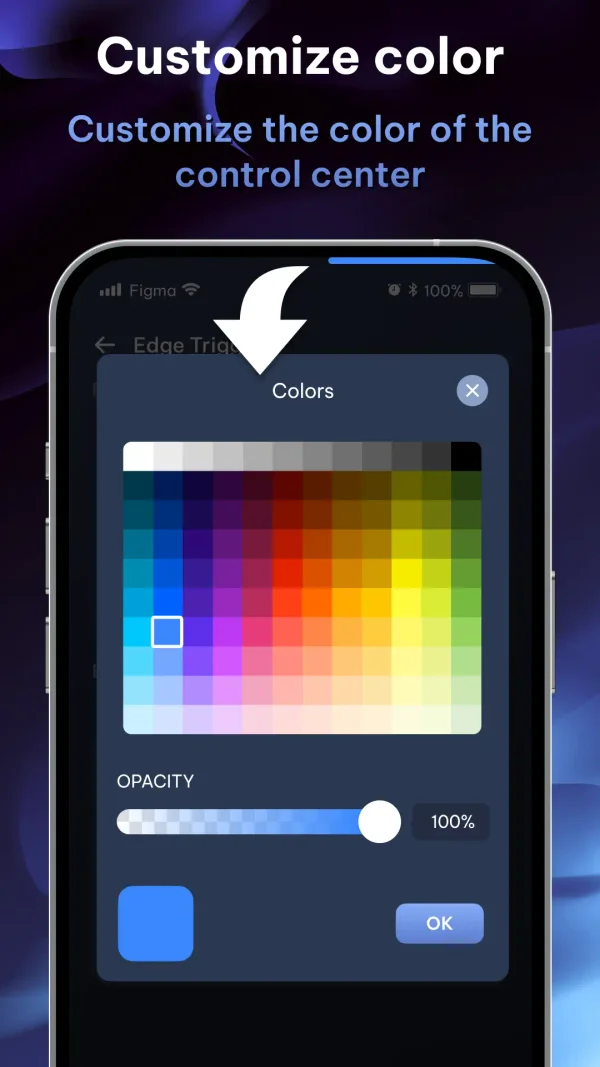
コントロール パネルを自分のスタイルに合わせて調整しましょう!モバイル コントロール センター: 電話機をカスタマイズすると、好みに合わせてアイコンを並べ替えたり、レイアウトを調整したりできます。明るさの制御から画面録画まで、すべての機能をスワイプするだけで利用できるため、携帯電話がよりユーザーフレンドリーで効率的になります。
シンプルなコントロール センター ウィジェット: 電話カスタマイザーは、Wi-Fi 切り替え、おやすみモード、懐中電灯やカメラへの素早いアクセスなどの重要なツールを統合することで機能を追加します。このアプリは、日常業務を簡素化するように設計されています。
携帯電話のエクスペリエンスを強化しましょう!
モバイル コントロール センターの利便性を体験してください: 電話をカスタマイズし、シンプルなコントロール センター ウィジェットの可能性を解き放ちます: 電話カスタマイザー。今すぐ携帯電話をコントロールして、より整理され、効率的でパーソナライズされたモバイル エクスペリエンスをお楽しみください。注記
アクセシビリティサービス
当社のコントロール センター アプリケーションは、アクセシビリティ サービス API を利用してユーザー エクスペリエンスを強化し、追加機能を提供します。アクセシビリティ サービスの使用に関しては、次の点に注意することが重要です。
プライバシーの保証:
当社はユーザーのプライバシーを優先するため、アクセシビリティ サービスの利用を通じて個人情報を収集しないことを明確にしたいと考えています。お客様のプライバシーとデータのセキュリティは当社にとって最も重要です。
非侵入的な画面アクセス:
私たちのアプリは、画面や表示されたコンテンツから機密データを読み取ることはありませんので、ご安心ください。当社はお客様のデバイス上の情報のプライバシーと機密性を尊重し、非侵入的な慣行を厳格に遵守します。
機能要件:
アプリが適切に機能することを保証するには、アクセシビリティ許可が必要です。この権限により、アクセシビリティ サービスが有効になり、画面の上部がタッチされてシェードがトリガーされたときにシステム応答を受信できるようになります。また、ウィンドウのコンテンツの取得も可能になります。これは、ユーザーがアプリが提供するインターフェイス内で特定の設定を切り替えることを選択した後に、その設定を自動的にクリックするために不可欠です。
当社はシームレスで安全なユーザー エクスペリエンスを提供することに尽力しており、アプリでのアクセシビリティ サービスの使用は、すべてのユーザーの機能とアクセシビリティを最適化することのみを目的としています。当社のプライバシー慣行に関して懸念や質問がある場合は、お気軽にお問い合わせください。
原文を表示
Mobile Control Center: Customize Your Phone!
Looking for a seamless way to enhance your phone’s functionality? Mobile Control Center: Customize Phone provides instant access to essential tools and features. Designed for efficiency, this mobile app allows you to personalize your control panel and streamline daily tasks.With Simple Control Center Widgets: Phone Customizer, managing your phone becomes more intuitive and enjoyable. This Mobile App offers quick access to everything you need.
📄 Mobile Control Center Key Features:
🛠️ Customizable layout for personalized phone management.
📸 Quick access to the camera for capturing moments effortlessly.
💡 Flashlight for instant LED light whenever you need it.
📶 Wi-Fi and Bluetooth toggles for managing connections easily.
🔇 Do Not Disturb mode to silence calls and notifications.
🔒 Portrait lock to maintain screen orientation as desired.
🌞 Brightness control for easy screen adjustments.
⏰ Time tools, including alarms, timers, and a world clock.
📱 Screen recording to capture phone activities smoothly.
📷 Screenshot option to save important moments instantly.
Tailor Your Control Panel to Your Style!Mobile Control Center: Customize Phone allows you to rearrange icons and adjust layouts to suit your preferences. From brightness controls to screen recording, every feature is just a swipe away, making your phone more user-friendly and efficient.
Simple Control Center Widgets: Phone Customizer adds functionality by integrating essential tools like Wi-Fi toggles, Do Not Disturb mode, and quick access to the flashlight or camera. This app is designed to simplify your daily routines.
Enhance Your Phone Experience!
Experience the convenience of Mobile Control Center: Customize Phone and unlock the potential of Simple Control Center Widgets: Phone Customizer. Take control of your phone and enjoy a more organized, efficient, personalized mobile experience today!NOTE
ACCESSIBILITY SERVICE
Our Control Center application utilizes the Accessibility Service API to enhance user experience and provide additional functionalities. It's important to note the following regarding our use of accessibility services:
Privacy Assurance:
We prioritize user privacy, and as such, we want to clarify that we do not collect any personal information through the utilization of accessibility services. Your privacy and data security are of utmost importance to us.
Non-Intrusive Screen Access:
Rest assured that our app will not read sensitive data from your screen or any content displayed. We respect the privacy and confidentiality of the information on your device and strictly adhere to non-intrusive practices.
Functional Requirement:
To ensure the proper functioning of our app, Accessibility Permission is necessary. This permission enables accessibility services, allowing us to receive system responses when the top of the screen is touched to trigger the shade. It also enables the retrieval of window content, which is essential for the automatic clicking of certain settings after the user chooses to toggle them within the app-provided interface.
We are committed to delivering a seamless and secure user experience, and the use of accessibility services in our app is solely intended to optimize functionality and accessibility for all users. If you have any concerns or questions regarding our privacy practices, please feel free to reach out to us.
データ セーフティ
このアプリが収集・共有するデータについて、Galaxy studio appsがGoogle Playで申告している内容です。
- このアプリはサードパーティと以下の種類のデータを共有することがありますファイル、ドキュメント
- データは収集されません詳しくは、デベロッパーが収集を申告する方法についての説明をご覧ください
- データは送信中に暗号化されます
- データを削除できません
開発元の連絡先
- ウェブサイトgalaxystudioapps.me
- メールsupport.controlcenter@galaxystudioapps.me
- プライバシーポリシーgalaxystudioapps.me
- 住所8 The Grn Ste 4184 Dover, DE 19901-3618 United States
情報
- 提供元
- Galaxy studio apps
- カテゴリ
- カスタマイズ
- バージョン
- 2.1.1
- 更新日
- 2026/10/25
- リリース
- 2024/1/29
- 必要条件
- Android 8.0以降
- 対象年齢
- 3 歳以上
- 価格
- 無料
- アプリ内課金
- ¥110~¥10,900/アイテム
- パッケージ名
- com.controlcenter.icontrol.os
類似のアプリ
-
 OxygenOS 16 Icon pack
カスタマイズ
-
 realme Community
ソーシャルネットワーク
-
 Ratio: 生産性ホーム画面
仕事効率化
-
 DNA Launcher ‧ Home Screen
カスタマイズ
-
 Good Lock
ツール
-
 heyUp:ロック画面ウィジェット&壁紙
カスタマイズ
-
 LAVA+
音楽&オーディオ
-
 アルファハイブリッドランチャー4Dテーマ
カスタマイズ
-
 Color Launcher, cool themes
カスタマイズ
-
 P Launcher
ツール
-
 Shortcut Maker
カスタマイズ
-
 Cool Mi Launcher - CC Launcher
カスタマイズ