SolaXCloud
Solax- 3 歳以上対象年齢
- ツールカテゴリ
- 2026/10/23更新日
- 無料価格
com.solaxcloud.starterのGoogle Play公式ページにリンクしています。最終確認:2026/11/20。

スクリーンショット
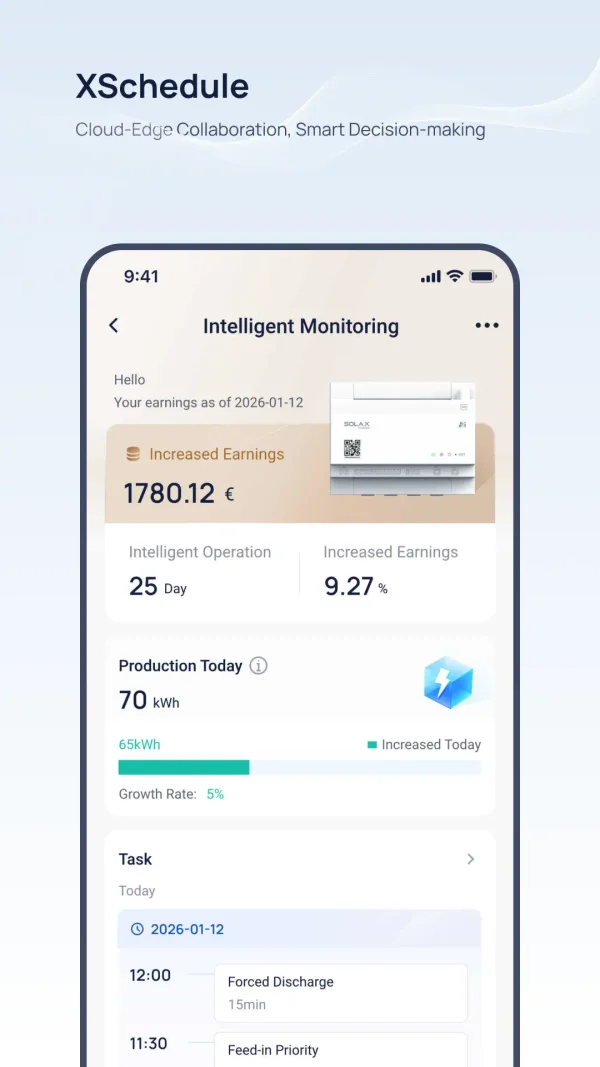
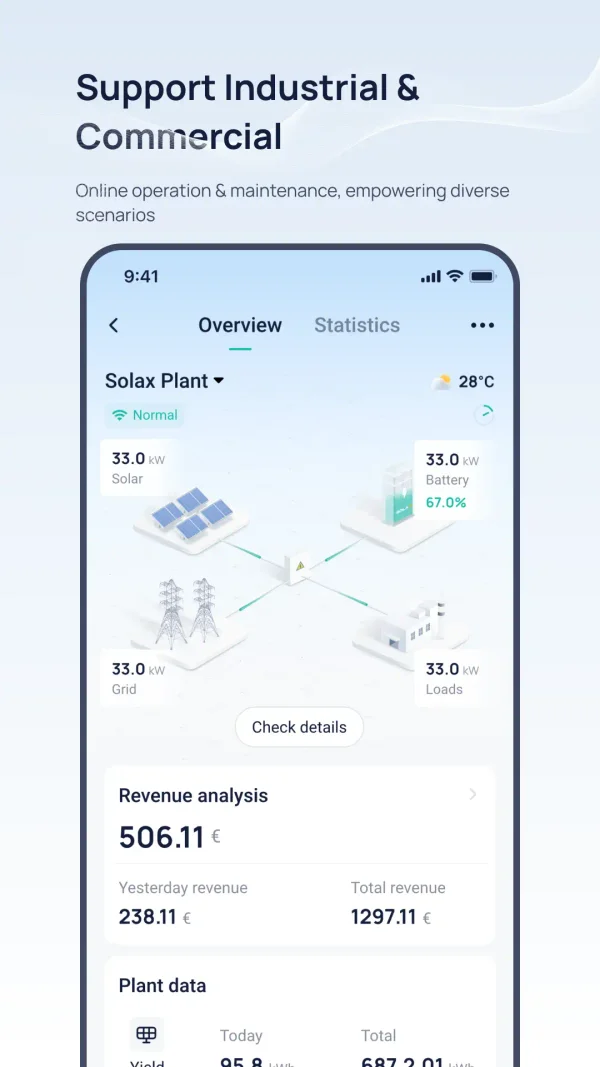
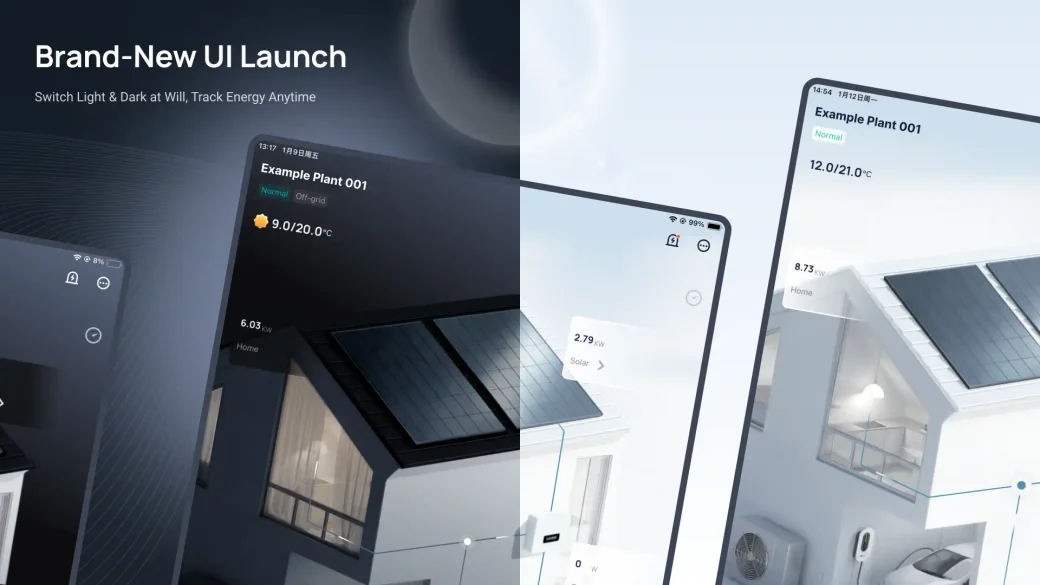
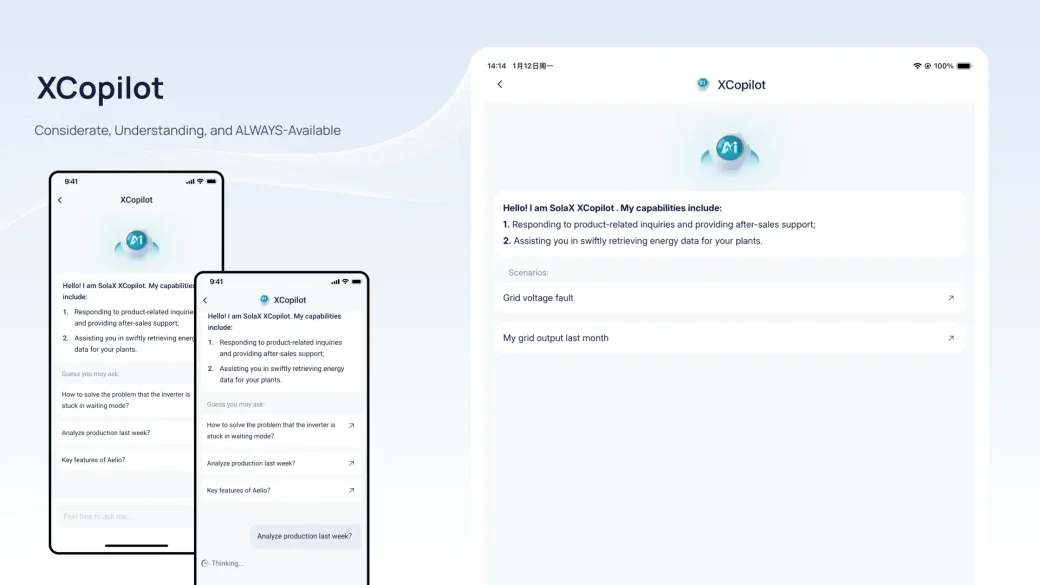
このアプリについて
Googleによる英語 (アメリカ合衆国)からの自動翻訳です。
このアプリは唯一www.solaxcloud.comに登録口座に準拠します!
重要:SolaXCloudアプリはSOLAXクラウドプラットフォーム上で動作するデバイスで使用するためSolaXパワーによって開発されました。あなたが現在SOLAX PORTALプラットフォーム上で動作するデバイスを所有している場合は、あなたのAndroidデバイスに直接関連するアプリをダウンロードするwww.solaxpower.comをご覧ください。
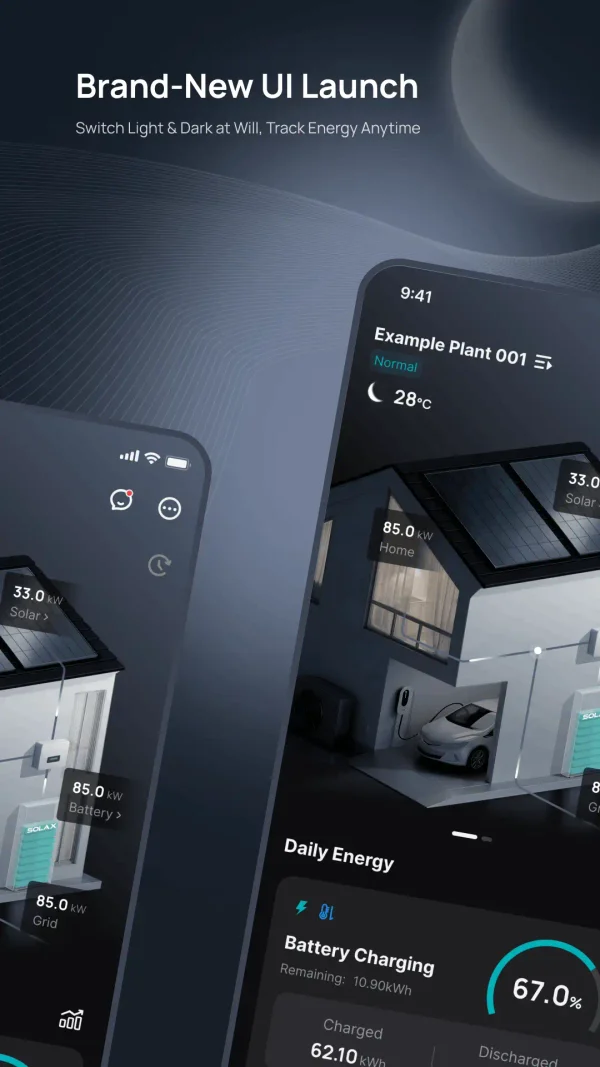
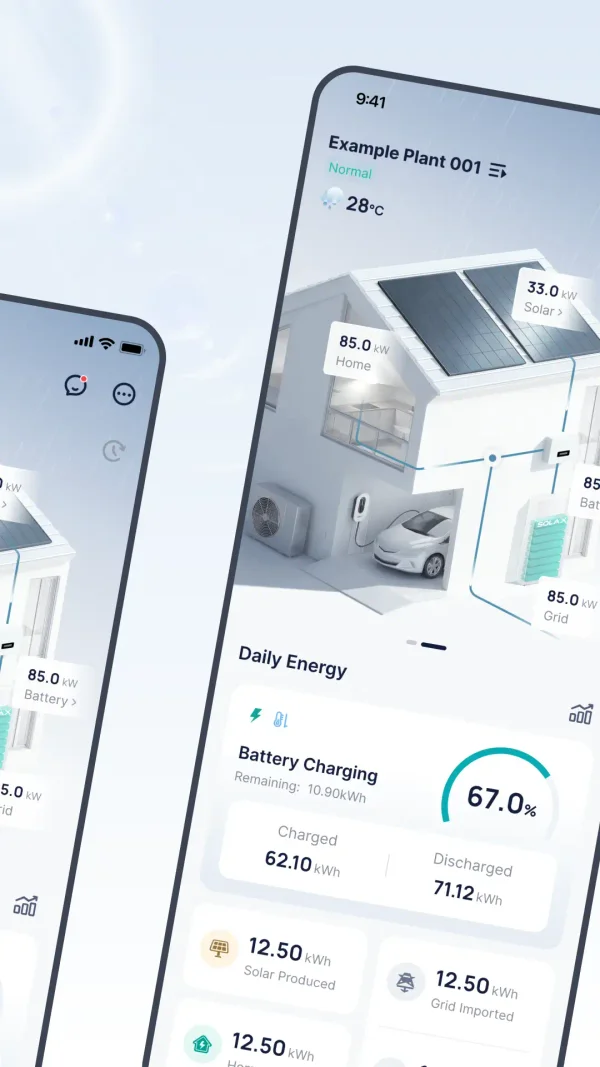
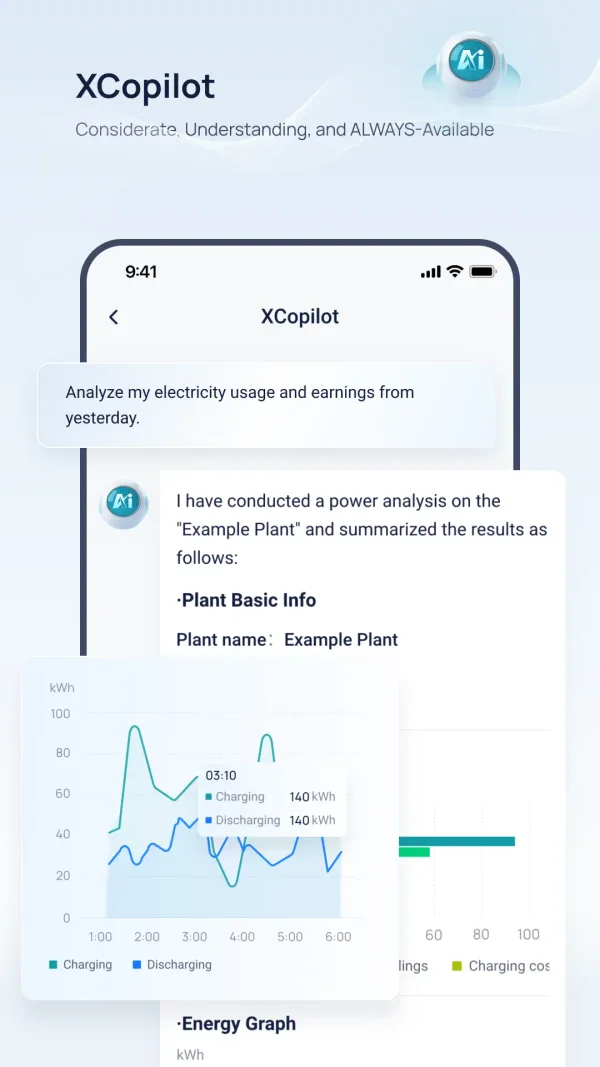
SolaXCloudは、監視アプリケーションはインバータの状態を確認するために、エンドユーザとエージェントの有効化、歩留まり、負荷の消費とクラウドデータ分析の助けを借りて、いつでもエネルギーを輸出しています。
エンドユーザーは、リアルタイムデータを表示し、インバータの設定を変更するには、リモートまたはローカルログインを使用することができますが、エージェントは唯一によるユーザーのプライバシー保護の理由にサイトの情報やインバータのデータを表示するためにリモートログインを使用することができます。
エンドユーザーのログインの説明:
成功したユーザのログイン後、エンドユーザーは、サイト名、パネルサイズ、インバータ番号、バッテリーの状態、アラーム情報、インバータ収率、負荷の消費、輸出し、エネルギー等を含む各種データを確認することができますSolaXCloudは5分ごとに収集し、データを処理し、ユーザーパネル、インバータ、バッテリ、グリッドと負荷の間で動力を監視するために動的フローチャートに依存することができます。
インバータのデータがオンラインである場合は、同時に、ユーザは、日付と時間、安全性、力率、作業モード、充電器等を含む設定を変更することができます親切にパスワードがアドバンススーパーパラメータの設定を入力する必要がありますのでご注意ください。
エージェントログインの説明:
成功したエージェントのログイン後、エージェントはユーザー、サイト、インバータリストと承認ステータスを確認することができないだけでなく、担当者、住所、システム手数料日、定格電力、ユーザー名、歩留まり今日、歩留まりの合計を含むアカウントの詳細。
原文を表示
Important: The SolaXCloud app has been developed by SolaX Power for use only with devices running on the SOLAX CLOUD platform. If you currently own a device operating on the SOLAX PORTAL platform, please visit www.solaxpower.com to download the relevant app directly to your Android device.
SolaXCloud is a monitoring App enabling the end-user and the agent to check the inverter status, yield, load consumption and exported energy anytime with the help of cloud data analysis.
End-users can use either remote or local login to view the real-time data and change settings of the inverter, but agent can only use the remote login to view the site information and inverter data due to user privacy protection reason.
Description of End-user Login:
After successful user login, end-users can check various data including site name, panel size, inverter No., battery status, alarm information, inverter yield, load consumption, exported energy and etc. SolaXCloud collects and processes data every 5 mins, users can depend on the dynamic flow chart to monitor the power among panels, inverter, battery, grid and load.
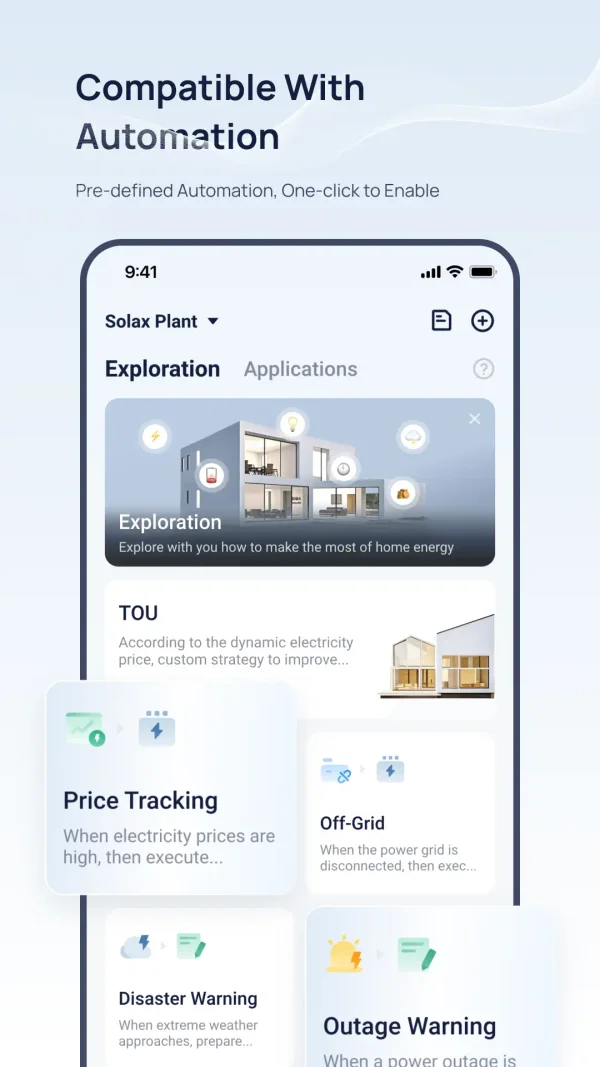
At the same time, if inverter data is online, users can change the settings including Date & time, safety, power factor, work mode, charger and etc. Please kindly note that the password will be required to enter Advance and Super parameters setting.
Description of Agent Login:
After successful agent login, agent can not only check the user, site, inverter list and authorization status, but also the account details including contact person, address, system commission date, rated power, user name, yield today and yield total.
データ セーフティ
このアプリが収集・共有するデータについて、SolaxがGoogle Playで申告している内容です。
- このアプリはサードパーティと以下の種類のデータを共有することがありますメッセージ、アプリの情報、パフォーマンス、デバイスまたはその他の ID
- このアプリは以下の種類のデータを収集することがあります位置情報、個人情報、他 3 件
- データは暗号化されません
- データを削除するようリクエストできます
新機能
バージョン 7.9.0 · 2026/10/23
Privatkunden
Optimierte TOU-Planung.
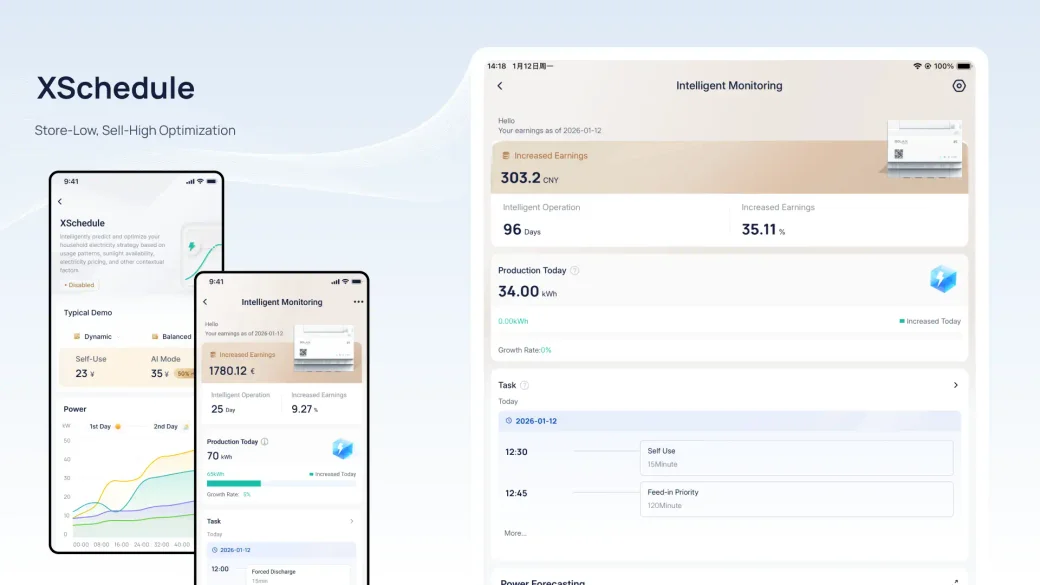
Neue XSchedule-Tarifstrategie hinzugefügt
Neue Neo-Steuerung (Beta) hinzugefügt
Öffentlich
Integration des spanischen OMIE C&I-Tarifs
Erweiterte Batteriedaten-Anzeige.
Neue ICCID-Anzeige für 4G-Geräte hinzugefügt
Erweiterte Geräteanbindung.
Zeitgeber für Wärmepumpenzonen hinzugefügt
PLC für EU EV-Ladegeräte hinzugefügt
Schaltfläche für Produktbeschreibung hinzugefügt
Gewerbe & Industrie
Integration des DC EV-Ladegerätes für C&I
開発元の連絡先
- ウェブサイトsolaxcloud.com
- メールcaofang@solaxpower.com
- プライバシーポリシーsolaxpower.com
- 住所中国 浙江省杭州市 西湖区莲花街333号莲花商务中心C座9楼 邮政编码: 310063
情報
- 提供元
- Solax
- カテゴリ
- ツール
- バージョン
- 7.9.0
- 更新日
- 2026/10/23
- リリース
- 2017/11/16
- 必要条件
- Android 6.0以降
- 対象年齢
- 3 歳以上
- 価格
- 無料
- パッケージ名
- com.solaxcloud.starter