Spring Easter Watch
jigu watchface広告を含む
- 3 歳以上対象年齢
- カスタマイズカテゴリ
- 2026/8/17更新日
- 無料価格
com.watchface.wearos.springeaster.colorfuleaster.springblossomのGoogle Play公式ページにリンクしています。最終確認:2026/11/25。
スクリーンショット
このアプリについて
Googleによる英語 (アメリカ合衆国)からの自動翻訳です。
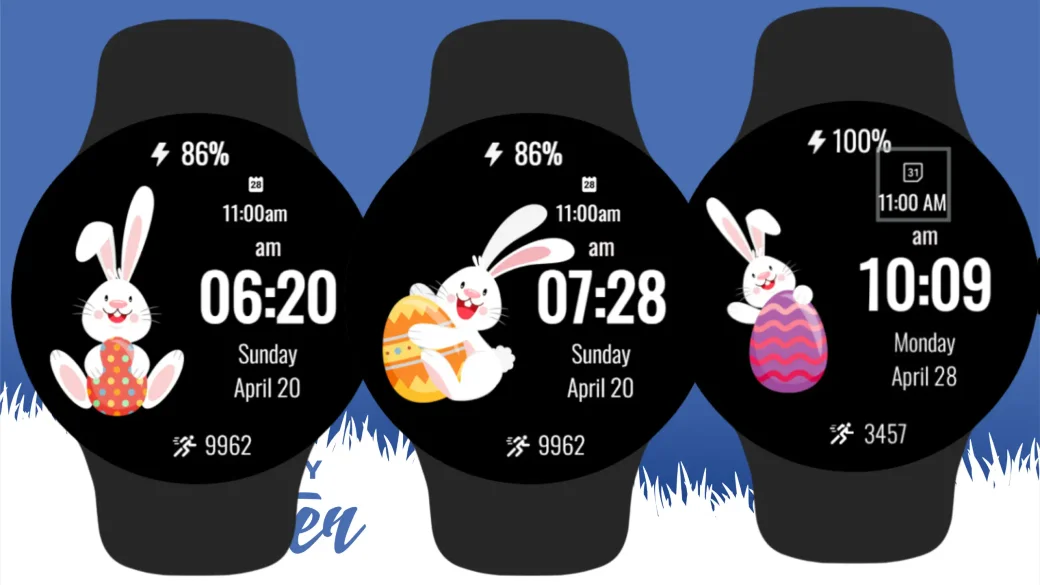
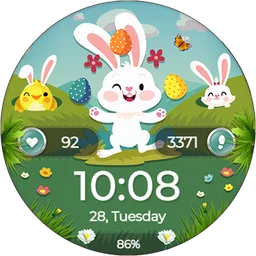
Wear OS の楽しいイースターバニーの文字盤で春を祝いましょう。
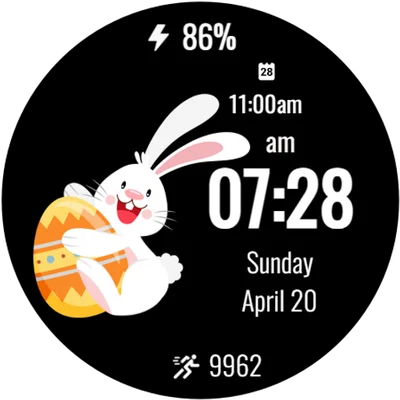
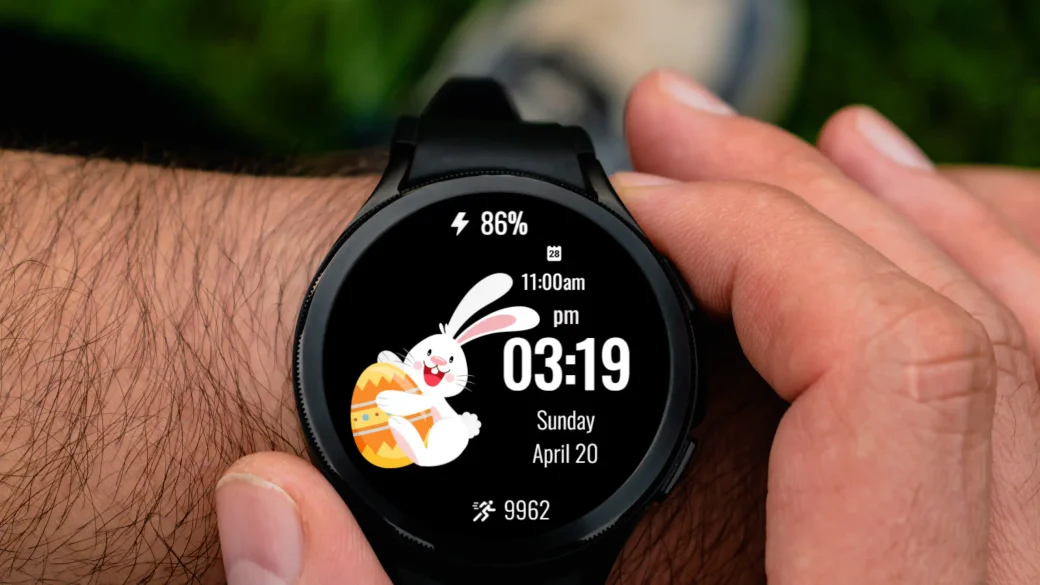
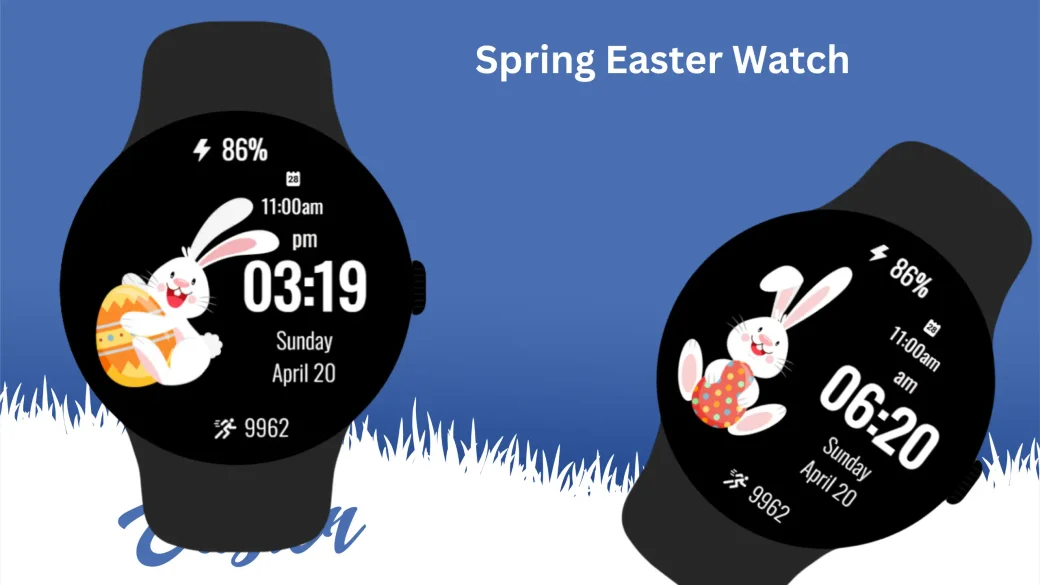
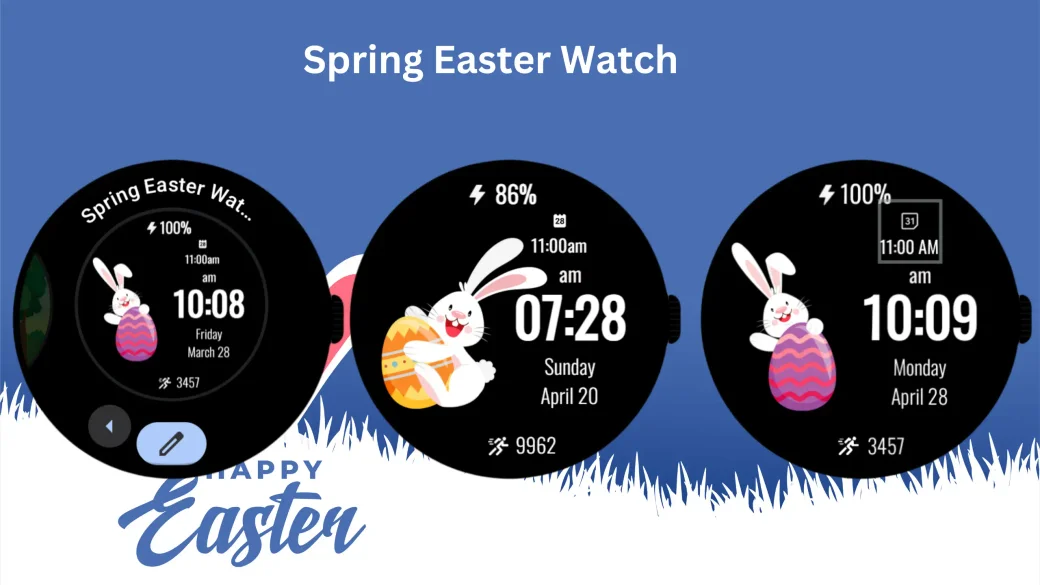
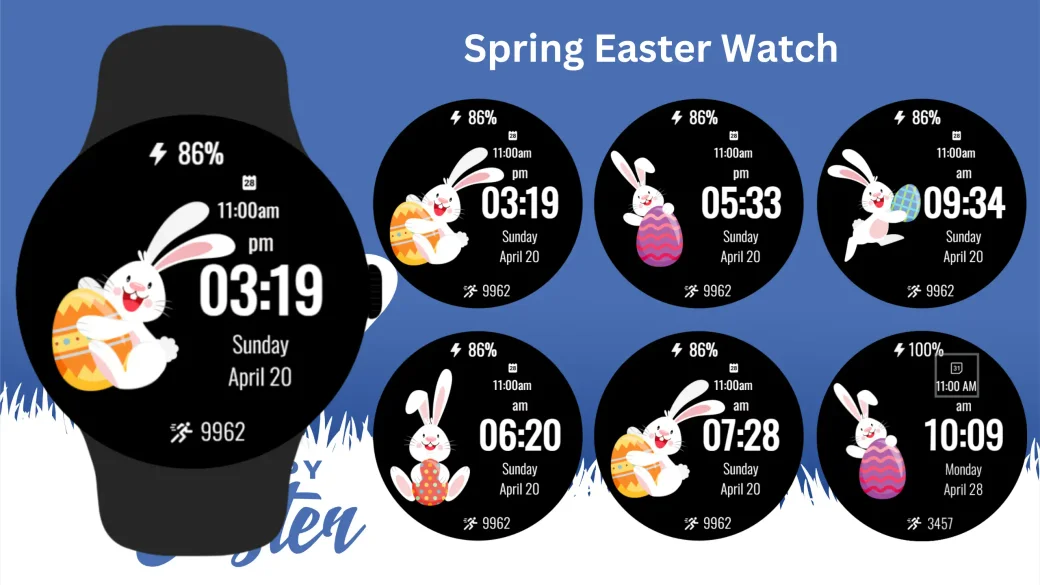
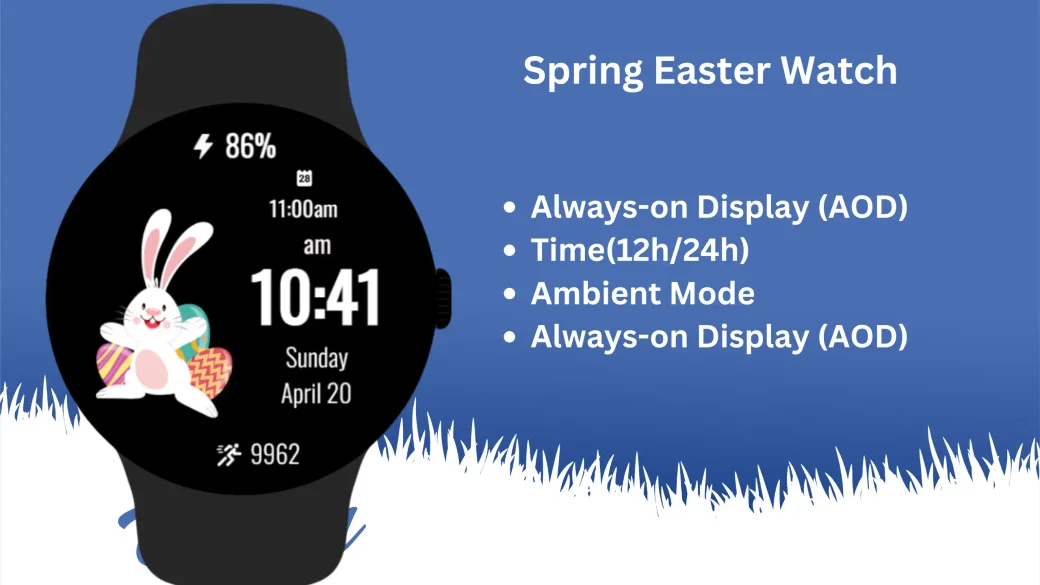
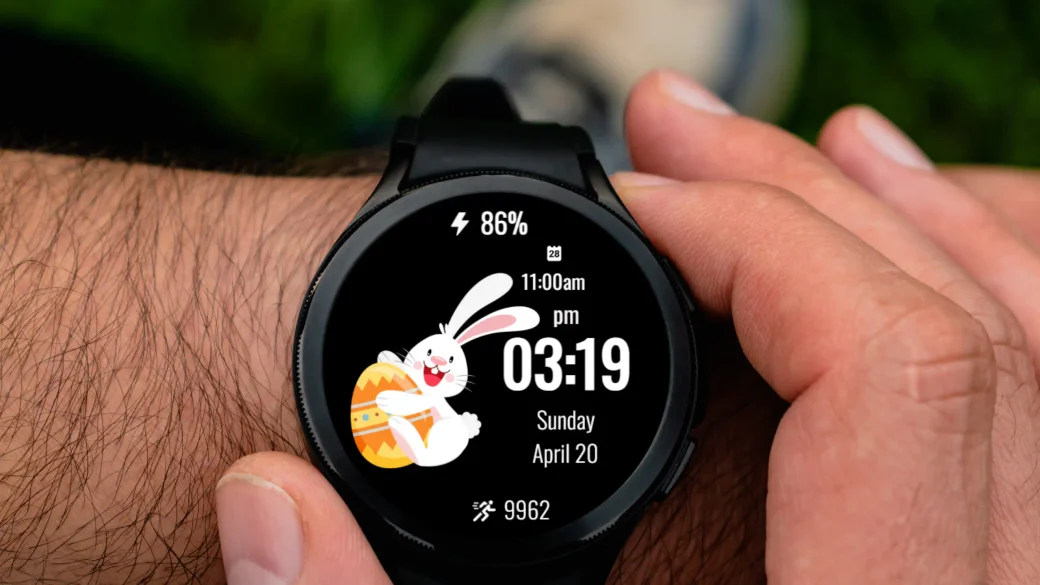
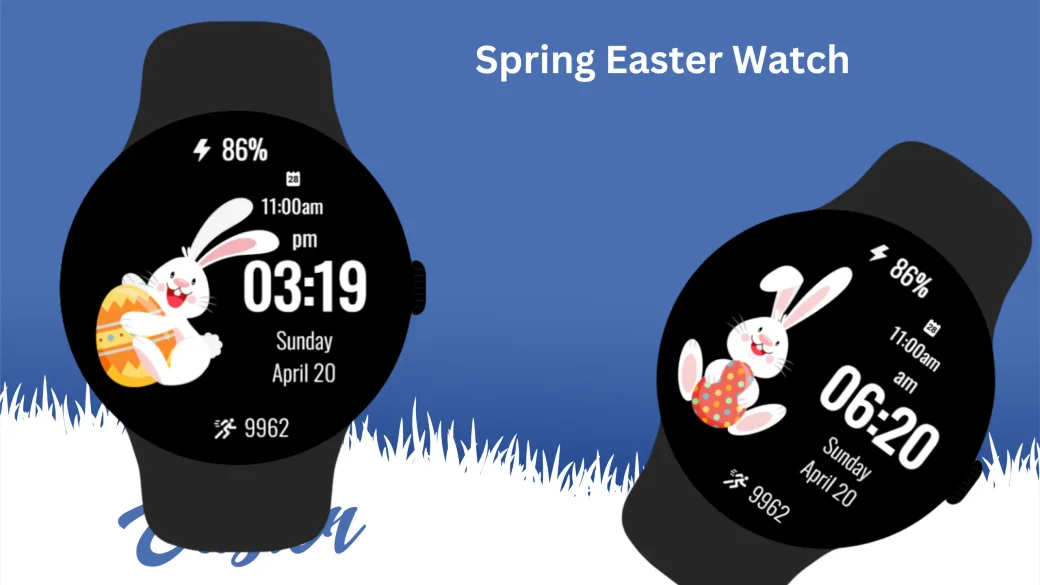
Spring Easter Watch で手首を輝かせましょう。カラフルな卵を抱きかかえた陽気なイースターバニーを特徴とする、Wear OS の楽しい文字盤です。この季節にぴったりで、時間、日付、バッテリー残量、歩数などの重要な情報とともに、遊び心のある春の雰囲気をもたらします。
🎀 対象者: 女性、女の子、女性、そしてかわいい季節のスタイルを楽しむすべてのイースター愛好家。
🎉 あらゆる機会に最適:
カジュアル、フォーマル、パーティー、結婚式など、あらゆるイースターの機会にぴったりの文字盤です。
主な特徴:
1)かわいいウサギとイースターエッグのイラスト。
2) ディスプレイタイプ: デジタル時計の文字盤
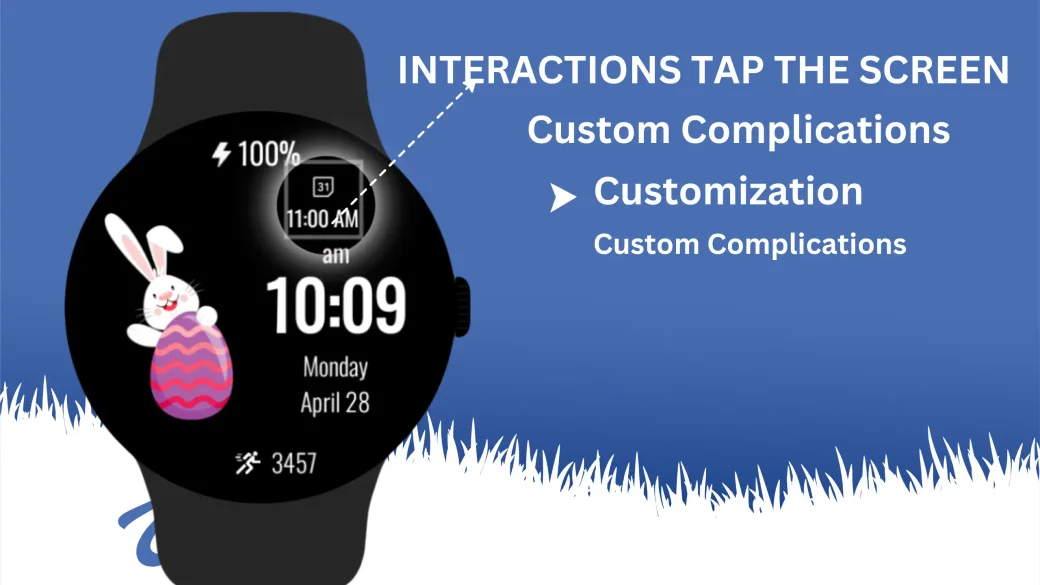
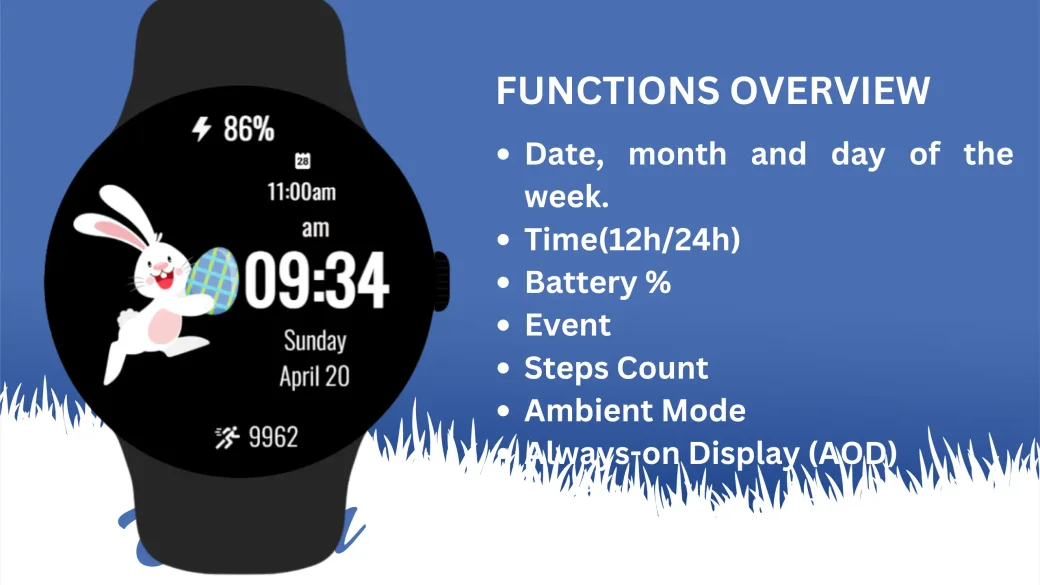
3) 時間、日付、バッテリー残量、歩数、カレンダー情報を表示します。
4) アンビエント モードと常時オン ディスプレイ (AOD) のサポート。
5) すべての Wear OS デバイスでスムーズなパフォーマンス。
インストール手順:
1)携帯電話でコンパニオン アプリを開きます。
2)「Watchにインストール」をタップします。
3) ウォッチで、設定またはウォッチフェイスギャラリーからかわいいイースターバニーウォッチを選択します。
互換性:
✅ すべての Wear OS デバイス API 33+ (Google Pixel Watch、Samsung Galaxy Watch など) と互換性があります。
❌ 長方形の時計には適していません。
時計を見るたびに笑顔で春を迎えましょう!
原文を表示
Brighten your wrist with the Spring Easter Watch—a delightful watch face for Wear OS featuring a cheerful Easter bunny hugging a colorful egg. Perfect for the season, it brings a playful springtime vibe along with essential information like time, date, battery level, and step count.
🎀 Perfect for: Ladies, girls, women, and all Easter lovers who enjoy cute, seasonal styles.
🎉 Ideal for All Occasions:
Casual, formal, party, and wedding wear—this watch face is a delightful fit for any Easter occasion.
Key Features:
1)Cute bunny and Easter egg illustration.
2)Display Type: Digital Watch Face
3)Shows time, date, battery percentage, steps, and calendar info.
4)Ambient mode and Always-On Display (AOD) support.
5)Smooth performance on all Wear OS devices.
Installation Instructions:
1)Open the Companion App on your phone.
2)Tap "Install on Watch."
3)On your watch, select Cute Easter Bunny Watch from your settings or watch face gallery.
Compatibility:
✅ Compatible with all Wear OS devices API 33+ (e.g., Google Pixel Watch, Samsung Galaxy Watch).
❌ Not suitable for rectangular watches.
Welcome spring with a smile every time you check your watch !
データ セーフティ
このアプリが収集・共有するデータについて、jigu watchfaceがGoogle Playで申告している内容です。
- 第三者と共有されるデータはありません詳しくは、デベロッパーが共有を申告する方法についての説明をご覧ください
- このアプリは以下の種類のデータを収集することがありますアプリのアクティビティ、アプリの情報、パフォーマンス、デバイスまたはその他の ID
- データは送信中に暗号化されます
- データを削除できません
開発元の連絡先
- ウェブサイトjiguprivacypolicywatchfacewear.blogspot.com
- メールjigsdevganiya12345@gmail.com
- プライバシーポリシーjiguwatchfaceprivacypolicy.wordpress.com
- 住所India
情報
- 提供元
- jigu watchface
- カテゴリ
- カスタマイズ
- 更新日
- 2026/8/17
- リリース
- 2025/4/5
- 対象年齢
- 3 歳以上
- 価格
- 無料
- パッケージ名
- com.watchface.wearos.springeaster.colorfuleaster.springblossom
類似のアプリ
-
 Happy Easter Watch Face 4
カスタマイズ
-
 Happy Mid Autumn Moon festival
カスタマイズ
-
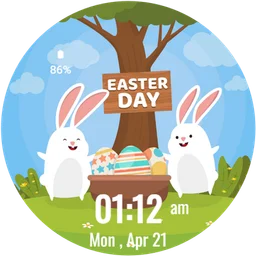 Easter Bunny Watch Face 2
カスタマイズ
-
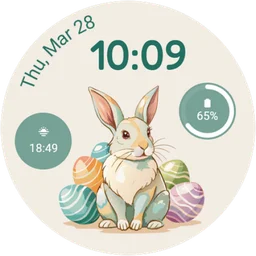 Easter Egg Bunny Watch Face
カスタマイズ
-
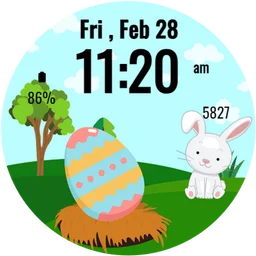 Easter Bunny Smiles Watch
アート&デザイン
-
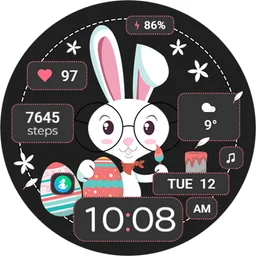 TVV Easter Digital Watch Face
カスタマイズ
-
 Easter Watch Faces
カスタマイズ
-
 バニータイムイースターウォッチフェイス
カスタマイズ
-
 Cute Easter Bunny Watch Face
カスタマイズ
-
 Happy Easter Watch Face
アート&デザイン
-
 EY38 Easter Bunny Watchface
カスタマイズ
-
 Easter Bunny - Watch Face
カスタマイズ