Text Expander - Texpand
Prometheus Interactive LLC広告を含む · アプリ内課金
- 3 歳以上対象年齢
- 仕事効率化カテゴリ
- 2026/3/11更新日
- 無料価格
com.isaiasmatewos.texpandのGoogle Play公式ページにリンクしています。最終確認:2026/11/27。

スクリーンショット



このアプリについて
Googleによる英語 (アメリカ合衆国)からの自動翻訳です。
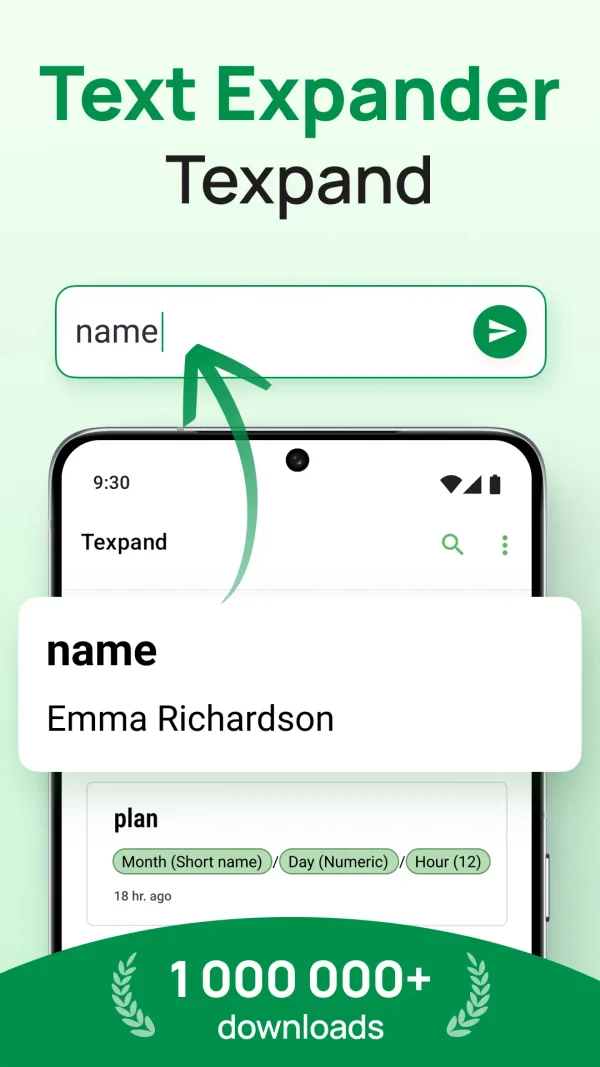
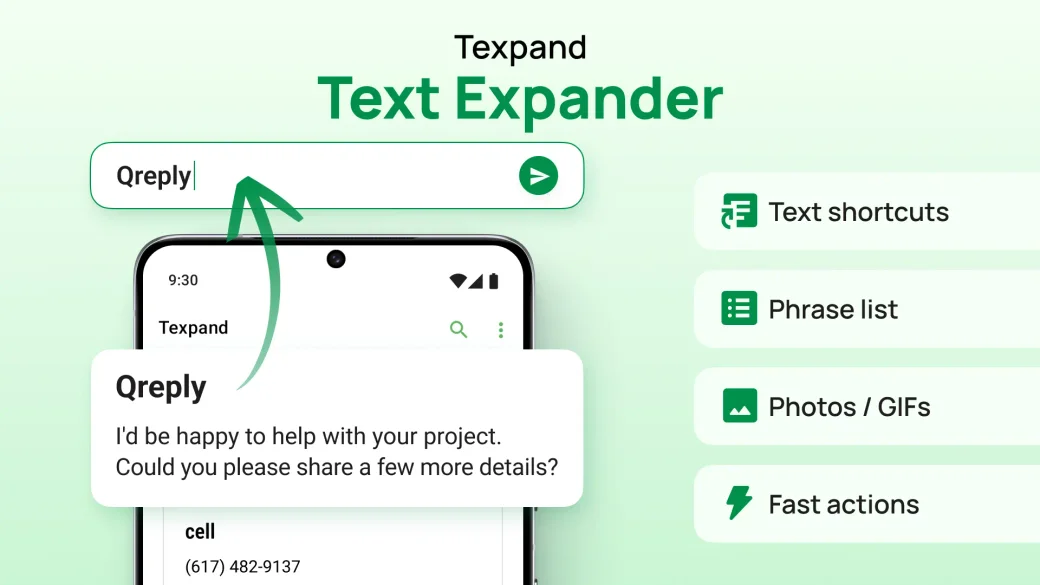
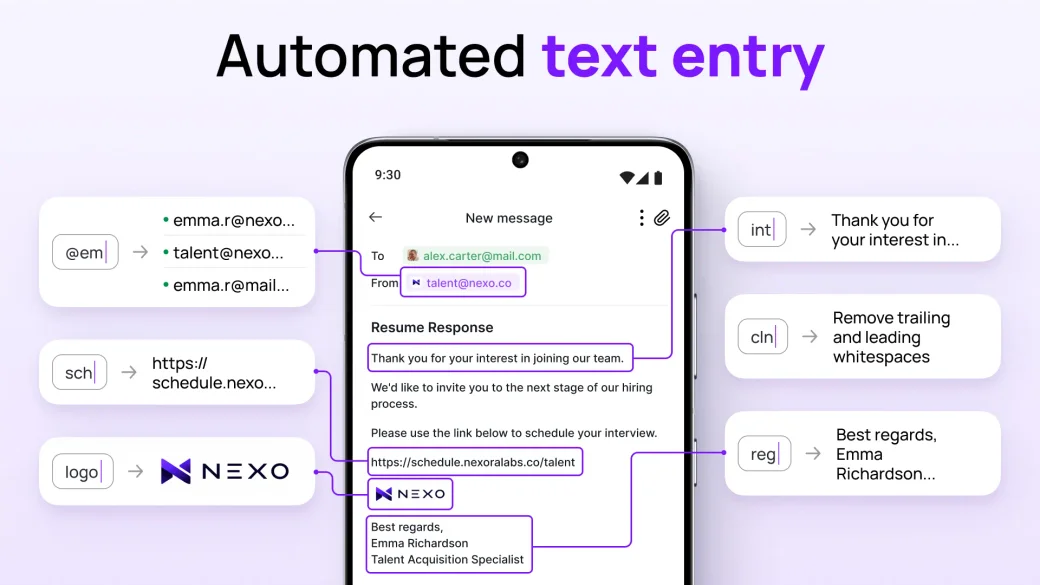
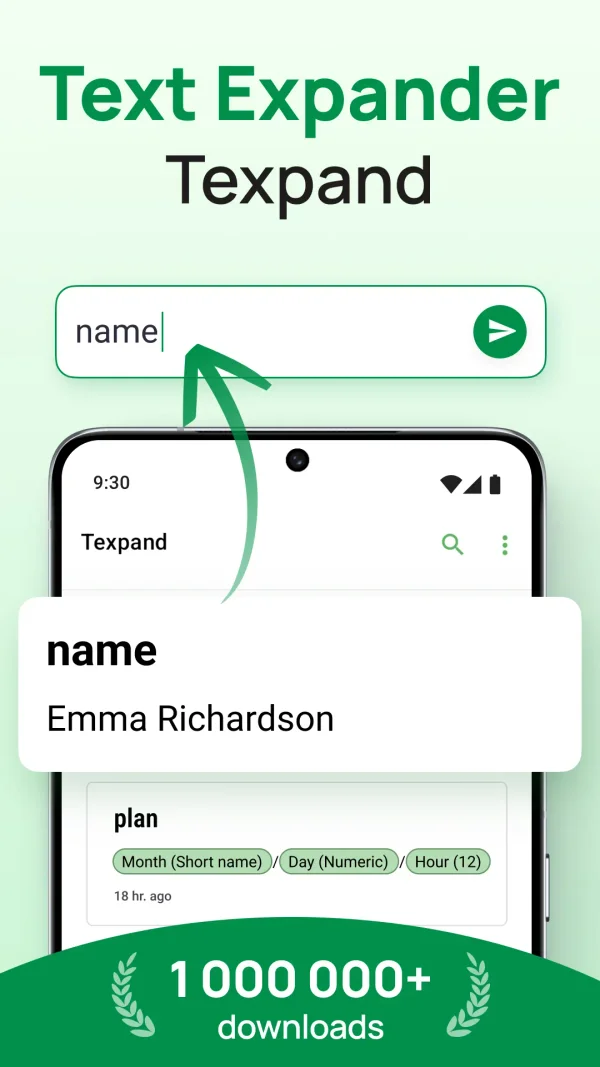
Texpand を使用してテキストをすばやく展開します。フレーズ、画像、アクションのショートカットを作成する
Texpand: テキストエキスパンダー – 手軽にメディアを楽しもう!
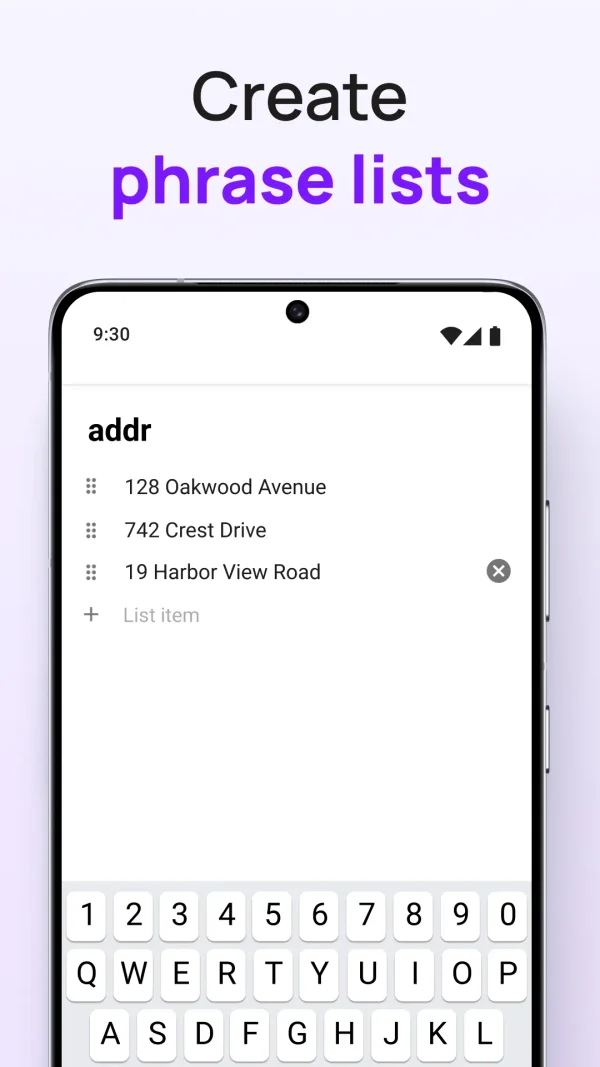
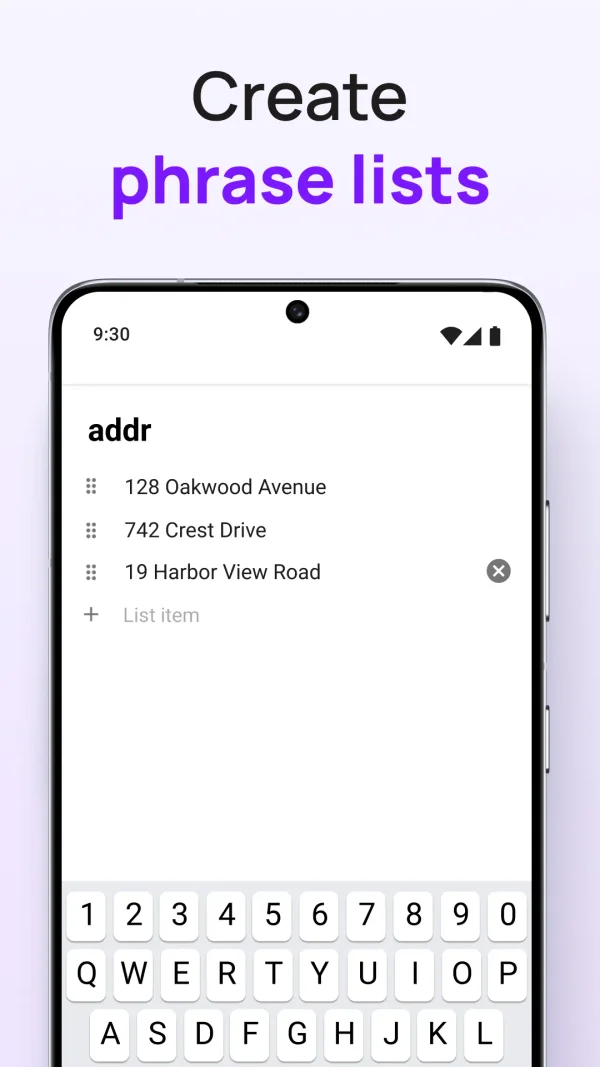
長い住所を入力しようとして、文字が重複しすぎて使いづらいと感じたことはありませんか?シンプルなツールを使えば、長ったらしい文字をあっという間に短くできるのは本当に便利です。Texpand: テキストエキスパンダーは、そんな時にデバイスでの作業効率を上げたいときに最適です。元の文章はそのままに、入力作業がずっと楽になります。✨ 便利な機能 ✨
🎬 Texpand: テキストエキスパンダーで、フレーズを素早く短縮できます。
🎵 Texpand: テキストショートカットで、文章を簡単に抽出できます。
📉 動的なリスト表示で、データを保存できます。
🛠️ Googleドライブにバックアップして、最終確認ができます。
🔊 変数統合で、簡単に音声認識できます。
📲 モバイルファイル用のCSVファイルエクスポート機能。
⚡ 誰でもすぐに使える高速な結果。
✂️ 毎日の入力ミスは、バックスペースキーで簡単に元に戻せます。
Textpand: テキストショートカットを最大限に活用する方法
日々の生活は慌ただしく、長い文章をストレスなく簡単な略語に変換できる方法があると本当に便利です。Textpand: テキストエキスパンダーを使えば、テキストライブラリの整理やタイピングの効率化が楽しく、しかも効率的です。このツールのユーザーは、その結果に満足しています。ソフトウェアを使用すると、新しいテキストが瞬時に表示されます。Textpand: テキストショートカットの使い方は、それほど簡単です。📷 縮小して保存:
Textpand: テキストエキスパンダーを使えば、アプリが略語を処理する間、画面上で魔法が起こるような感覚を味わえます。わずか数秒で、ソフトウェアは共有のためのタイピングをはるかに楽にします。コードを入力するだけで、あとはソフトウェアが魔法のように処理してくれます。指が疲れている時でも、この機能があれば安心です。 Texpand: Text Expanderに搭載されたスマートモードを使えば、完璧な結果が実現します。
📅 基本的な置換を超えた機能:
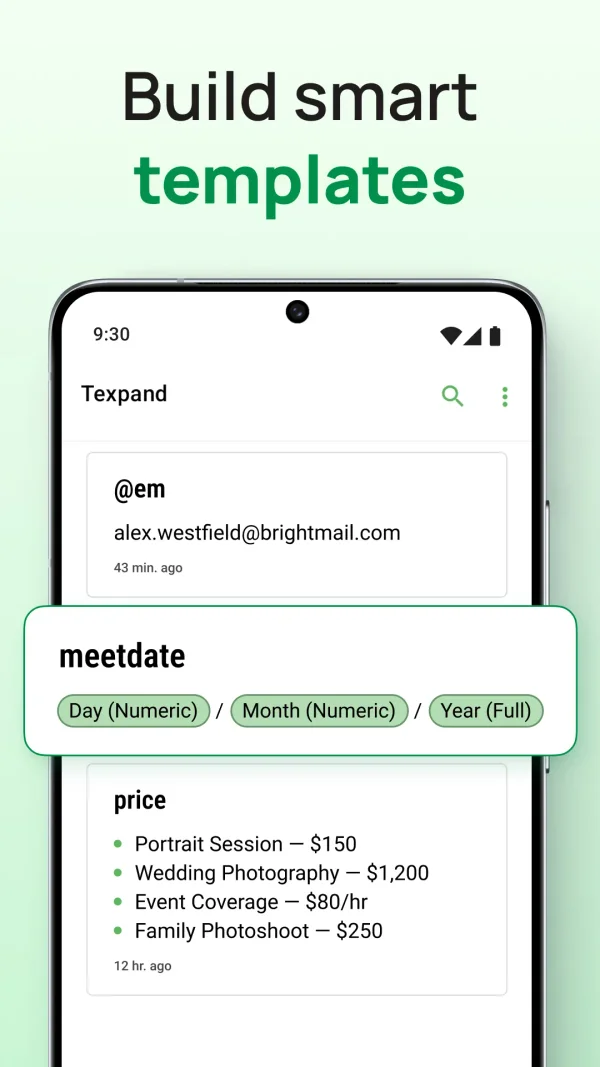
変数統合機能は、クリエイティブなプロジェクトに大きなメリットをもたらします。カーソル位置やクリップボードの内容など、高品質な編集にも対応します。内蔵システムを使えば、日付の追加や複数のアクションの連鎖など、様々な操作を選択できます。面倒な処理はすべてTexpandにお任せください。コンテンツ制作に集中できます。ユーザーは快適な操作性を実感できます。
🖼️ 音声と映像:
画像添付ツールは、メッセージに特定のGIF画像を挿入したい場合に特に威力を発揮します。出力画面で、高品質なテキスト展開結果を確認でき、すぐに送信できます。整理整頓にも役立ちます。展開速度の速さに驚くことでしょう。ユーザーは自分のデバイスで結果を直接確認できることを高く評価しています。このソフトウェアを使えば、入力が非常に速く感じられます。
🎁 毎日の編集パワー:
Textpand: テキストショートカットが他のアプリと異なる点は、ほぼすべてのテキストフィールドを処理できることです。このツールを使えば、古いメモからクリップを修正する方法を見つけることができます。Textpand: テキストショートカットが際立つのは、こうしたちょっとした便利な機能のおかげです。ユーザーは操作の簡単さを高く評価しています。また、ソフトウェアがメディアを常に準備状態に保ってくれる点も気に入っています。
Texpand: テキストエキスパンダーを今すぐお楽しみください!
入力ミスを修正するのはもっと簡単であるべきです!このアプリは、忙しい時でもフレーズを素早く切り替えたり、楽しく管理したりできる機能を提供します。このソフトウェアを楽しみ、このテクノロジーがあなたのスマートフォンにもたらすメリットを体験してください。今すぐツールをダウンロードして、あなたのスマートフォンでその効果を実感してください。TexpandはアクセシビリティAPIを使用して、保存されたショートカットが入力されたかどうかを検知し、対応するフレーズに置き換えます。
原文を表示
Texpand: Text Expander – Easy Media Fun!
Have you ever tried to type out a long home address only to find out the text is just way too repetitive? It is really amusing to see how a simple tool can actually take those heavy words and make them short in seconds. Texpand: Text Expander is built for those times when you need to save effort on your device. You keep your full sentences but the physical work is just better.✨ Efficiency Magic Features ✨:
🎬 Texpand: Text Expander for quick phrase shrinking;
🎵 Textpand: Text Short Cuts for easy sentence extraction;
📉 Dynamic list view for storage;
🛠️ Google Drive backup for final touches;
🔊 Variable integration for easy listening;
📲 CSV file export for mobile files;
⚡ Fast results for every single person using it;
✂️ Simple backspace undo for all your daily typos.
How to best enjoy your Textpand: Text Short Cuts!
Life moves fast and honestly it is just nice to have a way to turn a long paragraph into a simple abbreviation without any stress at all. Using the Texpand: Text Expander to fix your library or even to clear up your typing is fun and is streamlined. Users of this tool have fun with the results. People using the software see their new text appear instantly. It is that simple to use the Textpand: Text Short Cuts.📷 Shrink and Save:
With the Texpand: Text Expander, magic feels as if it can occur on your screen while the app processes the abbreviations. In just seconds, the software makes the typing much lighter for sharing. All you have to do is type the code and let the software do its magic. This helps settle those moments when your fingers are completely tired. Perfect results become possible with the smart mode, activated within the Texpand: Text Expander.
📅 Beyond Basic Swaps:
The variable integration feature has great benefits for your creative projects. It even helps you with high quality edits like cursor positioning or clipboard content. Using the built-in system, you can pick between adding a date or chaining multiple actions. It does the heavy lifting so you can focus on the content. Users of the software have a great experience.
🖼️ Sound and Vision:
The image attachment tool is best shown off when you need to grab a specific gif for a message. Check the output screen so you can see your new high quality expansion ready to send. It is a great way to stay organized. The results are often surprising for the speed of expansion. Users like to see the results right on their own devices. The software really makes the typing feel very fast.
🎁 Daily Editing Power:
What differentiates this Textpand: Text Short Cuts from others is the way it handles almost every text field. Within the tool, you can find a way to fix a clip from an old note. It is that little extra piece of functionality that helps the Textpand: Text Short Cuts stand out. Users like the easy navigation. They really like how the software keeps their media ready.
Start Enjoying Texpand: Text Expander Today!
Fixing your typing should be quick! This app is all about quick swaps and fun ways to manage your phrases while you are busy. Enjoy the software and have fun with what the technology does for your phone. Go ahead and download the tool now. Experience the final results on your own phone today.Texpand uses Accessibility API to detect whether a saved shortcut is typed and replace it with a corresponding phrase.
データ セーフティ
このアプリが収集・共有するデータについて、Prometheus Interactive LLCがGoogle Playで申告している内容です。
- このアプリはサードパーティと以下の種類のデータを共有することがありますファイル、ドキュメント
- データは収集されません詳しくは、デベロッパーが収集を申告する方法についての説明をご覧ください
- データは送信中に暗号化されます
- データを削除できません
新機能
バージョン 2.5.3 - 47dfe7b · 2026/3/11
• Fixes issues with Actions
• Fixes an issue where large image containing backups couldn't be imported
• Bug-fixes and minor improvements
開発元の連絡先
- ウェブサイトuseprometheus.app
- メールsupport.textexpander@useprometheus.app
- プライバシーポリシーuseprometheus.app
- 住所8 The Grn Ste 4184 Dover, DE 19901-3618 United States
情報
- 提供元
- Prometheus Interactive LLC
- カテゴリ
- 仕事効率化
- バージョン
- 2.5.3 - 47dfe7b
- 更新日
- 2026/3/11
- リリース
- 2015/4/16
- 必要条件
- Android 7.0以降
- 対象年齢
- 3 歳以上
- 価格
- 無料
- アプリ内課金
- ¥110~¥10,900/アイテム
- パッケージ名
- com.isaiasmatewos.texpand
類似のアプリ
-
 Hi Translate -チャット翻訳者
仕事効率化
-
 全言語翻訳者
ツール
-
 バブルスクリーン翻訳:リアルタイム画面翻訳・英語・PDF
ツール
-
 AI Keyboard: Writer, Grammar
仕事効率化
-
 通話録音 - 電話録音アプリ
ツール
-
 音声文字変換&音検知通知
通信
-
 Mint Keyboard:Fonts,Emojis
仕事効率化
-
 Talk & Translate AI翻訳・音声通訳・カメラ
書籍&参考書
-
 Gaminik: Auto Screen Translate
ツール
-
 Natulang - Language Learning
教育
-
 翻訳: 言語翻訳者
ビジネス
-
 AI Phone: リアルタイム通話翻訳, 音声翻訳
通信