UsA Shadow - USA119
USA Design Watch Face- 3 歳以上対象年齢
- カスタマイズカテゴリ
- 2026/10/30更新日
- ¥120価格
com.usadesign.usashadowのGoogle Play公式ページにリンクしています。最終確認:2026/11/26。

スクリーンショット

このアプリについて
Googleによる英語 (アメリカ合衆国)からの自動翻訳です。
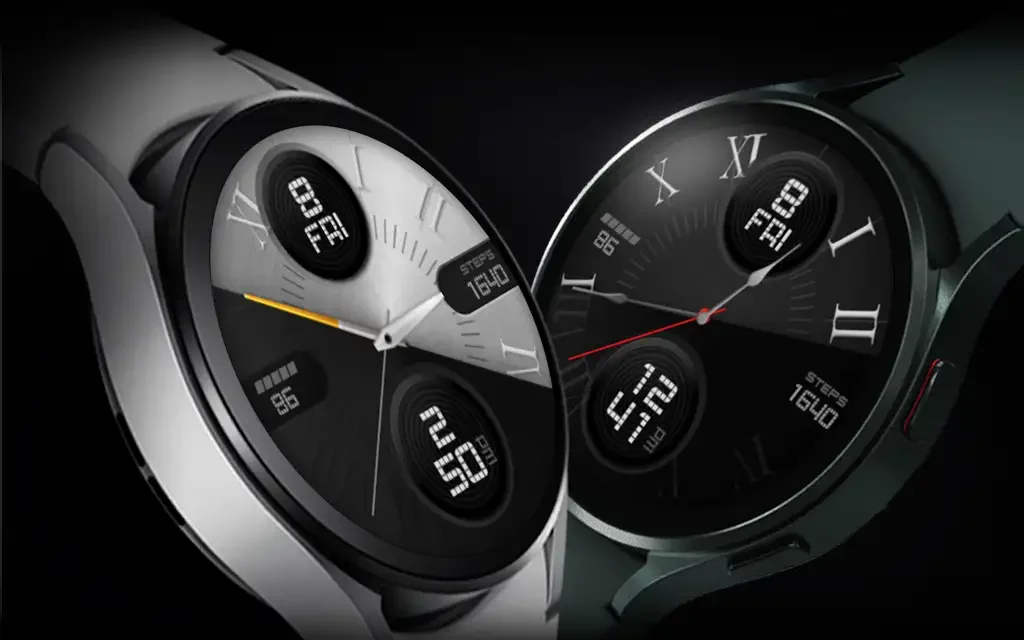
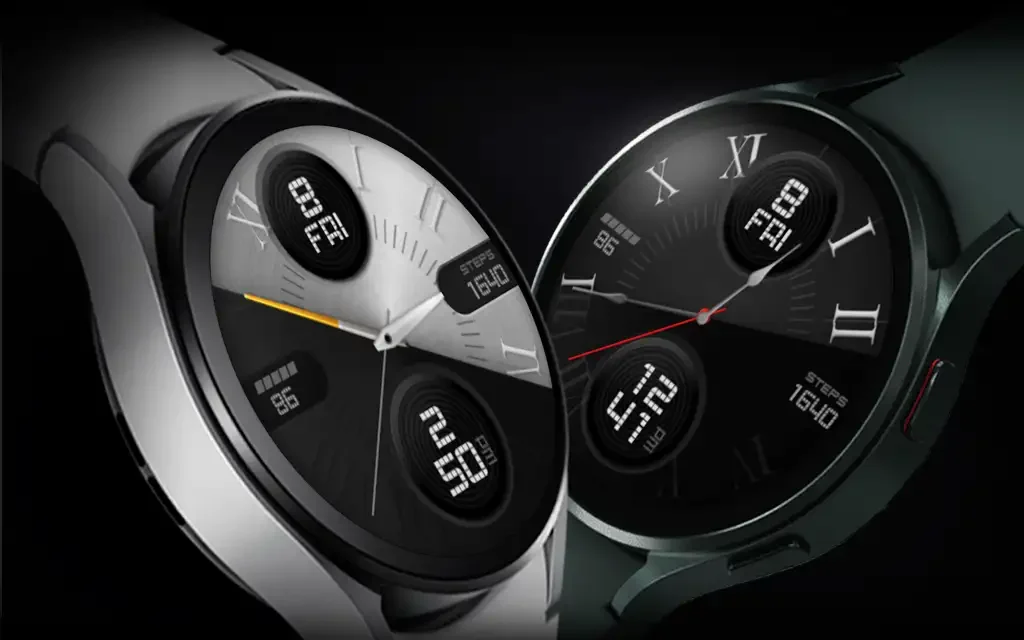
ダイナミック シャドウ アナログ デジタル ウォッチフェイス
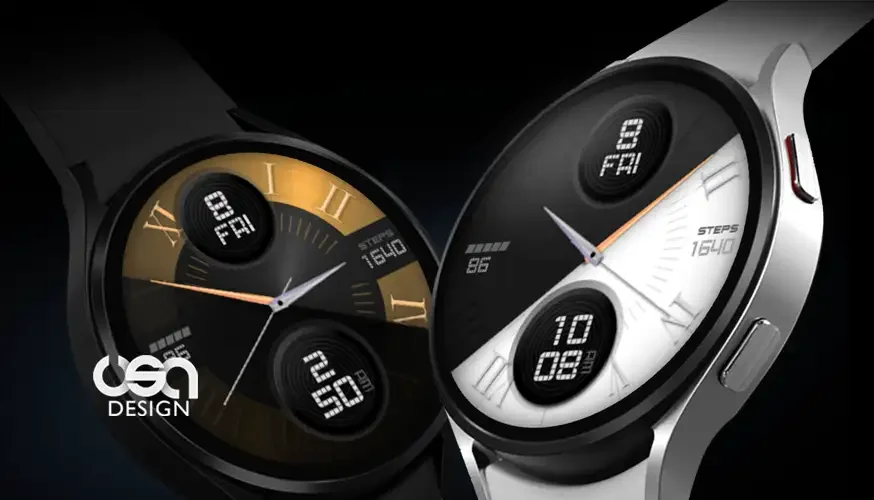
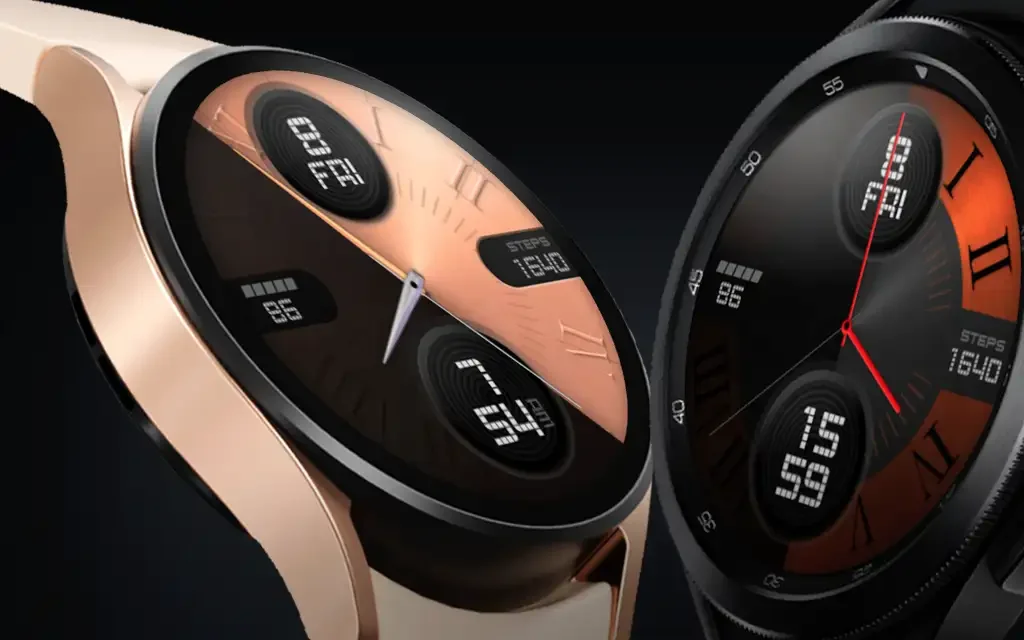
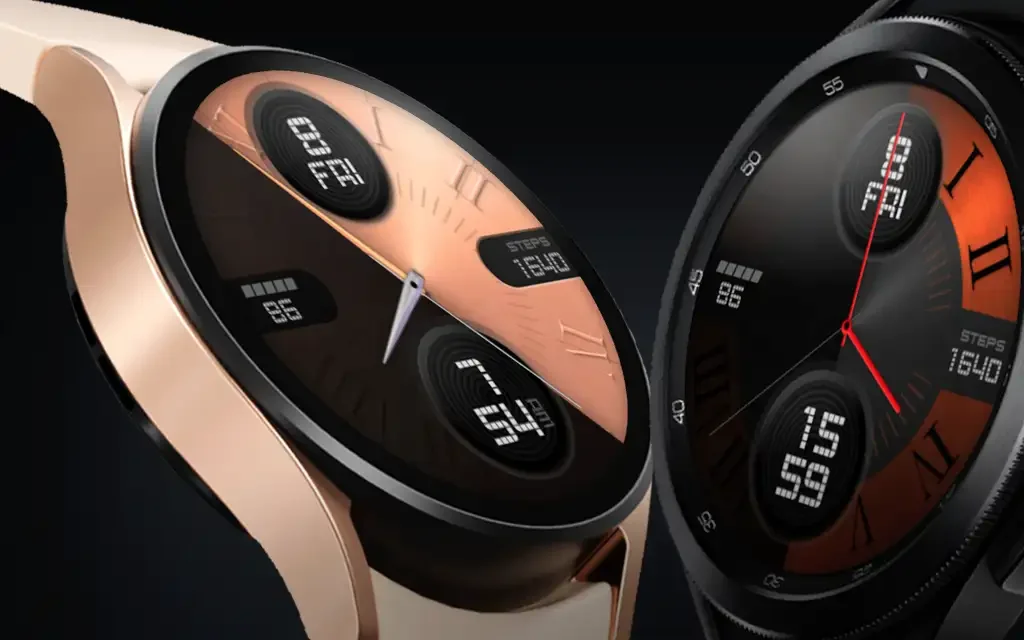
Wear OS向けの、エレガントでユニークなアナログデジタルウォッチフェイスです。分表示に合わせて影が動きます。背景、インデックス、針、ショートカットなど、様々な要素を好みに合わせてカスタマイズできます。
このウォッチフェイスはWear OS API 33以上(Wear OS 4以降)が必要です。Galaxy Watch 4/5/6/7/8シリーズ以降、Pixel Watchシリーズ、その他Wear OS 4以降のウォッチフェイスと互換性があります。
ご購入の際は、ウォッチに登録されているGoogleアカウントと同じアカウントをご使用ください。インストールは数分後にウォッチ上で自動的に開始されます。
ウォッチへのインストールが完了したら、以下の手順に従ってウォッチフェイスを開いてください。
1. ウォッチフェイスリストを開きます(現在のウォッチフェイスを長押しします)。
2. 右にスクロールして「ウォッチフェイスを追加」をタップします。
3. 下にスクロールして、「ダウンロード済み」セクションで新しくインストールされたウォッチフェイスを見つけます。
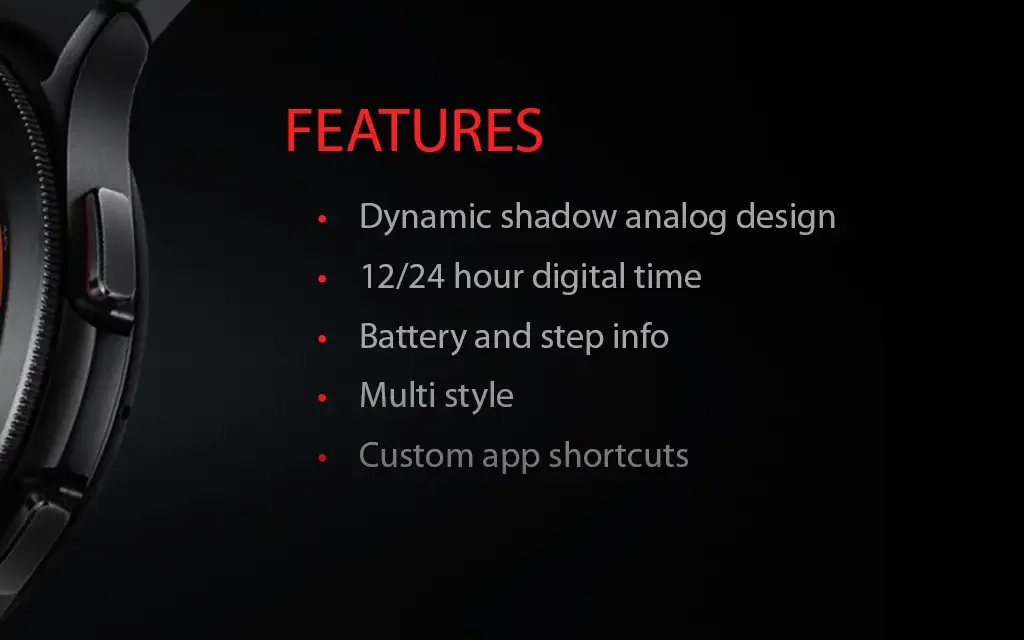
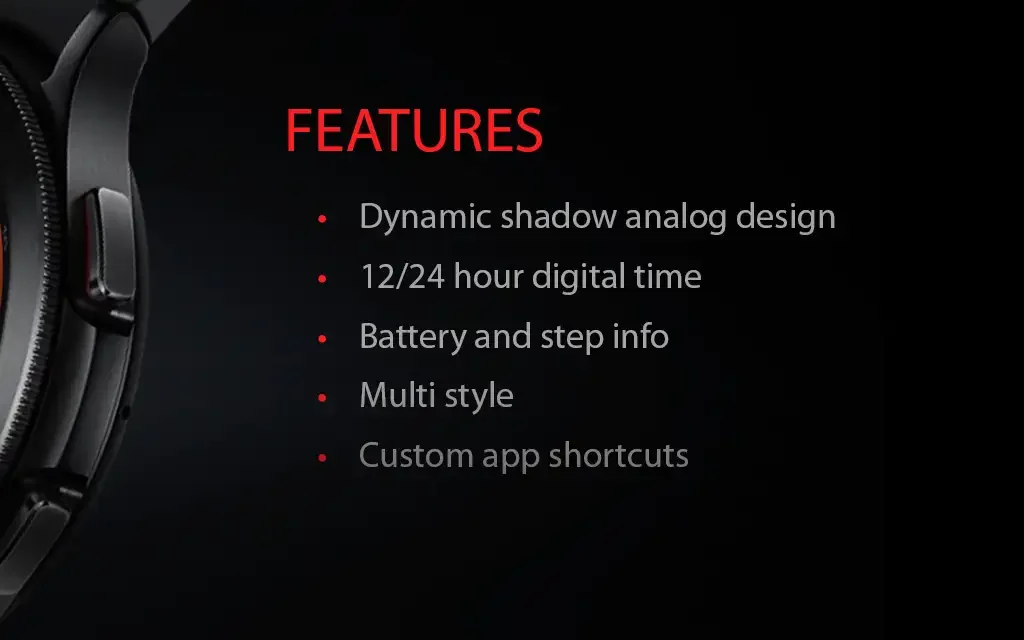
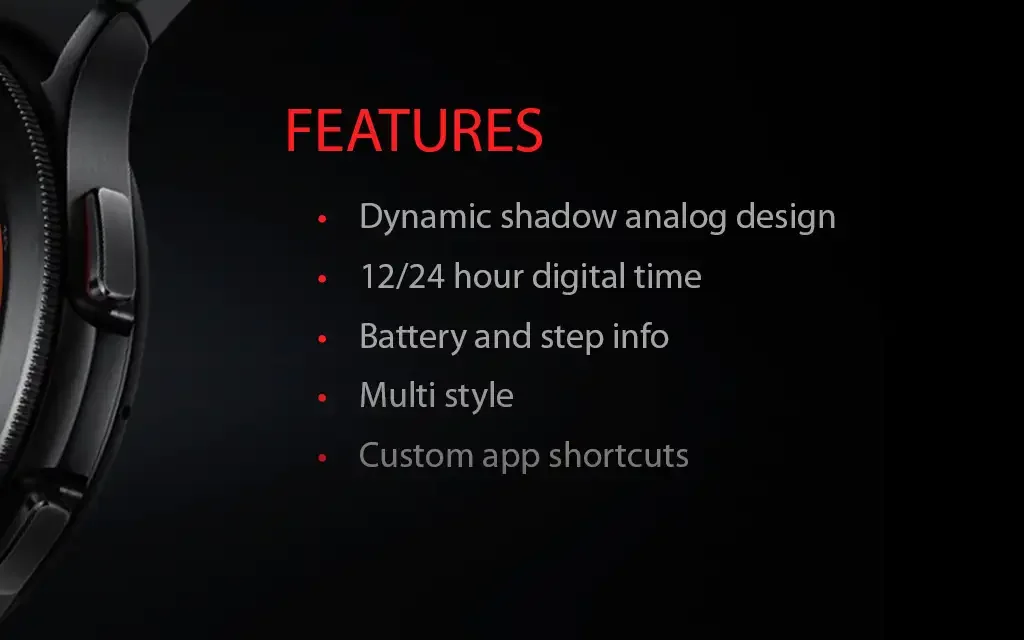
機能:
- ダイナミックシャドウ付きのアナログスタイル
- 12/24時間表示のミニデジタルアワー
- 6種類の明るい背景(明るい背景を調整する前に、暗い背景をデフォルトの最初の画像に設定してください)
- 5種類の暗い背景
- 5種類のインデックススタイル
- 4種類の針スタイル
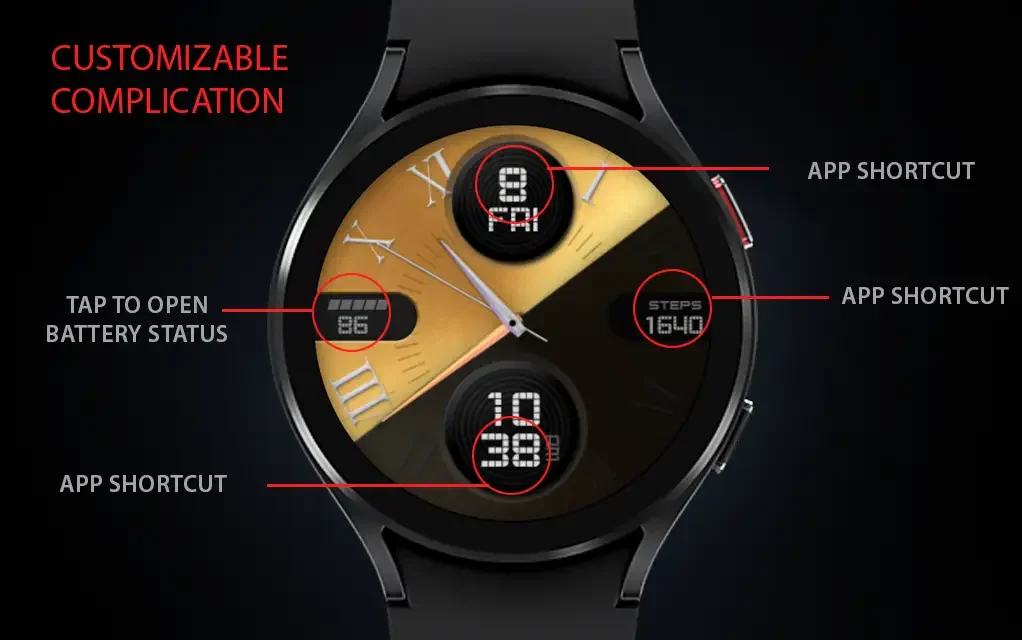
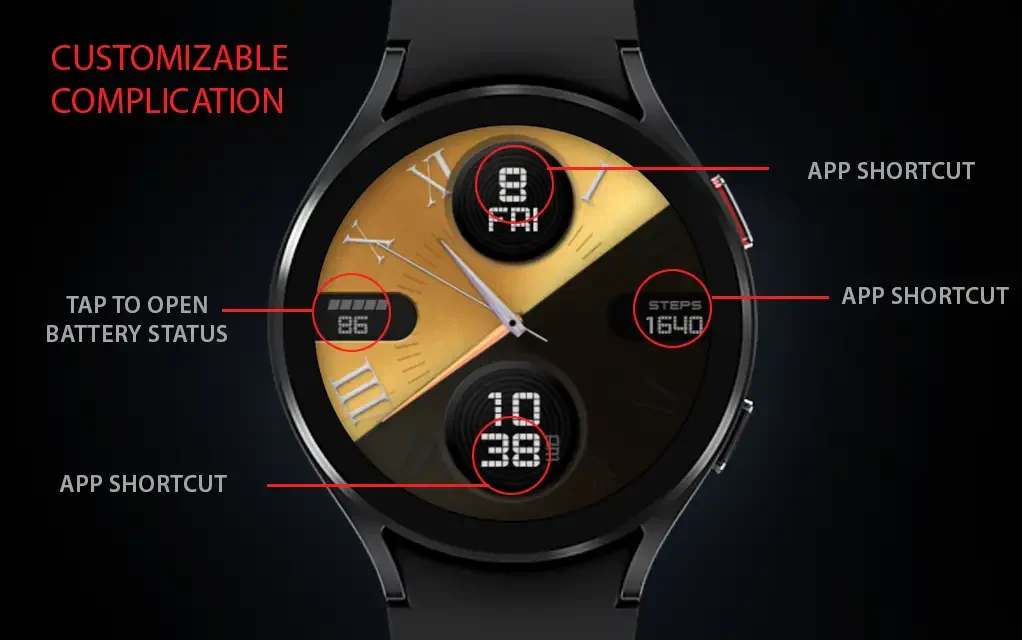
- カスタマイズされたショートカットコンプリケーション
- 特別に設計されたAODモード
ウォッチフェイスを長押しして「カスタマイズ」メニュー(またはウォッチフェイスの下の設定アイコン)に移動し、スタイルを変更したり、カスタムショートカットコンプリケーションを管理したりできます。
12時間表示と24時間表示を切り替えるには、スマートフォンの日付と時刻の設定に移動し、24時間表示と12時間表示のオプションを選択します。しばらくすると、時計は新しい設定に同期されます。
特別に設計された常時表示モード。時計の設定で常時表示モードをオンにすると、アイドル時に低電力ディスプレイが表示されます。この機能はバッテリーの消費量を増加させることにご注意ください。
ライブサポートとディスカッションのために、Telegramグループにご参加ください。
https://t.me/usadesignwatchface
原文を表示
Elegant and unique analog-digital watch face for Wear OS. The shadow is moving following the minutes. Multiple elements can be customized to suit your styles (background, index, hands, shortcuts)
This watch face requires Wear OS API 33+ (Wear OS 4 or newer). Compatible with Galaxy Watch 4/5/6/7/8 Series and newer, Pixel Watch series and other watch face with Wear OS 4 or newer.
Make sure you are purchasing using the same Google account registered on your watch. The installation should begin automatically on the watch after a few moments.
After the installation is completed on your watch, do these steps to open the watch face on your watch :
1. Open the watch face list on your watch (tap and hold the current watch face)
2. Scroll to the right and tap "add watch face"
3. Scroll down and find new installed watch face in the "downloaded" section
Features:
- Analog styles with dynamic shadow
- 12/24 hour mini digital hour
- 6 light background (set the dark background to the default first image before adjusting the light background)
- 5 dark background
- 5 index styles
- 4 hand styles
- customized shortcut complication
- special designed AOD mode
Tap and hold the watch face and go to the "customize" menu (or settings icon under the watch face) to change the styles and also manage the custom shortcut complication.
To change between 12 or 24-hour mode, go to your phone date and time settings and there is an option to use 24-hour mode or 12-hour mode. The watch will sync with your new settings after a few moments.
Special designed Always On Display ambient mode. Turn on the Always On Display mode on your watch settings to show a low power display on idle. Please be aware, this feature will use more batteries.
Join our Telegram group for live support and discussion
https://t.me/usadesignwatchface
データ セーフティ
このアプリが収集・共有するデータについて、USA Design Watch FaceがGoogle Playで申告している内容です。
- 第三者と共有されるデータはありません詳しくは、デベロッパーが共有を申告する方法についての説明をご覧ください
- データは収集されません詳しくは、デベロッパーが収集を申告する方法についての説明をご覧ください
開発元の連絡先
- メールusawatchface@gmail.com
- プライバシーポリシーprofilku.com
- 住所JL. Bango 9 RT/RW 002/04 BUNULREJO, BLIMBING Malang Jawa Timur 65123 Indonesia
情報
- 提供元
- USA Design Watch Face
- カテゴリ
- カスタマイズ
- 更新日
- 2026/10/30
- リリース
- 2021/10/11
- 対象年齢
- 3 歳以上
- 価格
- ¥120
- パッケージ名
- com.usadesign.usashadow
類似のアプリ
-
 Watch Face
アート&デザイン
-
 QuanTick 06 - Digital Watch
カスタマイズ
-
 RainbowChrono WatchFace SAM-29
カスタマイズ
-
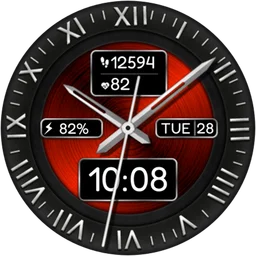 Hybrid PUNKET Watch face
カスタマイズ
-
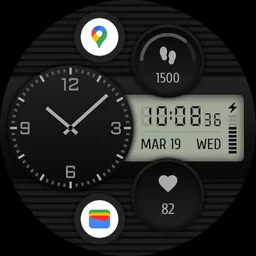 SW2614 Hybrid Watch
カスタマイズ
-
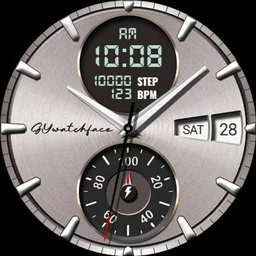 GYH002: Hybrid watchface
カスタマイズ
-
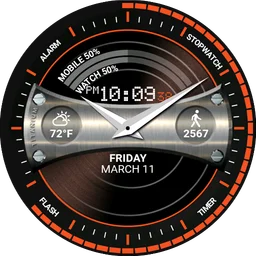 Titanium Watch Face
カスタマイズ
-
 Metallic 2
カスタマイズ
-
 グレーテクスチャ
カスタマイズ
-
 Key WF57 Classic Watch Face
カスタマイズ
-
 DIGI PAKASUM Watch face
カスタマイズ
-
 W-Design WOS053 - Watch Face
カスタマイズ