Victory - 80
Eugeniy Radzivill- 3 歳以上対象年齢
- カスタマイズカテゴリ
- 2025/8/25更新日
- 無料価格
com.watchfacestudio.victory80のGoogle Play公式ページにリンクしています。最終確認:2026/11/23。
スクリーンショット



このアプリについて
Googleによる英語 (アメリカ合衆国)からの自動翻訳です。
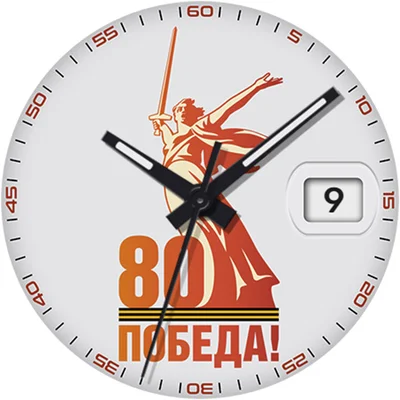
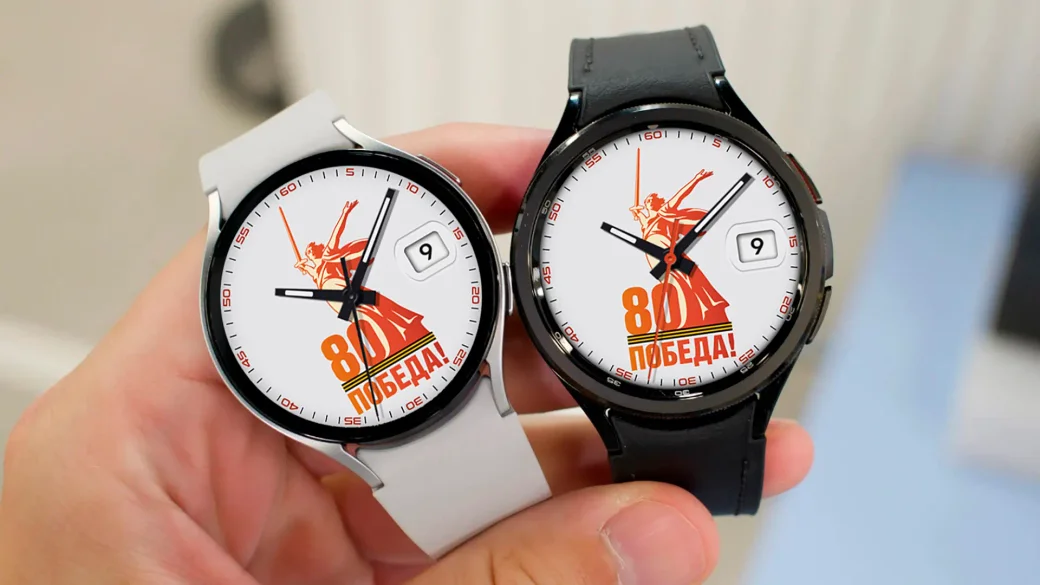
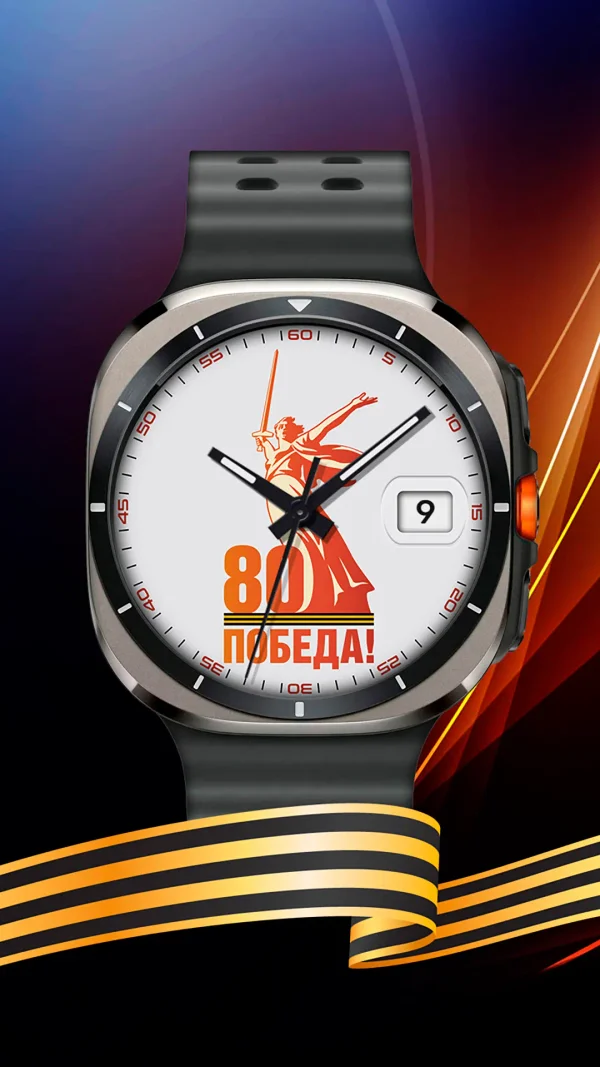
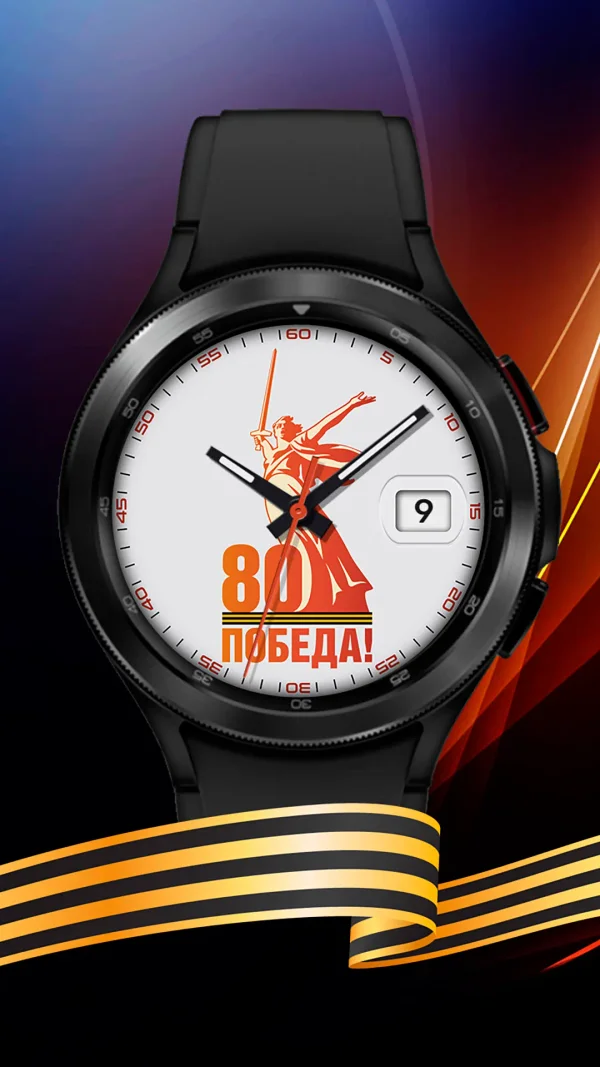
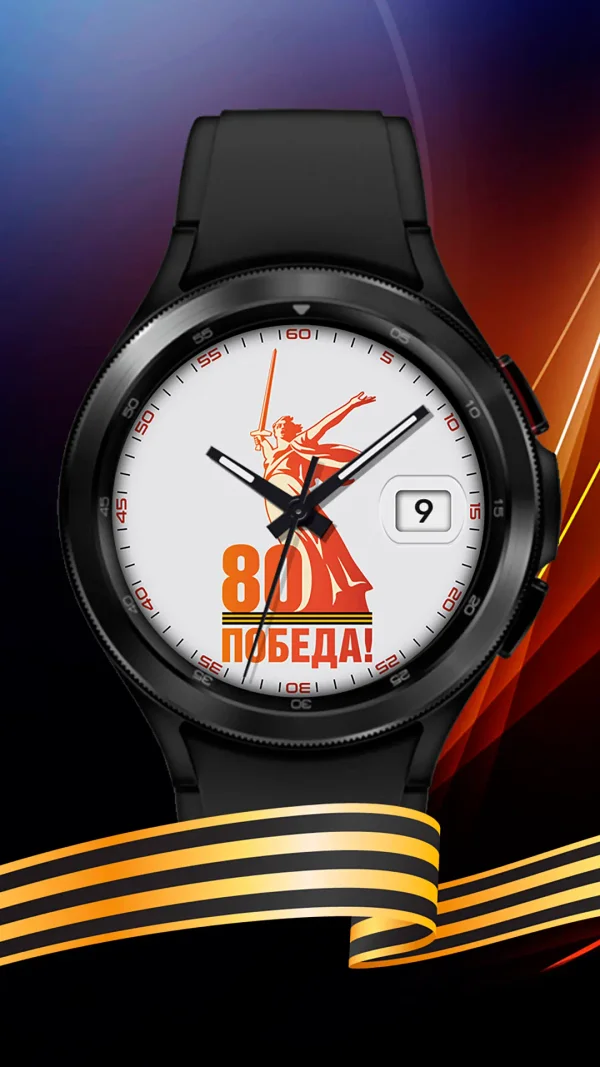
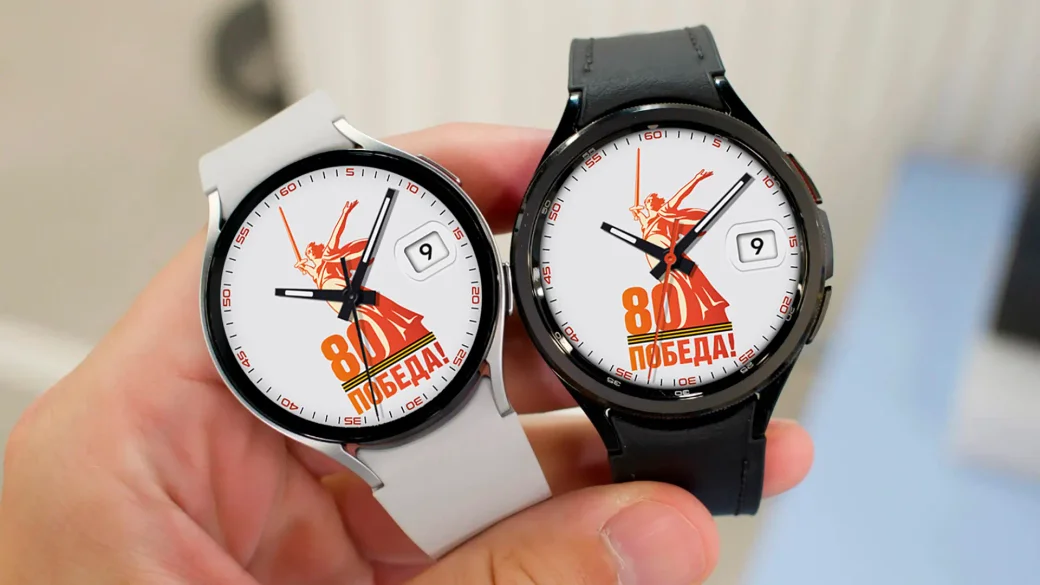
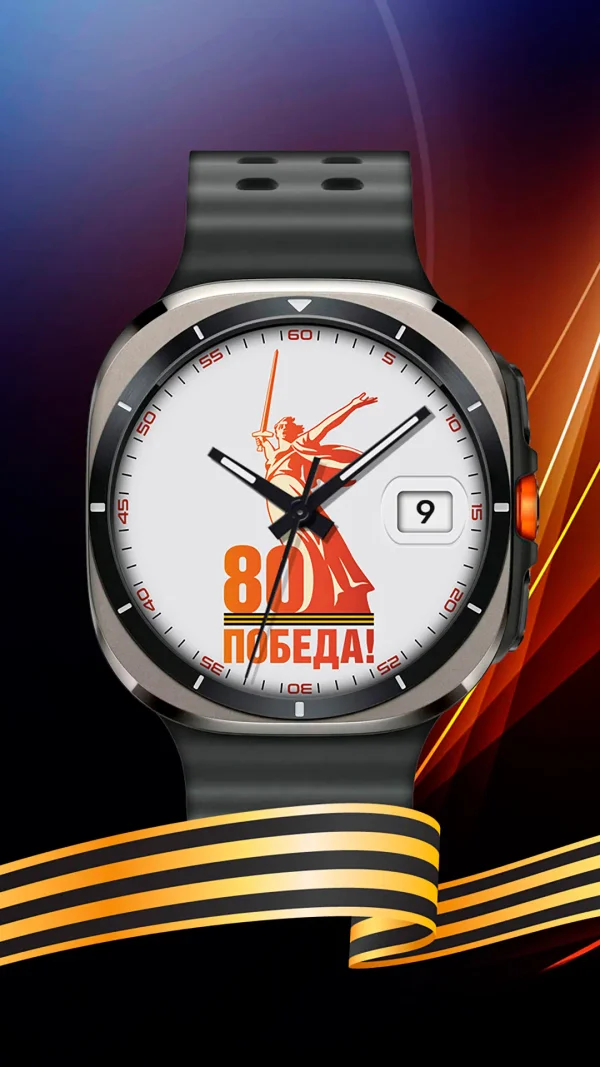
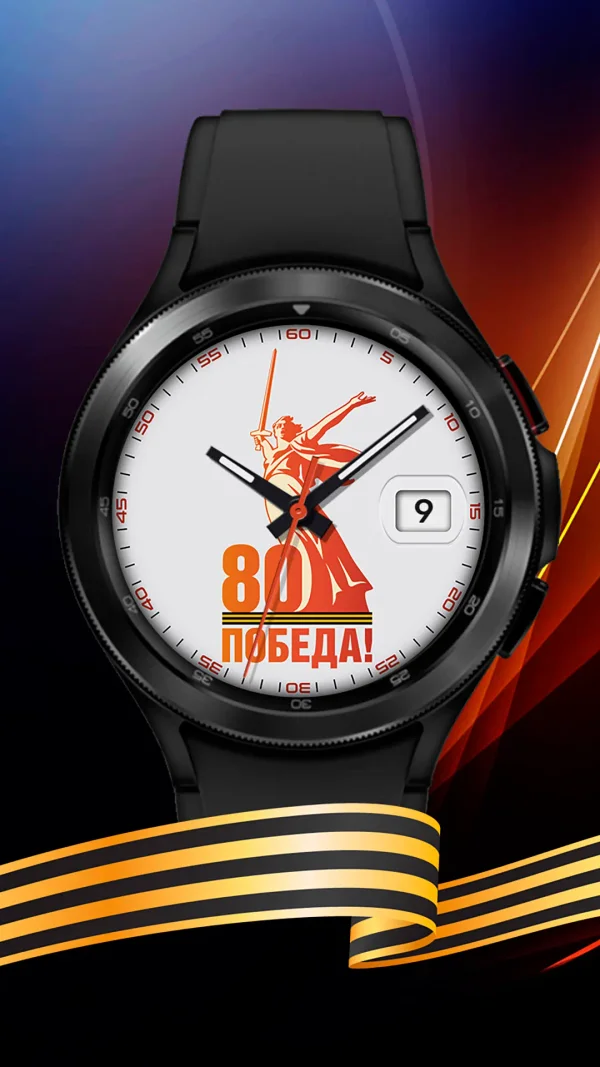
Wear OSプラットフォームのスマートウォッチ向けウォッチフェイス「Victory-80」
Wear OS プラットフォーム上のスマート ウォッチのウォッチフェイスは、次の機能をサポートしています。
- 日付表示
- 秒針は古典的な機械式時計の動作を模倣し、5 Hz の周波数でわずかに動きます。
- 時計の文字盤メニューから秒針の色を黒から赤に、またはその逆に変更できます。
多くのユーザーからのリクエストに応えて、ウォッチフェイスのアクティブ モードに黒の背景を追加しました。
時間が読みやすいように、ダイヤルメニューで針の色をグレーに変更することを忘れないでください。
- 時計のアプリケーションの呼び出しを設定するための 5 つのタップゾーンは、時計の文字盤メニューから設定できます。
タップゾーンの設定と動作を保証できるのはSamsung製の時計のみです。他のメーカーの時計をお使いの場合、タップゾーンが正しく動作しない可能性があります。ウォッチフェイスを購入する際は、この点を考慮してください。
このウォッチフェイス用にオリジナルのAODモードを作成しました。表示するには、ウォッチのメニューで有効にする必要があります。 AOD モードでは、時計のイメージが 1 分に 1 回再描画されることに注意してください。したがって、このモードでは秒針は表示されません。
コメントや提案については、電子メールでご連絡ください:eradzivill@mail.ru
ソーシャルネットワークに参加しましょう
https://vk.com/eradzivill
https://radzivill.com
https://t.me/eradzivill
https://www.facebook.com/groups/radzivill
心から、
ユージェニー・ラジヴィル
原文を表示
The watch face for smart watches on the Wear OS platform supports the following functionality:
- Date display
- The second hand imitates the work of classic mechanical watches with a slight twitching at a frequency of 5 Hz
- You can change the color of the second hand from black to red and vice versa through the watch face menu
At numerous user requests, I added a black background in the active mode of the watchface
Don't forget to change the color of the hands to gray through the dial menu so that the time is easier to read
- 5 tap zones for setting up the call of applications on your watch can be set up through the watch face menu
I can guarantee the setting and operation of tap zones only on watches from Samsung. If you have a watch from another manufacturer, the tap zones may not work correctly. Please take this into account when purchasing a watch face.
I made an original AOD mode for this watch face. In order for it to be displayed, you need to activate it in the menu of your watch. Please note that in AOD mode the clock image is redrawn once per minute. Therefore the second hand is not displayed in this mode.
For comments and suggestions, please write to e-mail: eradzivill@mail.ru
Join us on social networks
https://vk.com/eradzivill
https://radzivill.com
https://t.me/eradzivill
https://www.facebook.com/groups/radzivill
Sincerely,
Eugeniy Radzivill
データ セーフティ
このアプリが収集・共有するデータについて、Eugeniy RadzivillがGoogle Playで申告している内容です。
- 第三者と共有されるデータはありません詳しくは、デベロッパーが共有を申告する方法についての説明をご覧ください
- データは収集されません詳しくは、デベロッパーが収集を申告する方法についての説明をご覧ください
開発元の連絡先
- ウェブサイトradzivill.com
- メールeradzivill@mail.ru
- プライバシーポリシーeradzivill.wixsite.com
- 住所дер. Терновка, ул. Песочная, д. 4 Наро-Фоминск Московская область Россия 143300
情報
- 提供元
- Eugeniy Radzivill
- カテゴリ
- カスタマイズ
- 更新日
- 2025/8/25
- リリース
- 2025/4/14
- 対象年齢
- 3 歳以上
- 価格
- 無料
- パッケージ名
- com.watchfacestudio.victory80
類似のアプリ
-
 KOMANDER 1
カスタマイズ
-
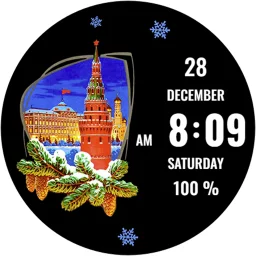 New Year's watch face
カスタマイズ
-
 R4 Star Analog Watch Face
カスタマイズ
-
 NORTH POLE Watchface
カスタマイズ
-
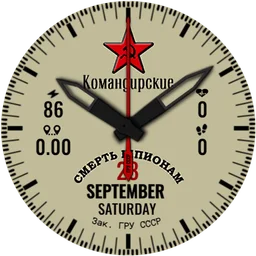 COMMANDER ANALOG WATCHFACE
カスタマイズ
-
 7th November Watchface
カスタマイズ
-
 PILOT ONE D ミリタリーウォッチ
カスタマイズ
-
 NKVD SMERSH
カスタマイズ
-
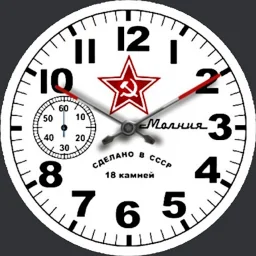 SU Watchface
カスタマイズ
-
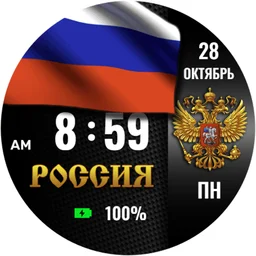 Russian Watchface
カスタマイズ
-
 CMEPIII X 4A11
カスタマイズ
-
 Kommander
カスタマイズ