Video Converter Pro
VidSoftLab- 3 歳以上対象年齢
- ツールカテゴリ
- 2025/11/1更新日
- ¥940価格
jaineel.videoconvertor.proのGoogle Play公式ページにリンクしています。最終確認:2026/11/27。

スクリーンショット


このアプリについて
Googleによる英語 (アメリカ合衆国)からの自動翻訳です。
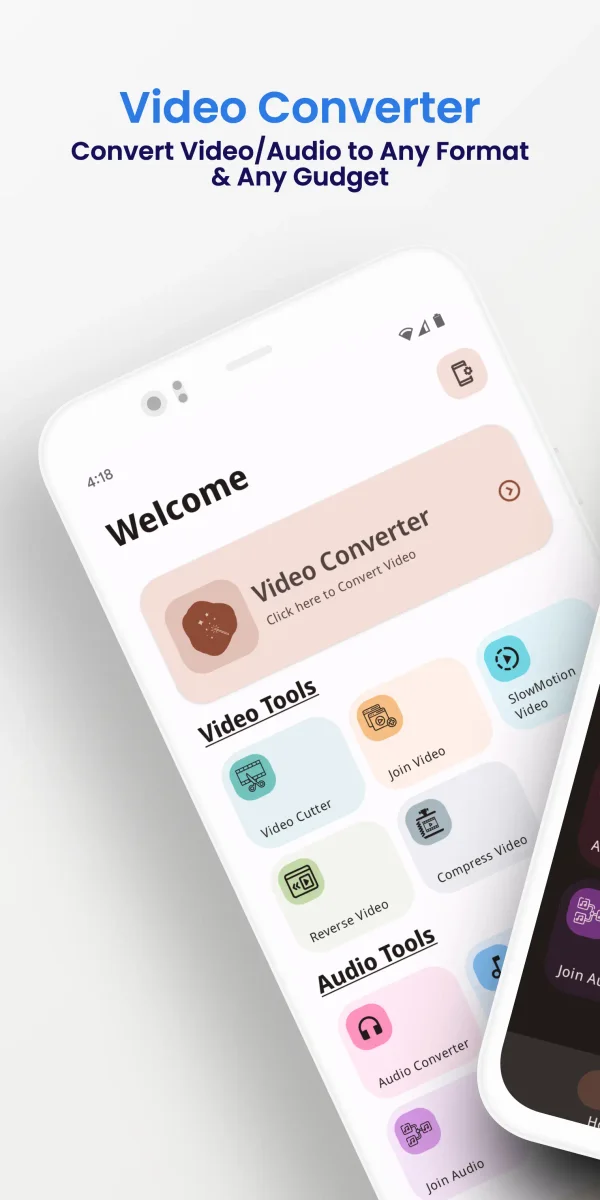
オールインワンのビデオコンバーター&エディター。高速、パワフル、そして直感的に操作できます。
究極の動画ツールボックス — 変換、圧縮、編集、共有
📱 VidSoftLab Video Converter & Editor Pro — 動画を簡単に変換、圧縮、編集できるオールインワンアプリ。
バッチ処理とパワフルで直感的なインターフェースにより、主要フォーマットの動画と音声を瞬時に変換、編集、圧縮できます。
🚀 VidSoftLab Video Converter & Editor Pro を選ぶ理由
• ⚡ 超高速 HD & 4K 動画変換。
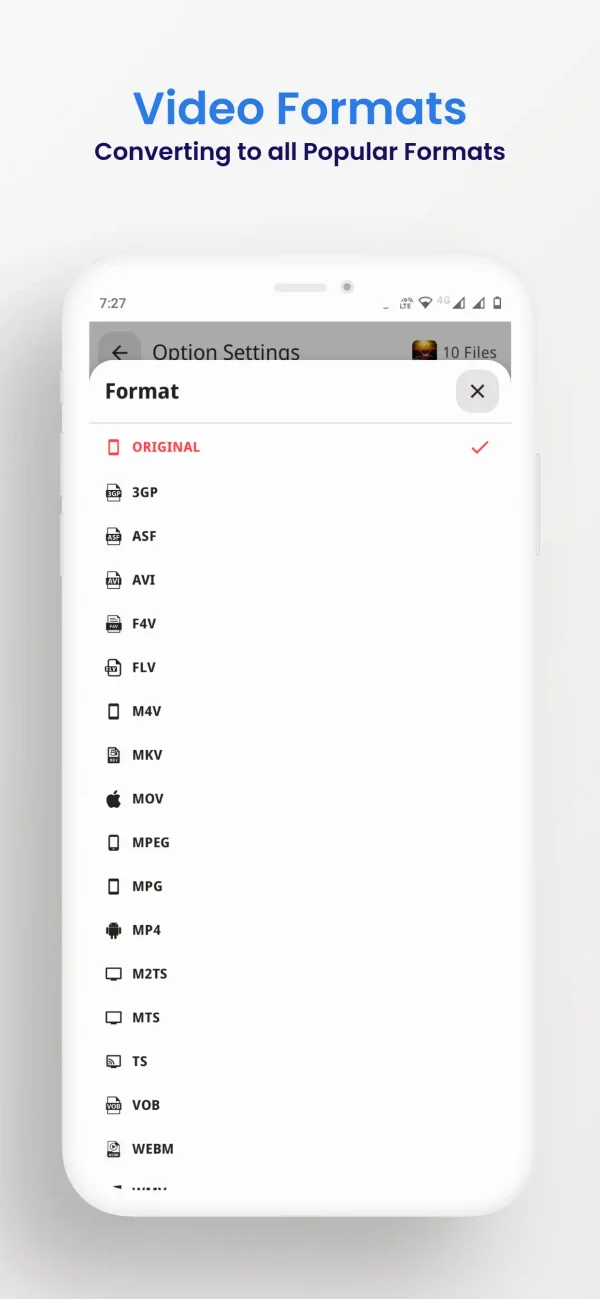
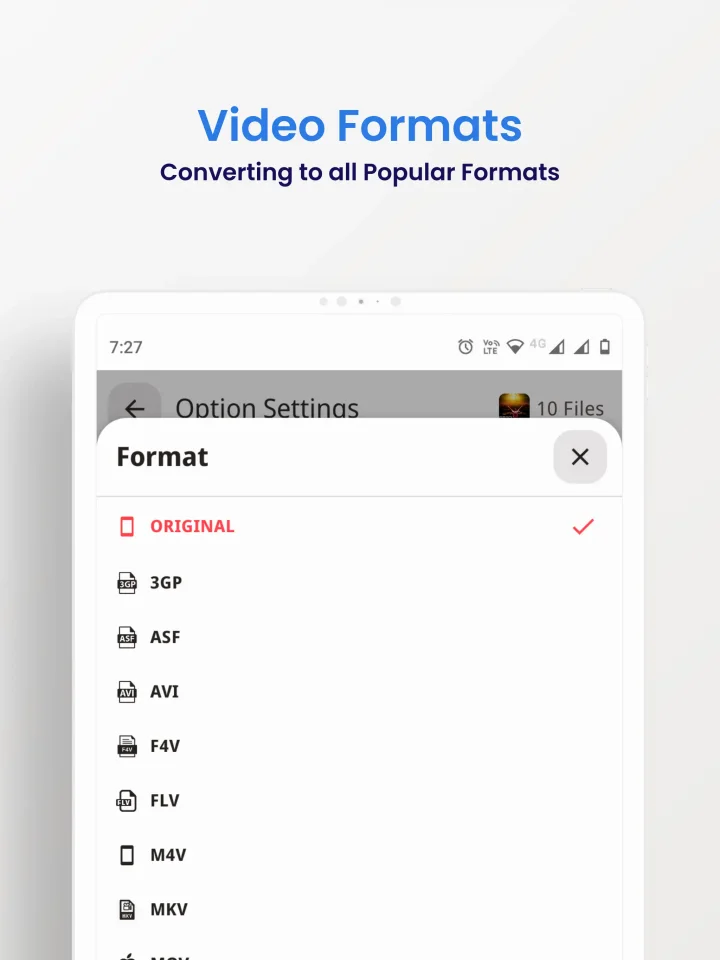
• 🔄 あらゆるフォーマットに対応:MP4、MKV、AVI、FLV、MOV、WebM、3GP、WMV、H264、H265 など。
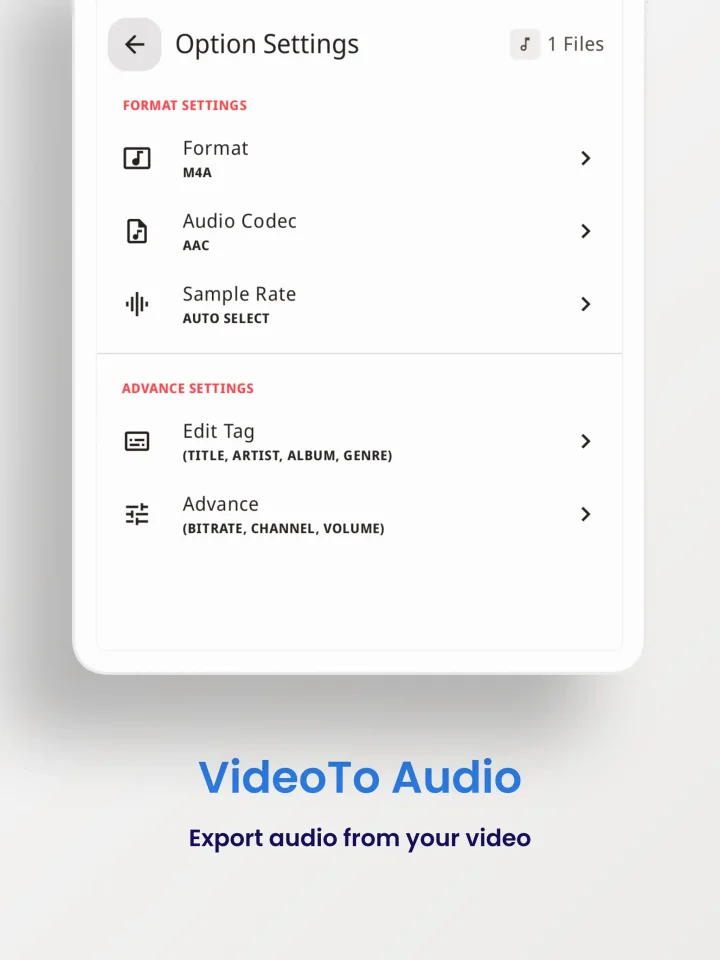
• 🔊 音声抽出と変換:MP3、M4A、AAC、FLAC、OGG、WAV、AC3。
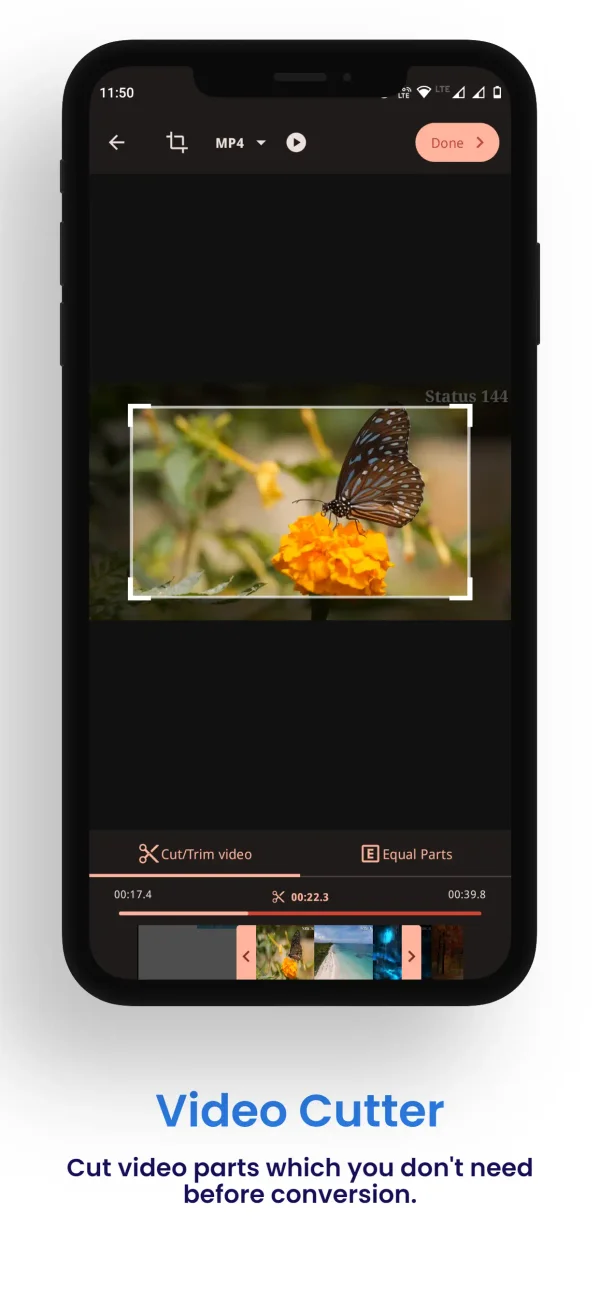
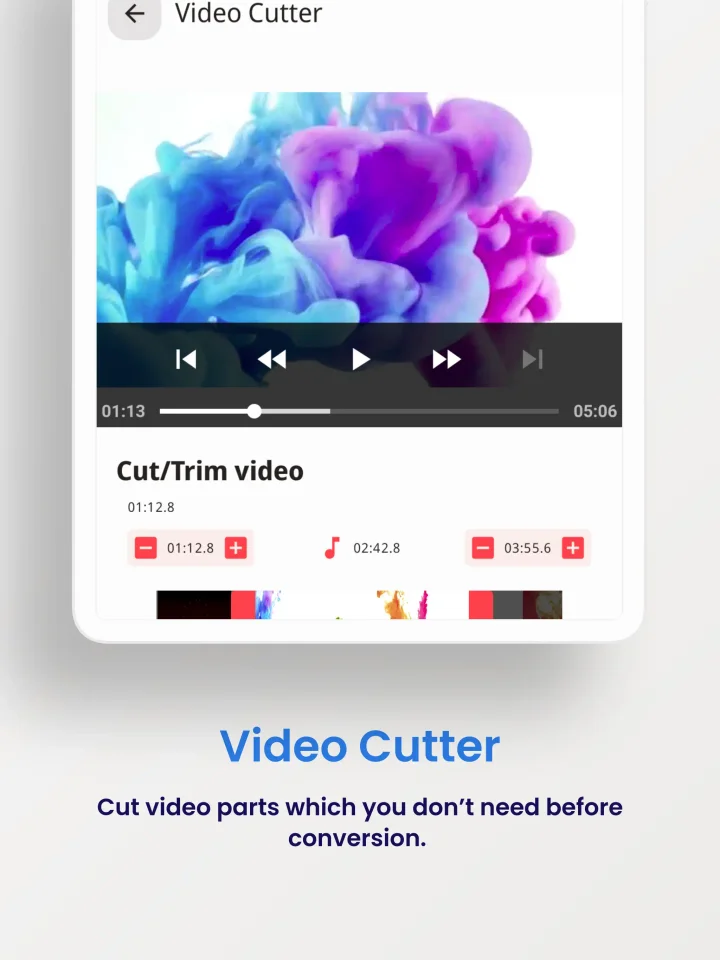
• ✂️ 高度な編集:トリム、カット、結合、クロップ、逆再生、スローモーション、回転。
• 📦 スマート圧縮:H264/H265 (HEVC) コーデックを使用して、画質の低下を最小限に抑えながらファイルサイズを縮小します。
• 🎵 オーディオツール:オーディオの変換、カット、結合。
• ✨ 直感的でユーザーフレンドリーなインターフェース:スムーズで簡単な操作性をお楽しみください。
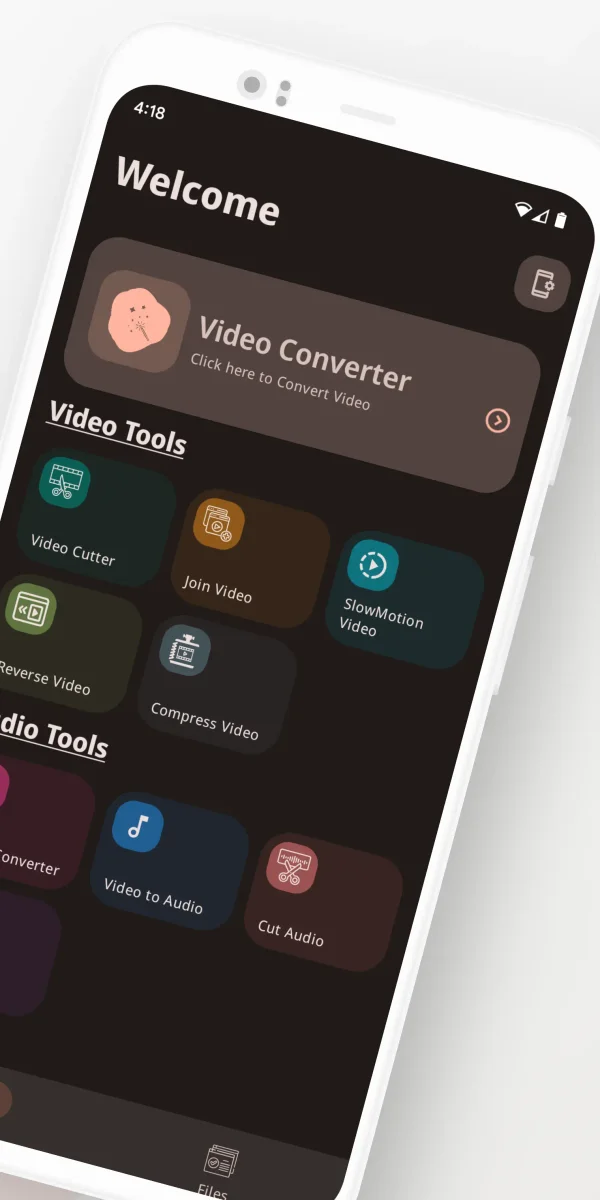
• 🎨 ダイナミックテーマ:ライト、ダーク、システムデフォルト。
• 🌐 多言語対応:50以上の言語に対応。
🎬 主な機能:
🔁 ビデオコンバーター
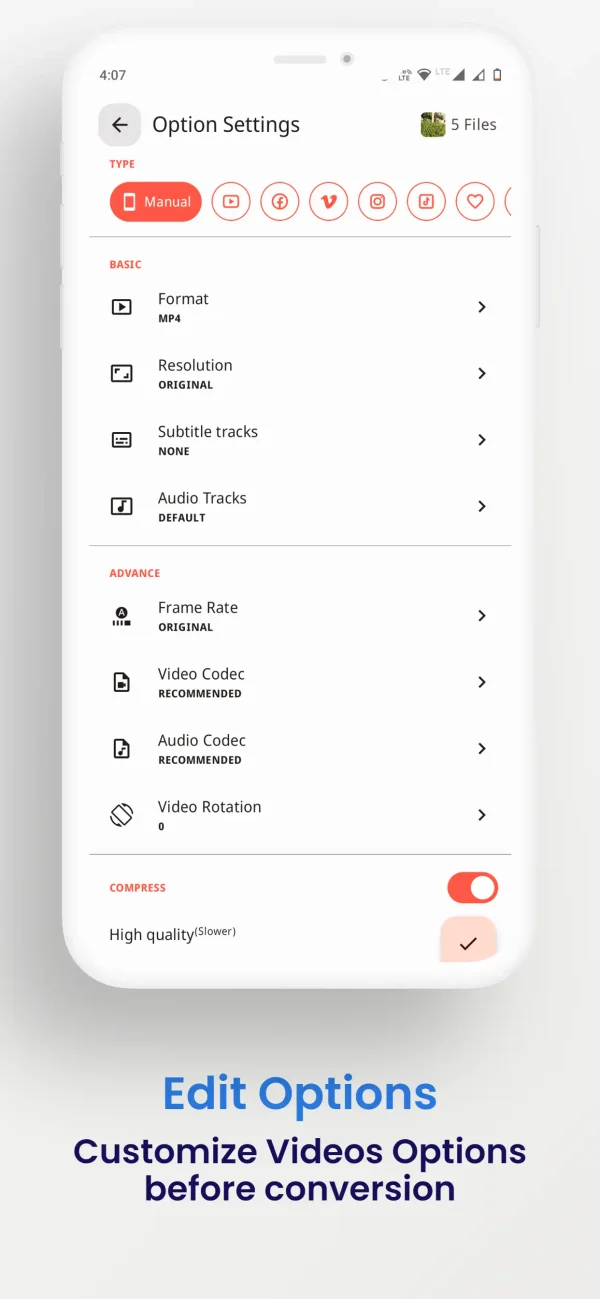
ビデオを一般的なフォーマットに変換し、以下のカスタマイズもサポートします:
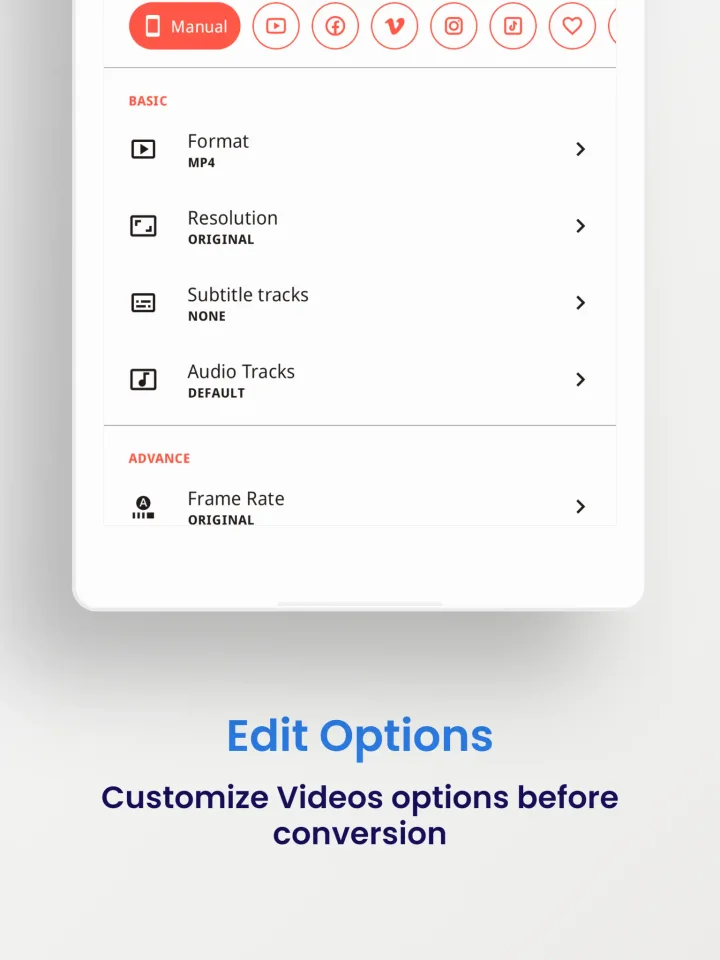
• 解像度 (240p から 4K またはカスタム)
• フレームレート (FPS)
• ビットレート (CBR および VBR)
• オーディオ/字幕: トラックと字幕 (SRT、VTT など) を追加または置き換えます
🎥 ビデオ編集ツール
• トリム&カット: 開始/終了時間をミリ秒単位で指定できます。
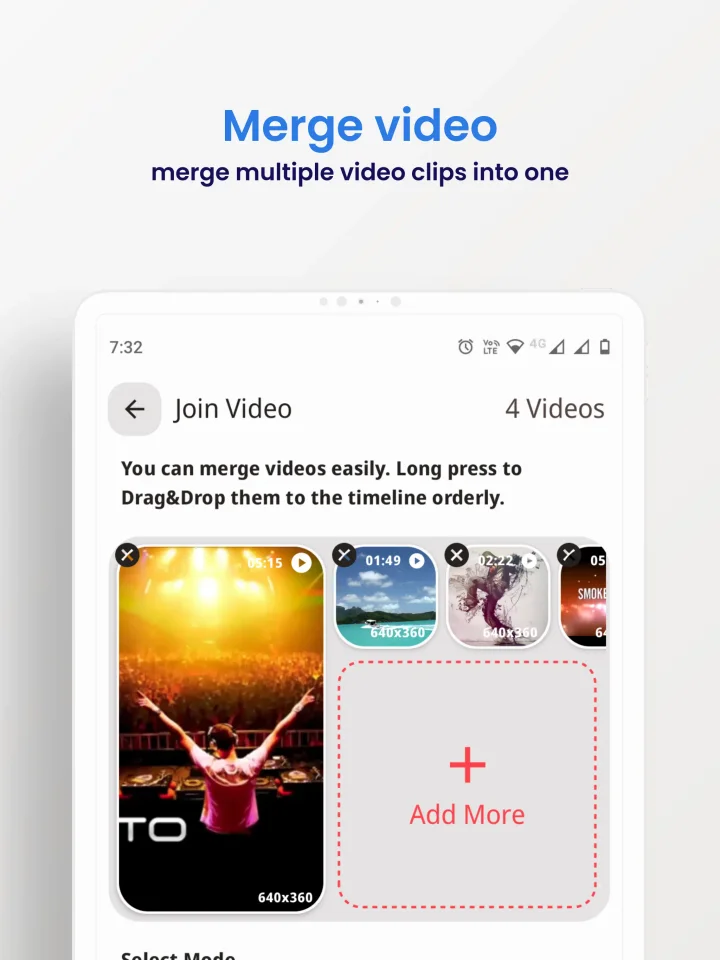
• 結合: 複数のクリップをシームレスに結合します。
• 巻き戻し: 任意のシーンを数秒で巻き戻します。
• スローモーション: 最大 4 倍の速度または速度でスムーズに再生できます。
• クロップ&回転: アスペクト比と向きを完全に制御できます。
• イントロ/アウトロメーカー: 動画にブランディングやクリエイティブなイントロを追加できます。
📉 動画圧縮
• H264/H265 (HEVC) コーデックを使用して、大容量の動画ファイルを圧縮します。
• ターゲットファイルサイズとビットレートを設定することで、画質を損なうことなく容量を節約できます。
🎵 オーディオコンバータ&エディター
• オーディオを MP3、M4A、AAC、FLAC、OGG、OPUS などに変換します。
• オーディオトリミング:プレビュー機能で正確なトリミングが可能です。
• オーディオ結合:あらゆる形式のオーディオファイルを結合します。
• メタデータ(タイトル、アーティスト、ジャンル)を編集し、音量/速度を調整します。
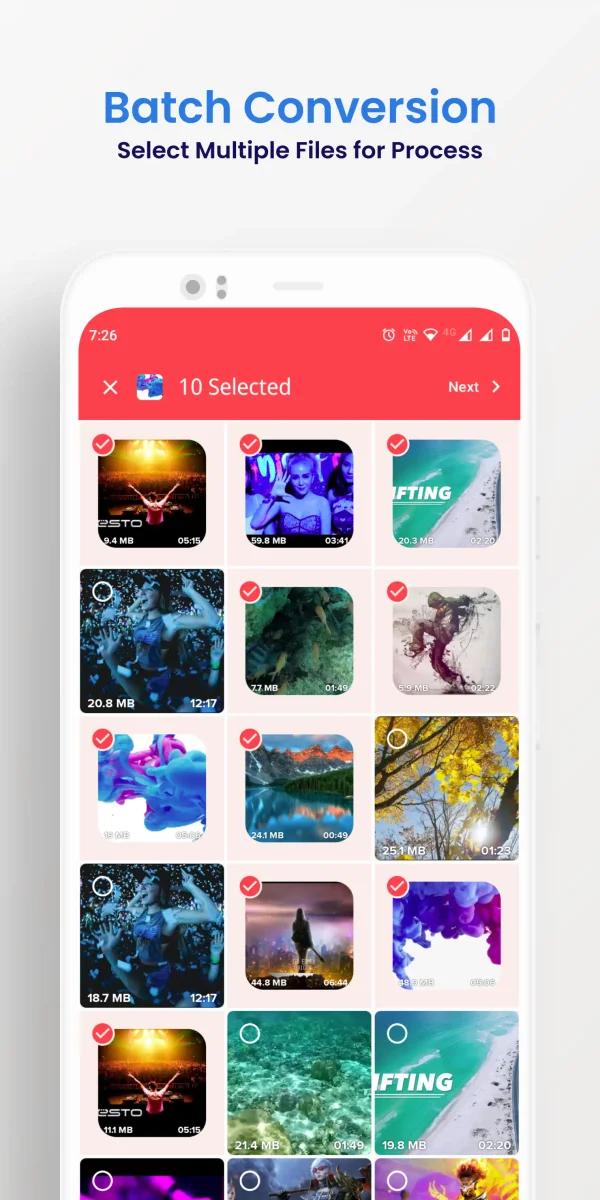
🧰 バッチ処理&オフラインモード
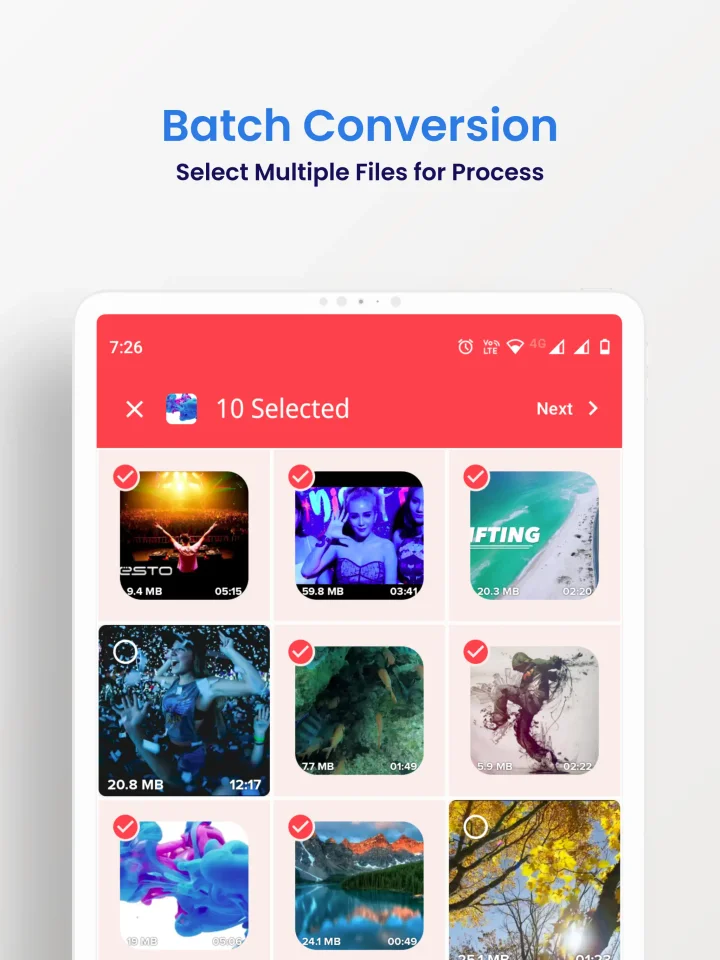
• 複数のファイルを一括でキューに登録し、変換できます。完全な編集機能も備えています。
• 100% オフラインで動作するため、インターネット接続は不要です。
🔧 詳細設定
• カスタムエンコーディング:固定/可変ビットレート対応
• チャンネル選択:モノラル/ステレオオプション
• サンプルレート:8kHz~48kHz
• コーデックオプション:h264、mpeg4、vp9、aac、mp3、flacなど
🌟 すべての人に優しい設計:
• ライトモードとダークモードを備えた、シンプルでモダンなインターフェース
• 50以上の言語に対応しています。
• 200種類以上のAndroidデバイスに対応しています。
📩 サポートやご意見がございましたら?
kajalchiragsoft@gmail.comまでメールでお問い合わせください。
⚠️ 注意事項
このアプリはFFMPEGのオープンソースコードを使用しています。
🏆 最適なユーザー:
YouTuber、動画編集者、vlogger、音楽愛好家、学生、そして外出先でも使える高速で柔軟性が高く、機能豊富なマルチメディアツールボックスを求めるプロフェッショナル。
原文を表示
The Ultimate Video Toolbox — Convert, Compress, Edit & Share
📱 VidSoftLab Video Converter & Editor Pro — The all-in-one app to effortlessly convert, compress, and edit your videos.
Instantly convert, edit, and compress your videos and audio in all major formats—with batch support and a powerful, intuitive interface.
🚀 Why Choose VidSoftLab Video Converter & Editor Pro?
• ⚡ Super-fast HD & 4K video conversion.
• 🔄 Convert any format: MP4, MKV, AVI, FLV, MOV, WebM, 3GP, WMV, H264, H265 & more.
• 🔊 Extract and convert audio: MP3, M4A, AAC, FLAC, OGG, WAV, AC3.
• ✂️ Advanced editing: Trim, cut, merge, crop, reverse, slow motion & rotation.
• 📦 Smart compression: Shrink file size with minimal quality loss using H264/H265 (HEVC) codecs.
• 🎵 Audio tools: Audio converter, cutter, and merger.
• ✨ Intuitive & User-Friendly Interface: Enjoy a smooth and easy experience.
• 🎨 Dynamic themes: Light, Dark & System Default.
• 🌐 Multilingual: Supports 50+ languages.
🎬 Top Features:
🔁 Video Converter
Convert videos to all popular formats with support for custom:
• Resolution (240p to 4K or custom)
• Frame Rate (FPS)
• Bitrate (CBR & VBR)
• Audio/Subtitles: Add or replace tracks & subs (SRT, VTT, etc.)
🎥 Video Editor Tools
• Trim & Cut: Select specific start/end times with millisecond precision.
• Merge: Join multiple clips seamlessly.
• Reverse: Rewind any scene in seconds.
• Slow Motion: Smooth playback up to 4X slower or faster.
• Crop & Rotate: Full control over aspect ratio and orientation.
• Intro/Outro Maker: Add branding or creative intros for videos.
📉 Video Compressor
• Compress large video files using H264/H265 (HEVC) codecs.
• Set target file size and bitrate to save space without quality loss.
🎵 Audio Converter & Editor
• Convert audio to MP3, M4A, AAC, FLAC, OGG, OPUS & more.
• Trim Audio: Precise trimming with preview.
• Merge Audio: Combine audio files of any format.
• Edit metadata (Title, Artist, Genre), adjust volume/speed.
🧰 Batch Processing & Offline Mode
• Queue and convert multiple files at once with full editing support.
• 100% offline—no internet required.
🔧 Advanced Settings
• Custom Encoding: Constant/Variable Bitrate support
• Channel Selection: Mono/Stereo options
• Sample Rates: 8kHz to 48kHz
• Codec Options: h264, mpeg4, vp9, aac, mp3, flac & more
🌟 Designed for Everyone:
• Clean, modern interface with Light & Dark mode
• Available in 50+ languages.
• Compatible with 200+ Android devices.
📩 Need Help or Have Ideas?
Email us at: kajalchiragsoft@gmail.com
⚠️ Notes
This app uses open-source code from FFMPEG.
🏆 Ideal For:
YouTubers, video editors, vloggers, music enthusiasts, students, and professionals who want a fast, flexible, and feature-rich multimedia toolbox on the go.
データ セーフティ
このアプリが収集・共有するデータについて、VidSoftLabがGoogle Playで申告している内容です。
- このアプリはサードパーティと以下の種類のデータを共有することがありますファイル、ドキュメント
- データは収集されません詳しくは、デベロッパーが収集を申告する方法についての説明をご覧ください
- データは送信中に暗号化されます
新機能
バージョン 0.2.72 · 2025/11/1
• We've just rolled out an important update to make your video conversion experience even better.
• Improved overall user interface for better experience.
• Enhanced Reliability: Enjoy a more stable and consistent app performance.
開発元の連絡先
- ウェブサイトvidsoftlabs.com
- メールkajalchiragsoft@gmail.com
- プライバシーポリシーvidsoftlabs.com
- 住所121/1443 Ganesh Appartment, Solaroad Naranpura Ahmedabad, Gujarat 380013 India
情報
- 提供元
- VidSoftLab
- カテゴリ
- ツール
- バージョン
- 0.2.72
- 更新日
- 2025/11/1
- リリース
- 2016/12/11
- 必要条件
- Android 7.0以降
- 対象年齢
- 3 歳以上
- 価格
- ¥940
- パッケージ名
- jaineel.videoconvertor.pro
類似のアプリ
-
 動画編集アプリ- Video.Guru
動画プレーヤー&エディタ
-
 音楽付きのフォトビデオメーカー
動画プレーヤー&エディタ
-
 PixelFlow: Intro Video maker
動画プレーヤー&エディタ
-
 Cut Cut: Photo Editor & CutOut
写真
-
 AI Song Generator - Zona
音楽&オーディオ
-
 画像編集、動画編集 - ティックトック編集アプリ
写真
-
 YouCam Video:AI動画生成・vlog・動画編集
動画プレーヤー&エディタ
-
 UE | BOOM by Ultimate Ears
音楽&オーディオ
-
 Filmora HD-動画編集アプリ:動画作成、動画加工
動画プレーヤー&エディタ
-
 Persona: Beauty Camera
写真
-
 Deleted Photo & Video Recovery
ツール
-
 VideoFX Music Video Maker
動画プレーヤー&エディタ