Vigil: Background Video Record
Galaxy studio appsアプリ内課金
- 3 歳以上対象年齢
- ツールカテゴリ
- 2026/10/22更新日
- 無料価格
com.devsig.vigil.proのGoogle Play公式ページにリンクしています。最終確認:2026/11/23。

スクリーンショット


このアプリについて
Googleによる英語 (イギリス)からの自動翻訳です。
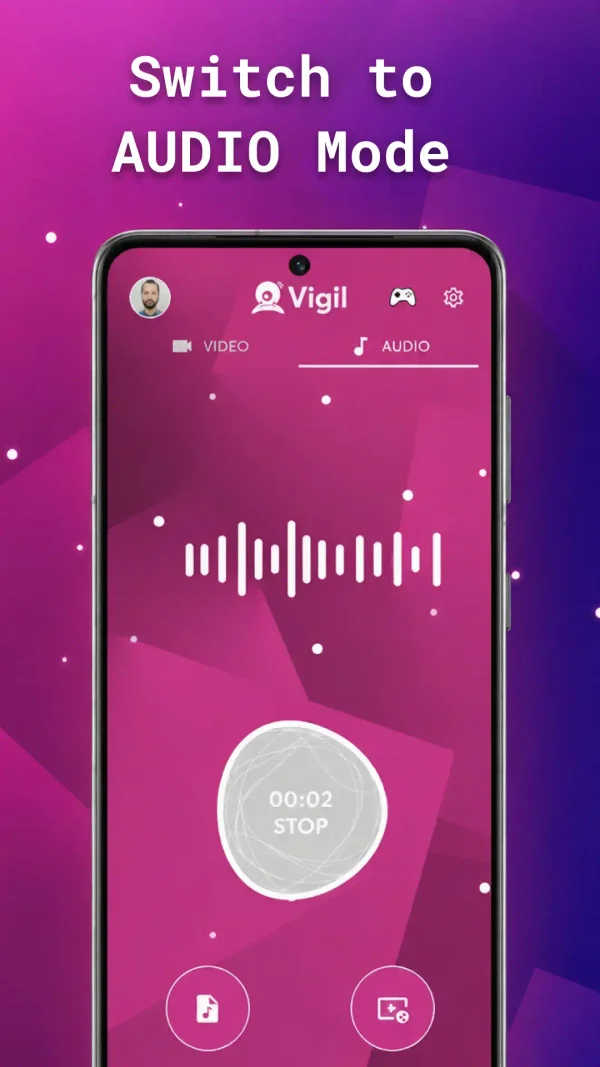
安全を確保 |安全に録音する |バックグラウンドボイス&ビデオレコーダー
Vigil - バックグラウンドビデオレコーダー - あらゆる瞬間を捉えよう!
Vigilで許可された動画をバックグラウンドで録画しましょう。📹📱バックグラウンドビデオレコーダーアプリを使えば、スマートフォンを普段使いしながらバックグラウンドで動画を録画できます。😉😉😉
Vigil - バックグラウンドビデオレコーダーを選ぼう
Vigil - バックグラウンドカメラアプリは、許可された動画をバックグラウンドで録画するためのアプリです。画面がオフの状態、他のアプリを使用している時、あるいはスマートフォンがロックされている時でも、バックグラウンドで動画を録画できます。
バックグラウンドビデオレコーダーをお探しのユーザーにとって、Vigilは必要な許可や同意があれば、日常的な録画をサポートします。
バックグラウンドカメラアプリの主な機能
📹 中断なくバックグラウンドで動画を録画!
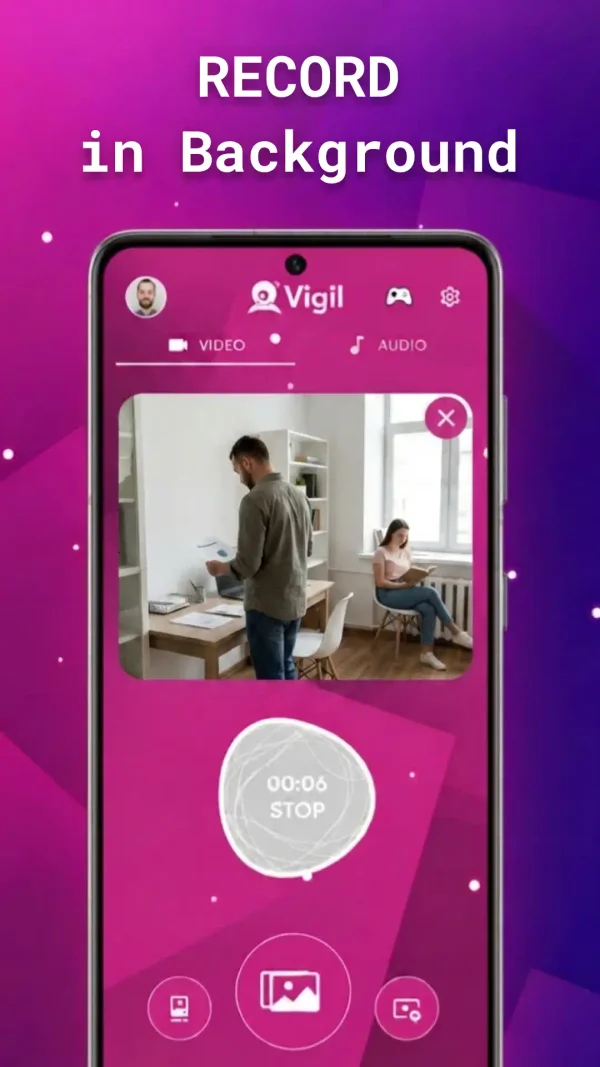
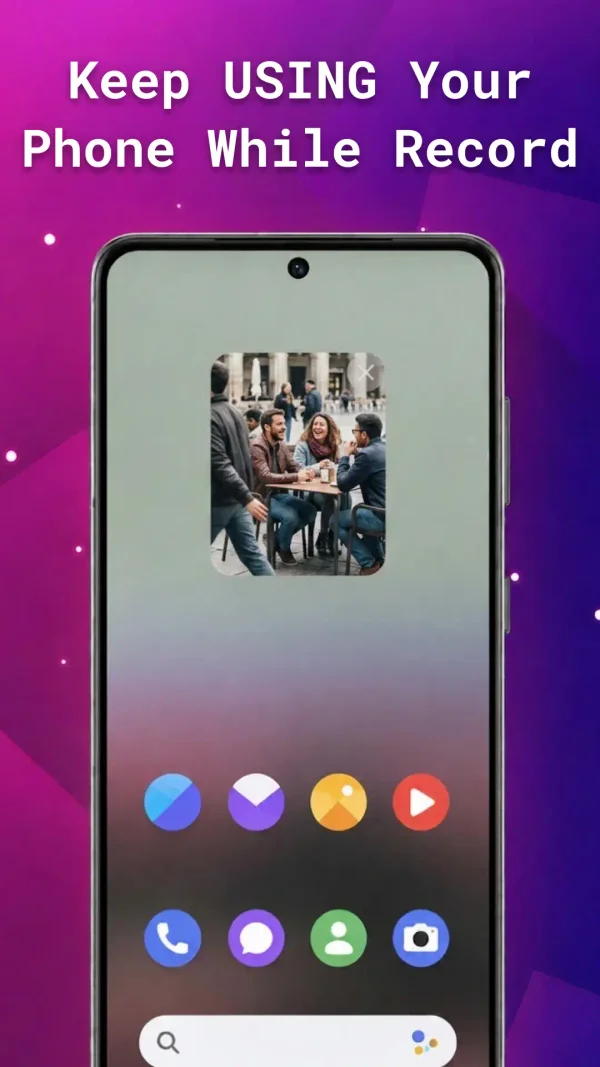
📹 Vigil - バックグラウンドカメラを使えば、作業の流れを妨げることなくバックグラウンドで動画を録画できます。 バックグラウンド動画レコーダーは、他のアプリを使用中でもバックグラウンドで録画を行います。
📹 計画的な録画のためのバックグラウンドカメラ
📹 録画許可を得た映像のみをキャプチャ。 バックグラウンドカメラ機能を使えば、他のスマートフォンの機能を使用しながらイベントを録画できます。
📹 カスタマイズ可能な設定
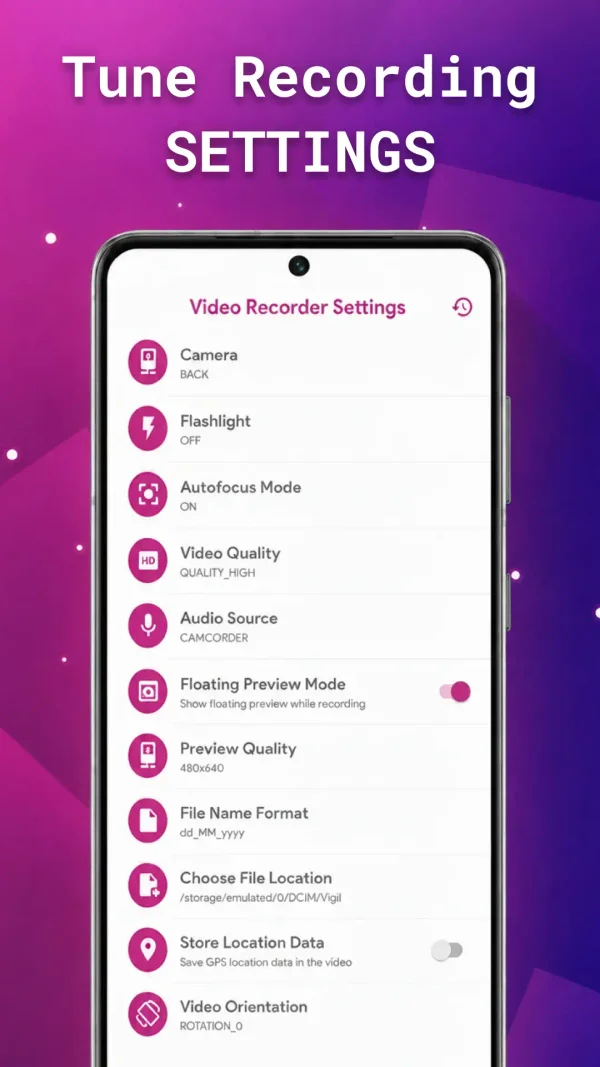
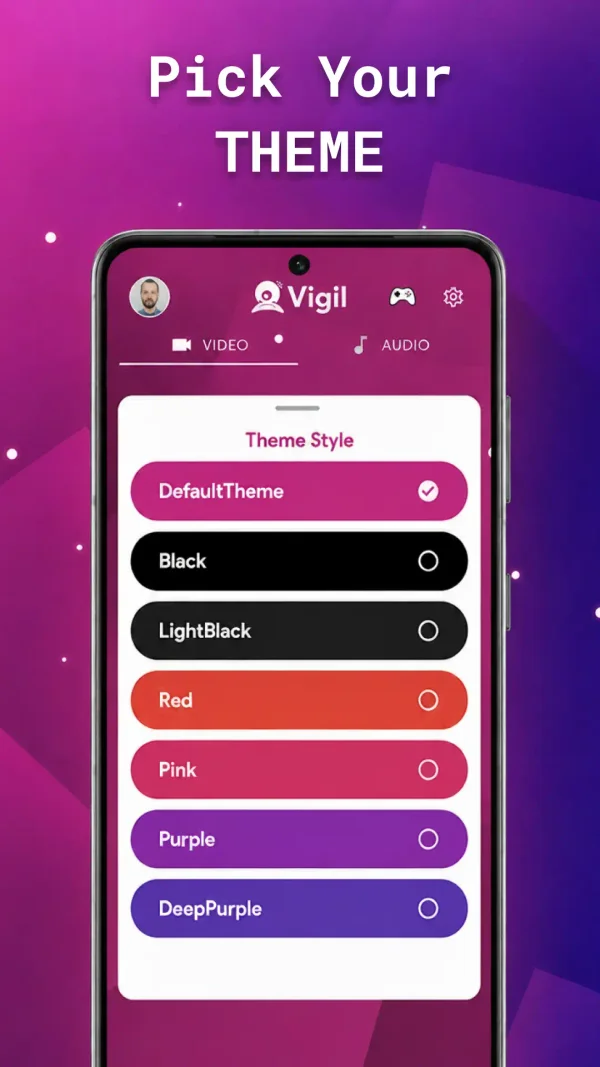
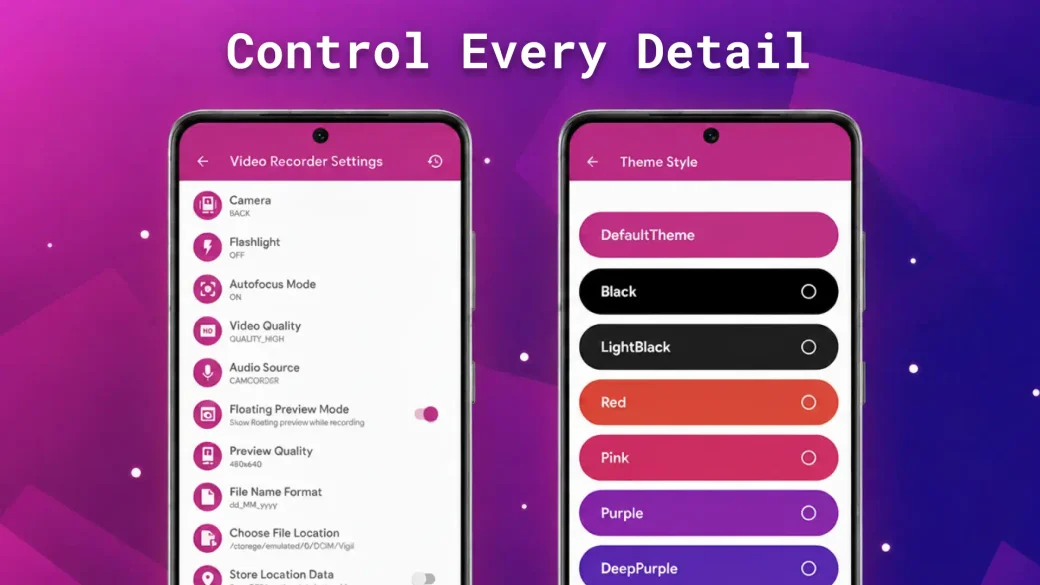
📹 さまざまな動画解像度を選択、プレビュー画面をオフにするなど、プライバシーと画質の最適なバランスに合わせてバックグラウンド動画レコーダーを設定できます。
📹 動画録画機能
📹 Vigilを使って通話中に動画を録画。 必要な許可または同意を得た場合のみ録画します。
使い方
🎥 簡単バックグラウンド録画 タップするだけでバックグラウンド録画が開始されます。カメラアプリがバックグラウンドで録画している間も、他のアプリを使い続けたり、画面をロックしたりできます。
🎥 無制限録画 動画の長さや枚数に制限はありません。長時間の録画やイベントの記録に最適です。
🎥 プレビューなし、集中を妨げない カメラプレビューをオフにしてバックグラウンドでカメラアプリを実行できます。
最適な使用例
📱 計画的な録画 会議、プレゼンテーション、イベントなど、許可を得た状況での録画にVigilをご利用ください。
📱 イベント用バックグラウンドビデオ 録画許可を得ている場合、Vigilを使えば、記録用や後日の確認用にバックグラウンドでビデオを録画できます。
📱 日常使いに最適なバックグラウンドビデオレコーダー 日常の活動から大切なイベントまで、あらゆるシーンをバックグラウンドで録画するなら、Vigil - バックグラウンドカメラがおすすめです。
今すぐ始めましょう!
ダウンロードとインストール:ストアからVigil - バックグラウンドビデオ録画アプリをダウンロードし、Android端末にインストールしてください。
設定:解像度、カメラ選択、プライバシー設定など、録画ニーズに合わせて設定を調整できます。
録画開始:録画ボタンをタップして、他の作業をしながらバックグラウンドビデオレコーダーを起動させましょう。
確認と共有:録画が完了したら、簡単に録画にアクセスし、必要に応じて共有できます。
今すぐVigilをダウンロード!
許可された録画には、Vigilをバックグラウンドビデオレコーダーとして活用しましょう。
必要な許可または同意を得てから録画を開始してください。
原文を表示
Vigil - Background Video Recorder - Capture Every Moment!
Record permitted videos in the background with Vigil.📹📱Background video recorder app lets you record video in the background while continuing your usual smartphone activities. 😉😉😉
Choose Vigil - Background Video Recorder
Vigil - Background camera app is for recording permitted videos in the background. You can record video background while your screen is off, while using other apps, or even when your phone is locked.
For users looking for a background video recorder, Vigil supports everyday recording when you have the necessary permission or consent.
Background camera app key features:
📹 Record Video Background Without Interruption!
📹 With Vigil - Background camera, you can record video background without disturbing your workflow. The background video recorder works behind the scenes, for recording while you use other apps.
📹 Background Camera for Planned Recordings
📹 Capture footage where you have permission to record. The background camera feature lets you record events while using other phone functions.
📹 Customizable Settings
📹 Choose different video resolutions, turn off preview screens, and configure your bg video recorder for the perfect balance of privacy and quality.
📹 Video Recording Features
📹 Use Vigil to record video during phone calls. Record only with the necessary permission or consent.
How It Works:
🎥 Easy Background Recording: Tap to start the background video recorder. Continue using other apps or lock your screen while the camera app records in the background.
🎥 Unlimited Recording: No restrictions on video length or number of videos. Perfect for long-term recordings or tracking events.
🎥 No Preview, No Distractions: Run the background camera app with the camera preview turned off.
Ideal Use Cases:
📱 Planned Recordings: Use Vigil for permitted recordings during meetings, presentations, or events.
📱 Background Video for Events: Vigil lets you record video in the background for documentation or later review when you have permission to record.
📱 BG Video Recorder for Daily Use: Whether capturing routine activities or important events, use Vigil - Background camera as your go-to bg video recorder.
Get Started Now!
Download and Install: Get Vigil - Record video background from the store and install it on your Android device.
Configure Settings: Adjust settings to match your recording needs - resolution, camera selection, and privacy options.
Start Recording: Tap the record button, and let the background video recorder run while you do other tasks.
Review and Share: Once done, access your recordings easily and share them as needed.
Download Vigil Today!
Use Vigil as a background video recorder for permitted recordings.
Start recording with the necessary permission or consent.
データ セーフティ
このアプリが収集・共有するデータについて、Galaxy studio appsがGoogle Playで申告している内容です。
- このアプリはサードパーティと以下の種類のデータを共有することがありますファイル、ドキュメント
- データは収集されません詳しくは、デベロッパーが収集を申告する方法についての説明をご覧ください
- データは送信中に暗号化されます
- データを削除するようリクエストできます
新機能
バージョン 61.0.0 · 2026/10/22
- Improved performance and compatibility
- Responsive Quick WhatsApp & Email support
- Full Android 15 compatibility
- Transparent licensing
- Seamless navigation
- Enhanced security with advanced encryption
- Expanded language support
開発元の連絡先
- ウェブサイトgalaxystudioapps.me
- メールsupport.vigil@galaxystudioapps.me
- プライバシーポリシーgalaxystudioapps.me
- 住所8 The Grn Ste 4184 Dover, DE 19901-3618 United States
情報
- 提供元
- Galaxy studio apps
- カテゴリ
- ツール
- バージョン
- 61.0.0
- 更新日
- 2026/10/22
- リリース
- 2023/3/13
- 必要条件
- Android 6.0以降
- 対象年齢
- 3 歳以上
- 価格
- 無料
- アプリ内課金
- ¥110~¥10,900/アイテム
- パッケージ名
- com.devsig.vigil.pro
類似のアプリ
-
 Screen Recorder Unlimited
ツール
-
 Qomon - Campaign, volunteer
仕事効率化
-
 Kisi
ビジネス
-
 スクリーンレコーダー
動画プレーヤー&エディタ
-
 非公開のスクリーンショット
ツール
-
 Philips Avent Baby Monitor+
出産&育児
-
 Embody
健康&フィットネス
-
 キッズロックス・ペアレンタル・コントロール
出産&育児
-
 Tuiss SmartView
住まい&インテリア
-
 ADV Screen Recorder
ツール
-
 ペアレンタルコントロール ー 子供の位置情報アプリ
出産&育児
-
 Loom – Screen and Cam Recorder
ビジネス