Virtual Remote Gamepad Touch
Fa9ssa広告を含む
- 3 歳以上対象年齢
- ライブラリ&デモカテゴリ
- 2026/11/9更新日
- 無料価格
com.xboxcontroller.remoteplayのGoogle Play公式ページにリンクしています。最終確認:2026/11/27。
スクリーンショット
このアプリについて
Googleによる英語 (アメリカ合衆国)からの自動翻訳です。
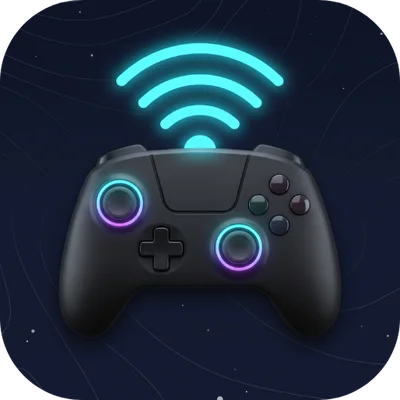
バーチャルゲームパッドとリモートコンソールのストリーミング配信。スマートフォンからゲームをプレイしたり操作したりできます。
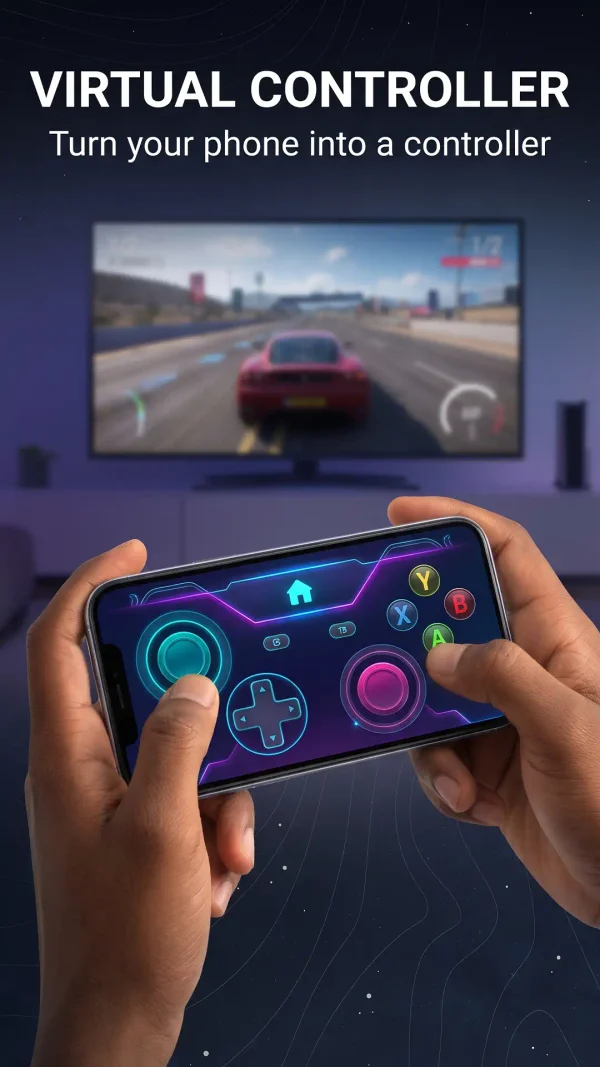
スマートフォンをワイヤレスコンソールコントローラーに変身させよう
Android端末を、レスポンスの良い仮想ゲームパッドとリモートプレイ画面に変身させましょう。物理コントローラーのバッテリーが切れてしまった時、友達と協力プレイを楽しみたい時、あるいはコンソールゲームのプレイ画面を別の部屋にストリーミングしたい時など、Remote Gamepad & Console Playを使えば、ホームゲームシステムをワイヤレスで完全にコントロールできます。
シームレスなリモートプレイと画面ストリーミング
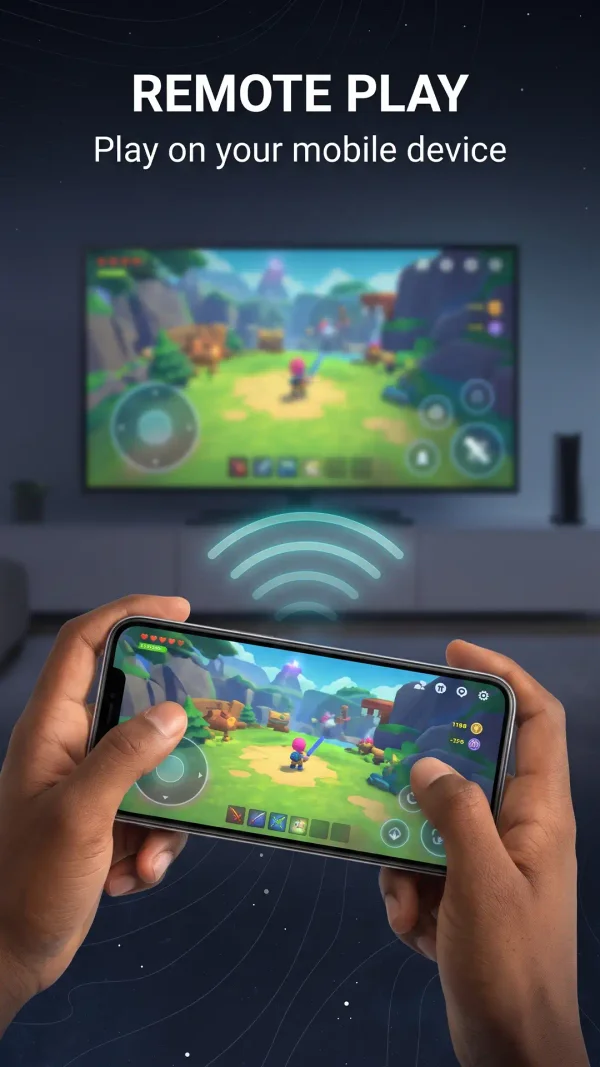
ローカルWi-Fiネットワークまたは対応するモバイルデータ接続を介して、コンソール画面を最大1080pの高解像度でスマートフォンに直接ストリーミングできます。ダッシュボードメニューの操作、メディアアプリの起動、インストール済みのコンソールゲームライブラリのプレイは、テレビに縛られることなく、家のどこからでも可能です。
カスタマイズ可能なオンスクリーンタッチゲームパッド
専用のゲームパッドモードでは、スマートフォンをワイヤレスコントローラーとしてのみ使用できます。直感的なタッチインターフェースには、デュアルアナログスティック、8方向方向パッド、レスポンスの良いショルダーボタン、そして快適なタッチ入力のために設計されたアクションボタンが搭載されています。
主な特長:
- デュアル操作モード:フルオーディオ/ビデオのリモートプレイストリーミングとタッチ操作のみのゲームパッドモードを簡単に切り替えられます。
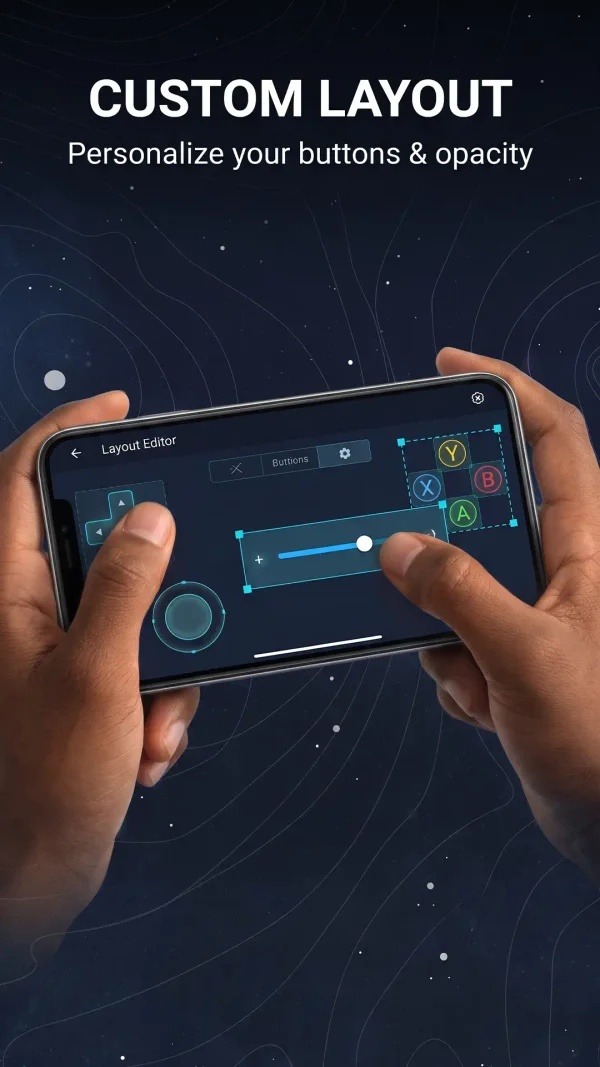
- カスタムボタンレイアウト:ボタンの透明度、サイズ、デッドゾーン、ショートトリガー感度をプレイスタイルに合わせて調整できます。
- ハプティック振動フィードバック:カスタマイズ可能な振動機能で、ゲーム内のアクションを体感できます。
- ローカルマルチプレイ対応:複数のスマートフォンを同じコンソールセッションに接続できるので、追加のハードウェアを購入することなく、友人や家族とローカル協力プレイやパーティーゲームを楽しむことができます。
- 音声&オーディオ対応:ステレオゲーム音声をモバイルデバイスに出力し、セッション中はスマートフォンのマイクを使用してボイスチャットを行うことができます。
- 外部周辺機器対応:対応するBluetoothヘッドセットやキーボードをペアリングすることで、テキスト入力やプライベートなリスニングが容易になります。
使用方法/セットアップ要件:
1. 家庭用ゲーム機の電源が入っているか、システム設定でリモート機能が有効になっている状態で、インスタントオンスタンバイモードになっていることを確認してください。
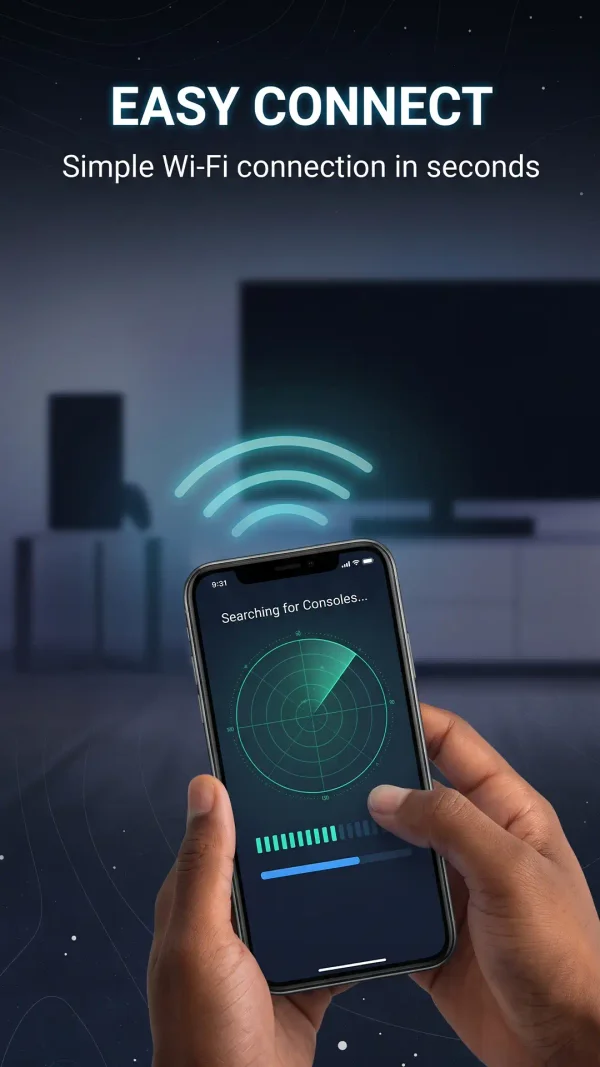
2. Androidスマートフォンとゲーム機を同じ高速Wi-Fiネットワークに接続してください(最適なストリーミング遅延を実現するには5GHz帯を推奨)。
3. アプリを起動し、ゲーム機の公式リモート接続プロトコルを使用して安全なペアリングプロセスを完了してください。
4. リモートプレイ(ビデオストリーム+操作)またはゲームパッドモード(コントローラー入力のみ)を選択してプレイを開始してください。
対応デバイスとシステム:
- ネットワークリモートプレイおよびスマートコンパニオンプロトコルをサポートする第8世代および第9世代家庭用ゲーム機(Series X、Series S、第1世代ハードウェアを含む)に対応しています。
- Android 8.0以降と安定したローカルネットワーク接続が必要です(1080pストリーミングには最低15Mbpsを推奨)。
安全性、権限、および重要な注意事項:
- ネットワークとパフォーマンス:ストリーミング品質と入力遅延は、ホームルーターの性能とWi-Fi信号強度に直接依存します。
- マイク権限(オプション):マイクへのアクセスは、アプリ内ボイスチャットリレーを有効にした場合にのみ要求され、デバイスの設定でいつでも取り消すことができます。
- コンテンツおよびDRMに関する注意事項:このアプリケーションは、お使いのゲーム機本体から直接ビデオ出力をストリーミングします。ゲーム機にインストールされている一部のサードパーティ製メディアストリーミングアプリは、デジタル著作権管理(DRM)の制限により、リモートビデオ送信をブロックする場合があります。
商標および法的免責事項:
このアプリケーションは、標準ネットワークプロトコルを介して対応する家庭用ゲーム機と連携するために開発された、独立したサードパーティ製ユーティリティです。公式アプリケーションではなく、Microsoft Corporationまたはその子会社とは一切関係がなく、Microsoft Corporationまたはその子会社による承認、後援、または製造も受けていません。互換性の参考として記載されているすべてのサードパーティ製品名、ゲーム機世代識別子、および登録商標は、それぞれの所有者に帰属します。
原文を表示
Transform Your Smartphone into a Wireless Console Controller
Turn your Android device into a responsive virtual gamepad and remote play screen. Whether your physical controller has a dead battery, you want to play co-op multiplayer with friends, or you prefer streaming console gameplay to another room, Remote Gamepad & Console Play gives you full wireless control over your home gaming system.
Seamless Remote Play & Screen Streaming
Stream your console screen directly to your phone in up-to-1080p resolution over your local Wi-Fi network or compatible mobile data connection. Navigate dashboard menus, launch media apps, and play your installed console library from anywhere in your home without being tied to your television.
Customizable On-Screen Touch Gamepad
Use your phone purely as a wireless controller in dedicated Gamepad Mode. The intuitive touch interface features dual analog thumbsticks, an 8-way directional pad, responsive shoulder triggers, and action buttons engineered for comfortable touch input.
Key Features:
- Dual Operating Modes: Switch effortlessly between full audio/video Remote Play streaming and touch-only Gamepad Mode.
- Custom Button Layouts: Adjust button opacity, size, dead zones, and short-trigger sensitivity to match your play style.
- Haptic Vibration Feedback: Feel in-game action with customizable rumble and vibration support.
- Local Multiplayer Ready: Connect multiple smartphones to the same console session so friends and family can join local co-op and party games without buying extra hardware.
- Voice & Audio Support: Route stereo game audio to your mobile device and optionally use your phone’s microphone for voice chat during active sessions.
- External Peripheral Support: Pair compatible Bluetooth headsets and keyboards for easier text input and private listening.
How It Works / Setup Requirements:
1. Ensure your home gaming console is powered on or set to instant-on standby mode with remote features enabled in system settings.
2. Connect both your Android smartphone and your console to the same high-speed Wi-Fi network (5GHz recommended for optimal streaming latency).
3. Launch the app and complete the secure pairing process using your console's official remote connection protocol.
4. Select either Remote Play (video stream + controls) or Gamepad Mode (controller input only) and start playing.
Compatible Devices & Systems:
- Designed for 8th-generation and 9th-generation home gaming consoles supporting network remote play and smart companion protocols (including Series X, Series S, and One generation hardware).
- Requires Android 8.0 or higher and a stable local network connection (minimum 15 Mbps recommended for 1080p streaming).
Safety, Permissions & Important Notes:
- Network & Performance: Streaming quality and input latency depend directly on your home router performance and Wi-Fi signal strength.
- Optional Microphone Permission: Microphone access is requested only if you enable in-app voice chat relay and can be revoked at any time in your device settings.
- Content & DRM Notice: This application streams video output directly from your personal hardware console. Certain third-party media streaming apps on your console may block remote video transmission due to Digital Rights Management (DRM) restrictions.
Trademark & Legal Disclaimer:
This application is an independent, third-party utility developed to interface with supported home gaming consoles via standard network protocols. It is not an official application and is not affiliated with, endorsed by, sponsored by, or produced by Microsoft Corporation or any of its subsidiaries. All third-party product names, console generation identifiers, and registered trademarks mentioned for compatibility reference remain the sole property of their respective owners.
データ セーフティ
このアプリが収集・共有するデータについて、Fa9ssaがGoogle Playで申告している内容です。
- このアプリはサードパーティと以下の種類のデータを共有することがあります位置情報、アプリの情報、パフォーマンス、デバイスまたはその他の ID
- データは収集されません詳しくは、デベロッパーが収集を申告する方法についての説明をご覧ください
- データは送信中に暗号化されます
- データを削除できません
開発元の連絡先
- ウェブサイトfa9ssa.space
- メールsupport@fa9ssa.space
- プライバシーポリシーfa9ssa.space
- 住所932 Rue Poirier McMasterville, QC J3G 1K4 Canada
情報
- 提供元
- Fa9ssa
- カテゴリ
- ライブラリ&デモ
- バージョン
- 16.0
- 更新日
- 2026/11/9
- リリース
- 2025/10/9
- 必要条件
- Android 7.0以降
- 対象年齢
- 3 歳以上
- 価格
- 無料
- パッケージ名
- com.xboxcontroller.remoteplay