WIN Nuclear BP Mod
WinWatchfaces- 3 歳以上対象年齢
- カスタマイズカテゴリ
- 2026/10/3更新日
- ¥200価格
com.watchfacestudio.nuclearbpmodのGoogle Play公式ページにリンクしています。最終確認:2026/11/24。
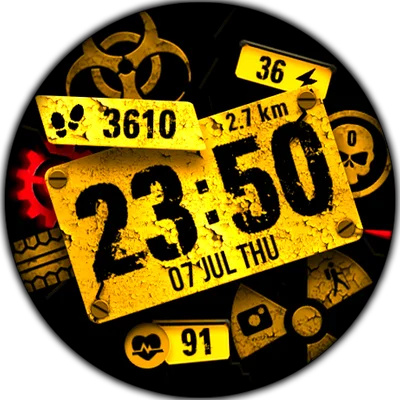
スクリーンショット
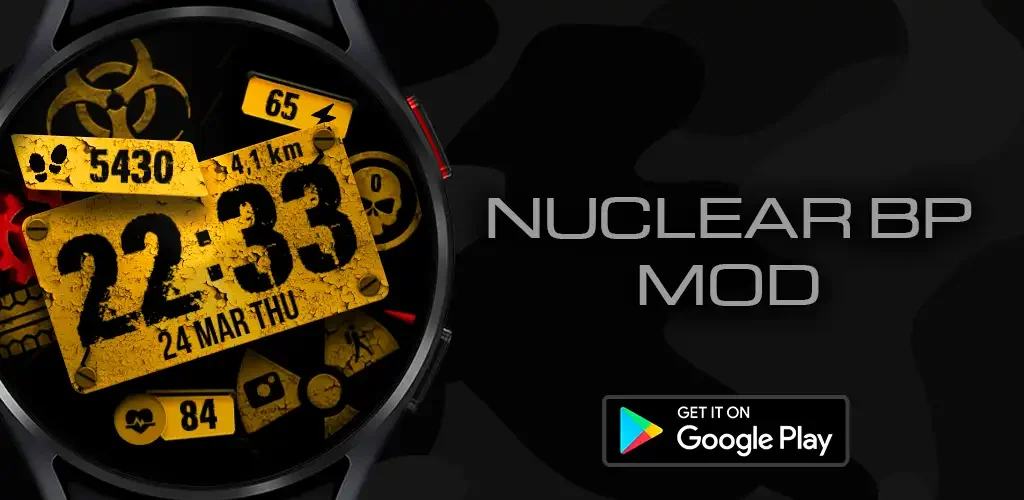
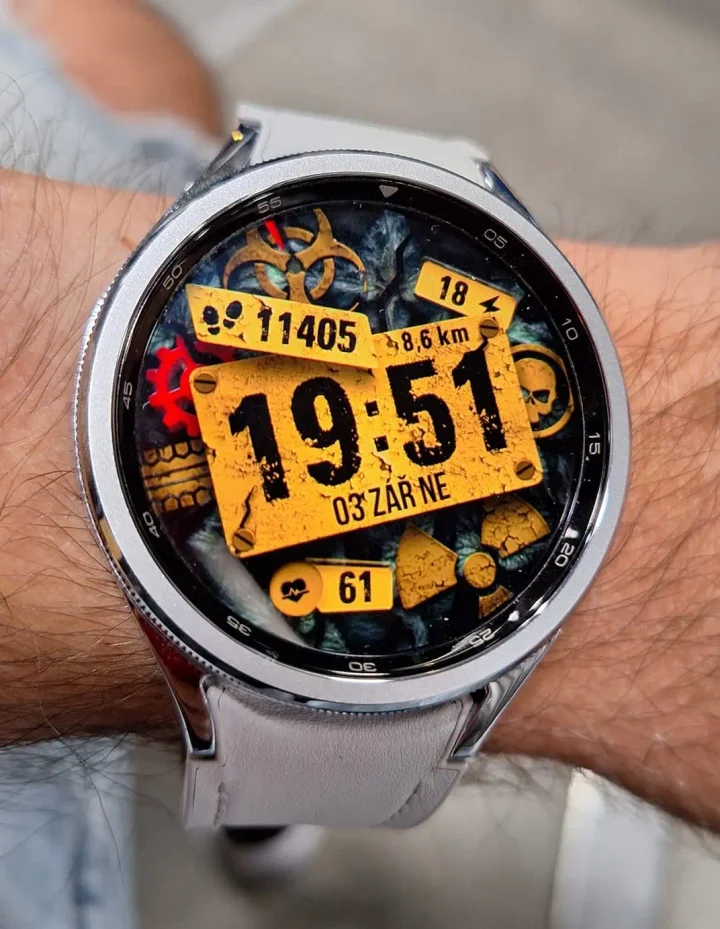
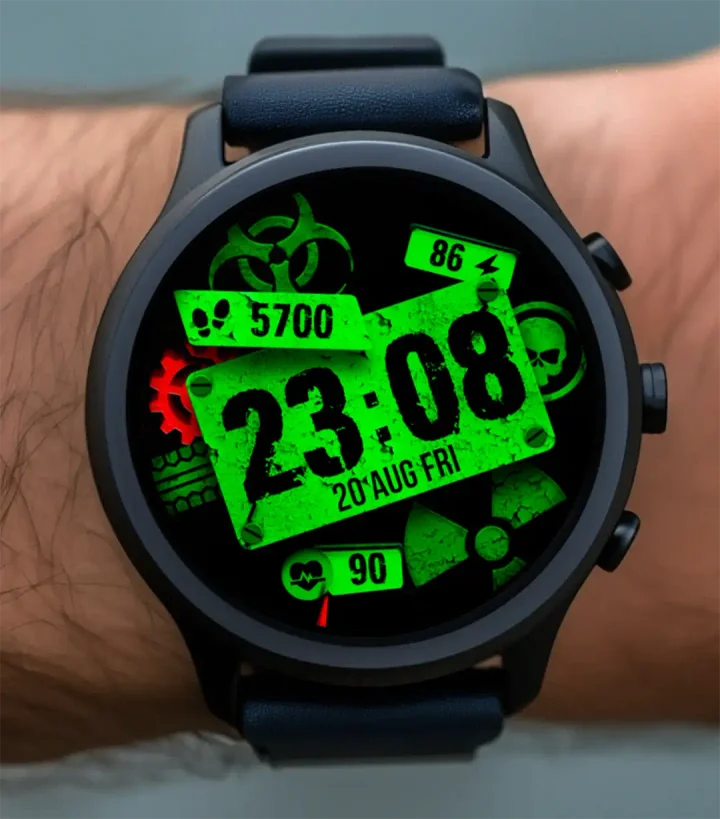
このアプリについて
Googleによる英語 (アメリカ合衆国)からの自動翻訳です。
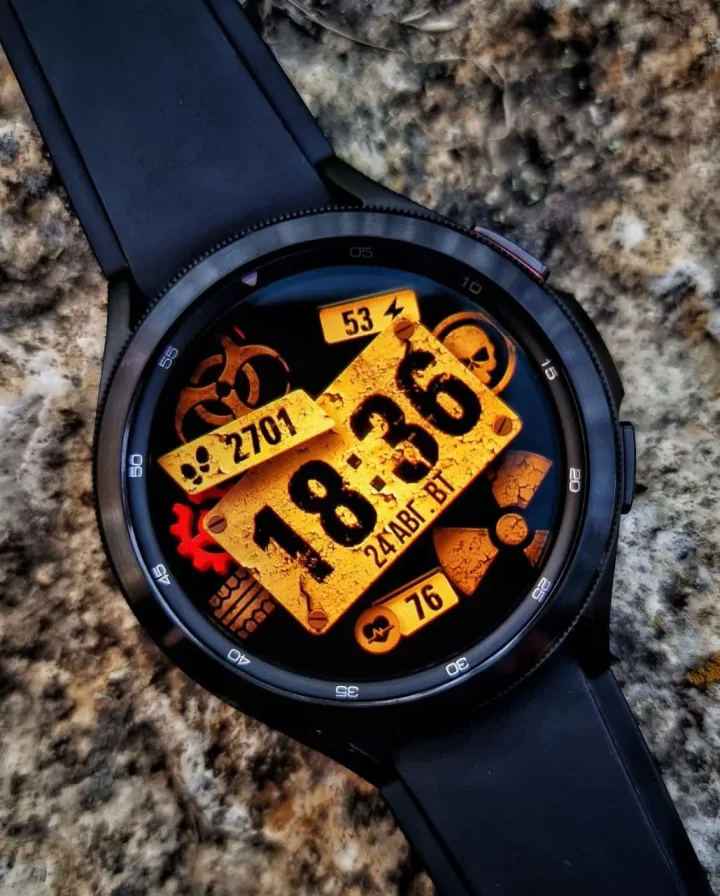
色設定と便利な機能を備えたテーマウォッチフェイス
高品質なディテールと鮮やかなデザイン、そして便利な機能を備えたプレミアムウォッチフェイス
Wear OS専用ウォッチフェイス
終末世界をテーマにしたウォッチフェイス。カラー設定や便利な機能も搭載。
基本機能:
- スマートフォンの設定に応じて12時間表示または24時間表示を選択可能
- 明るく見やすいデザイン
- 背景と色の変更が可能
- カスタムコンプリケーション
- AOD(常時表示)モード
Samsung Galaxy Watch 4、5、6、7、8、Pixel Watchなど、APIレベル30以上のWear OSデバイスに対応しています。
**インストール方法**
1. スマートフォンにウォッチフェイスアプリをインストールします。
2. Wear OSウォッチがスマートフォンに接続され、同じGoogleアカウントを使用していることを確認してください。
3. インストールデバイスとしてウォッチを選択し、インストールを完了します。
4. インストール後、ウォッチフェイスギャラリーからウォッチフェイスを選択します。
インストールが遅れる場合は、両方のデバイスのインターネット接続を確認し、1~2分待つか、ウォッチを再起動して再度お試しください。
**カスタマイズ**
• ウォッチフェイスを長押しし、「カスタマイズ」をタップして設定画面にアクセスしてください。
• 最適な設定を行うには、ウォッチフェイスをウォッチ本体で直接設定することをお勧めします。動画ガイド:
https://youtu.be/YPcpvbxABiA
**サポート**
ご質問やインストールに関する問題がございましたら、srt48rus@gmail.comまでお問い合わせください。
**WINによるその他のウォッチフェイス**
その他のウォッチフェイスはこちら:
https://play.google.com/store/apps/dev?id=6789054753742990227
原文を表示
Premium watchface with high-quality detail and bright design, as well as useful functionality
Watch Face only for Wear OS
Themed post-apocalyptic watchface with color settings and useful features
Basic moments:
- Mode for digital time 12 or 24 hours depending on the smartphone settings
- Bright and informative design
- Ability to change backgrounds and colors
- Custom complications
- AOD mode
Compatible with Wear OS devices running API level 30 and above, including Samsung Galaxy Watch 4, 5, 6, 7, 8 and Pixel Watch.
**Installation**
1. Install the watch face app on your phone.
2. Make sure your Wear OS watch is connected to your phone and uses the same Google account.
3. Select your watch as the installation device and complete the installation.
4. After installation, select the watch face from your watch face gallery.
If installation is delayed, check the internet connection on both devices, wait a minute or two, or restart your watch and try again.
**Customization**
• Touch and hold the watch face, then tap **Customize** to access the available settings.
• For the best experience, we recommend configuring the watch face directly on your watch. Video guide:
https://youtu.be/YPcpvbxABiA
**Support**
If you have any questions or installation issues, please contact: srt48rus@gmail.com
**More watch faces by WIN**
Explore other watch faces:
https://play.google.com/store/apps/dev?id=6789054753742990227
データ セーフティ
このアプリが収集・共有するデータについて、WinWatchfacesがGoogle Playで申告している内容です。
- 第三者と共有されるデータはありません詳しくは、デベロッパーが共有を申告する方法についての説明をご覧ください
- データは収集されません詳しくは、デベロッパーが収集を申告する方法についての説明をご覧ください
新機能
2026/10/3
- Added new styles (backgrounds)
- Added the ability to select the probability of rain in custom complications
開発元の連絡先
- メールsrt48rus@gmail.com
- プライバシーポリシーsites.google.com
- 住所ул. Ескалиева, д. 148 кв. 21 090000 Уральск Kazakhstan
情報
- 提供元
- WinWatchfaces
- カテゴリ
- カスタマイズ
- 更新日
- 2026/10/3
- リリース
- 2021/8/24
- 対象年齢
- 3 歳以上
- 価格
- ¥200
- パッケージ名
- com.watchfacestudio.nuclearbpmod
類似のアプリ
-
 WIN Nuclear PRO Watch face
カスタマイズ
-
 Reddice Halloween DSH7
カスタマイズ
-
 TACTIC
カスタマイズ
-
 Radix 回転ウォッチフェイス
カスタマイズ
-
 HUB Watch Face
カスタマイズ
-
 Twisted metal Watch Face
カスタマイズ
-
 UsA Gear X Animated - USA193
カスタマイズ
-
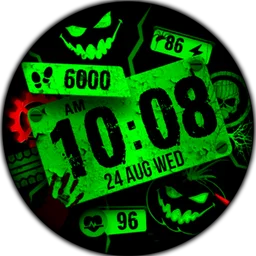 WIN - Halloween MOD
カスタマイズ
-
 Retro CRT
仕事効率化
-
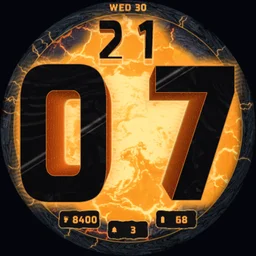 Magma 3D Watch Face
カスタマイズ
-
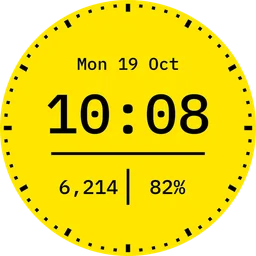 Monoline: Minimal Watch Face
カスタマイズ
-
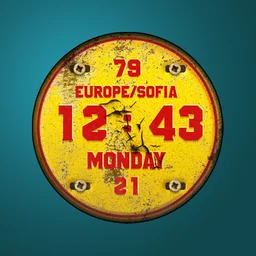 Tku S006 Vitange Digital
カスタマイズ