WPS Scanner
WPS SOFTWARE PTE. LTD.アプリ内課金
- 3 歳以上対象年齢
- 仕事効率化カテゴリ
- 2026/7/24更新日
- 無料価格
cn.wps.scanhostのGoogle Play公式ページにリンクしています。最終確認:2026/11/14。
スクリーンショット




このアプリについて
Googleによる英語 (アメリカ合衆国)からの自動翻訳です。
PDFスキャン、OCR、翻訳
PS Scannerを使えば、iPhoneがパワフルなモバイルドキュメントスキャナーに早変わり。紙の書類、領収書、メモ、契約書、フォームなどを数秒でスキャンし、高画質のPDFに変換。OCRでテキストを抽出し、画像コンテンツを瞬時に翻訳できます。
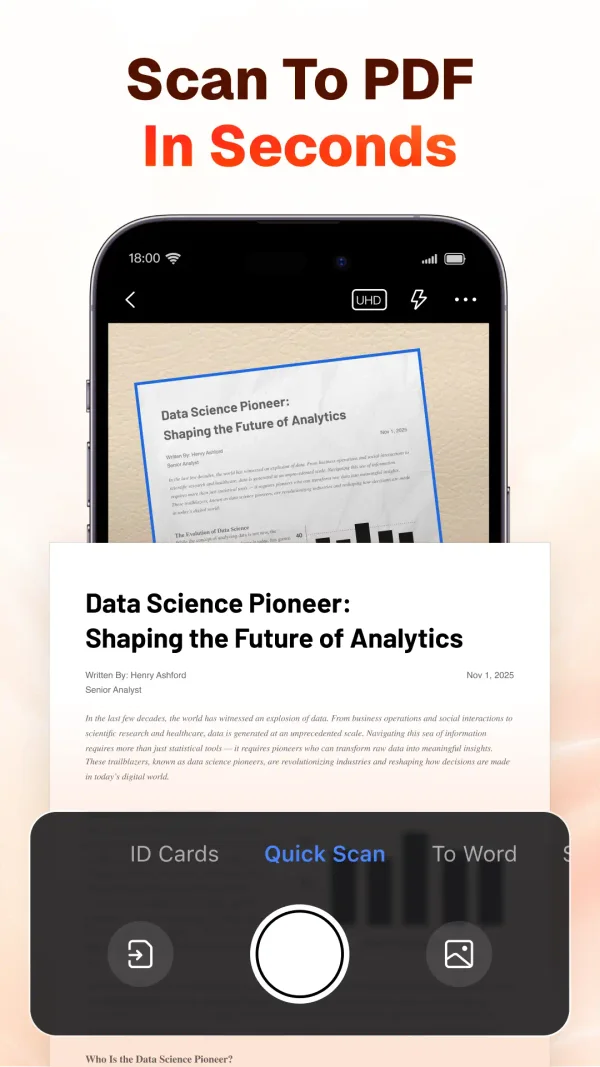
数秒でPDFにスキャン
• スマートドキュメントスキャン:カメラを使って、書類、領収書、メモ、請求書、フォーム、契約書などをスキャンできます。
• 自動エッジ検出:書類の境界線を自動的に検出し、スキャン画像を正確にトリミングします。
• PDFエクスポート:紙の書類を数秒で鮮明なPDFファイルに変換し、共有できます。
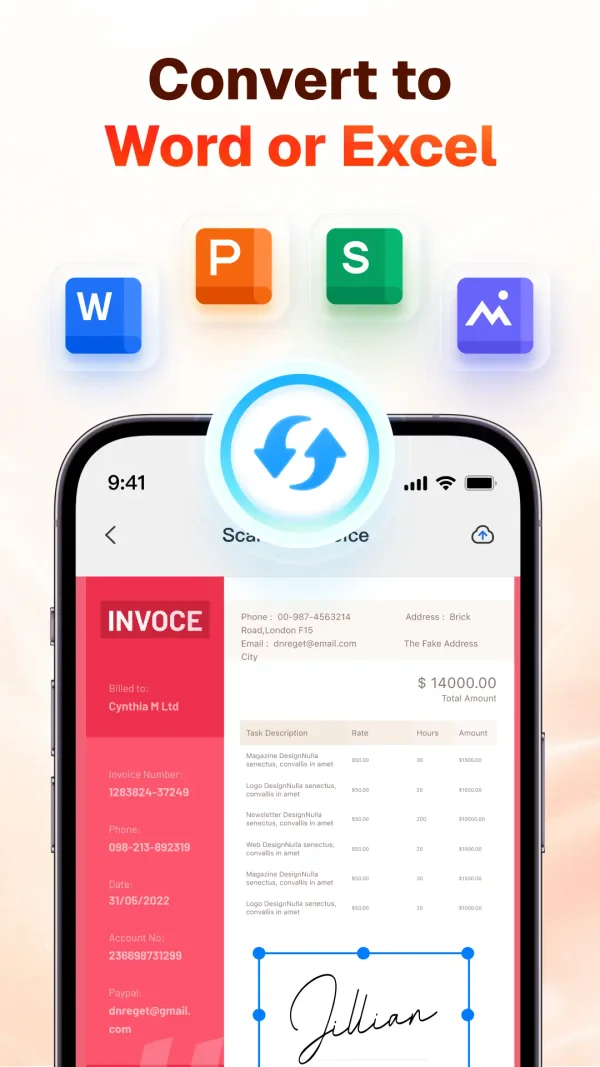
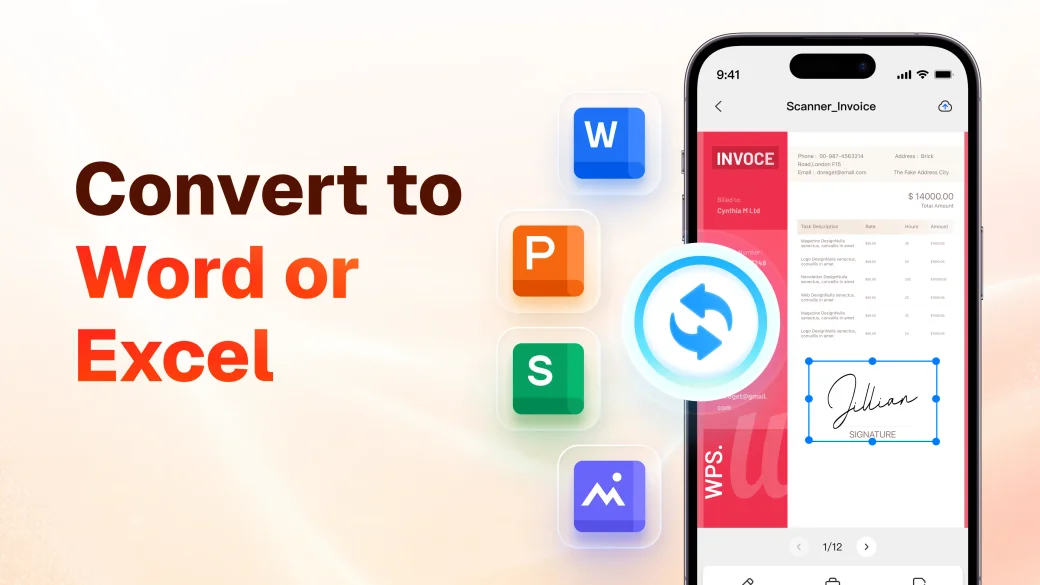
WordまたはExcelに変換
• 編集可能なドキュメント:スキャンした書類をWordファイルに変換し、簡単に編集できます。
• 表認識:スキャンした表、領収書、レポートをExcelファイルに変換できます。
• よりスマートな作業:スキャンした画像を画像として保存するだけでなく、編集や処理を続けることができます。
OCRテキスト認識
• テキストを瞬時に抽出:画像、スキャンした書類、紙のメモからテキストを認識します。
• コピー&共有:抽出したテキストをコピーして、学習、仕事、メール、メッセージなどに活用できます。
• 日常文書に最適:領収書、マニュアル、フォーム、印刷されたメモなど、様々な文書に対応します。
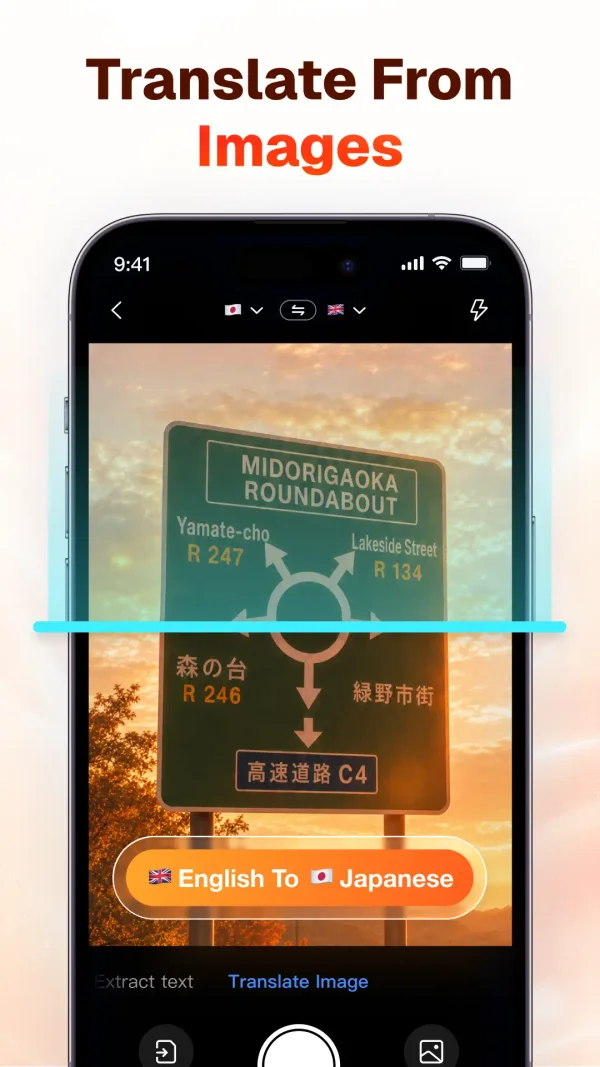
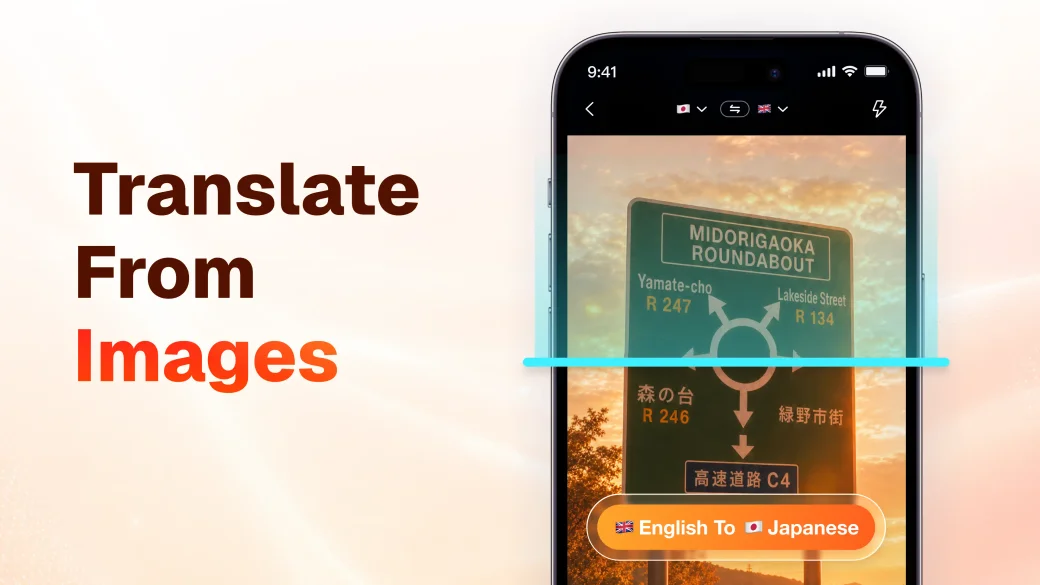
画像翻訳
• 画像からの翻訳:写真、文書、メニュー、看板、フォームなどのテキストを翻訳します。
• 旅行や学習に最適:必要な時に外国語のコンテンツを素早く理解できます。
• シンプルなワークフロー:数回タップするだけで、スキャン、認識、翻訳が完了します。
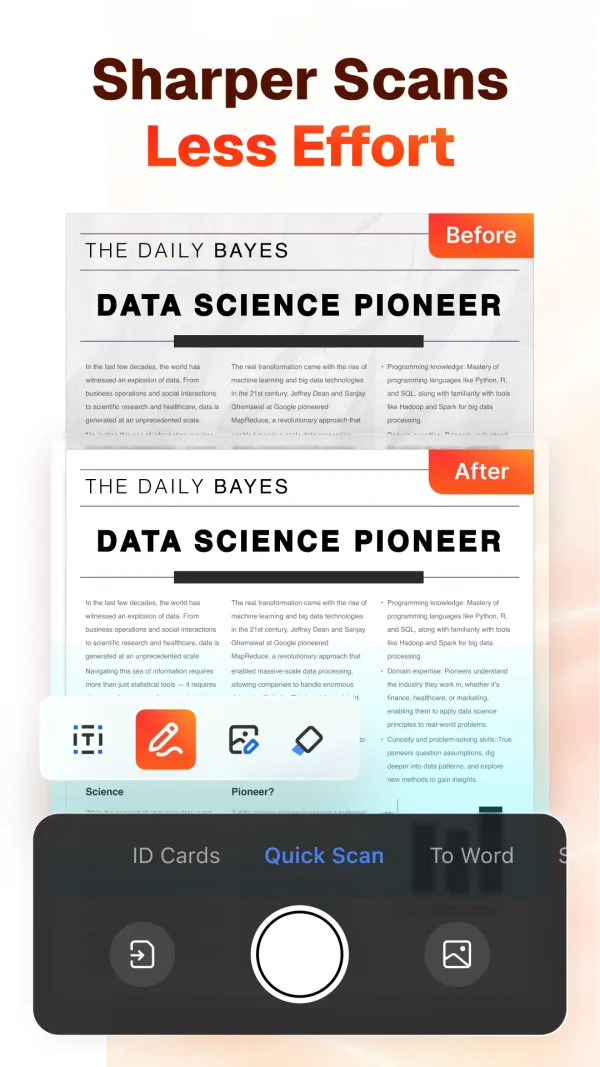
より鮮明なスキャン、より少ない労力で
• 画像補正:鮮明度、明るさ、コントラストを自動的に向上させます。
• 遠近補正:斜めに傾いた写真を補正し、文書をより鮮明に見せます。
• 影の軽減:日常の写真でも、より鮮明なスキャン画像を作成できます。
整理と共有
• スキャンしたファイルを保存:デバイス上で文書を整理して保存できます。
• どこでも共有:PDF、画像、認識されたテキストをエクスポートして共有できます。
• 仕事、学習、旅行に最適:学生、会社員、フリーランサー、旅行者に最適です。 【自動更新サブスクリプションのお知らせ】
自動更新サブスクリプション期間:サブスクリプションオプションには、1ヶ月、3ヶ月、1年など、複数の更新期間があります。ご希望のサブスクリプション期間を選択し、お支払い前にご確認ください。
お支払い:お支払いは、購入確認時にApple IDアカウントに請求されます。
サブスクリプションのキャンセル:App Storeアカウント設定からいつでも自動更新をオフにできます。次回の請求を避けるには、現在のサブスクリプション期間終了の24時間前までにキャンセル手続きを行ってください。
更新:現在のサブスクリプション期間終了の24時間以内に、アカウントに更新料金が請求されます。
有効なサブスクリプション期間中は、現在のサブスクリプションをキャンセルすることはできません。
プライバシーポリシー:https://wps.com/privacy
自動更新サブスクリプションサービス利用規約:https://wps.com/terms
原文を表示
PS Scanner turns your iPhone into a powerful mobile document scanner. Scan paper documents, receipts, notes, contracts and forms in seconds, convert them into high-quality PDFs, extract text with OCR, and translate image content instantly.
SCAN TO PDF IN SECONDS
• Smart Document Scanning: Use your camera to scan documents, receipts, notes, invoices, forms and contracts.
• Auto Edge Detection: Automatically detect document borders and crop scans with precision.
• PDF Export: Turn paper documents into clear, shareable PDF files in seconds.
CONVERT TO WORD OR EXCEL
• Editable Documents: Convert scanned documents into Word files for easy editing.
• Table Recognition: Turn scanned tables, receipts or reports into Excel files.
• Work Smarter: Continue editing and processing your scans instead of saving them as images only.
OCR TEXT RECOGNITION
• Extract Text Instantly: Recognize text from images, scanned documents and paper notes.
• Copy and Share: Copy extracted text for study, work, email or messaging.
• Useful for Everyday Documents: Works well with receipts, manuals, forms, printed notes and more.
IMAGE TRANSLATION
• Translate from Images: Translate text from photos, documents, menus, signs and forms.
• Travel and Study Friendly: Quickly understand foreign-language content when you need it.
• Simple Workflow: Scan, recognize and translate in just a few taps.
SHARPER SCANS, LESS EFFORT
• Image Enhancement: Improve clarity, brightness and contrast automatically.
• Perspective Correction: Fix angled photos and make documents look cleaner.
• Shadow Reduction: Create clearer scans even from everyday photos.
ORGANIZE AND SHARE
• Save Scanned Files: Keep your documents organized on your device.
• Share Anywhere: Export and share PDFs, images or recognized text.
• Built for Work, Study and Travel: Ideal for students, office workers, freelancers and travelers.
【Auto-renew Subscription Notification】
Auto-renew Subscription Cycle: Subscription options may include different renewal periods such as 1 month, 3 months or 1 year. Please choose the subscription cycle you need and confirm before payment.
Payment: Payment will be charged to your Apple ID account at purchase confirmation.
Cancellation of Subscription: You can turn off auto-renewal at any time from your App Store account settings. To avoid being billed for the next cycle, cancellation must be made at least 24 hours before the end of the current subscription period.
Renewal: Your account will be charged for renewal within 24 hours before the end of the current subscription period.
No cancellation of the current subscription is allowed during the active subscription period.
Privacy Policy: https://wps.com/privacy
Terms of Auto-Renew Subscription Service: https://wps.com/terms
データ セーフティ
このアプリが収集・共有するデータについて、WPS SOFTWARE PTE. LTD.がGoogle Playで申告している内容です。
- 第三者と共有されるデータはありません詳しくは、デベロッパーが共有を申告する方法についての説明をご覧ください
- このアプリは以下の種類のデータを収集することがあります個人情報、財務情報、他 5 件
- データは送信中に暗号化されます
- データを削除するようリクエストできます
新機能
バージョン 1.0.2 · 2026/7/24
Welcome to WPS Scanner on Android!
• Scan documents, receipts, notes, and forms to PDF in seconds
• Auto edge detection and image enhancement for clearer scans
• Convert scans to Word or Excel for easy editing
• OCR: extract and copy text from images and documents
• Translate text from photos, menus, signs, and forms
• Organize, export, and share PDFs anywhere
Thank you for downloading WPS Scanner!
開発元の連絡先
- ウェブサイトwps.com
- メールfeedback@wps.com
- プライバシーポリシーwps.com
- 住所C/O: SINGAPORE FOZL GROUP PTE LTD 6 Raffles Quay #14-06 Singapore 048580
情報
- 提供元
- WPS SOFTWARE PTE. LTD.
- カテゴリ
- 仕事効率化
- バージョン
- 1.0.2
- 更新日
- 2026/7/24
- リリース
- 2026/6/11
- 必要条件
- Android 7.0以降
- 対象年齢
- 3 歳以上
- 価格
- 無料
- アプリ内課金
- ¥1,200~¥24,200/アイテム
- パッケージ名
- cn.wps.scanhost