
- 対象年齢4+
- カテゴリ仕事効率化
- 開発元Taylor Simmons
- 言語英語
- サイズ14.9 MB
ActorCue: Line Readerは現在App Storeで入手できない可能性があります
前回の確認時、ストアのページにアクセスできませんでした。リンク先は引き続きApp Storeの公式ページです。
スクリーンショット

概要
開発元はこのテキストをお使いの言語で提供していません。
ActorCue is a line reader built for learning lines, self-tapes, auditions, and rehearsal.
Have your reader record the scene whenever they’re available and send you the audio. Import the recording into ActorCue and automatically separate it into individual reader lines to build your scene.
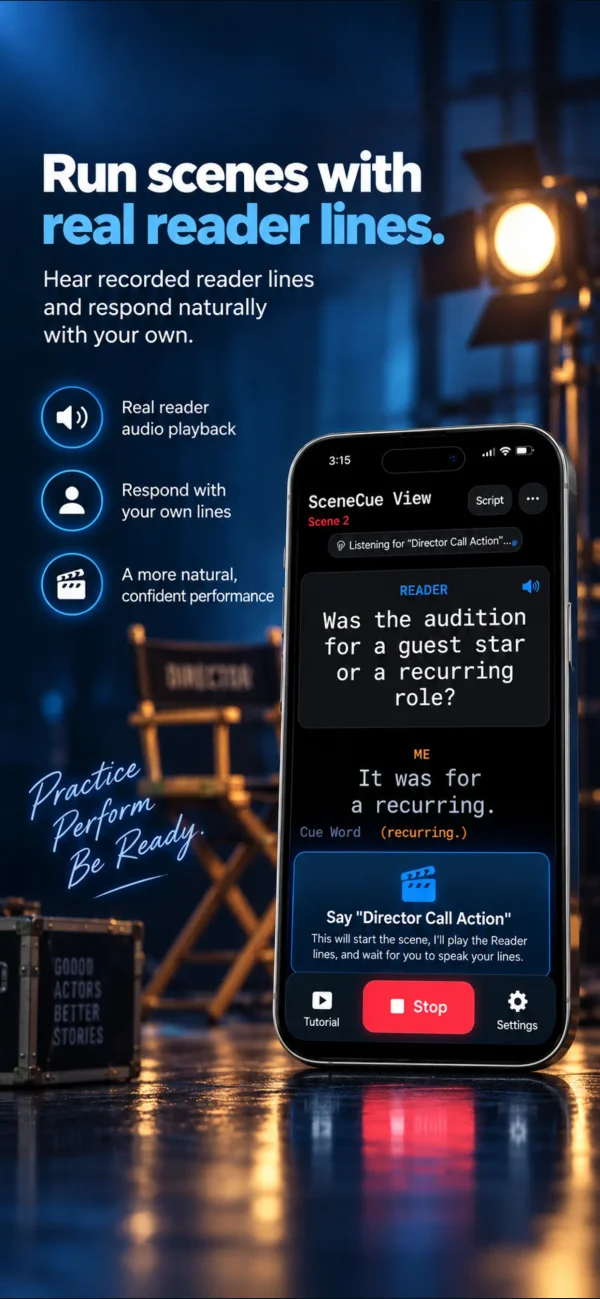
Then rehearse whenever you’re ready. Speak naturally and ActorCue listens as you perform, advances through the scene, and plays your reader’s lines at the right time.
No scheduling a live call.
No reader standing off camera.
No robotic AI scene partner required.
Need to start now? Record the reader lines yourself and begin rehearsing immediately. Replace them with your real reader’s audio anytime.
— BUILD SCENES FAST —
ALL AT ONCE
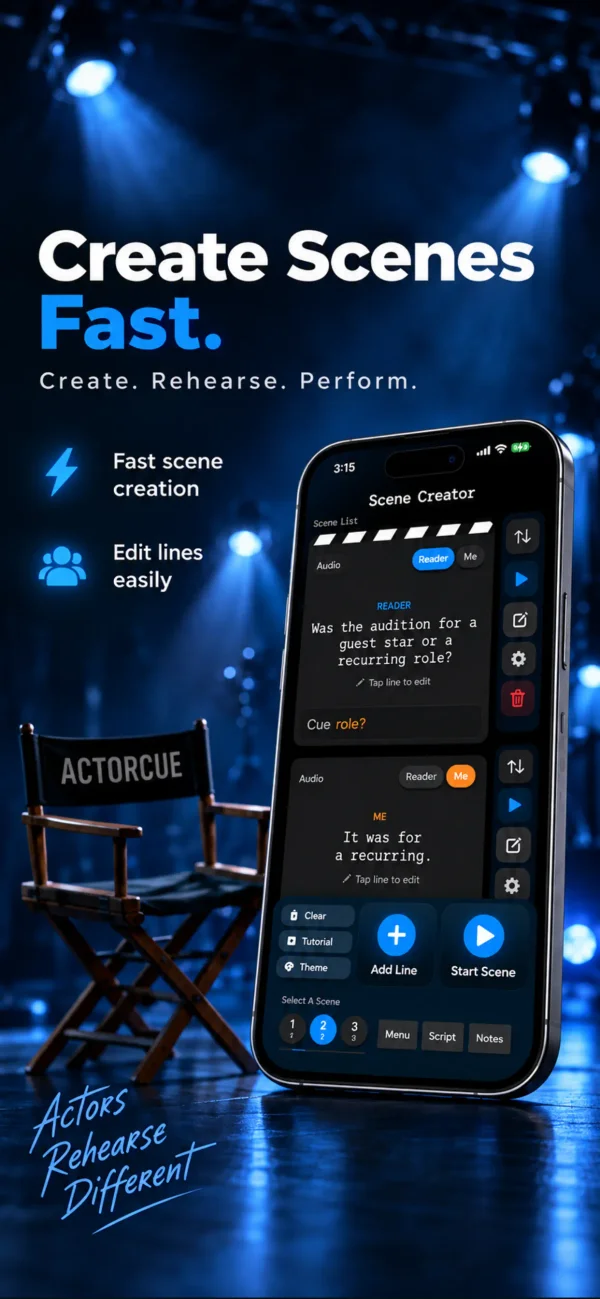
Import or record all reader lines in one take and let ActorCue build the scene for you.
ActorCue automatically separates the recording into individual lines, turning a single recording into a scene you can rehearse again and again.
— LEARN & REHEARSE YOUR WAY —
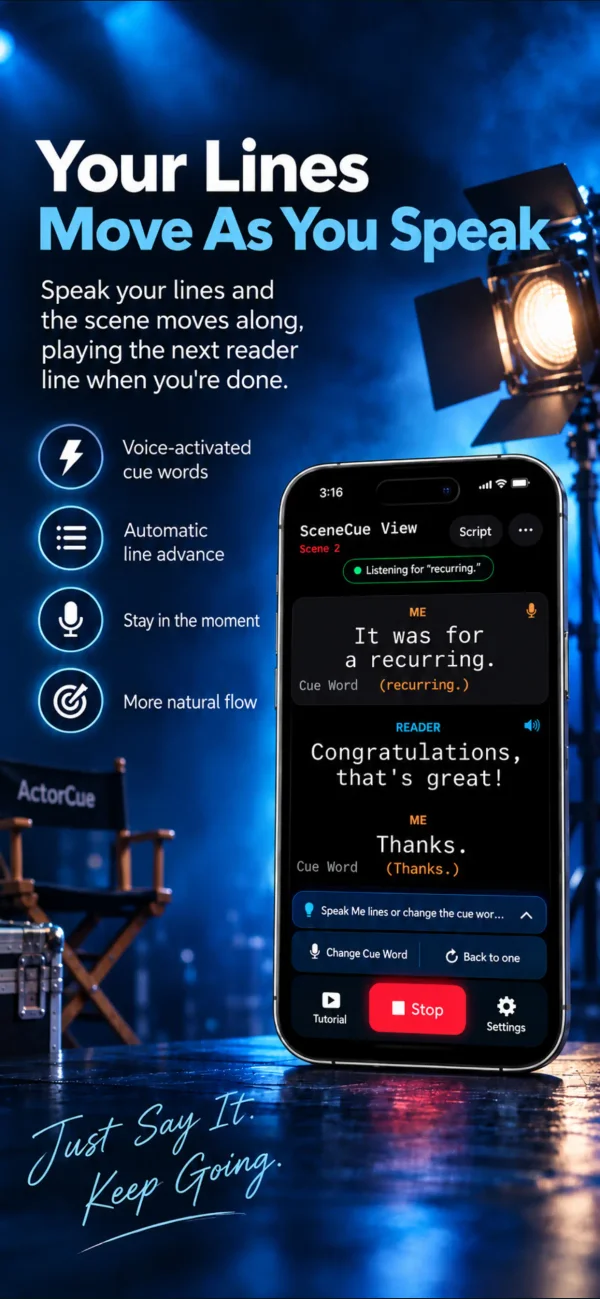
SCENECUE VIEW
Keep your active line centered and highlighted as you rehearse. See your lines, reader lines, cue words, countdown, and listening status at a glance.
Follow the scene as you practice, learn your lines, and work toward performing without relying on the script.
PERFORMANCE MODE
Run the scene hands-free with director-style controls.
Say “call action” to begin. ActorCue listens as you perform, advances with your lines, and plays your reader’s audio at the right moments.
Say “director line please” when you need your line or “director call cut” to stop.
CUE MODE
Assign a cue word to a reader line. When ActorCue hears your cue, it instantly plays the reader’s response.
Great for learning lines, memorization, rehearsal, and self-tapes.
TAP MODE
No voice required. Tap to advance at your own pace — ideal for quiet environments, on-set review, or working through a scene beat by beat.
— REAL READER AUDIO —
Import recordings from another actor, friend, coach, or reader. They can record wherever and whenever it works for them — they don’t need ActorCue or a live call with you.
Trim recordings, preview individual lines, and combine recorded audio with other line types.
Supports MP3, WAV, M4A, and AAC.
— MORE REHEARSAL TOOLS —
TRANSCRIPTION
Transcribe imported or recorded audio and get suggested cue words to speed up scene setup.
SCRIPT VIEWER
Import a PDF and keep your script available alongside your scene for quick reference.
TEXT-TO-SPEECH
Need a temporary reader? Use built-in voices to get started, then replace them with recorded reader audio anytime.
— PERFECT FOR —
• Learning & memorizing lines
• Self-tapes & auditions
• Film, TV & stage rehearsal
• Scene study
• Audition preparation
• Rehearsing without a live reader
— PRIVATE BY DEFAULT —
No account required. Your scenes, scripts, recordings, and lines stay on your device.
— ACTORCUE PRO —
Unlock unlimited lines with ActorCue Pro. Start with a free trial and rehearse complete scenes without line limits.
— SUBSCRIPTION INFORMATION —
ActorCue Pro is an auto-renewing subscription. Payment will be charged to your Apple ID account at confirmation of purchase. Subscriptions automatically renew unless canceled at least 24 hours before the end of the current period. Your account will be charged for renewal within 24 hours prior to the end of the current period.
Manage or cancel your subscription at any time in Settings > Apple ID > Subscriptions.
Privacy Policy:
https://www.actorcue.com/privacypolicy
Terms of Use:
https://www.actorcue.com/termsofuse
新機能
バージョン 1.7 · 2026/9/22
• Added Split and Merge tools to Record All and Import All line review
• Preview merged lines and optionally add silence between them
• Export all Reader and Me lines as one audio file with three-second pauses
アプリのプライバシー
このアプリのデータの取り扱いについて、Taylor SimmonsがApp Storeで申告している内容です。
-
ユーザーに関連付けられないデータ
収集される場合がありますが、ユーザーの識別情報には関連付けられません。
- 使用状況データ
プライバシーの取り扱いは、ご利用の機能やお客様の年齢などに応じて異なる場合があります。
情報
- 販売元
- Taylor Simmons
- カテゴリ
- 仕事効率化
- バージョン
- 1.7
- 更新日
- 2026/9/22
- リリース
- 2026/3/8
- サイズ
- 14.9 MB
- 必要条件
- iOS 17.6以降
- 対象年齢
- 4+
- アプリ内課金
- あり
- 言語
- 英語
- 著作権
- © 2026 Taylor Simmons
こちらもおすすめ
-
 Scriptmate: セリフ暗記・台本練習1人でできる演技の読み合わせ
-
 HitCue: Memorize Acting Lines仕事効率化
-
 Cold Read: Actor Rehearsal仕事効率化
-
 Cold Read & Teleprompter: Cue仕事効率化
-
 ActOnCue Reader & Line Learner仕事効率化
-
 Callback Coach仕事効率化
-
 OnBook - Self-Tape & Rehearse仕事効率化
-
 Line Reader - CueUp仕事効率化
-
 blablabla: セリフ覚えとselftape俳優のセリフ練習。相手役が読み、あなたが言うまで待ちます
-
 ScenePartner: Self Tape Reader仕事効率化