- 対象年齢4+
- カテゴリユーティリティ
- 開発元CAPCOD
- 言語英語ほか4言語
- サイズ28.1 MB
App Storeの公式ページにリンクしています
Download.orgはAI limits : usage trackerのファイルを一切ホストしていません。ボタンを押すと、CAPCODが公開しているApp Storeのアプリページが開きます。ページの最終確認:2026/11/20。
スクリーンショット

概要
開発元はこのテキストをお使いの言語で提供していません。
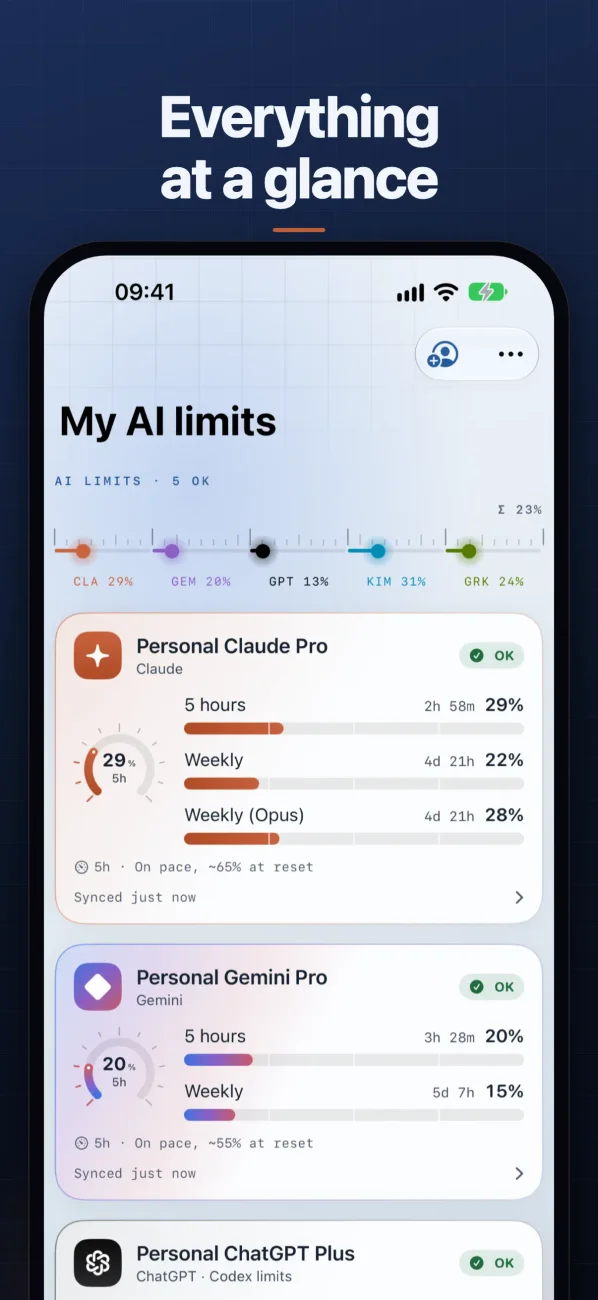
AI limits is for Claude, Gemini, ChatGPT (Codex limits), Kimi (Kimi Code) and Grok subscribers who want to know where they stand on their usage limits.
Independent app, neither affiliated with nor endorsed by Anthropic, Google, OpenAI, Moonshot AI or xAI. "Claude" is a trademark of Anthropic; "Gemini" of Google LLC; ChatGPT and Codex of OpenAI; "Kimi" of Moonshot AI; "Grok" of xAI.
FREE FOR 7 DAYS, THEN A ONE-TIME $1.99 PURCHASE
The download is free, with every feature for 7 days from the download. After that, without a purchase, real readings, widgets, complications, notifications, Live Activities, Siri and the Apple Watch stop working, and adding an account is blocked. A single in-app purchase, "Full access", at $1.99 (equivalent price in your currency) restores them on iPhone, Mac and Apple Watch with the same Apple ID. No subscription, no Family Sharing. Demo mode stays free, with no time limit. The purchase can be restored in Settings.
WHAT YOU SEE
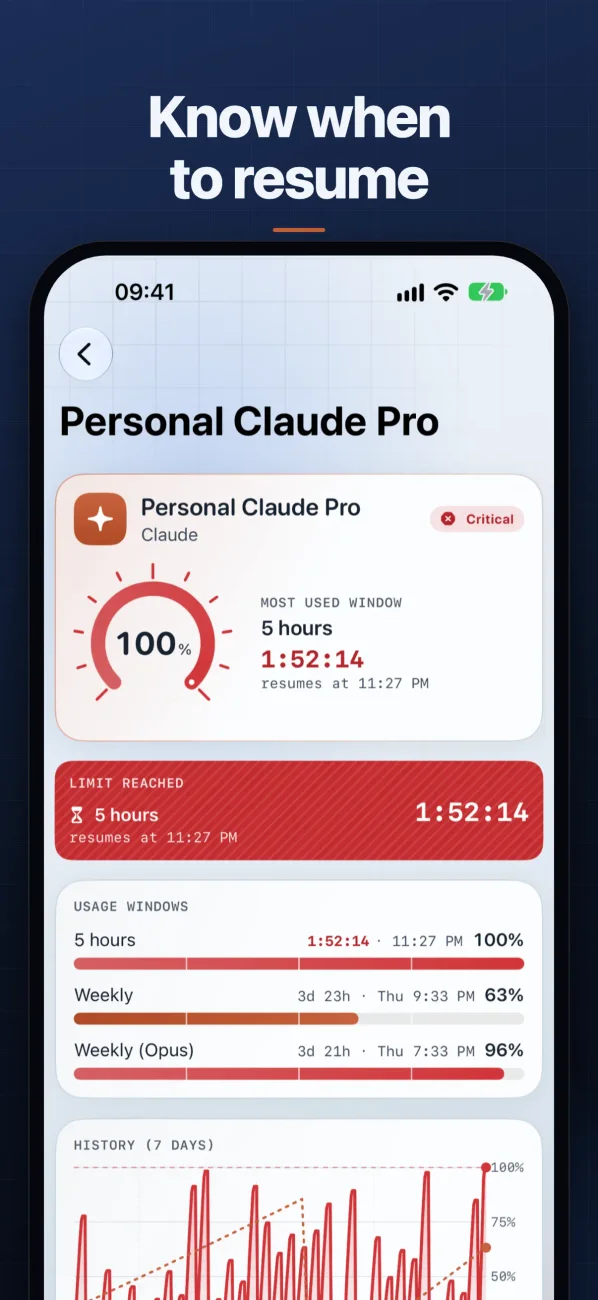
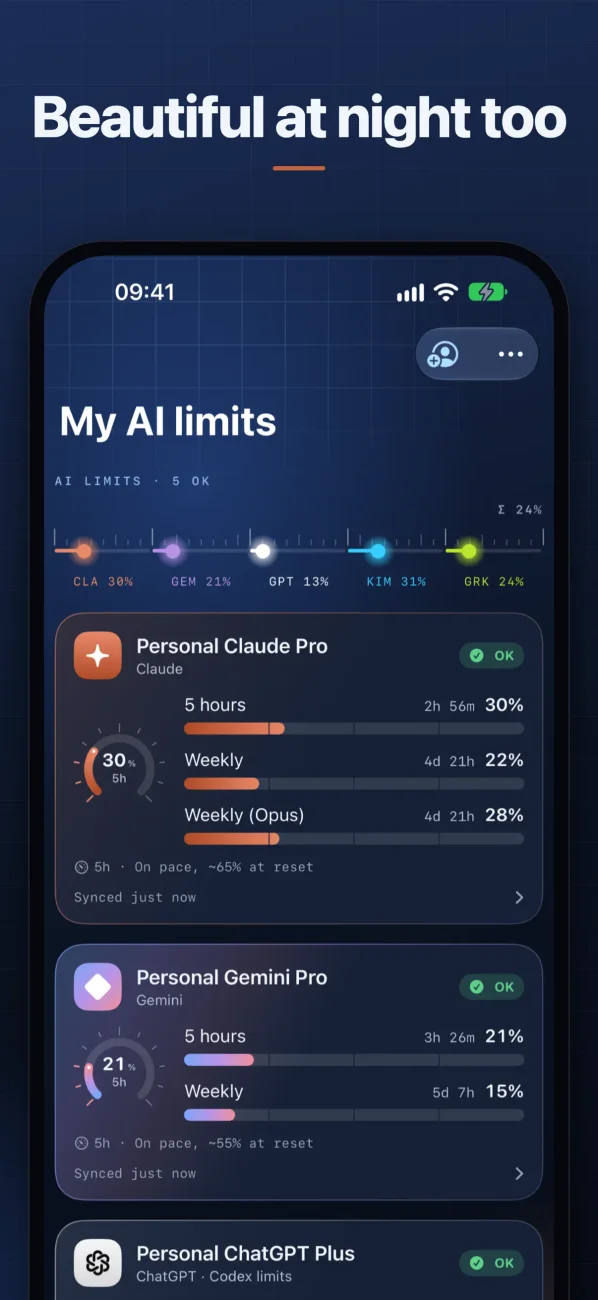
• One card per account: percentage used, ring, time left before reset; detail per window and a 7-day history.
• When a limit is reached: a countdown to the resume time, then "You can resume".
• A pace forecast: "at this pace, limit reached around 4:20 PM".
WHEREVER YOU WANT IT
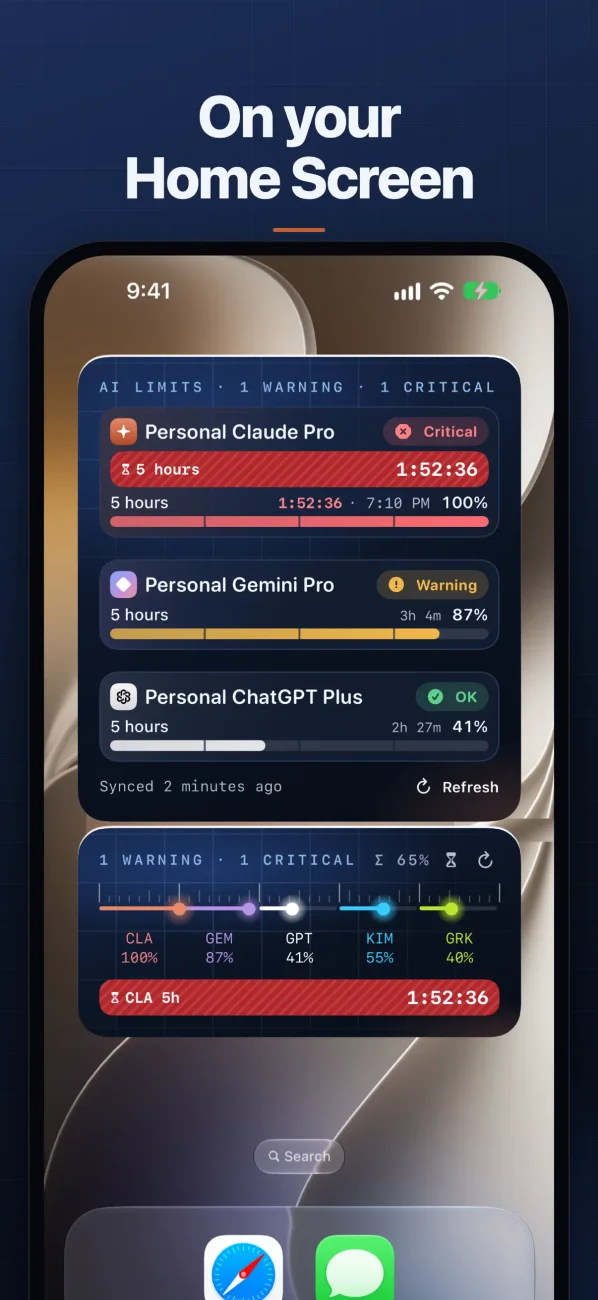
• Widgets for the Home Screen, Lock Screen and StandBy.
• Apple Watch: accounts, detail and complications.
• Mac: window, widgets and menu bar.
• Dynamic Island and Lock Screen: a resume counter when a limit is reached (resume within 8 hours).
• Siri and Shortcuts: "Where do I stand with AI limits".
NOTIFICATIONS
• Alerts at 70, 90 and 100% and when a window resets, scheduled on your device, with no server. They depend on readings taken while the app runs (frequency decided by iOS).
SYNC
• iCloud option: your devices share the account list and the latest readings through your private iCloud, with no password, cookie or token.
CHATGPT (CODEX LIMITS)
• Add a ChatGPT account: Codex limits of your subscription (5-hour and weekly, percentage, resume time). A ChatGPT subscription that includes Codex is required; message limits are not tracked.
• Tested with ChatGPT Plus; sign-in tested with email only.
KIMI (KIMI CODE)
• Add a Kimi account: the usage limits of Kimi (Kimi Code) for a Kimi subscription that includes them. Kimi Code API key as an advanced option.
GROK
• Add a Grok account: the usage limits of Grok for a subscription that includes them. Sign in on Grok's official page, no password stored.
Widgets and Watch: for ChatGPT, Kimi and Grok, a reading when iOS allows, otherwise the app's latest reading.
PRIVACY
• No developer server, no analytics, no ads, no data collection.
• You sign in on the official claude.ai, Google, chatgpt.com, Kimi or Grok page, in a window inside the app: it never sees your password. The Claude session goes in the keychain; Gemini's stays in web storage of the app; so do ChatGPT's, Kimi's and Grok's, plus their session cookies in the keychain, to read outside the app.
• The app only contacts claude.ai, api.anthropic.com, Google services (gemini.google.com) and, if you add a ChatGPT, Kimi or Grok account, chatgpt.com, kimi.com / kimi.ai or grok.com with their sign-in pages (openai.com, x.ai, accounts.google.com, appleid.apple.com, challenges.cloudflare.com), from your device.
• Deleting an account erases its credentials, web session and readings.
DEMO MODE
No account? Every feature (ChatGPT, Kimi and Grok included) with sample data, no sign-in.
GOOD TO KNOW
• If a service changes, the app shows a clear message rather than made-up figures until an update.
• Google may refuse sign-in inside an embedded window; the app says so.
• A paid subscription is required for real readings: Claude (Pro/Max), Gemini (Google AI Pro/Ultra), ChatGPT including Codex, Kimi including Kimi Code or Grok on a subscription that includes its limits.
新機能
バージョン 1.4.4 · 2026/11/14
New widgets, a Mac menu bar item and earlier alerts.
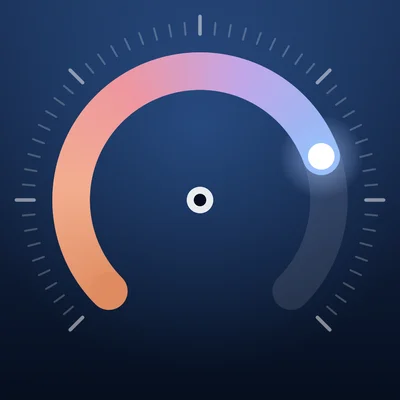
• Widgets redesigned in the "Halo and grid" style: ruler, dial, bars that fill the full height and a "Limit reached" banner.
• Mac: desktop widgets (Extra-large Usage, Overview, Next reset) and a menu bar icon. Its dropdown reuses the large widget, with every window of every account.
• Optional alerts, off by default: at 30% (30-50% range) and at 50% (50-70% range), in addition to 70, 90 and 100%. Turn them on in Settings.
• The Mac app menu now shows the right name.
• History is now kept for 14 days, with 24 h, 7 d and 14 d ranges, the daily average and the busiest day, so you can see the resets.
• Widgets and the menu bar dropdown warn when the limit will be reached before the reset.
• Optional alert, off by default: "unused quota" before a reset (1 h before for 5 h windows, 12 h before for 7-day windows). Turn it on in Settings.
• Quiet hours (optional): alerts that would fire at night or on weekends wait until the quiet period ends.
• New timeline of upcoming resets: every window of every account, sorted by time.
• Weekly summary: usage, busiest day, limits reached, lost quota. Optional Monday 9 am notification.
アプリのプライバシー
このアプリのデータの取り扱いについて、CAPCODがApp Storeで申告している内容です。
-
データの収集なし
開発元はこのアプリからデータを収集しません。
プライバシーの取り扱いは、ご利用の機能やお客様の年齢などに応じて異なる場合があります。
情報
- 販売元
- CAPCOD
- カテゴリ
- ユーティリティ
- バージョン
- 1.4.4
- 更新日
- 2026/11/14
- リリース
- 2026/10/12
- サイズ
- 28.1 MB
- 必要条件
- iOS 18.0以降
- 対象年齢
- 4+
- 価格
- 無料
- アプリ内課金
- あり
- 言語
- 英語, フランス語, ドイツ語, ポルトガル語, スペイン語
- 著作権
- © 2026 CAPCOD