
- 対象年齢4+
- カテゴリ写真/ビデオ
- 開発元Nicolai Kummer
- 言語英語ほか7言語
- サイズ1.6 MB
App Storeの公式ページにリンクしています
Download.orgはAlbenPlusのファイルを一切ホストしていません。ボタンを押すと、Nicolai Kummerが公開しているApp Storeのアプリページが開きます。ページの最終確認:2026/11/17。
スクリーンショット


概要
開発元はこのテキストをお使いの言語で提供していません。
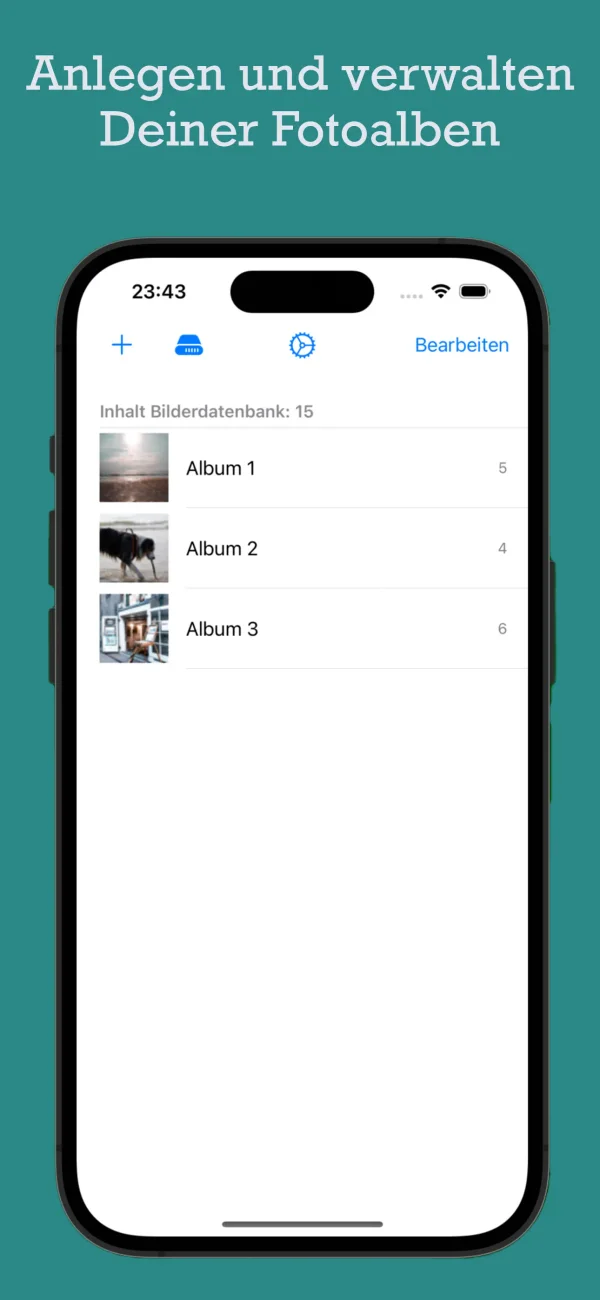
The "AlbenPlus" app, the pro version of the standard AlbenApp, offers an outstanding way to manage and present your imported photo library images on your iPhone or iPad. Its seamless integration into the classic iOS design ensures that every iOS user can navigate it immediately. Here are the app's key features in detail:
Exclusive features in AlbenPlus:
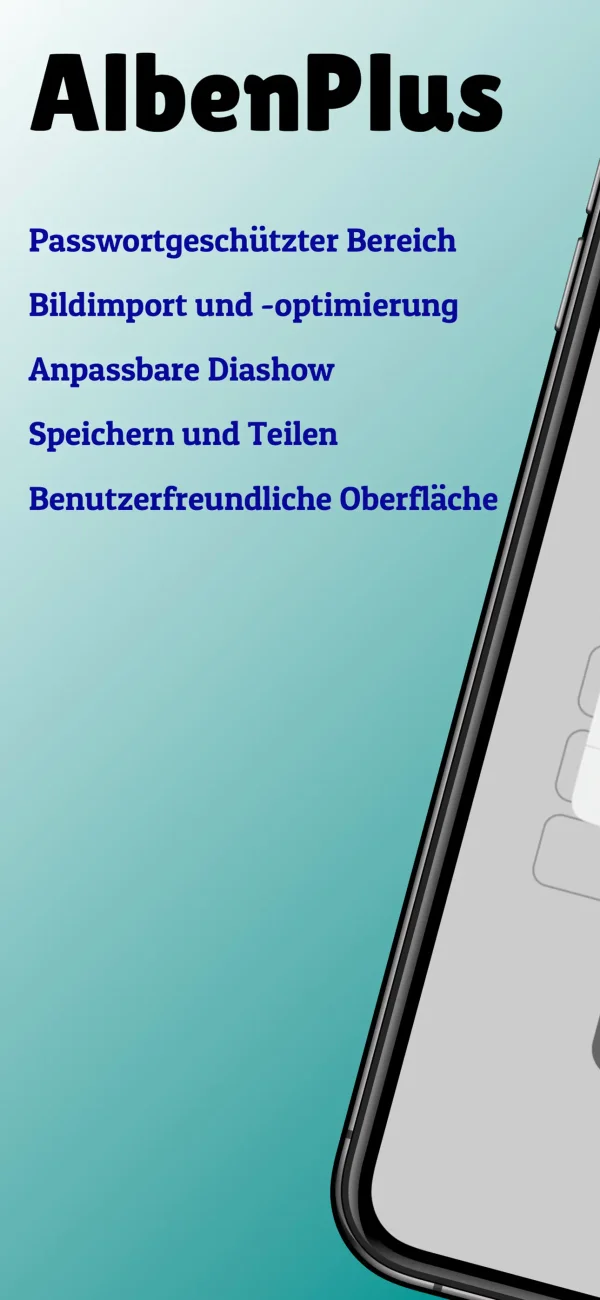
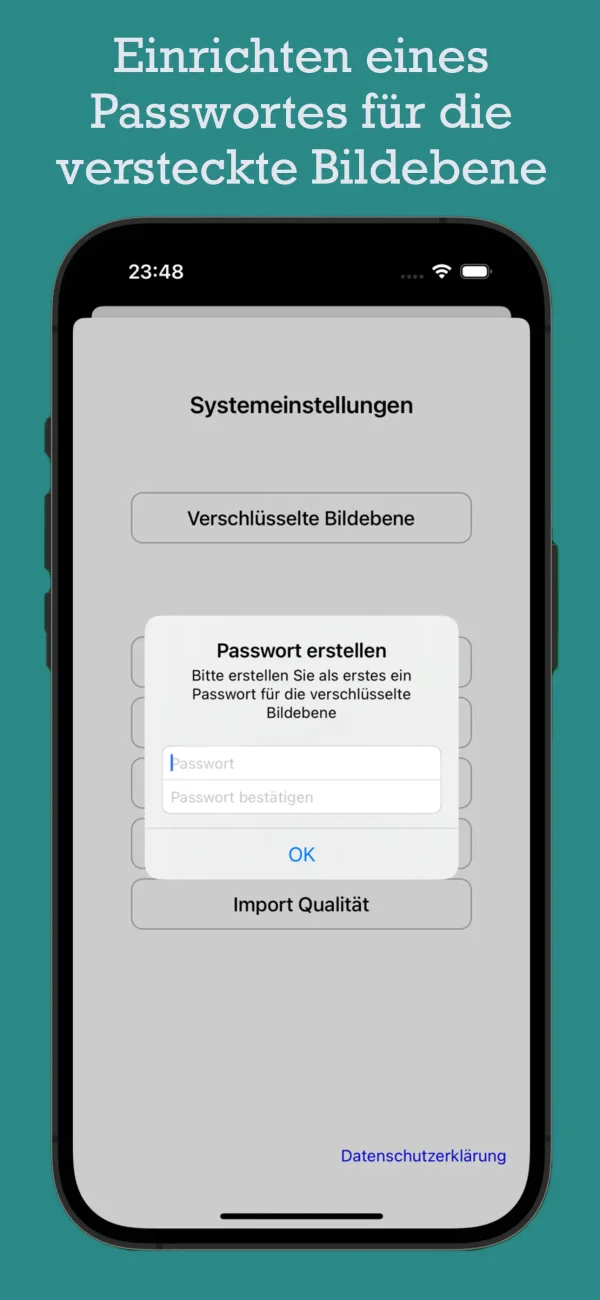
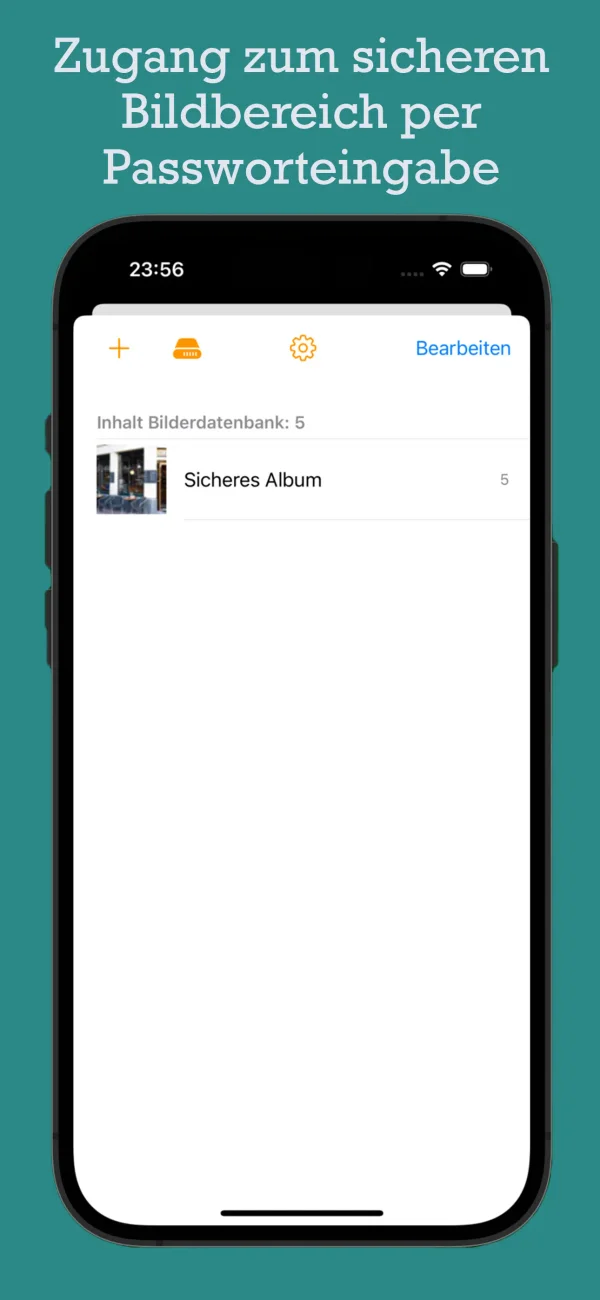
Password-protected area for pictures: Gain access to a password-protected area that allows you to securely manage images and hide sensitive content outside the app on your iOS device. This exclusive area provides an additional layer of security for your private photos.
Disabling power-saving mode in slideshow: Enjoy an uninterrupted and immersive slideshow experience by automatically disabling the power-saving mode as soon as the slideshow starts. With AlbenPlus, you can set the pace of your slideshow to your preferences without the screen switching to power-saving mode. Dive deeper into your memories and design your slideshows without interruptions.
These exclusive features make AlbenPlus the ultimate choice for users looking for advanced functions and additional privacy. Discover the premium benefits of AlbenPlus and experience a new dimension of image management on your iOS device.
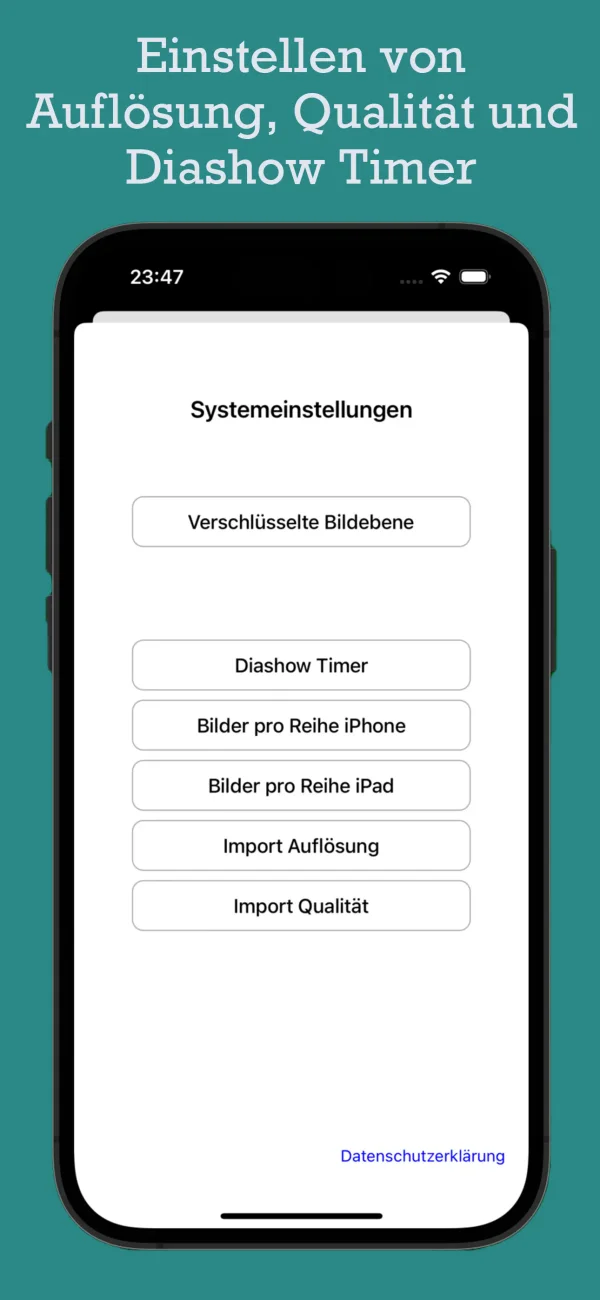
Image import and optimization: With "AlbenPlus," you can effortlessly select images from your iOS photo library and import them into the app. You can even adjust the resolution of the images to save storage space. Note that with an average of 6000 images, the storage space on your iOS device will only be about 4.5 GB. The images are reduced by up to 70% in file size compared to the original image file, depending on the resolution setting. This allows you to store more images on your device without significantly affecting image quality.
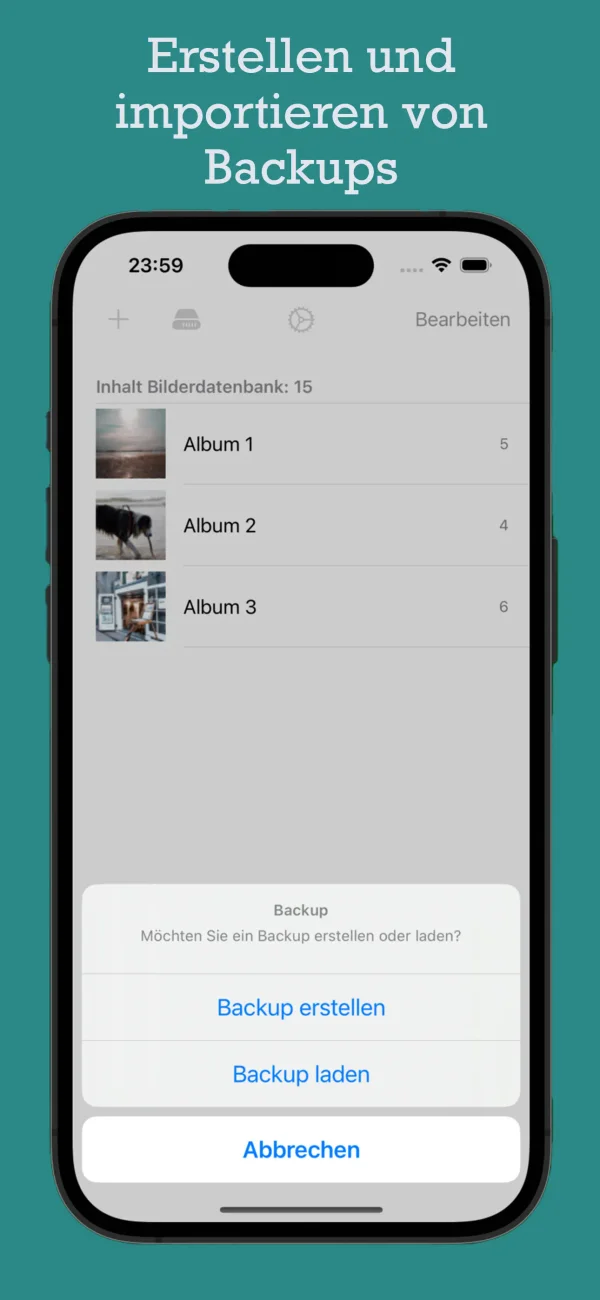
Backup and restoration: The app creates backup copies of your imported images in a specially protected area of your device, similar to a secure locker. This backup is stored in a special folder called "Backup" ("BackupPlus" for the protected area). To find the backup folder, follow these steps:
Open the "Files" app on your device.
Tap "Browse" at the bottom of the screen.
Choose "On My iPhone" or "On My iPad," depending on which device you are using.
Look for the "AlbenPlus" folder and open it.
In this folder, you will find the "Backup" and "BackupPlus" subfolders where your backed-up images are stored.
Note, however, that this folder must be additionally secured elsewhere, either in iCloud or on an external data storage. If you want to restore your imported images later, simply copy the backup folder from the additional backup back to its original place.
Customizable slideshow: The app offers a slideshow feature with a customizable timer interval. You can display your imported images in an automatic slideshow and set the pace according to your preferences. This allows for a pleasant and immersive presentation of your memories.
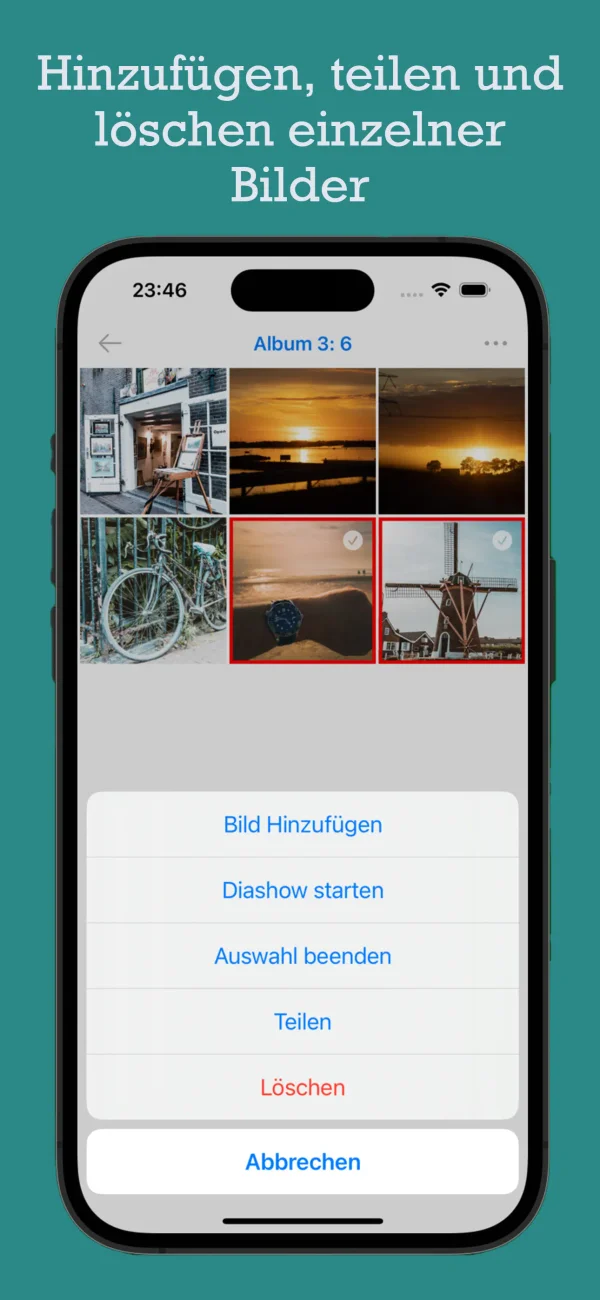
Save and share: After importing your images, you can conveniently save and share them from the "Alben" app. You have the option to save the images in your photo library and share them across various platforms such as social media, emails, or messages. This makes sharing your creative works with others easier.
新機能
バージョン 1.5 · 2025/2/17
our app received stability improvements!
アプリのプライバシー
このアプリのデータの取り扱いについて、Nicolai KummerがApp Storeで申告している内容です。
-
データの収集なし
開発元はこのアプリからデータを収集しません。
プライバシーの取り扱いは、ご利用の機能やお客様の年齢などに応じて異なる場合があります。
情報
- 販売元
- Nicolai Kummer
- カテゴリ
- 写真/ビデオ
- バージョン
- 1.5
- 更新日
- 2025/2/17
- リリース
- 2023/12/12
- サイズ
- 1.6 MB
- 必要条件
- iOS 15.0以降
- 対象年齢
- 4+
- 価格
- 無料
- 言語
- 英語, オランダ語, フランス語, ドイツ語, イタリア語, ポーランド語, スペイン語, トルコ語
- 著作権
- © Nicolai Kummer