- 対象年齢4+
- カテゴリ仕事効率化
- 開発元agorum Software GmbH
- 言語ドイツ語ほか1言語
- サイズ14.5 MB
App Storeの公式ページにリンクしています
Download.orgはALBERT | AI Noteのファイルを一切ホストしていません。ボタンを押すと、agorum Software GmbHが公開しているApp Storeのアプリページが開きます。ページの最終確認:2026/11/24。
スクリーンショット
概要
開発元はこのテキストをお使いの言語で提供していません。
ALBERT | AI Note captures what is said, shown and decided in a meeting – and turns it into something you can work with.
RECORD WHAT MATTERS
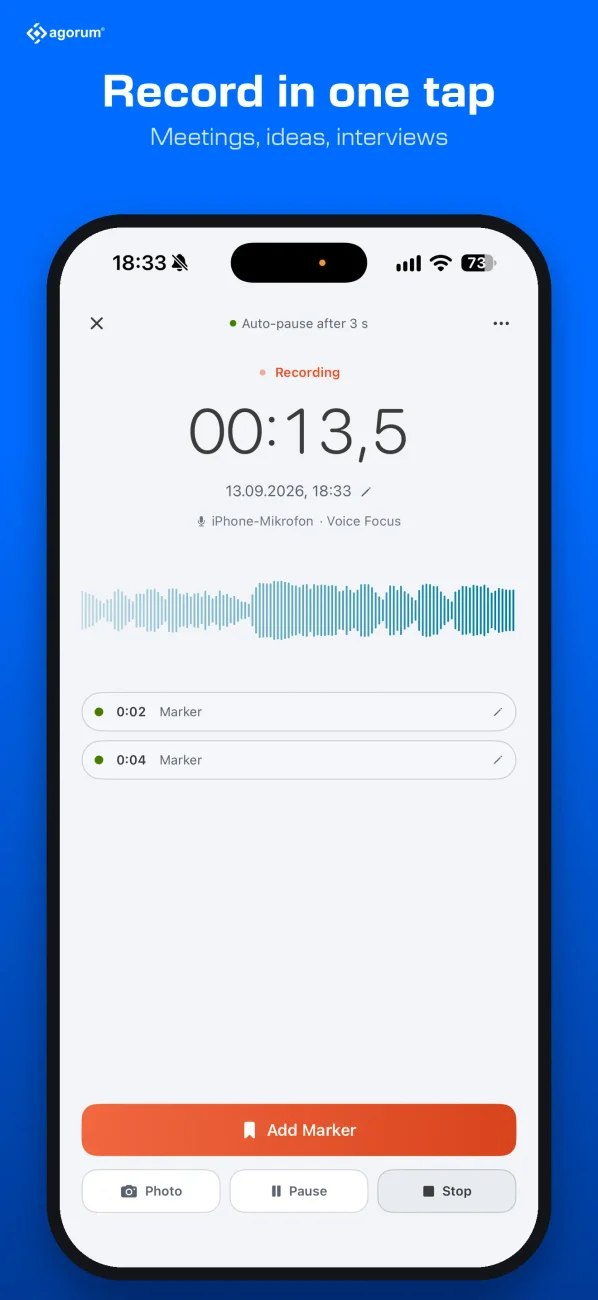
Meetings, client calls, interviews or a quick idea on the go: one tap and you are recording. A running recording is saved continuously, so it survives even if the app is closed unexpectedly.
MARKERS IN ONE TAP
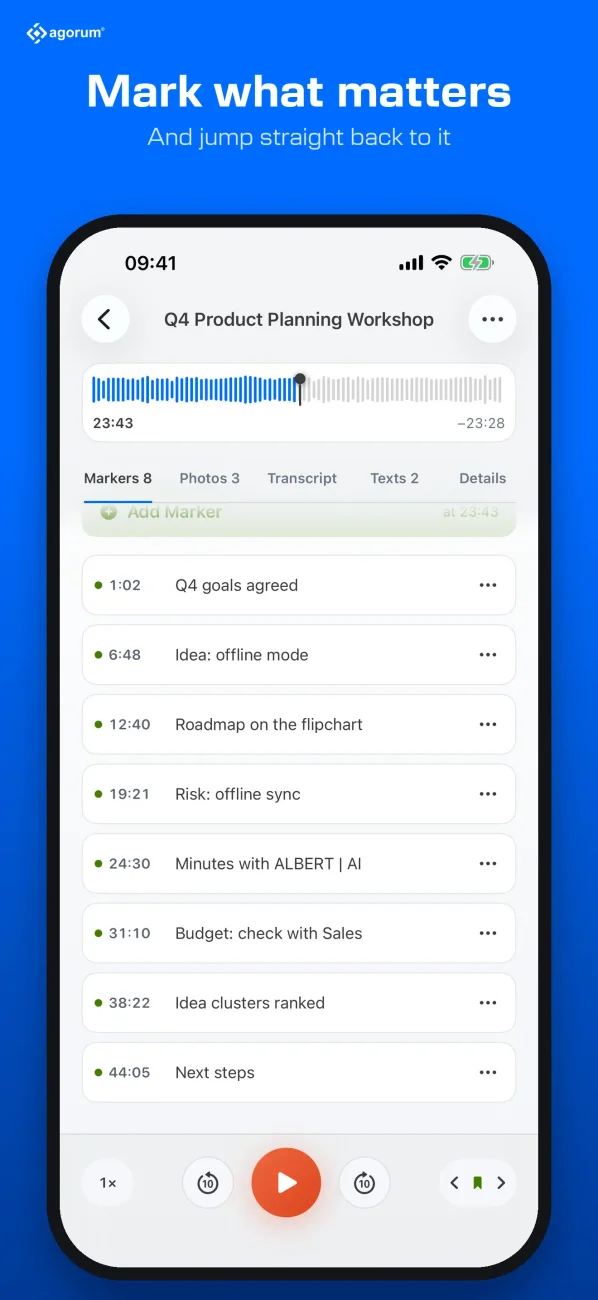
Something important? Tap "Add Marker". Later you jump straight to that moment instead of listening to the whole hour again. Markers can be named and annotated.
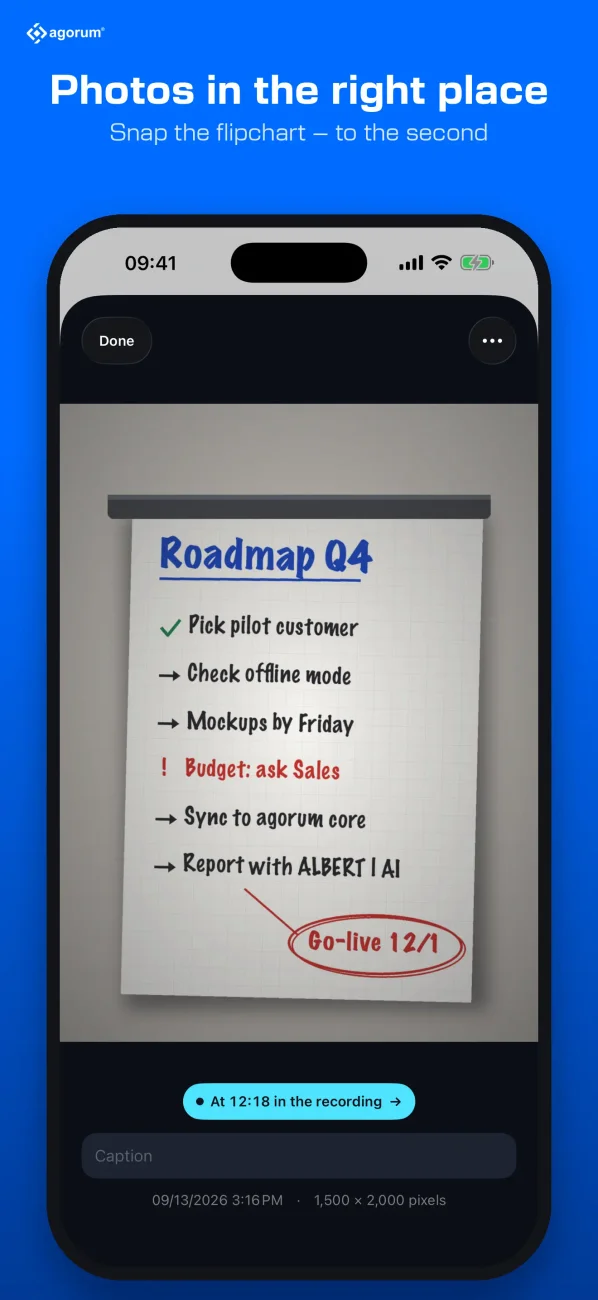
PHOTOS IN EXACTLY THE RIGHT PLACE
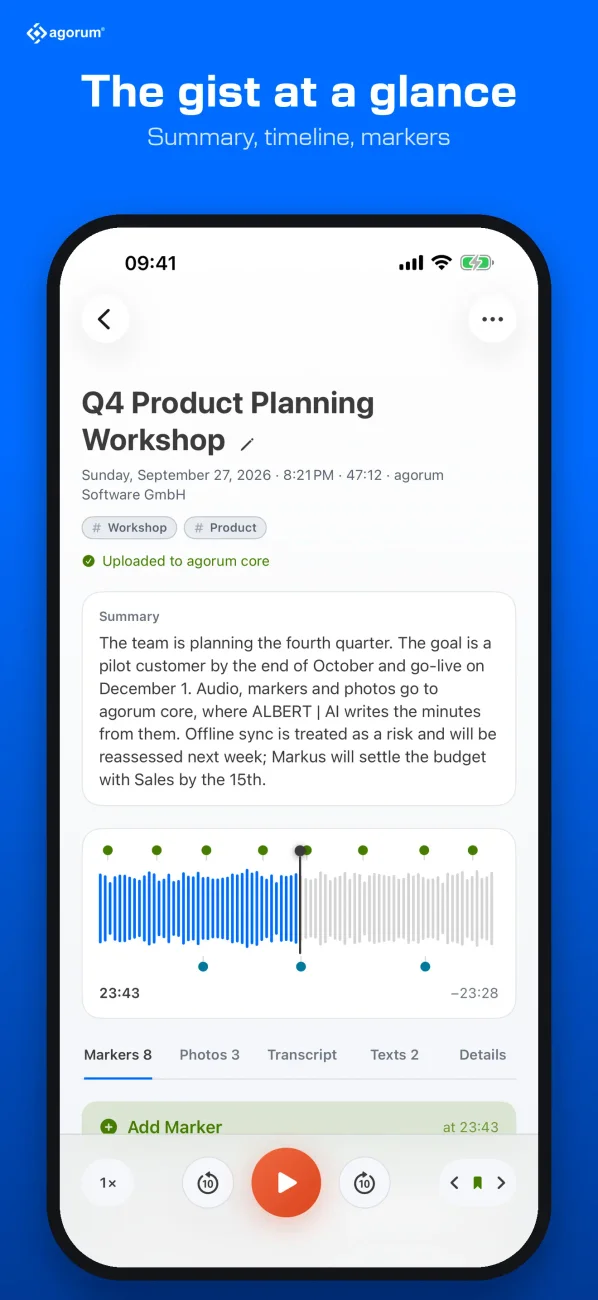
Snap the flipchart, the whiteboard or the sticky notes on the wall while you record. Every picture lands on the timeline to the second – right where it was being discussed.
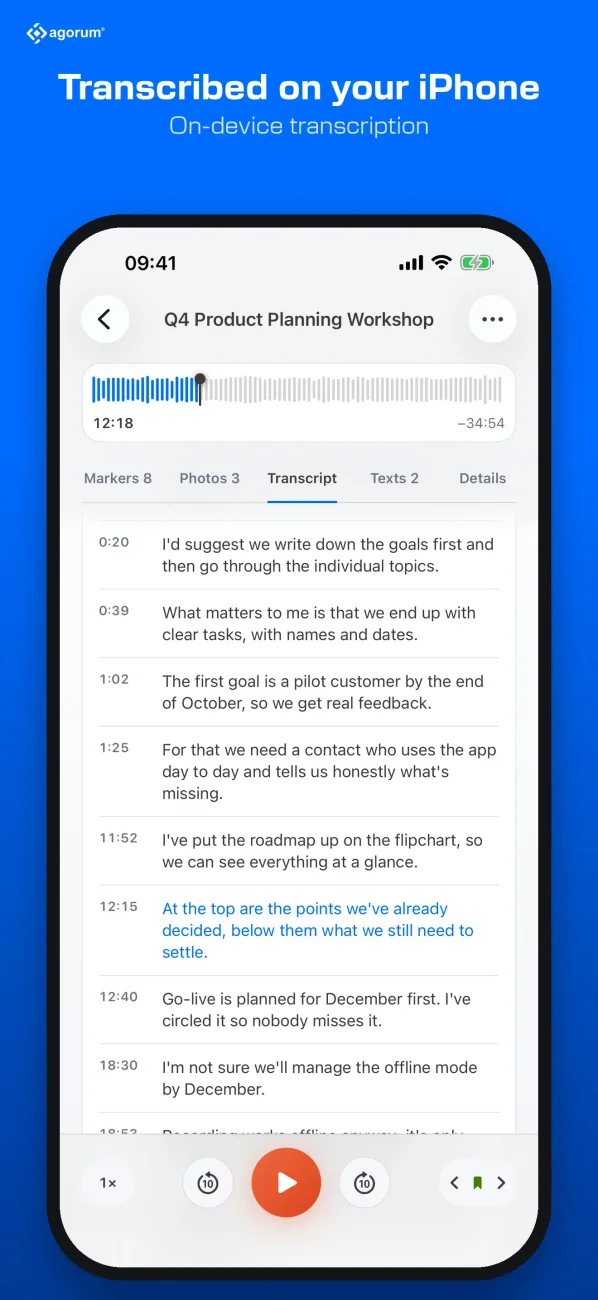
ON-DEVICE TRANSCRIPTION
The transcript is created on your iPhone; no audio is sent to a service. During playback the current sentence is highlighted, and search finds every word.
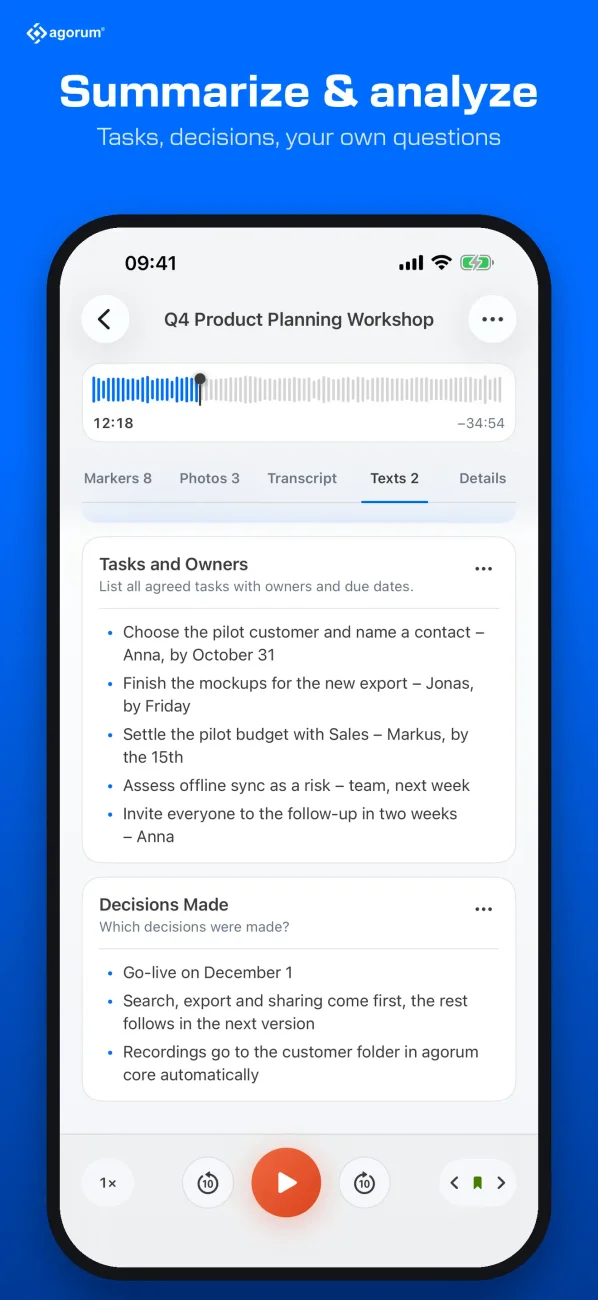
SUMMARIES AND YOUR OWN WRITE-UPS
After recording you get a short summary. Ask for more in your own words – "List every task with the person responsible" or "Which decisions were made?". The writing is done by Apple Intelligence or by a language model you download once – Gemma by Google or Qwen – which then works without the internet.
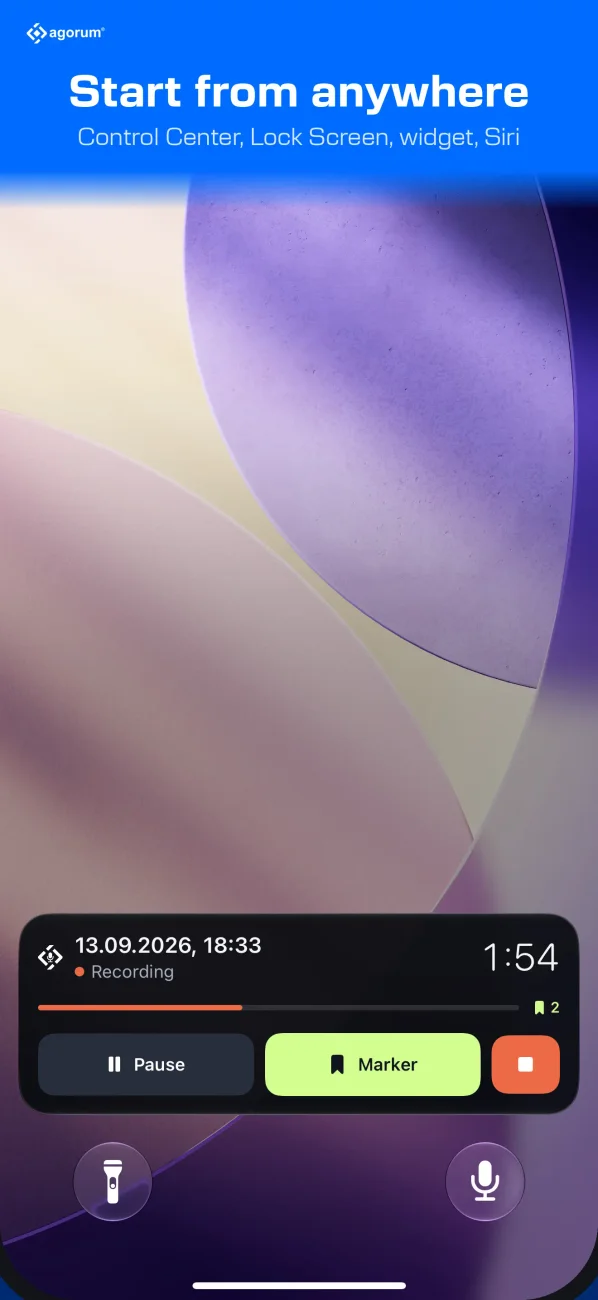
START FROM ANYWHERE
Start and stop recordings and set markers from Control Center, the Lock Screen, the Action button, the Home Screen widget or with Siri. While recording, the Live Activity on the Lock Screen and in the Dynamic Island shows what is running – with buttons for pause, marker and stop.
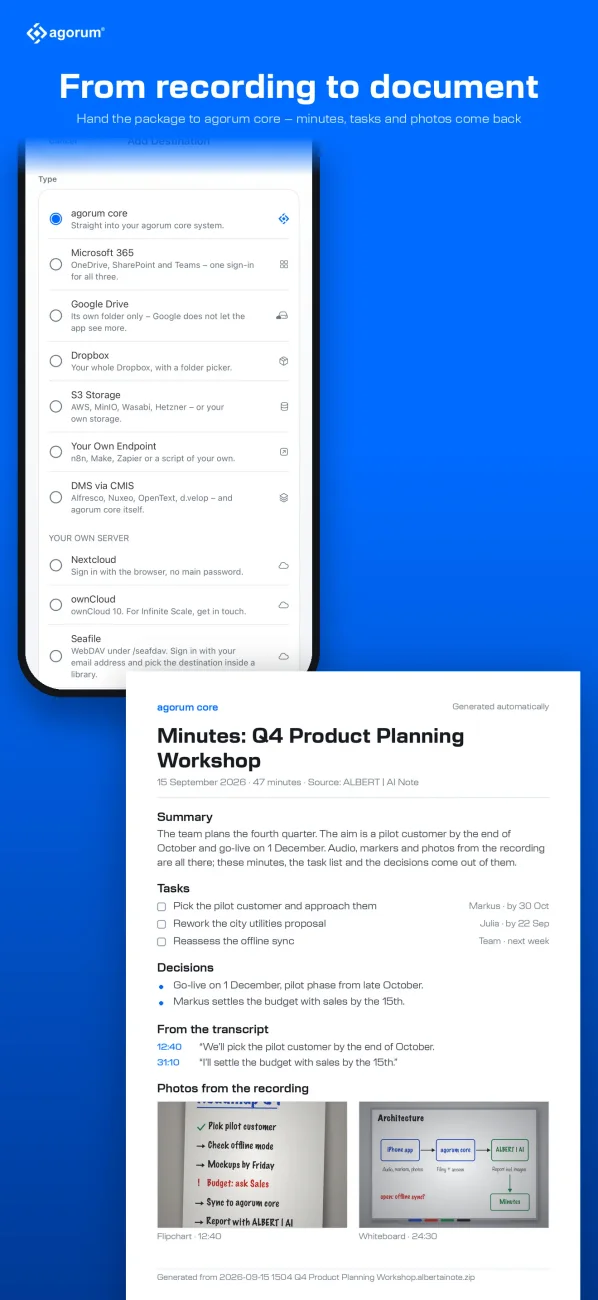
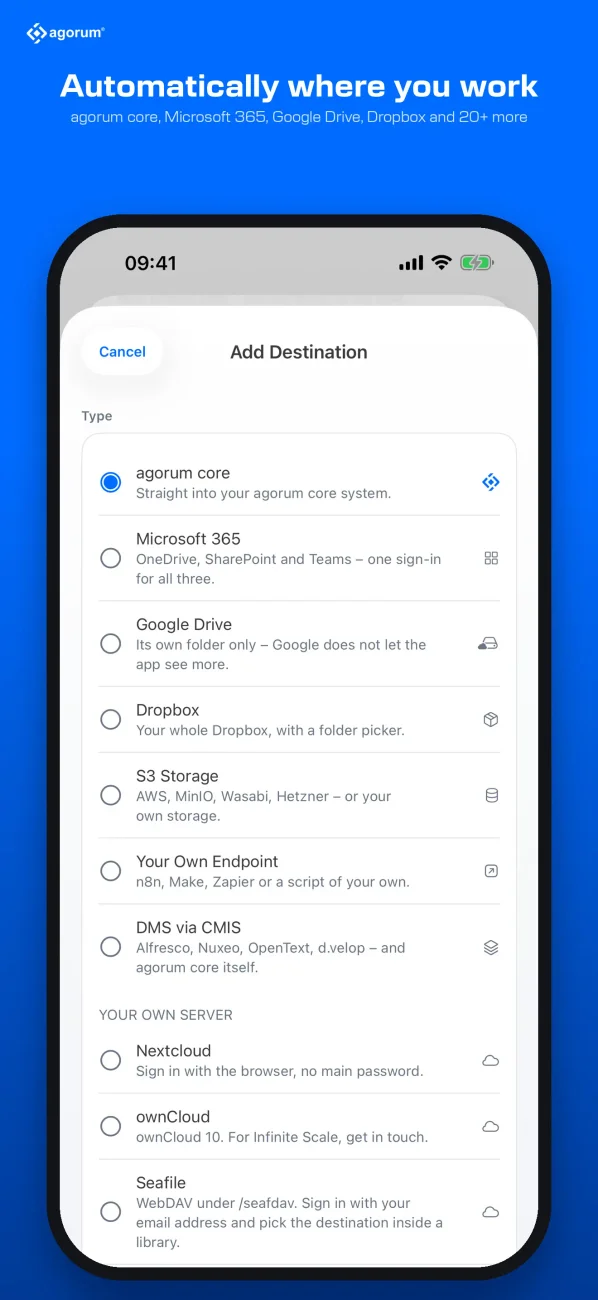
AUTOMATICALLY WHERE YOU WORK
Set up a destination and finished recordings go there automatically with everything that belongs to them – audio, markers as chapters, photos, transcript and summaries. You pick the target folder right in the app for every destination:
• agorum core – sign in through your system's own login page
• Microsoft 365 – OneDrive, SharePoint and Teams with one sign-in
• Google Drive and Dropbox
• Nextcloud – sign in in the browser, without your main password
• ownCloud, Seafile, sciebo and your own WebDAV servers
• NAS by Synology, QNAP and TrueNAS
• Hosted in Europe: Hetzner Storage Share, IONOS and STRATO HiDrive, Telekom MagentaCLOUD, GMX, WEB.DE, mailbox.org, luckycloud, Infomaniak kDrive, wölkli
• pCloud, Koofr, OpenDrive and Fastmail
• Document management via CMIS, such as Alfresco or Nuxeo
• S3-compatible storage such as Amazon S3, Wasabi or MinIO
• Your own endpoint, for example for n8n, Make or Zapier
If something changes later, the file at the destination is updated rather than duplicated.
ANALYSIS WITH ALBERT | AI
With agorum core pro, ALBERT | AI evaluates the recording using a customizable AI template – for example as minutes with tasks and the photos in the right places, at a click or automatically. agorum core pro is an AI business platform by agorum Software GmbH, available for purchase.
ALSO
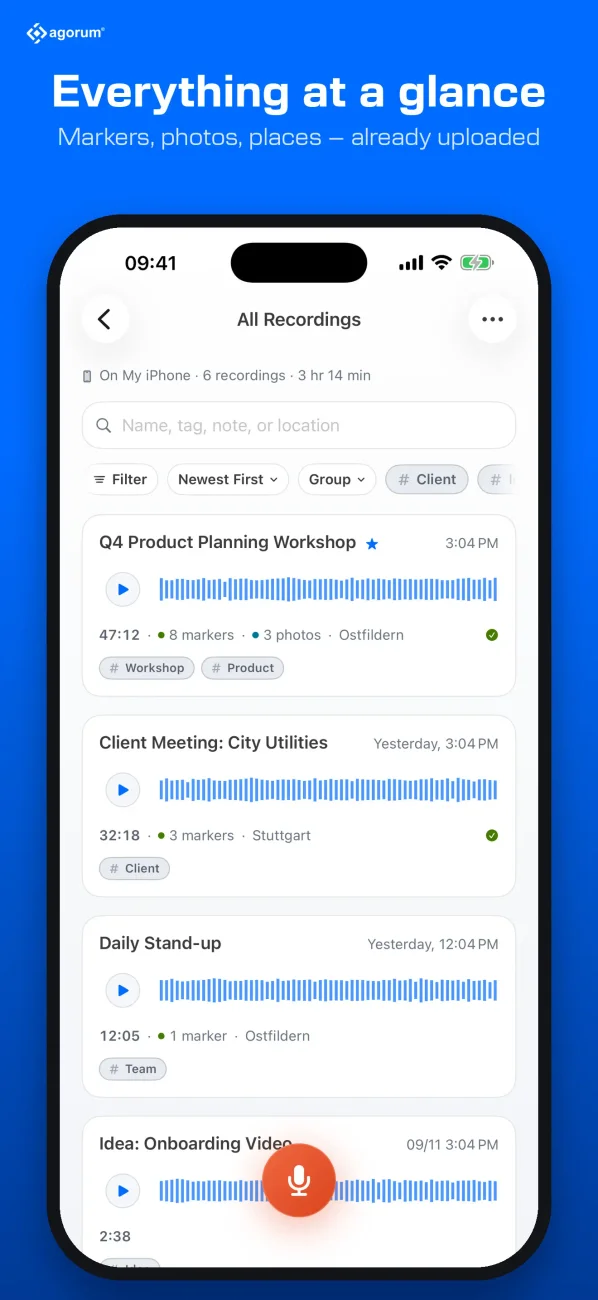
• Folders, tags, favorites and search
• Trim and continue recordings
• Import audio from other apps, such as voice memos or files
• Export as audio (m4a or WAV) or as a complete package (ZIP) with chapters, photos and all data
• Store on your iPhone or in iCloud Drive
YOUR DATA STAYS YOURS
No account required, no tracking, no ads. Recordings stay on your device – or go exactly where you send them.
PLEASE NOTE
The app is available in English and German, and transcribes meetings held in either language. iOS 26 is required for transcription and summaries. Apple Intelligence is available on devices that support it; a downloaded language model needs one to three gigabytes of storage, depending on the model. Transferring to agorum core requires the ALBERT | AI Note plugin on the agorum core system.
新機能
バージョン 1.1.1 · 2026/11/23
• Fixed: a recording started right after opening the app, while it was still reading your recordings from iCloud, could be lost after a few seconds. A running recording is now always left alone.
アプリのプライバシー
このアプリのデータの取り扱いについて、agorum Software GmbHがApp Storeで申告している内容です。
-
データの収集なし
開発元はこのアプリからデータを収集しません。
プライバシーの取り扱いは、ご利用の機能やお客様の年齢などに応じて異なる場合があります。
情報
- 販売元
- agorum Software GmbH
- カテゴリ
- 仕事効率化
- バージョン
- 1.1.1
- 更新日
- 2026/11/23
- リリース
- 2026/9/16
- サイズ
- 14.5 MB
- 必要条件
- iOS 17.0以降
- 対象年齢
- 4+
- 価格
- 無料
- 言語
- ドイツ語, 英語
- 著作権
- © 2026 agorum Software GmbH