
- 対象年齢4+
- カテゴリ写真/ビデオ
- 開発元楷文 罗
- 言語英語ほか8言語
- サイズ41.2 MB
App Storeの公式ページにリンクしています
Download.orgはAllPicのファイルを一切ホストしていません。ボタンを押すと、楷文 罗が公開しているApp Storeのアプリページが開きます。ページの最終確認:2026/11/16。
スクリーンショット


概要
開発元はこのテキストをお使いの言語で提供していません。
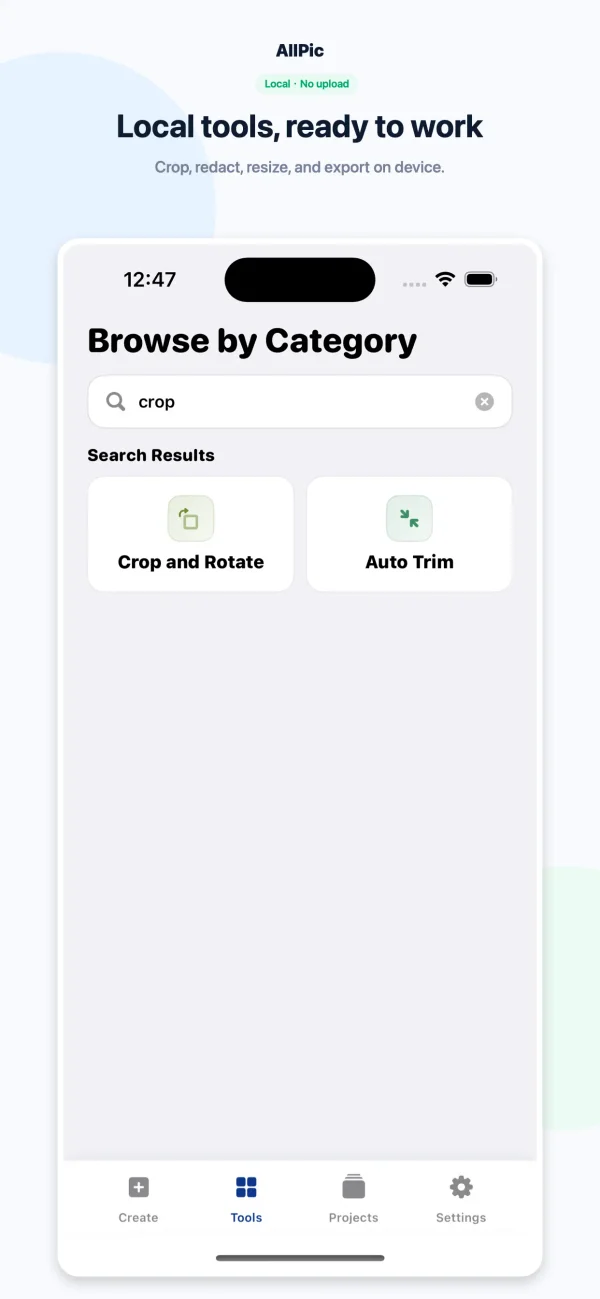
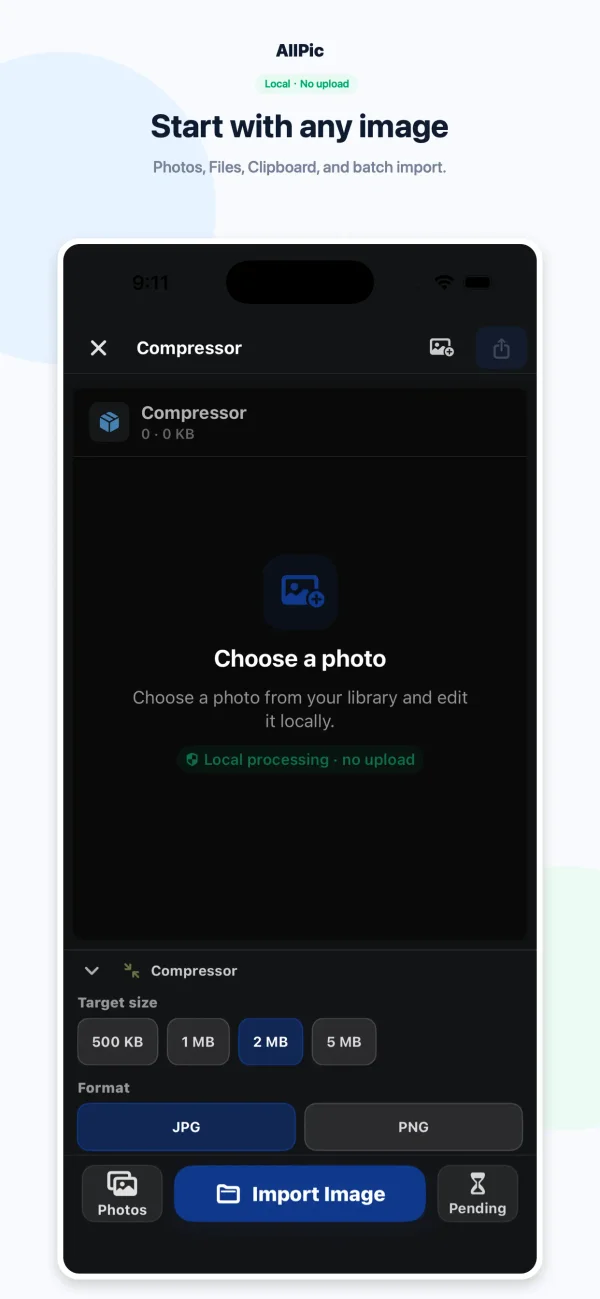
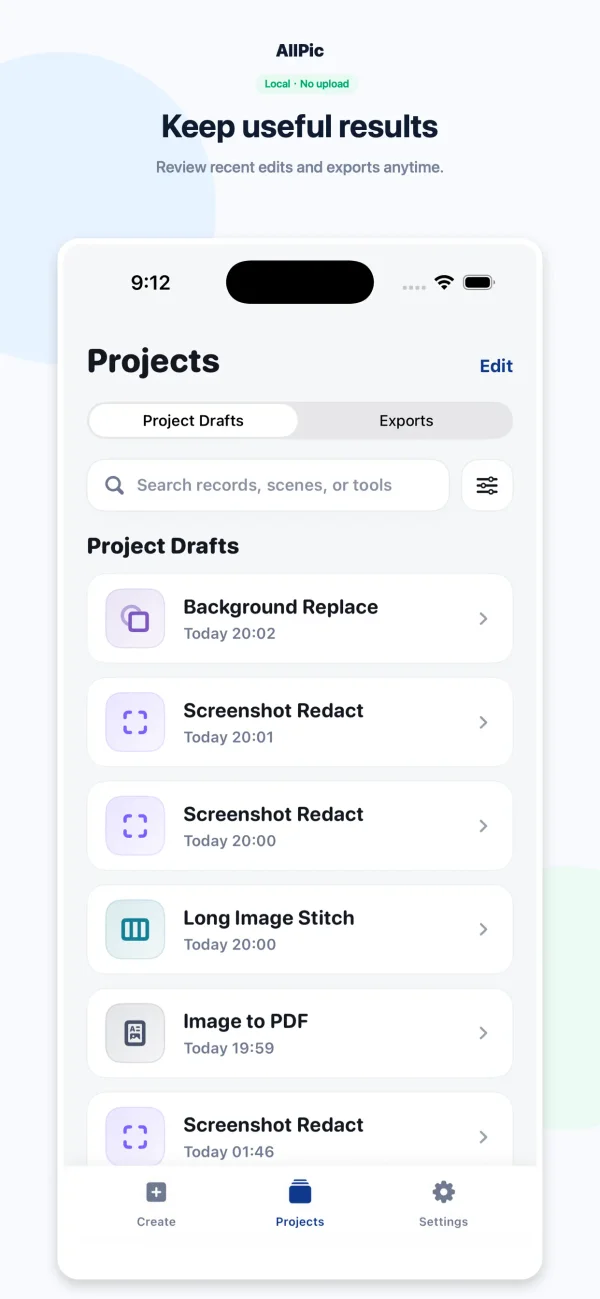
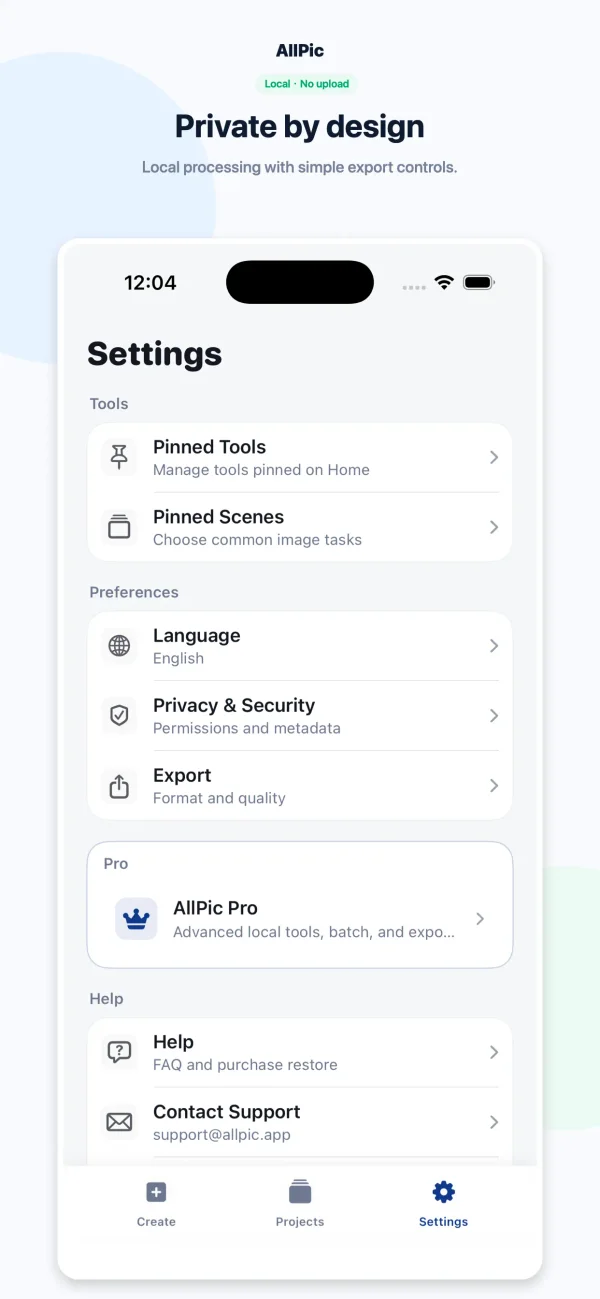
AllPic is an on-device image workspace for private sharing and fast delivery. When you need to send a screenshot, shrink photos, clean up documents, or prepare a batch, choose the matching scene and start. Preview, adjustments, processing, and export stay together on your device.
Key features:
• Scene entry points: safe sharing, compress to send, post creation, product images, and document cleanup make the next action clear.
• Custom crops: use original, 1:1, 4:3, 4:5, 16:9, or enter and save any ratio. Move the crop frame and resize it while preserving the selected ratio.
• Linked dimensions: lock the aspect ratio and changing either width or height calculates the other value automatically.
• Private redaction: pan with two fingers after zooming the manual mask canvas; local OCR finds text lines for one-tap redaction.
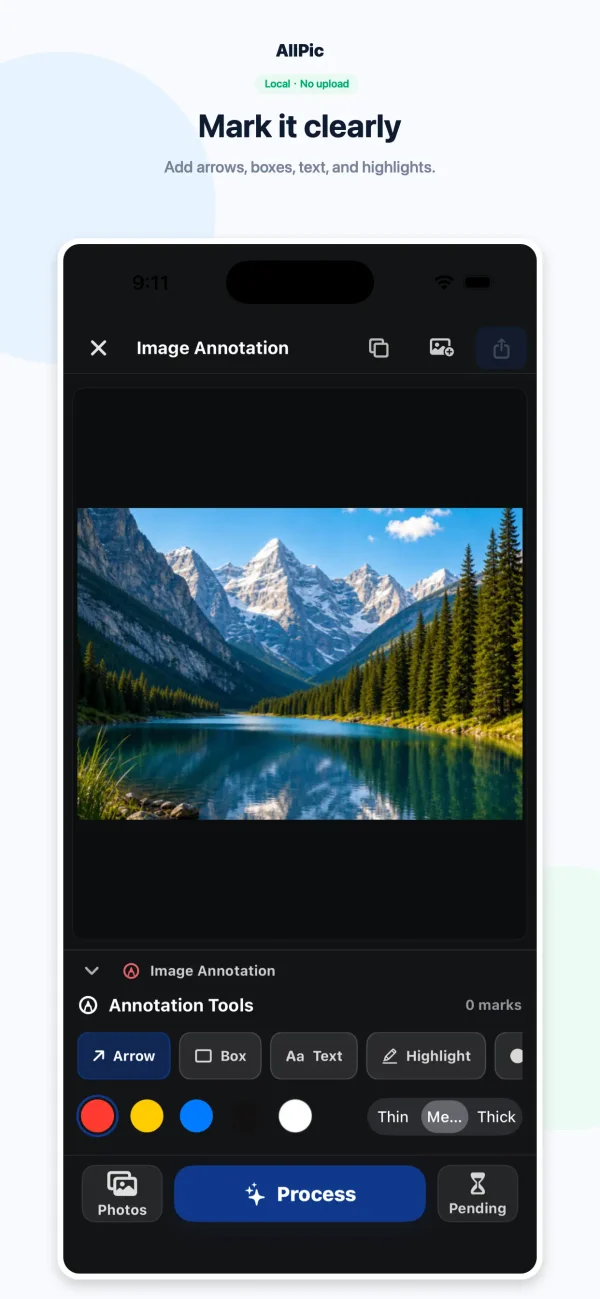
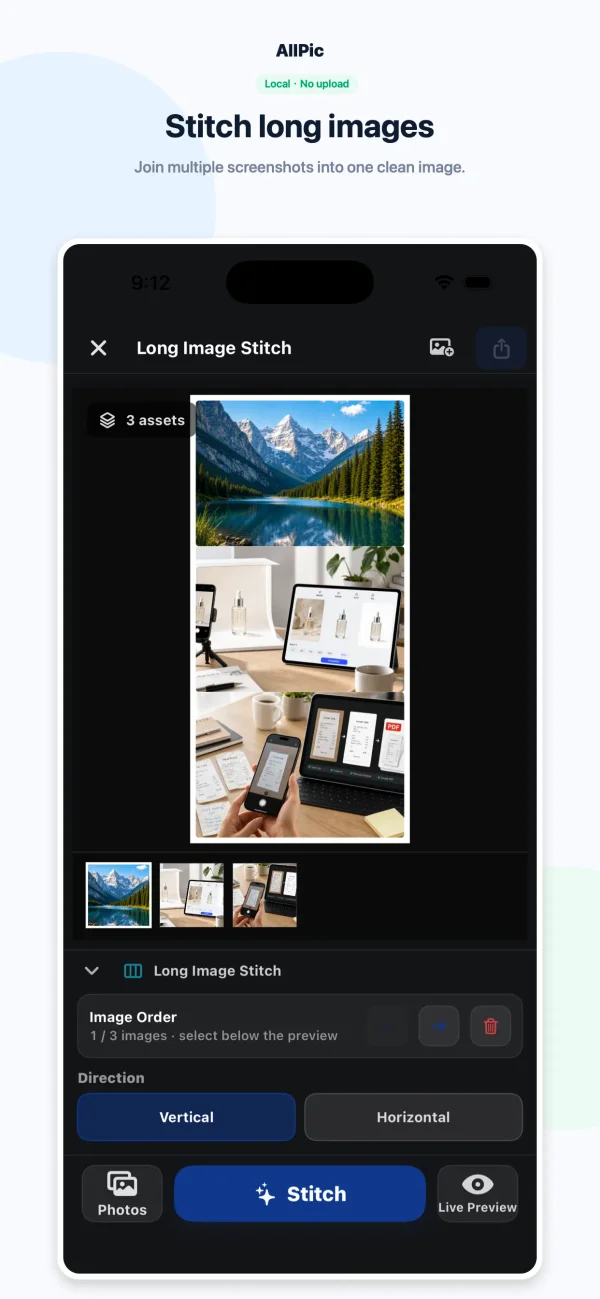
• Practical tools: compress, crop and rotate, convert formats, remove EXIF, redact, annotate, stitch long images, create grids, and export PDFs.
• AllPic Pro: unlock advanced local editing, background tools, product images, and export presets.
AllPic does not require an account and does not include ads or cross-app tracking. Photos, previews, parameters, and primary exports stay on device by default. It is built for people who want to prepare images faster, protect private details, and avoid repetitive work.
新機能
バージョン 1.6 · 2026/9/27
Bug fixes and improvements to performance and usability.
アプリのプライバシー
このアプリのデータの取り扱いについて、楷文 罗がApp Storeで申告している内容です。
-
データの収集なし
開発元はこのアプリからデータを収集しません。
プライバシーの取り扱いは、ご利用の機能やお客様の年齢などに応じて異なる場合があります。
情報
- 販売元
- 楷文 罗
- カテゴリ
- 写真/ビデオ
- バージョン
- 1.6
- 更新日
- 2026/9/27
- リリース
- 2026/7/4
- サイズ
- 41.2 MB
- 必要条件
- iOS 17.0以降
- 対象年齢
- 4+
- 価格
- 無料
- アプリ内課金
- あり
- 言語
- 英語, フランス語, ドイツ語, 日本語, 韓国語, ポルトガル語, 簡体字中国語, スペイン語, 繁体字中国語
- 著作権
- © 2026 Kevin Luo
こちらもおすすめ
-
 PicsFold - もうひとつの写真ギャラリー写真を移動してかんたん整理
-
 PhotoMeow:写真整理・画像ツールスワイプで仕分け、重複確認と圧縮
-
 ChillClean - Photo Cleaner写真/ビデオ
-
 Photo Legacy: Album Scanner写真/ビデオ
-
 FaceIdent: AI写真アルバム顔・人物で写真検索、自動整理
-
 動画モザイク & ぼかし加工 & モザイク加工ぼかし加工,動画モザイク,ぼかし丸,顔ぼかし,背景ぼかし
-
 VideoRecord: 録画の一時停止・再開日時・GPS・住所の透かし
-
 SnapLapse: Progress Photos写真/ビデオ
-
 MemoDrop: 写真日記・ライフログ・タイムカプセルカレンダーと地図で写真を振り返り、気分や動画も記録
-
 NoPhoto - 時間制限で即決断、写真をサクッと整理スワイプで、整理がゲームに変わる