- 対象年齢17+
- カテゴリメディカル
- 開発元Phiniti LLC
- 言語英語
- サイズ171.2 MB
App Storeの公式ページにリンクしています
Download.orgはAmbient Scribeのファイルを一切ホストしていません。ボタンを押すと、Phiniti LLCが公開しているApp Storeのアプリページが開きます。ページの最終確認:2026/11/12。
スクリーンショット


概要
開発元はこのテキストをお使いの言語で提供していません。
Ambient Scribe is a clinical documentation platform for teams that want the visit, the note, the phone call, and the chart to work together.
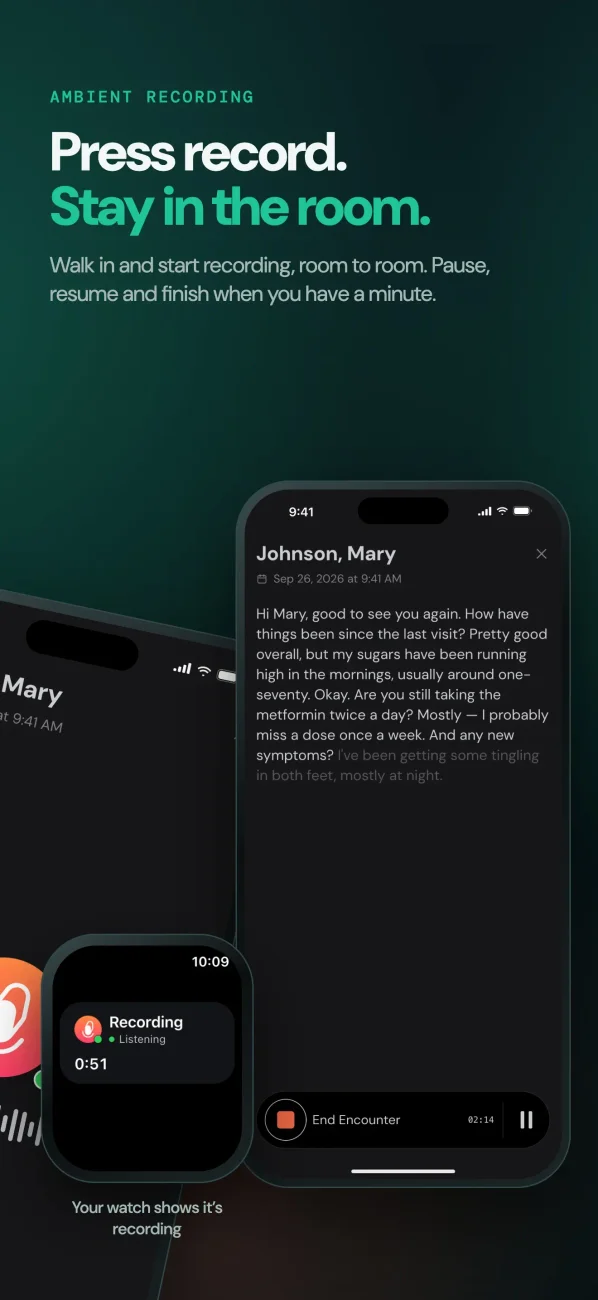
Record an encounter from your Phone review the generated note, and send documentation back to the EHR. Capture photos, scans, forms, insurance cards, wound images, videos, transcripts, and source material on one secure clinical clipboard. Bring the whole care team into the same workflow so the front desk, nurses, providers, and AI agents all work from shared context instead of scattered messages and screenshots.
DOCUMENTATION THAT MOVES WITH YOU
Use Ambient Scribe from the clinic, hospital, nursing home, home visit, or anywhere your day takes you:
* Record patient conversations naturally
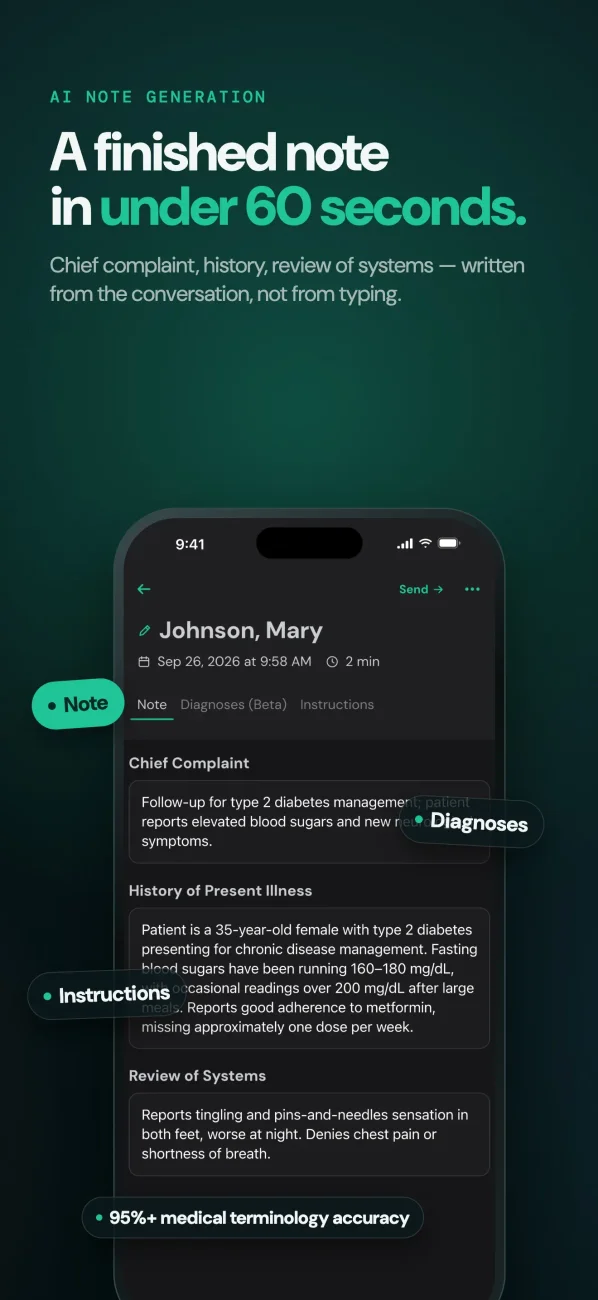
* Generate structured clinical notes for review
* Capture paper, photos, video, and other visit artifacts
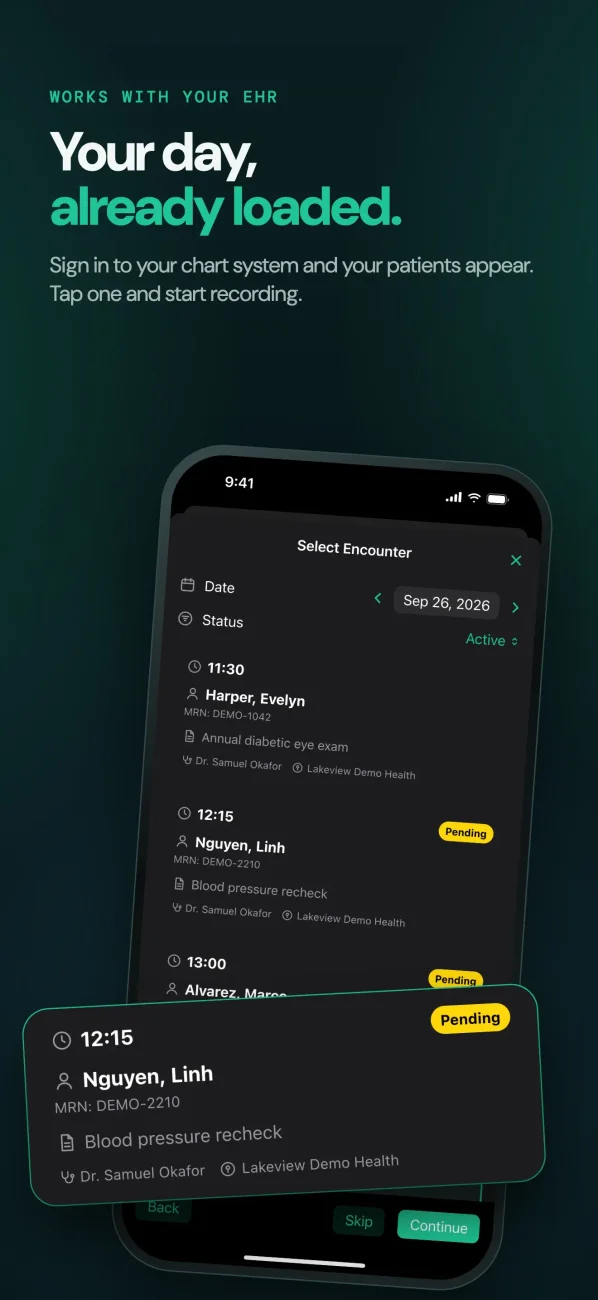
* Pull your schedule when connected to supported EHRs
* Start from the app or launch from the chart, depending on your setup
* Send finished notes and structured data back to the EHR
THE CLIPBOARD: ONE PLACE FOR THE VISIT
Every encounter can become a secure clipboard: the documentation backbone for the full visit. Audio, transcripts, scans, photos, uploaded files, calls, messages, and AI-generated summaries stay tied to the same patient context. Your team can review the evidence, add information, and hand off work without starting from scratch.
BUILT FOR TEAMS
Ambient Scribe is strongest when your organization is set up around it. Organization setup unlocks:
* Shared clinical clipboards across the care team
* Role-based access for providers, staff, and administrators
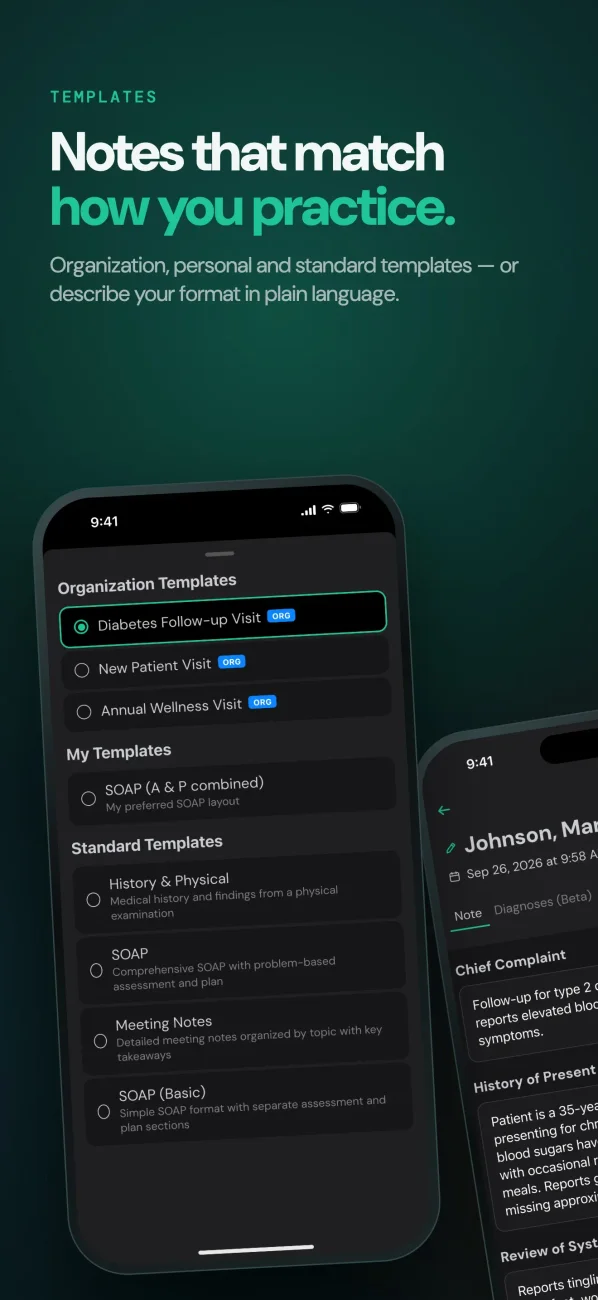
* Team templates and organization-specific note preferences
* Custom phrase replacement for preferred terminology
* Receptionist and workflow agents that create and act on clipboards
* EHR connection setup for schedules, note write-back, and deeper integration
AI AGENTS FOR CLINICAL BUSYWORK
Ambient Scribe is more than a recorder. The platform includes AI teammates designed to reduce administrative work:
* Receptionist can answer calls, triage, escalate, and turn calls into clipboards
* Phin can help build templates and assist on clipboard tasks
* Outbound and workflow agents can help close loops as your organization enables them
EHR INTEGRATION
Ambient Scribe is built to work with the EHRs healthcare teams already use. Supported organization workflows can include single sign-on, schedule access, patient context, note section mapping, direct send-to-EHR, and discrete data write-back. Integration depth depends on your EHR and organization setup.
WHO IT'S FOR
Ambient Scribe supports individual clinicians, practices, specialty groups, care teams, and larger healthcare organizations that want less point-and-click documentation and more time with patients.
To unlock the full platform - team clipboards, Receptionist, agents, EHR integration, shared templates, and organization-wide configuration - start organization setup at ambient-scribe.com or contact Phiniti.
Terms of Use: https://www.phiniti.ai/terms
新機能
バージョン 2026.09.25 · 2026/10/3
Now, for organizations, you can bring in your documents and photos as annotations or writable/drawable forms. This means that if you have a standard form you draw on for a patient. You can set it as an illustrative template and add it to the clipboard with your notes/drawings/annotations.
If you have a photo you took, you can mark it up, add arrows or circles, and draw on it. This is all on the iPad!
アプリのプライバシー
このアプリのデータの取り扱いについて、Phiniti LLCがApp Storeで申告している内容です。
-
ユーザーに関連付けられたデータ
収集され、ユーザーの識別情報に関連付けられる場合があります。
- 連絡先情報
- ユーザーコンテンツ
- ID
プライバシーの取り扱いは、ご利用の機能やお客様の年齢などに応じて異なる場合があります。
情報
- 販売元
- Phiniti LLC
- カテゴリ
- メディカル
- バージョン
- 2026.09.25
- 更新日
- 2026/10/3
- リリース
- 2024/6/26
- サイズ
- 171.2 MB
- 必要条件
- iOS 16.0以降
- 対象年齢
- 17+
- 価格
- 無料
- アプリ内課金
- あり
- 言語
- 英語
- 著作権
- © 2026 Phiniti LLC.