
- 対象年齢4+
- カテゴリユーティリティ
- 開発元Dariush Majidi
- 言語英語
- サイズ20.0 MB
App Storeの公式ページにリンクしています
Download.orgはamscanのファイルを一切ホストしていません。ボタンを押すと、Dariush Majidiが公開しているApp Storeのアプリページが開きます。ページの最終確認:2026/11/18。
スクリーンショット

概要
開発元はこのテキストをお使いの言語で提供していません。
Acoustics just got easier. Scan your room with LiDAR, then see its room modes, simulate where a speaker could go, and export the geometry for your own simulation work.
Part of the growing amcoustics-tools family, built on amroc THE room mode calculator.
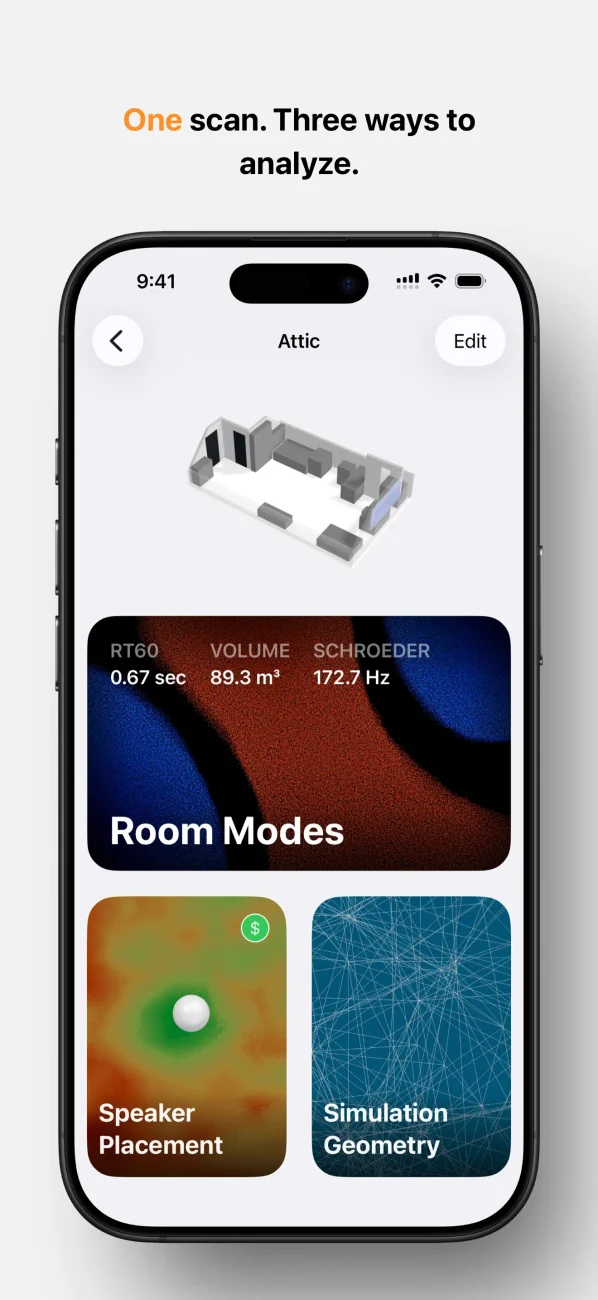
Capture your room's geometry once, and work from that one scan.
It's a game-changer for anyone who has ever used the popular amroc and amroc pro calculators.
For whom this app is for:
audiophiles, home theater enthusiasts, home studio owners, and professional acousticians who want to see the acoustic behavior of a room in 3D without the hassle. Discuss listening positions, speaker placement, and absorber strategies while seeing the modal behavior of your room.
A LiDAR-enabled iPhone or iPad is required to use scanning feature!
How it works:
1. Open the app and scan your room with your device's Lidar sensor.
2. The app automatically creates a 3D model.
3. You can calculate the first 5 room modes for free.
4. From there, choose what you want to do with the room: see all relevant modes, run a speaker placement simulation, or export the geometry.
5. Each of those is an in-app purchase, calculated once for that room.
What's included:
- Free to Download: The app is completely free to install. No upfront charges, no login. Just install and use.
- Unlimited Scanning: Scan as many rooms as you like.
- 5 Free Room Modes: Instantly calculate and visualize your first five modes for every room you scan.
- Basic Acoustic Data: Reverberation time estimate, Schroeder frequency, and room volume.
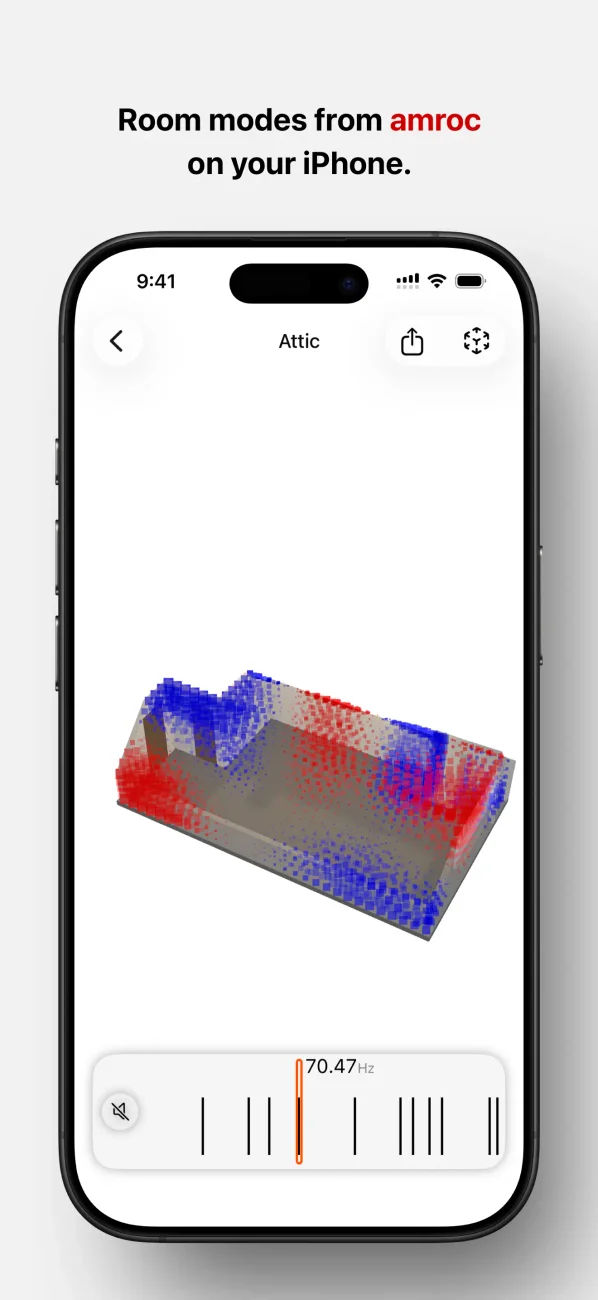
- All Room Modes: Use the in-app purchase to get all relevant modes, up to roughly the Schroeder frequency. Sweep through the frequency range and play the selected mode through your speakers, so you can hear the resonance while you see it.
- AR Preview: Place the scanned room and its modal pattern in front of you through the camera, and walk around the model.
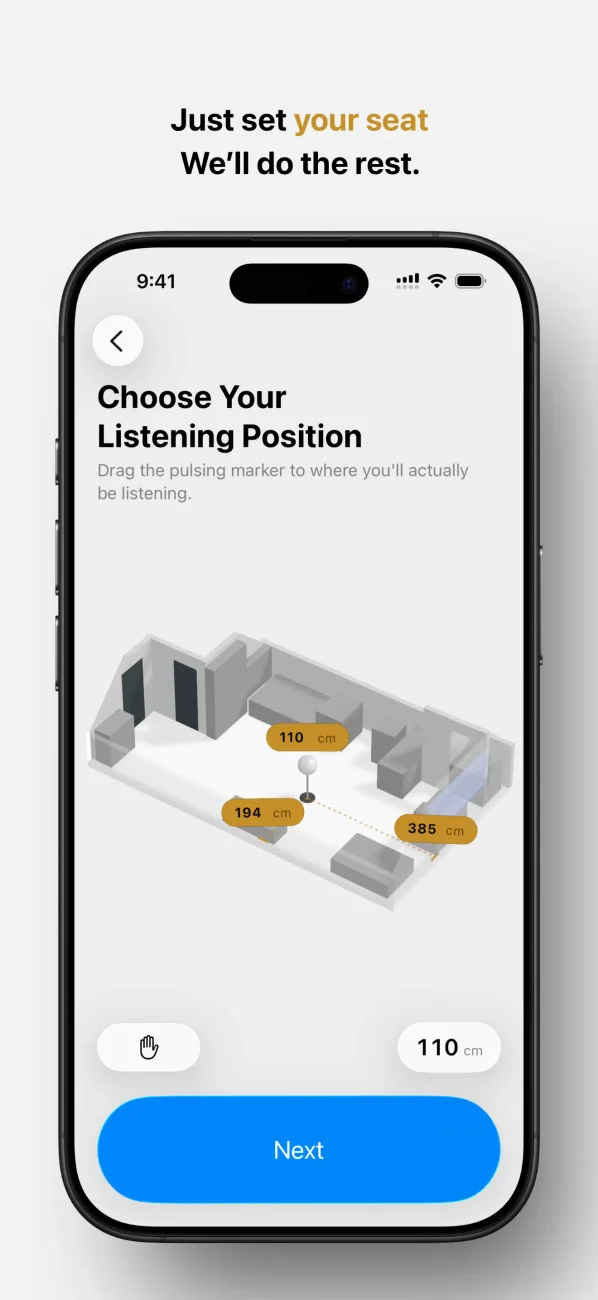
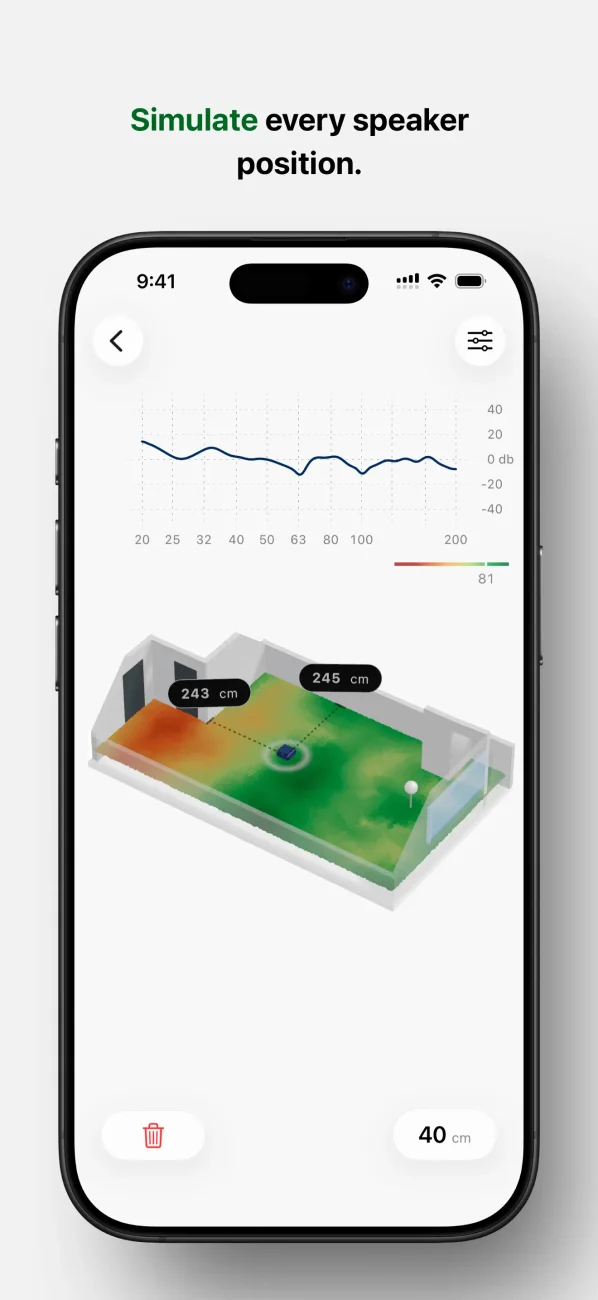
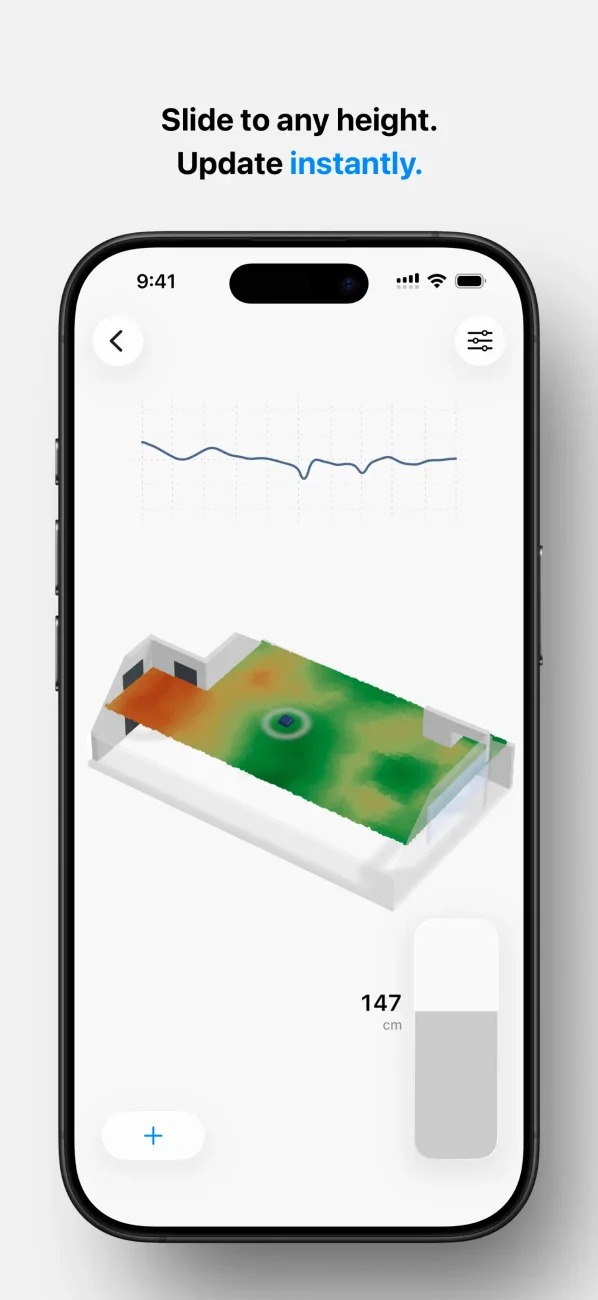
- Speaker Placement: Set your listening position, and the room is simulated from there. You get a map of how even the response would be at every point in the room, and you can place up to two speaker positions and compare their frequency response curves side by side.
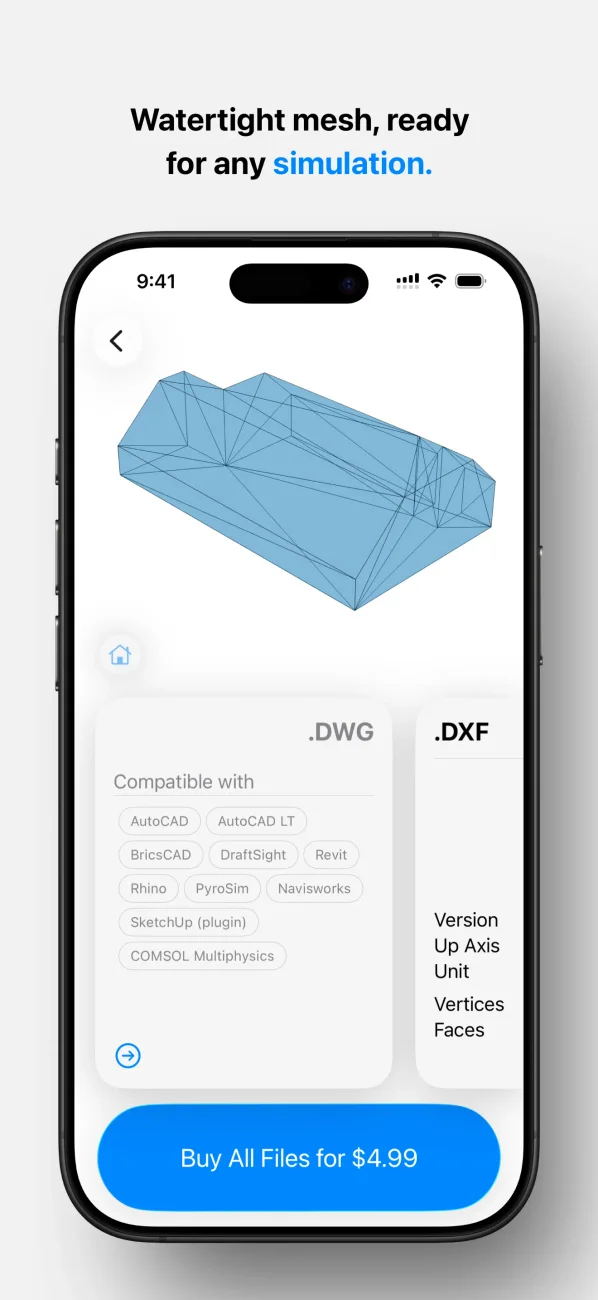
- Export Simulation Geometry: Download a low-polygon, closed, watertight and manifold mesh in OBJ, STL, DXF, STEP or DWG. This allows you to perform any type of simulation you desire later, in the software you already use.
About the speaker placement:
This is a simulation, not a measurement. It is calculated from the geometry we scanned, so it will not match a microphone in your room exactly. Use it to understand how your room behaves at low frequencies.
Decide where to start from, then trust your ears.
amscan transforms complex acoustic calculations into a simple, visual, and intuitive
process. Stop guessing and start designing your sound.
Privacy Policy: https://amcoustics.com/privacy
Terms and Conditions: https://amcoustics.com/terms
新機能
バージョン 2.0.1 · 2026/9/22
- Fix a bug in checkout step for Speaker Placement.
アプリのプライバシー
このアプリのデータの取り扱いについて、Dariush MajidiがApp Storeで申告している内容です。
-
ユーザーに関連付けられないデータ
収集される場合がありますが、ユーザーの識別情報には関連付けられません。
- Surroundings
プライバシーの取り扱いは、ご利用の機能やお客様の年齢などに応じて異なる場合があります。
情報
- 販売元
- Dariush Majidi
- カテゴリ
- ユーティリティ
- バージョン
- 2.0.1
- 更新日
- 2026/9/22
- リリース
- 2025/8/10
- サイズ
- 20.0 MB
- 必要条件
- iOS 18.6以降
- 対象年齢
- 4+
- 価格
- 無料
- アプリ内課金
- あり
- 言語
- 英語
- 著作権
- © amcoustics
こちらもおすすめ
-
 AcousticCheckユーティリティ
-
 Room acoustics measurementユーティリティ
-
 Building Acoustics Partnerユーティリティ
-
 Room Tuner: Room Acousticsユーティリティ
-
 White Mark Room Acousticsユーティリティ
-
 SpectralScan Audio Analyzer dBユーティリティ
-
 CarSweep: カーオーディオ イコライザー車と部屋のスピーカー測定・補正
-
 HouseCurveユーティリティ
-
 Touchscreen Pro タッチ診断中古スマホを買う前に状態診断
-
 サウンドメーター騒音・デシベル計、SPLメーター