AnamorphicDesqueezer
Anamorphic Batch Desqueeze
iPhone, iPad, Mac, iPod touch向けに設計
無料 · アプリ内課金
- 対象年齢4+
- カテゴリ写真/ビデオ
- 開発元Sanjay Korde
- 言語英語
- サイズ7.9 MB
App Storeの公式ページにリンクしています
Download.orgはAnamorphicDesqueezerのファイルを一切ホストしていません。ボタンを押すと、Sanjay Kordeが公開しているApp Storeのアプリページが開きます。ページの最終確認:2026/11/23。
スクリーンショット


概要
開発元はこのテキストをお使いの言語で提供していません。
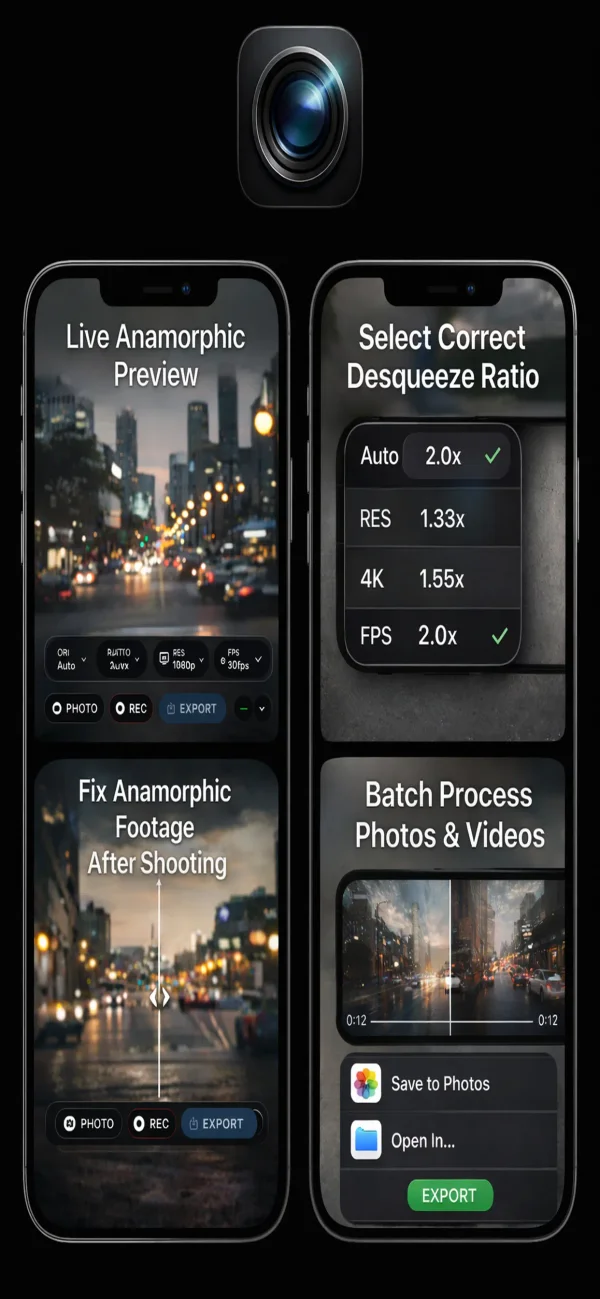
Anamorphic Desqueeze is a professional anamorphic desqueeze tool built for filmmakers working with anamorphic lenses.
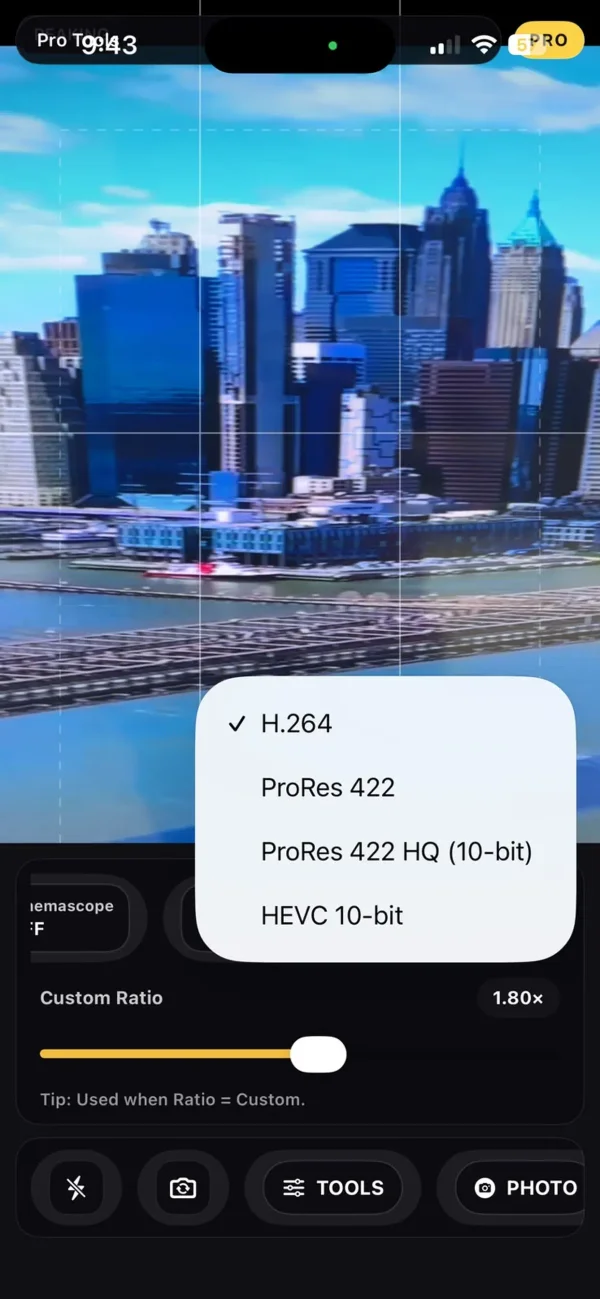
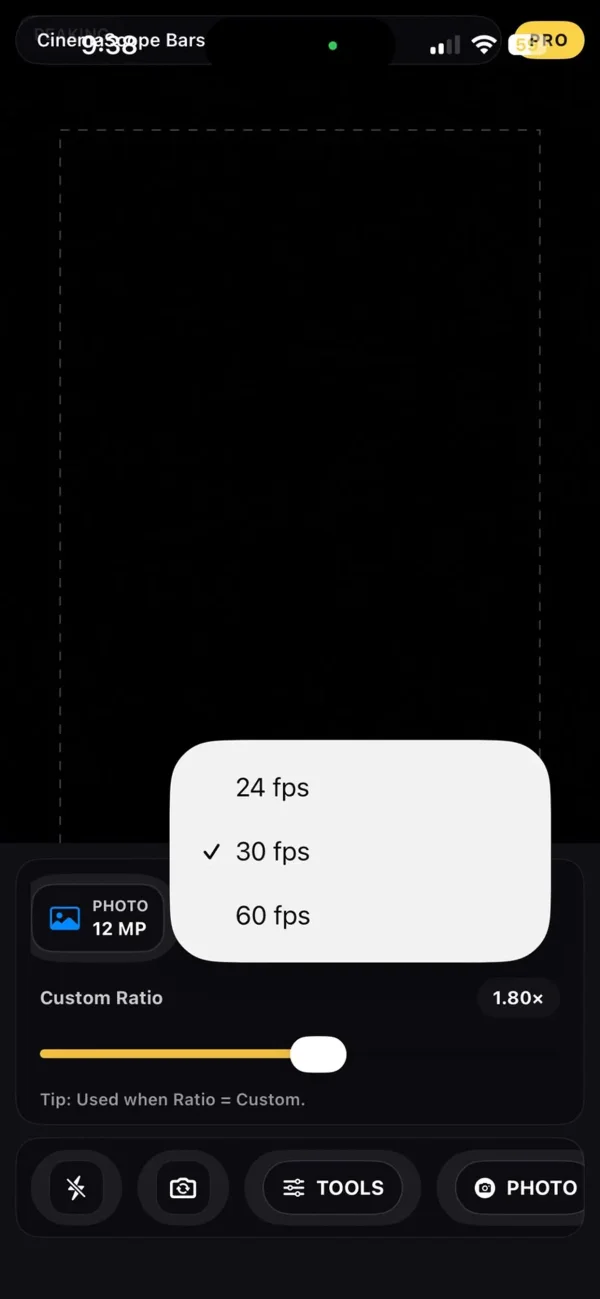
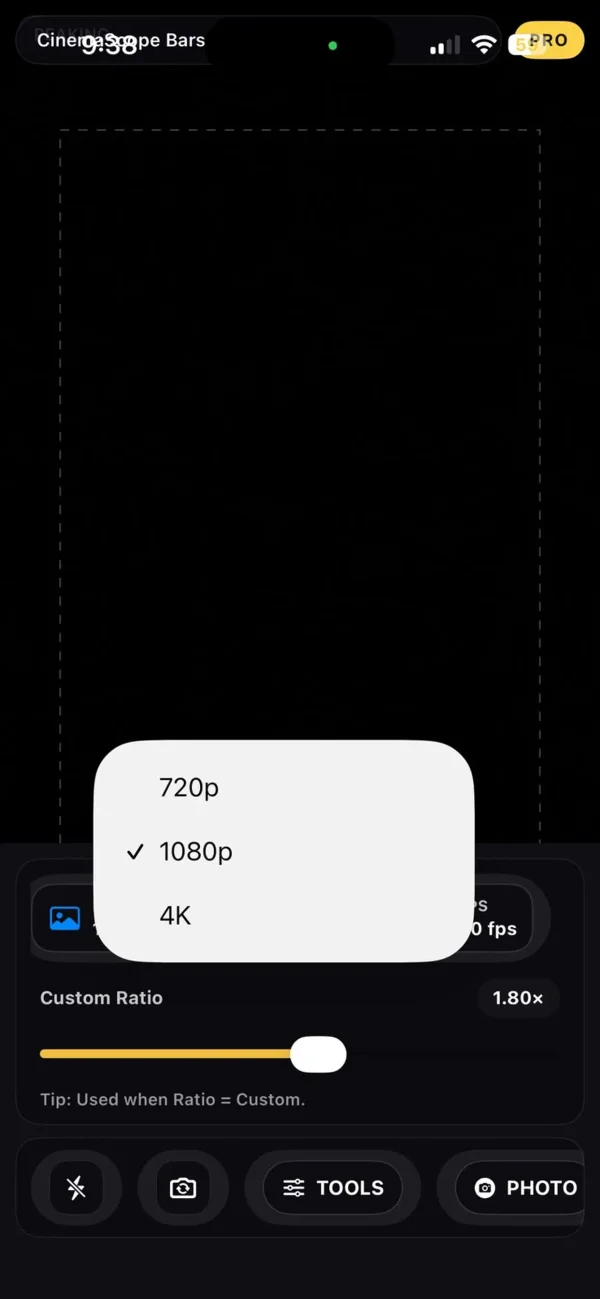
Designed for anamorphic cinematography, it gives you precise manual desqueeze control, real-time monitoring, professional exposure tools, cinematic capture controls, and true CinemaScope export with ProRes and 10-bit.
If you shoot anamorphic, this app is built for you.
Professional Anamorphic Desqueeze
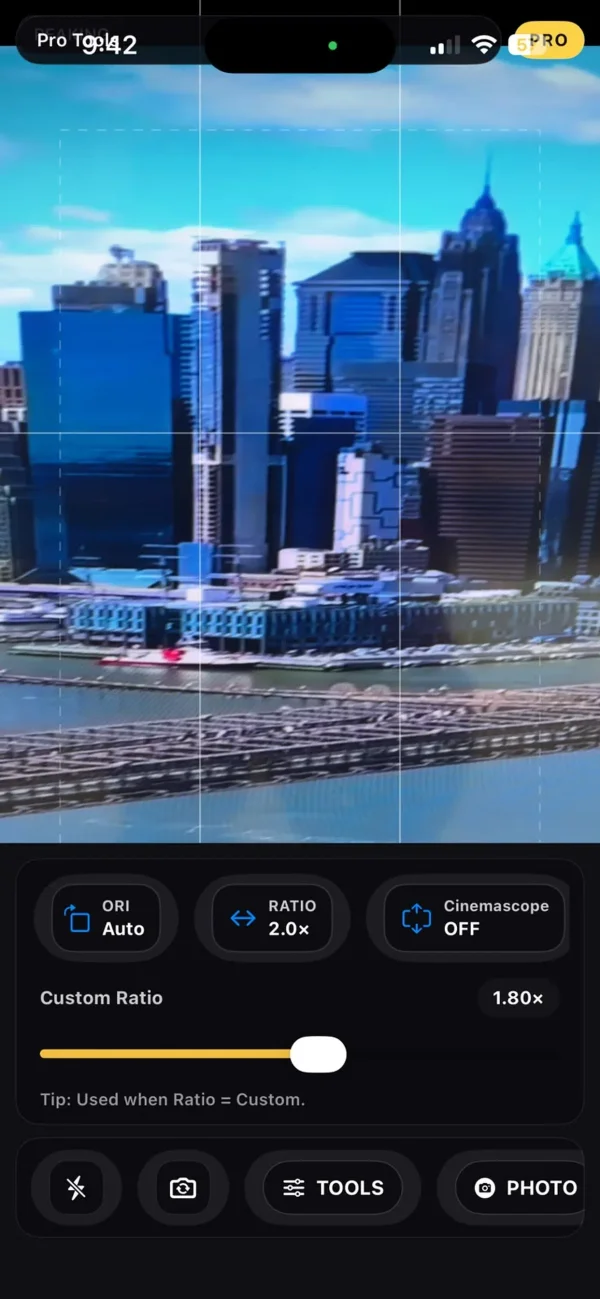
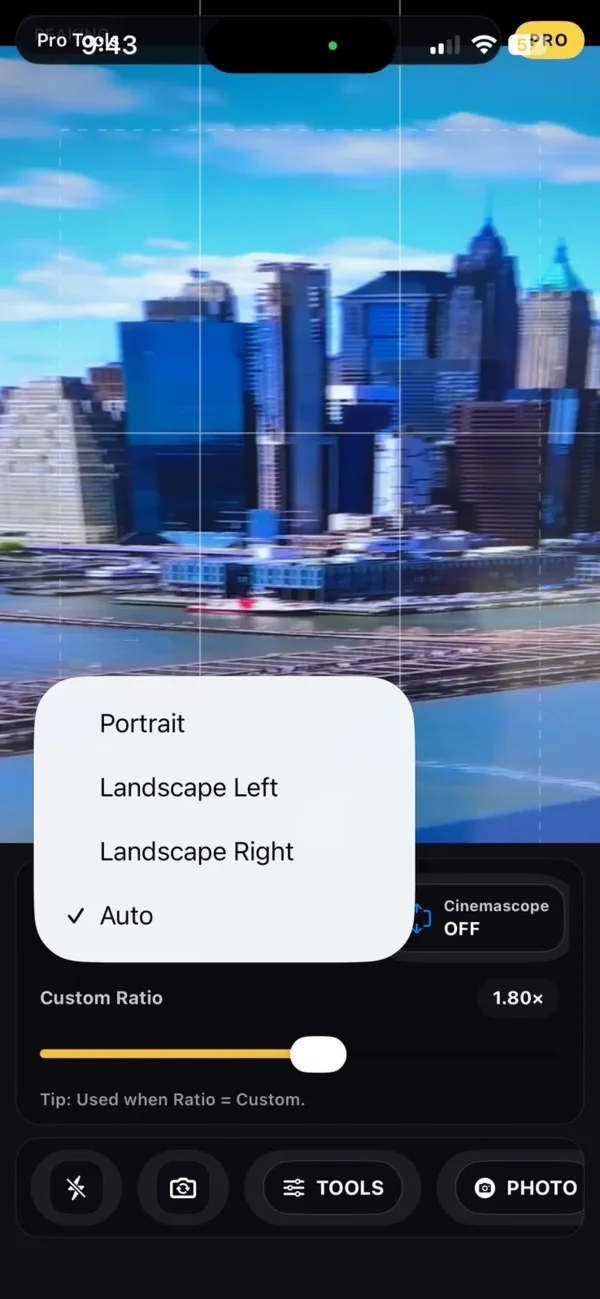
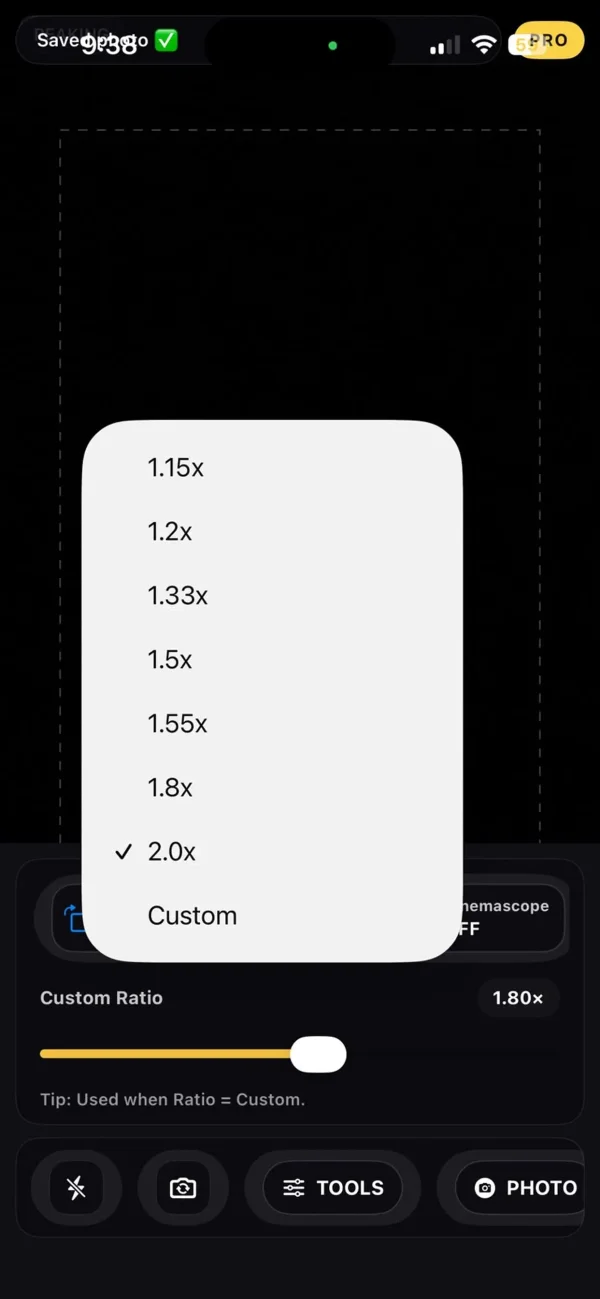
• Preview every ratio free — 1.15×–2.0× and Custom
• Free record and export at 1.8× with a bold proof watermark
• Pro unlocks every ratio, Custom, and clean delivery (no watermark)
• Custom ratio slider (Pro)
• Preview matches what you will export
• No automatic detection — full manual control
Live Anamorphic Desqueeze Monitor
• Real-time desqueeze preview
• Toggle squeezed / desqueezed view
• 2.39:1 CinemaScope framing guides
• True anamorphic aspect monitoring
Professional Monitoring Tools
• Zebras
• Waveform with IRE scale
• False color
• Focus peaking
• Luma and RGB histogram
• ISO, shutter speed, and white balance display
Cinematic Capture Controls
• Cinematic f-stop on supported iPhones running iOS 26 or later — free at f/2; other stops require Pro
• Create cinematic background blur and stronger subject separation
• Set depth of field before recording
• Zoom and framing are preserved in the movie
• Free ISO is Auto and High; other ISO values require Pro
• Standard look free to record; other color looks require Pro
• What you frame, expose, and grade is what you export
Cinematic f-stop requires iOS 26 or later and a device that supports Apple Cinematic Video capture.
Cinematic Color Looks
Standard, Black & White, Warm, Cool, Teal & Orange, Golden Hour, Day Exterior, Night Interior, High Key, Low Key, Soft Film, Bleach Bypass, Moonlight, Rich Contrast, Vibrant, Flat, Print, Apple Log, and Apple Log 2. Standard is free; full set requires Pro.
Export True CinemaScope
• Correct 2.39:1 CinemaScope ratio
• No stretched footage
• Save to Photos
• Export to Files — H.264 free; ProRes and 10-bit require Pro
• FCPXML timeline for Final Cut Pro (Pro)
• Per-clip framing, LUT, and trim
• After a take at an allowed ratio, the desqueezed clip is saved to Photos automatically
Anamorphic Photo and Batch
• Desqueeze anamorphic photos
• RAW / DNG support
• Batch desqueeze multiple clips
• Export per clip or merge to one timeline (merge is Pro)
• Free offline export is 1.8× with proof watermark; Pro is clean for every ratio
Record to SSD
On iOS 17 or later, connect a USB-C drive and record directly to it. Keep iPhone storage available and leave the drive connected when exporting that take.
Audio Meter and Microphone
Monitor audio levels and select the built-in, USB-C, or wired microphone before recording.
Preview every ratio free. Free record and export are 1.8× with a bold proof watermark. Pro unlocks every ratio and clean export — Photos, Files, batch, merge, ProRes / 10-bit, and FCPXML.
How to Use
1. Choose Live Monitor or Post for photos and videos.
2. Select your anamorphic desqueeze ratio and framing (all ratios free to preview).
3. Set f-stop on supported iOS 26 devices (free f/2), zoom, ISO / exposure, and color look.
4. Monitor with waveform, zebras, false color, focus peaking, histogram, and 2.39:1 guides.
5. Record at 1.8× free (proof watermark) or unlock Pro for any ratio, clean.
6. Export to Photos, Files, or FCPXML.
For batch workflows, import clips, set ratio and codec, then export individually or merge into one timeline with correct CinemaScope geometry.
Built for a Faster Filmmaking Workflow
Frame anamorphic shots correctly while shooting, monitor exposure and focus, set cinematic depth, zoom, ISO, and color, then carry those creative decisions through to export.
Who It’s For
Cinematographers and DOPs, independent filmmakers, short film and commercial teams, 2.39:1 content creators, film schools, studios, and rental houses working with anamorphic lenses.
新機能
バージョン 1.50 · 2026/11/21
• Preview every anamorphic ratio free
• Free record & export at 1.8× with a bold center proof watermark
• Pro unlocks every ratio and clean export (no watermark)
• Desqueezed takes auto-save to Photos after record
アプリのプライバシー
このアプリのデータの取り扱いについて、Sanjay KordeがApp Storeで申告している内容です。
-
データの収集なし
開発元はこのアプリからデータを収集しません。
プライバシーの取り扱いは、ご利用の機能やお客様の年齢などに応じて異なる場合があります。
情報
- 販売元
- Sanjay Korde
- カテゴリ
- 写真/ビデオ
- バージョン
- 1.50
- 更新日
- 2026/11/21
- リリース
- 2026/1/7
- サイズ
- 7.9 MB
- 必要条件
- iOS 15.6以降
- 対象年齢
- 4+
- 価格
- 無料
- アプリ内課金
- あり
- 言語
- 英語
- 著作権
- © Cinematics ,All rights reserved.
こちらもおすすめ
-
 Cine Desqueeze - Anamorphic写真/ビデオ
-
 Anamorf - Desqueeze Video写真/ビデオ
-
 Easy Desqueezer写真/ビデオ
-
 Hide Photos: 写真保存・鍵付きアルバム隠しフォルダで秘密の写真・動画を保護
-
 Vertiscoper anamorphic resizer写真/ビデオ
-
 DualCamPro写真/ビデオ
-
 LensPin: 写真に位置情報を追加GPX・iPhoneの写真・ワークアウトの経路
-
 Vane: 動画をLive Photosにどこに投稿しても動くLive Photos
-
 FinalBoard写真/ビデオ
-
 Desqueeze PRO - Batch Resizer写真/ビデオ