- 対象年齢4+
- カテゴリ開発ツール
- 開発元Abhishiktha Ponguru
- 言語英語
- サイズ5.9 MB
App Storeの公式ページにリンクしています
Download.orgはAppScreens Studioのファイルを一切ホストしていません。ボタンを押すと、Abhishiktha Ponguruが公開しているApp Storeのアプリページが開きます。ページの最終確認:2026/11/15。
スクリーンショット
概要
開発元はこのテキストをお使いの言語で提供していません。
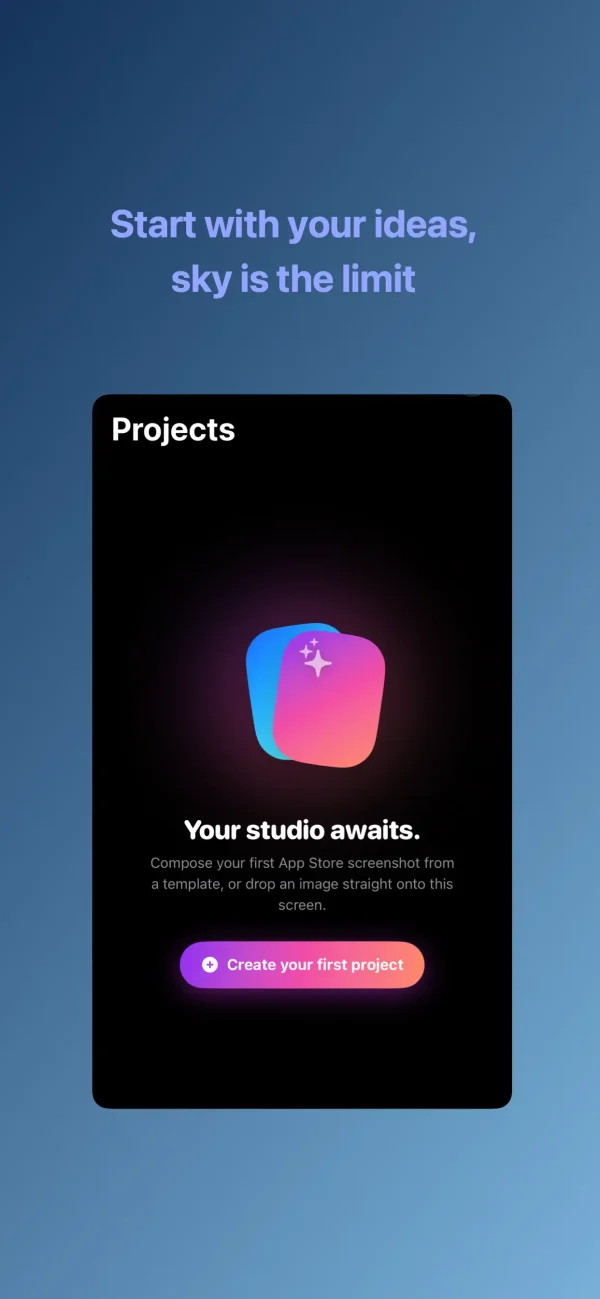
AppScreens Studio is the all-in-one toolkit for Apple developers who ship apps. Compose pixel-perfect App Store screenshots, generate complete app icon sets in one tap, and prepare app preview videos — every asset App Store Connect requires, from a single workspace on iPhone, iPad, and Mac.
WHY APPSCREENS STUDIO
Built by a developer who got tired of cobbling together screenshots in five different tools. Drop in your screen captures, drag text and shapes onto a canvas sized to Apple's exact device pixel requirements, and export ready-to-upload PNGs. No design skills required, no template fights, no resizing math.
EVERY DEVICE APPLE LISTS
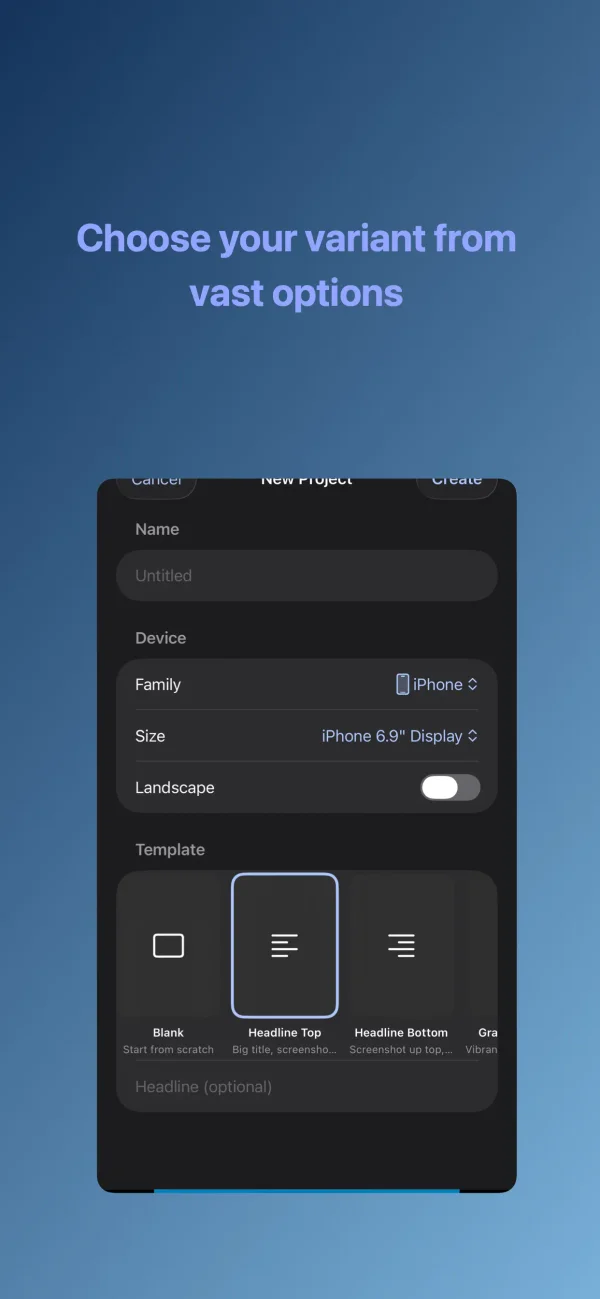
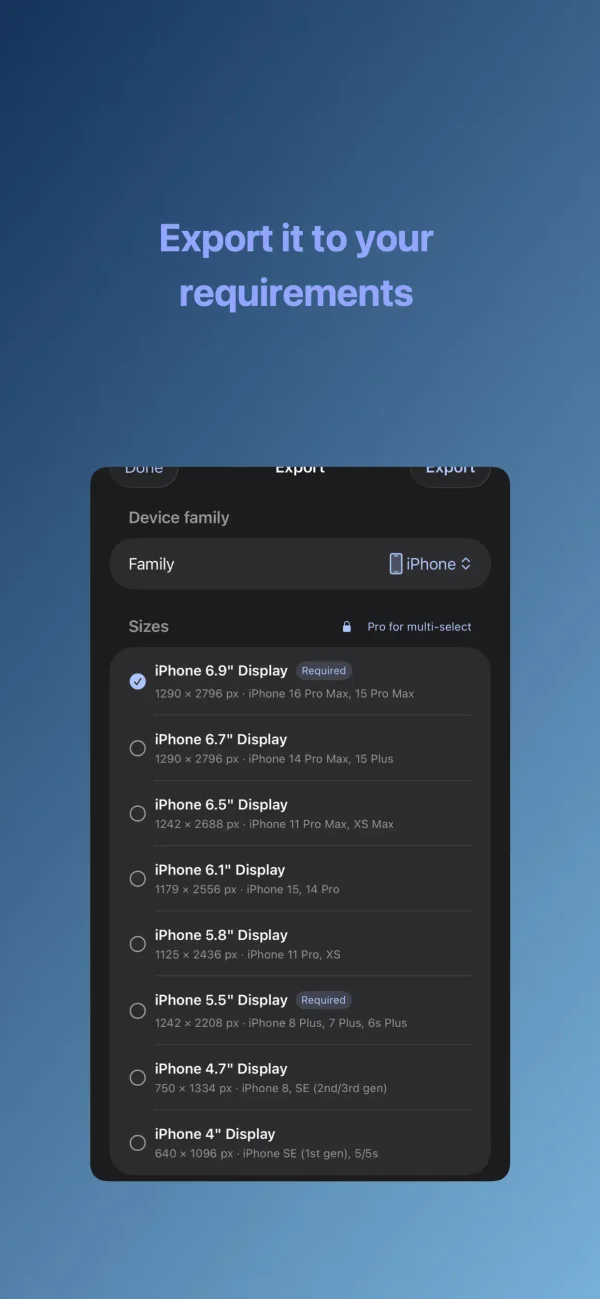
App Store Connect supports dozens of screenshot sizes across iPhone, iPad, Apple Watch, Mac, Apple Vision Pro, and iMessage. AppScreens Studio catalogues every one of them — straight from Apple's published specs — so your assets always match what the App Store expects. Pick a device family, pick a size, design once, export at native pixel dimensions.
FEATURES THAT SHIP
• 10 ready-made templates: Headline Top, Headline Bottom, Centered, Split, Stacked, Bold Statement, Minimal, Feature Callout, Gradient Hero, and Blank
• Multi-layer canvas with drag, pinch-zoom, and rotation gestures
• Independent inner-image transform — pan and zoom a screenshot inside its frame without moving the frame itself
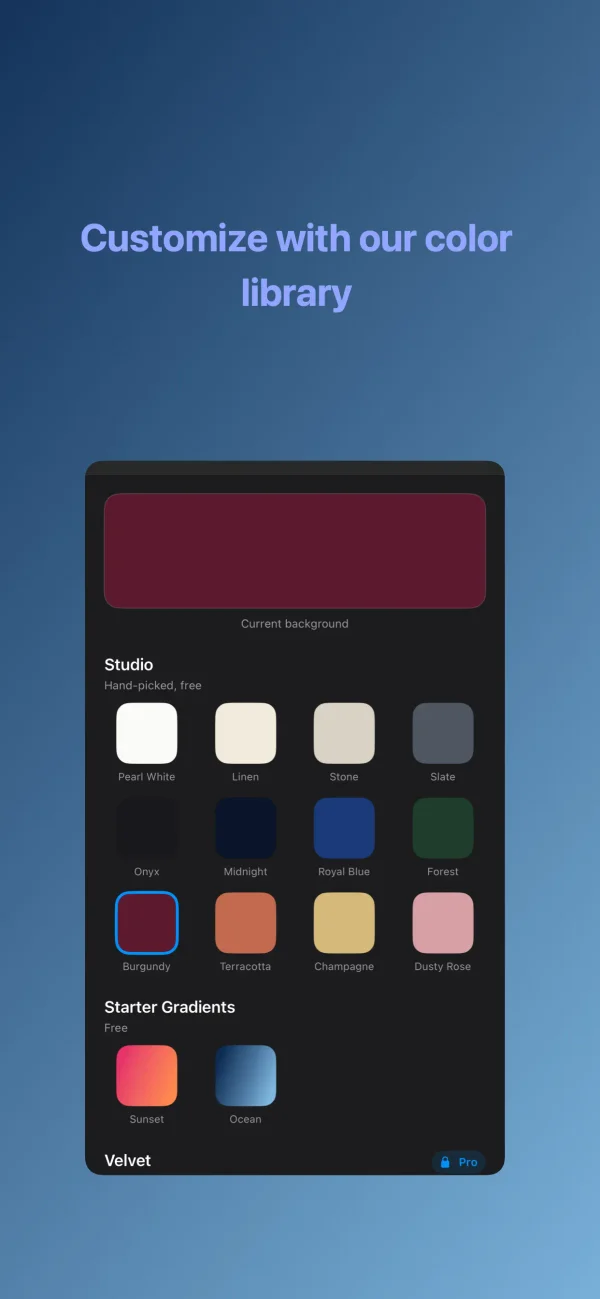
• Curated luxury background palette plus a Pro library with 50+ designer colours and gradients
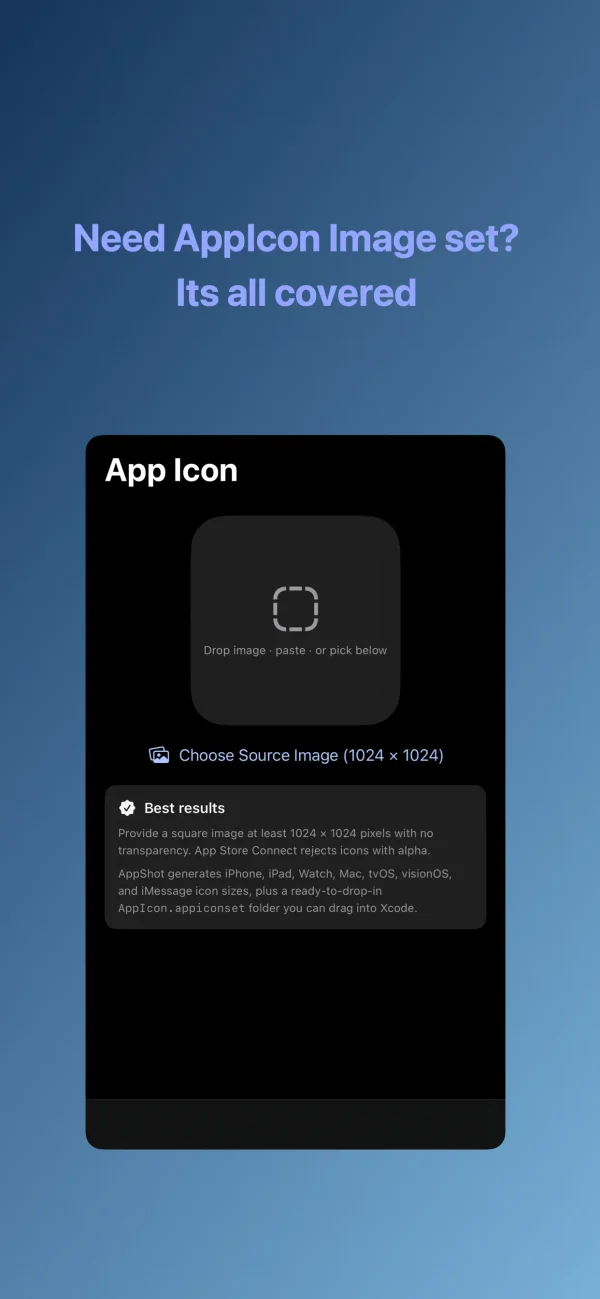
• App Icon set generator — drop in one 1024×1024 master and get every iPhone, iPad, Mac, Watch, and Vision icon size in a valid AppIcon.appiconset folder ready to drop into Xcode
• Drag-and-drop image import from Finder, Photos, Files, or paste from clipboard
• Reveal in Finder (Mac) and Quick Preview (iPhone, iPad) for every export
• Full undo / redo
• Native keyboard shortcuts on Mac and iPad — ⌘N, ⌘E, ⌘B, ⌘Z, ⌘⇧Z, ⌘D
• Universal Purchase: buy once, use everywhere on iPhone, iPad, and Mac
APPSCREENS PRO
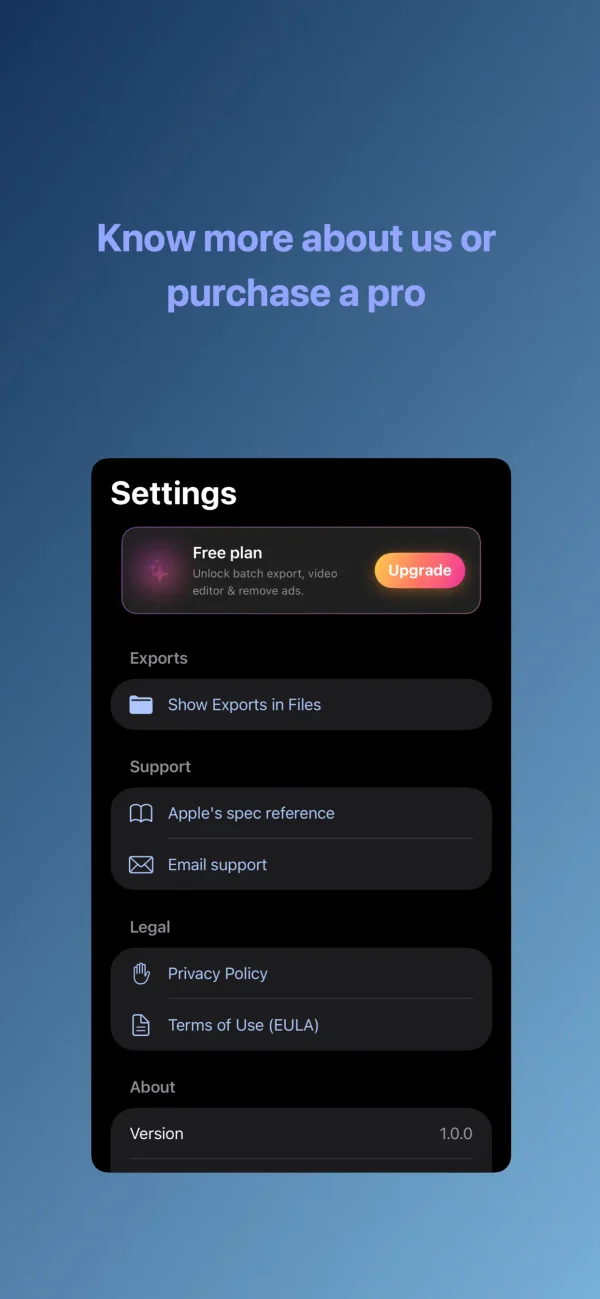
Upgrade to Pro for:
• Batch export to every selected device size in one pass
• Premium template library and luxury background palette (50+ designer colours and gradients)
• Video editor (coming soon)
• Background export — leave the screen while assets generate
• No ads
Try Pro free for 7 days. Cancel any time.
SUBSCRIPTION TERMS
• Monthly subscription auto-renews each month unless cancelled at least 24 hours before the end of the current period
• Yearly subscription auto-renews each year unless cancelled at least 24 hours before the end of the current period
• Lifetime is a one-time purchase
• Manage or cancel subscriptions in Settings → Apple ID → Subscriptions
PRIVACY
AppScreens Studio does not collect, sell, or share your screenshots, project files, or any personal data. Exports stay on your device unless you export them yourself. See our privacy policy at https://vyora.pages.dev/privacy-policy/ for full details.
QUESTIONS OR FEEDBACK
Email abhidy786@gmail.com or visit https://vyora.pages.dev for support and updates.
Built with care for indie developers, by indie developers.
アプリのプライバシー
このアプリのデータの取り扱いについて、Abhishiktha PonguruがApp Storeで申告している内容です。
-
ユーザーのトラッキングに使用されるデータ
他社のアプリやウェブサイトを横断してユーザーをトラッキングする目的で使用される場合があります。
- ID
-
ユーザーに関連付けられたデータ
収集され、ユーザーの識別情報に関連付けられる場合があります。
- ID
プライバシーの取り扱いは、ご利用の機能やお客様の年齢などに応じて異なる場合があります。
情報
- 販売元
- Abhishiktha Ponguru
- カテゴリ
- 開発ツール
- バージョン
- 1.0
- 更新日
- 2026/6/8
- リリース
- 2026/6/8
- サイズ
- 5.9 MB
- 必要条件
- iOS 18.0以降
- 対象年齢
- 4+
- 価格
- 無料
- 言語
- 英語
- 著作権
- © 2026 Vyöra. All rights reserved.
こちらもおすすめ
-
 App-Screenshot: Design StudioDevice Frame Generator & Tool
-
 Connect Asset Converter開発ツール
-
 Yada Studio: アプリのスクリーンショットASOモックアップ、プレビュー、イベント
-
 DevBuddy Dev Tools開発ツール
-
 Pocket API Client開発ツール
-
 Kex - SSH & Mosh Client開発ツール
-
 Apiary – API Client開発ツール
-
 HiDev開発ツール
-
 SSHクライアント&ターミナル サーバー管理サーバー監視・ファイル・ログ・コンテナ
-
 NFC StudioNFCタグの読み取り・書き込み