- 対象年齢4+
- カテゴリライフスタイル
- 開発元BMAC Infotech
- 言語英語
- サイズ9.5 MB
App Storeの公式ページにリンクしています
Download.orgはAR Tilesのファイルを一切ホストしていません。ボタンを押すと、BMAC Infotechが公開しているApp Storeのアプリページが開きます。ページの最終確認:2026/11/15。
スクリーンショット

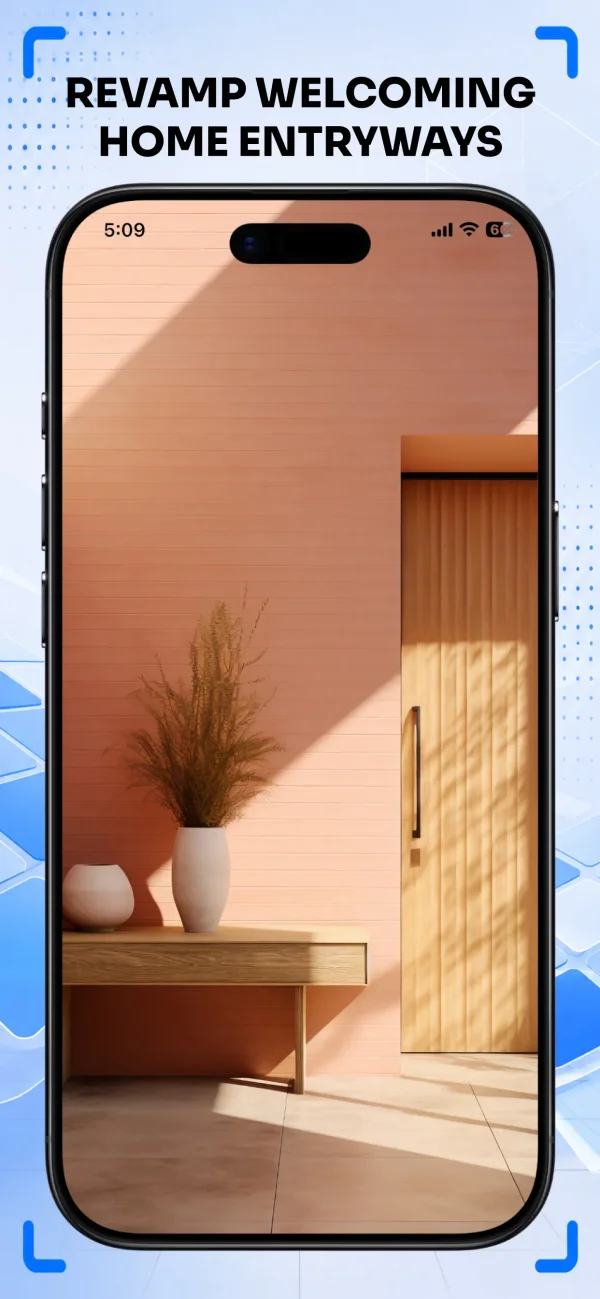
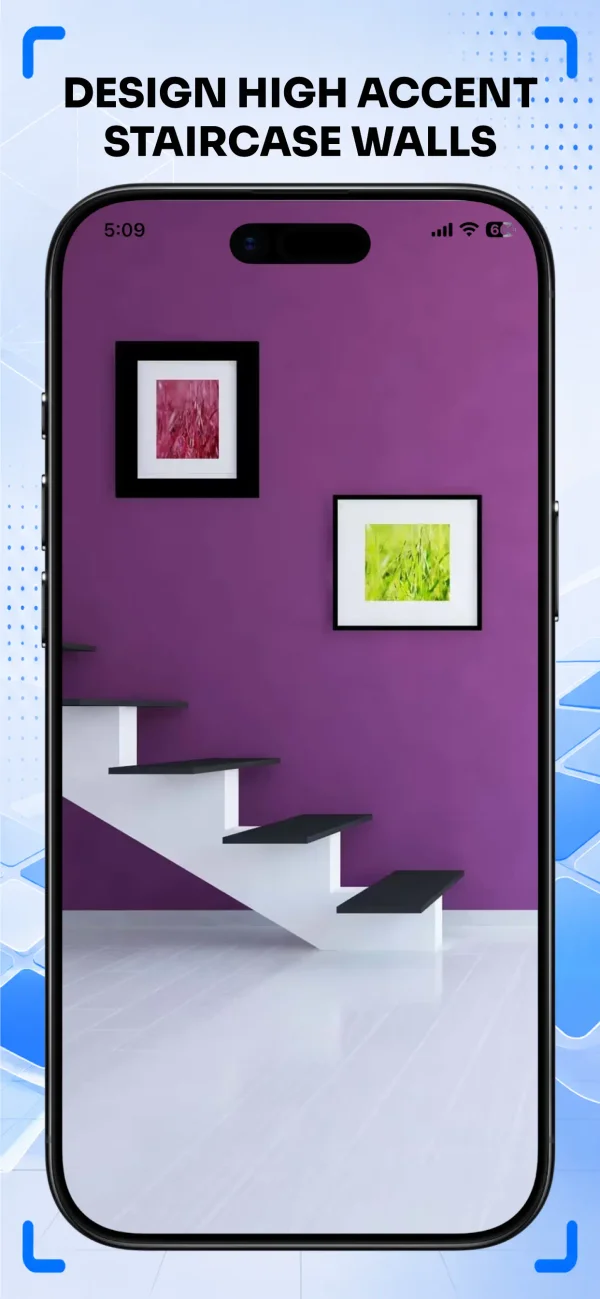
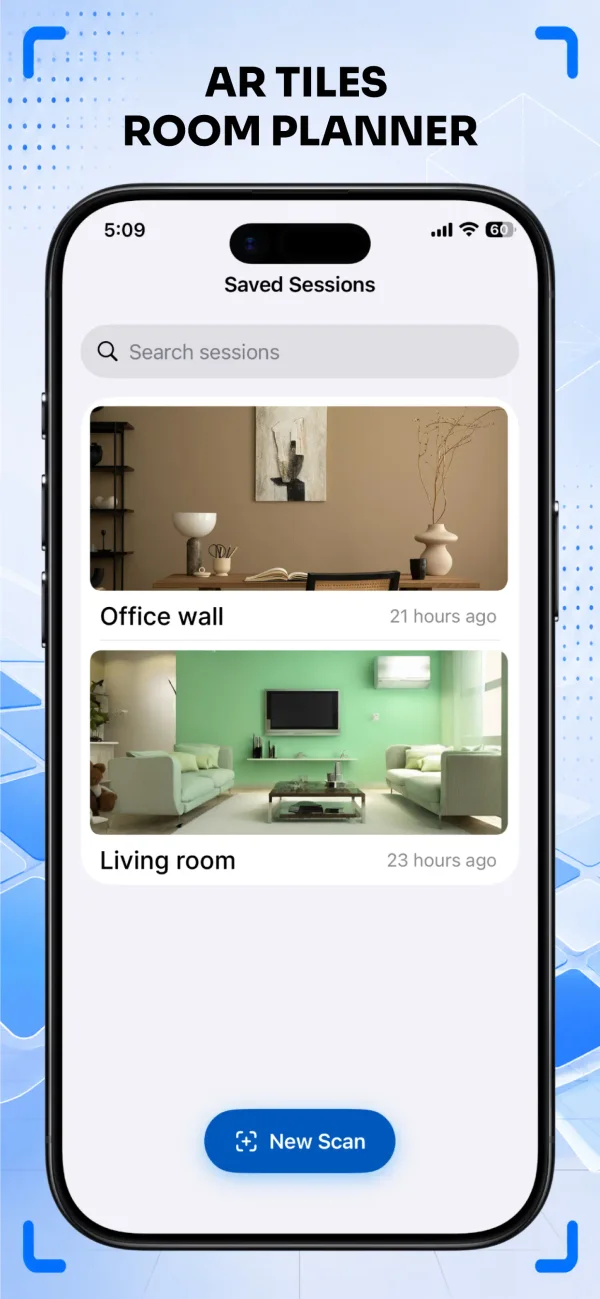
概要
開発元はこのテキストをお使いの言語で提供していません。
AR Tiles - Try your tiles with Augmented Reality before you buy them.
Nowadays choose interior design has never been easier. When you choose an interior design and if you don't like after some time then at that time you don't have any option to do. At this point, here is a solution, we are creating the best application where you can choose your own interior design, and see how that looks after design. This is totally Augmented Reality based app. Before you know how this application is work first you have to know about what is Augmented Reality and how Augmented Reality works.
WHAT IS AUGMENTED REALITY?
Augmented Reality is an enhanced version of the physical world through the visual, audio element. In other words, we can say that augmented reality integrates all the information with the user all this shows in real-time. All the data shown in real worlds. Unlike virtual reality is created in totally artificial environments. Where augmented reality can work on your existing environment and simply overlays virtual things on top of it and work on that. The main benefit of Augmented reality is the better user experience of an improved natural world. where the information from the virtual worlds are the basic information that provides the tool and basic information in the real world.
HOW AUGMENTED REALITY WORKS?
Augmented Reality refers to deploying virtual all over the real-world objects. That the overlay is executed together with the input received from a camera or another input device like smart glasses. This virtual image is all over the real world objects create an illusion that can effectively engage users on the virtual device.
HOW AR Tiles ARE WORKS?
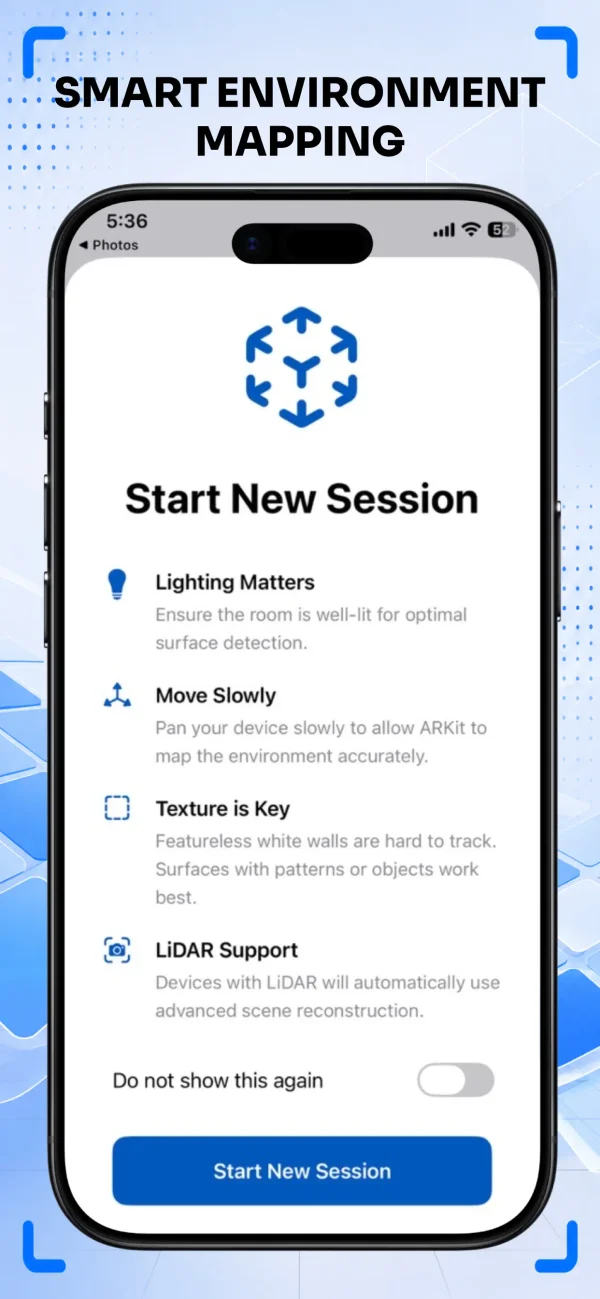
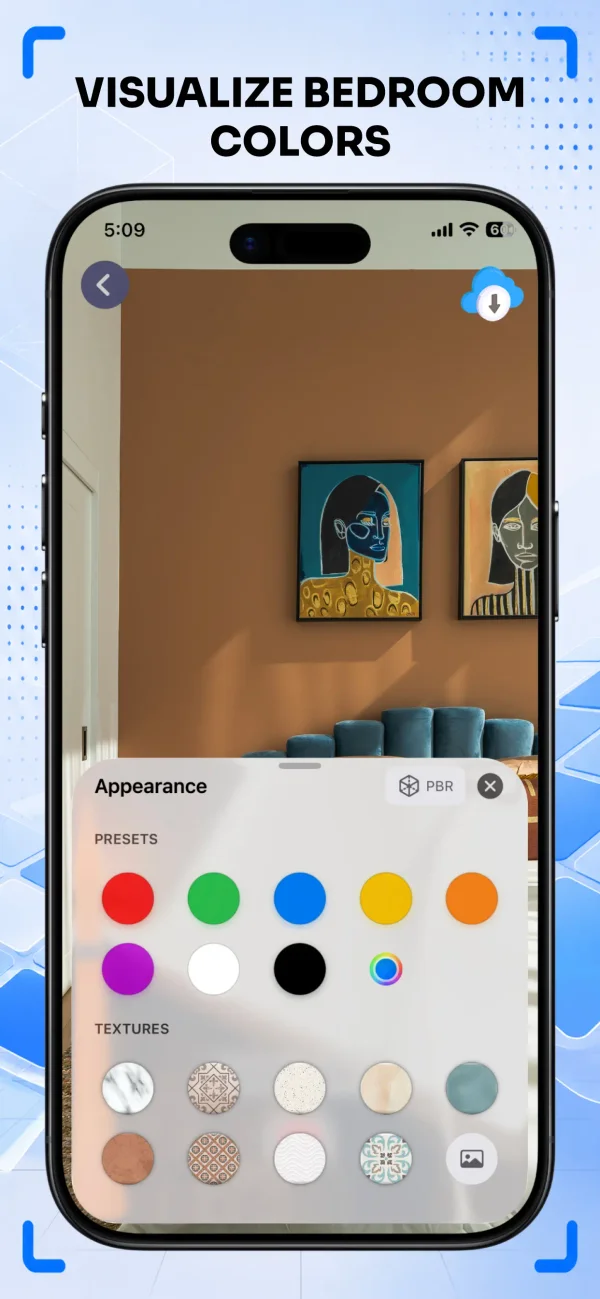
AR Tiles are used to create your tiles with augmented reality and you have to choose your texture and create your tiles. Here you can see one more awesome feature and that is you have also chosen the texture from gallery and camera. At the topmost, you have to move your phone to detect a surface, when the surface is detected then you have seen a one add( + ) here you have to click this icon and add the start point of the wall. Then after again click on the add ( + ) button and this button will endpoint of the wall. Them after move your phone to the up direction and select your height of the wall. Click the confirm button to add your texture. Here you can see many textures choose one of them and create your wall tiles. You also choose a texture from your gallery and camera. you can also create a video or take a photo of your texture. You can create your wall in a few steps.
Yes, you can choose tiles image from our collection or from your phone gallery. Or even you can take a photo of any tile and use it.
If you have any suggestions and query related to this application then kindly share on info@bmacinfotech.com
新機能
バージョン 1.0.1 · 2026/6/6
What's New
- Automatic wall & surface detection
- Apply colors with a single tap
- Use custom image textures
- Select different material finishes and types
Update now and bring your ideas to life with greater realism!
アプリのプライバシー
このアプリのデータの取り扱いについて、BMAC InfotechがApp Storeで申告している内容です。
-
データの収集なし
開発元はこのアプリからデータを収集しません。
プライバシーの取り扱いは、ご利用の機能やお客様の年齢などに応じて異なる場合があります。
情報
- 販売元
- BMAC Infotech
- カテゴリ
- ライフスタイル
- バージョン
- 1.0.1
- 更新日
- 2026/6/6
- リリース
- 2020/2/13
- サイズ
- 9.5 MB
- 必要条件
- iOS 18.6以降
- 対象年齢
- 4+
- 価格
- 無料
- 言語
- 英語
- 著作権
- © BMAC Infotech