- 対象年齢4+
- カテゴリグラフィック/デザイン
- 開発元LOFOPI
- 言語英語
- サイズ158.2 MB
App Storeの公式ページにリンクしています
Download.orgはArt Set 4のファイルを一切ホストしていません。ボタンを押すと、LOFOPIが公開しているApp Storeのアプリページが開きます。ページの最終確認:2026/11/28。
スクリーンショット



概要
開発元はこのテキストをお使いの言語で提供していません。
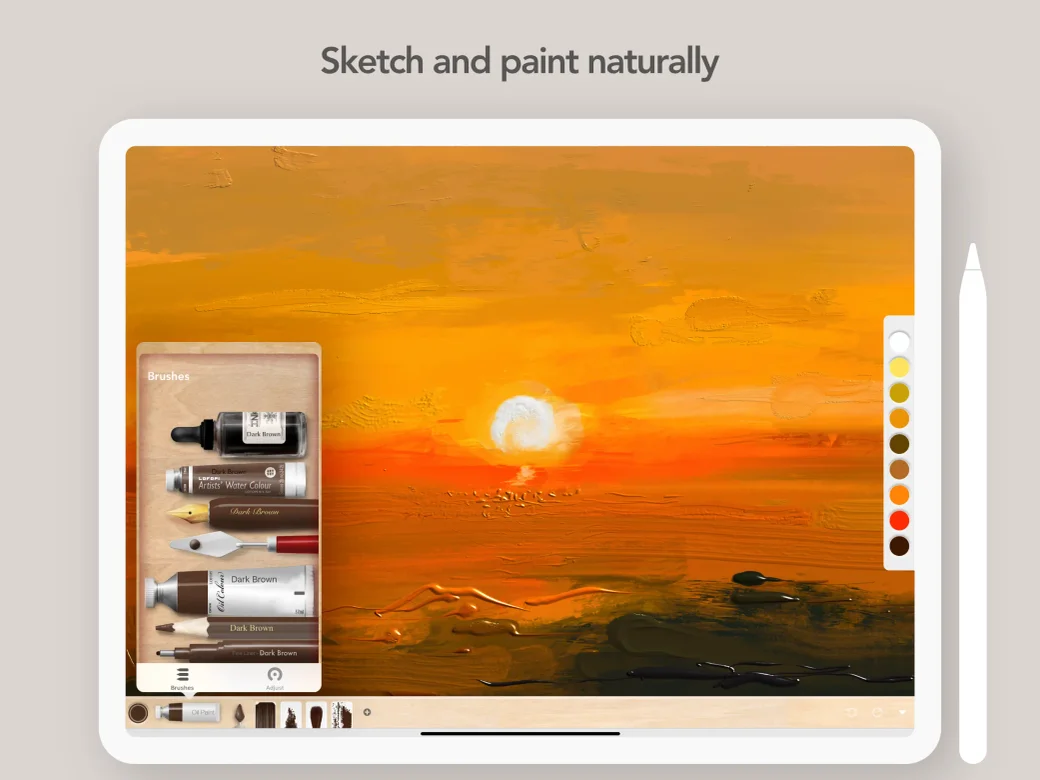
Art Set has been No.1 iPad app in over 30 countries around the world. Now completely re-written with some of the most advanced artistic digital painting and drawing tools ever created!
An 'App of Day', this giant new version has tools with incredible levels of realism and many professional features.
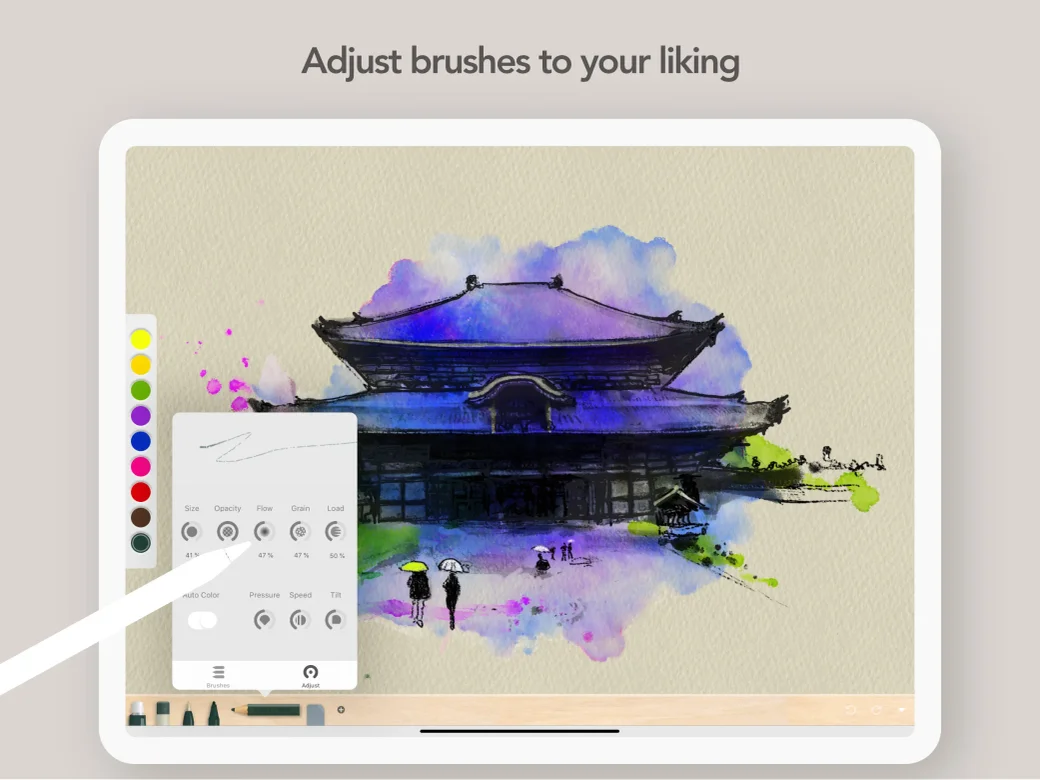
Exclusive artistically created brushes, from real world art mediums through to the purely digital for all styles of artwork. Watch fluid Watercolor flow and run as you paint. Express your strokes in 3D giving thick gloopy paint you can even etch back into.
It's also a must for any Apple Pencil owner! Art Set brushes have many additional expressions that come into play, some deeply integrated, with new levels of sensitivity you may have never experienced before!
It's now free to download for the first time ever!
INCLUDED FOR FREE :
HYPER-REAL TOOLS
- Oil Paint, Watercolors, Oil Pastel, Pencil, Biro Pen, Marker, Wax Crayon, Blenders and more!
- Fluid dynamic simulation for Watercolor
- 3D Paint
- Custom blending achieving rich deep color
- Art Set keeps track of where the canvas is wet, dry when needed
- Turn on Slow Draw for drawing to lag your stroke. Create smooth curves and lines; great for calligraphy!
- Blur Filter with localised quick masking
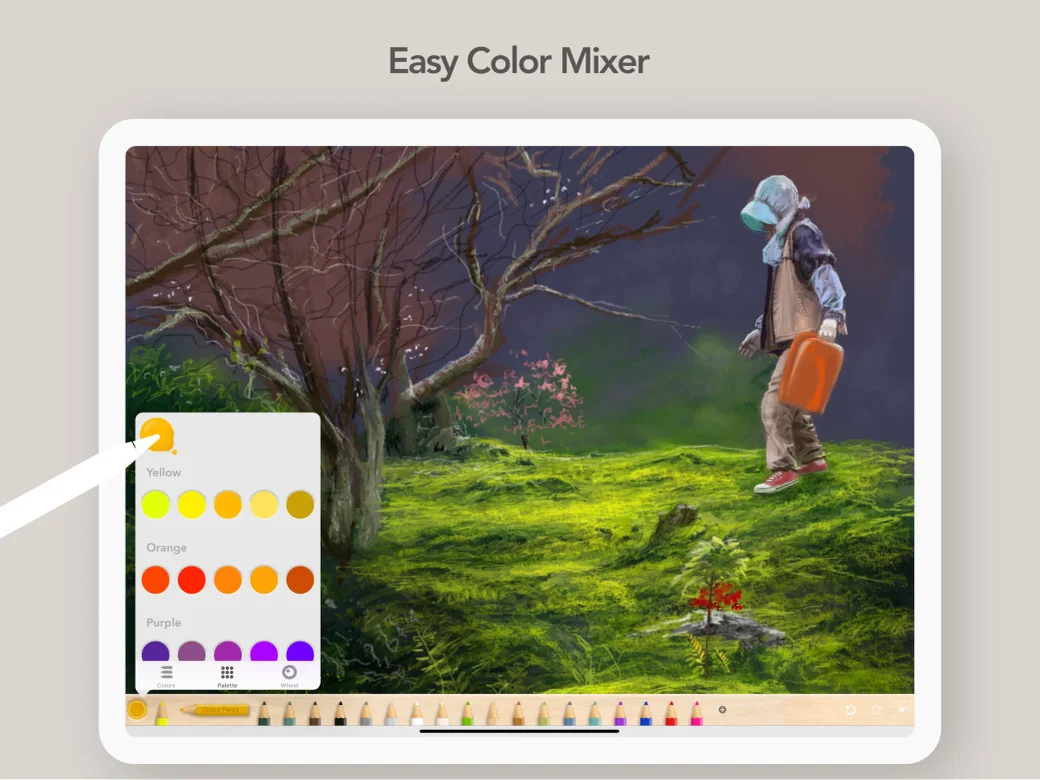
- Color Wheel
- User Editable Palette
- Metallic Colors
- Time-lapse Video Recording; share how you made your artwork stroke by stroke.
- PSD Export
UI
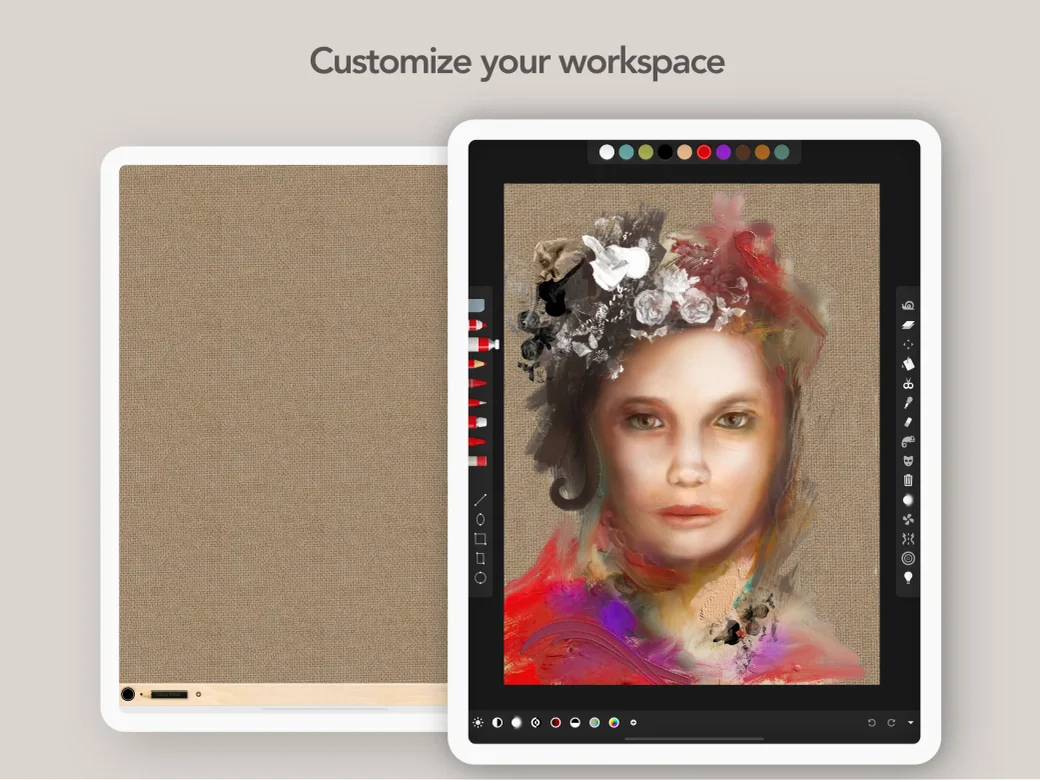
- Fully customizable workspace; have just a single brush or tools on every side of your screen.
- Zoom, Pan and Rotate the canvas for fine detail
- Light low contrast or Dark high contrast mode
- Minimalist UI for less interference with your artwork
WORKFLOW
- Latest graphics technology written entirely in METAL 2
- Supports the iOS Files app to manage or or transfer documents
- iTunes File Sharing
- Auto save
- Split Screen Multitasking - use a reference image whilst you draw side by side
- Export to your photo album, email, AirDrop or social networks etc.
- In-depth User Guide in the app complete with video
- Import photos and images at screen resolution
PREMIUM PRO FEATURES - Single Upgrade Unlocks everything :
200 ADVANCED BRUSHES
- Wide variety of extra hyper-real Paints, Pens, Pencils, Inks, Chalks, Pastels, Charcoal, Wet media, Stamps, Splatters, Form, Graphics, Patterns, Fabric, 3D Texture, Neon to basic Pixel and Flat Digital
- You can try out all premium brushes on a test area before upgrading!
DRAWING
- Flood fill
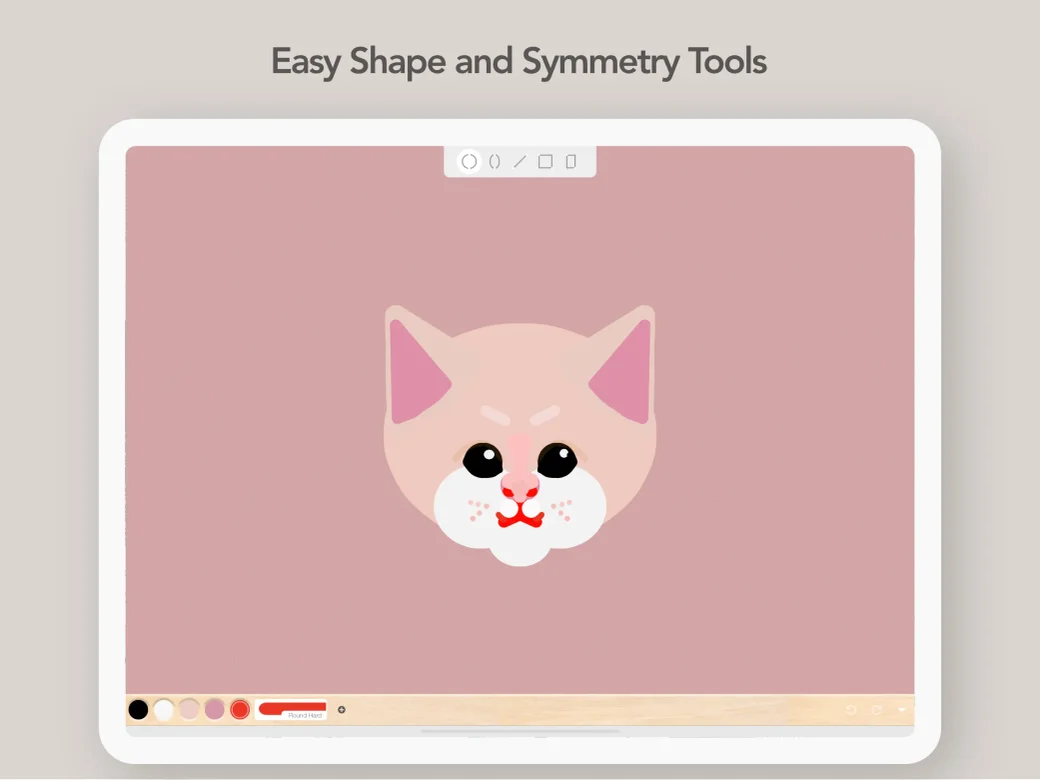
- Symmetry
- Pixel Art
- Shape primitives for Ellipse, Circle, Square, Rectangle and Line in any brush
- Echo shapes for special FX
- Erase mode - use any brush as an eraser
- Adjust brush Size, Opacity, Flow, Grain, Loading and Dynamics
LAYERS
- Layer Masks
- Transform, move, rotate and scale
- Flip
- Adjust Opacity
- Layer maintains resolution whilst transformed
- Blend Modes
- Alpha lock
- Cut, Copy and Paste, to and from other documents or other Apps
- Drag and drop layers from other apps
- Import from your photos
CUSTOM HIGH-RESOLUTION CANVASES
- Choose any resolution canvas size, the highest being dependent on your device capabilities
- Set DPI and canvas dimensions in millimeters, inches or Points and Pixels
- Great for pixel art or tens of millions of pixels - if device allows
- Papers and Canvases from old cardboard, raw canvas, graph, squared and isometric paper
COLOR
- Display P3 WideColor on supported devices
- Auto Color Sample, allows you to easily turn photos into paintings
- Color picker
- Toolbar placable HSB and RGB sliders
ADJUSTMENTS
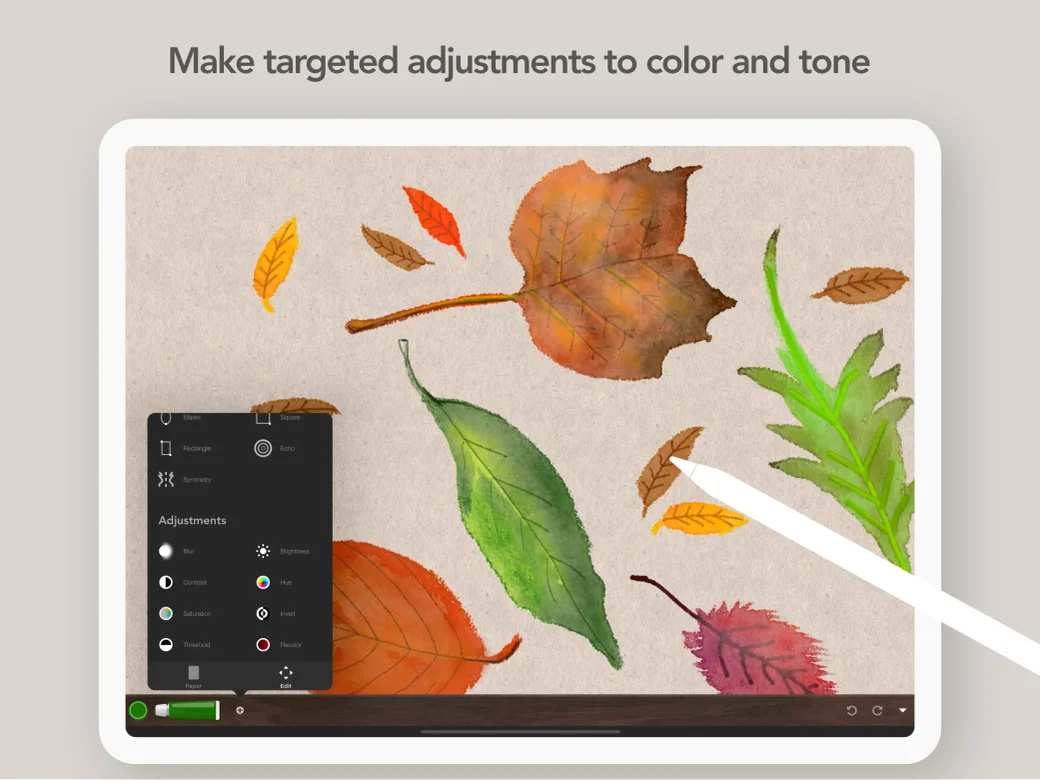
- Localized adjustments, allow you to tweak all or just part of your image via quick masking
- Change Hue, Saturation, Brightness, Recolor, Invert, Contrast and Blur
WORKFLOW
- Auto backup, saves snapshots
- iOS Pasteboard or Drag and Drop to or from other apps
- Import photos and images and high resolution
Art Set is a wonderful creative addition to any iPad!
新機能
バージョン 1.6.9 · 2023/11/16
Bug fixes and stability improvements.
アプリのプライバシー
このアプリのデータの取り扱いについて、LOFOPIがApp Storeで申告している内容です。
-
データの収集なし
開発元はこのアプリからデータを収集しません。
プライバシーの取り扱いは、ご利用の機能やお客様の年齢などに応じて異なる場合があります。
情報
- 販売元
- Lofopi Ltd
- カテゴリ
- グラフィック/デザイン
- バージョン
- 1.6.9
- 更新日
- 2023/11/16
- リリース
- 2018/9/2
- サイズ
- 158.2 MB
- 必要条件
- iOS 12.4以降
- 対象年齢
- 4+
- 価格
- 無料
- アプリ内課金
- あり
- 言語
- 英語
- 著作権
- © 2023 Lofopi Ltd
こちらもおすすめ
-
 MediBang Paint for iPadイラストマンガ作成・簡単お絵描きアプリ
-
 Tayasui Sketchesお絵描き スケッチ 絵画 スケッチブック
-
 CLIP STUDIO PAINT便利な機能でプロみたいに描けるお絵描きアプリ
-
 Drawing Pad -グラフィック/デザイン
-
 Infinite Painterペイントとスケッチ
-
 Artstudio Proドローイング、ペインティング、画像編集
-
 ShadowDraw:絵を描くアプリマンガ・動物・建築などを描こう
-
 スケッチ アプリ : お絵描き、ペイント, アートデジタル イラスト ぺいんと , 絵を描く スケッチブック
-
 Adobe Fresco:描画、ペイント、アニメ制作イラスト、色鉛筆、ペイント、デジタルアート
-
 コンセプトお絵かき、スケッチ、メモ、ドローイング