- 対象年齢4+
- カテゴリユーティリティ
- 開発元Artec Group
- 言語英語ほか7言語
- サイズ107.8 MB
App Storeの公式ページにリンクしています
Download.orgはArtec Remoteのファイルを一切ホストしていません。ボタンを押すと、Artec Groupが公開しているApp Storeのアプリページが開きます。ページの最終確認:2026/11/12。
スクリーンショット
概要
開発元はこのテキストをお使いの言語で提供していません。
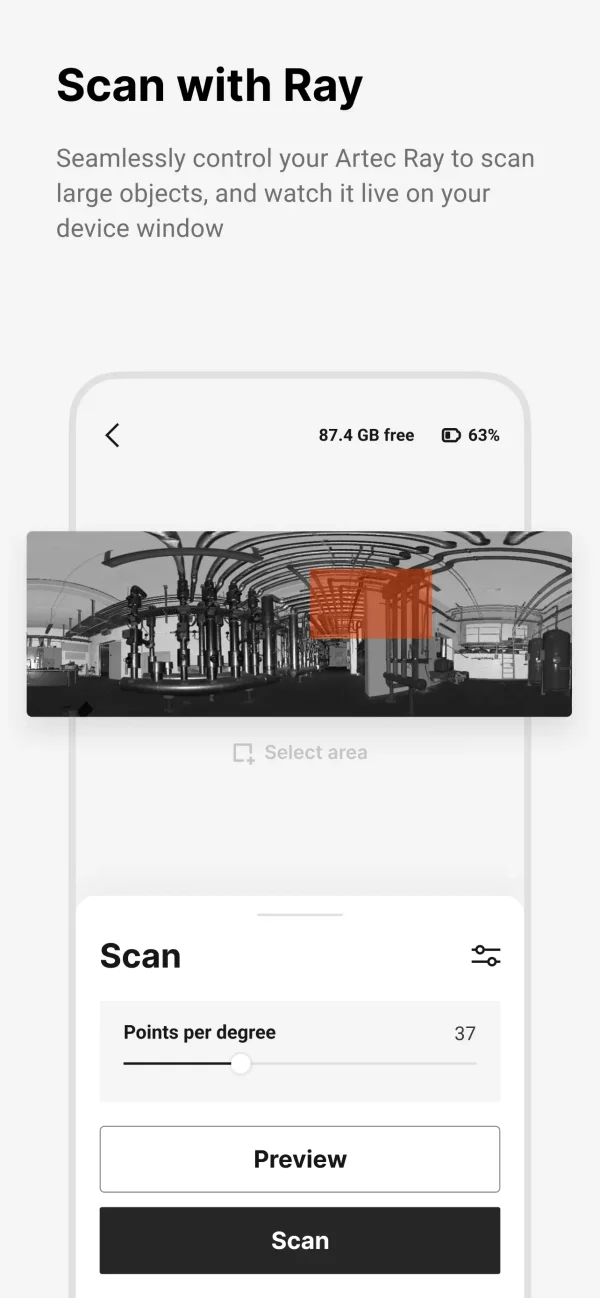
The Artec Remote app is your go-to portable scanner controller, seamlessly connecting to your Artec Ray I or Ray II 3D scanner via WiFi. Simply tap to scan objects using any mobile device, whether it's a tablet or smartphone, and effortlessly save scans to the scanner's USB flash drive. Plus, easily manage all your Artec products, reach out for direct tech support, or share your suggestions.
MAIN FEATURES
For Ray II
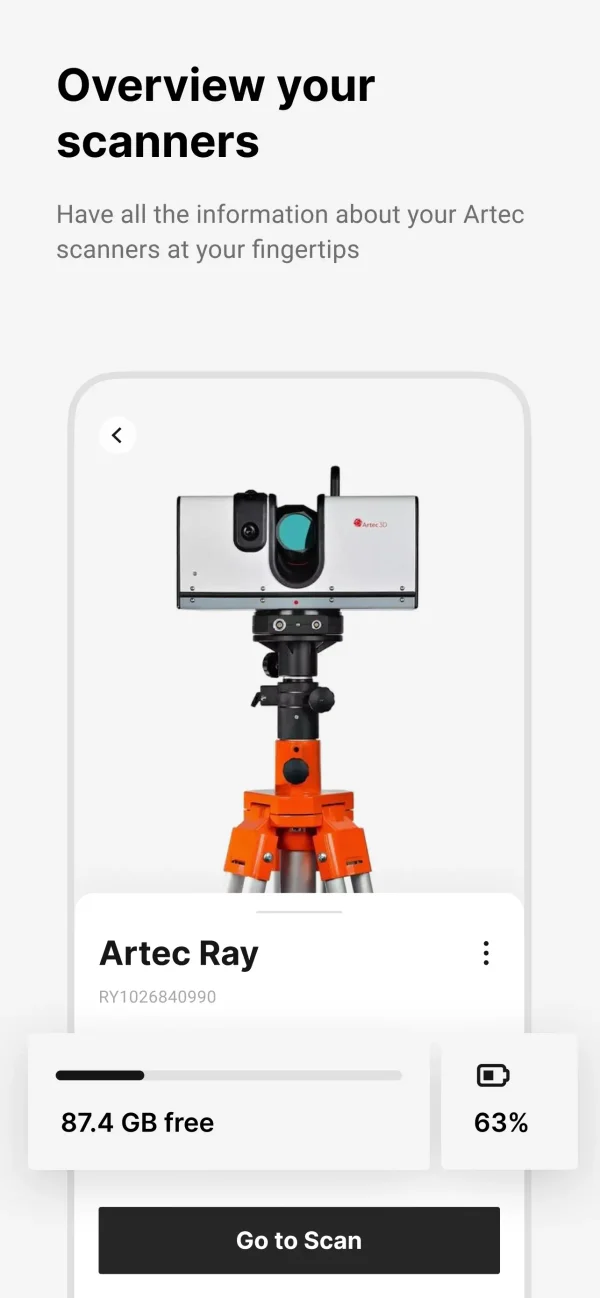
The Artec Remote app serves as your essential companion for hassle-free scanning with the Ray II scanner. It allows users to establish an instant wireless connection with the scanner, start scanning with a single tap, and quickly preview the scans on their mobile device or tablet. Make full use of advanced optimization options, enabling you to customize scanner settings, adjust resolution, fine-tune image capturing and more, for optimal results. The app also conveniently reminds users about remaining memory and battery capacity before starting a scan.
New features for Ray II:
- View your scanning projects in detail
- Zoom in to explore and manipulate the created point clouds
Scanner settings optimized for Ray II:
- Position visual tracking
For Ray I
With your Ray I scanner, there’s plenty you can do, too:
- Capture high-precision 3D data from large objects or scenes
- Establish an instant connection with your scanner, either automatically or manually
- Adjust scan resolution
- Capture images while scanning
For all Artec 3D Scanners
For any Artec 3D scanner whether bought or rented, you can get specialized assistance and quick tips to enhance your scanning process.
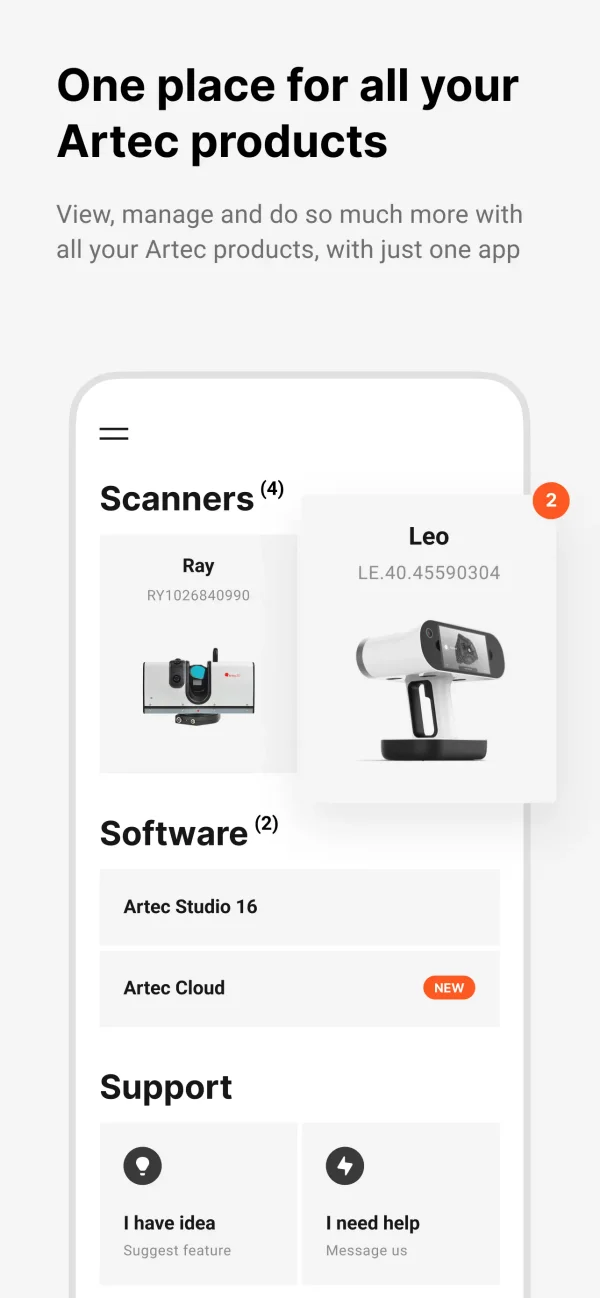
- Monitor your scanner status, battery charge, and available disk space
- Reset your MyArtec password if needed
- View and manage all your Artec scanners and watch videos from Artec 3D dedicated to each specific scanner
- Access the full history of your Artec Studio licenses grouped according to version
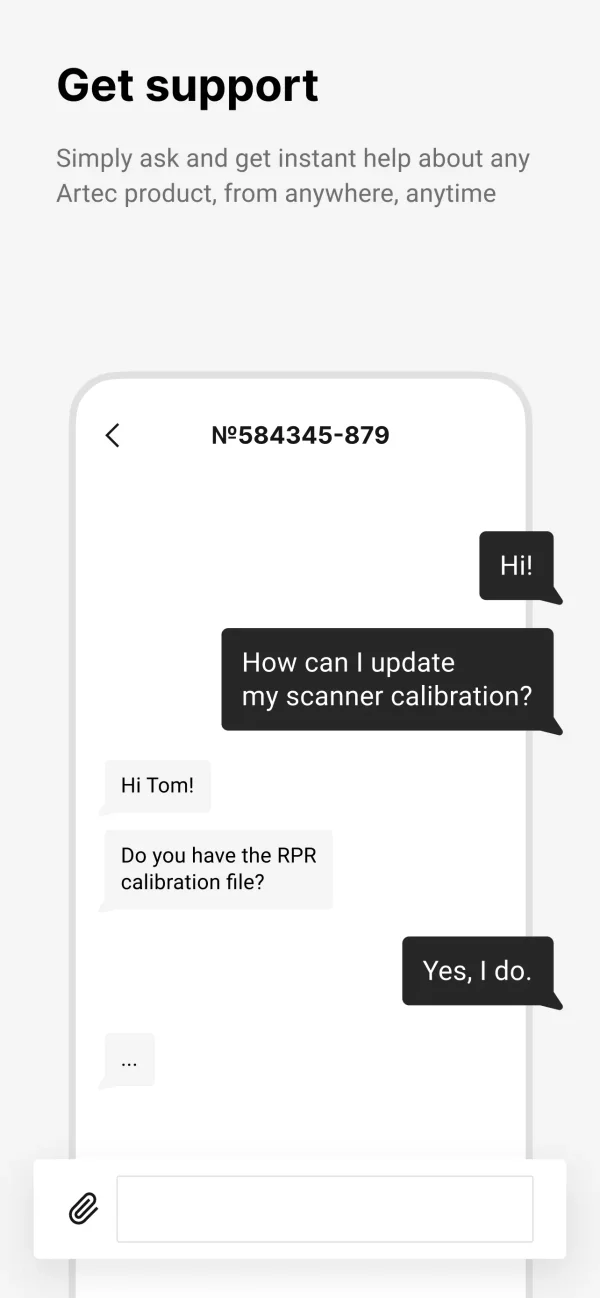
- Create support requests and track them – either select a relevant ticket or simply add a new one!
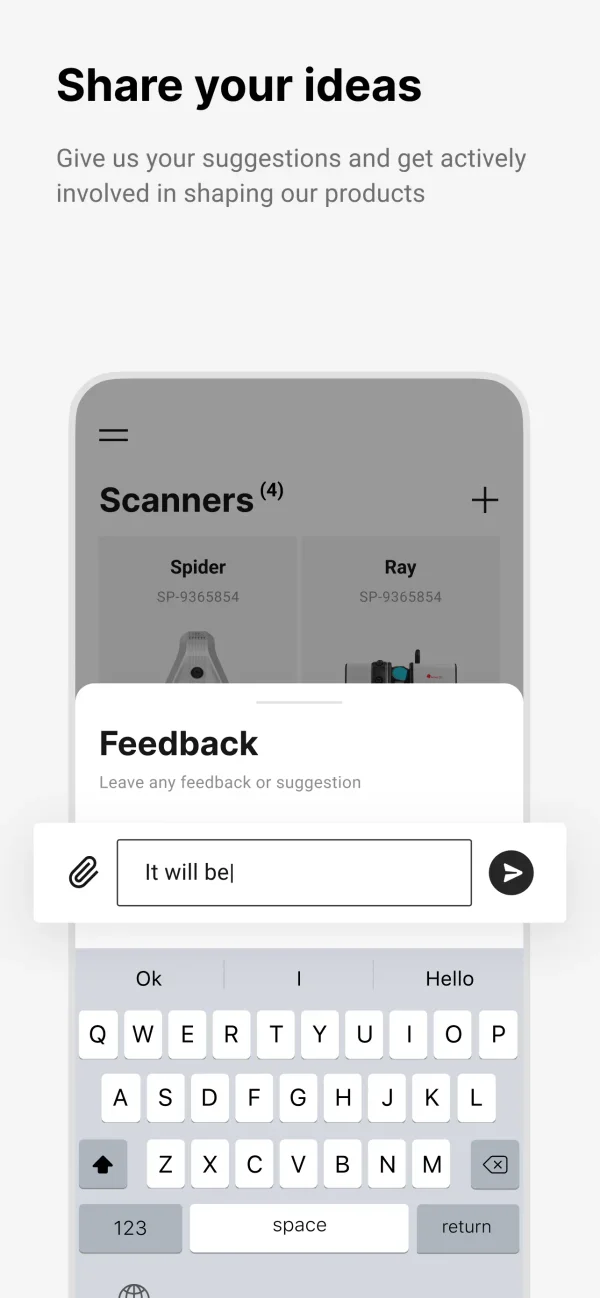
- Directly send a message to tech support, whether it's a quick idea or detailed feedback
- Explore the interactive map feature to locate nearby Artec 3D partners across the globe
新機能
バージョン 6.1 · 2026/11/2
What's new in Artec Remote 6.1:
- Ray II: smarter reconnection. If the connection to the scanner drops, the app now tries to reconnect automatically instead of sending you back to the connection screen. You can keep working once the connection is restored.
- Ray II: scans are no longer lost if the connection drops while a scan is finishing. After reconnecting, the scan progress and timer are restored correctly.
- Ray II: new option to export diagnostic logs from the connection screen and share them with Artec Support in a couple of taps.
- Ray: fixed an issue where scanning or preview could fail to start.
- Stability improvements and bug fixes.
アプリのプライバシー
このアプリのデータの取り扱いについて、Artec GroupがApp Storeで申告している内容です。
-
データの収集なし
開発元はこのアプリからデータを収集しません。
プライバシーの取り扱いは、ご利用の機能やお客様の年齢などに応じて異なる場合があります。
情報
- 販売元
- Artec Group Inc
- カテゴリ
- ユーティリティ
- バージョン
- 6.1
- 更新日
- 2026/11/2
- リリース
- 2018/11/17
- サイズ
- 107.8 MB
- 必要条件
- iOS 15.0以降
- 対象年齢
- 4+
- 価格
- 無料
- 言語
- 英語, フランス語, ドイツ語, イタリア語, 日本語, 韓国語, 簡体字中国語, スペイン語
- 著作権
- © 2026 Artec Europe S.à r.l.
こちらもおすすめ
-
 Recon-3Dユーティリティ
-
 Revo Scan - 3Dスキャナアプリ3Dスキャンアプリ
-
 iVe-Mobileユーティリティ
-
 PIX4Dcatch: 3D scanner3D models from images & LiDAR
-
 Lidar3Dスキャナーと3Dモデル (SiteScape)3DスキャンをキャプチャしてLIDARで共有する
-
 Prusaユーティリティ
-
 Twindo: LiDAR Scan to CAD/BIMユーティリティ
-
 3d Scanner App™LIDAR Scan in 3d
-
 角度と傾斜を測定 - 水準器、傾斜計、分度器、角度計ツールゴニオメーターデジタル, バブルレベル
-
 Thingiverse Printables | 3D GOユーティリティ