- 対象年齢4+
- カテゴリブック
- 開発元Audibook
- 言語英語
- サイズ47.3 MB
App Storeの公式ページにリンクしています
Download.orgはAudibookのファイルを一切ホストしていません。ボタンを押すと、Audibookが公開しているApp Storeのアプリページが開きます。ページの最終確認:2026/11/15。
スクリーンショット
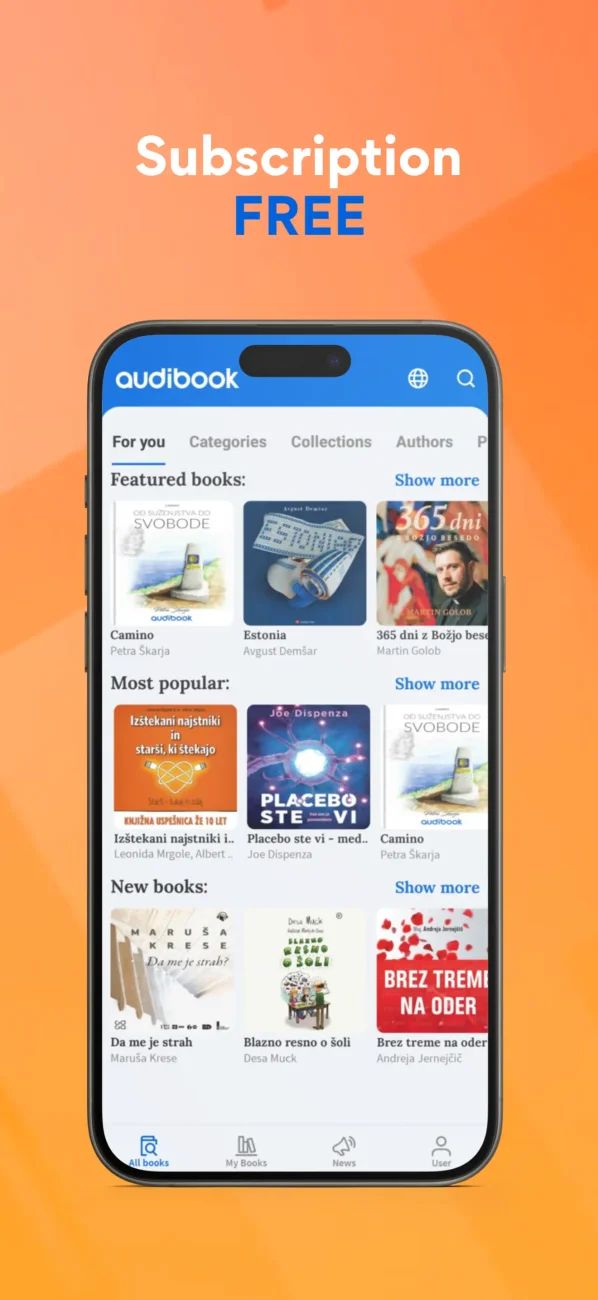

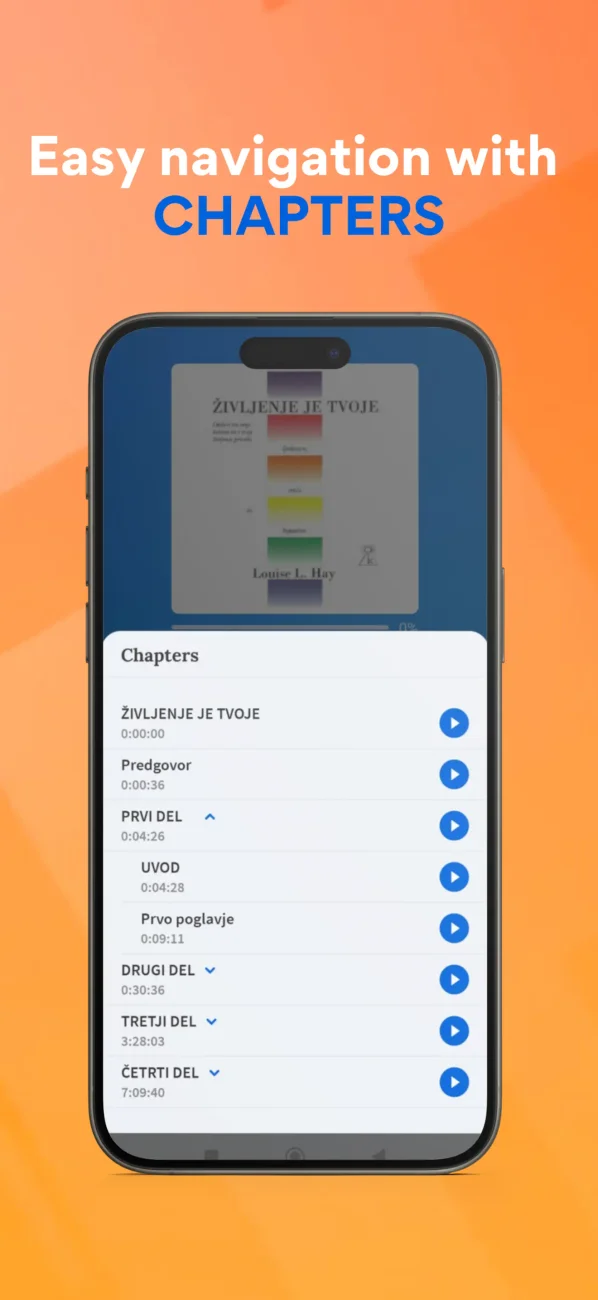
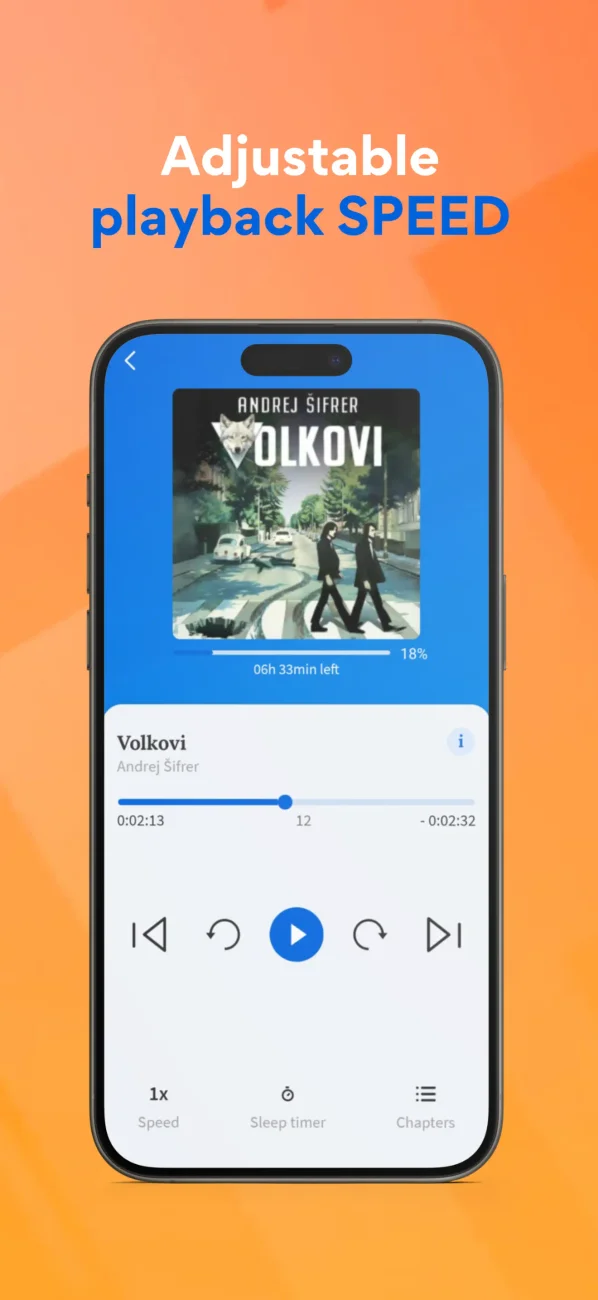
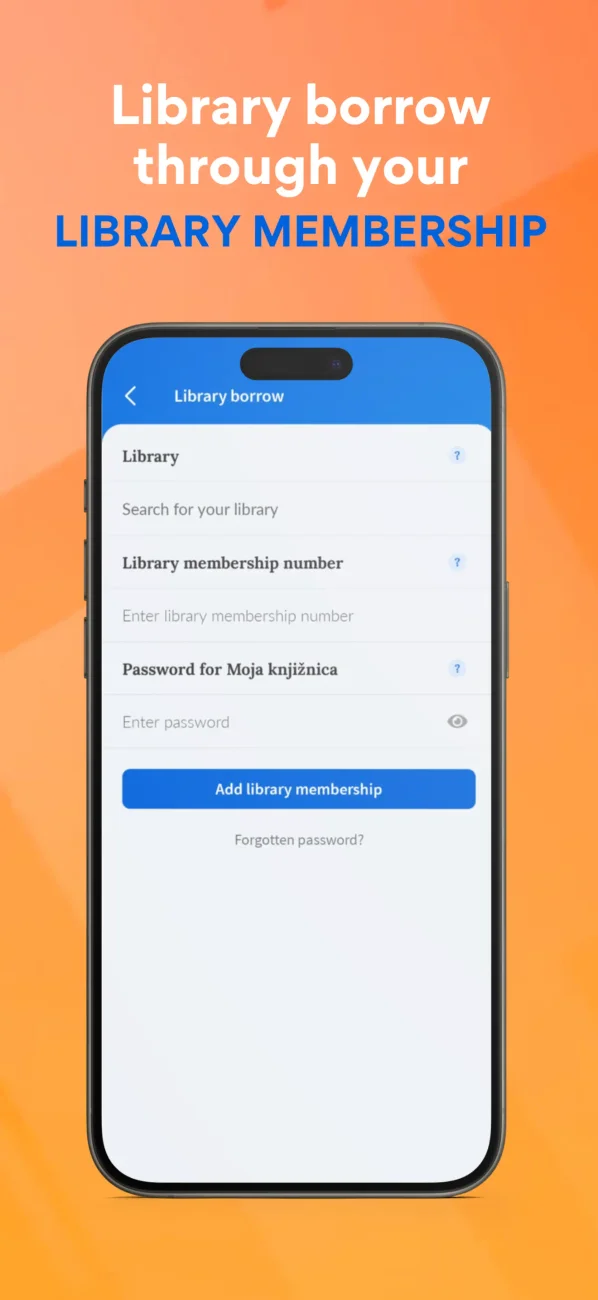
概要
開発元はこのテキストをお使いの言語で提供していません。
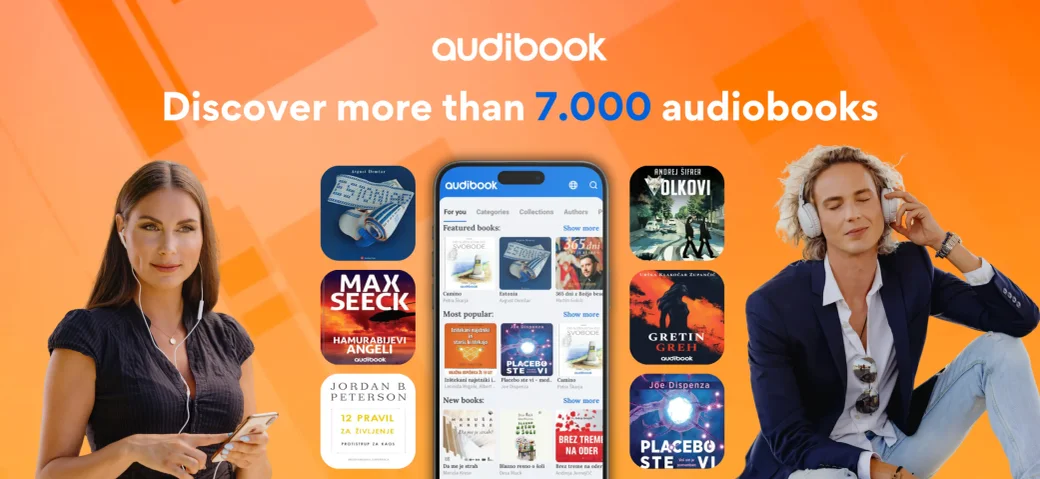
Audibook app allows you to listen to audiobooks on your smartphone or tablet devices whenever and wherever you want.
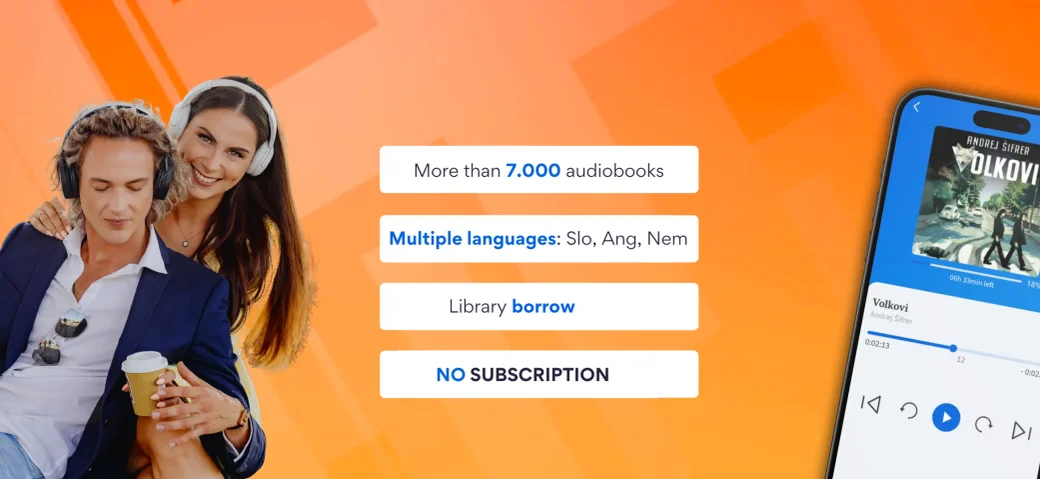
Audiobooks are currently available in the following languages:
- SLOVENIAN, CROATIAN, GERMAN, ENGLISH
You can browse the Audibook library and choose from many different categories of audiobooks:
• Fiction
• Romance
• Kids books
• Education
• Business & Economics
• Real Estate
• Law
• Science & Technology
• History
• …
You can listen to free audio samples of each audiobook before borrowing or buying an audiobook book.
Our entire library of audiobooks is equipped with a unique and easy to use bookmark system to help the user navigate through each audiobook with ease.
With the Audibook app you can download audiobooks to your device and listen to them even when your device is without an internet connection. You can access your entire local audiobook library offline and save on mobile data outside your home or office, while traveling, commuting, on holidays, ...
Download the Audibook app now and enjoy listening to audiobooks for 60 days free.
App feature overview:
• Free trial - Audibook offers new users a 60 days free trial access to our entire library of audiobooks. Not sure if audiobooks are your thing? Here is your chance to give them a try.
• News - always keep up to date with the latest book releases via our in-app news tab
• My books - your very own bookshelf to keep all your audiobooks in one place
• Library - we expand our audiobook library daily, with new titles from over 20 different categories
• Book description - each book is equipped with a short free audio sample and a book description to allow the user to get acquainted with the narrator and decide if this is the right book for them
• Bookmarks - navigate through audiobooks without trouble, with our detailed multi-level bookmark system, designed specifically for ease of use
• Settings - a variety of settings for users to choose from (list view or bookshelf view, 5s - 10m skip ahead sensitivity) ensures the app is tailor made for each and every user
• Checkout history - always be in control with our real time check out and transaction history
Languages:
English
Slovene (slovenščina)
Croatian (hrvaščina)
Content languages:
Slovene (slovenščina)
Croatian (hrvaščina)
German
English
新機能
バージョン 3.2.0 · 2026/11/2
New
- Pull to refresh. Pull down on My Books, All Books or News to load the latest content. All Books and News also refresh by themselves when you come back to the app after a while.
- Progress on the lock screen. The iPhone lock screen now shows a progress bar with your position and the book's length. If you set "Player timeline display" to "Chapter" in Settings, the lock screen and CarPlay show progress in the current chapter.
- Search suggestions. Before you start typing, the search screen shows the most listened to books.
Fixes
- Your place in a book is saved reliably. It keeps saving after you close the player, and a book now keeps the same place whether you play the download or stream it, also after you delete it or download it again.
- Streamed books on iPhone now play with sound at every speed offered. Streaming goes up to 2x, and downloaded books still go up to 3x.
- The skip buttons on the lock screen now use the skip duration you chose in Settings.
- The rewind button in the mini player now skips back the same way as the one in the player.
- The player opens instantly for the book that is already playing.
- Returning a library book now stops playback. When you return a library book or its loan ends, its download is removed from your device. Continue listening in CarPlay no longer shows returned or expired books.
- Newly borrowed books appear in My Books right away, and the list keeps your scroll position. If My Books can't load, tap "Try again".
- Book pages and search results now update after you borrow, buy or return a book, and your account details update without restarting the app. A download that finishes after you close its progress window now shows on the book page.
- Related books now load on every book page, and book descriptions show in full.
- Searching with &, # or + now works.
- Changing the app language now updates every screen right away, including category names. Changing your content languages updates All Books right away.
- If signing in with Google, Facebook or Apple fails, the app now tells you. After you sign out, the sign-in form no longer shows the previous email address.
- The clock and battery are now visible at the top of the screen, and the top bar no longer sits under the notch.
- Tapping a category tab now takes you straight to it.
アプリのプライバシー
このアプリのデータの取り扱いについて、AudibookがApp Storeで申告している内容です。
-
ユーザーに関連付けられたデータ
収集され、ユーザーの識別情報に関連付けられる場合があります。
- 購入
- 連絡先情報
- 検索履歴
- ID
- 使用状況データ
プライバシーの取り扱いは、ご利用の機能やお客様の年齢などに応じて異なる場合があります。
情報
- 販売元
- Audibook d.o.o.
- カテゴリ
- ブック
- バージョン
- 3.2.0
- 更新日
- 2026/11/2
- リリース
- 2017/10/2
- サイズ
- 47.3 MB
- 必要条件
- iOS 15.0以降
- 対象年齢
- 4+
- 価格
- 無料
- アプリ内課金
- あり
- 言語
- 英語
- 著作権
- © 2017 - 2026 Audibook