- 対象年齢4+
- カテゴリユーティリティ
- 開発元Philip Braham
- 言語英語
- サイズ2.8 MB
App Storeの公式ページにリンクしています
Download.orgはAudio Recorder with Triggerのファイルを一切ホストしていません。ボタンを押すと、Philip Brahamが公開しているApp Storeのアプリページが開きます。ページの最終確認:2026/11/22。
スクリーンショット
概要
開発元はこのテキストをお使いの言語で提供していません。
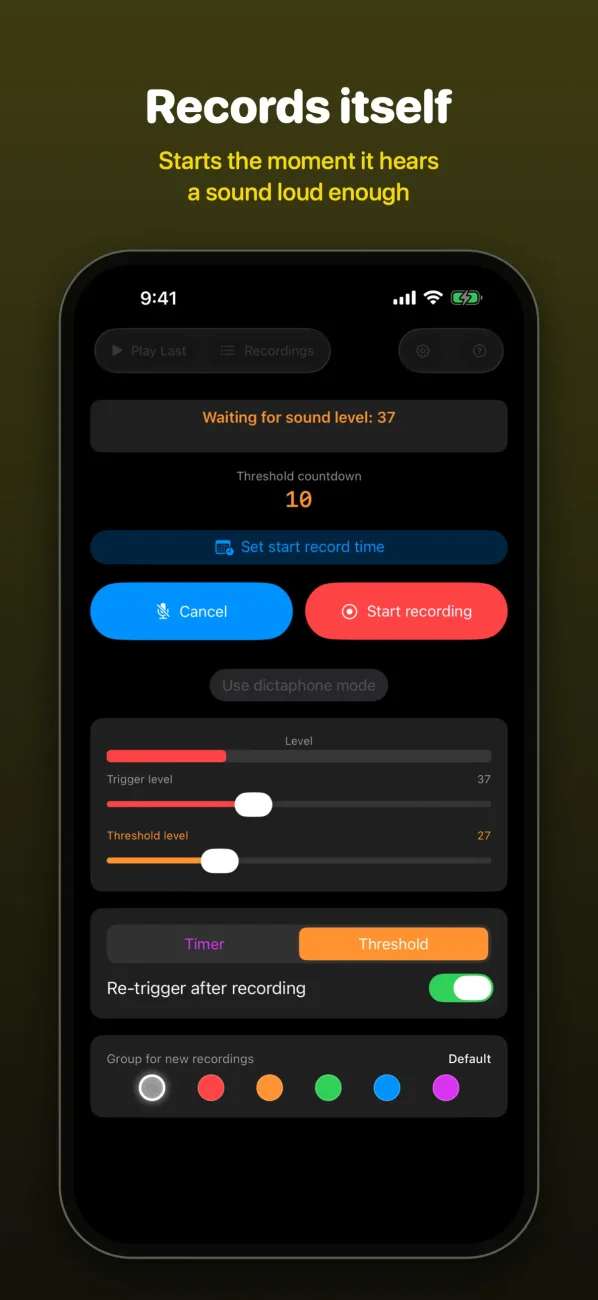
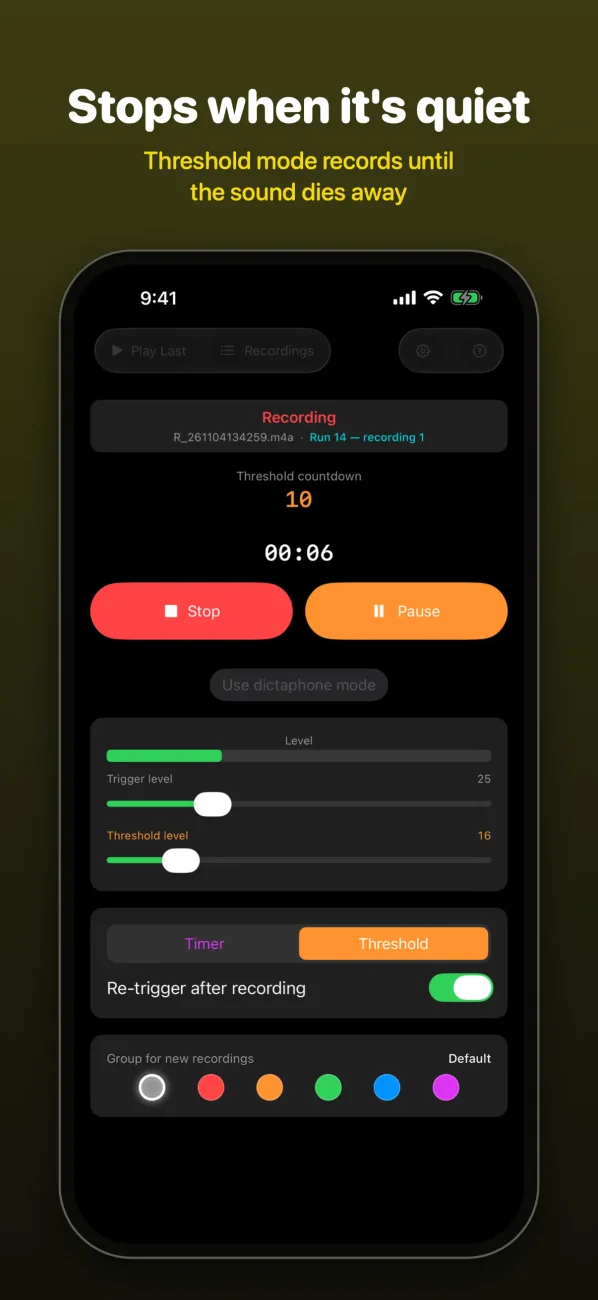
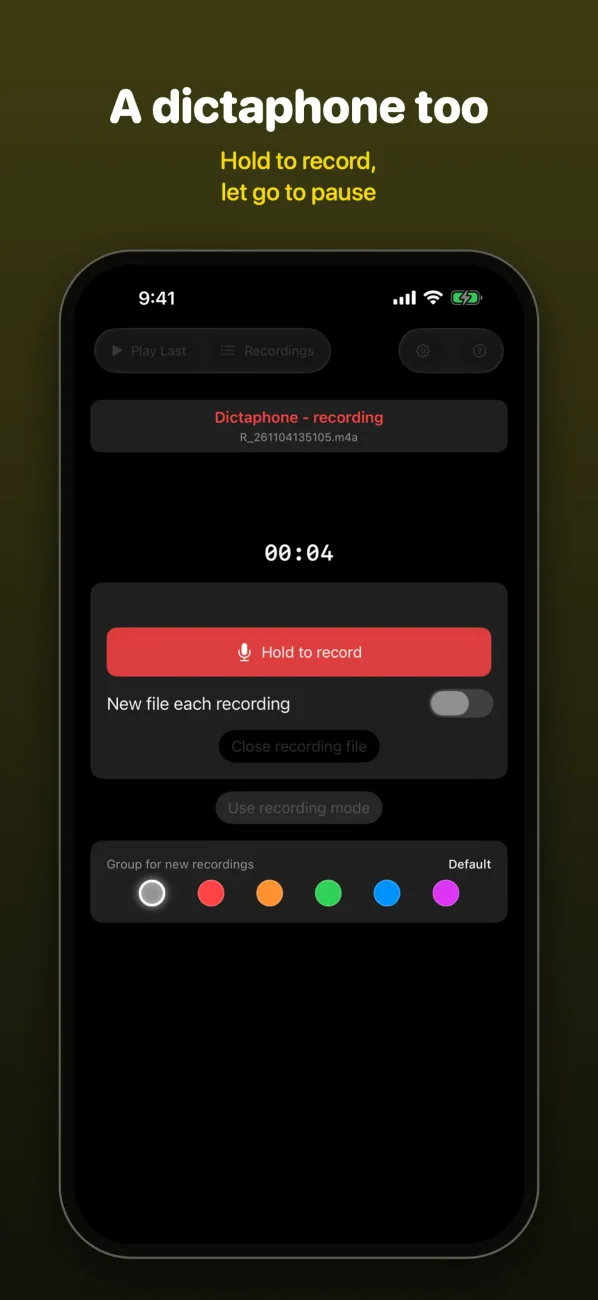
Recorder with trigger is the ultimate recording app. It will start recording when a trigger level of sound is reached (or just start it manually) or in Dictaphone mode recording takes place as long as the record button is held down.
Options to stop recording after a time interval or when the sound level drops.
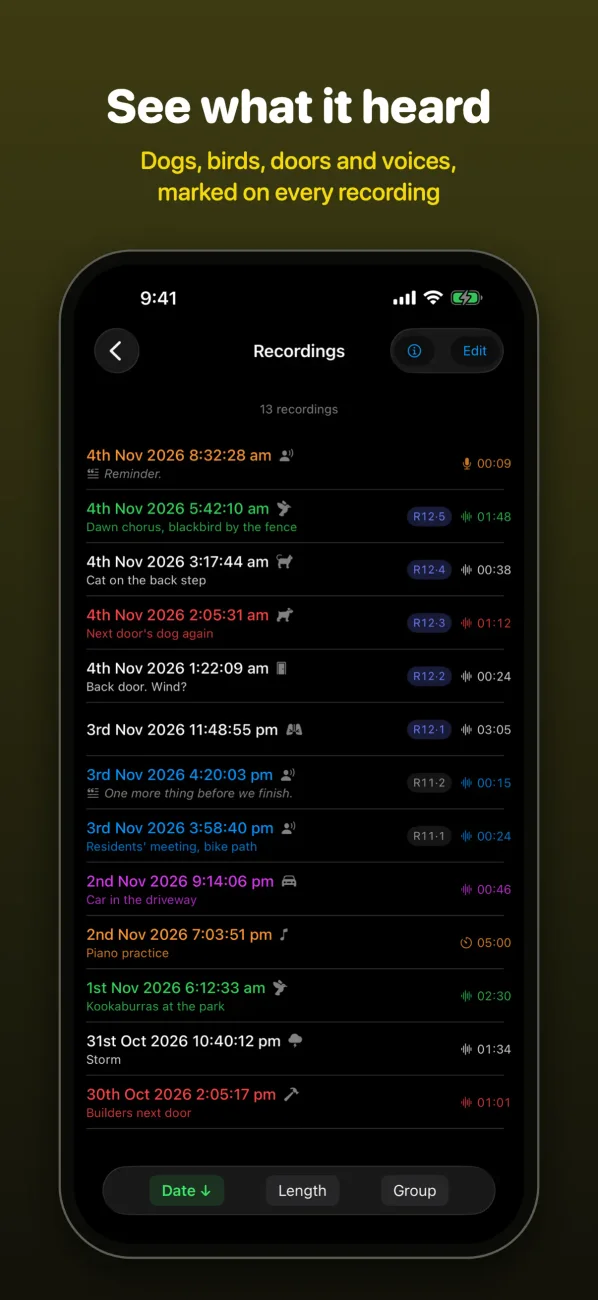
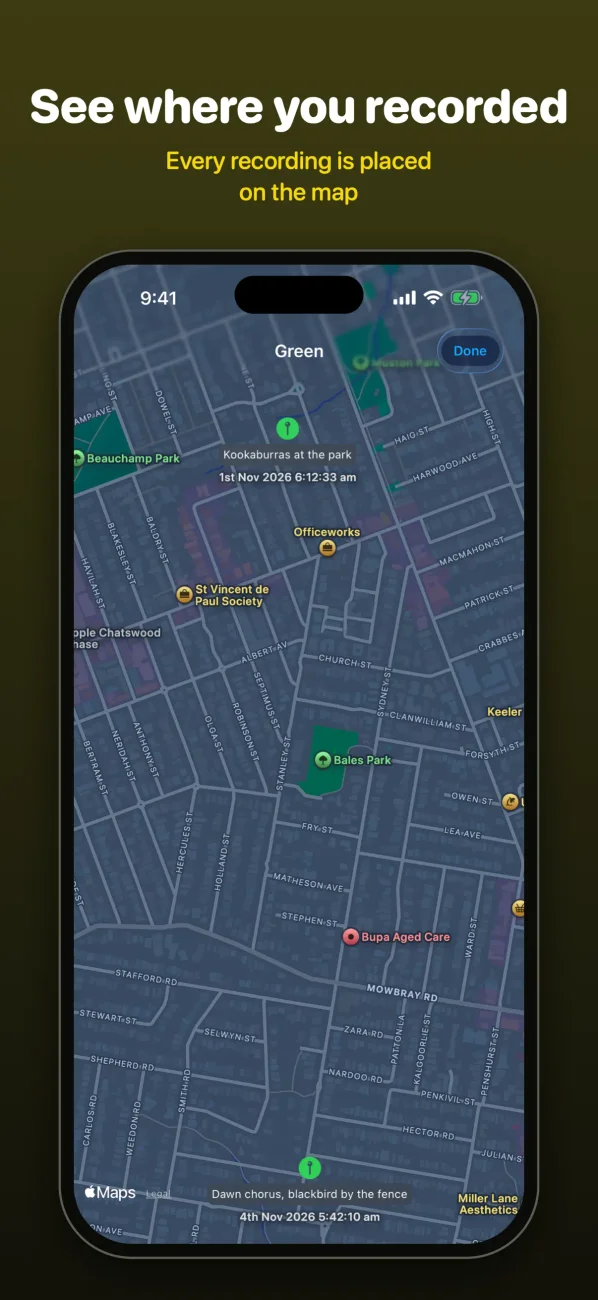
Recordings are geo-tagged so the location of the recording can be seen on a map.
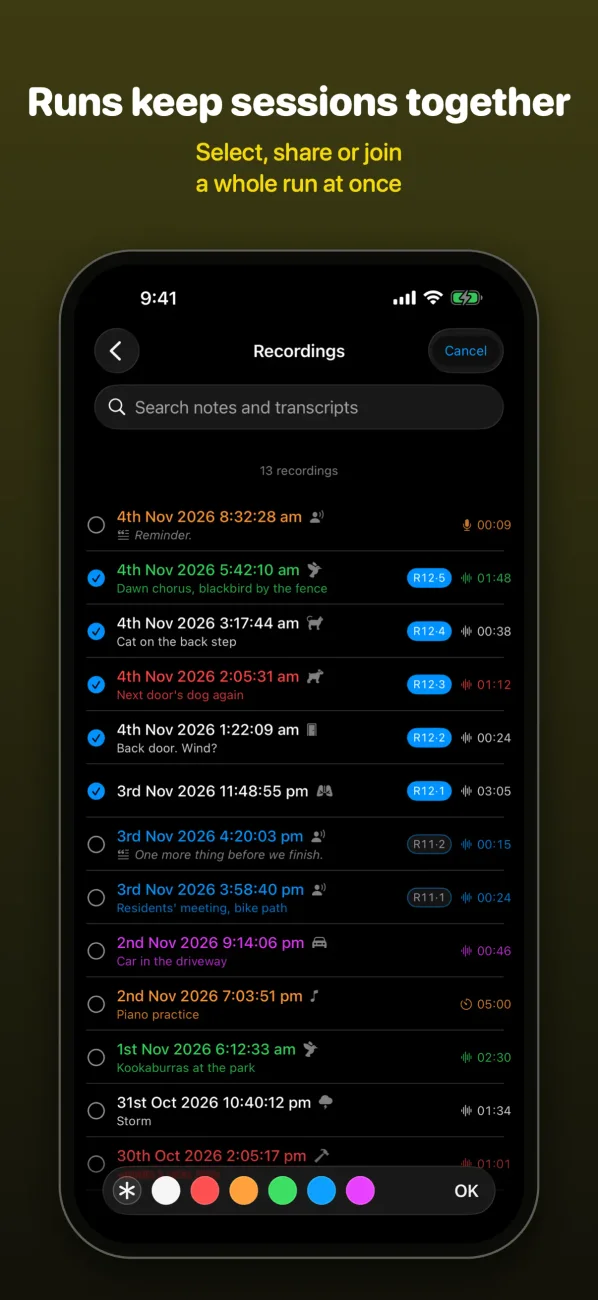
Put the recordings into colour groups and show all their locations. Add notes to a recording. Share the recordings.
Use in the car. Recording will start when you shout!
KEY FEATURES:
- High quality voice recording.
- Record immediately or wait for trigger
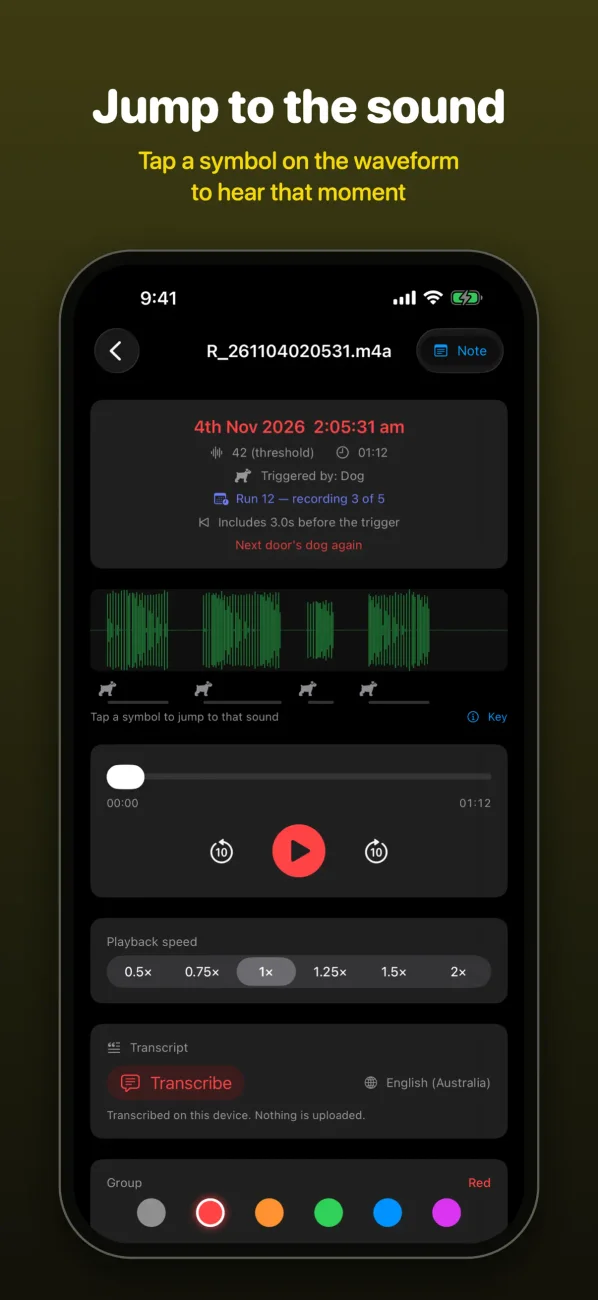
- Pre-record automatically so the you hear before the trigger sound (adjustable)
- Record for a certain time, until the ambient sound drops or until stopped manually
- Automatically set to wait for a sound to start recording again
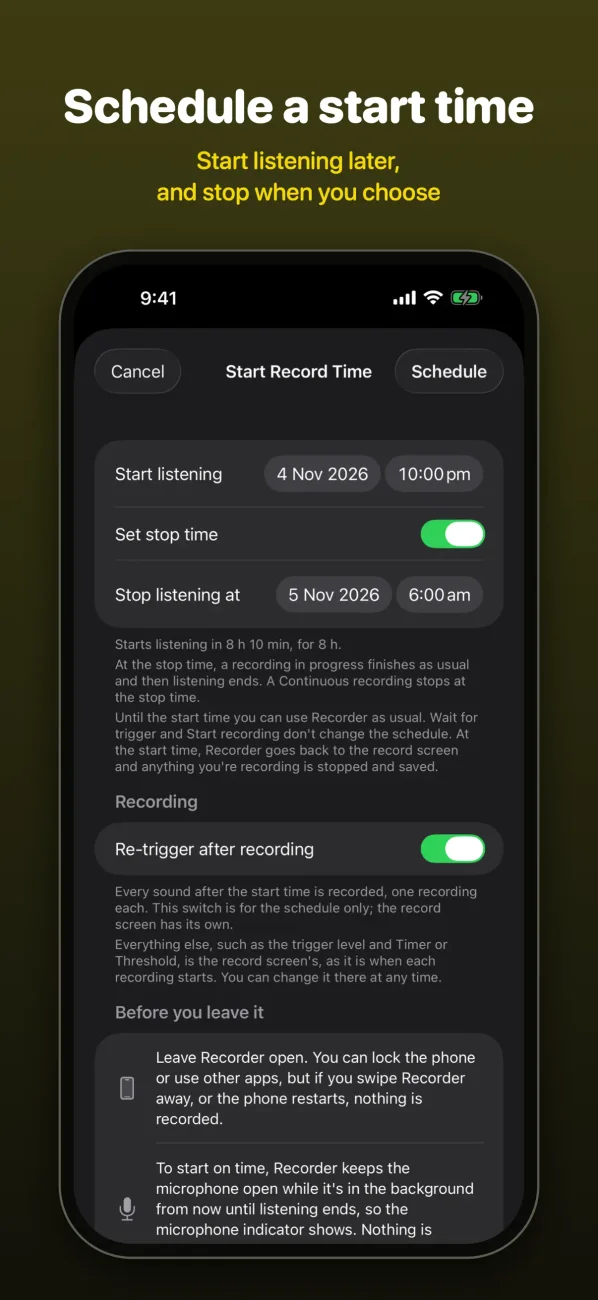
- Schedule a start time: choose when Recorder starts listening, and when it stops
- Dictaphone note-taking mode
- View waveform of recording
- Record songs, lectures, speeches etc.
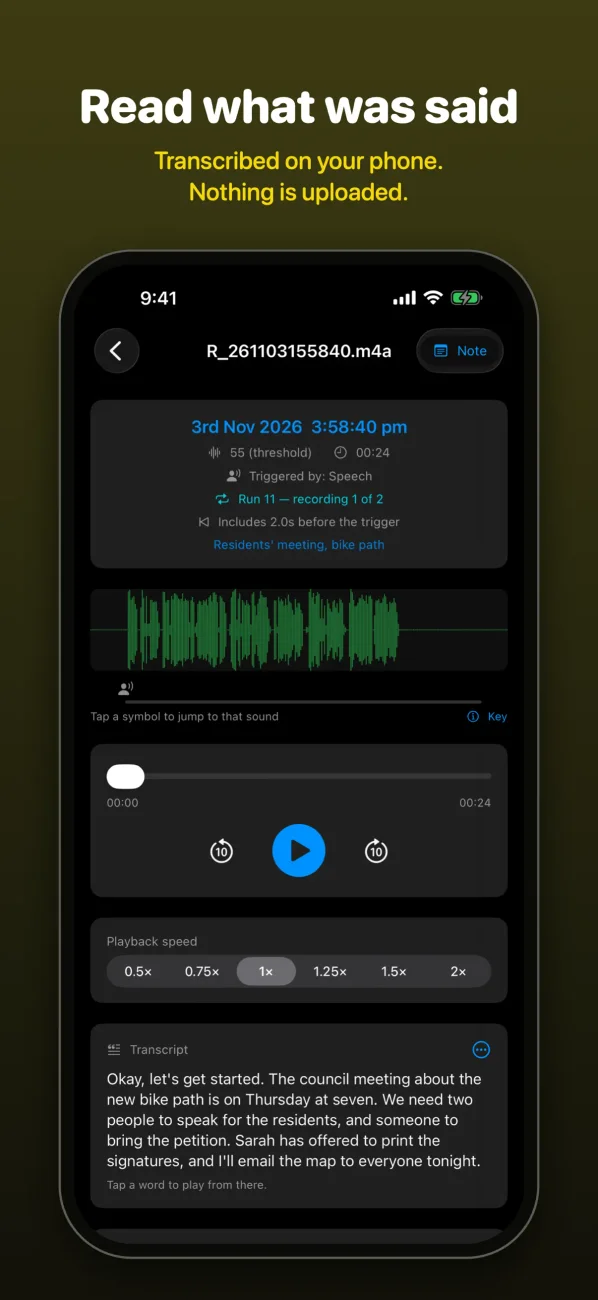
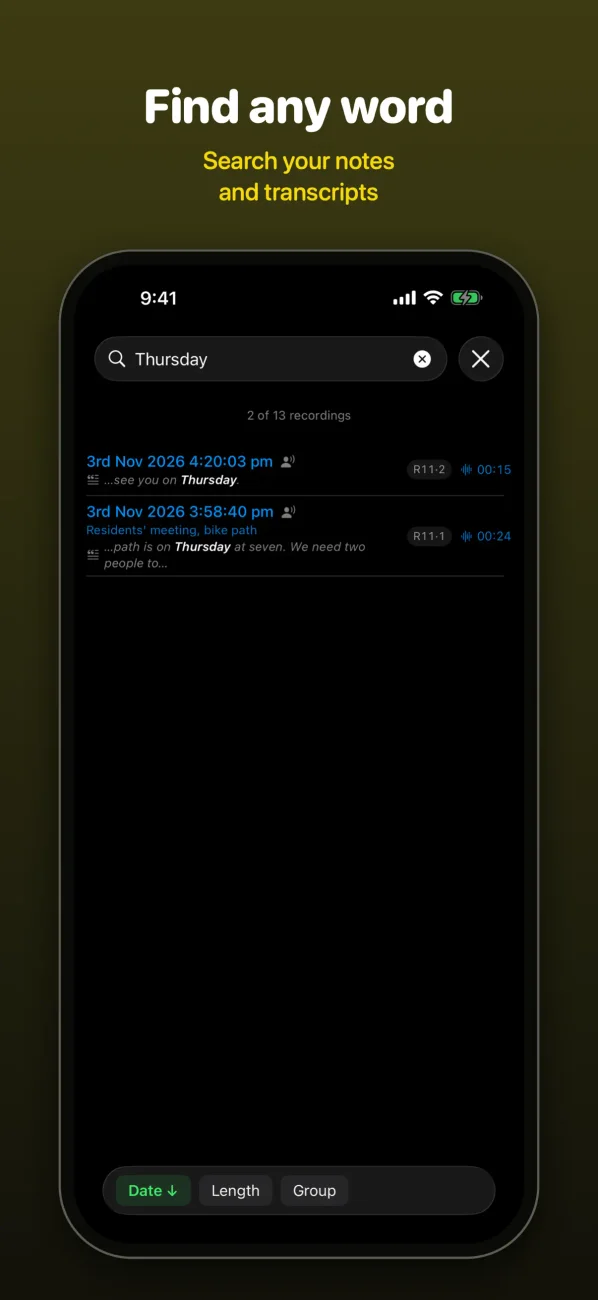
- Transcribe recordings. Recordings with speech are written out automatically, so you can search for what was said. Just start talking: it records, and writes it down.
- Search transcripts for a word or phrase in a recording
- A timer to keep track of your recording time.
- Use it to monitor your sleep talk!
- Best quality
- Play, pause, stop audio files.
- Send / Share your recording.
- Delete or upload your recording right from the app.
- Add notes to your recordings.
- Save / pause / resume / abort the recording process control
- Background recording
- Automatically recognise recordings. For example a dog barking, a door slamming
- Smart recorder, automatic recording
- Join recordings into one
- Trim recordings
- Geo-tagged Recordings: Recordings are geo-tagged so the location of the recording can be seen on a map. Every recording automatically includes your location. This makes it ideal for journalists, travellers, and professionals who want detailed location context for every sound clip.
Recorder with Trigger:
Set trigger level to record high quality voice recordings. Recording starts when a trigger level of sound is reached. Say goodbye to missed moments! Set a trigger threshold, and Recorder with Trigger will automatically begin recording whenever the surrounding sound exceeds that level and can stop when the level drops.
Dictaphone Recordings:
In Dictaphone mode recording takes place as long as the record button is held down. This audio recording app allows you to easily capture notes and memos by voice, as well as record meetings, lectures, interviews, and everyday sounds. Instead of writing notes by hand, simply record everything you need, from quick to-do lists to important memos using speech.
Put the recordings into colour groups and show all their locations. Add notes to a recording. Group all your vocal recordings into defined categories. Mark your favourite talks and memos. Place recordings, choose colours and folders. Achieve clear and sharp sound.
Map View of Recordings
See all your geo-tagged recordings displayed on an interactive map, either on its own or the whole group. Recordings can also be shown on the Maps app.
Share Recordings Easily
Share your recordings quickly through email, or social apps. Export them for transcription, editing, or storage
Why Choose Recorder with Trigger?
Voice Recorder Audio Memos is more than just a simple recorder, it’s a powerful, automatic voice recorder with sound timer & trigger, location tagging, and intuitive organisation. Capture everything that matters automatically, efficiently, and in quality sound.
PRIVATE
Everything happens on your phone. Sound recognition and transcription run on the device, and nothing is uploaded. No account, no subscription, no ads.
Transcription needs iOS 26 or later.
From Realtime Software, an independent Australian developer. Questions or ideas? Use 'Email us' in Settings.
新機能
バージョン 17.2 · 2026/11/20
New in this version:
• See the time of day: Playback now shows the clock time under the time into the recording: when it started, the moment playing now, and when it stopped. They're in the recording's group colour.
• Video Recorder with Trigger: our other app films when it hears a sound or sees movement. As you have Recorder, the Audio & Video bundle gets it for just the difference in price. You'll find it at the bottom of Settings.
アプリのプライバシー
このアプリのデータの取り扱いについて、Philip BrahamがApp Storeで申告している内容です。
-
データの収集なし
開発元はこのアプリからデータを収集しません。
プライバシーの取り扱いは、ご利用の機能やお客様の年齢などに応じて異なる場合があります。
情報
- 販売元
- Philip Braham
- カテゴリ
- ユーティリティ
- バージョン
- 17.2
- 更新日
- 2026/11/20
- リリース
- 2024/1/23
- サイズ
- 2.8 MB
- 必要条件
- iOS 17.6以降
- 対象年齢
- 4+
- 価格
- ¥2,000
- 言語
- 英語
- 著作権
- © 2024, 2026 Philip Braham
こちらもおすすめ
-
 QuietCaseユーティリティ
-
 ノイズレコーダー - プロ騒音の測定・録音・録画とPDFレポート
-
 Owl Recorder - ボイスレコーダー設定した音量を超えた時だけ自動録音
-
 Morse Decoder AINeural network technology
-
 LuvMeユーティリティ
-
 リマインダーをエクスポート:CSV/PDFタスクをバックアップして共有
-
 デシベル X PRO - dBA デシベルテスターFFTアナライザー、周波数アナライザー レベル レコーダー
-
 スマホ容量クリーナー: 写真整理・端末ストレージ動画圧縮・重複画像や連絡先を一括削除・鍵付き秘密フォルダ
-
 WCマップ世界のWCマップ
-
 Big Clock – 常時表示全画面デスク時計