- 対象年齢4+
- カテゴリ仕事効率化
- 開発元Authada GmbH
- 言語英語ほか1言語
- サイズ14.8 MB
App Storeの公式ページにリンクしています
Download.orgはAUTHADAのファイルを一切ホストしていません。ボタンを押すと、Authada GmbHが公開しているApp Storeのアプリページが開きます。ページの最終確認:2026/11/21。
スクリーンショット
概要
開発元はこのテキストをお使いの言語で提供していません。
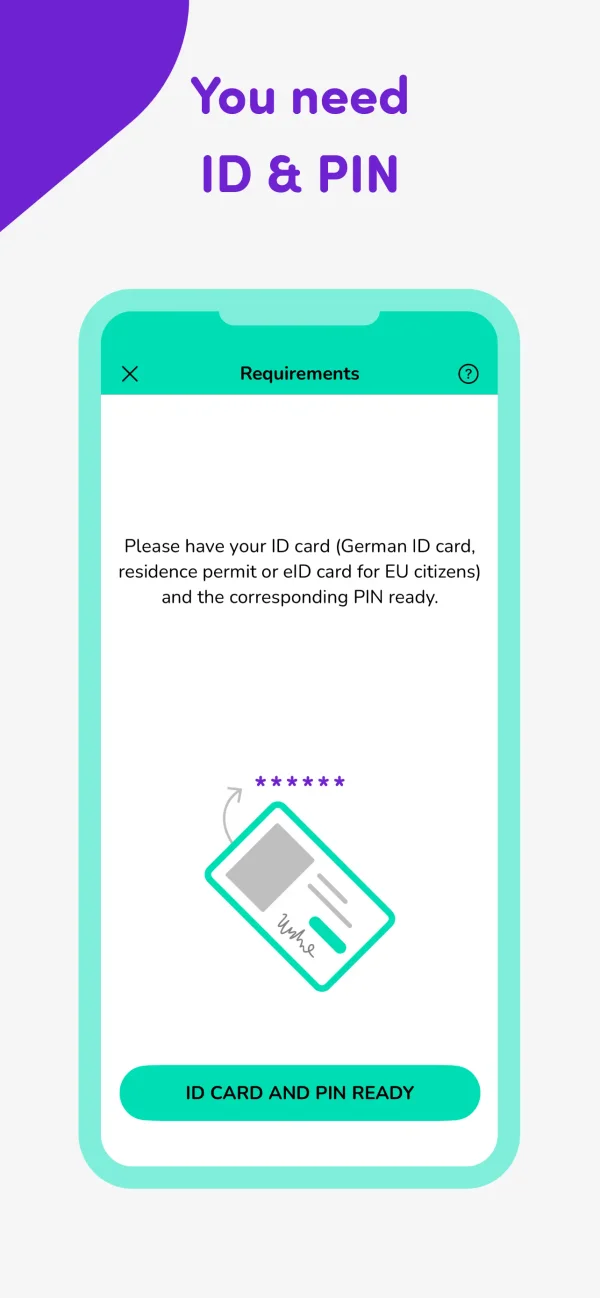
For a successful identification you need:
- one of the following identity documents: German identity card, residence permit or eID card for EU citizens.
- the corresponding ID PIN
- an NFC-enabled smartphone
This is how identification with our app works step by step:
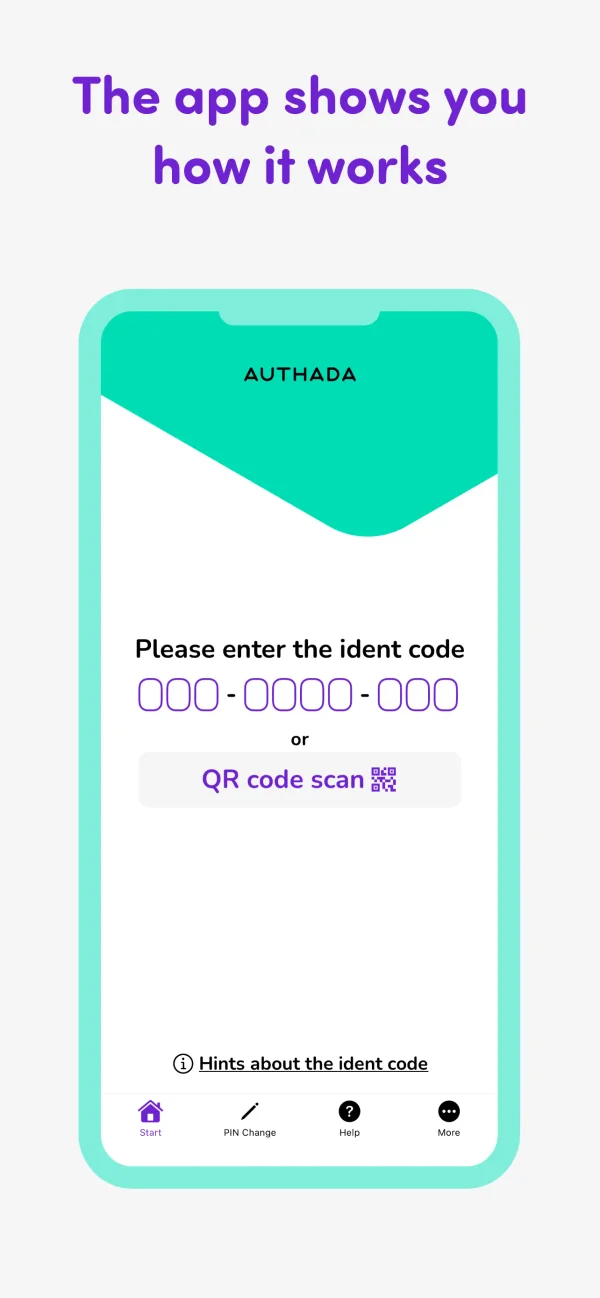
1. Start the process by entering the 10-digit ident code you can find on your service provider's website into the AUTHADA app.
If you do not see an ident code and you are using a PC, go to the website of the service provider you want to identify with a PC and scan the QR code with the AUTHADA app. If you are only using a smartphone (without an additional desktop device), click on the "Start AUTHADA" button on the service provider's website.
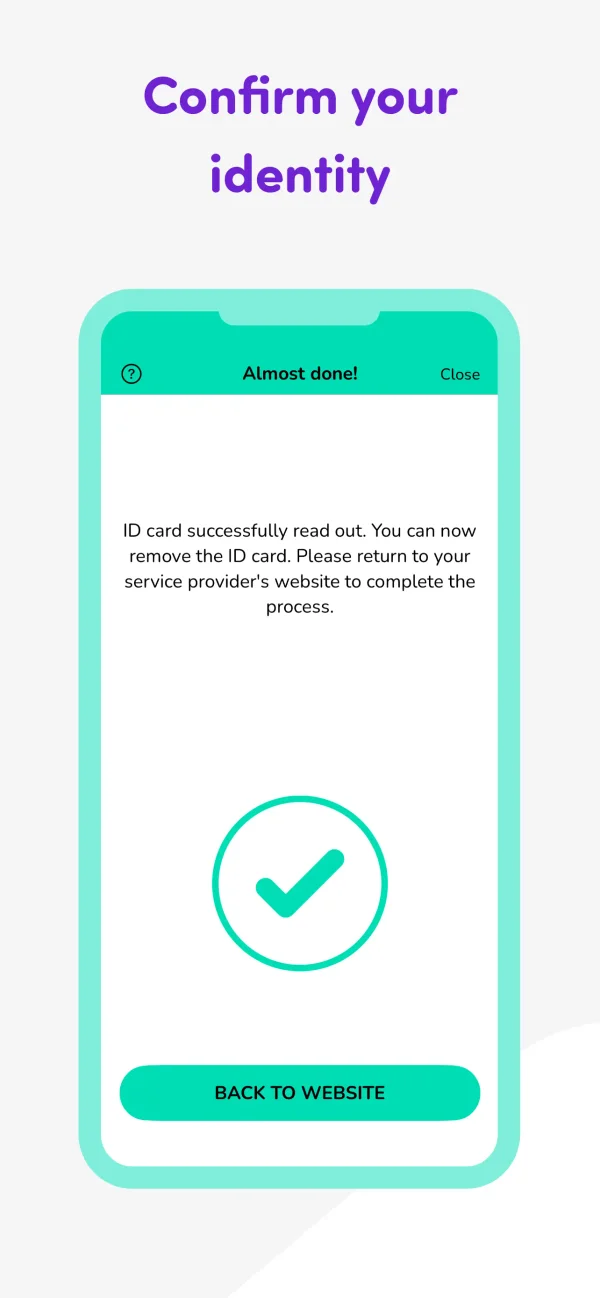
2. Now follow the instructions in the app. This includes entering your PIN and reading out your ID card.
3. Then enter the TAN generated in the app on the service provider's website.
The ID card PIN
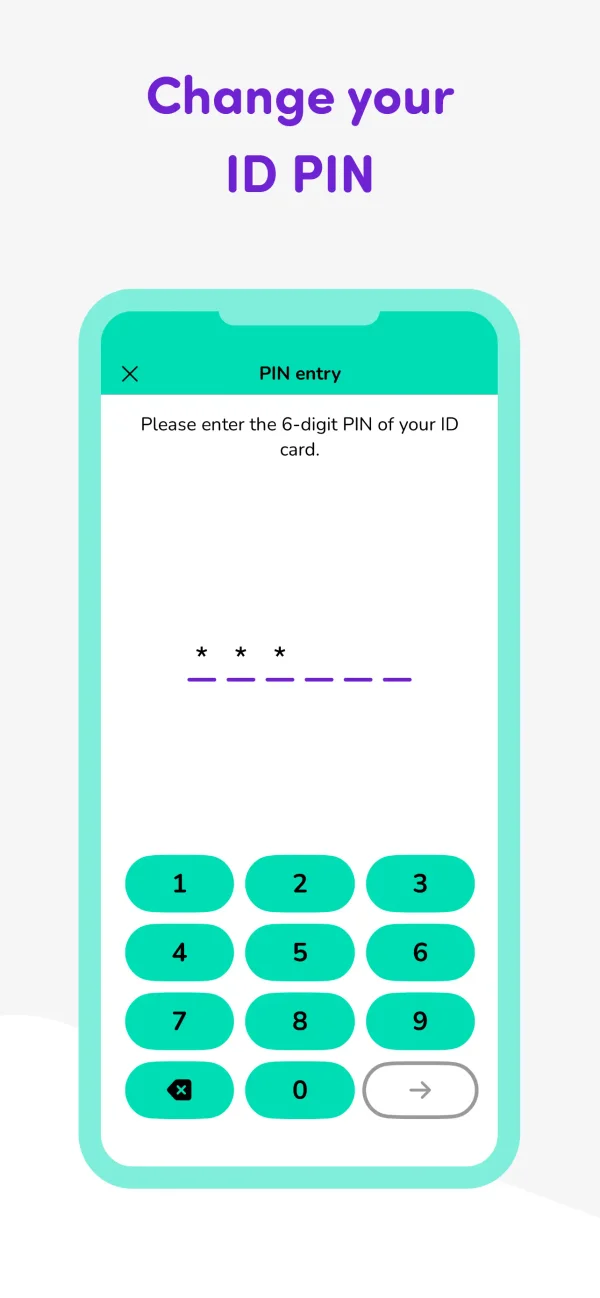
You can find your ID card PIN and PUK in your PIN letter, which you received via mail after applying for your ID card. Please note: Before using the online ID card function for the first time, you must change your ID card PIN. To do so, you will need the five-digit transport PIN from your PIN letter. With the AUTHADA app and the "Change PIN" function, you can assign a new, personal, six-digit PIN. In future, you will always need this PIN if you want to use the online ID card function.
If you enter your PIN incorrectly three times, your ID card PIN is blocked. With the AUTHADA app, you can unlock your ID card PIN using the "Unlock PIN" function and your PUK. If you have forgotten your PIN or no longer have your PIN letter, you can also have your PIN reset without your PUK at your local Citizens' Registration Office.
AUTHADA protects your privacy
AUTHADA's eID solution is certified by the German Federal Office for Information Security (BSI) and ensures compliance with the highest security requirements. The smartphone is only used to read out the data for the respective business purpose. Before the read out process, the data to be read out is displayed. Your data is not stored in the app or at AUTHADA - your data is always encrypted and secure.
Accessibility
We paid attention to accessibility when implementing the app in order to make it accessible to as many people as possible.
新機能
バージョン 2.4.1 · 2026/8/24
- New: Support for LiquidGlass
- Further improvements and bug fixes
アプリのプライバシー
このアプリのデータの取り扱いについて、Authada GmbHがApp Storeで申告している内容です。
-
ユーザーに関連付けられないデータ
収集される場合がありますが、ユーザーの識別情報には関連付けられません。
- 位置情報
- 連絡先情報
- 使用状況データ
- 診断
プライバシーの取り扱いは、ご利用の機能やお客様の年齢などに応じて異なる場合があります。
情報
- 販売元
- AUTHADA GmbH
- カテゴリ
- 仕事効率化
- バージョン
- 2.4.1
- 更新日
- 2026/8/24
- リリース
- 2019/9/25
- サイズ
- 14.8 MB
- 必要条件
- iOS 15.6以降
- 対象年齢
- 4+
- 価格
- 無料
- 言語
- 英語, ドイツ語
- 著作権
- © 2026 AUTHADA GmbH