Authenticator - 2FA Auth App
TOTP OTP Two Factor MFA
iPhone, iPad, Mac, iPod touch向けに設計
¥150
- 対象年齢4+
- カテゴリユーティリティ
- 開発元兵 张
- 言語英語ほか2言語
- サイズ6.9 MB
App Storeの公式ページにリンクしています
Download.orgはAuthenticator - 2FA Auth Appのファイルを一切ホストしていません。ボタンを押すと、兵 张が公開しているApp Storeのアプリページが開きます。ページの最終確認:2026/11/17。
スクリーンショット

概要
開発元はこのテキストをお使いの言語で提供していません。
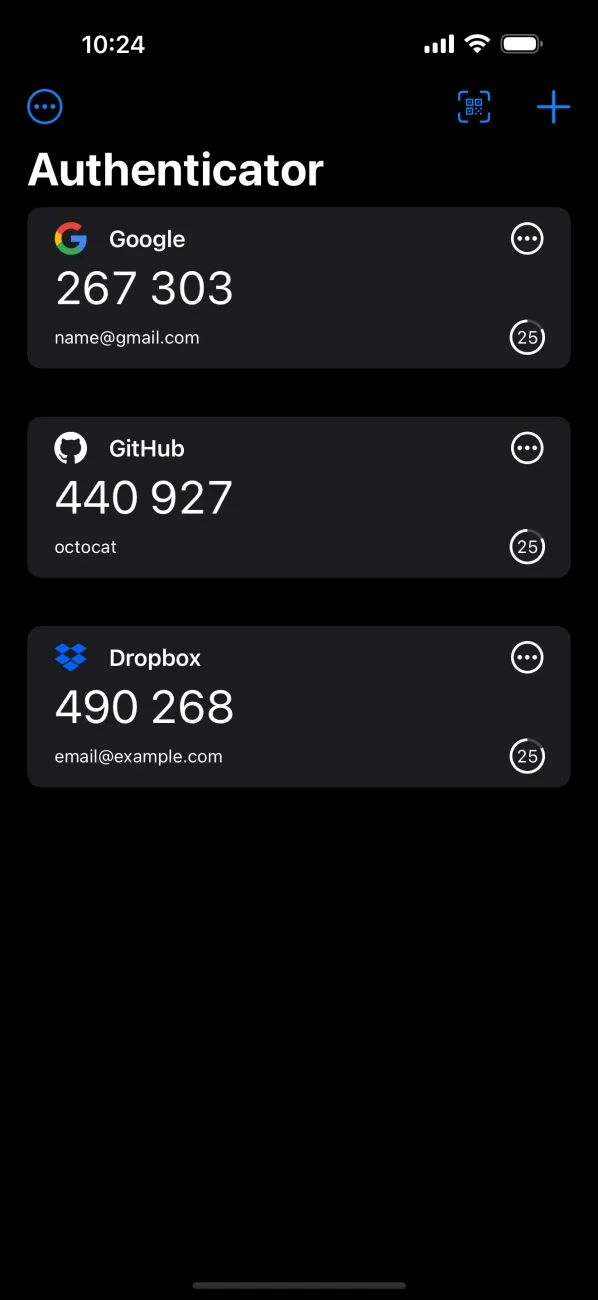
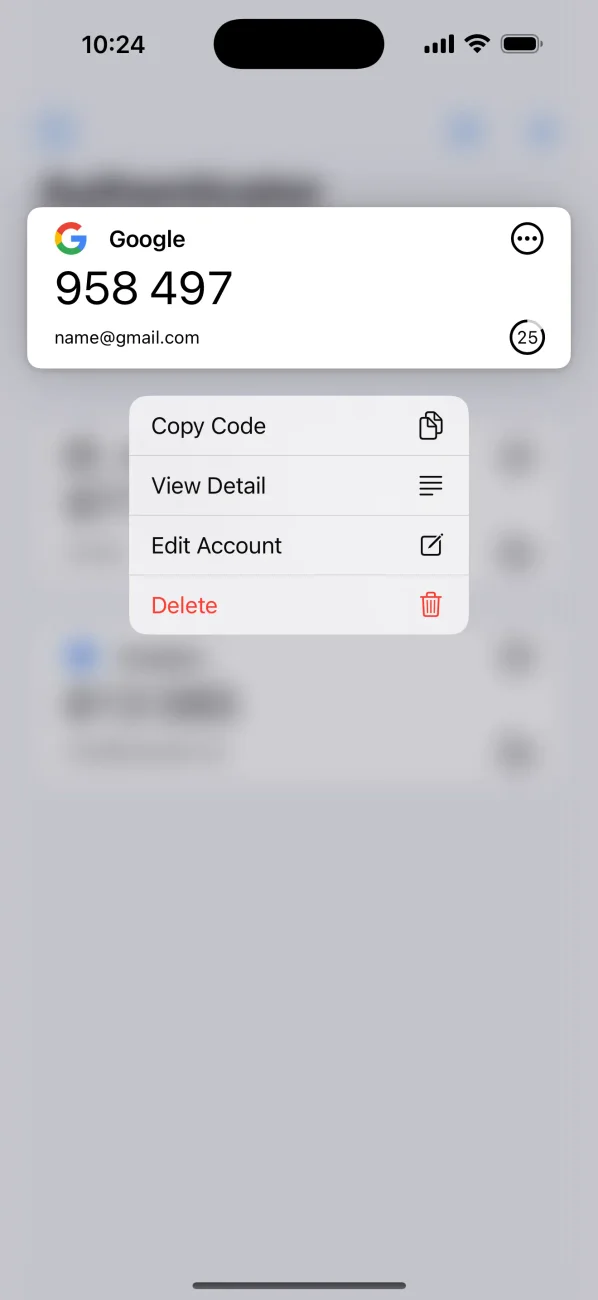
Authenticator is an elegant, open-source two-factor authentication app that supports the Time-based One-Time Password (TOTP) algorithm.
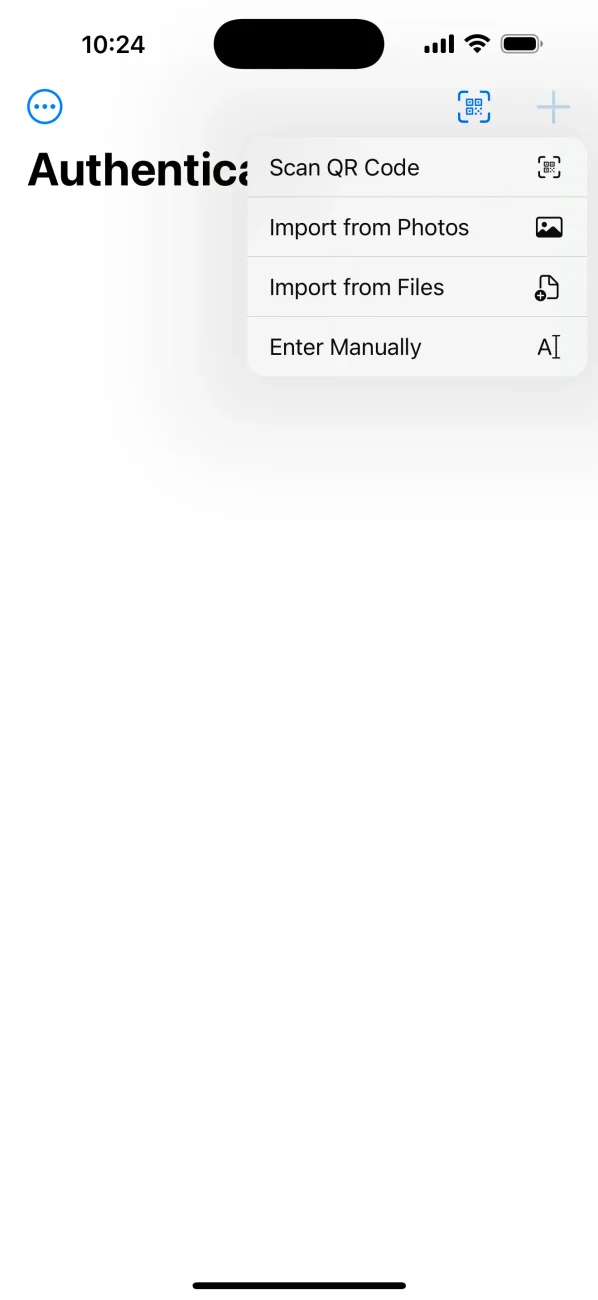
It offers multiple convenient methods to set up your accounts:
• Scan a QR Code.
• Read from a QR Code image.
• Import from a file.
• Manual entry.
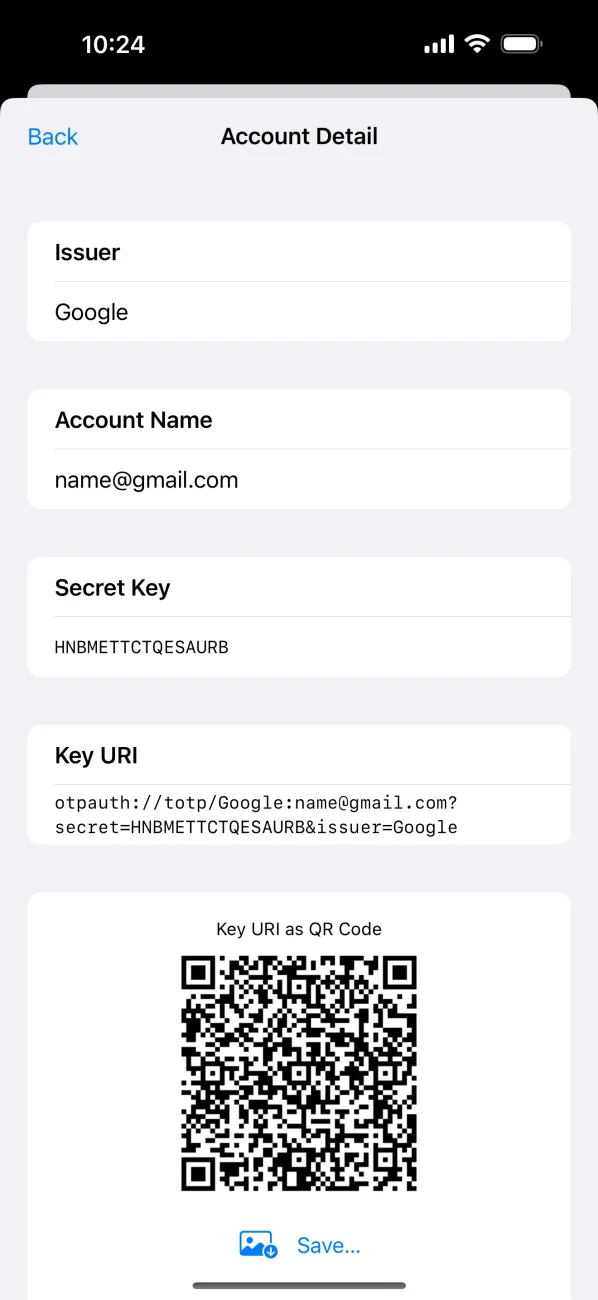
The app features an beautiful “Account Details” page that displays each account along with its QR Code. You can view or copy this information at any time.
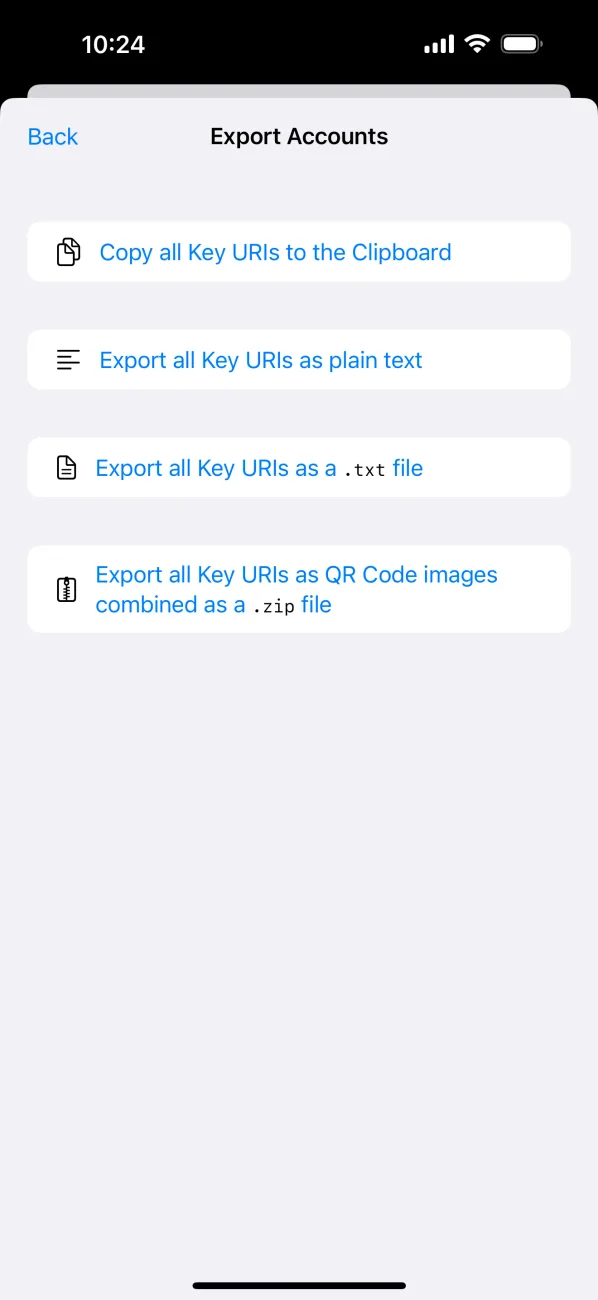
Authenticator also provides several easy ways to export all your accounts:
• Export key URIs to the clipboard.
• Export key URIs as plain text.
• Export key URIs as a TXT file.
• Export key URIs as QR Code images.
Authenticator always remains offline and never connects to any networks. It does not track any data or collect any personal information. Just works as it should be.
Authenticator is fully open source on GitHub:
https://github.com/bingzheung/authenticator
新機能
バージョン 1.6.1 · 2026/5/11
Bug fixes, compatibility enhancements, and performance improvements.
アプリのプライバシー
このアプリのデータの取り扱いについて、兵 张がApp Storeで申告している内容です。
-
データの収集なし
開発元はこのアプリからデータを収集しません。
プライバシーの取り扱いは、ご利用の機能やお客様の年齢などに応じて異なる場合があります。
情報
- 販売元
- 兵 张
- カテゴリ
- ユーティリティ
- バージョン
- 1.6.1
- 更新日
- 2026/5/11
- リリース
- 2020/5/6
- サイズ
- 6.9 MB
- 必要条件
- iOS 15.0以降
- 対象年齢
- 4+
- 価格
- ¥150
- 言語
- 英語, 簡体字中国語, 繁体字中国語
- 著作権
- © 2025 Bing ZHEUNG