
- 対象年齢4+
- カテゴリユーティリティ
- 開発元AUTHENTICATOR APP 2FA AUTH LTD
- 言語英語
- サイズ9.8 MB
App Storeの公式ページにリンクしています
Download.orgはAuthenticator App ^のファイルを一切ホストしていません。ボタンを押すと、AUTHENTICATOR APP 2FA AUTH LTDが公開しているApp Storeのアプリページが開きます。ページの最終確認:2026/11/15。
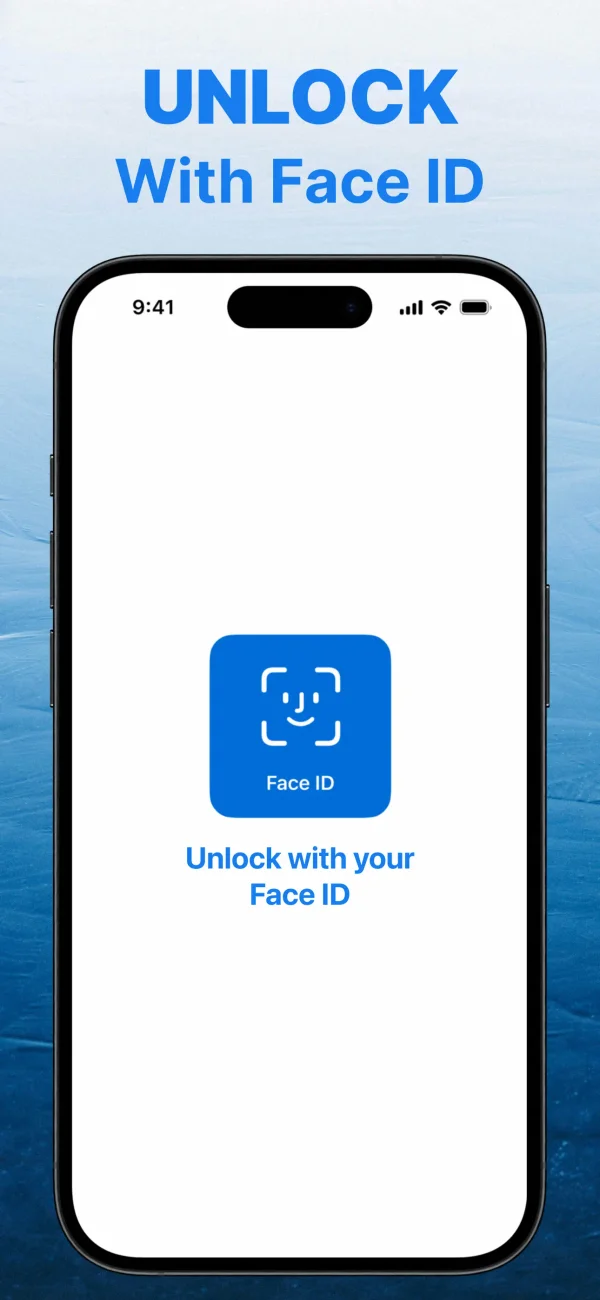
スクリーンショット

概要
開発元はこのテキストをお使いの言語で提供していません。
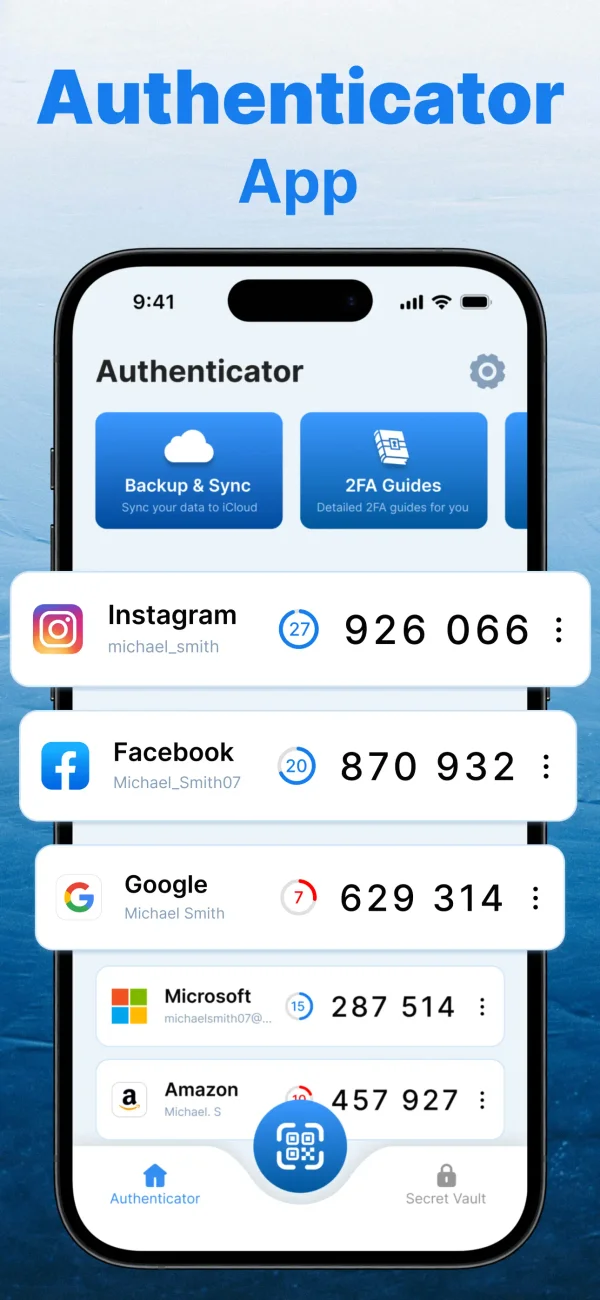
Authenticator App enhances your online security with a simple yet powerful tool for protecting your accounts. Designed for iPhone users, our Authenticator App ensures protection for your accounts across all major platforms, making it a reliable Authenticator App.
Our Authenticator App delivers robust Two Factor Authentication (2FA) and Multi-Factor Authentication (MFA) solutions to safeguard your data. Whether you're logging into social media, managing sensitive work accounts, or accessing personal services, this Authenticator ensures your accounts remain protected from unauthorized access.
Advanced Security with Two Factor Authentication
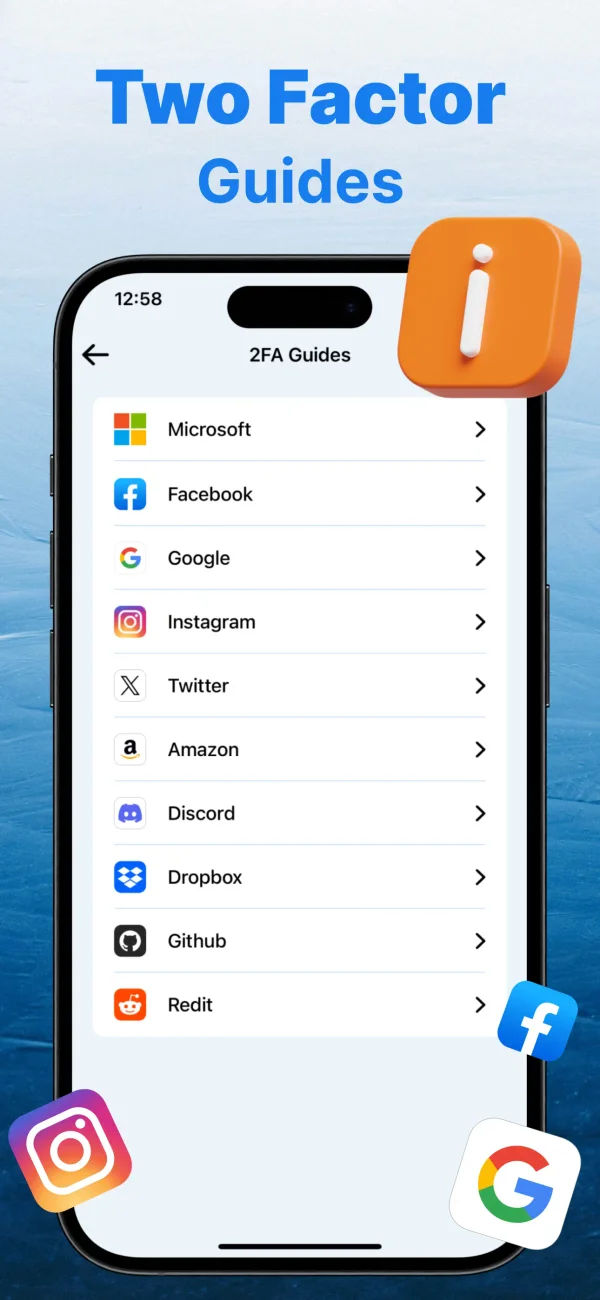
Enhance your security with Two Factor Authentication (2FA). With our 2FA Authenticator, you get a second layer of security by requiring a unique code generated by the Authenticator App in addition to your password.
Features That Set Our Authenticator Apart
1. Universal Compatibility: Whether you’re using Google Authenticator, Microsoft Authenticator, or any other 2FA Authenticator, our app is designed to integrate seamlessly.
3. Time-Based One-Time Passwords (TOTP): The app generates time-sensitive codes for maximum security.
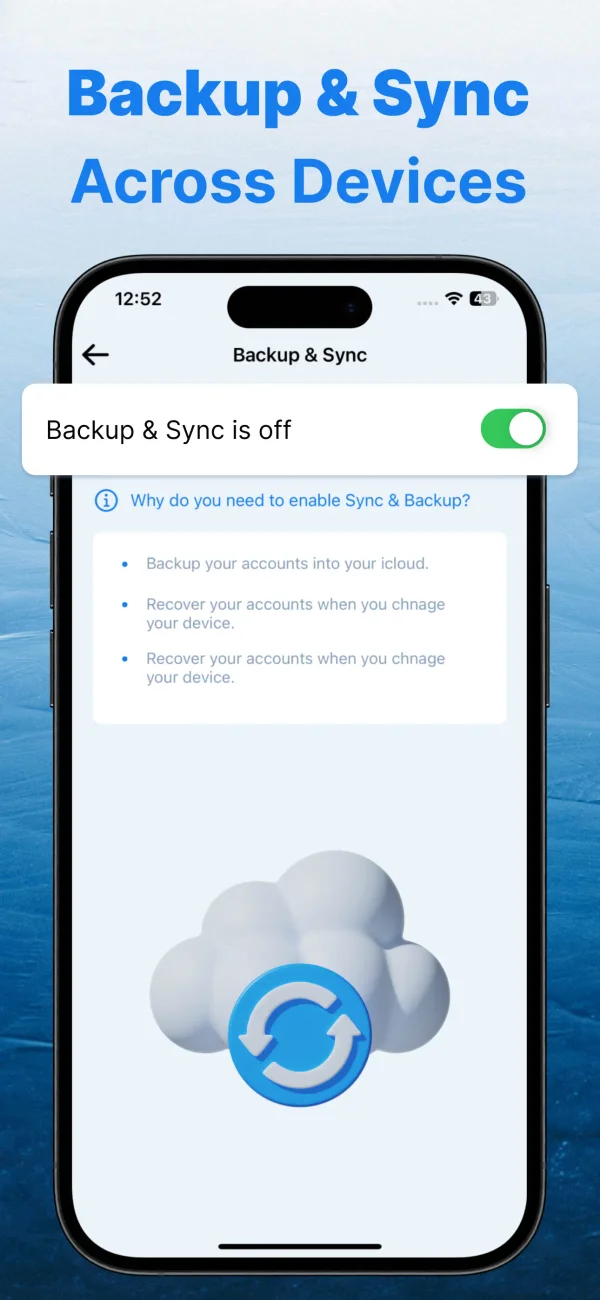
4. Multiple Device Syncing: Back up and sync your codes across devices to ensure access anytime, anywhere.
5. Offline Functionality: Generate codes without wifi, making it a true standalone Authenticator App.
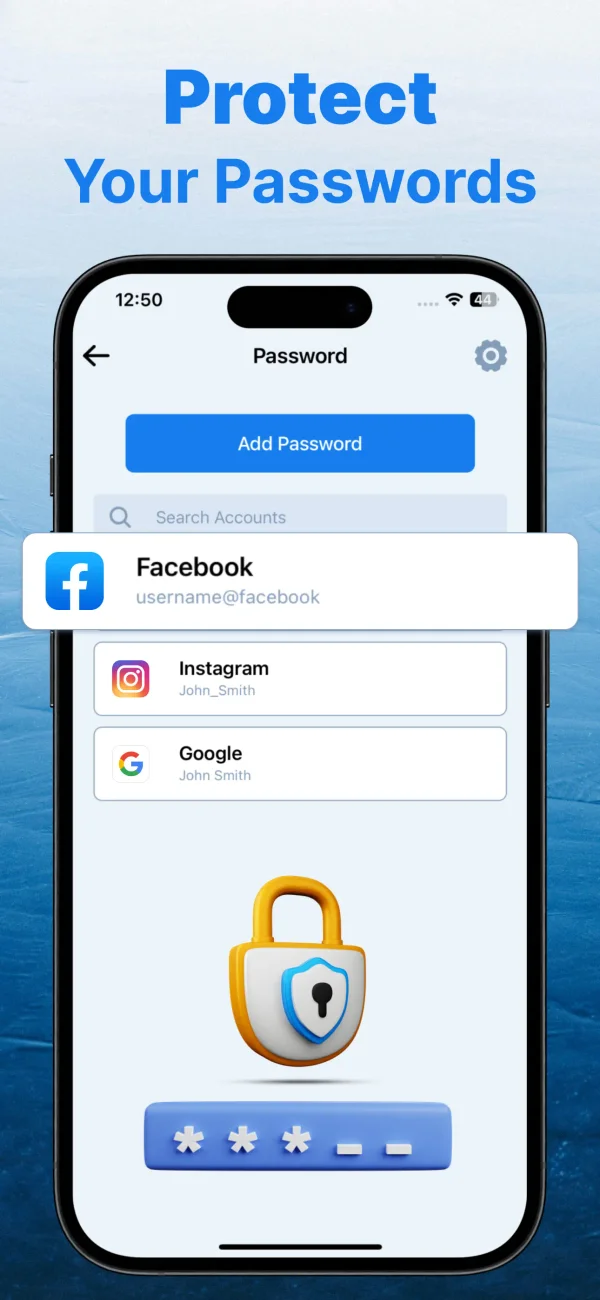
6. Multi-Account Management: Manage all your 2FA-enabled accounts in one place, from Google and Microsoft to smaller, independent services.
As a Authenticator App, we understand the importance of supporting both individuals and businesses. With support for MFA Authenticators, this app is ideal for securing corporate tools like Salesforce, Azure, and GitHub, as well as personal services like Facebook, Spotify, and Netflix.
Perfect Replacement for Other Authenticators
Looking for an alternative to Google Authenticator, Microsoft Authenticator, or Authy? Our Authenticator App is designed to provide the same high-quality security features while adding enhanced functionality and ease of use. Its intuitive interface makes it the perfect choice for anyone, from tech enthusiasts to those new to Two Factor Authentication.
Why Two Factor Authentication Is Essential
In today’s digital landscape, cyber threats are more prevalent than ever. Passwords alone are no longer sufficient to protect sensitive information. That’s where Two Factor Authentication (2FA) and MFA come in. By using a trusted 2FA Authenticator like ours, you can ensure the highest level of security for your online accounts.
Multi-Factor Authentication (MFA) is the next level of security, combining passwords, device authentication, and Authenticator App codes to create an impenetrable barrier against hackers. Whether you’re using MFA Authenticator for work or personal accounts, our app offers the flexibility and reliability you need.
The Authenticator App seamlessly integrates with Google Authenticator, Microsoft Authenticator, Salesforce Authenticator, Authy, and more. It works perfectly with widely used services such as:
* Facebook
* Spotify
* Instagram
* Amazon
* Dropbox
* Twitter
* LinkedIn
* PayPal
* Slack
* More
Wherever Two Factor Authentication is supported, this Authenticator App will work flawlessly.
Download the Authenticator App today and experience the future of Two Factor Authentication and MFA Authenticators. With compatibility across major companies like Google, Microsoft, Salesforce, and Facebook, for keeping your accounts safe.
Subscription Terms of Use:
- Payment will be charged to your iTunes Account once you confirm the purchase.
- Your subscription will automatically renew unless you turn off auto-renew at least 24 hours before the current period ends. You can manage subscriptions in your iPhone settings.
Privacy Policy: https://www.authenticator.work/privacy-policy
Terms of Use: https://authenticator.work/terms-of-use-eula
アプリのプライバシー
このアプリのデータの取り扱いについて、AUTHENTICATOR APP 2FA AUTH LTDがApp Storeで申告している内容です。
-
ユーザーのトラッキングに使用されるデータ
他社のアプリやウェブサイトを横断してユーザーをトラッキングする目的で使用される場合があります。
- ID
- 診断
-
ユーザーに関連付けられないデータ
収集される場合がありますが、ユーザーの識別情報には関連付けられません。
- ID
- 診断
プライバシーの取り扱いは、ご利用の機能やお客様の年齢などに応じて異なる場合があります。
情報
- 販売元
- AUTHENTICATOR APP 2FA AUTH LTD
- カテゴリ
- ユーティリティ
- バージョン
- 1.0
- 更新日
- 2024/12/18
- リリース
- 2024/12/18
- サイズ
- 9.8 MB
- 必要条件
- iOS 16.0以降
- 対象年齢
- 4+
- 価格
- 無料
- アプリ内課金
- あり
- 言語
- 英語
- 著作権
- © Authenticator App, 2FA Auth, Two Factor Authentication Copyright 2024-25
こちらもおすすめ
-
 Find Bluetooth Device: Trackerユーティリティ
-
 Bluetooth Tracker: 探す ヘッドフォン.ワイヤレスイヤホン探す& Lost Device
-
 セキュリティ強化 2FA認証安全な認証でアカウント保護
-
 QR Code Reader: Price Scan Appユーティリティ
-
 Scanner & PDF Converter Appユーティリティ
-
 Verivo: Get Temporary SMS Codeユーティリティ
-
 Call Record: Phone Recorder.ユーティリティ
-
 Coin Identifier Money Scannerユーティリティ
-
 Key: Privacy & Security KeeperKeep Data / Gallery Safe
-
 PDF Converter. Word to PDFユーティリティ