
- 対象年齢4+
- カテゴリ仕事効率化
- 開発元xenia diaz
- 言語英語
- サイズ13.6 MB
App Storeの公式ページにリンクしています
Download.orgはAuthenticator App 2FA Authのファイルを一切ホストしていません。ボタンを押すと、xenia diazが公開しているApp Storeのアプリページが開きます。ページの最終確認:2026/11/20。
スクリーンショット
概要
開発元はこのテキストをお使いの言語で提供していません。
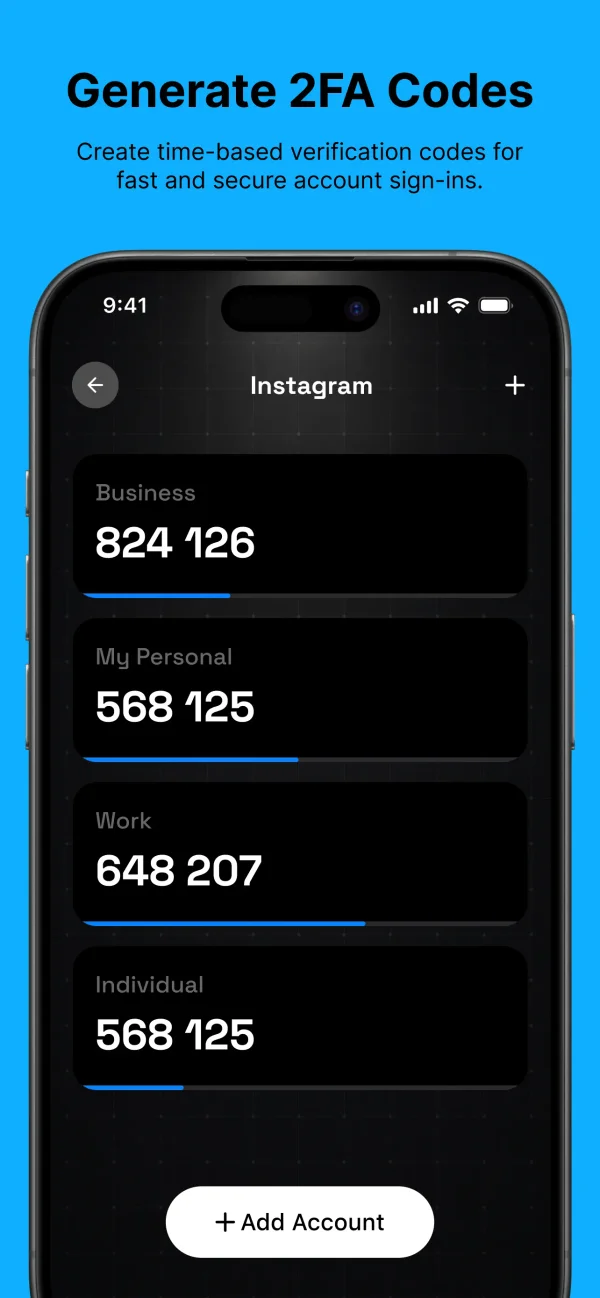
Protect your online accounts with Authenticator App - 2FA Auth, a secure and easy-to-use two-factor authentication (2FA) app designed to keep your digital life safer. Generate time-based one-time passwords (TOTP) for your favorite online services and access them quickly whenever you need to verify your identity.
Whether you're securing social media, email, cloud storage, cryptocurrency wallets, or business accounts, Authenticator App - 2FA Auth provides a fast, reliable, and private authentication experience.
Key Features
Secure Two-Factor Authentication
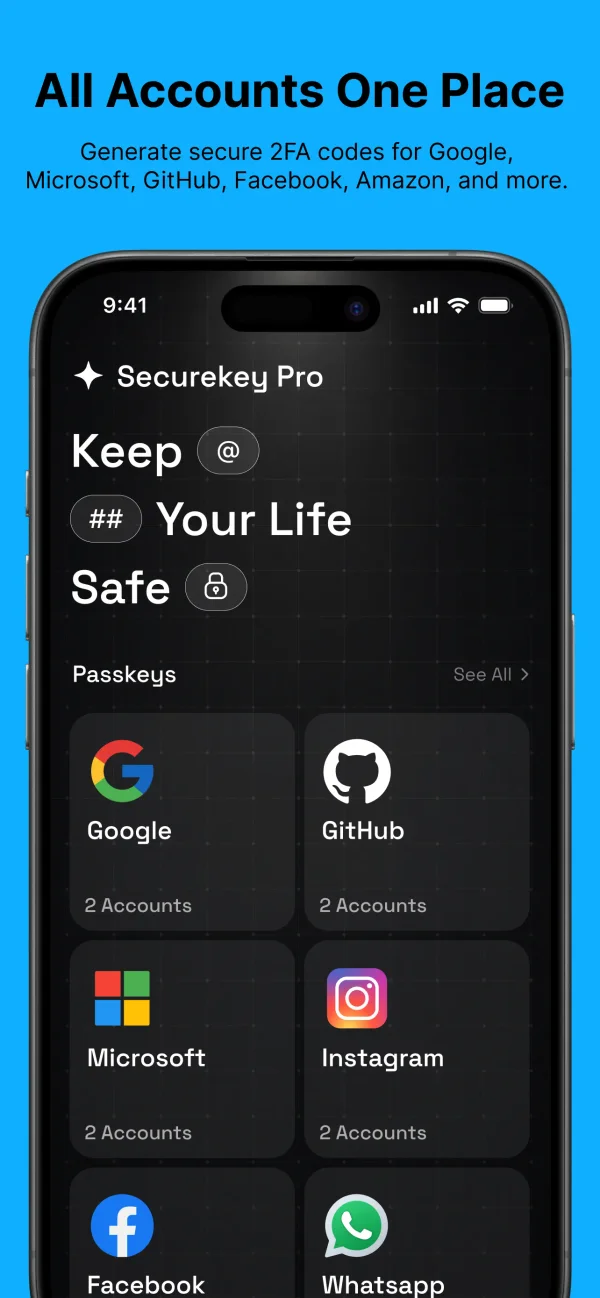
Generate secure 2FA verification codes for thousands of websites and services that support standard TOTP authentication.
Works with Popular Platforms
Store authentication codes for a wide range of online accounts, including email, social media, cloud services, developer platforms, productivity tools, gaming services, and more.
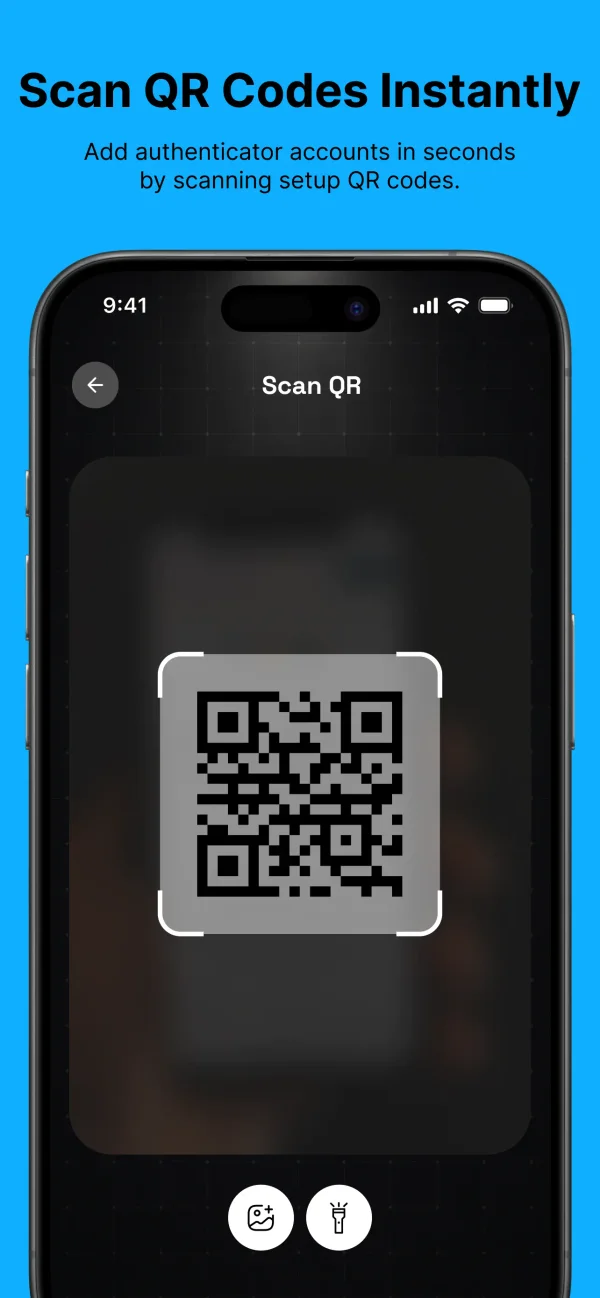
QR Code Scanner
Quickly add new authentication accounts by scanning QR codes provided by supported websites and applications.
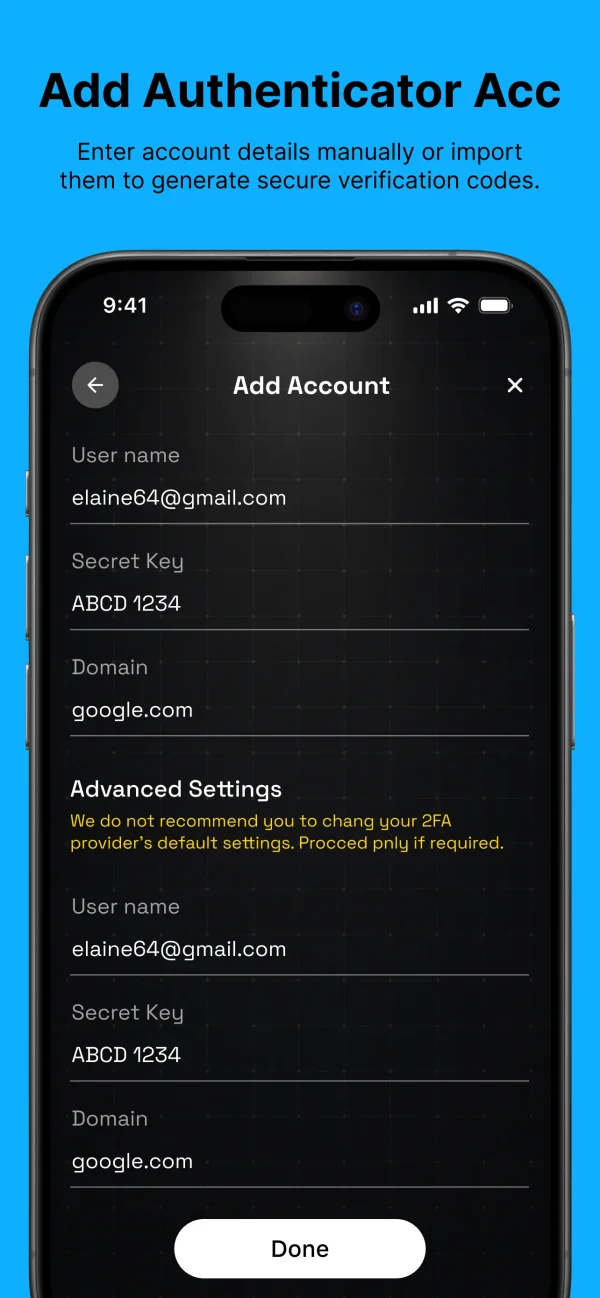
Manual Account Setup
Prefer entering your secret key manually? Easily create authentication accounts using manual setup.
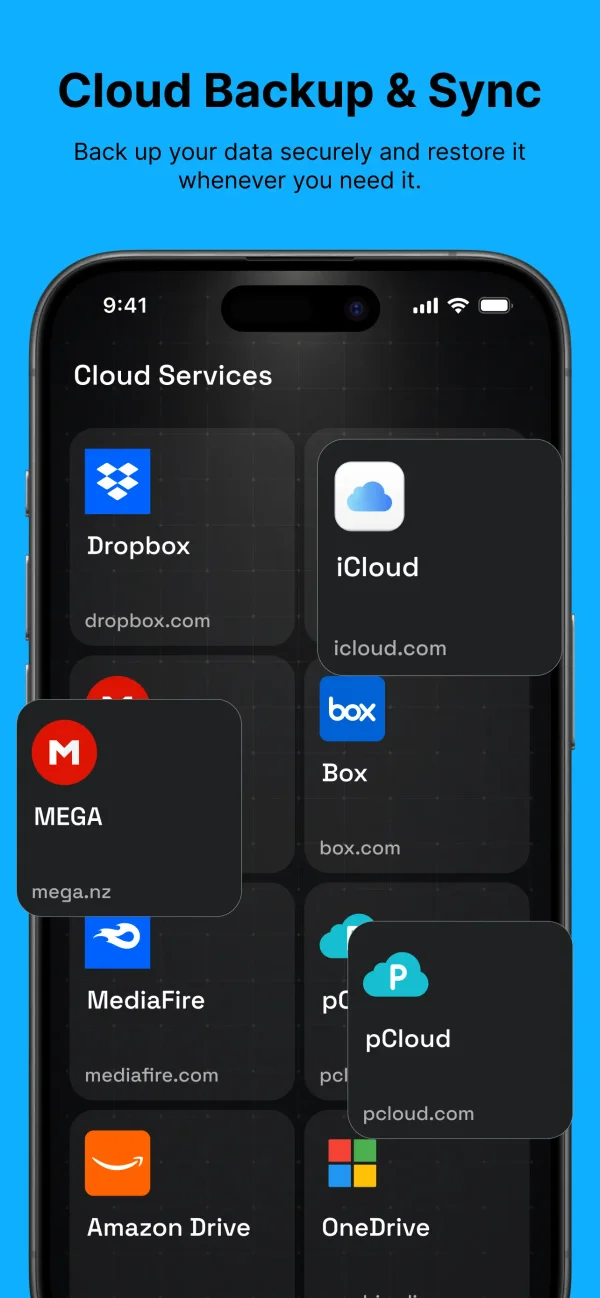
Cloud Backup & Restore
Back up your authenticator accounts and important security information to supported cloud services. Restore your data anytime when switching devices or reinstalling the app for a seamless experience.
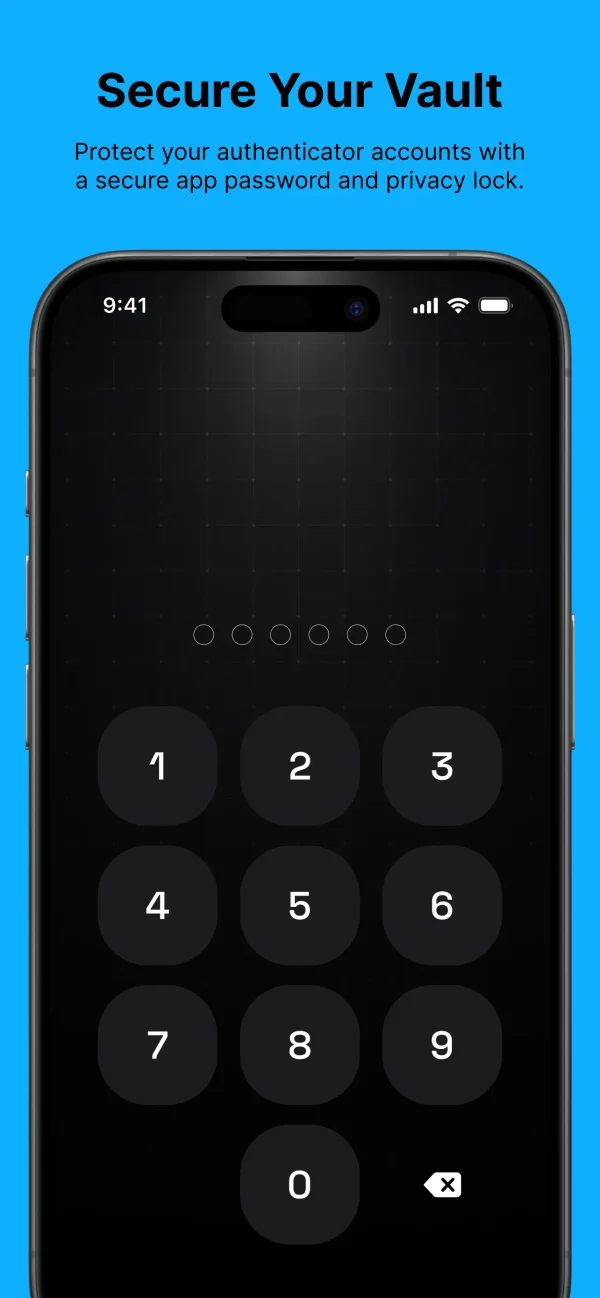
App Lock Protection
Protect your authenticator data with a security password to prevent unauthorized access.
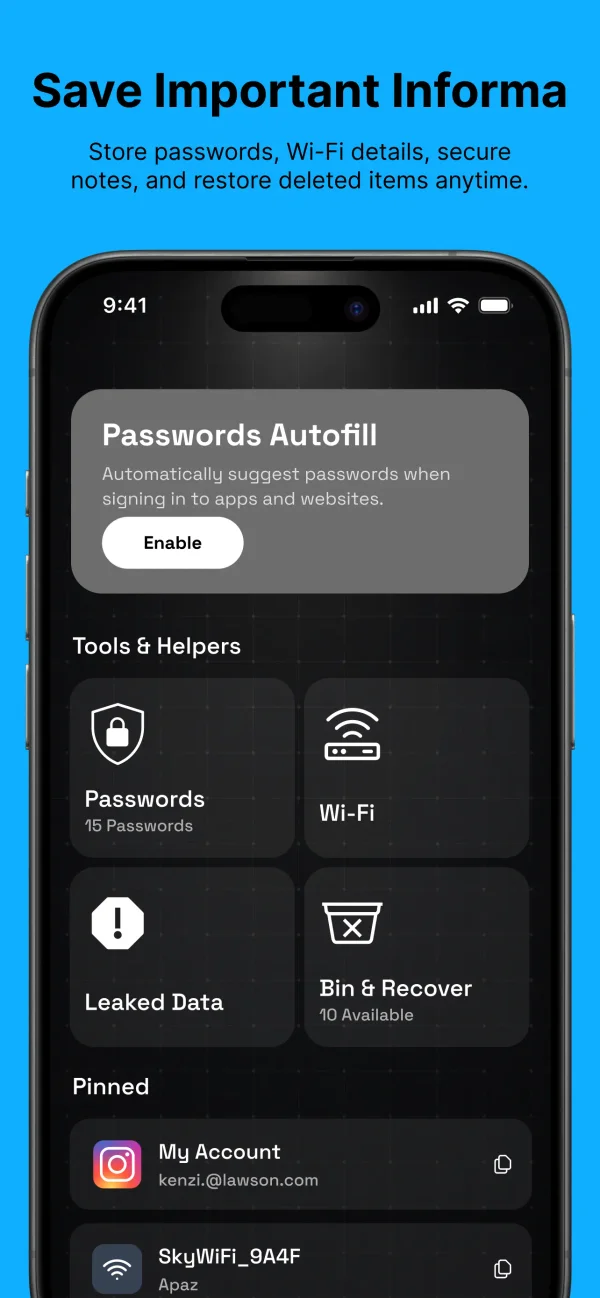
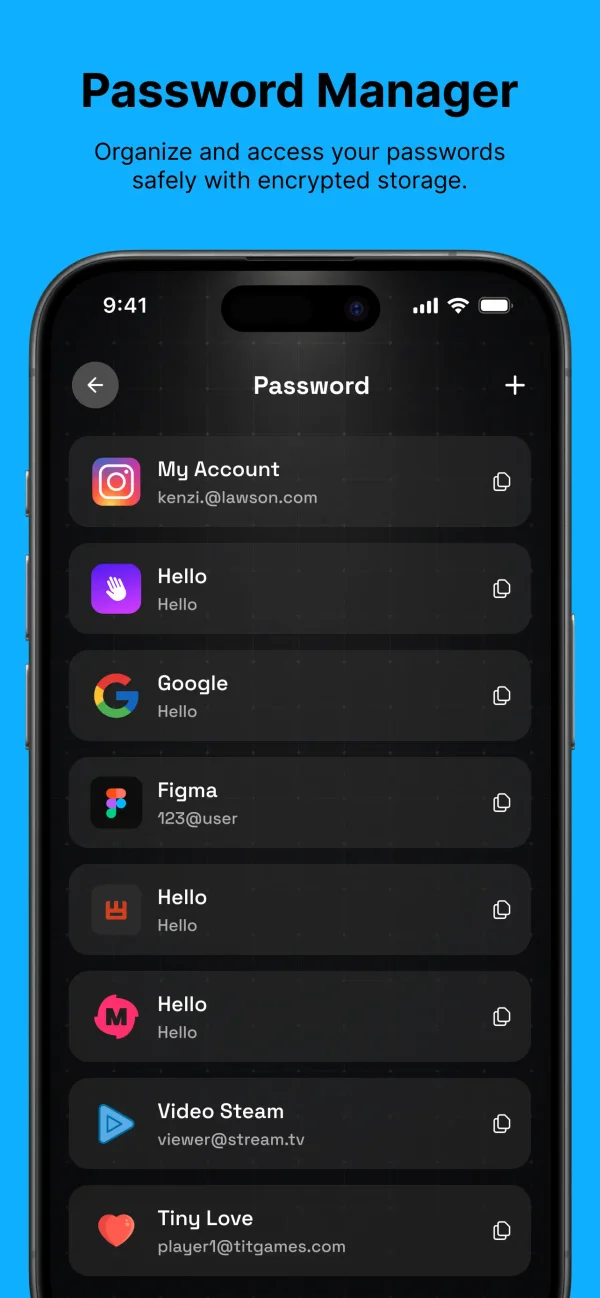
Password Notes
Store important password-related notes in one convenient and secure location for quick reference.
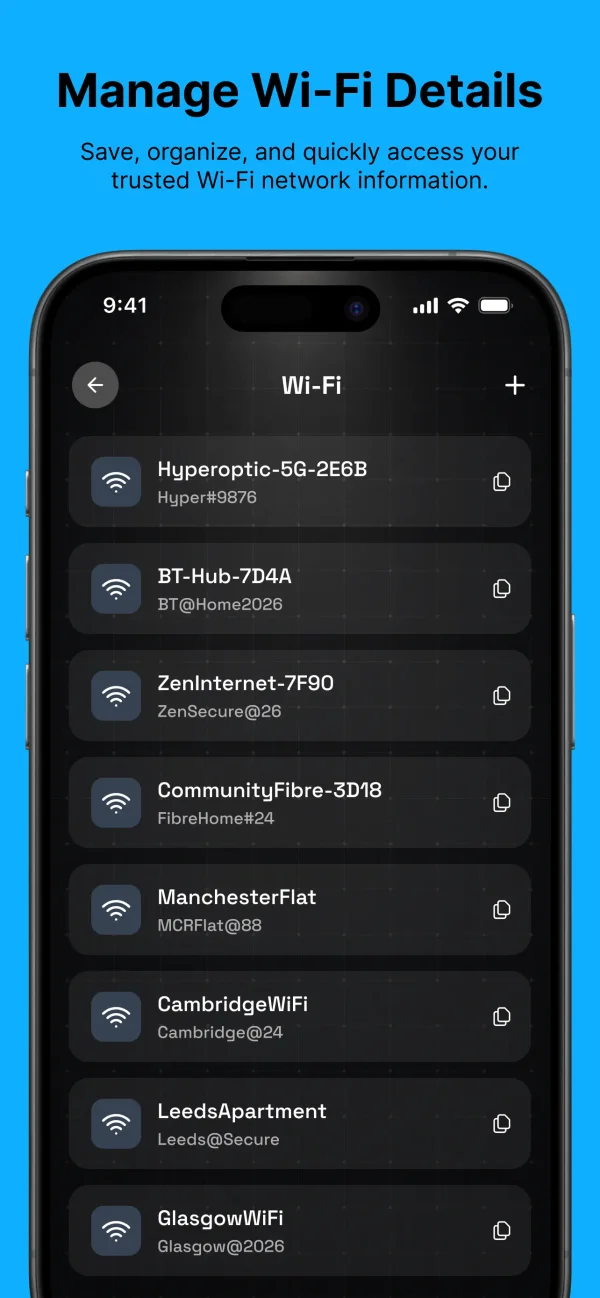
Wi-Fi Details Notes
Save Wi-Fi information such as network names, passwords, router details, or installation notes for future use.
Recycle Bin Recovery
Accidentally deleted an item? Restore supported deleted records from the built-in recovery bin before they're permanently removed.
Leaked Data Check
Monitor whether your saved information may have appeared in known public data breaches and stay informed about potential security risks.
Profile Management
Update your profile information anytime with a simple and clean interface.
Password Management
Change your app security password whenever you want for improved protection.
Why Choose Authenticator App - 2FA Auth?
Fast and lightweight performance
Simple and user-friendly interface
QR code and manual setup support
Secure authentication code generation
Password-protected app access
Built-in recovery bin
Organize important security notes
Save Wi-Fi credentials safely
Privacy-focused design
Regular feature improvements
Take control of your online security with Authenticator App - 2FA Auth. Easily manage your authentication codes, organize important security information, and keep your accounts protected with a secure and reliable 2FA solution.
Disclaimer: This app generates industry-standard TOTP authentication codes compatible with supported services. Availability of two-factor authentication depends on the individual service or website. This app is not affiliated with or endorsed by any third-party platforms or brands.
アプリのプライバシー
このアプリのデータの取り扱いについて、xenia diazがApp Storeで申告している内容です。
-
ユーザーのトラッキングに使用されるデータ
他社のアプリやウェブサイトを横断してユーザーをトラッキングする目的で使用される場合があります。
- ID
- 使用状況データ
-
ユーザーに関連付けられないデータ
収集される場合がありますが、ユーザーの識別情報には関連付けられません。
- ID
- 使用状況データ
プライバシーの取り扱いは、ご利用の機能やお客様の年齢などに応じて異なる場合があります。
情報
- 販売元
- xenia diaz
- カテゴリ
- 仕事効率化
- バージョン
- 1.0
- 更新日
- 2026/7/30
- リリース
- 2026/7/30
- サイズ
- 13.6 MB
- 必要条件
- iOS 17.0以降
- 対象年齢
- 4+
- 価格
- 無料
- 言語
- 英語
- 著作権
- © Authentication
こちらもおすすめ
-
 Authenticator: 2FA Codes & OTP仕事効率化
-
 Everykey仕事効率化
-
 AuthenticatorPRO : 2FA・OTP認証パスワード管理, MFA & 安全保管庫
-
 Dove by Canary Mail仕事効率化
-
 Authen・2FA & MFA Authenticator仕事効率化
-
 Guardigy VPN - Secure Proxy仕事効率化
-
 pCloud Pass - Password manager仕事効率化
-
 Authe for Google Authenticator仕事効率化
-
 Authenticator MFA, 2FA Auth.2段階認証アプリ、ワンタイムパスワード安全。
-
 Spacewell Workplace仕事効率化