
Authenticator App · 2FA & MFA
Two Factor Authentication Auth
iPhone, iPad, iPod touch向けに設計
無料 · アプリ内課金
- 対象年齢17+
- カテゴリユーティリティ
- 開発元Muhammet Yalcın Ozdemir Halil Ibrahim Karahan Mustafa Ayten Kupertino Bilisim Yazılım K.S
- 言語英語ほか16言語
- サイズ154.1 MB
App Storeの公式ページにリンクしています
Download.orgはAuthenticator App · 2FA & MFAのファイルを一切ホストしていません。ボタンを押すと、Muhammet Yalcın Ozdemir Halil Ibrahim Karahan Mustafa Ayten Kupertino Bilisim Yazılım K.Sが公開しているApp Storeのアプリページが開きます。ページの最終確認:2026/11/24。
スクリーンショット

概要
開発元はこのテキストをお使いの言語で提供していません。
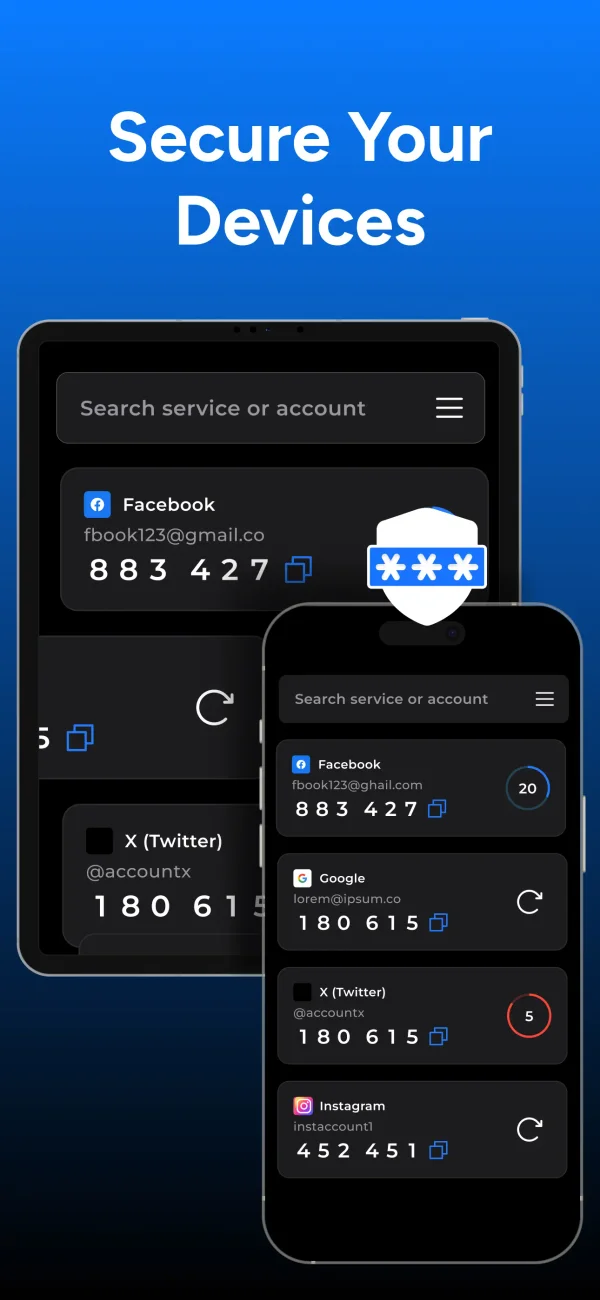
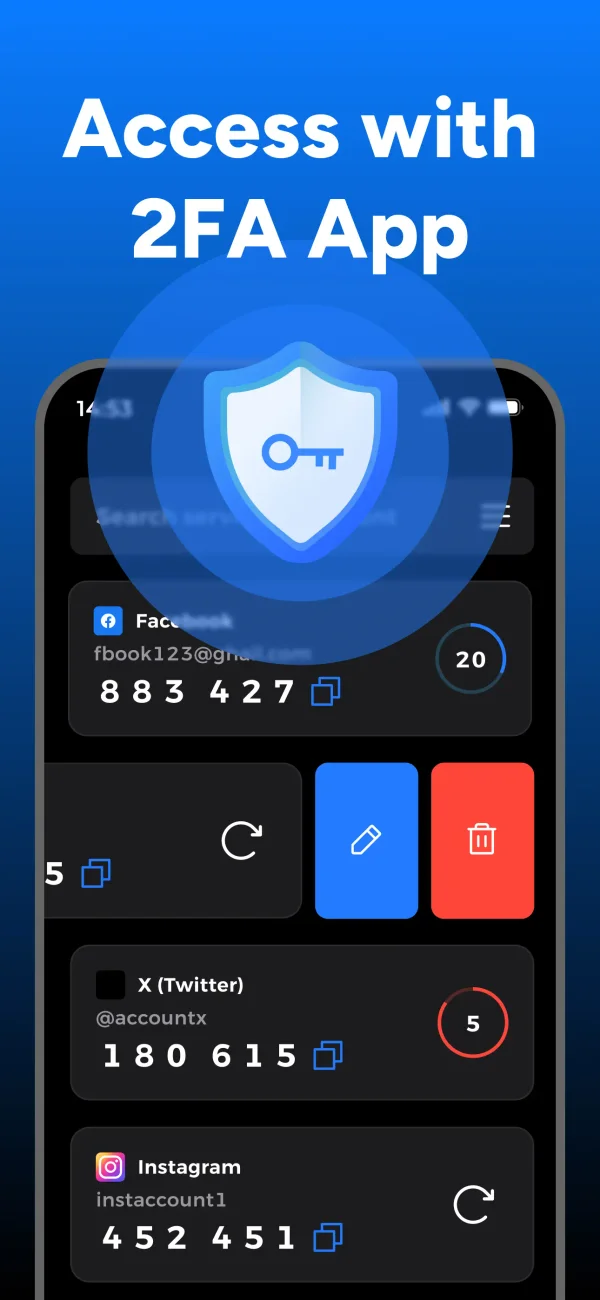
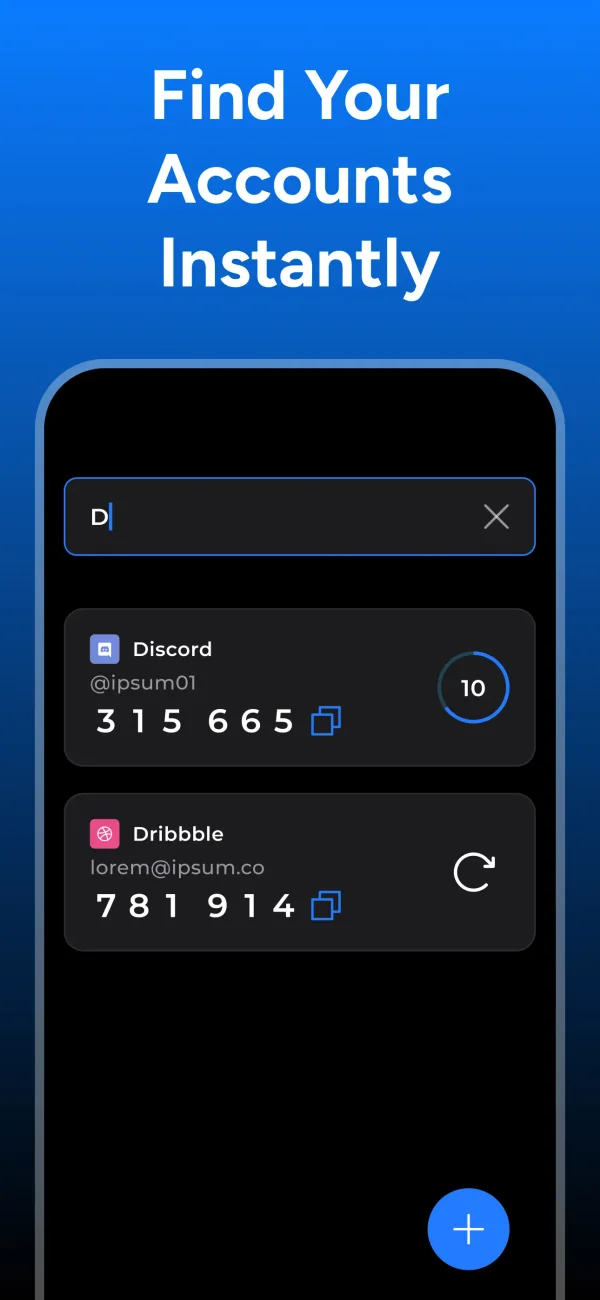
Authenticator App · 2FA & MFA helps you keep your online accounts safe by giving you secure two factor authentication codes for all your accounts. In an era where digital threats are constantly evolving, relying solely on a password is no longer enough to protect your sensitive data. Our authenticator provides a robust second layer of defense, generating time-based one-time passwords (TOTP) to ensure that your identity remains protected against unauthorized access across every platform you use.
Choosing the right authentication is the most important step in securing your digital footprint. Our authenticator is designed for maximum efficiency, offering three distinct ways to add your accounts and start generating secure codes instantly:
- Scan QR Code: This is the fastest method to secure your services within the authenticator app. Simply point your device camera at the QR code provided by the website or platform during their security setup.
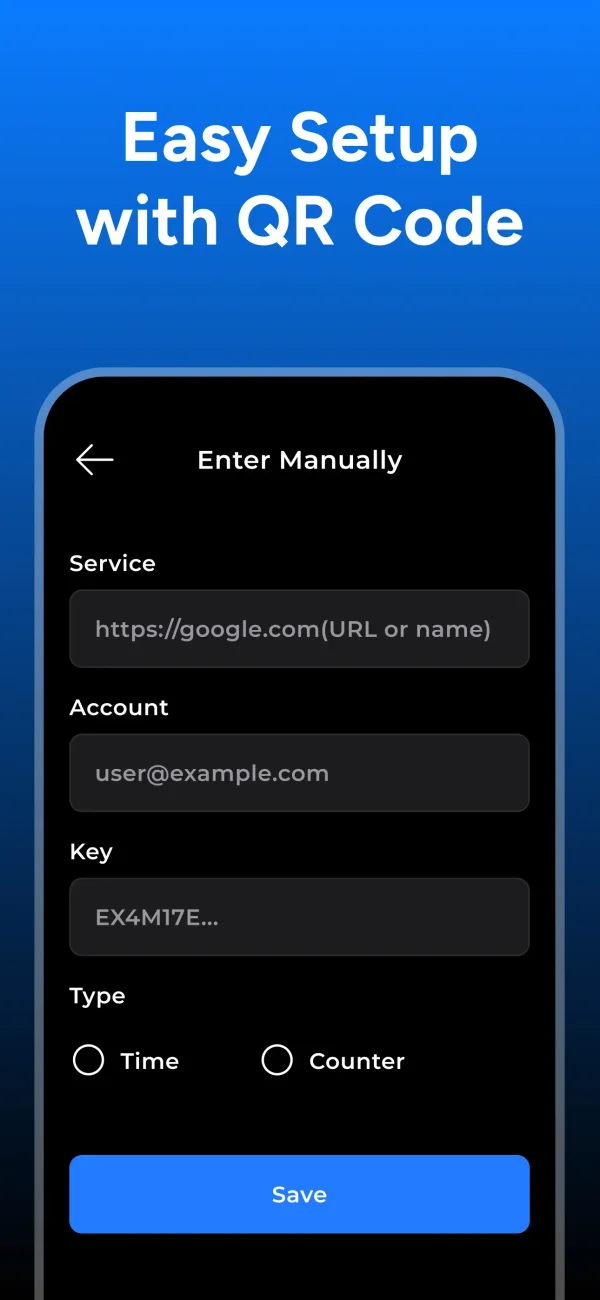
- Manual Entry: For services that do not provide a visual code, you can securely type in the secret key and account details into the authenticator to establish your secure connection manually.
- Upload from Gallery: A convenient solution for when you have a screenshot of a QR code saved on your phone. This authentication app allows you to import it directly from your photo library without needing a second device or a physical printout.
Authenticator App · 2FA & MFA is built to work with virtually any service that supports standard security protocols. You can confidently secure your accounts on Microsoft, Google, Facebook, Amazon, Instagram, Coinbase, Roblox and much more.
Whether you are looking for a reliable MFA solution or a dedicated 2FA manager, our authenticator app delivers the performance you need. By utilizing this authentication app, you are taking a proactive step toward total account security. This authenticator is optimized to provide the best user experience while maintaining the highest level of encryption.
Privacy Policy: https://kupertinolabs.com/privacy-policy
Terms of Use: https://kupertinolabs.com/terms-of-use
新機能
バージョン 1.3.3 · 2026/11/10
Bug fix
アプリのプライバシー
このアプリのデータの取り扱いについて、Muhammet Yalcın Ozdemir Halil Ibrahim Karahan Mustafa Ayten Kupertino Bilisim Yazılım K.SがApp Storeで申告している内容です。
-
ユーザーのトラッキングに使用されるデータ
他社のアプリやウェブサイトを横断してユーザーをトラッキングする目的で使用される場合があります。
- ID
-
ユーザーに関連付けられないデータ
収集される場合がありますが、ユーザーの識別情報には関連付けられません。
- 購入
- ID
- 診断
プライバシーの取り扱いは、ご利用の機能やお客様の年齢などに応じて異なる場合があります。
情報
- 販売元
- Muhammet Yalcın Ozdemir Halil Ibrahim Karahan Mustafa Ayten Kupertino Bilisim Yazılım K.S
- カテゴリ
- ユーティリティ
- バージョン
- 1.3.3
- 更新日
- 2026/11/10
- リリース
- 2022/12/9
- サイズ
- 154.1 MB
- 必要条件
- iOS 15.6以降
- 対象年齢
- 17+
- 価格
- 無料
- アプリ内課金
- あり
- 言語
- 英語, アラビア語, オランダ語, フィリピン語, フランス語, ドイツ語, インドネシア語, イタリア語, 日本語, 韓国語, ポルトガル語, ロシア語 ほか5言語
- 著作権
- © Kupertino Labs
こちらもおすすめ
-
 認証システム 2FA、MFA、OTP安全なログインと TOTP コード ボールト
-
 BlazeAuth: 認証アプリ・ワンタイムパスワード2段階認証・オーセンティケーター・パスワードマネージャー
-
 2FA Authenticator™ MFA AuthyMulti-Factor ‣ Authentication
-
 Authenticator App - 2FAMFA、2段階認証アプリアカウントのOTPとパスワードの確認
-
 Clear Now:Storage Cleanerユーティリティ
-
 2要素・二段階認証アプリ: OTPコード生成器MFA・多要素認証 iCloud同期・安全バックアップ
-
 Clean Up Storage: Phone Wizardユーティリティ
-
 AI Optimizer: Phone Cleanerユーティリティ
-
 Spam Stop: Block Spam Textsユーティリティ
-
 オーセンティケーターアプリ - 認証アプリワンタイムパスワード生成・2段階認証