- 対象年齢4+
- カテゴリ仕事効率化
- 開発元Christophe Amouret
- 言語英語ほか8言語
- サイズ8.2 MB
App Storeの公式ページにリンクしています
Download.orgはAva WDSのファイルを一切ホストしていません。ボタンを押すと、Christophe Amouretが公開しているApp Storeのアプリページが開きます。ページの最終確認:2026/11/24。
スクリーンショット



概要
開発元はこのテキストをお使いの言語で提供していません。
From field measurements to PDF, Ava WDS brings together dimensions, sketches and photos to help you prepare estimates on iPhone and iPad. Organize measurements by project and hand over a clear record, even after working offline.
An item for each product
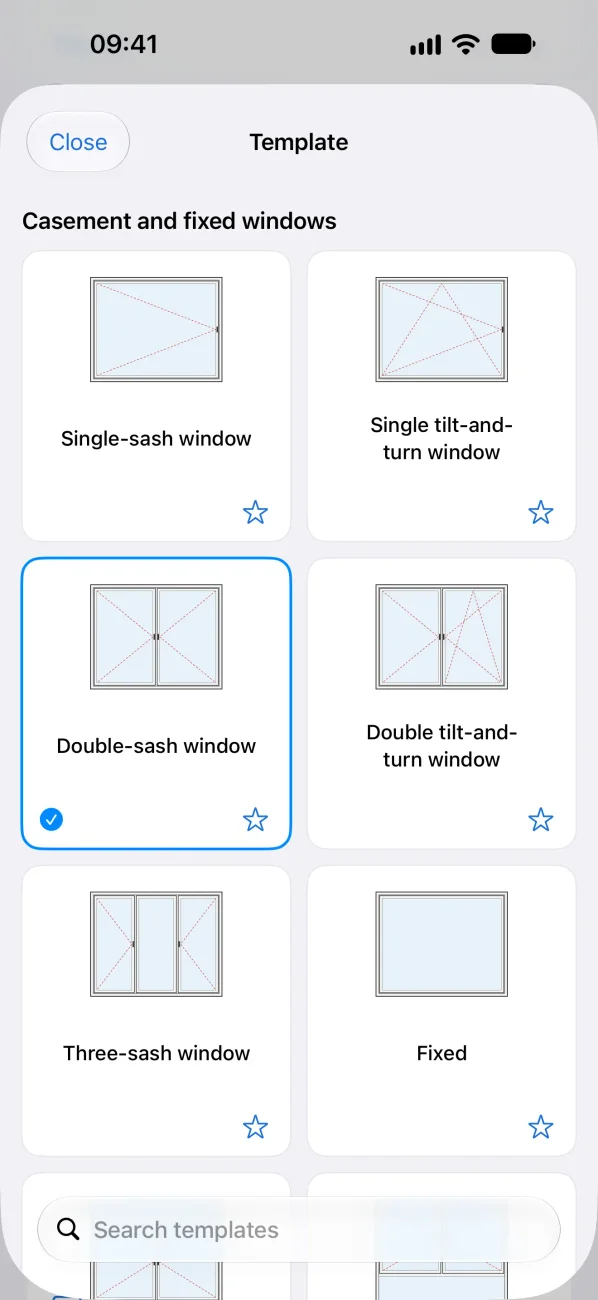
Windows and doors, window and door assemblies, shutters, garage doors, gates, pedestrian gates, fences and privacy screens: collect the dimensions and details needed for each product. Items are grouped by type so you can find your measurement records easily.
Outdoor entrances and boundaries
Measure gates, pedestrian gates, fences and privacy screens within one project, including panels on low walls. Record existing pillars, posts or walls and those to be provided, with their references and dimensions. Use the same reference to identify a shared support. Each product, its sketch and installation details appear in the PDF to help prepare supplies and estimates.
Window and door assemblies that match the site
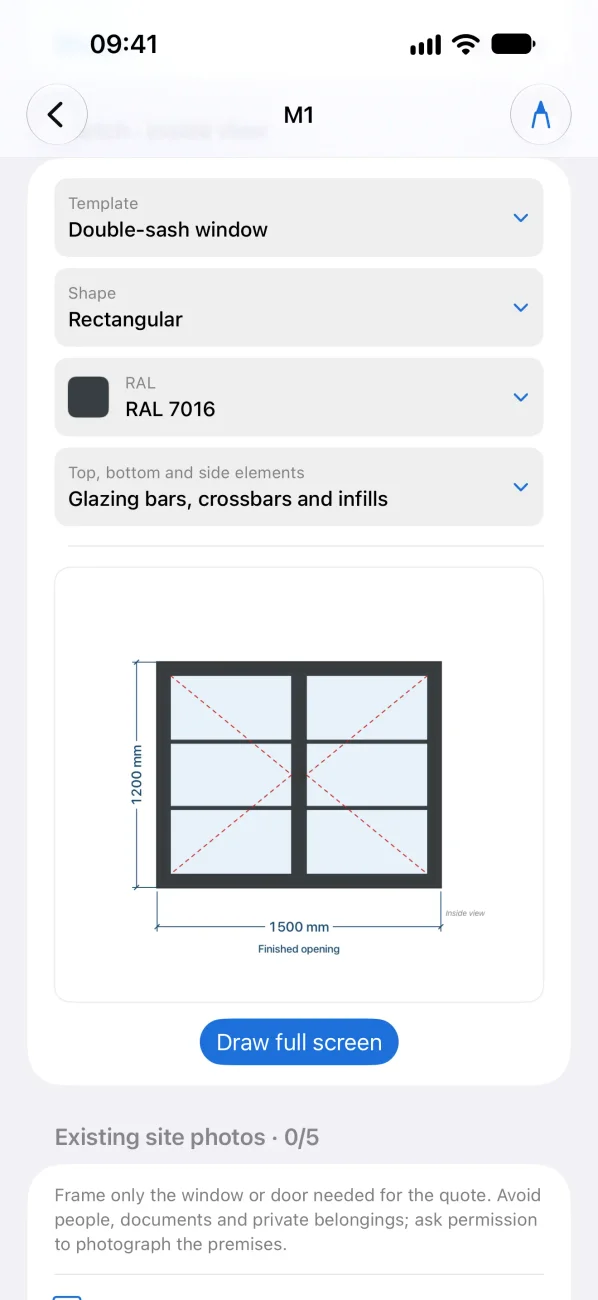
Build up your assembly as you measure: add side elements, transom lights and lower sections, with each element’s own dimensions and sill height. Specify rails, infills and glazing bars. Keep measured widths or use Auto; differences from the total remain visible and calculated values are identified.
Products and equipment
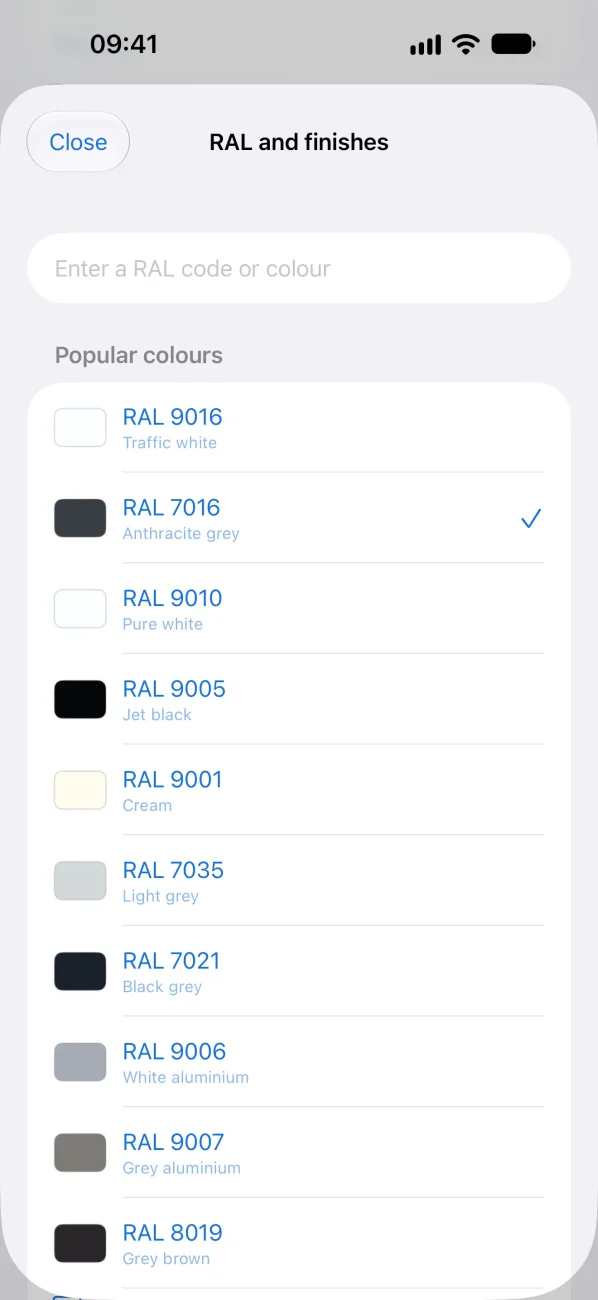
Record installation, materials, existing or proposed glazing, ventilation per sash, blinds, insect screens, handles and locks. Choose separate inside and outside RAL finishes or a woodgrain effect. Colors are indicative; technical entries do not certify performance.
Include associated shutters in your measurements. A window and door assembly can have one overall shutter or several assigned to its different parts. The box of a top-mounted roller shutter (monobloc) is shown according to the height entered.
Sketches, photos and revisions
Sketches follow the proportions of your measurements. Annotate with your finger or Apple Pencil on a compatible iPad. After changing dimensions, update the sketch and check your annotations. Add up to five photos per item, duplicate a revision and recover restorable items from the trash.
Dictate, then confirm
Dictate several fields, including window or door and shutter measurements. Review suggestions before applying them. Recognition requires on-device support for the selected language; WDS does not keep an audio file. Apple Intelligence is optional.
LiDAR for an initial estimate
On a compatible LiDAR-equipped iPhone or iPad, survey an opening and check the suggested dimensions. Measurements are indicative: verify them with a suitable instrument before ordering or manufacturing.
A PDF to share
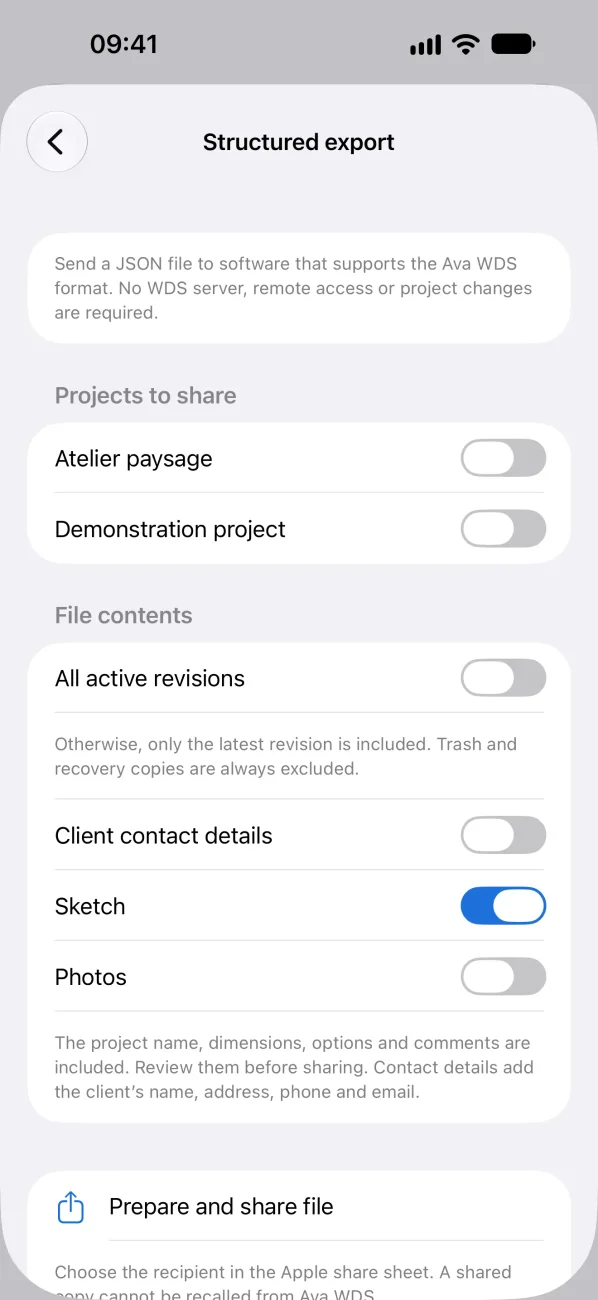
Export a summary and item details in A4 or Letter, portrait or landscape. JSON export passes data to compatible tools; it is not a backup that can be imported into WDS.
Your units, your devices
Nine languages and regional variants, metric or imperial units. Work locally and sync projects using the same personal iCloud account, depending on your settings and connection. No Ava Core account or WDS server is required. For iPhone and iPad from iOS 17; some features need compatible hardware or Apple permissions.
Discovery and subscription
Explore the demo project, then create one personal project and two revisions (V1 to V3). Deleting projects or revisions does not reset this allowance.
Additional projects or revisions require an auto-renewing monthly or annual subscription, managed in your Apple account. Apple confirms the price and period before purchase.
Publisher: EI Amouret Christophe
Support: contact@acidev.fr
Privacy: https://wds.avacore.app/confidentialite?lang=en-US
Apple terms: https://www.apple.com/legal/internet-services/itunes/dev/stdeula/
新機能
バージョン 1.2 · 2026/11/23
From field measurements to PDF, prepare your estimates more easily.
• Clearer projects help you find items grouped by product family and your window and door preferences.
• Build up window and door assemblies: start with one element or a preset, then add side elements, transom lights and lower sections. Add or remove parts from the preview; the last removal can be undone.
• Each element has its own dimensions and sill height, with rails, infills and glazing bars. Keep measured widths or use Auto, check the total and preserve entered values.
• Associated shutters with detailed options, including one overall shutter or several for a window and door assembly.
• Gates, pedestrian gates, fences and privacy screens in one project. Record existing supports or those to be provided; the same reference can identify a shared support. Dimensions, sketches and installation details accompany each product in the PDF.
• More reliable dimension entry and sketch annotation export in Dark Mode.
• Updated demo project and manual.
アプリのプライバシー
このアプリのデータの取り扱いについて、Christophe AmouretがApp Storeで申告している内容です。
-
ユーザーに関連付けられたデータ
収集され、ユーザーの識別情報に関連付けられる場合があります。
- 連絡先情報
- ユーザーコンテンツ
プライバシーの取り扱いは、ご利用の機能やお客様の年齢などに応じて異なる場合があります。
情報
- 販売元
- Christophe Amouret
- カテゴリ
- 仕事効率化
- バージョン
- 1.2
- 更新日
- 2026/11/23
- リリース
- 2026/11/1
- サイズ
- 8.2 MB
- 必要条件
- iOS 17.0以降
- 対象年齢
- 4+
- 価格
- 無料
- アプリ内課金
- あり
- 言語
- 英語, オランダ語, フランス語, ドイツ語, ギリシャ語, イタリア語, ポーランド語, ポルトガル語, スペイン語
- 著作権
- © 2026 EI Amouret Christophe