
- 対象年齢17+
- カテゴリ仕事効率化
- 開発元Jagjit Singh
- 言語英語
- サイズ81.4 MB
App Storeの公式ページにリンクしています
Download.orgはBeam Browserのファイルを一切ホストしていません。ボタンを押すと、Jagjit Singhが公開しているApp Storeのアプリページが開きます。ページの最終確認:2026/11/14。
スクリーンショット

概要
開発元はこのテキストをお使いの言語で提供していません。
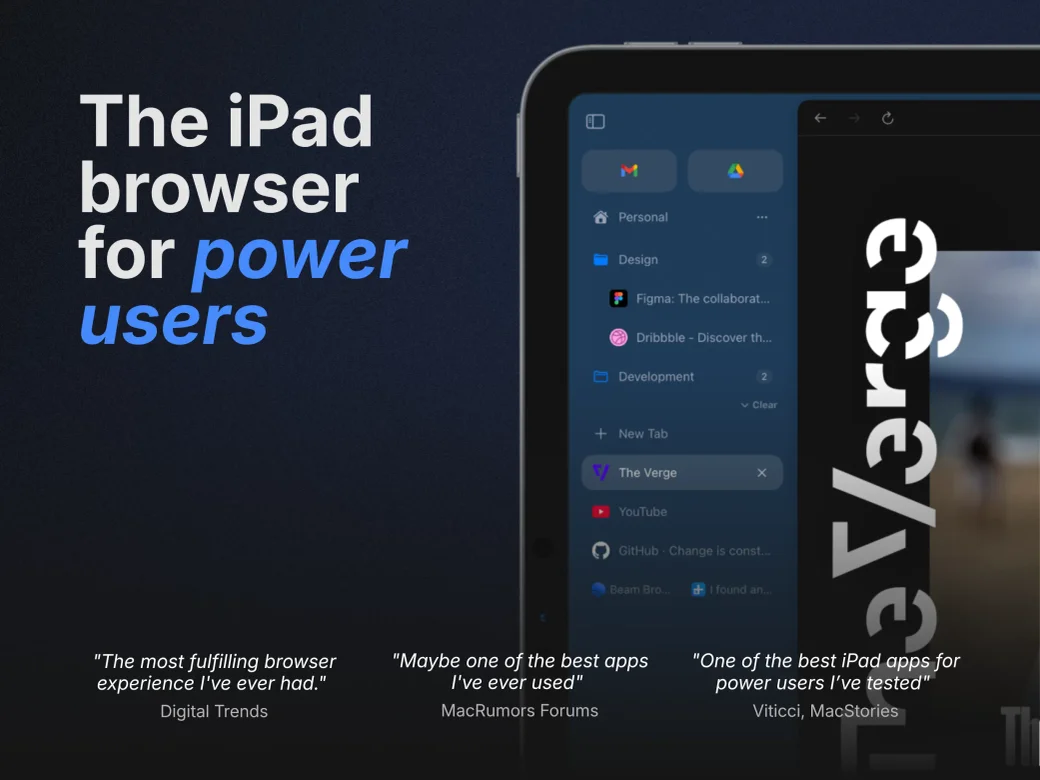
Most iPad browsers treat it like a big iPhone. Beam treats it like the computer it is.
Built for researchers managing dozens of tabs, writers juggling multiple projects, developers who live in their browser, and anyone frustrated that Safari doesn't respect their iPad as a real computer.
"The closest I have ever gone to experiencing a desktop-like browsing experience on my tablet." - Digital Trends
"This is Arc, but for the iPad, and it's really good. I've actually been using this as my default browser." - Christopher Lawley
"Beam became my default immediately and made my iPad my primary laptop." - App Store review
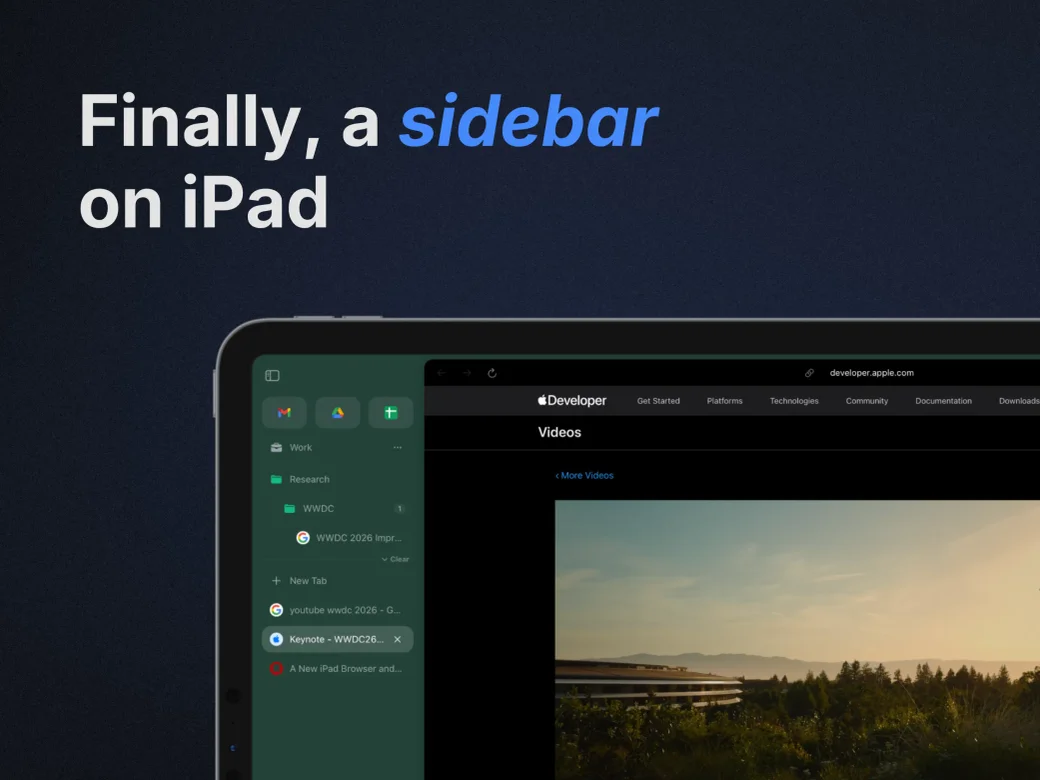
Sidebar-first design
Instead of endless tab rows, Beam organizes everything into a persistent sidebar. Pinned tabs stay at the top. Today's tabs live in the middle. Projects and research go into spaces - separate workspaces you can switch between to keep contexts apart. Nest folders as deep as you need. Rename tabs, drag to reorder, collapse the sidebar when you want focus. Everything has its place.
Built for speed
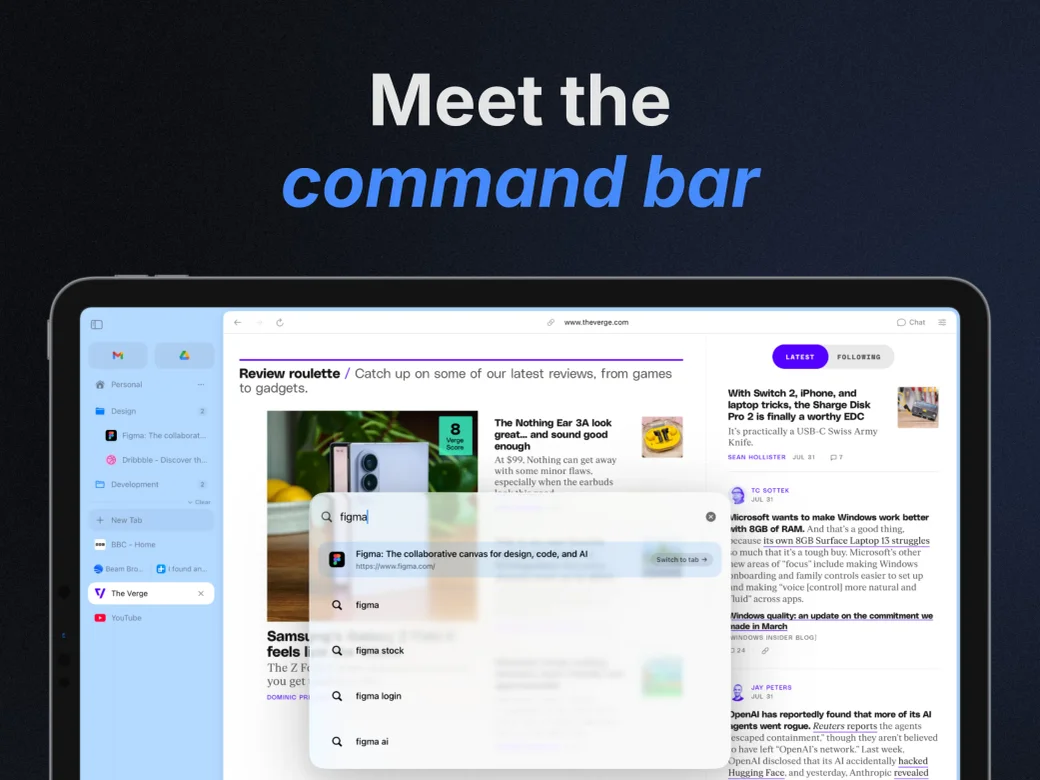
A command bar gives you instant access to everything: open URLs, search history, switch tabs, trigger actions - all without lifting your hands from the keyboard. 56 keyboard shortcuts keep you in flow. Swipe gestures that actually make sense. Whether you're using a Magic Keyboard or just touch, Beam keeps you moving.
Beam Intelligence
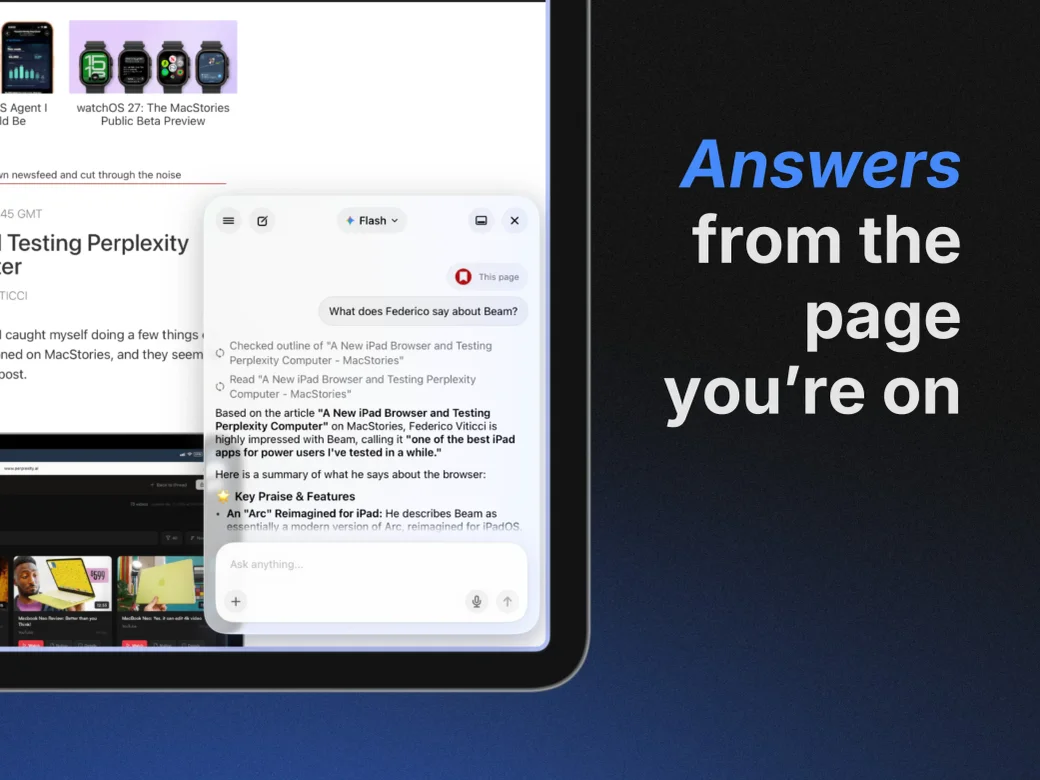
Chat with your tabs using AI. Summarize pages, ask questions across multiple tabs, or get answers from what you're reading. Powered by on-device Apple Intelligence, or bring your own API key for cloud models.
Calmer web
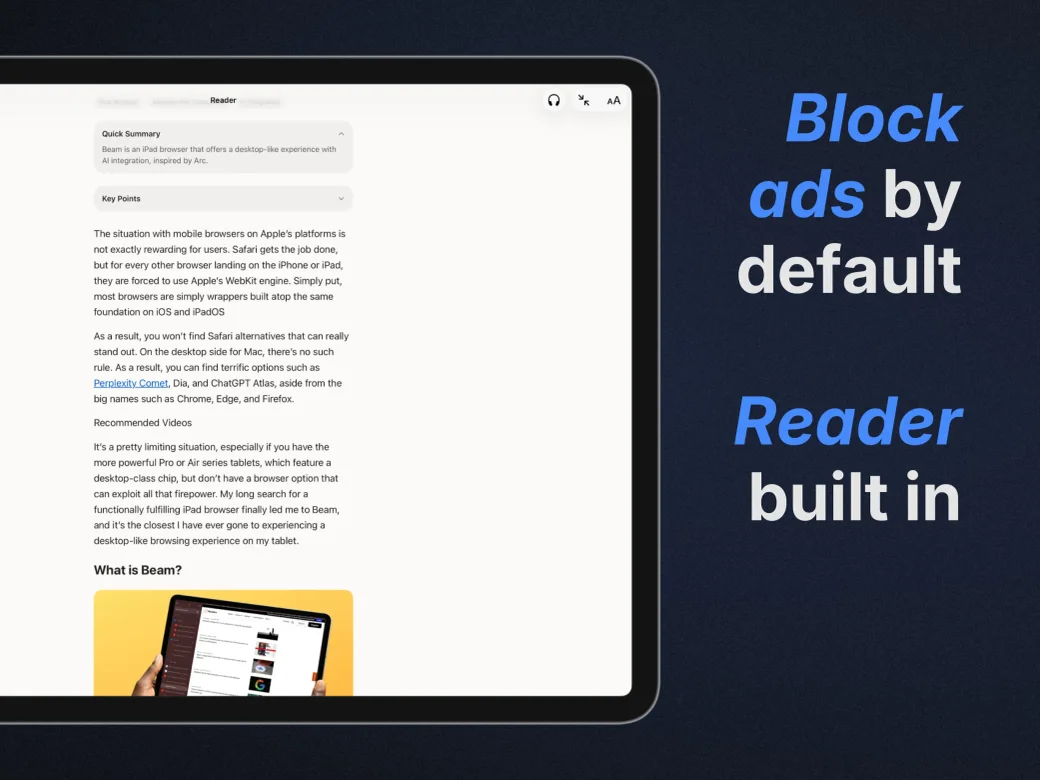
Built-in ad blocking removes distractions by default. Multiple blocking levels let you choose how aggressive you want to be. The web feels quieter.
Actually designed for iPad
Beam follows modern iPadOS design - floating sidebar, smooth animations, layouts that work naturally with multitasking. Nothing is ported from Mac or scaled up from iPhone. It's built specifically for iPad, down to the last detail.
Beam is indie software, built by Henrik Singh in London - a browser that treats your iPad like the real computer it is.
新機能
バージョン 1.4 · 2026/11/1
Split View is here, plus a new PDF viewer, a rebuilt Reader that can read to you, and hundreds of improvements across the app.
SPLIT VIEW
- Put two tabs side by side: drag a tab onto the page or onto another tab, or press ⌃⌘W
- Drag the divider to resize, and the address bar, Reader, Find and Translate follow whichever side you tap
- A split stays together in your sidebar, even after you quit Beam
PDF VIEWER
- Annotate with Apple Pencil or your finger
- Page thumbnails, search, zoom, Two Page View, printing and sharing
- Present mode, and open any PDF from Files in Beam
READER, REBUILT
- Listen to Article reads aloud, highlighting each paragraph as it goes
- Beautiful typography, with a new Line Width setting and a Sepia theme
- Images, figures, tables and code blocks now come through intact
ALSO NEW
- Media bar: pause, skip or start Picture in Picture from the sidebar
- Create and customise Spaces right in the sidebar, with emoji and symbols
- Import Favorites, folders, Reading List and history from Safari
- Settings, rebuilt with search, site permissions, storage and remappable shortcuts
- AI chat works with your tabs using Apple Intelligence on iPadOS 27, or your own Anthropic, Google or OpenAI key
- Drag links, text and images into the sidebar to open them
- Better pop-up and third-party cookie blocking, plus experimental YouTube ad blocking
- Tap an undo toast to undo, and closing a space or all tabs can be undone
- Better battery life and memory use, smoother space switching, and many crash and hang fixes
GOOD TO KNOW
- The toolbar is now on by default. Turn it off with Show Page Toolbar in Settings.
- History and AI chats now stay on this iPad rather than syncing over iCloud.
Full release notes: beambrowser.app/changelog
アプリのプライバシー
このアプリのデータの取り扱いについて、Jagjit SinghがApp Storeで申告している内容です。
-
ユーザーに関連付けられないデータ
収集される場合がありますが、ユーザーの識別情報には関連付けられません。
- ユーザーコンテンツ
- 使用状況データ
- 診断
プライバシーの取り扱いは、ご利用の機能やお客様の年齢などに応じて異なる場合があります。
情報
- 販売元
- Jagjit Singh
- カテゴリ
- 仕事効率化
- バージョン
- 1.4
- 更新日
- 2026/11/1
- リリース
- 2026/1/14
- サイズ
- 81.4 MB
- 必要条件
- iOS 26.0以降
- 対象年齢
- 17+
- 価格
- ¥1,200
- 言語
- 英語
- 著作権
- © Henrik Singh 2026
こちらもおすすめ
-
 Prism Notes仕事効率化
-
 Laytr: Save & Read Later仕事効率化
-
 OmniOutliner 6アイデアを、美しく整理。
-
 Dove by Canary Mail仕事効率化
-
 Pelican: AIチャットアシスタント何でも聞いて、すぐ片づける
-
 SideNotes Mobileすぐ書けるメモとタスク
-
 Unforgetful:忘れないタスク管理ADHDや忘れっぽい人のリマインダー
-
 BusyCal: 予定とタスクのカレンダースケジュール管理、日程表、手帳、リマインダー
-
 Nyblit 2:ToDoリスト&プランナースマートな設計で、もっと効率的に
-
 Sonto - 目標達成&手帳プランナー年間目標から毎日の計画まで