- 対象年齢4+
- カテゴリ仕事効率化
- 開発元Randhawa Inc.
- 言語英語
- サイズ1.1 MB
App Storeの公式ページにリンクしています
Download.orgはBhullarのファイルを一切ホストしていません。ボタンを押すと、Randhawa Inc.が公開しているApp Storeのアプリページが開きます。ページの最終確認:2026/11/16。
スクリーンショット



概要
開発元はこのテキストをお使いの言語で提供していません。
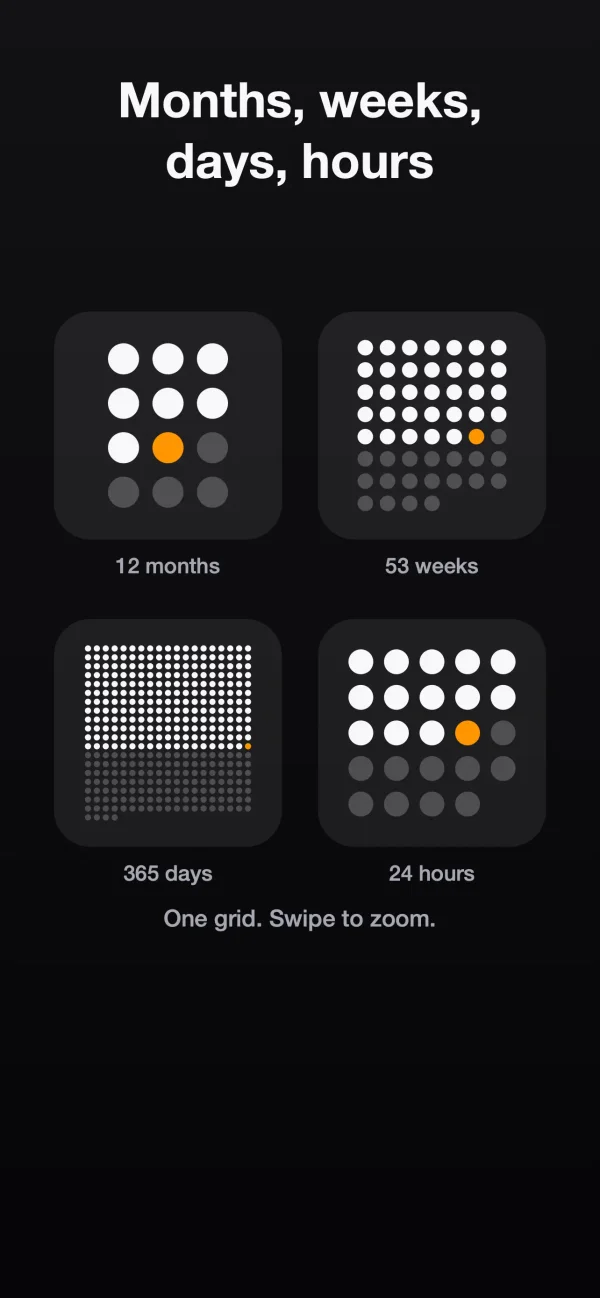
Bhullar is a telescope for time. One grid of dots, five zoom levels. Swipe the grid and the year becomes months, then weeks, then days; swipe again and you are looking at today, hour by hour, then minute by minute.
The unit you are in glows. The units that have passed fill in. The rest wait quietly. That is the whole app, and that is the point.
Dots you can open. Swiping is the zoom, which frees the tap to mean "this one". Tap any dot that has already happened and Bhullar tells you what that stretch of time held: where you were during it, and what you kept from it. The places come from Randhawa, our map app, whose map now draws itself; carry your phone and they fill in on their own. A dot still ahead of now says only "Not yet."
New in 2.2: the widgets glow gold on the days and hours that hold a memory, the same way the grid in the app does. The composer can take a photo with the camera, not only pick one. And places are named through one shared cache, so a place is the same word in Bhullar and in Randhawa.
Memories. Tap the plus button and write down what right now deserves to keep, with a photo if you like, from your library or the camera. Days that hold a memory glow gold in the grid, and when a memory's date comes around again it resurfaces under the grid: on this day. If you also use Randhawa, our map app, memories flow between the two: made in either, shown in both. Randhawa gives them a place; Bhullar gives them a time.
• 12 months, 52-odd weeks, 365-odd days, 24-odd hours, 1,440-odd minutes
• Swipe sideways to change scale; the app remembers where you left it
• Tap any elapsed dot to open it: the places and the memories from that span
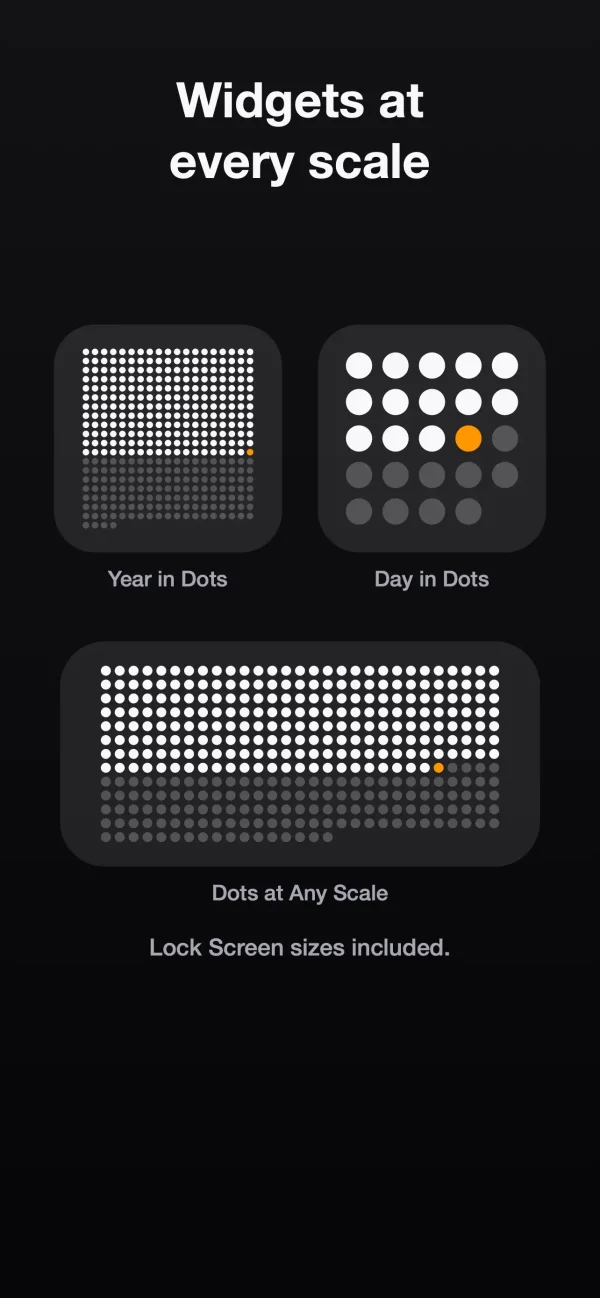
• Three Home Screen widgets: Year in Dots, Day in Dots, and Dots at Any Scale, which you can set to months, weeks, days, or hours; gold where you kept a memory
• Lock Screen widgets in every size
• Updates itself: live while open, hourly for the day, at midnight for the year
Honest timekeeping:
• Leap years get 366 dots automatically
• On clock-change days, the day truthfully shows 23 or 25 hours, and 1,380 or 1,500 minutes
• Weeks follow your calendar settings
Deliberately minimal:
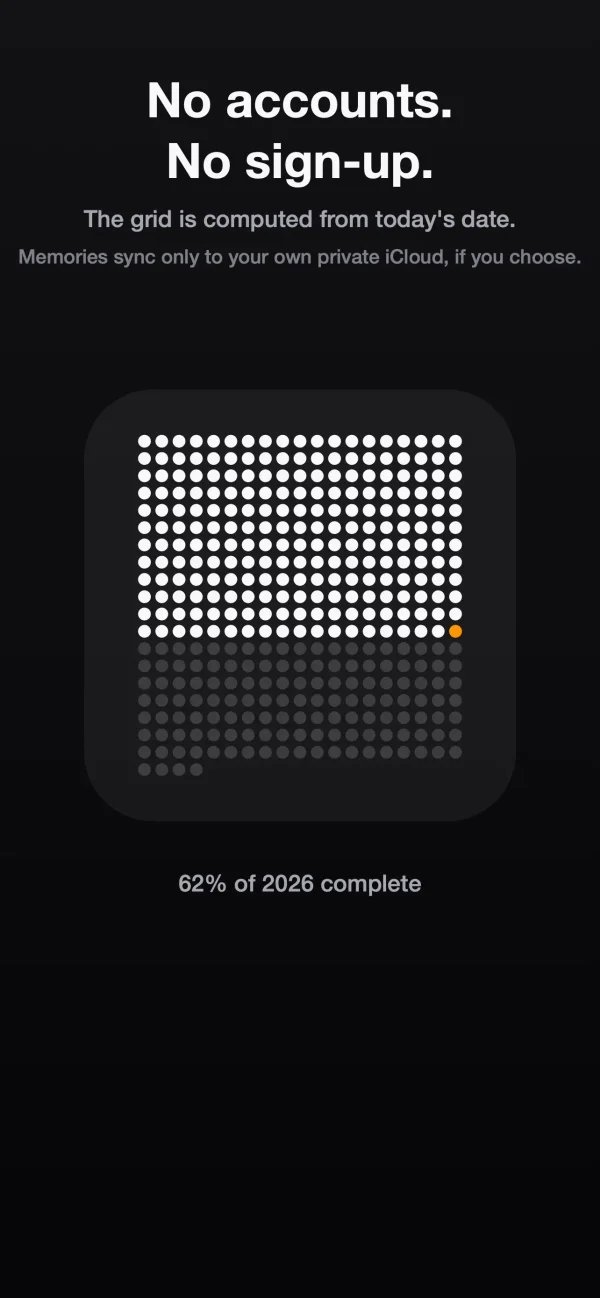
• No account to create. No sign-up. iCloud sync is optional and uses your own private iCloud, which we cannot read.
• No tracking. No analytics. No ads.
• The grid needs nothing: every dot is computed on your device from the date
Glance, take it in, get on with your day.
新機能
バージョン 2.7 · 2026/10/15
Reads whole at every size.
Bhullar now reads whole at the largest text sizes and with VoiceOver: the day line no longer cuts off, the corner buttons have names, and the memory composer fits above the keyboard. The Dots at Any Scale widget now glows gold on days that hold a memory, like the other two. And once your memories span more than one year, the month, week and day grids can step back to the years before.
アプリのプライバシー
このアプリのデータの取り扱いについて、Randhawa Inc.がApp Storeで申告している内容です。
-
データの収集なし
開発元はこのアプリからデータを収集しません。
プライバシーの取り扱いは、ご利用の機能やお客様の年齢などに応じて異なる場合があります。
情報
- 販売元
- Randhawa Inc.
- カテゴリ
- 仕事効率化
- バージョン
- 2.7
- 更新日
- 2026/10/15
- リリース
- 2026/7/8
- サイズ
- 1.1 MB
- 必要条件
- iOS 17.0以降
- 対象年齢
- 4+
- 価格
- 無料
- 言語
- 英語
- 著作権
- © 2026 Randhawa Inc.