
- 対象年齢4+
- カテゴリ写真/ビデオ
- 開発元Tamer KUMAS
- 言語英語
- サイズ1.3 MB
App Storeの公式ページにリンクしています
Download.orgはBlendMotionのファイルを一切ホストしていません。ボタンを押すと、Tamer KUMASが公開しているApp Storeのアプリページが開きます。ページの最終確認:2026/11/12。
スクリーンショット
概要
開発元はこのテキストをお使いの言語で提供していません。
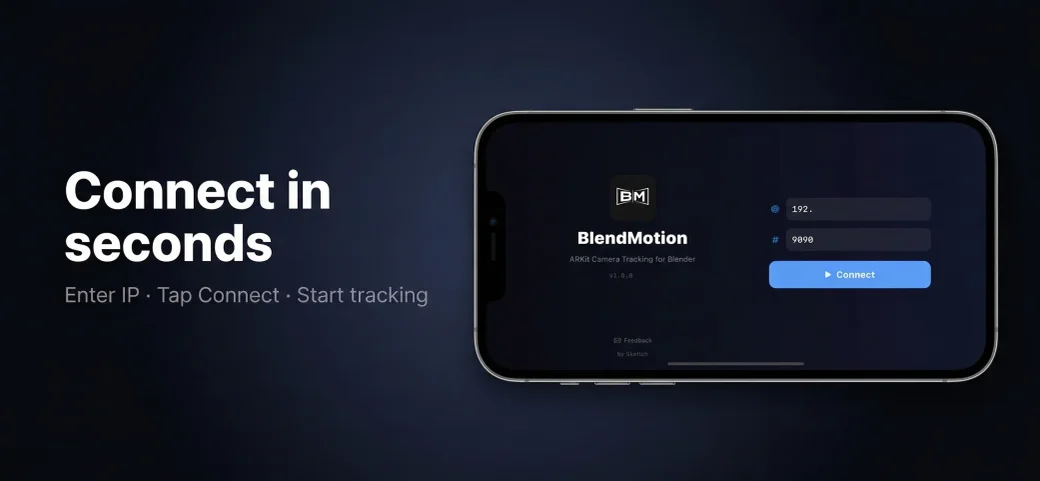
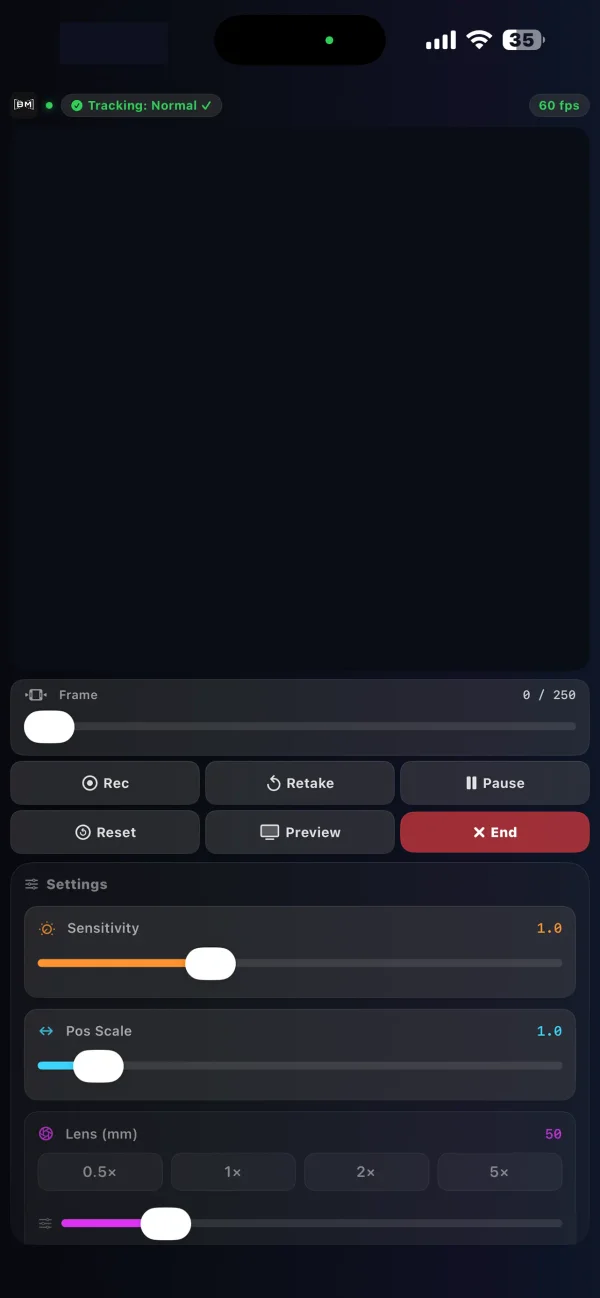
BlendMotion turns your iPhone into a wireless camera controller for Blender. It streams real-time 6DoF motion tracking data directly to Blender over your local Wi-Fi network — no cables, no extra hardware required.
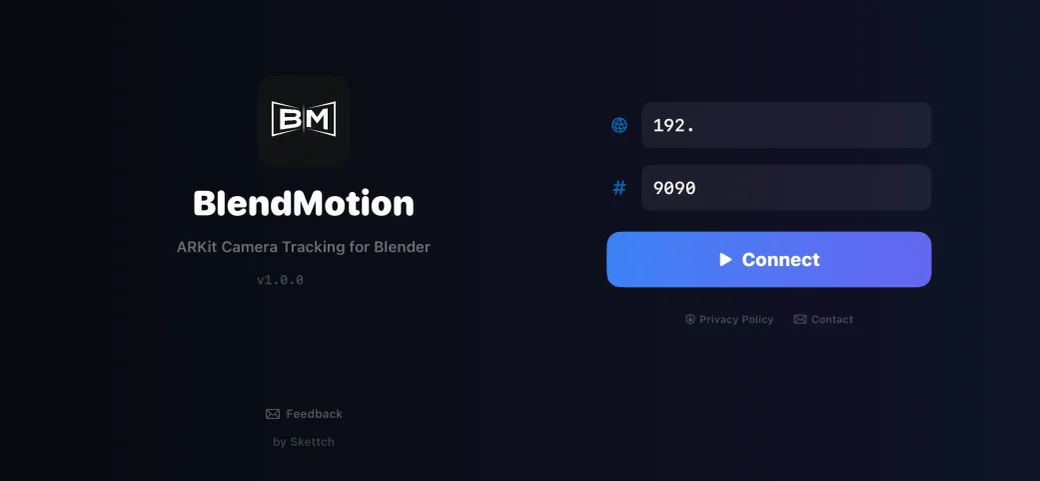
Simply install the free Blender addon, enter your computer's IP address in the app, and start moving. The Blender camera follows your iPhone's every movement in real time.
This app requires the free BlendMotion Blender addon (a desktop plugin for Blender) to function. Download it for free at github.com/skettchdev/BlendMotion/releases.
FEATURES
• Full 6DoF tracking — position and rotation
• Rotation Only mode for tripod-style shots
• 5 Cinematic Presets: Handheld, Dolly, Crane, Cinematic, Raw
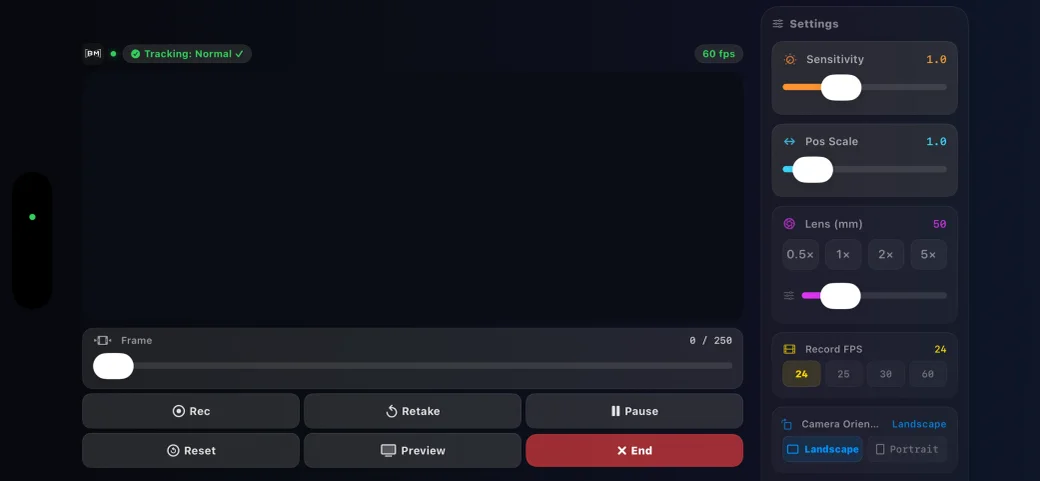
• Record keyframes at 24, 25, 30, or 60 FPS
• Real-time sliders: Sensitivity, Smoothing, Position Scale
• Preflight Checklist — auto IP detection, camera, port, FPS verification
• Smooth Keyframes and Bake to World post-processing tools
• Artificial horizon indicator for real-time orientation feedback
• Low latency UDP communication over local Wi-Fi
REQUIREMENTS
• Blender 4.0 or later with the free BlendMotion addon installed
• iPhone XS or newer (devices with LiDAR recommended)
• iOS 17.6 or later
• Both devices on the same Wi-Fi network
新機能
バージョン 4.0.0 · 2026/11/10
BlendMotion 4.0
• Joystick Mode – fly your Blender camera like a drone. The phone aims the camera, an on-screen move pad flies it forward, back and sideways, and an Up/Down control raises or lowers it. Use both thumbs at once. Perfect for small rooms or shots you can't walk.
• A fresh, camera-style design in portrait and landscape: the live preview fills the screen and the controls float over it, just like the Camera app. End is always visible, with a confirmation.
• Pinch to zoom and quick lens buttons (0.5×, 1×, 2×, 5×). The exact focal length is shown between presets.
• Saved Computers: connect to your Blender PC from a list – no more typing the IP. Edit a computer's name, IP or port any time.
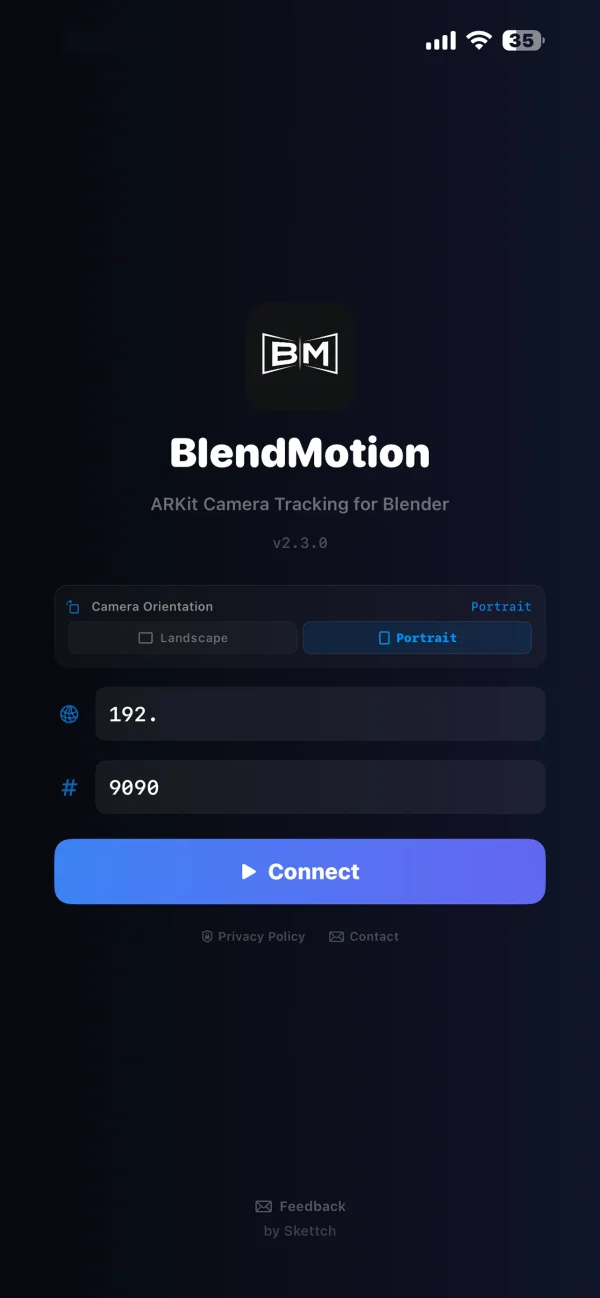
• Starts in the right orientation, even with Portrait Orientation Lock on.
• Sharper preview with correct colours, smoother preview reconnects and automatic tracking resume after Wi-Fi drops (with the free Blender add-on 4.0.11).
• Fixes: lens and frame-rate menus now apply your choice; the IP keyboard has a real dot key; a wrong IP shows a clear message; lighter, smoother interface.
Please update the free BlendMotion Blender add-on to 4.0.11 (GitHub Releases) – app and add-on 4.0 work together.
アプリのプライバシー
このアプリのデータの取り扱いについて、Tamer KUMASがApp Storeで申告している内容です。
-
データの収集なし
開発元はこのアプリからデータを収集しません。
プライバシーの取り扱いは、ご利用の機能やお客様の年齢などに応じて異なる場合があります。
情報
- 販売元
- Tamer KUMAS
- カテゴリ
- 写真/ビデオ
- バージョン
- 4.0.0
- 更新日
- 2026/11/10
- リリース
- 2026/4/11
- サイズ
- 1.3 MB
- 必要条件
- iOS 17.6以降
- 対象年齢
- 4+
- 価格
- ¥1,100
- 言語
- 英語
- 著作権
- © 2026 Skettch
こちらもおすすめ
-
 HDReye写真/ビデオ
-
 Simulon写真/ビデオ
-
 Previs Pro - Storyboard FastStoryboard Film, TV & Video
-
 HollyView写真/ビデオ
-
 RealityScan Mobile写真/ビデオ
-
 Sony | Monitor & Control写真/ビデオ
-
 KIRI Engine:3D Scanner & LiDAR写真/ビデオ
-
 Frame.ioVideo Review and Collaboration
-
 Rarevision VHS Lite: Retro CamU can't not love our VHS look!
-
 Scaniverse - 3D ScannerScan & share your world in 3D