- 対象年齢4+
- カテゴリスポーツ
- 開発元Shanghai Qingge Technology Co., Ltd.
- 言語簡体字中国語ほか1言語
- サイズ5.5 MB
App Storeの公式ページにリンクしています
Download.orgはBolTimerのファイルを一切ホストしていません。ボタンを押すと、Shanghai Qingge Technology Co., Ltd.が公開しているApp Storeのアプリページが開きます。ページの最終確認:2026/11/23。
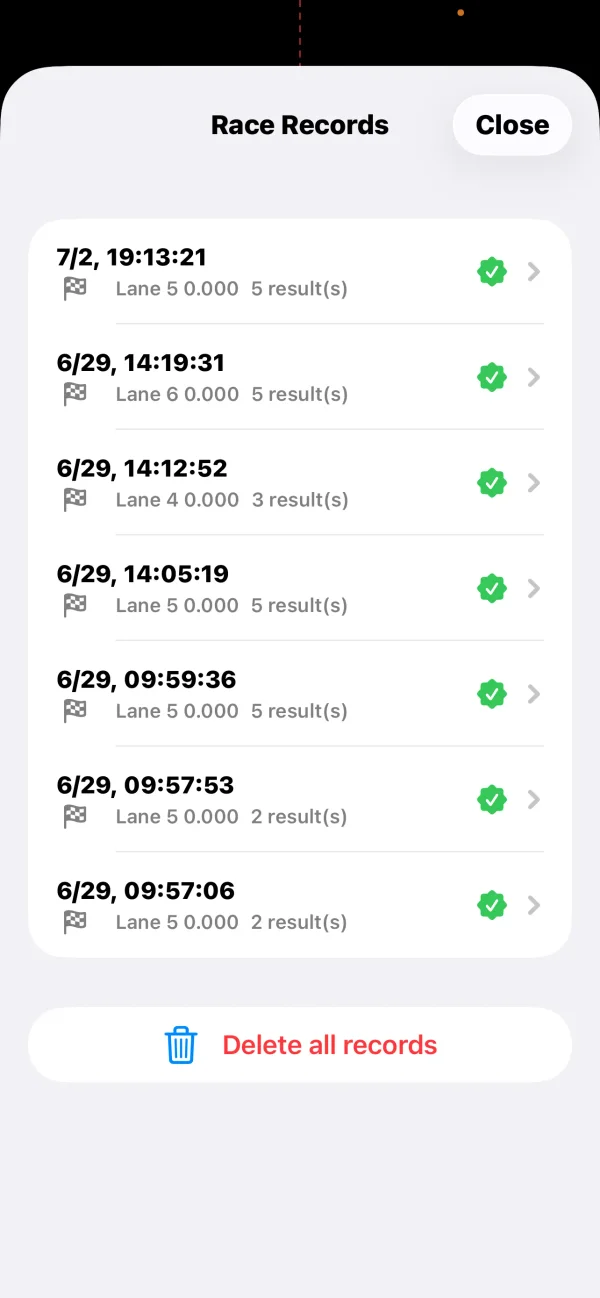
スクリーンショット
概要
開発元はこのテキストをお使いの言語で提供していません。
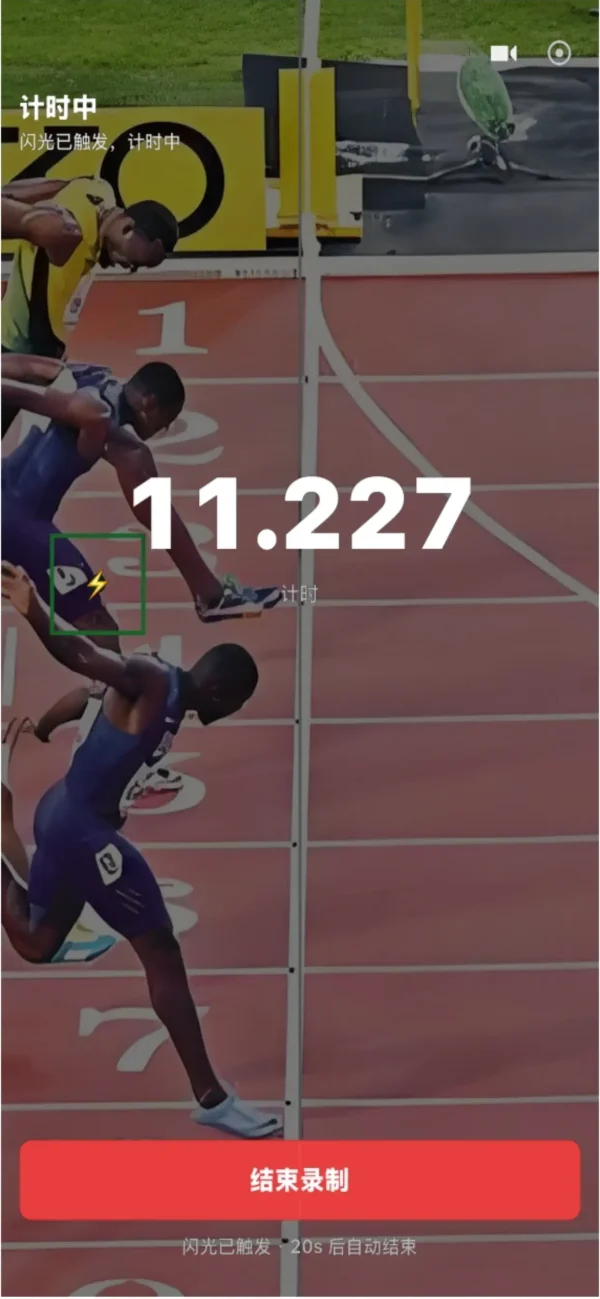
BolTimer is an electronic timing app for track & field and swimming training. Record at a high frame rate, then judge the result frame by frame on your phone.
TRACK
• Finish-line recording up to 240 fps on supported iPhones
• Choose sprint or distance: distance races record the start and splits on a timeline
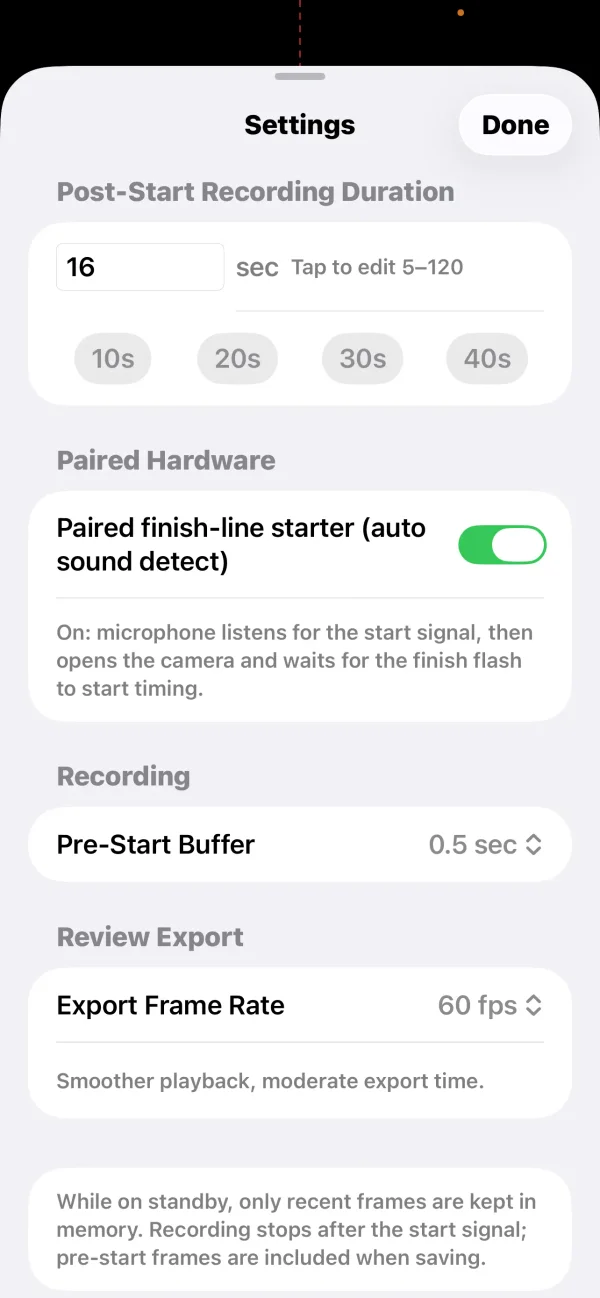
• Flash or sound start detection can mark 0 time automatically; you can also open and warm up the camera first, then record manually. Distance races can be filmed in segments and exported as one video
• Frame-by-frame review with up to 8 lanes
• Drag a result onto a lane, recalibrate the start frame, fine-tune within ±3 ms
• Copy results as text or export video with a timing overlay
SWIMMING
• One phone follows one swimmer; several phones stay on the same clock by filming the same starting flash
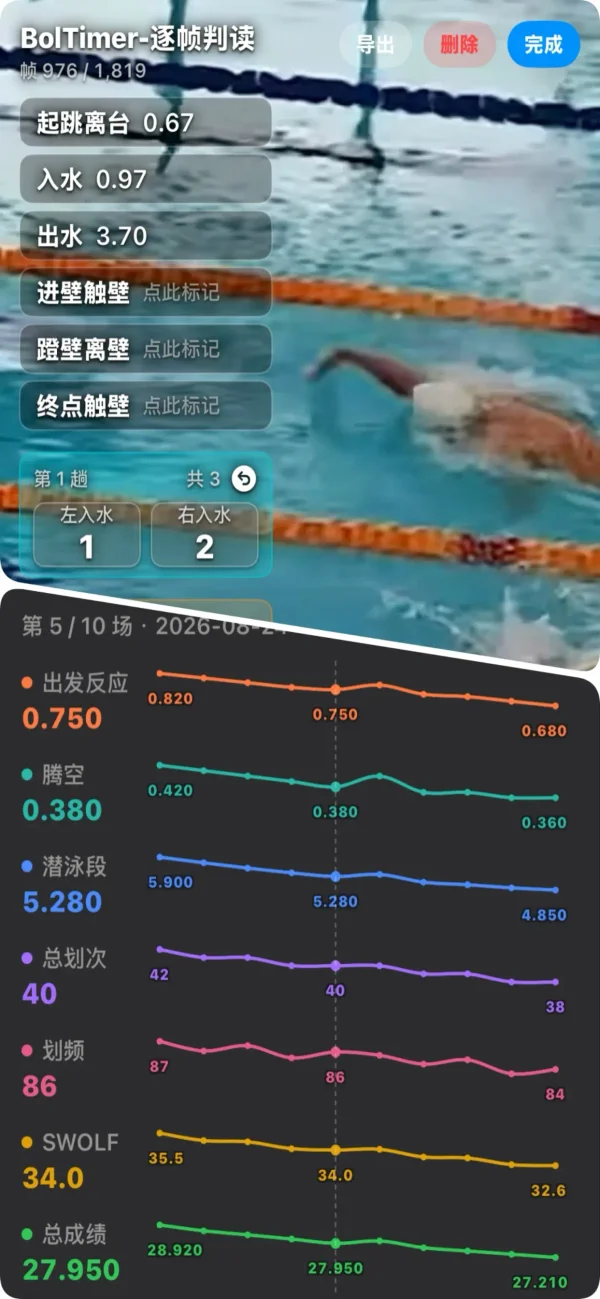
• Mark takeoff, entry, breakout, turn touch, turn push and finish frame by frame
• Reaction time, flight time, underwater phase, lap splits and total time
• Count left and right arm entries separately, with a check for missed or accidental double taps
• Stroke count, distance per stroke and SWOLF per lap
CUSTOM EVENT TEMPLATES
• On single-segment track and swim reviews, switch to Events and mark the actions in your template frame by frame
• Built-in templates: track start (reaction, block clearance, left/right foot contact and toe-off, finish) and swim technique (reaction, takeoff, entry, breakout, hand entries, finish touch)
• Track: contact time, flight time and step rate; swim: event timeline and intervals
• Event trend curves per athlete and template
IMPORT AN EXISTING VIDEO
• Pick a clip from your library, choose the start frame yourself, then judge it like a live recording
• Slow-motion clips are read at their real capture rate, so times are not stretched
• Short clips are prepared for smooth frame-by-frame stepping
HOW IT WORKS
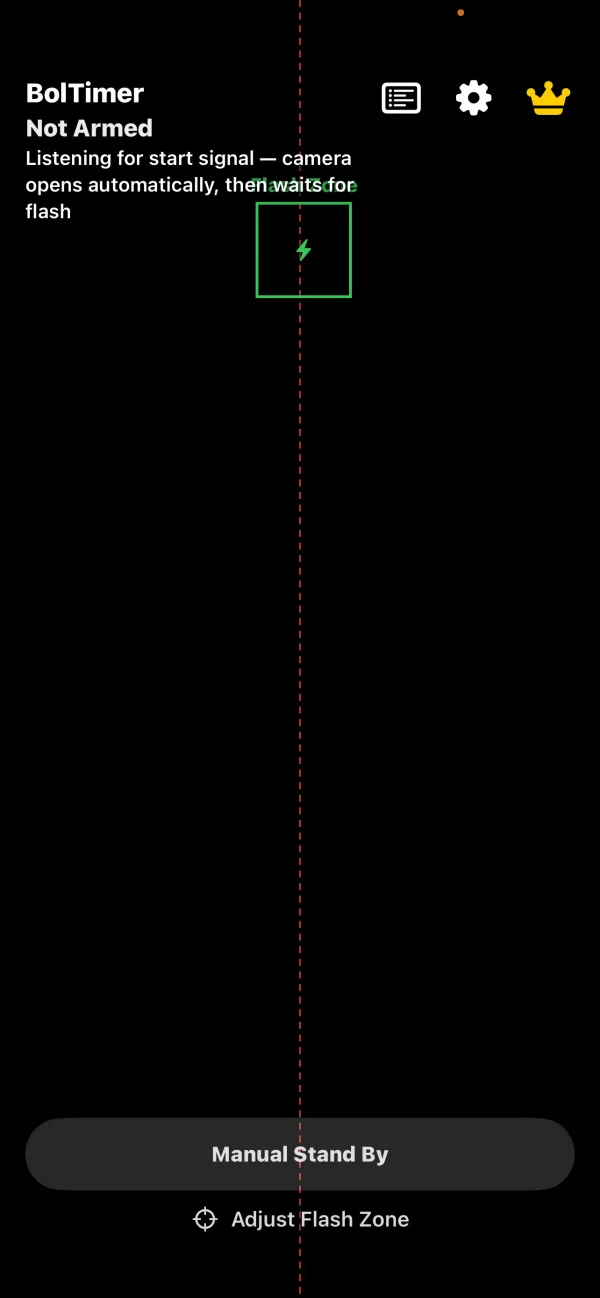
1. Auto start: align the flash zone, tap Stand By, recording begins after the gun
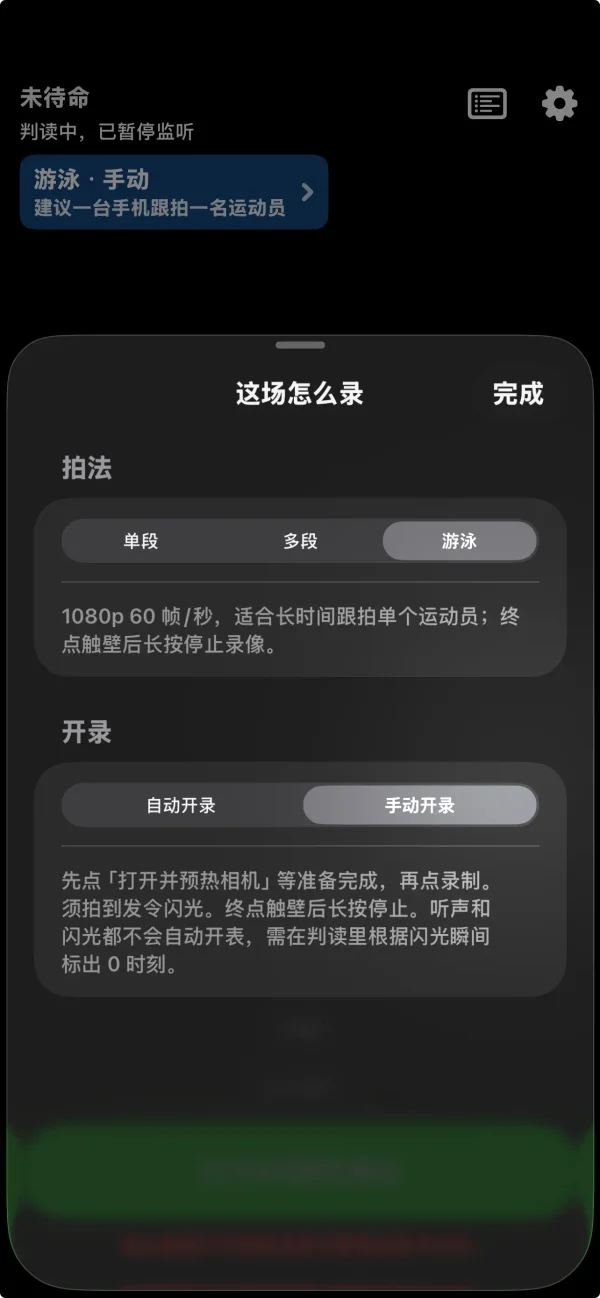
2. Manual start: open and warm up the camera, wait until Ready, then tap Record (the start flash must be in the clip)
3. Step through frames and mark the moments you need
4. Copy results or export annotated video to Photos; distance races can merge all clips into one export
REQUIREMENTS
• iOS 15.6 or later
• A real iPhone with a rear camera (the Simulator has no camera); the highest frame rate available depends on your model
• Camera and microphone permission for timing; photo library permission only when you import or export a video
DATA & PRIVACY
No account and no sign-in. Recordings and results stay on your device and are not uploaded to our servers.
MEMBERSHIP
Free sessions included. An optional paid 1-year pass or a one-time lifetime purchase unlocks unlimited use. Both are one-time purchases, not auto-renewing subscriptions. Purchases are processed by Apple.
Support: https://www.qinggetech.cn/boltimer-support/
新機能
バージョン 1.5.1 · 2026/11/9
New: switch between athlete name and bib number on the review screen.
アプリのプライバシー
このアプリのデータの取り扱いについて、Shanghai Qingge Technology Co., Ltd.がApp Storeで申告している内容です。
-
データの収集なし
開発元はこのアプリからデータを収集しません。
プライバシーの取り扱いは、ご利用の機能やお客様の年齢などに応じて異なる場合があります。
情報
- 販売元
- Shanghai Qingge Technology Co., Ltd.
- カテゴリ
- スポーツ
- バージョン
- 1.5.1
- 更新日
- 2026/11/9
- リリース
- 2026/7/10
- サイズ
- 5.5 MB
- 必要条件
- iOS 15.6以降
- 対象年齢
- 4+
- 価格
- 無料
- アプリ内課金
- あり
- 言語
- 簡体字中国語, 英語
- 著作権
- © 上海擎歌