- 対象年齢4+
- カテゴリ教育
- 開発元Merbin Joe
- 言語英語
- サイズ16.0 MB
App Storeの公式ページにリンクしています
Download.orgはBootstrap Code Playのファイルを一切ホストしていません。ボタンを押すと、Merbin Joeが公開しているApp Storeのアプリページが開きます。ページの最終確認:2026/11/12。
スクリーンショット

概要
開発元はこのテキストをお使いの言語で提供していません。
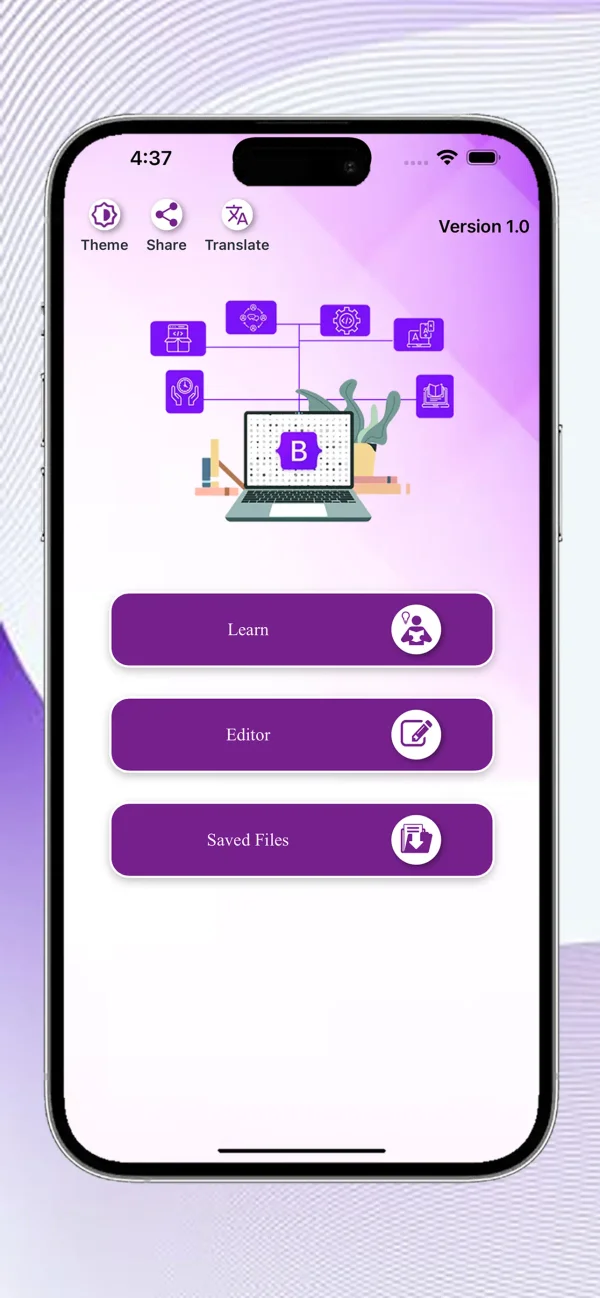
Bootstrap Code Play is a powerful Bootstrap learning and coding app for beginners, students, web designers, and frontend developers. Learn Bootstrap, HTML, CSS, responsive web design, and modern web development through tutorials, practical examples, and an integrated code editor.
LEARN BOOTSTRAP STEP BY STEP
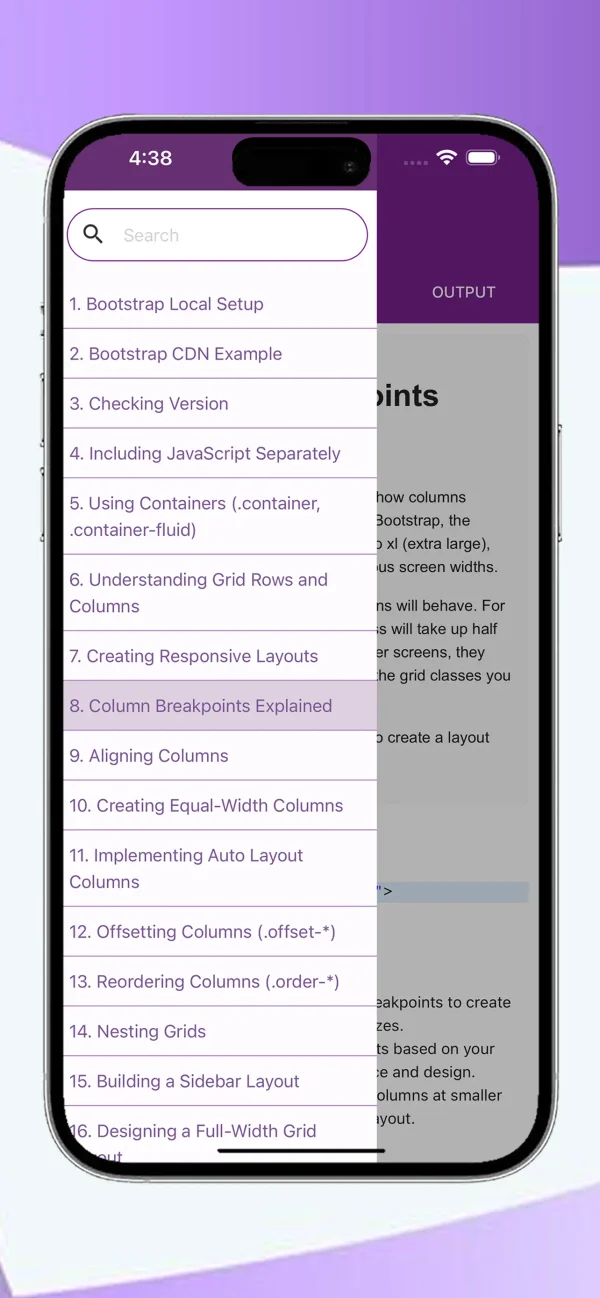
Learn Bootstrap from basic to advanced concepts with easy tutorials and source code examples. Understand responsive layouts, Bootstrap grid system, containers, rows, columns, components, utility classes, and common frontend development techniques.
BOOTSTRAP TUTORIAL & EXAMPLES
Explore practical Bootstrap examples and learn how to build responsive websites. Study Bootstrap classes, HTML structure, CSS styling, navigation components, buttons, forms, tables, layouts, and other commonly used web design elements.
BUILT-IN HTML, CSS & BOOTSTRAP CODE EDITOR
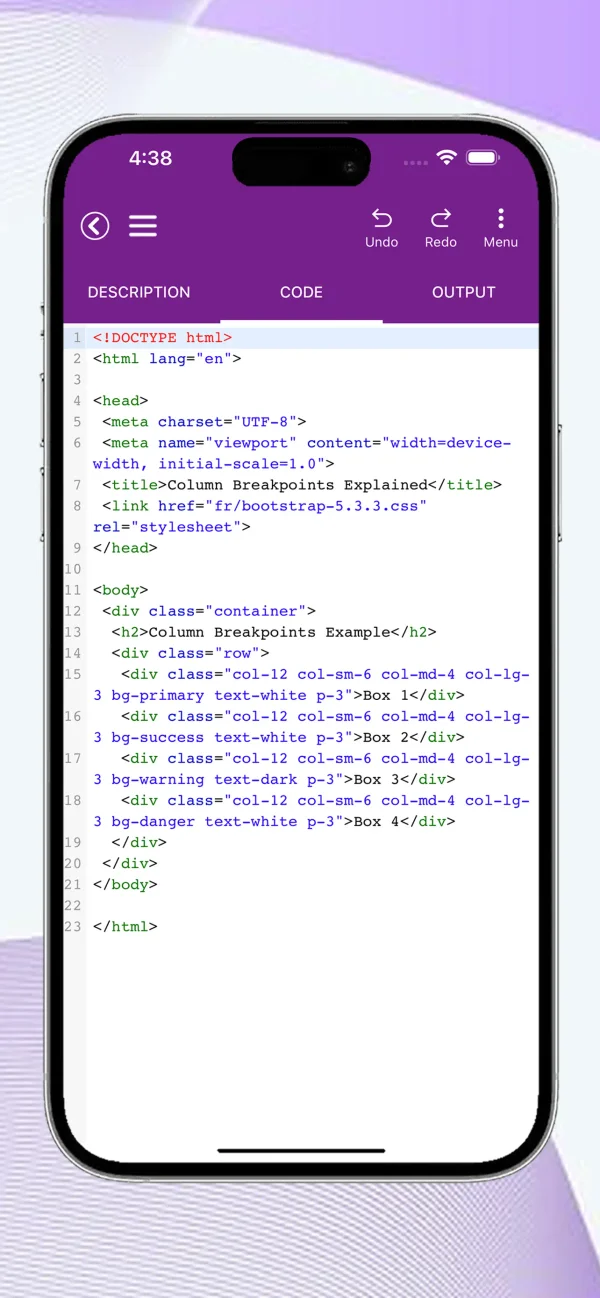
Write, edit, and practice HTML, CSS, and Bootstrap code directly on your iPhone or iPad. Use the built-in web code editor to experiment with Bootstrap components, responsive layouts, CSS styles, and webpage designs.
REAL-TIME CODE PREVIEW
Run your HTML, CSS, and Bootstrap code and instantly view the output. Edit source code, test different Bootstrap classes, and see how your webpage changes. Real-time preview makes learning web development easier through practical coding.
LEARN RESPONSIVE WEB DESIGN
Practice responsive web development using Bootstrap. Learn how to create mobile-friendly websites that adapt to different screen sizes using Bootstrap grids, responsive classes, layouts, and CSS.
BOOTSTRAP GRID SYSTEM
Understand Bootstrap containers, rows, columns, breakpoints, and responsive grid layouts. Practice creating flexible webpage structures for mobile, tablet, and desktop screens.
BOOTSTRAP COMPONENTS & UTILITIES
Learn and experiment with useful Bootstrap components and utility classes. Practice common frontend UI patterns and understand
OFFLINE BOOTSTRAP LEARNING
Learn Bootstrap and practice coding even without an internet connection. Access tutorials and examples offline, making the app useful for students, beginners, and developers who want to practice web development anywhere.
FILE & CODE MANAGEMENT
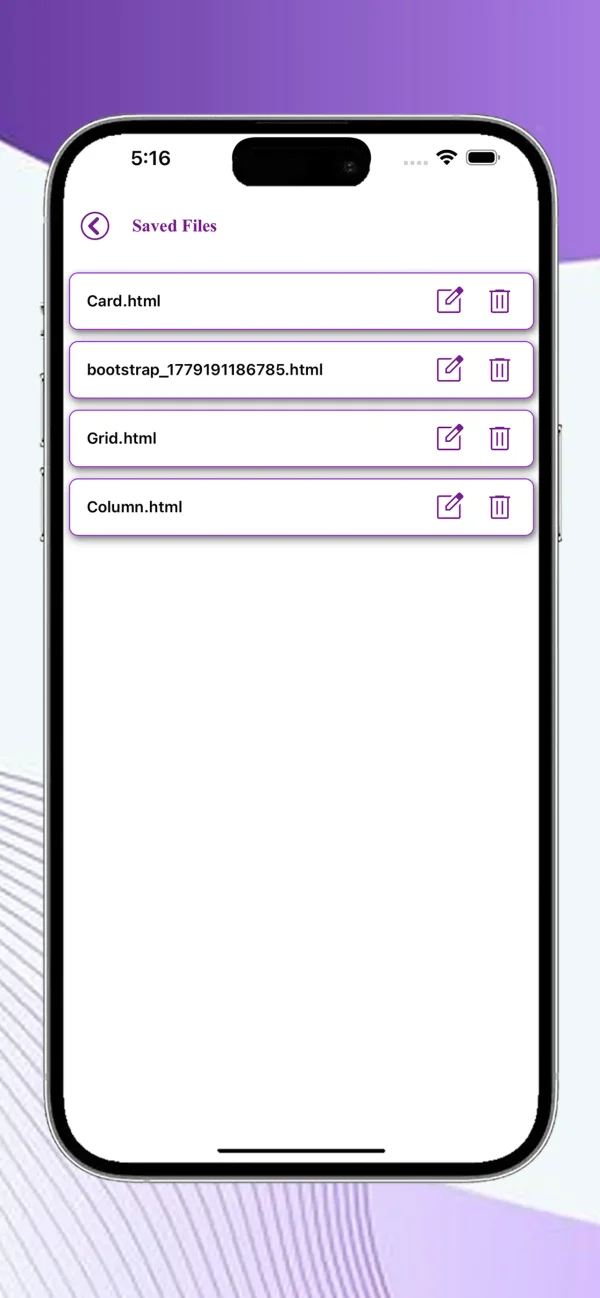
Create new coding files, open existing files, save your code, and use Save As to create different versions of your projects. Access saved files and continue your Bootstrap or HTML coding practice anytime.
POWERFUL EDITOR TOOLS
Use helpful coding tools including:
• Create New File
• Open Existing File
• Save and Save As
• Find text or code
• Go to Line
• Undo and Redo
• Reset Editor
• Manage Saved Files
SEARCH BOOTSTRAP TOPICS
Quickly search Bootstrap tutorials, coding examples, topics, and learning content. Find the information you need without browsing through every lesson.
DARK MODE & LIGHT MODE
Switch between Dark Mode and Light Mode for a comfortable coding and learning experience.
MULTI-LANGUAGE SUPPORT
Bootstrap Code Play supports multiple languages including English, Arabic, French, Hindi, Indonesian, Portuguese, Spanish, and Tamil.
KEY FEATURES
• Learn Bootstrap offline
• Bootstrap tutorials for beginners
• Bootstrap code examples
• HTML code editor
• CSS code editor
• Bootstrap code editor
• Real-time HTML preview
• Responsive web design learning
• Bootstrap grid system tutorials
• Bootstrap components
• Bootstrap utility classes
• Frontend development practice
• Web development tutorials
• Create and edit coding files
• Save and manage projects
• Search Bootstrap lessons
• Find code and Go to Line
• Undo and Redo
• Dark Mode and Light Mode
• Multiple language support
Bootstrap Code Play is designed for anyone who wants to learn Bootstrap, practice HTML and CSS, improve frontend development skills, understand responsive web design, or experiment with Bootstrap code on a mobile device.
Learn Bootstrap, write HTML and CSS, practice responsive website design, run code, preview output, and improve your web development skills anytime.
新機能
バージョン 4.0 · 2026/8/21
Design updated
Dark theme added
bug fixes
アプリのプライバシー
このアプリのデータの取り扱いについて、Merbin JoeがApp Storeで申告している内容です。
-
ユーザーのトラッキングに使用されるデータ
他社のアプリやウェブサイトを横断してユーザーをトラッキングする目的で使用される場合があります。
- 使用状況データ
-
ユーザーに関連付けられないデータ
収集される場合がありますが、ユーザーの識別情報には関連付けられません。
- 使用状況データ
プライバシーの取り扱いは、ご利用の機能やお客様の年齢などに応じて異なる場合があります。
情報
- 販売元
- Merbin Joe
- カテゴリ
- 教育
- バージョン
- 4.0
- 更新日
- 2026/8/21
- リリース
- 2017/9/23
- サイズ
- 16.0 MB
- 必要条件
- iOS 15.0以降
- 対象年齢
- 4+
- 価格
- 無料
- 言語
- 英語
- 著作権
- © Codeplay