
Brain Dump: ADHD Notes & Ideas
Capture thoughts, sort later
iPhone, iPad, Mac向けに設計
無料 · アプリ内課金
- 対象年齢4+
- カテゴリ仕事効率化
- 開発元Francesco Leoni
- 言語英語ほか5言語
- サイズ117.3 MB
App Storeの公式ページにリンクしています
Download.orgはBrain Dump: ADHD Notes & Ideasのファイルを一切ホストしていません。ボタンを押すと、Francesco Leoniが公開しているApp Storeのアプリページが開きます。ページの最終確認:2026/11/21。
スクリーンショット
概要
開発元はこのテキストをお使いの言語で提供していません。
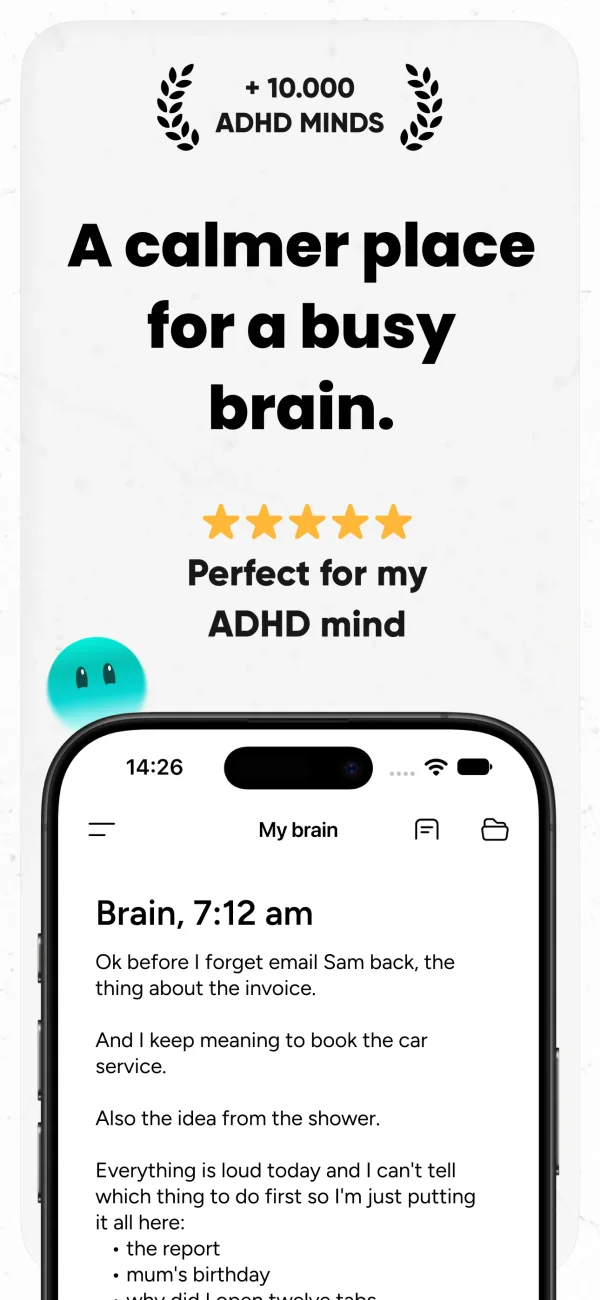
A thought shows up while you're in the middle of something else. By the time you've opened a notes app and picked a folder, it's gone.
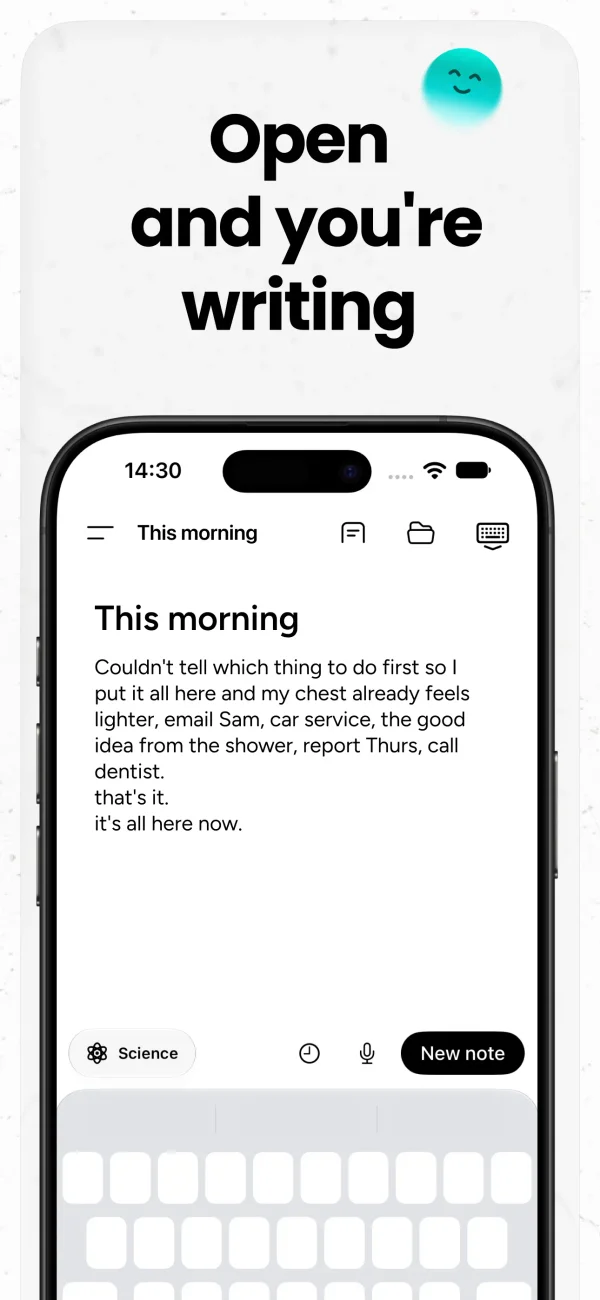
Brain Dump opens straight to a blank note. Write it down, get back to what you were doing, and sort it out later. Made for ADHD brains and anyone who switches tasks all day.
WRITE FIRST, SORT LATER
• Opens on a new note, or right where you left off. You choose.
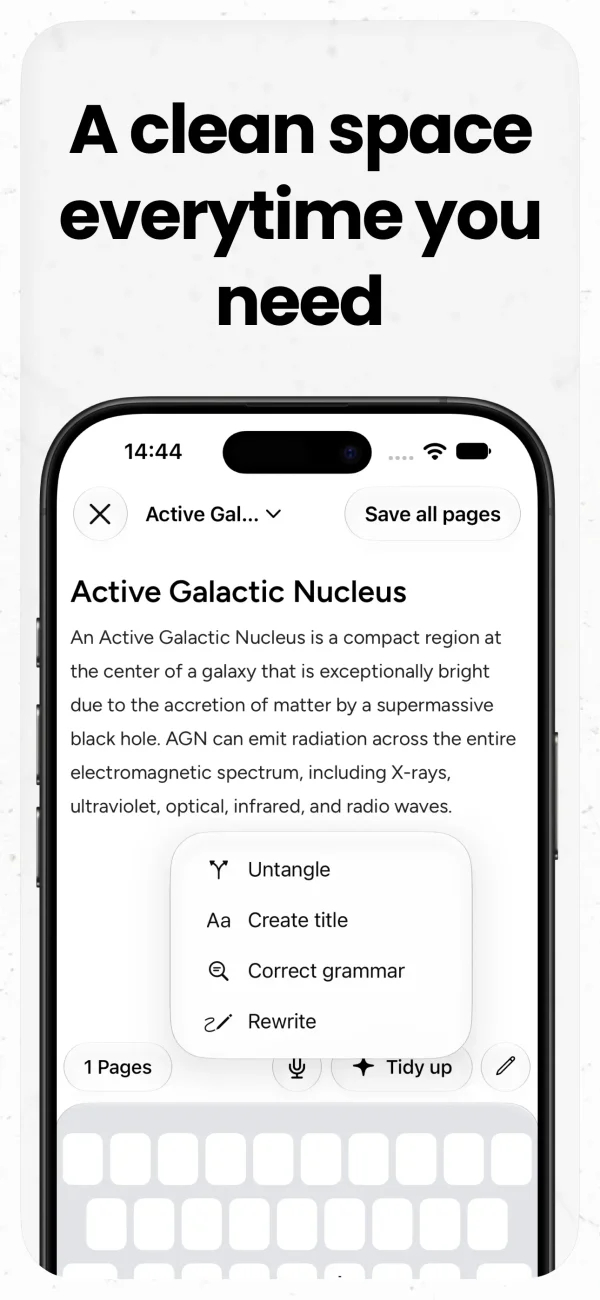
• Freewriting space: empty your head across as many notes as you need, then save them all to a folder at once.
• No title, no folder, no setup needed before you start typing.
CAPTURE FROM WHEREVER YOU ARE
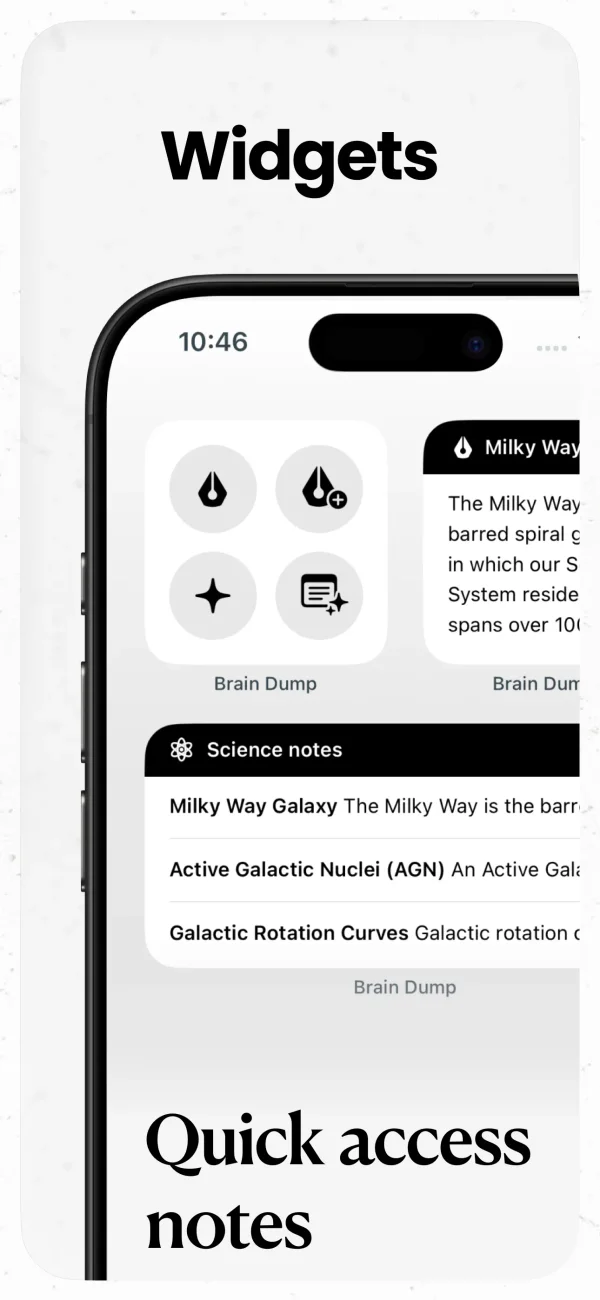
• Home Screen and Lock Screen widgets for a new note, your last note, or Freewriting
• Control Center and Action Button controls (iOS 18 and later)
• Siri and Shortcuts: "New note", "Resume note"
• Share sheet: save text and links from other apps
• Menu bar access on Mac
GET BACK ON TRACK
• Jump back into your last note from a widget, a control, or Siri
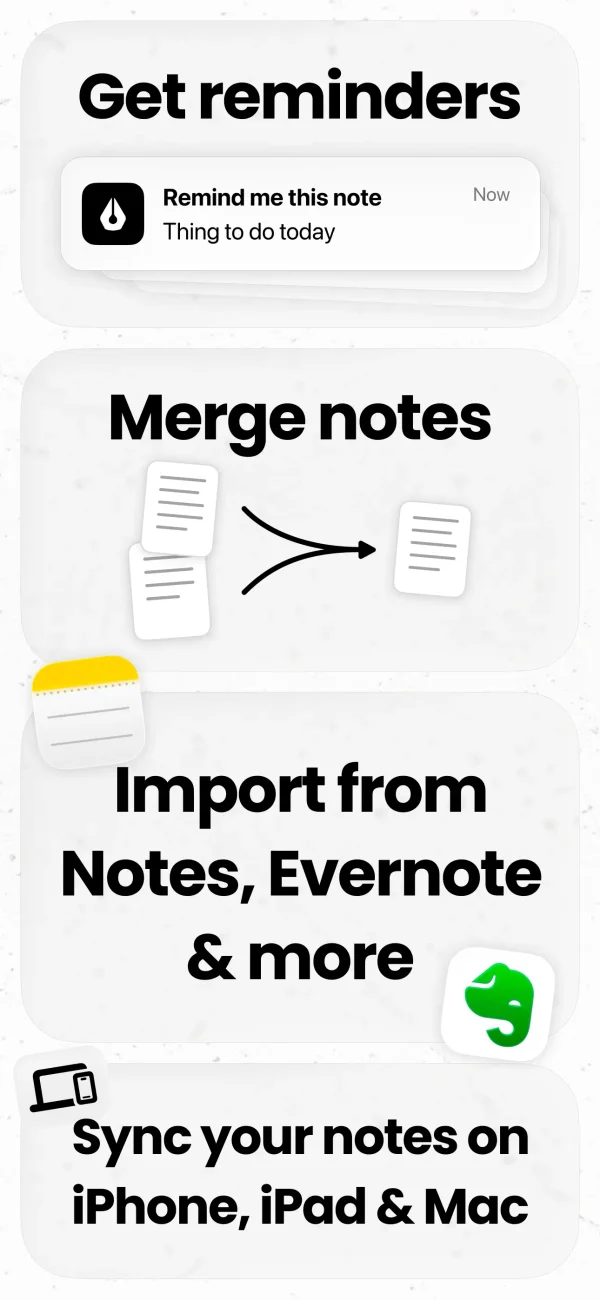
• Reminders on any note, so it comes back when you need it
• Alarms that ring even with a Focus mode on (iOS 26 and later)
• Location reminders when you arrive at or leave a place (iPhone and iPad, Premium)
• Checklists with tappable checkboxes
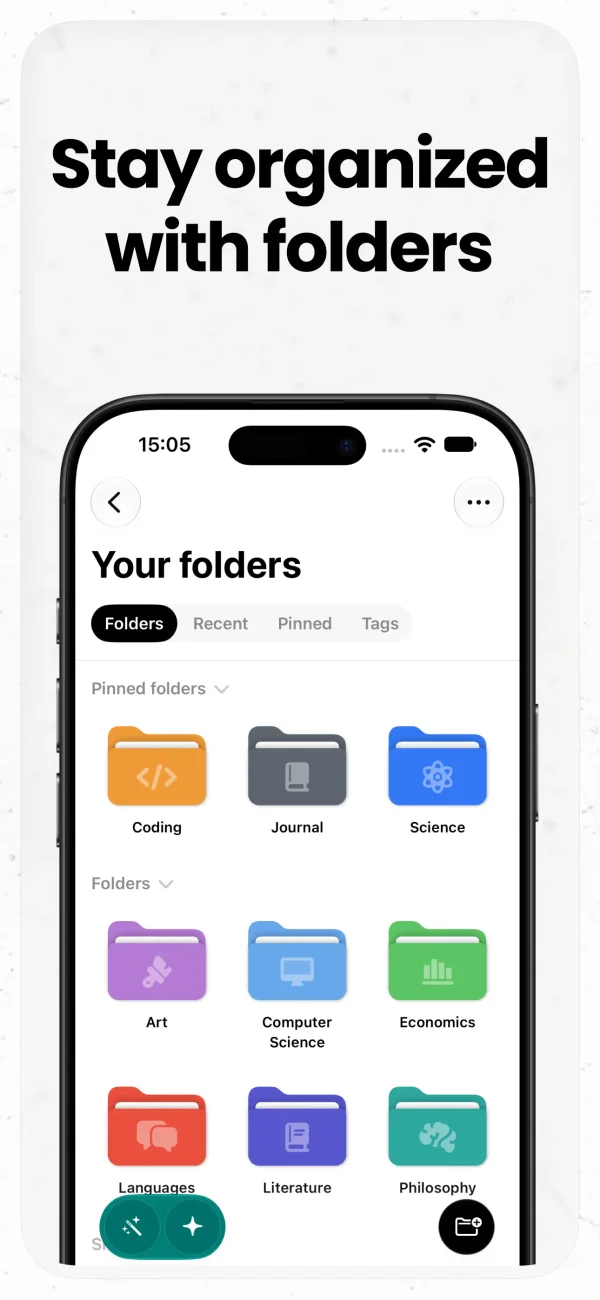
• Search, pinned notes, tags, and nested folders for when you're ready to organize
TURN A MESSY DUMP INTO SOMETHING USEFUL
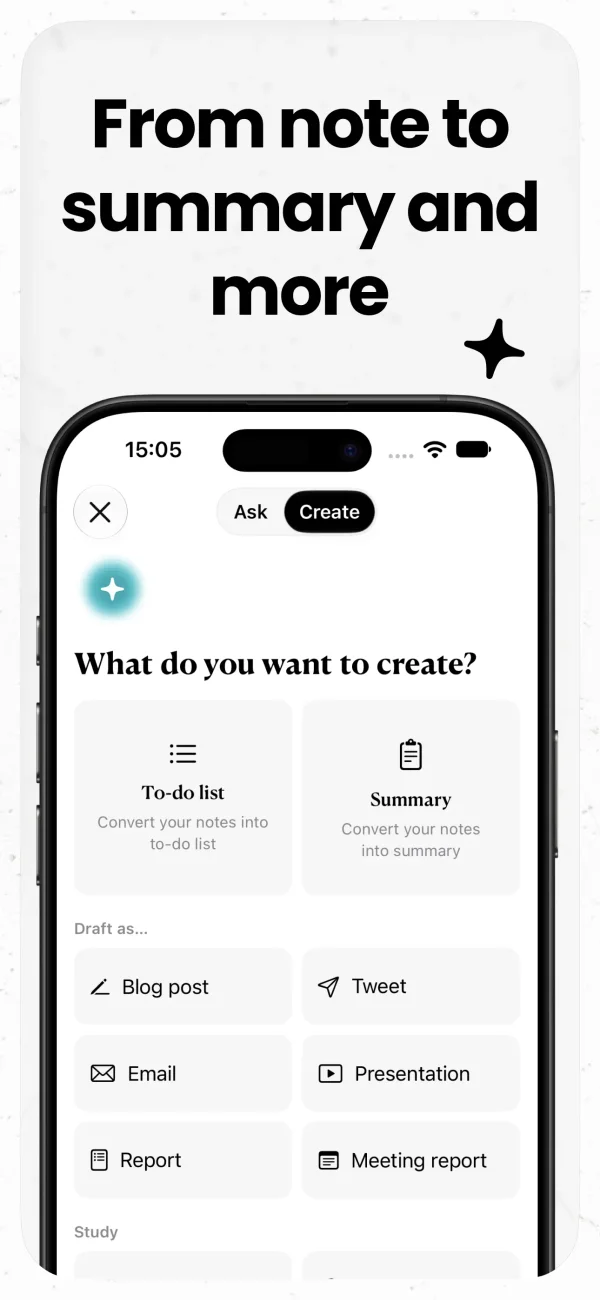
• Create: turn notes into a to-do list, summary, email, meeting report, flashcards, and more
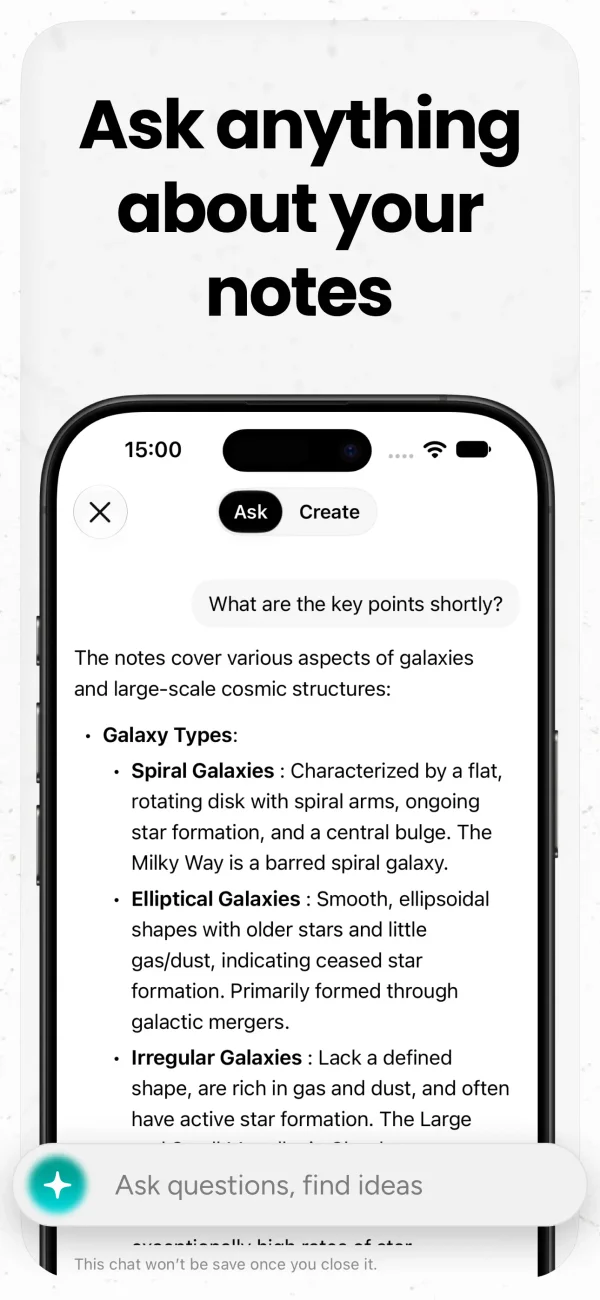
• Ask: ask questions about what you've written
• Rewrite and fix grammar in Freewriting
• Merge several notes into one, in the order you choose
The free plan includes 3 AI uses every month.
CALM BY DESIGN
• Three looks: Standard, Minimal, or Essential with no icons and no color
• High-focus and dyslexia-friendly fonts, adjustable text size
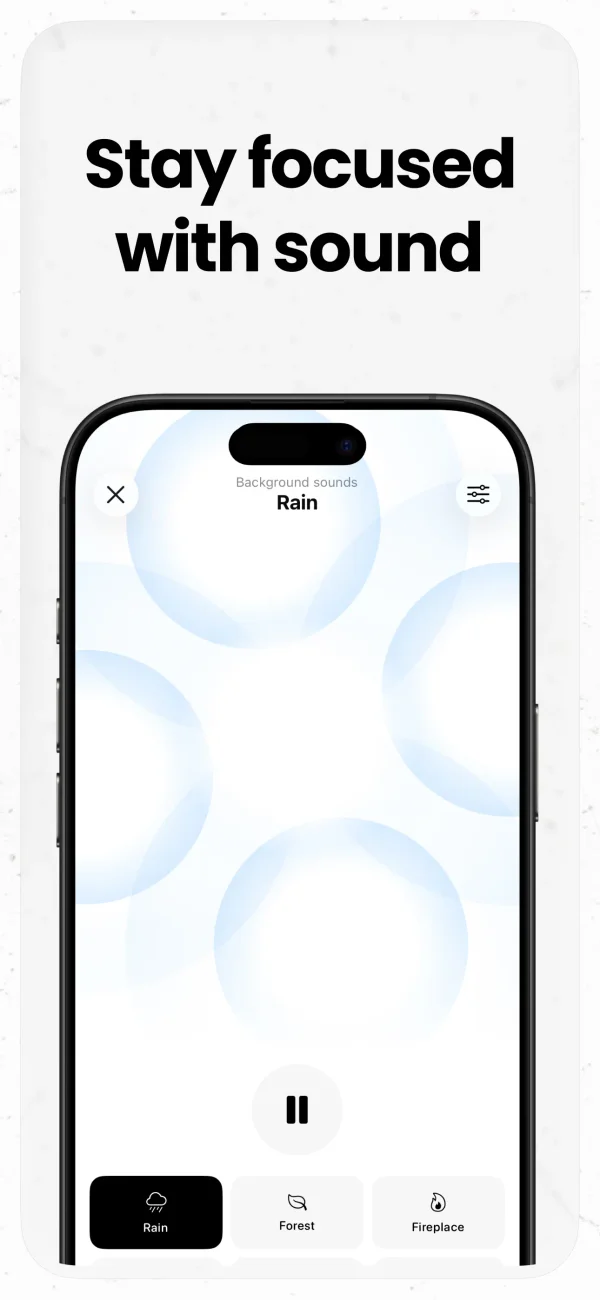
• Background sounds while you write
• Light and dark mode
YOUR NOTES, EVERYWHERE
• iCloud sync across iPhone, iPad, and Mac
• Optional Brain Dump account: back up your notes and sync them across your devices
• Brain Dump on the web at app.getbraindump.com
• Share a note or folder by link: anyone can read and edit in their browser, no account needed
• Import from Apple Notes and Evernote
• Export to plain text, HTML, RTF, Markdown, or Word (Markdown and Word with Premium)
WHAT PEOPLE SAY
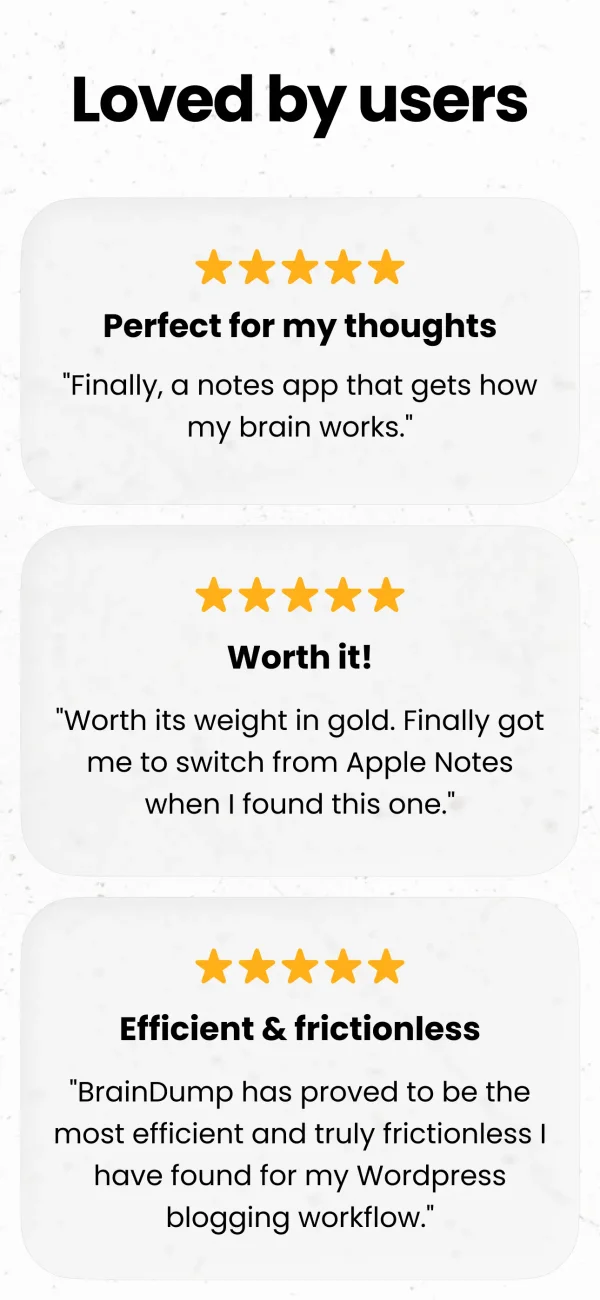
"Finally, a notes app that gets how my brain works." (App Store review)
FREE TO START
Writing, quick capture, Freewriting, and merging notes are free. Brain Dump Focus unlocks unlimited reminders and alarms, location reminders, more AI, unlimited tags, and more export formats. Or get Lifetime for everything except AI, with a one-time purchase.
Brain Dump is a notes app. It isn't a medical device or a treatment.
Questions or ideas? Write to braindump.help@gmail.com
新機能
バージョン 1.6.16 · 2026/11/18
We update Brain Dump every week to make it even better. Here are the latest improvements:
- A fresh look for your notes list: cleaner rows, a tidier grid and new swipe actions
- Clean up duplicate notes from Settings › Backup
- Smoother scrolling in long lists, and more reliable sync between devices
Do you like the app? Rate us! Thanks to your feedback, the Brain Dump app is growing.
Do you have a question? Write to us at
braindump.help@gmail.com
アプリのプライバシー
このアプリのデータの取り扱いについて、Francesco LeoniがApp Storeで申告している内容です。
-
ユーザーに関連付けられないデータ
収集される場合がありますが、ユーザーの識別情報には関連付けられません。
- 使用状況データ
プライバシーの取り扱いは、ご利用の機能やお客様の年齢などに応じて異なる場合があります。
情報
- 販売元
- Francesco Leoni
- カテゴリ
- 仕事効率化
- バージョン
- 1.6.16
- 更新日
- 2026/11/18
- リリース
- 2023/4/25
- サイズ
- 117.3 MB
- 必要条件
- iOS 16.0以降
- 対象年齢
- 4+
- 価格
- 無料
- アプリ内課金
- あり
- 言語
- 英語, フランス語, ドイツ語, ヒンディー語, イタリア語, 簡体字中国語
- 著作権
- © Francesco Leoni 2026
こちらもおすすめ
-
 Brain Dump: 音声ジャーナルAI音声日記と日々のメモ
-
 Jot - Instant Brain Dump仕事効率化
-
 Quick Capture & Notes - Qept仕事効率化
-
 Braindump: ボイスメモ・録音話すだけでメモ帳とリマインダー
-
 dump: brain dump & ADHD to-do仕事効率化
-
 Brain Dump - AI仕事効率化
-
 Brain Dumping仕事効率化
-
 Star Tasks – Streaks and focus仕事効率化
-
 Perch: Brain dump仕事効率化
-
 AIプランナー&アシスタント: Nudgly頭の中を話してタスクを整理