- 対象年齢4+
- カテゴリ教育
- 開発元Signauto Management Consultancy CO W.L.L
- 言語英語
- サイズ126.4 MB
App Storeの公式ページにリンクしています
Download.orgはbrAInify Appのファイルを一切ホストしていません。ボタンを押すと、Signauto Management Consultancy CO W.L.Lが公開しているApp Storeのアプリページが開きます。ページの最終確認:2026/11/18。
スクリーンショット

概要
開発元はこのテキストをお使いの言語で提供していません。
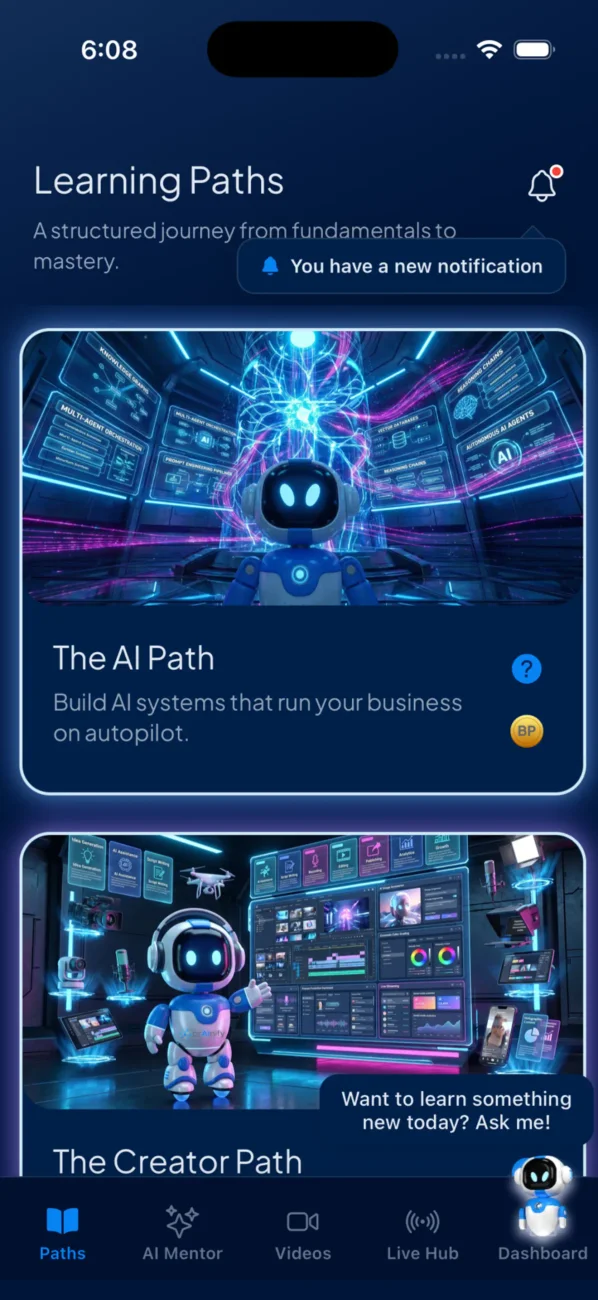
brAInify is an invite-only educational platform that combines structured course content, interactive lessons, and a personal AI mentor to deliver a learning experience that adapts to you — available in 15 languages, on any device.
How It Works — Seamless Access
brAInify is a closed learning platform designed exclusively for enrolled users. To get started, simply sign in using the account provided by your institution, instructor, or program organizer. Once you log in, choose your paths and you’re instantly connected to your personalized learning path
Your Learning Path
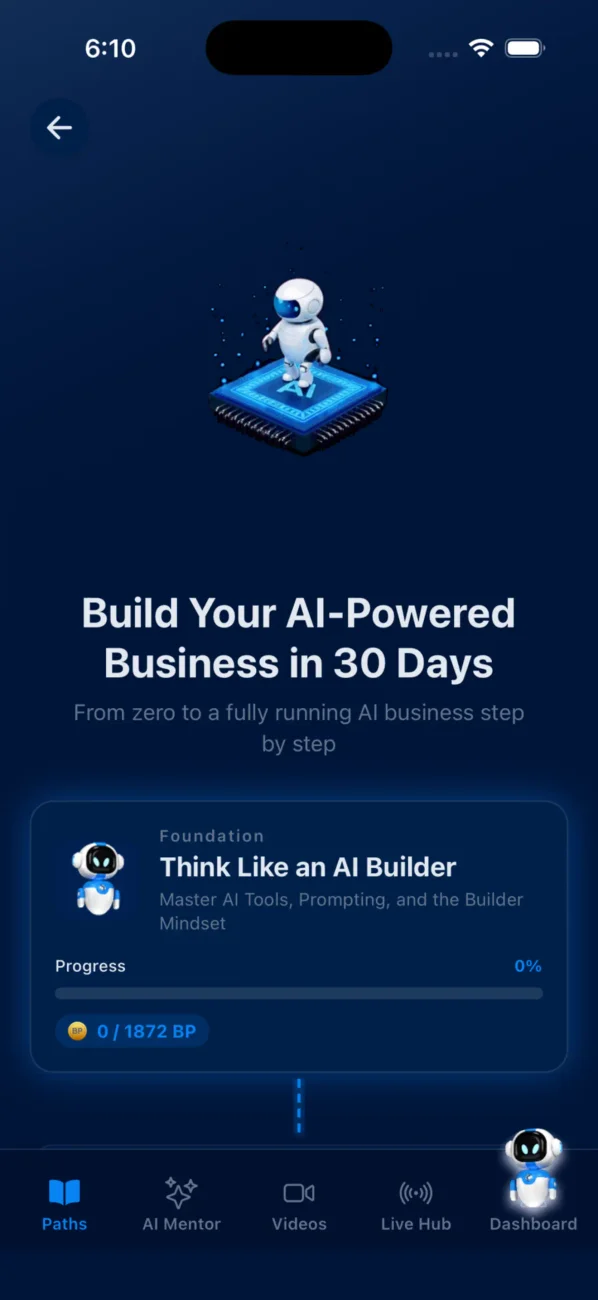
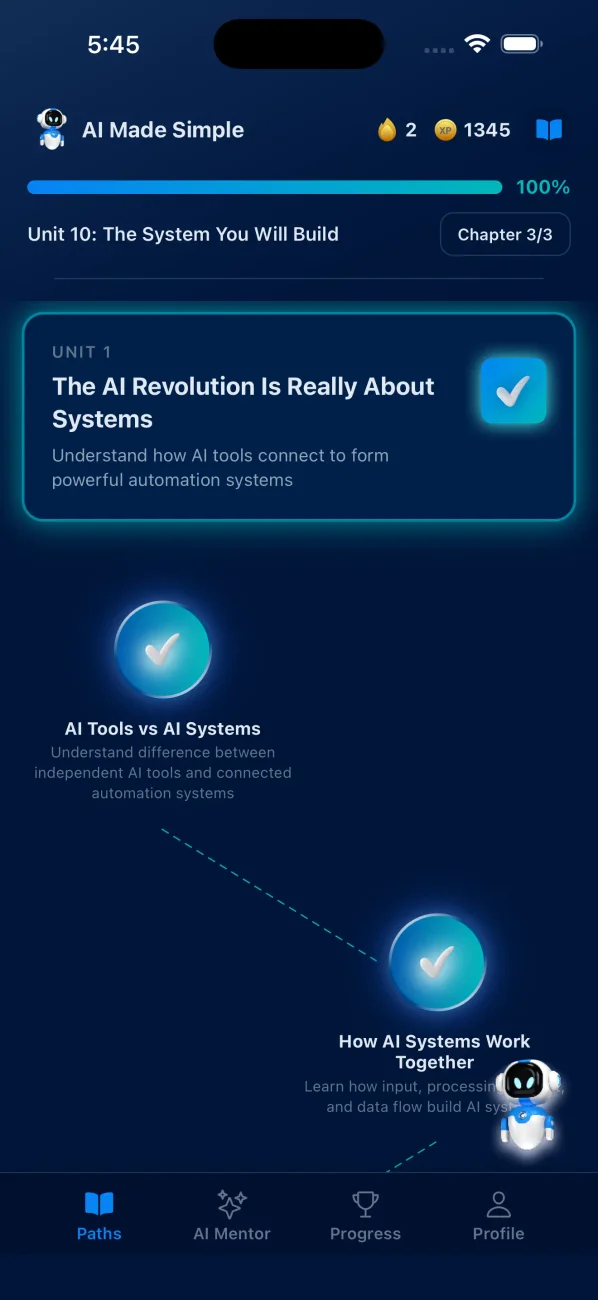
Your journey is organized into a clear progression: Paths → Levels → Units → Chapters. Each learning path represents a full course or subject. Within it, levels group related topics, units organize lessons thematically, and chapters are where the actual learning happens — one focused session at a time.
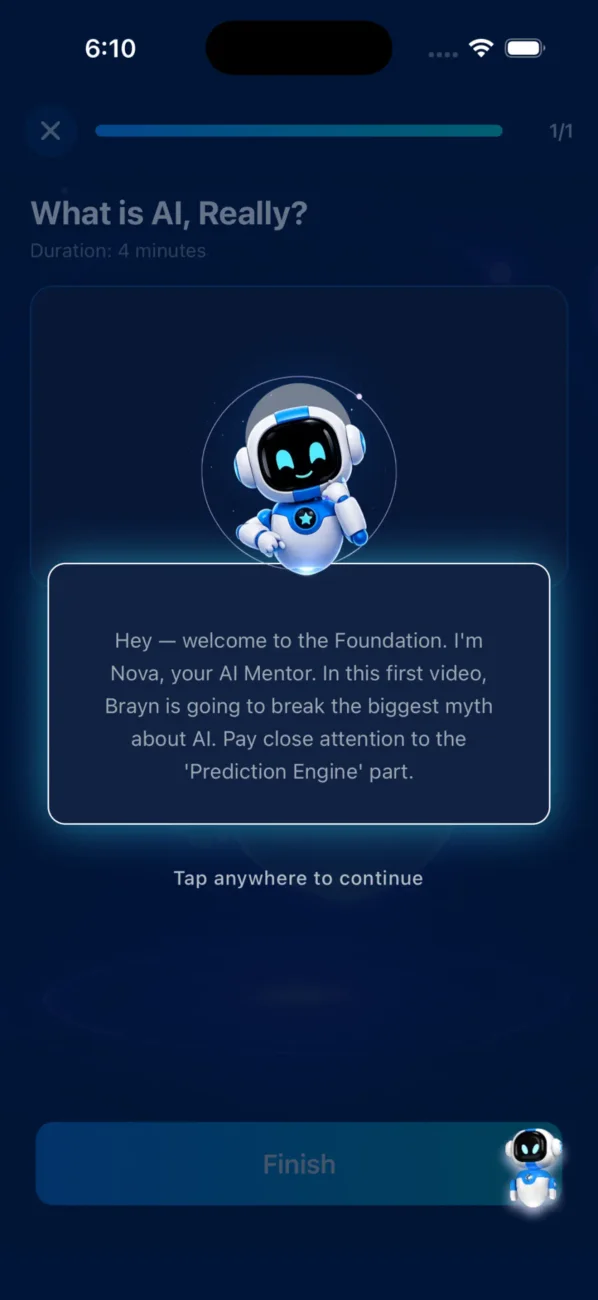
Progress through each chapter by completing interactive content slides, then test your understanding with built-in assessments before moving on.
Interactive Chapter Content
Chapters aren't just reading material. Each one is a dynamic slideshow that may include:
1.Multiple Choice Questions — pick the right answer and get instant feedback
2. Fill in the Blank — recall key terms and concepts actively
3. Matching Exercises — connect ideas and reinforce relationships
4. Multi-Select Questions — identify all correct answers from a set
5. True-False - pick the correct answer
6. Hands-On Challenges — apply what you've learned in practical scenarios
7. AI Evaluation - AI Evaluates and rate your answer
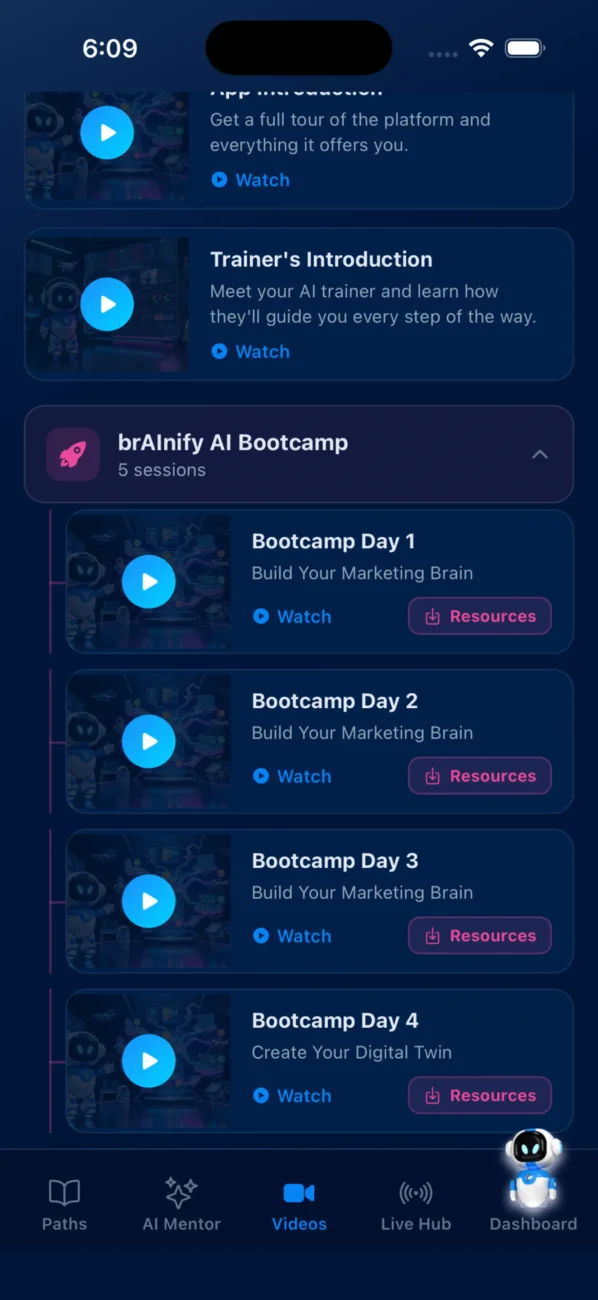
AI Video Lessons — watch embedded instructional videos in a full-screen player
Sound effects and completion celebrations mark your milestones, keeping every session motivating.
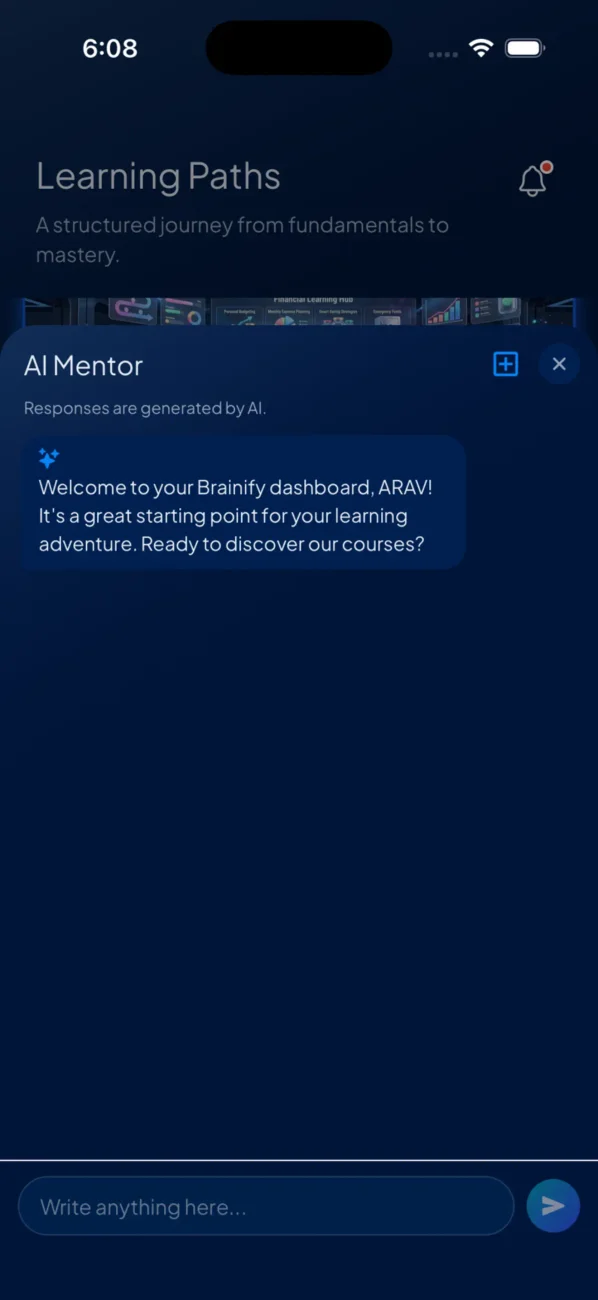
Your Personal AI Mentor
Every learner gets access to a dedicated AI Mentor — a real-time conversational assistant available throughout the app. Ask questions about your course material, get explanations, request examples, or just think out loud. The AI Mentor responds in full, streamed replies so you're never waiting.
The mentor is accessible two ways:
Floating Chat Button — available on every screen, tap it anytime for a quick question without losing your place
Full-Screen Mentor View — dive into a dedicated chat session with full conversation history
Your sessions are saved automatically. You can review past conversations or start a fresh one whenever you need. AI-generated responses are clearly identified.
Gamification & Progress
Learning is more effective when it feels rewarding. brAInify tracks:
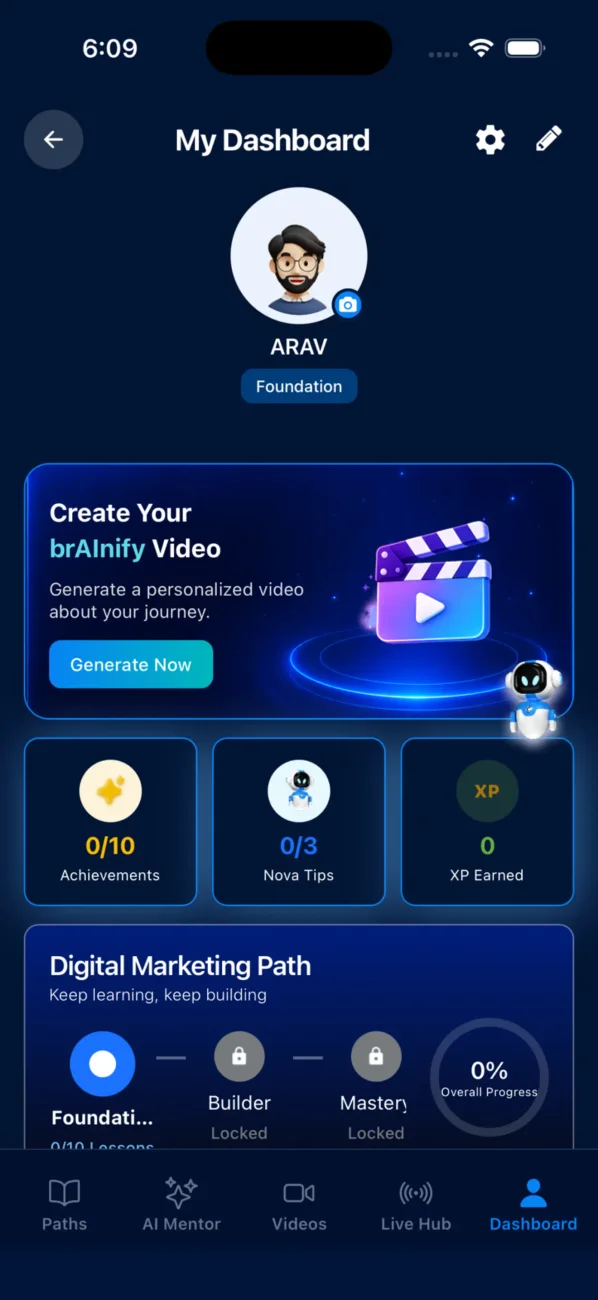
XP Points — earned for completing chapters and units
Daily Streaks — consecutive days of activity, keeping momentum alive
Level Progress — visual progress bars showing how far you've come
Unit & Chapter Completion — track exactly what you've covered
Your full progress dashboard gives you a bird's-eye view of your journey — completed units, chapters finished, total XP earned, and your current position in the course.
Certificates of Completion
Finish a learning path and earn a personalized Certificate of Completion. Certificates display your name, course name, level, issue date. You can save or share your certificate as a PDF directly from the app.
Built for a Global Audience
brAInify supports 14 languages — English, Arabic, Portuguese, Armenian, Burmese (Myanmar), French, Russian, Persian (Farsi), Hindi, Spanish, German, Turkish, Kurdish (Kurmanji), and Vietnamese.
Switch between light and dark themes — default is dark mode
Toggle sound effects on or off
Change your display language at any time
Update your name or password in profile settings
Delete your account entirely at any time, with full data removal
新機能
バージョン 1.6.2 · 2026/11/5
What's New in 1.6.2
Introducing English Path — a complete English learning journey from Foundation to B2 with personalized placement.
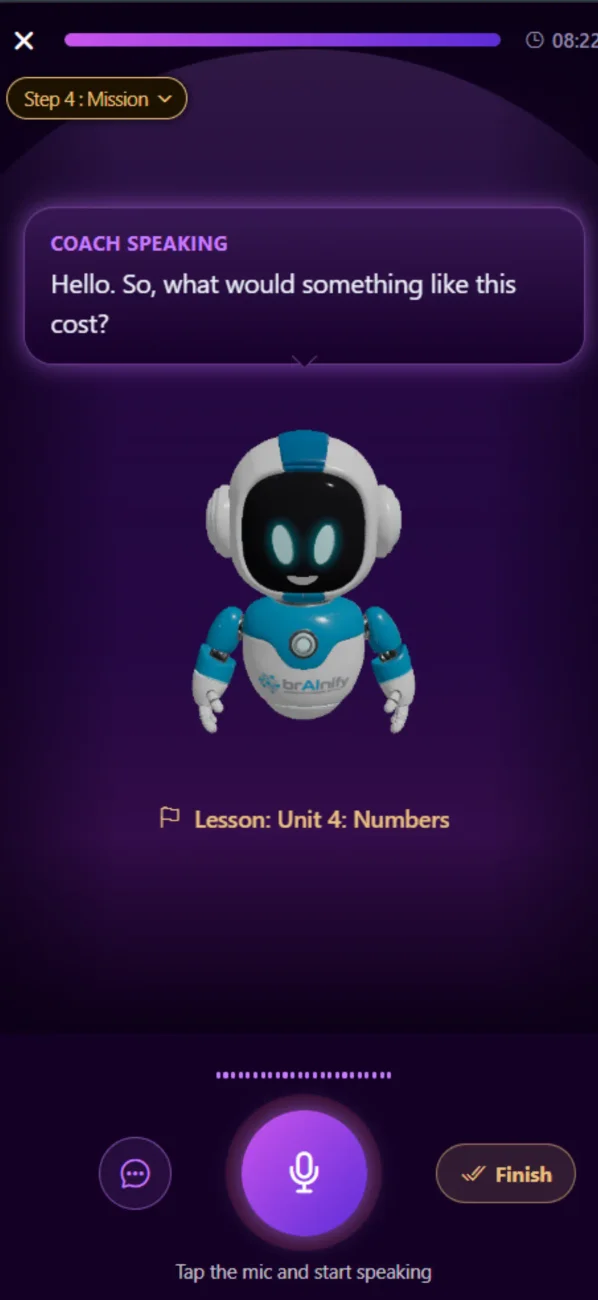
Meet your 3D AI Mentor with natural voice-to-voice conversations, interactive lessons, and real-time speaking practice.
New Learn, Practice, and Mission experiences designed to build practical English skills.
Get detailed feedback on speaking clarity, vocabulary, and sentence control.
Earn certificates by completing eligible English Path levels.
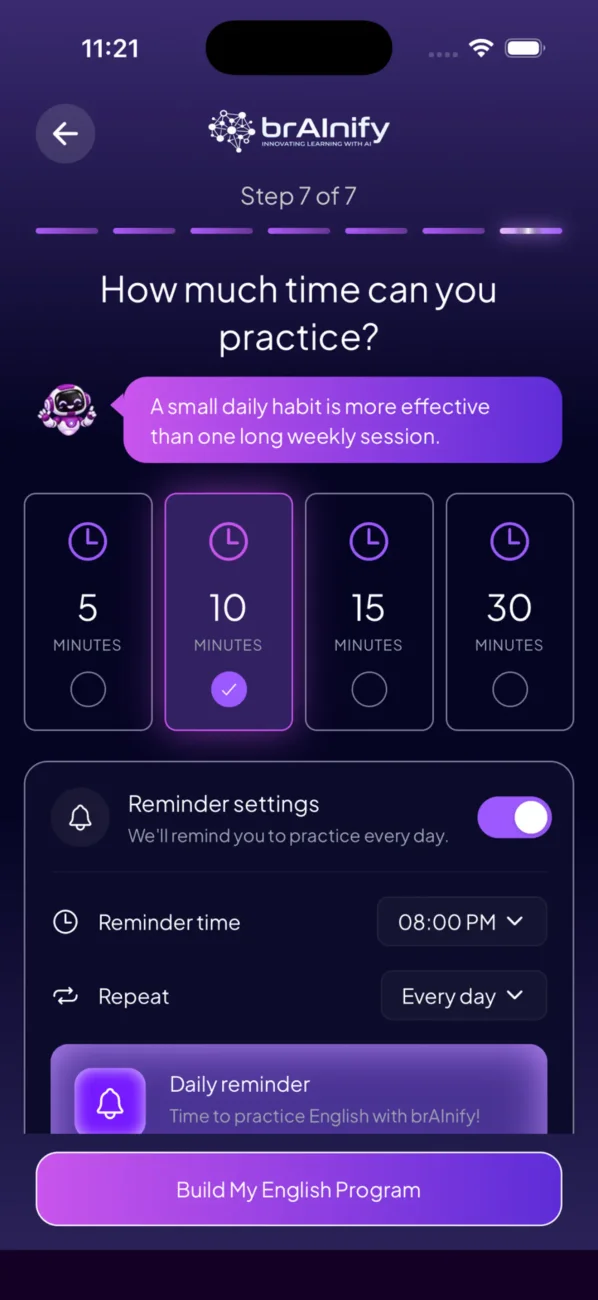
Personalize your experience with mentor voice, teaching style, goals, native language, and practice reminders.
アプリのプライバシー
このアプリのデータの取り扱いについて、Signauto Management Consultancy CO W.L.LがApp Storeで申告している内容です。
-
データの収集なし
開発元はこのアプリからデータを収集しません。
プライバシーの取り扱いは、ご利用の機能やお客様の年齢などに応じて異なる場合があります。
情報
- 販売元
- Signauto Management Consultancy CO W.L.L
- カテゴリ
- 教育
- バージョン
- 1.6.2
- 更新日
- 2026/11/5
- リリース
- 2026/3/31
- サイズ
- 126.4 MB
- 必要条件
- iOS 16.4以降
- 対象年齢
- 4+
- 価格
- 無料
- 言語
- 英語
- 著作権
- © 2025 Signauto management consultancy Co. W.L.L