
- 対象年齢17+
- カテゴリユーティリティ
- 開発元William Baer
- 言語英語ほか1言語
- サイズ10.5 MB
App Storeの公式ページにリンクしています
Download.orgはBuchen - Bookmarksのファイルを一切ホストしていません。ボタンを押すと、William Baerが公開しているApp Storeのアプリページが開きます。ページの最終確認:2026/11/12。
スクリーンショット
概要
開発元はこのテキストをお使いの言語で提供していません。
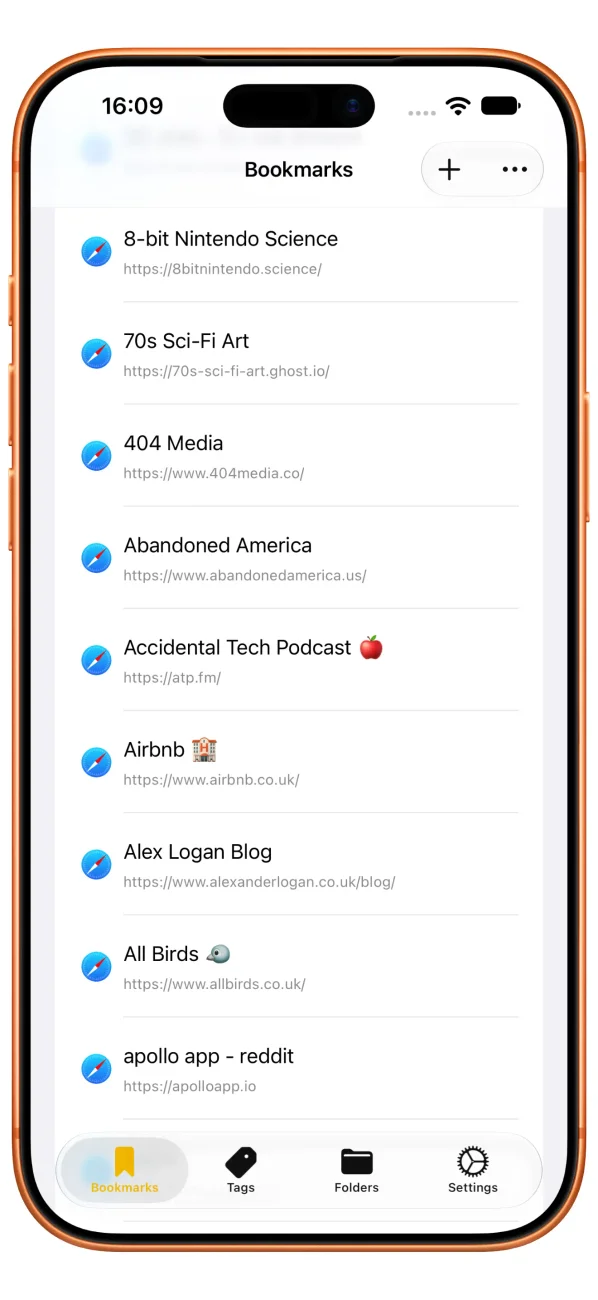
Buchen (pronounced like bookin’) is a simple bookmark manger that allows you to manage your bookmarks for multiple browsers, tags, and folders.
Some of the feature of the app include:
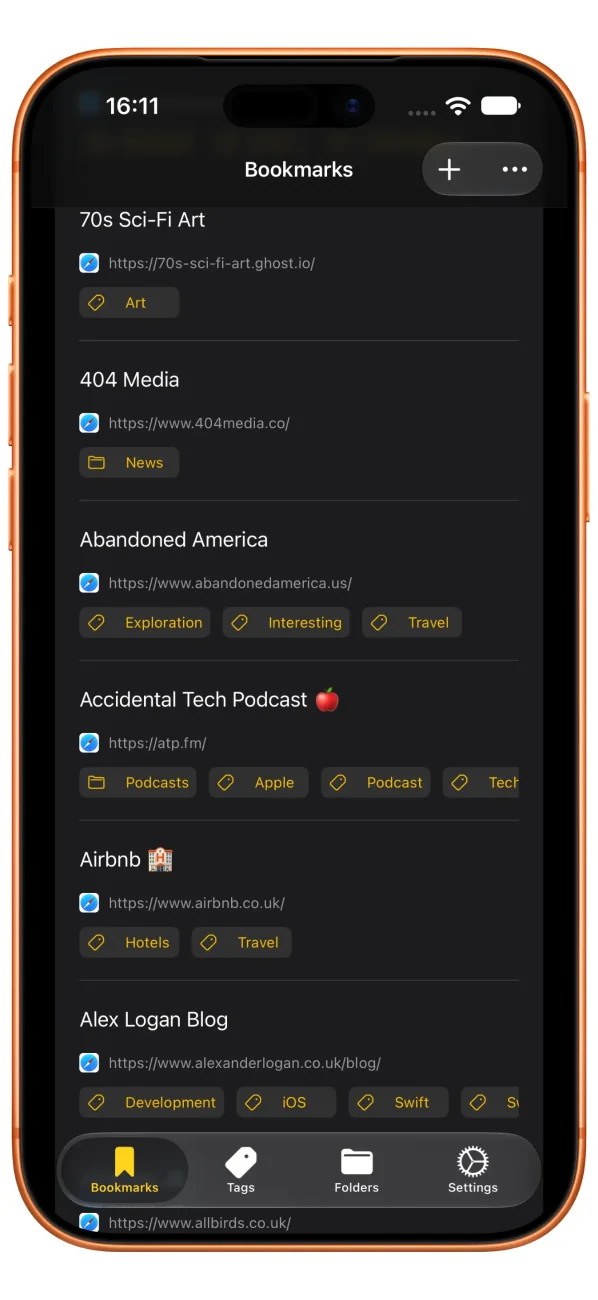
- Tag your bookmarks with an interface that allows you to easily add new tags and suggest existing ones.
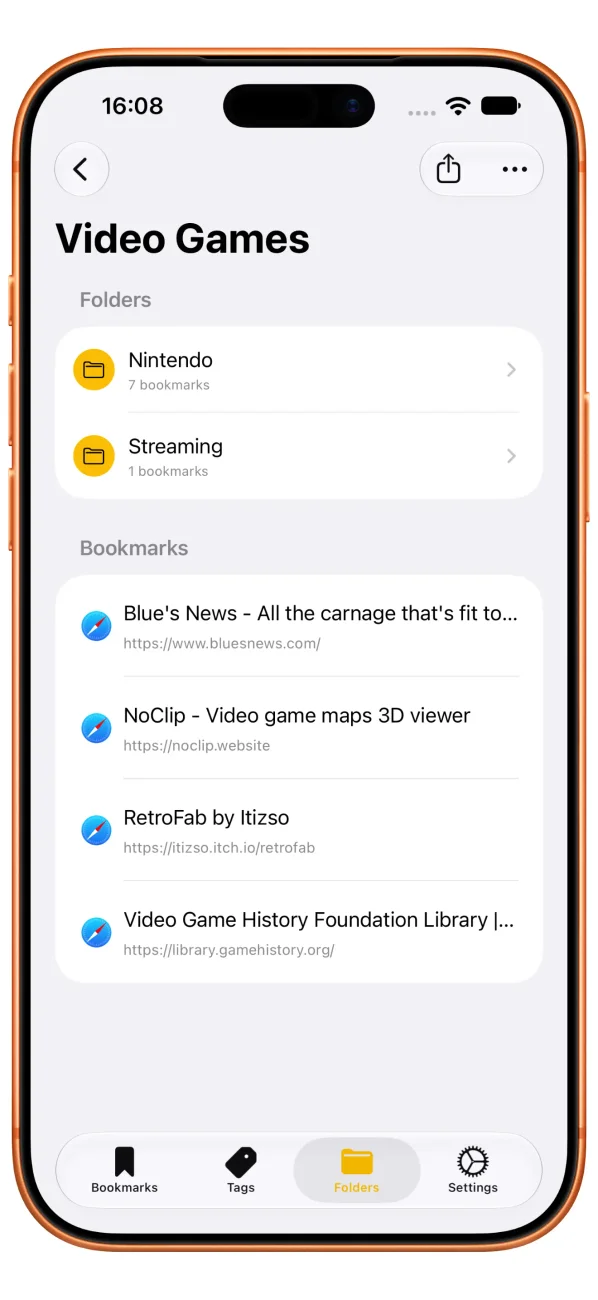
- Organise your bookmarks in folders. Folders can have as many sub-folders as you need to organise your bookmarks.
- Pin your bookmarks, tags or folders.
- Remove common trackers from URLs with one click when adding / editing a bookmark.
- Add notes to your bookmarks.
- Import / Export bookmarks as JSON or HTML. When the optional fields added date, tags, or notes are available in either import format, Buchen will use those too.
- Shortcuts for adding bookmarks or searching bookmarks.
- An “Add Bookmark” action for the Share Sheet. This allows you to add bookmarks directly from Safari and other apps.
- A variety of keyboard shortcuts for iPad users.
- Create QR Codes in a variety of colours for your bookmarks. You can view or share the QR Code from the bookmark detail view or with a left swipe / long-press on a bookmark.
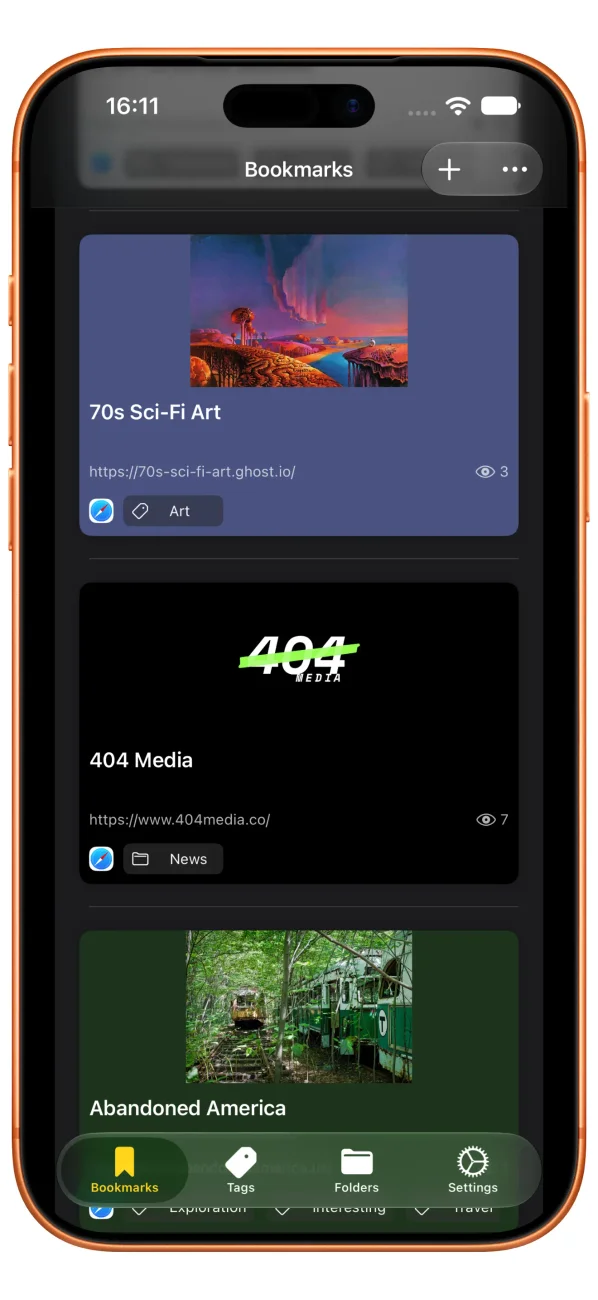
- Choose between different bookmark styles. You can choose different styles in the Bookmarks and Tags sections.
- When you choose a bookmark style that shows its tags, you can navigate to that tag from any bookmark.
- Choose from multiple colors to style the app and widgets.
- Select which browser will open your bookmark. Note: Browsers other than Safari are only an option if they’re installed on the device. Read the help for the list of compatible browsers.
- Lock Buchen with Face ID / Touch ID / Passcode. Either fully lock it down or enjoy some convenience and allow widgets and shortcuts to show your data.
- Search your bookmarks against their name, URL, notes, browser, tags or even creation date (YY-MM-DD format).
Buchen also comes with Widgets in all 4 sizes. Medium, Large and Extra Large widgets let you open links from the Widget.
Add lock screen widgets for easy access to bookmarks, tags, and folders.
Importing bookmarks can use the Buchen JSON format, Firefox JSON backup files or standard bookmark HTML files.
Exporting bookmarks can use the Buchen JSON format or the standard bookmark HTML format.
Notes from HTML imports require using the Delicious / Pinboard HTML format.
新機能
バージョン 2026.04 · 2026/10/12
- Search now has a token based approach which should make it easier to find data without exact wording.
- Searching bookmarks can now match the bookmark's tags.
- Changed the style of lists to better support the iPhone Duo.
- Shortcut action fixes:
1. Fixed bug where Tag and Folders were not identified consistently.
2. The 'Add Bookmark' shortcut can now optionally add tags or a folder
アプリのプライバシー
このアプリのデータの取り扱いについて、William BaerがApp Storeで申告している内容です。
-
データの収集なし
開発元はこのアプリからデータを収集しません。
プライバシーの取り扱いは、ご利用の機能やお客様の年齢などに応じて異なる場合があります。
情報
- 販売元
- William Baer
- カテゴリ
- ユーティリティ
- バージョン
- 2026.04
- 更新日
- 2026/10/12
- リリース
- 2021/2/12
- サイズ
- 10.5 MB
- 必要条件
- iOS 26.0以降
- 対象年齢
- 17+
- 価格
- 無料
- 言語
- 英語, ドイツ語
- 著作権
- © 2024 William Baer