Caffeinated Calendar
Your Calendars, Your Rules
iPhone, iPad, iPod touch向けに設計
無料 · アプリ内課金
- 対象年齢4+
- カテゴリ仕事効率化
- 開発元Caffeinated Softworks LLC
- 言語英語
- サイズ37.3 MB
App Storeの公式ページにリンクしています
Download.orgはCaffeinated Calendarのファイルを一切ホストしていません。ボタンを押すと、Caffeinated Softworks LLCが公開しているApp Storeのアプリページが開きます。ページの最終確認:2026/11/18。
スクリーンショット
概要
開発元はこのテキストをお使いの言語で提供していません。
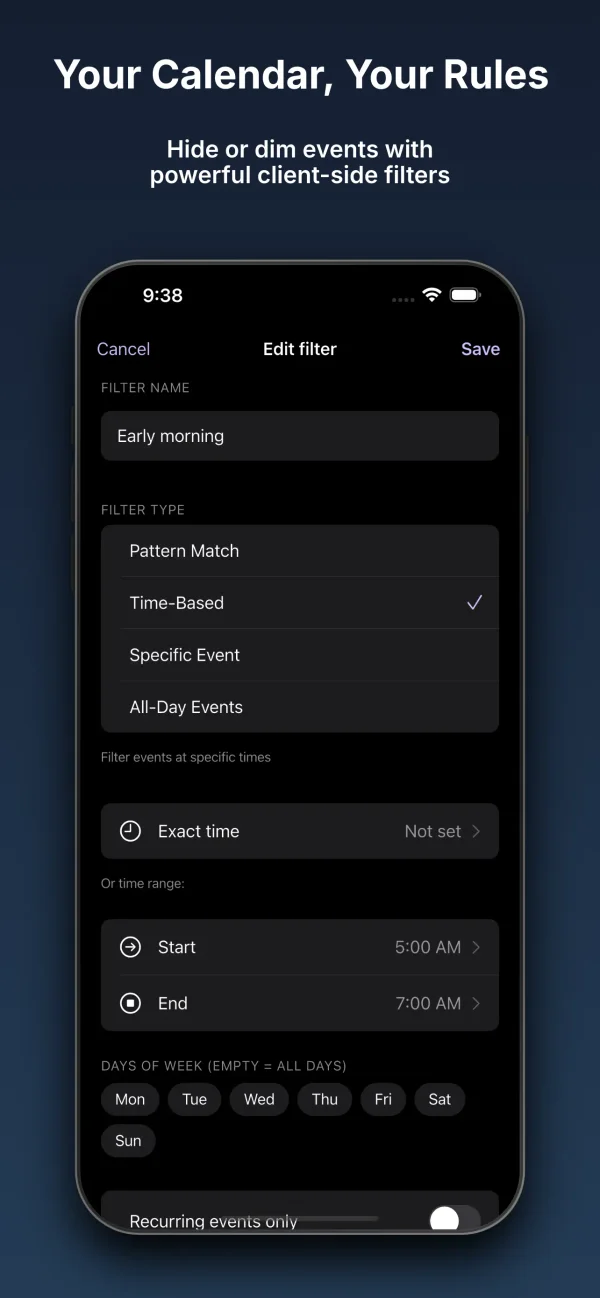
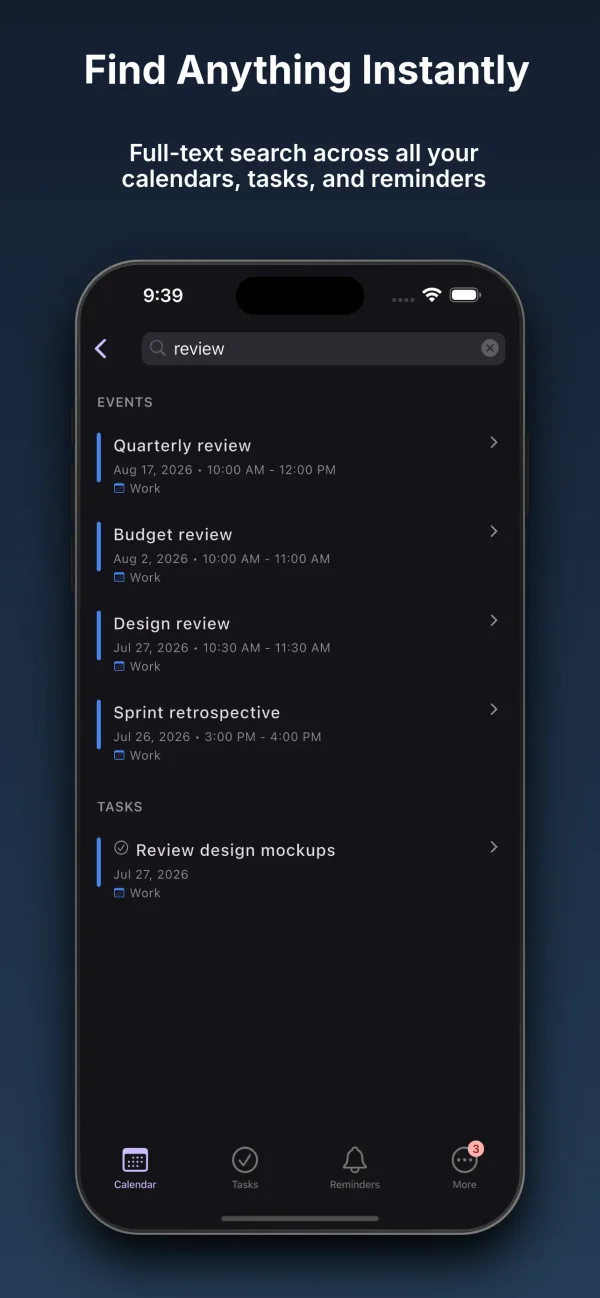
Caffeinated Calendar aggregates all your calendars in one place and lets you filter out the events you don't need to see.
THE FILTER ENGINE
Sharing a calendar with your spouse, team, or family? You don't need to see everything. Create filters to hide or dim events by title, description, location, time of day, or day of week. Hide your partner's medication reminders. Dim your coworker's focus blocks. Filter out all-day events from a noisy shared calendar. Your view, your rules.
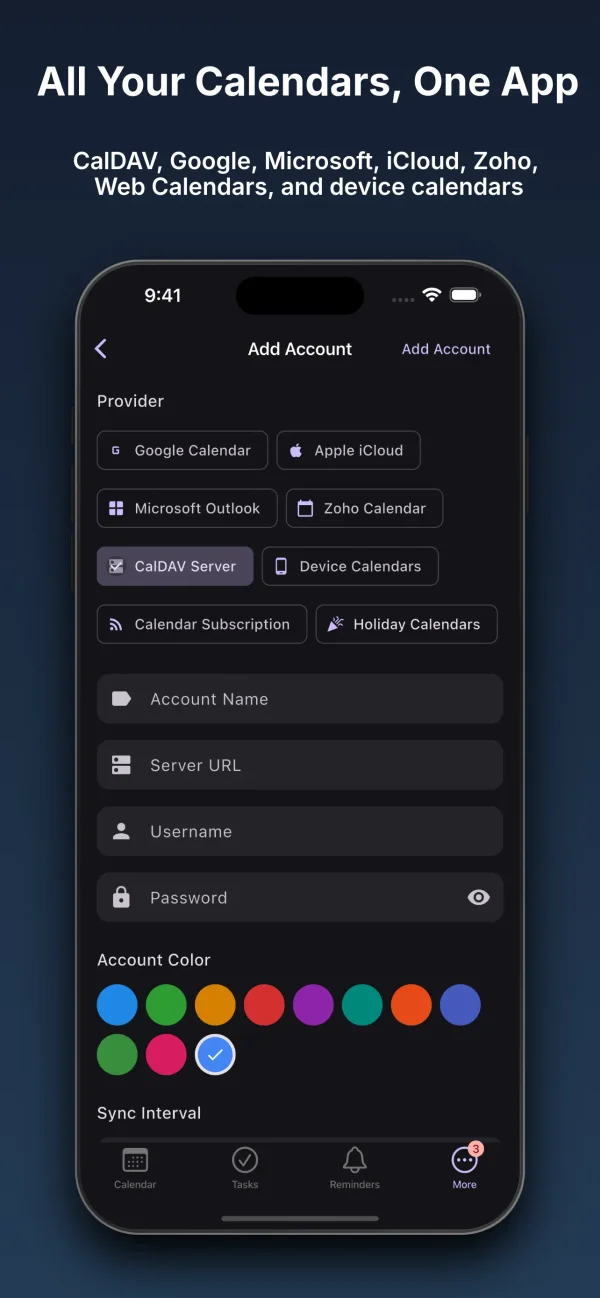
CONNECT ALL YOUR CALENDARS
- Google Calendar — Sign in with Google, no passwords to manage
- Microsoft Outlook / Office 365 — Full OAuth support
- Apple iCloud — Connect with an app-specific password
- Any CalDAV server — Nextcloud, Radicale, Baikal, Fastmail, Synology, Zoho, and more
- Device calendars — Read from calendars already on your phone
- Webcal subscriptions — Subscribe to public calendar feeds
- Local calendars — Fully offline, no account needed
SIX WAYS TO VIEW YOUR SCHEDULE
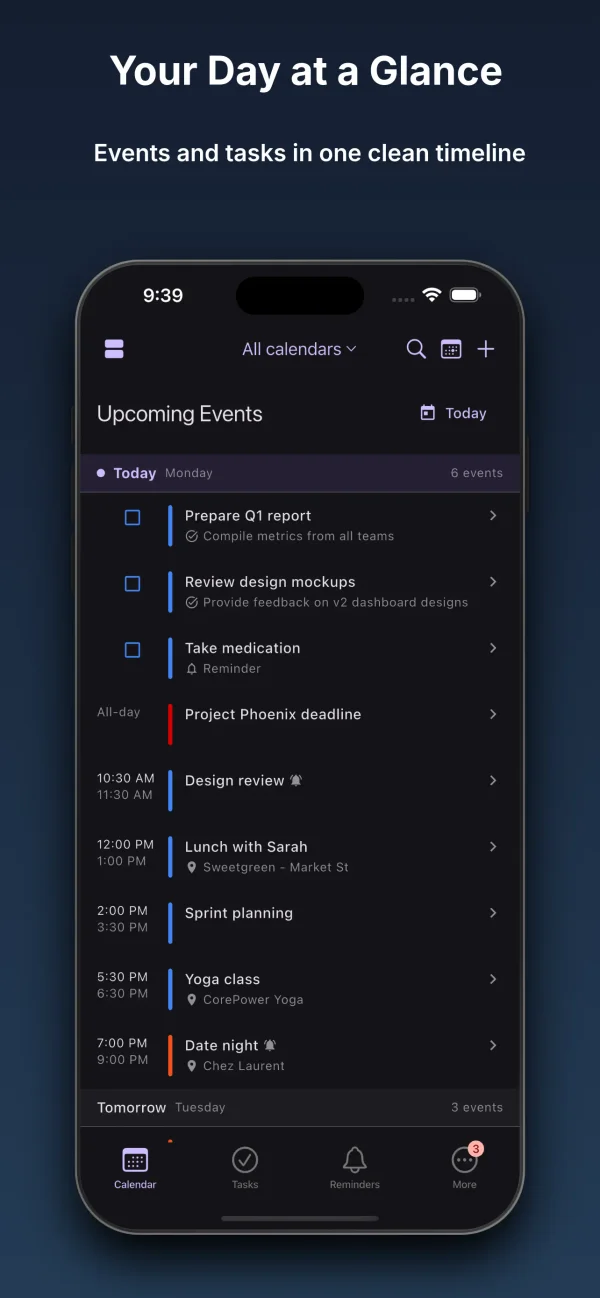
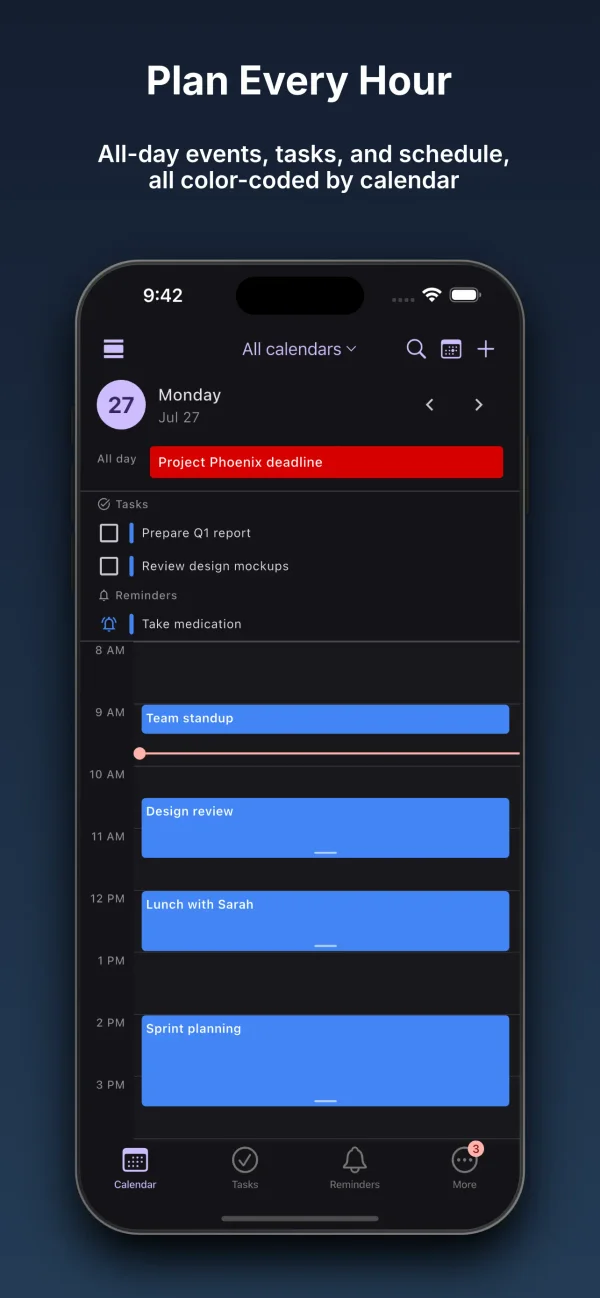
Day, Week, Month, Year, Agenda, and List views. All support pull-to-refresh, smooth swipe navigation, and a Today button. Create custom calendar views to quickly switch between subsets like "Work Only" or "Personal."
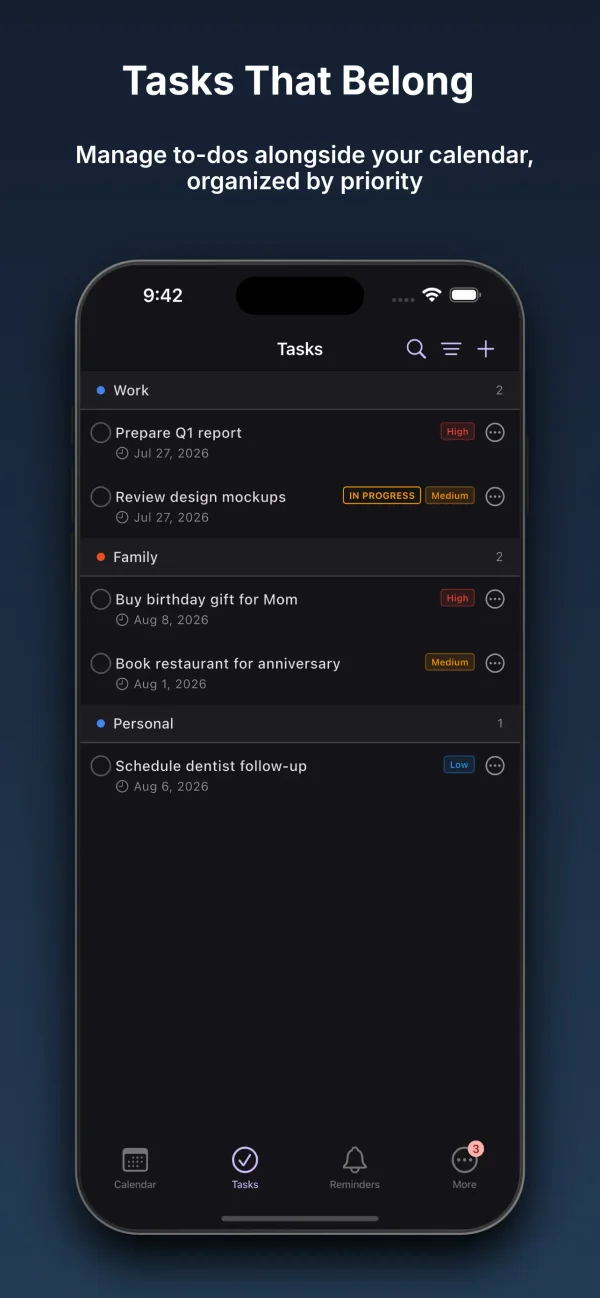
TASKS BUILT IN
Full task management that syncs with your calendar accounts. Due dates, priorities, subtasks, categories, and progress tracking. Tasks appear alongside events in your Day and Agenda views and on home screen widgets.
NATURAL LANGUAGE QUICK ADD
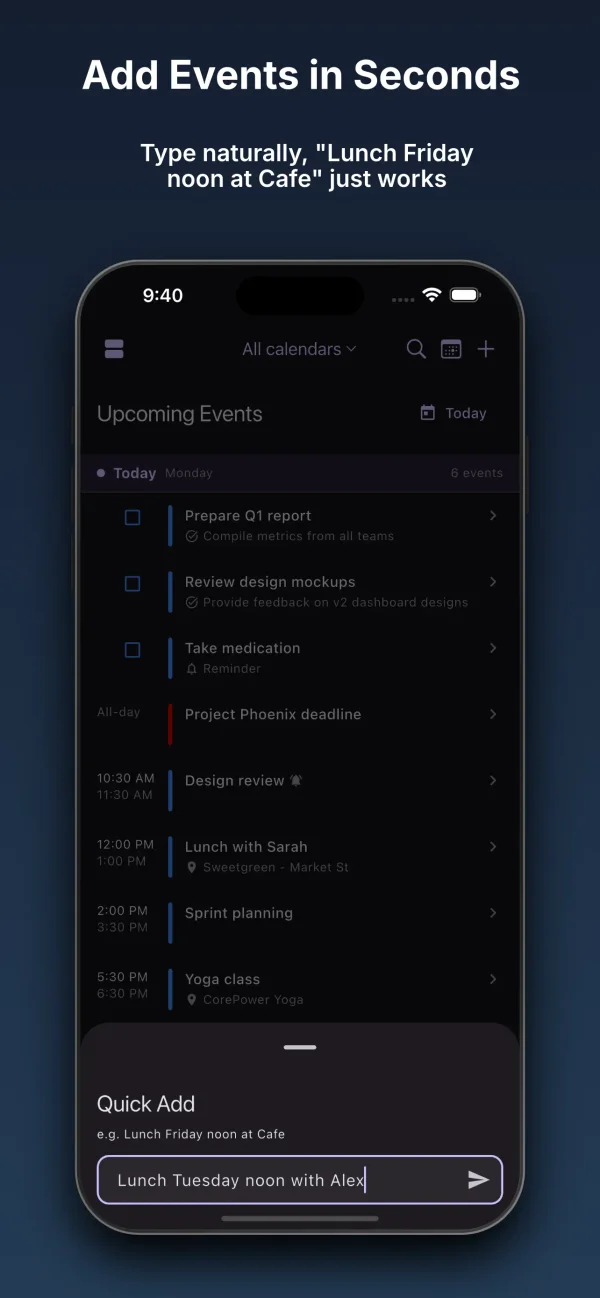
Type "Lunch with Sarah tomorrow at noon at Café Roma" and the app parses it automatically. Access Quick Add from the app bar, a home screen widget, or an app icon shortcut.
POWERFUL RECURRENCE
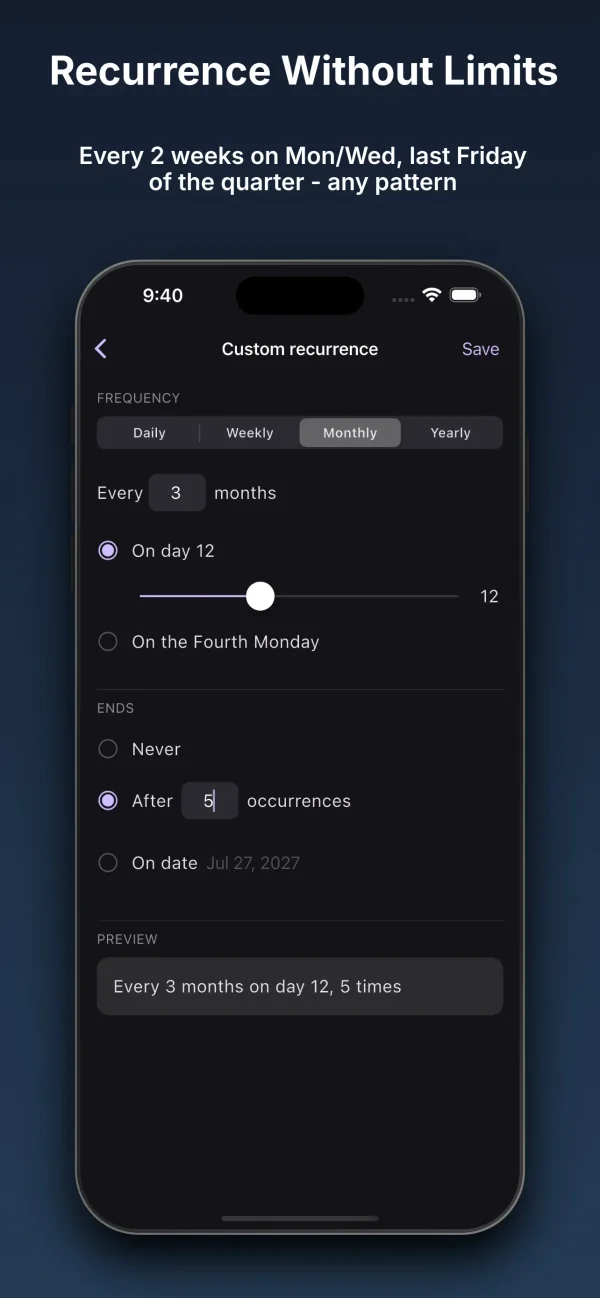
Daily, weekly, monthly, yearly — with intervals, end dates, and complex patterns like "second Monday of every month." Edit or delete a single instance, all events, or this and future events.
EVENT TEMPLATES
Save frequently-used events as templates. Create new events with one tap, pre-filled with title, location, duration, reminders, and recurrence.
ATTENDEES & RSVP
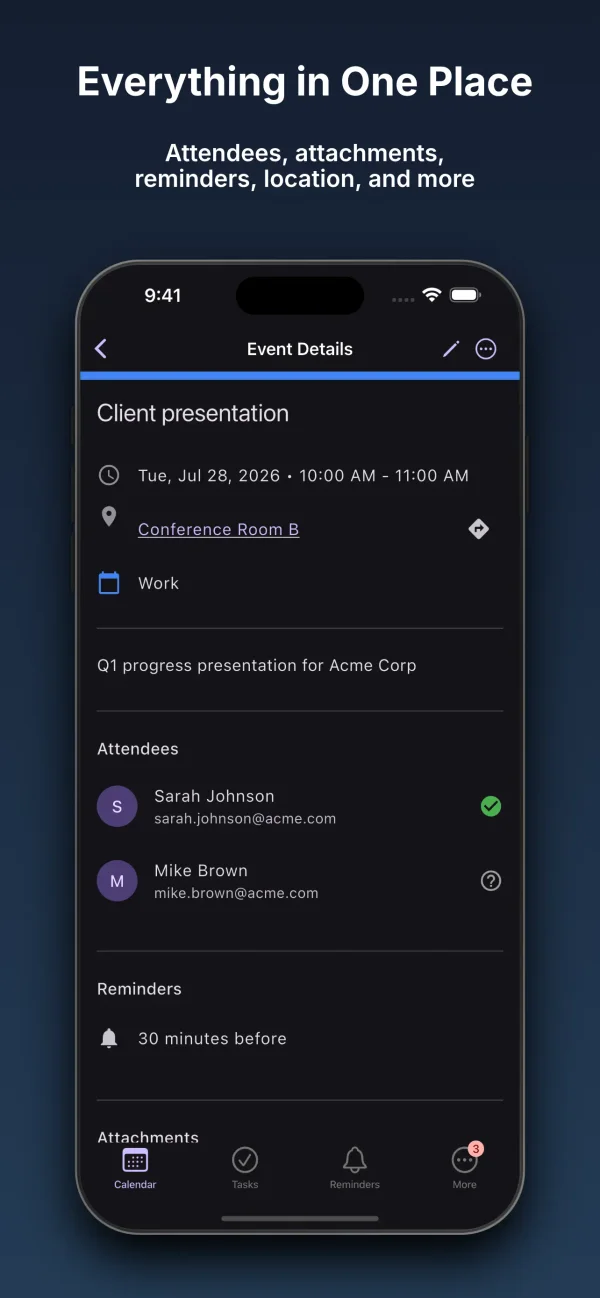
See who's invited, their roles, and their responses. Accept, decline, or tentatively respond to invitations directly from the app.
HOME SCREEN WIDGETS
Agenda, Compact, and Month widgets that respect your filters. Tap an event to open it directly. A Quick Add widget for instant event creation.
IMPORT & EXPORT
Open .ics files from email or file managers. Subscribe to public calendar feeds. Share single events or batch export multiple events.
HOLIDAY CALENDARS
Built-in holiday calendars for 20+ countries across the Americas, Europe, Asia Pacific, and Middle East. Added as auto-syncing subscriptions.
CONTACT BIRTHDAYS
Automatically creates birthday events from your device contacts.
WEATHER FORECAST
14-day forecast in Day and Week views. Free, no tracking.
OFFLINE FIRST
Create and edit events without an internet connection. Changes sync automatically when you're back online.
PRIVACY FOCUSED
No analytics. No telemetry. No ads. Your calendar data stays on your device and syncs only to your own calendar accounts. We never see your passwords — Google and Microsoft use secure sign-in, and other credentials are stored securely on your device.
Available in English, German, Spanish, French, and Japanese.
Terms of Use: https://caffeinatedsoftworks.com/terms/
Privacy Policy: https://caffeinatedsoftworks.com/privacy/
新機能
バージョン 1.3.7 · 2026/8/31
Fixes categories that could go missing after you created an account or joined a multi-user plan, along with saved entries that stopped showing the category you filed them under. The first sync after updating puts them back, with nothing for you to do.
Your entries themselves were never changed. Only the category shown against them went missing.
Sharing an account no longer removes a category of your own because the person you share with has one by the same name. Both are kept.
アプリのプライバシー
このアプリのデータの取り扱いについて、Caffeinated Softworks LLCがApp Storeで申告している内容です。
-
データの収集なし
開発元はこのアプリからデータを収集しません。
プライバシーの取り扱いは、ご利用の機能やお客様の年齢などに応じて異なる場合があります。
情報
- 販売元
- Caffeinated Softworks LLC
- カテゴリ
- 仕事効率化
- バージョン
- 1.3.7
- 更新日
- 2026/8/31
- リリース
- 2026/3/11
- サイズ
- 37.3 MB
- 必要条件
- iOS 13.0以降
- 対象年齢
- 4+
- 価格
- 無料
- アプリ内課金
- あり
- 言語
- 英語
- 著作権
- © 2026 Caffeinated Softworks LLC