- 対象年齢4+
- カテゴリユーティリティ
- 開発元CrowdCafé
- 言語英語ほか6言語
- サイズ125.9 MB
App Storeの公式ページにリンクしています
Download.orgはCalculator Maxのファイルを一切ホストしていません。ボタンを押すと、CrowdCaféが公開しているApp Storeのアプリページが開きます。ページの最終確認:2026/11/27。
スクリーンショット

概要
開発元はこのテキストをお使いの言語で提供していません。
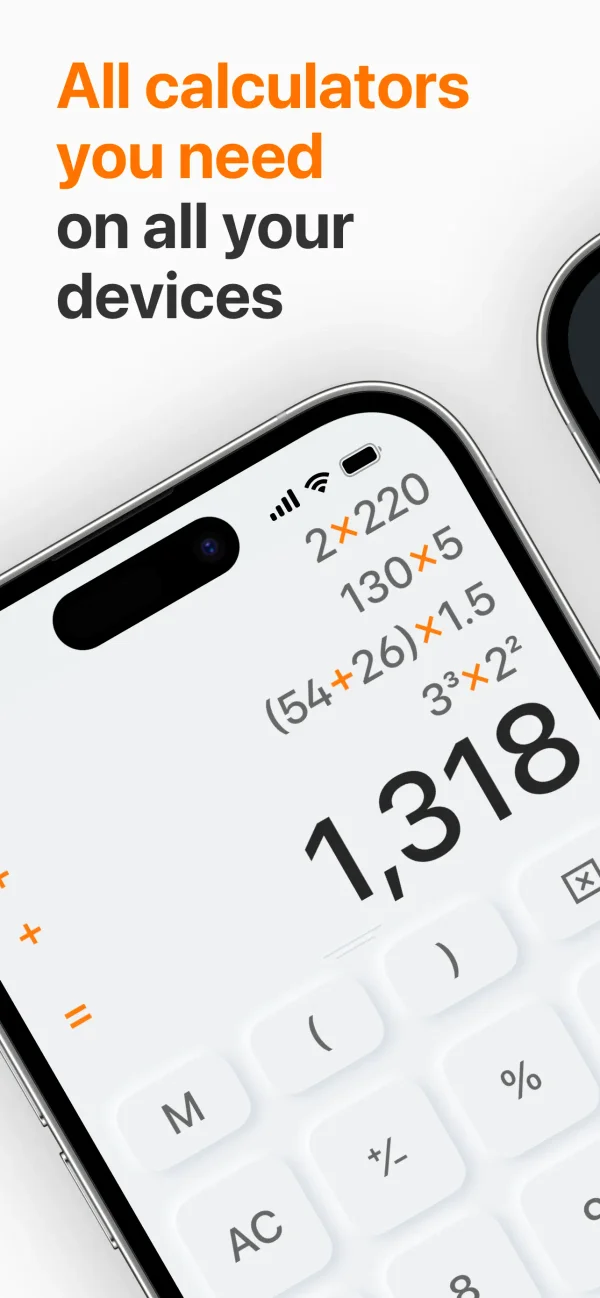
Calculator Max makes both simple and complex calculations easy. It offers all calculators you’ll ever need in one carefully designed, uncluttered and easy-to-use package.
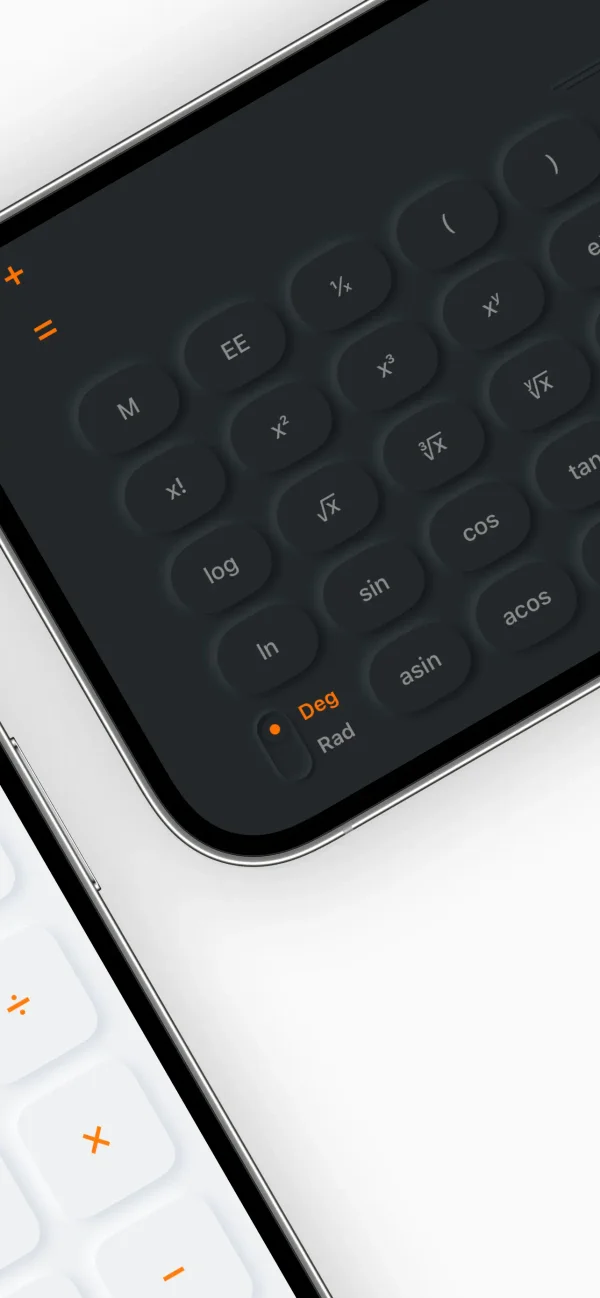
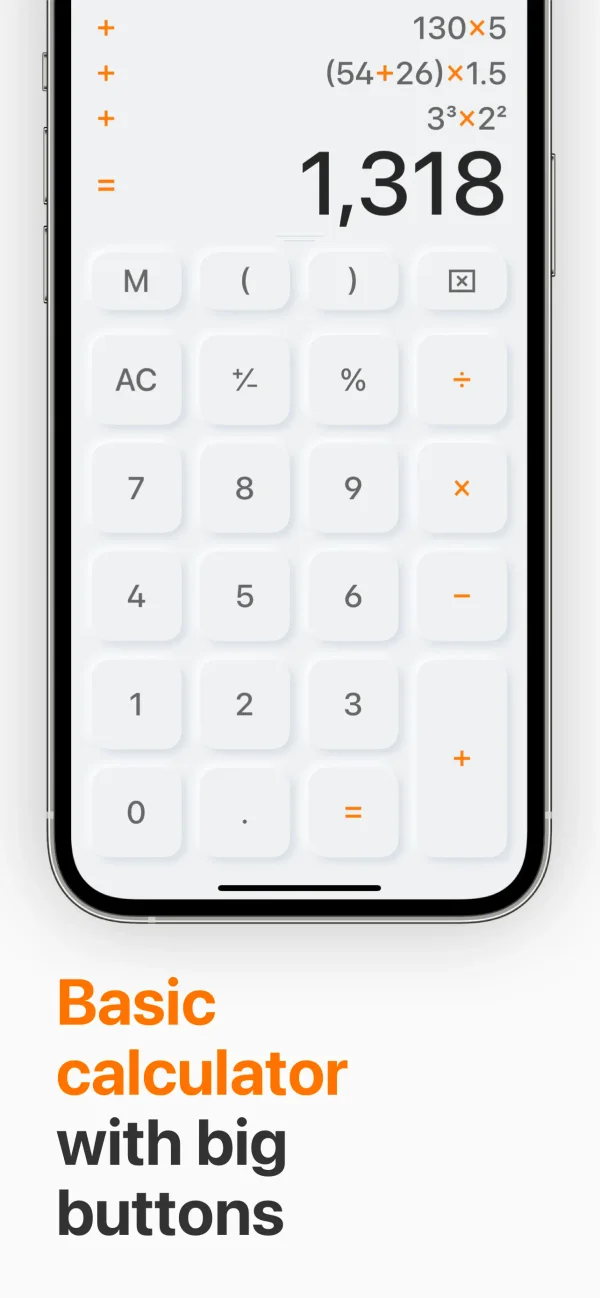
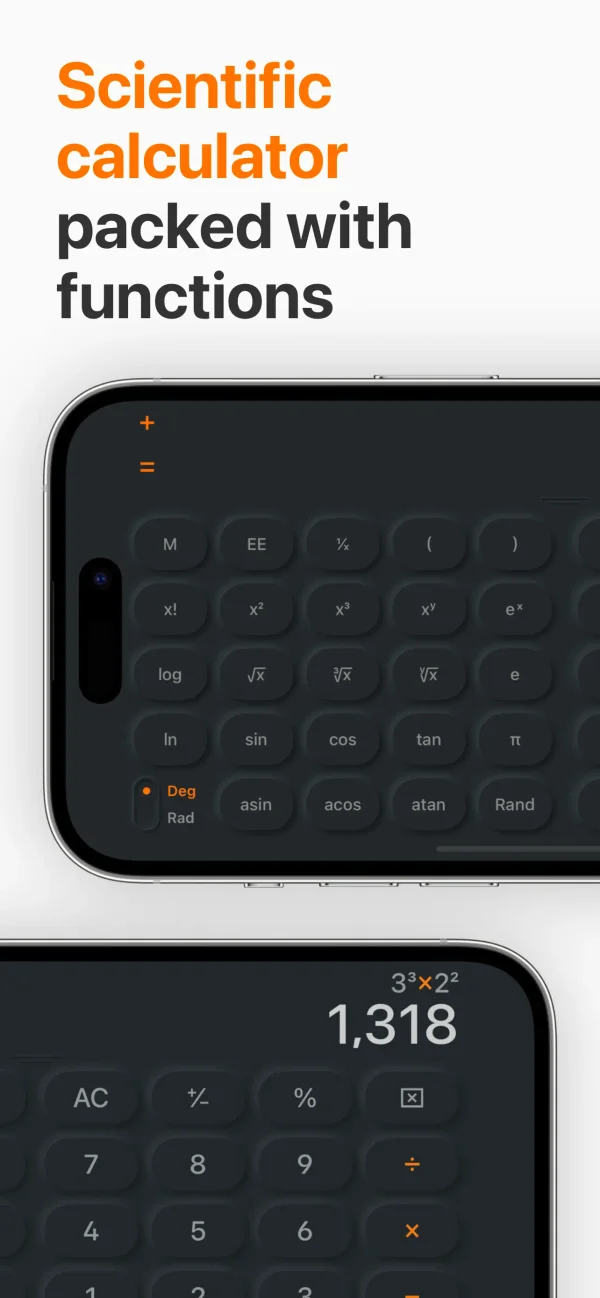
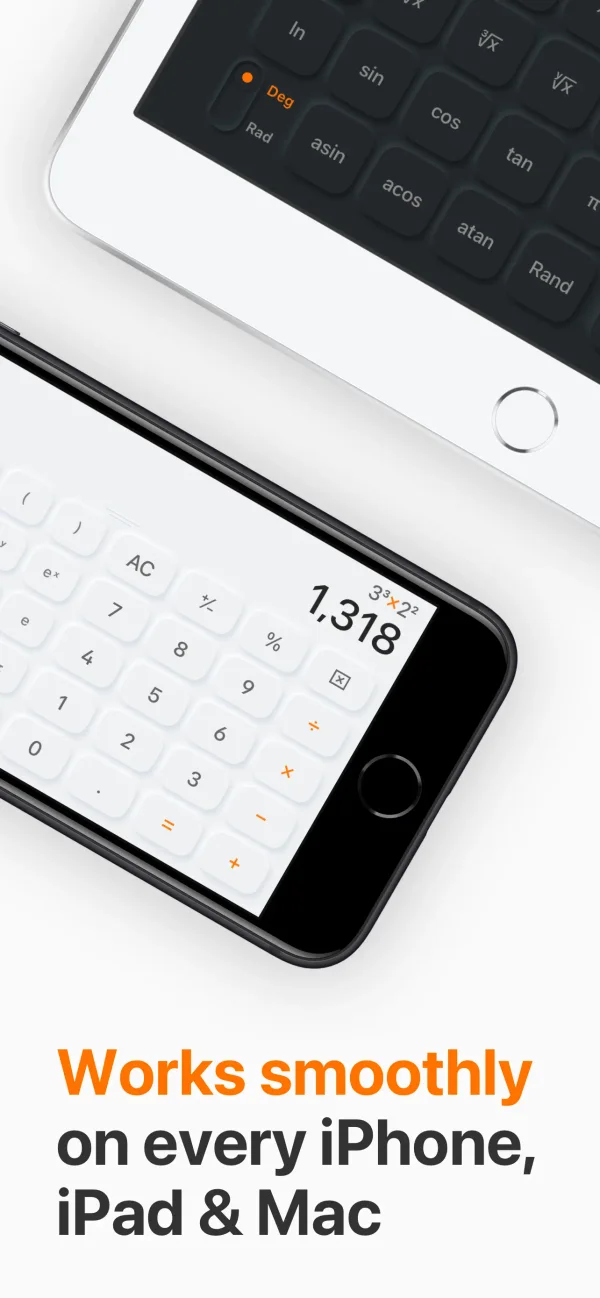
Switching between calculators is buttery-smooth and natural. The basic calculator with big buttons swiftly handles everyday tasks. The more advanced scientific calculator is loaded with all important mathematical functions and constants.
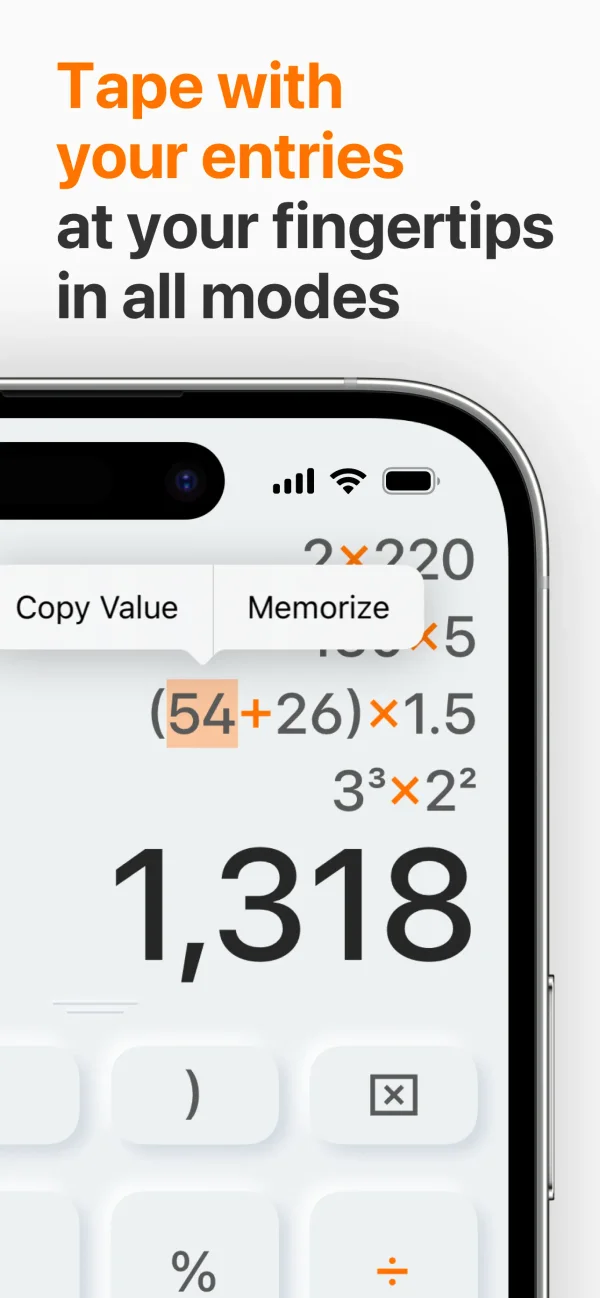
A history tape with your entries is comfortably accessible in all calculator modes. Thanks to it, you never lose track of what you’ve entered and the entries can be reused effortlessly in your calculations. The tape can also be exported to common formats and shared or printed.
On the large screen of any iPad it is pure joy to make handwriting notes or draw your ideas right in the app. Write down any math equation and let the app calculate it for you in the blink of an eye. Or reuse any handwriting which you can easily convert to editable text.
—————————
WHAT YOU GET
—————————
/// POWERFUL CALCULATOR ///
— Basic calculator with big buttons
— Scientific calculator packed with functions and constants
— History tape with the calculations at your fingertips in all modes
— Extensive rounding options (e.g. two decimal places for accounting)
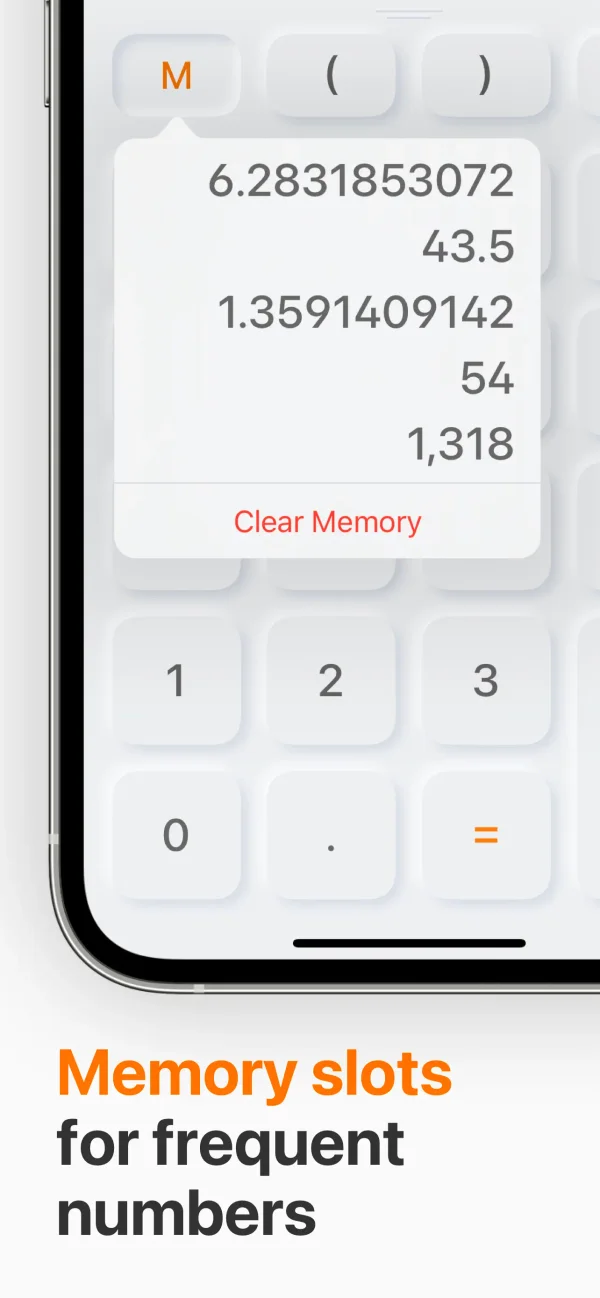
— Up to 5 memory slots for frequent numbers
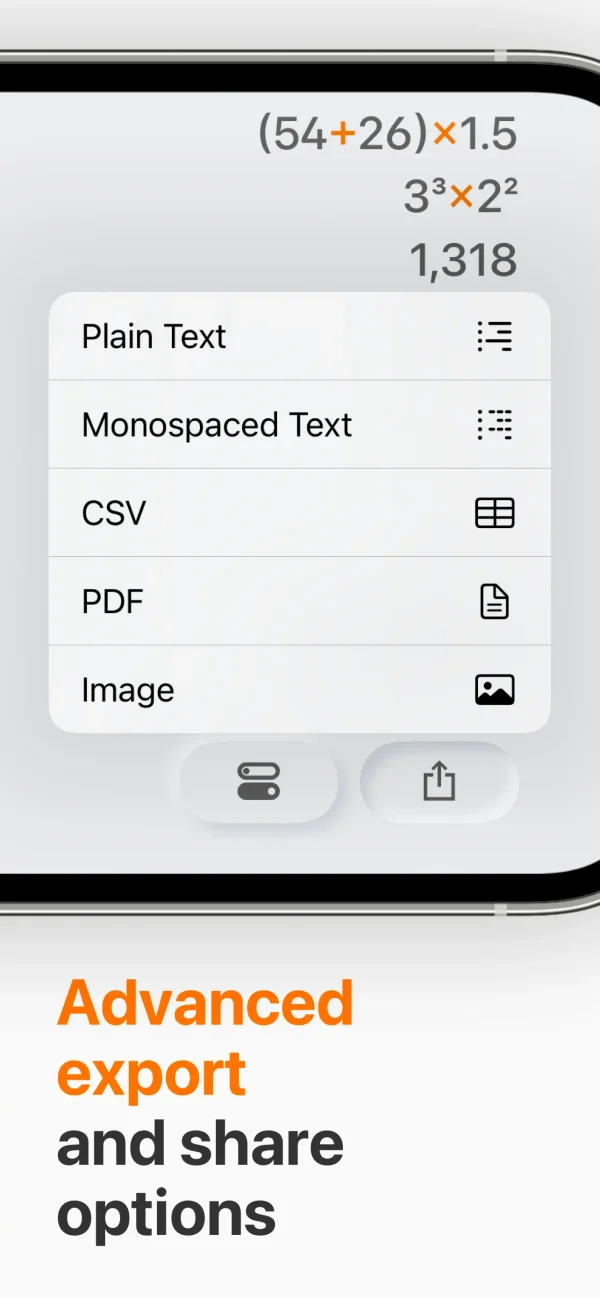
— Plain Text, Monospaced Text, CSV, PDF and image export formats
— Advanced export, share and print options
— Scribble Pad on iPad for easy math equations solving, handwritten notes and sketches
/// PRODUCTIVE WORKFLOW ///
— Side tape layouts for easier long records handling
— Clean and uncluttered interface with refined haptic feedback
— Multitasking support on iPad for side-by-side work
— External keyboard support for even faster input and app control
— Universal app for all your iPhones, iPads and Macs
— User interface precisely adapted for each device capabilities
/// FAST ACCESS ///
— Home Screen widgets with last calculations and memory
— Widgets for direct access from the Lock Screen
— Control Center and Lock Screen fast access buttons
/// MIGHTY SCRIBBLE PAD ///
— The right place for your quick notes and sketches
— Easily calculates any written down math equation
— Recognizes your handwriting and converts it to editable text
— Fully-fledged notebook with unlimited number of paper sheets
— Exportable as text, image or PDF
— Optimized for your finger as well as Apple Pencil
— Support for LAMY and Adonit styluses (on iPad)
— Available on all iPad models
/// EXTENSIVE CUSTOMIZATION ///
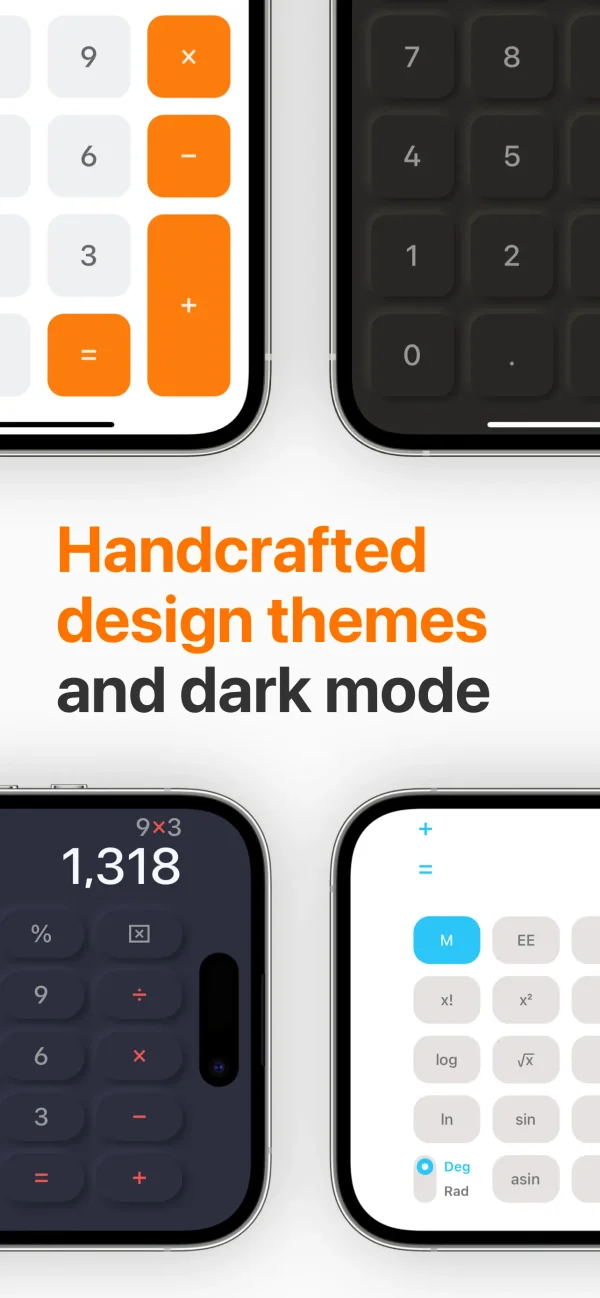
— Handcrafted design themes with dark mode support
— Loads of app icons you can easily choose from the best one for your Homescreen
— Carefully selected sound sets
Terms of use: https://www.apple.com/legal/internet-services/itunes/dev/stdeula/
新機能
バージョン 4.6.1 · 2025/11/18
— Stability and performance improvements
アプリのプライバシー
このアプリのデータの取り扱いについて、CrowdCaféがApp Storeで申告している内容です。
-
データの収集なし
開発元はこのアプリからデータを収集しません。
プライバシーの取り扱いは、ご利用の機能やお客様の年齢などに応じて異なる場合があります。
情報
- 販売元
- Pavel Kozarek
- カテゴリ
- ユーティリティ
- バージョン
- 4.6.1
- 更新日
- 2025/11/18
- リリース
- 2010/4/1
- サイズ
- 125.9 MB
- 必要条件
- iOS 15.0以降
- 対象年齢
- 4+
- 価格
- 無料
- アプリ内課金
- あり
- 言語
- 英語, チェコ語, フランス語, ドイツ語, イタリア語, 韓国語, スペイン語
- 著作権
- © 2025 Pavel Kozárek