- 対象年齢4+
- カテゴリ仕事効率化
- 開発元KAZUFUMI SHIMAMOTO
- 言語英語
- サイズ19.5 MB
App Storeの公式ページにリンクしています
Download.orgはCalcuTotalのファイルを一切ホストしていません。ボタンを押すと、KAZUFUMI SHIMAMOTOが公開しているApp Storeのアプリページが開きます。ページの最終確認:2026/11/13。
スクリーンショット

概要
開発元はこのテキストをお使いの言語で提供していません。
― Description ―
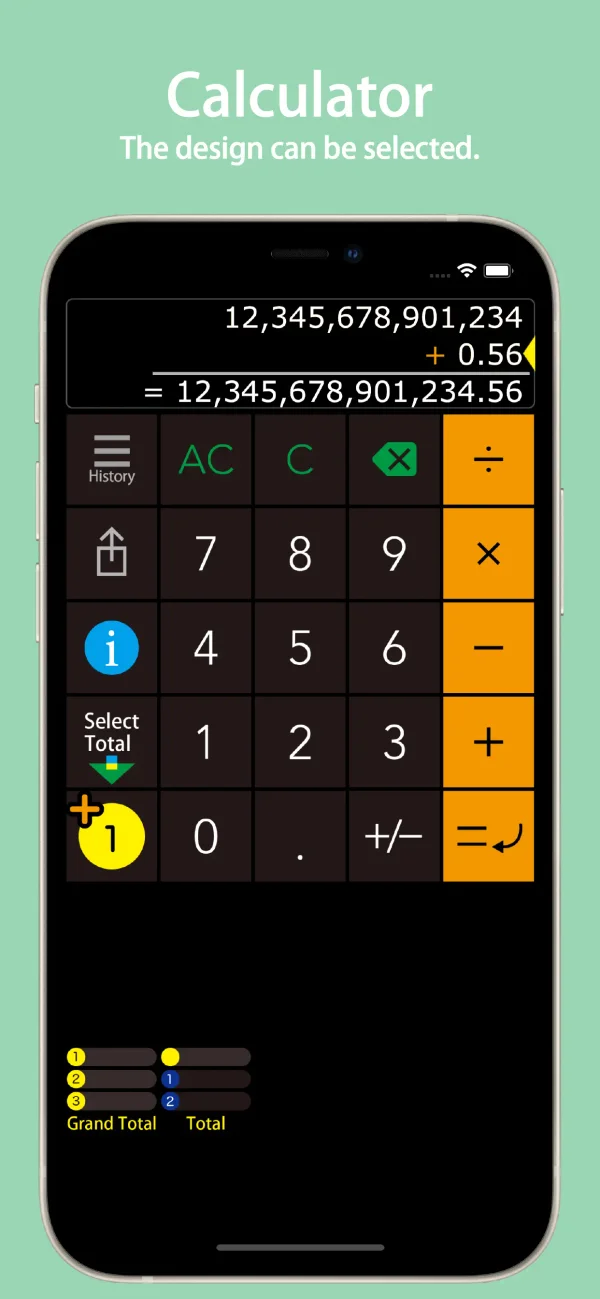
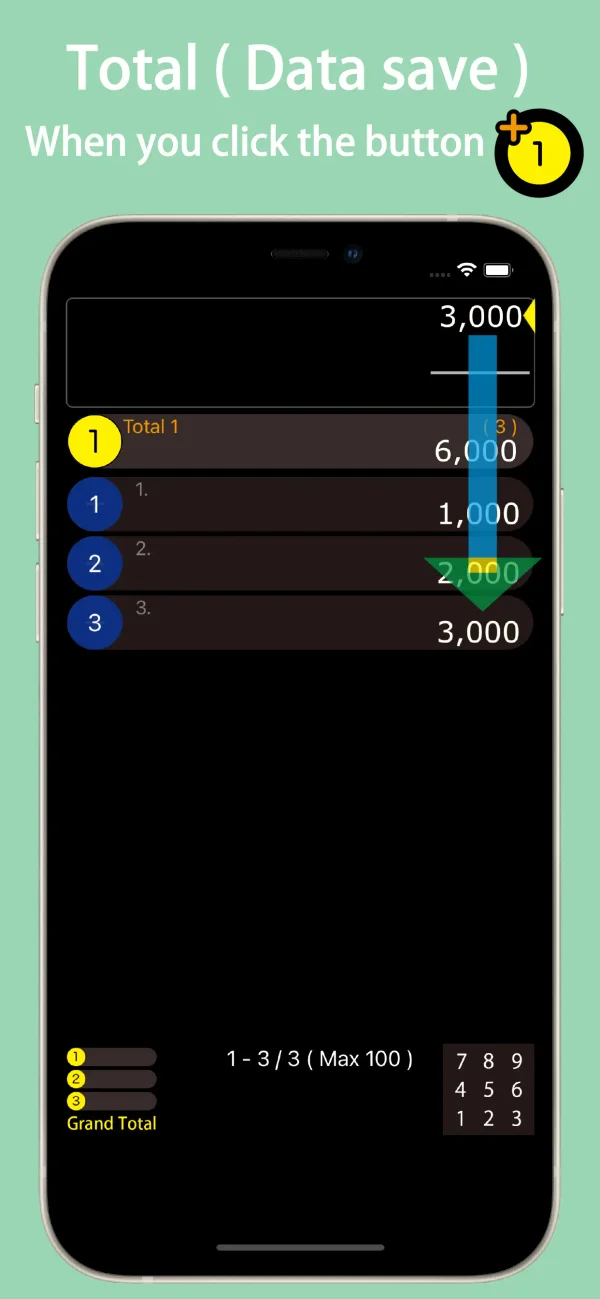
There is a Total button on this calculator.
And you can save value and text.
The design can be selected.
( for iPhone and iPad )
― Function ―
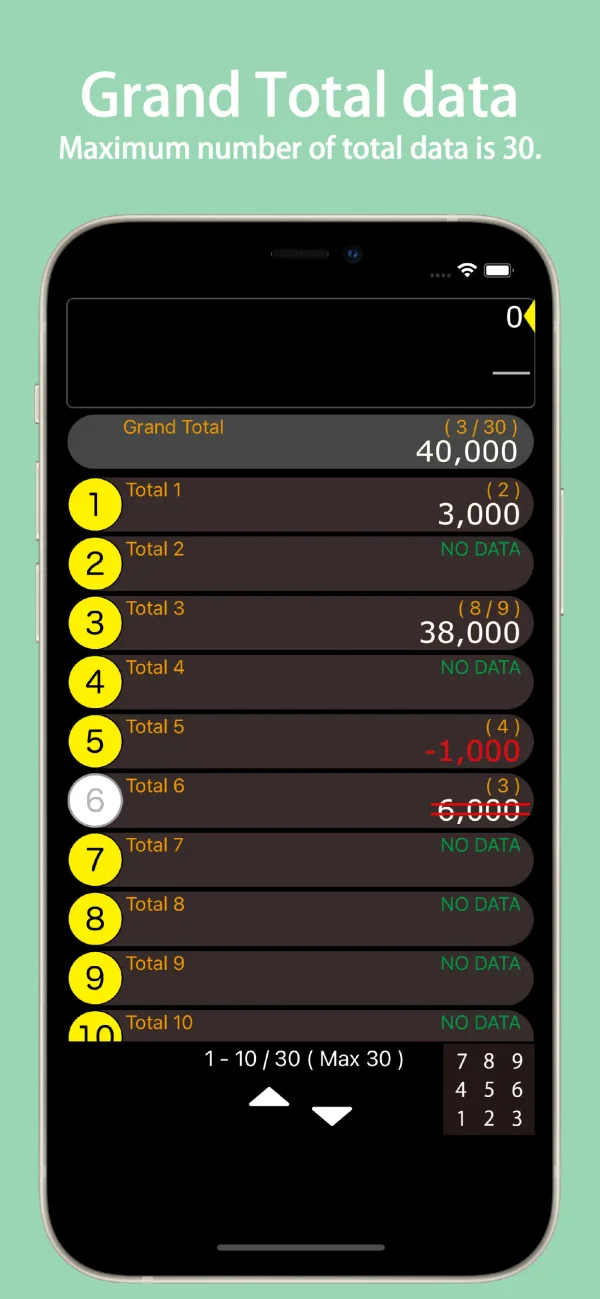
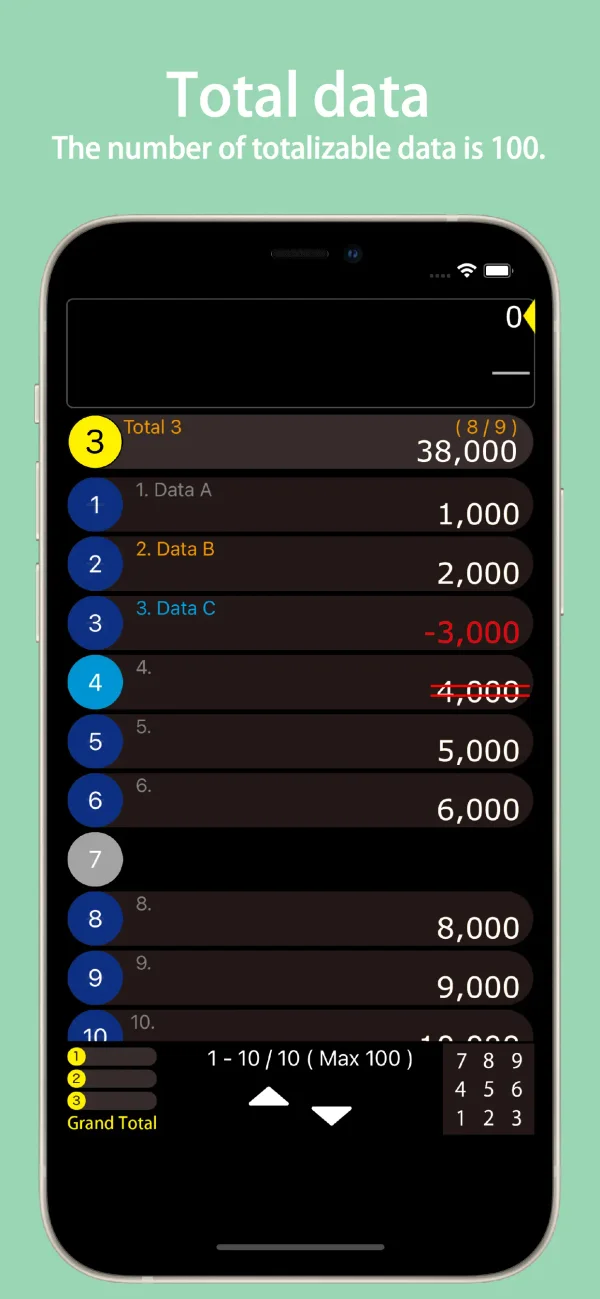
( 1 ) Grand Total - Maximum number of total data is 30.
( 2 ) Total - Maximum number of aggregated data is 100.
( 3 ) Edit all data - ( Name edit , Copy ALL , Move ALL , Delete ALL , Clear ZERO ALL , SORT , Total-ON/OFF , Export )
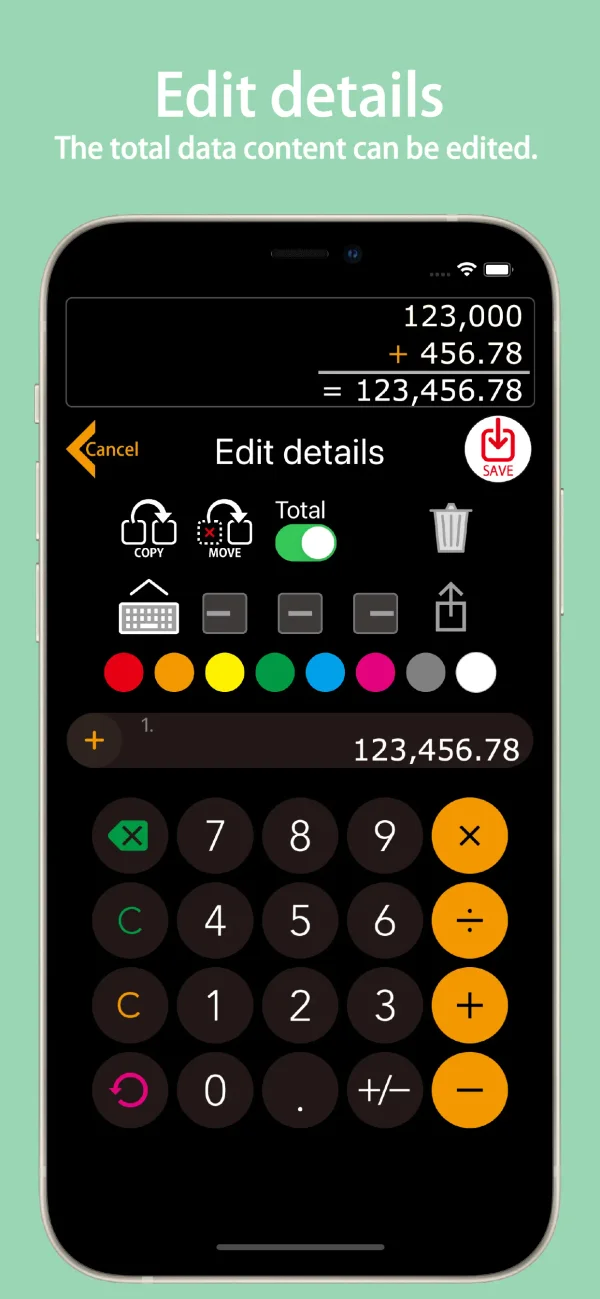
( 4 ) Edit details - ( Name edit , Value edit , Copy , Move , Delete , Total-ON/OFF , Export )
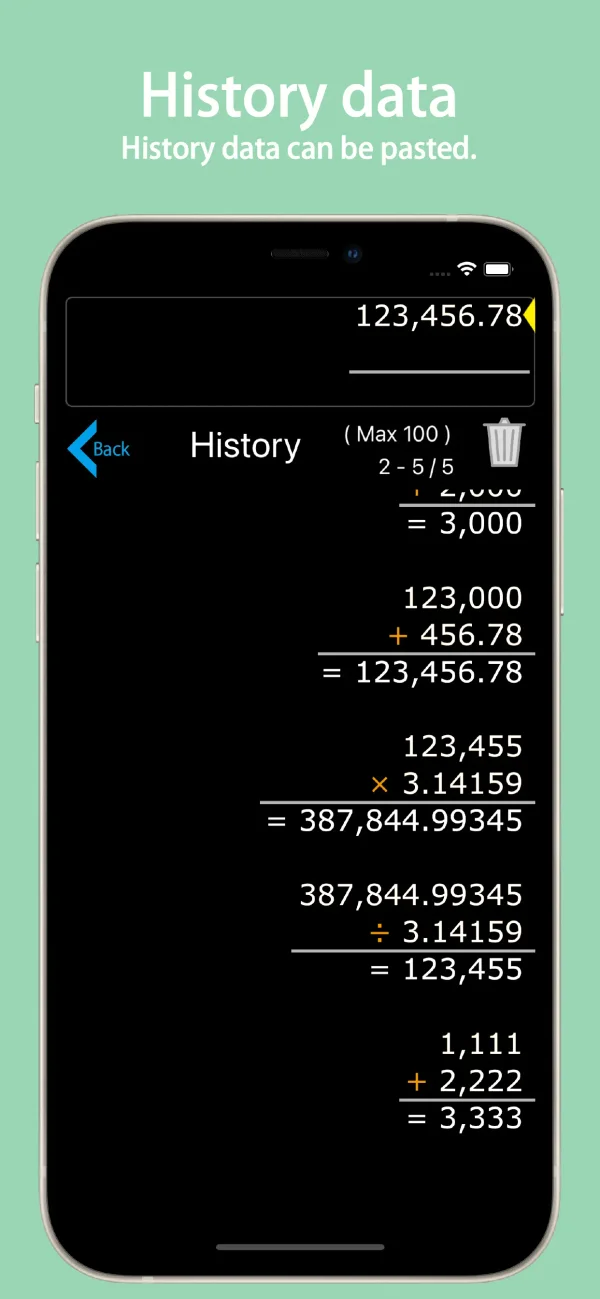
( 5 ) History - ( History data can be pasted. )
( 6 ) Data Save
( 7 ) Data Paste
( 8 ) 3 Lines Display
( 9 ) The design can be selected
― In-App Purchases ―
( 1 ) Remove Ads
Remarks - There is a In-App Purchases button on the information screen.
― How to use ―
#1 Remove ADs - https://youtu.be/DEKiE9AVVmI
#2 Settings ( Design ) - https://youtu.be/m6fAQblkEBs
#3 Total ( Data save ) - https://youtu.be/oKlhn50V3Q0
#4 SORT - https://youtu.be/PUslNjkfKhA
#5 History ( Paste ) - https://youtu.be/GJPFm-cGWvo
新機能
バージョン 2.2.1 · 2024/10/4
1. Information screen updated.
アプリのプライバシー
このアプリのデータの取り扱いについて、KAZUFUMI SHIMAMOTOがApp Storeで申告している内容です。
-
データの収集なし
開発元はこのアプリからデータを収集しません。
プライバシーの取り扱いは、ご利用の機能やお客様の年齢などに応じて異なる場合があります。
情報
- 販売元
- KAZUFUMI SHIMAMOTO
- カテゴリ
- 仕事効率化
- バージョン
- 2.2.1
- 更新日
- 2024/10/4
- リリース
- 2019/9/30
- サイズ
- 19.5 MB
- 必要条件
- iOS 12.0以降
- 対象年齢
- 4+
- 価格
- 無料
- アプリ内課金
- あり
- 言語
- 英語
- 著作権
- © Kazufumi Shimamoto