
- 対象年齢4+
- カテゴリエンターテインメント
- 開発元Yongjie HU
- 言語英語ほか2言語
- サイズ305.7 MB
App Storeの公式ページにリンクしています
Download.orgはCalligraphy Penmanshipのファイルを一切ホストしていません。ボタンを押すと、Yongjie HUが公開しているApp Storeのアプリページが開きます。ページの最終確認:2026/11/18。
スクリーンショット


概要
開発元はこのテキストをお使いの言語で提供していません。
Most of penmen use only a pointed pen to create all their artworks. This seems incredible to realize digitally on a mobile device. Except if you have in hands the appropriate tool and an excellent app.
Calligraphy Penmanship is bringing the best experience ever to calligraphers and letters lovers to create digital artworks on a famous mobile device.
Just use it like a pointed ink pen. A tiny variation of your hand pressure will create elegant and majestic shades.
We have added a bonus to your freehand drawing: the ability to adjust to your hand the pressure and smoothness of the pen. The fineness of the strokes is really surprising.
We have found some advantages of the digital Penmanship:
- You don't need to reload your pen with ink.
- You don't need to clean your pen nibs when changing the colors.
- The undo function let you create a great number of variation of a single stroke. Free your imagination without pain.
Main features:
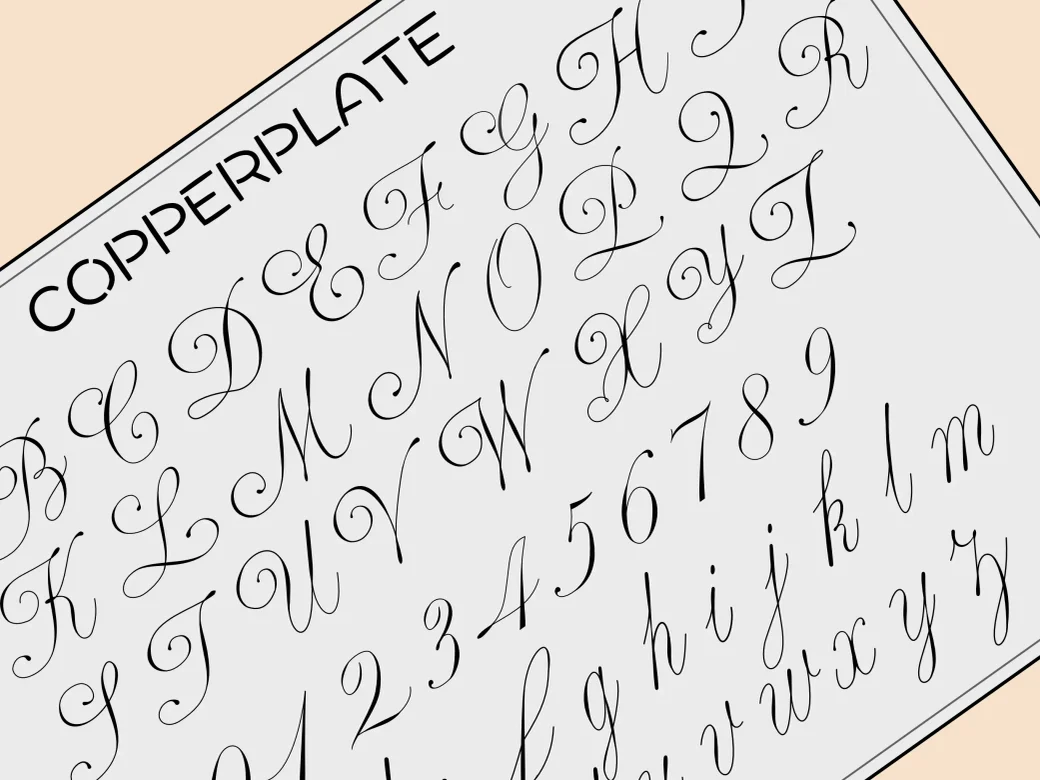
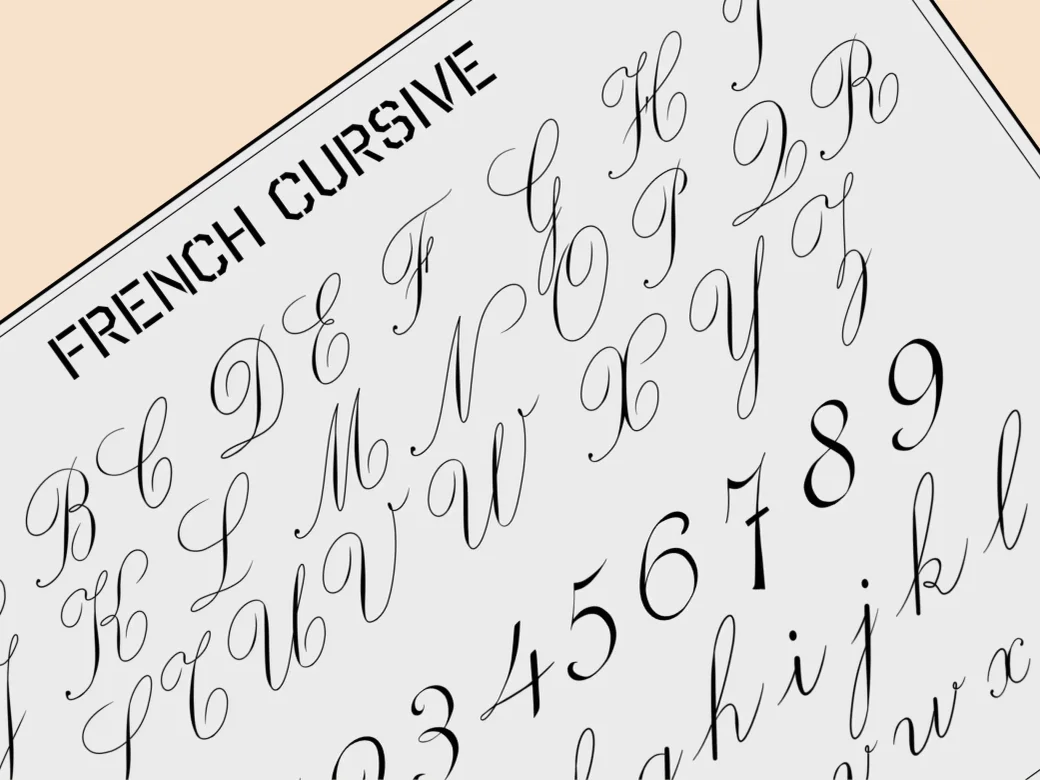
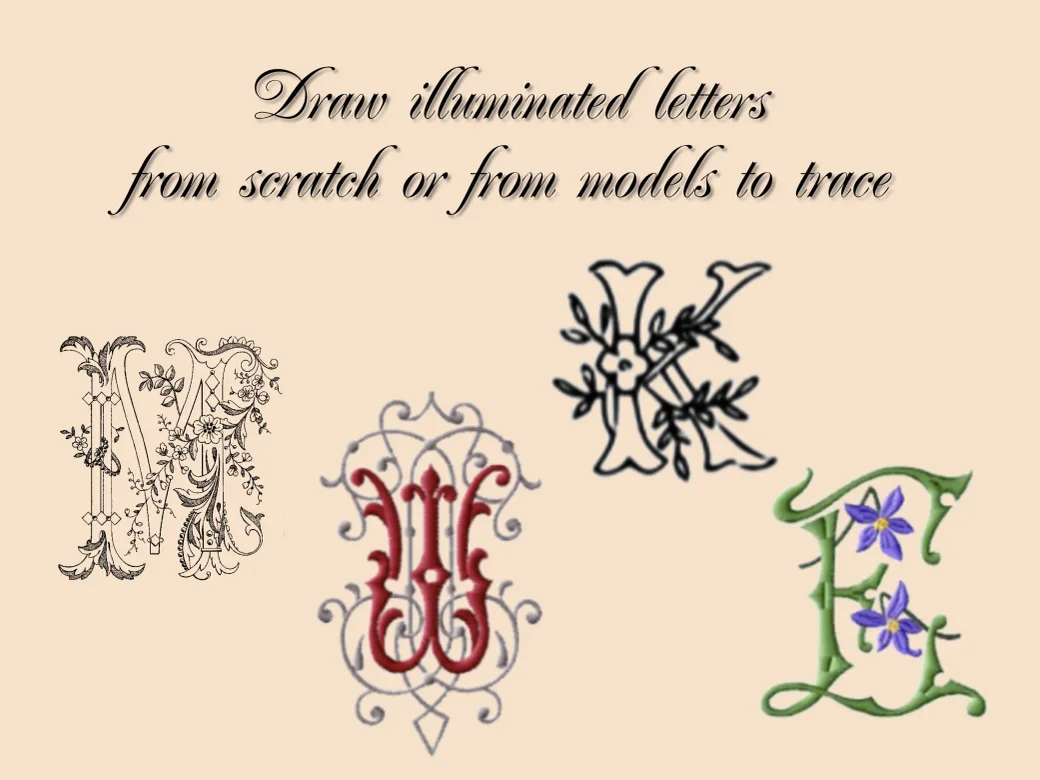
- Flourished hands to learn and practice Penmanship. The most important technique to master is to push or pull your pencil in order to create thin and fat lines in one single stroke.
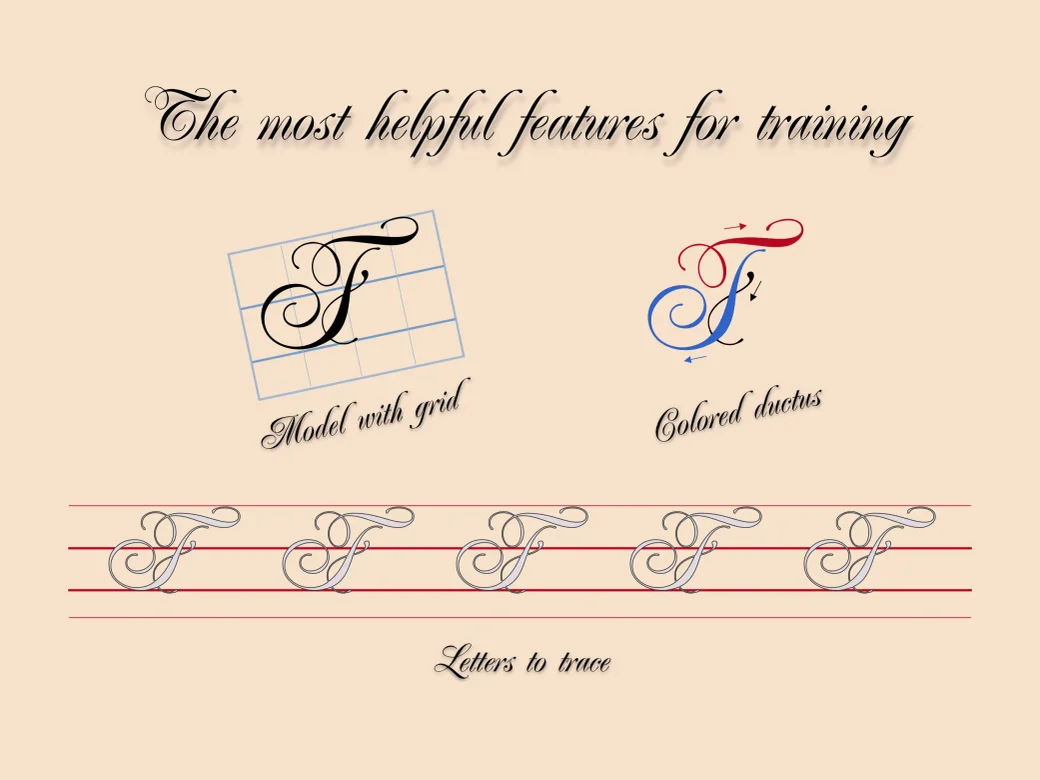
- Learning: you can evaluate your progress with stroke by stroke exercises. Try your best to trace the models and hit the high scores. This is the best way to understand the anatomy of each letter. and each decorative curve.
- Training: with each letter, a full training page provides models to trace, guide lines and grids.
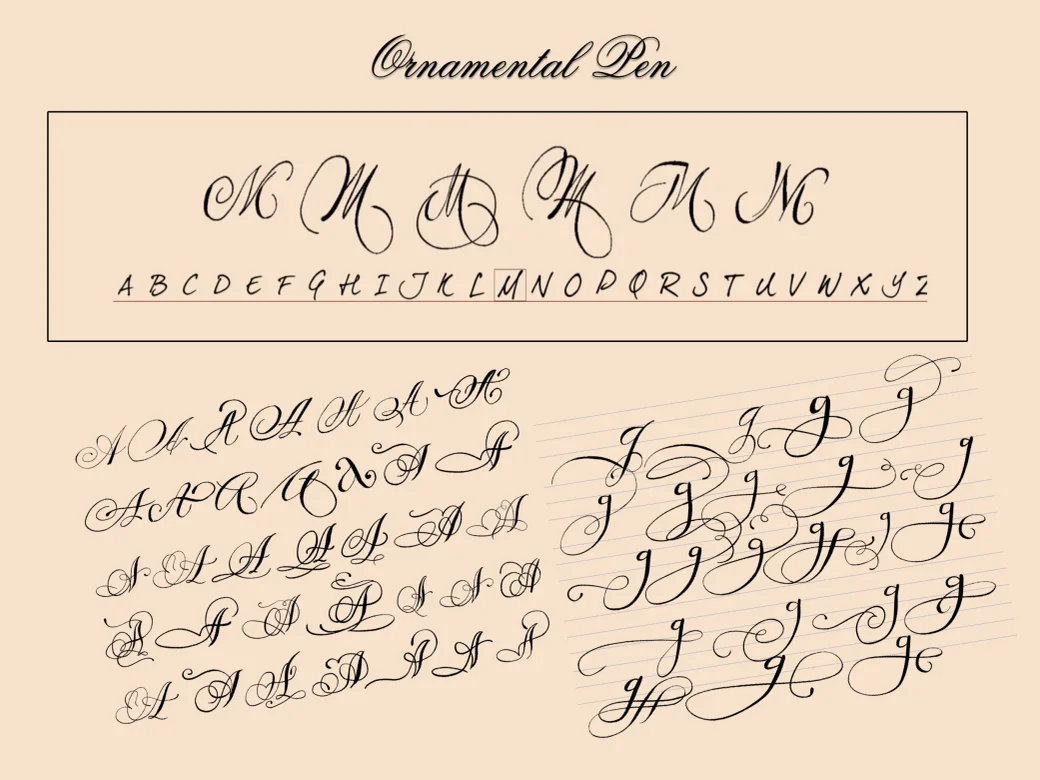
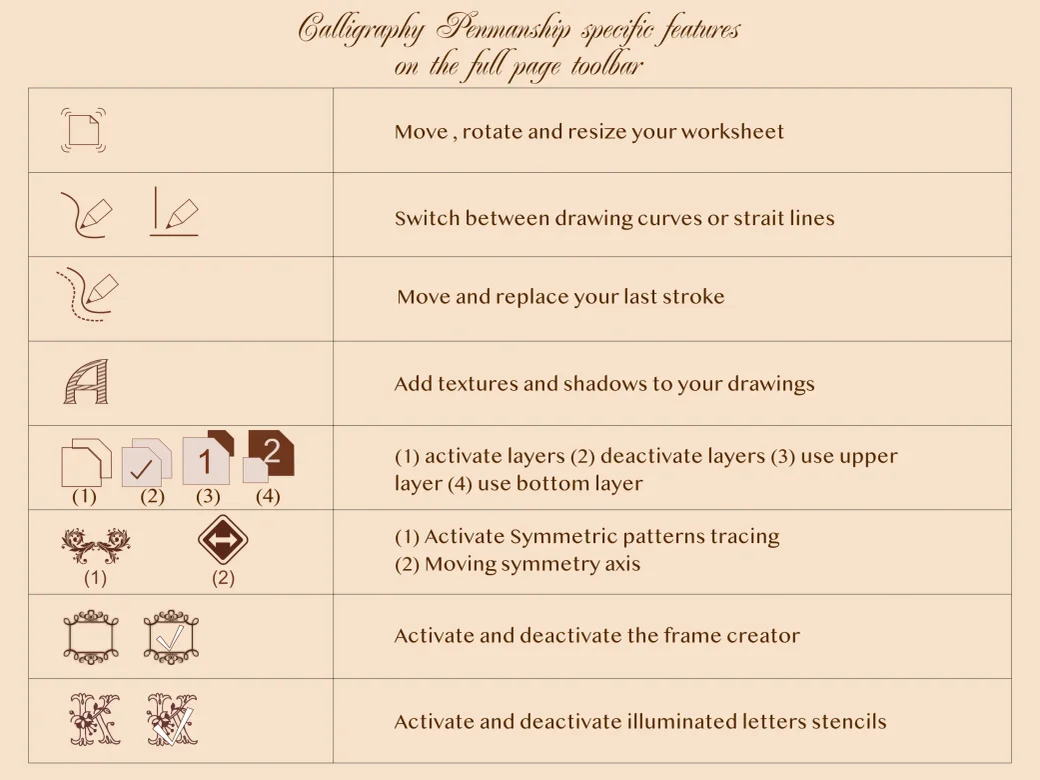
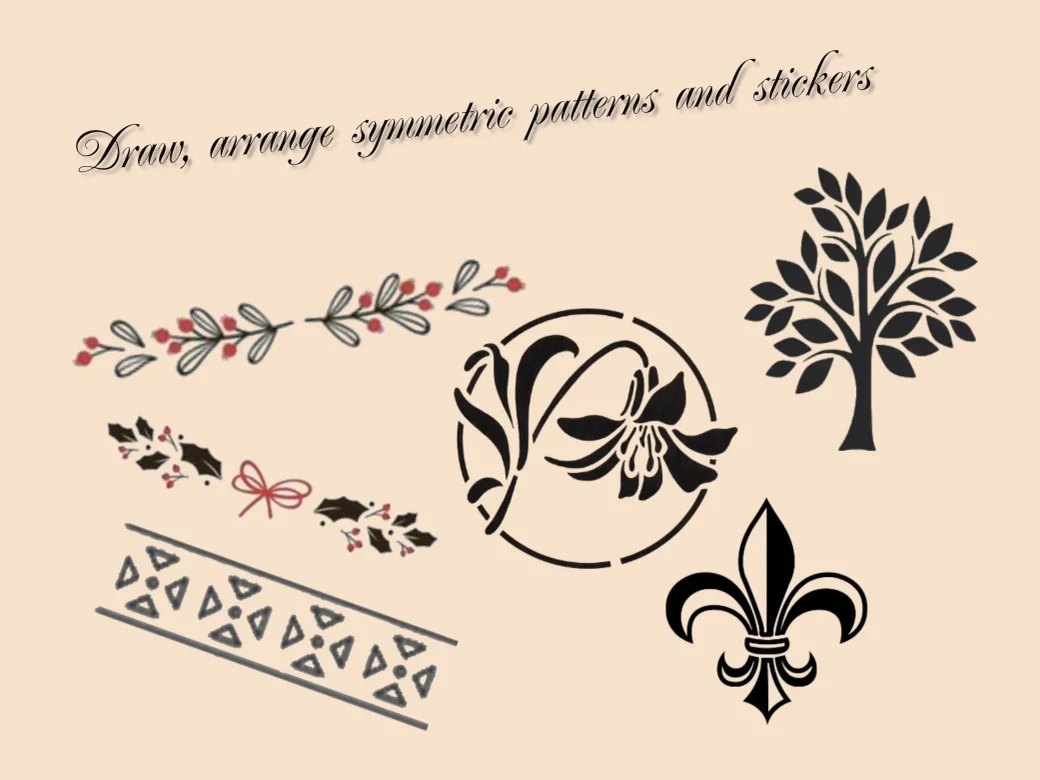
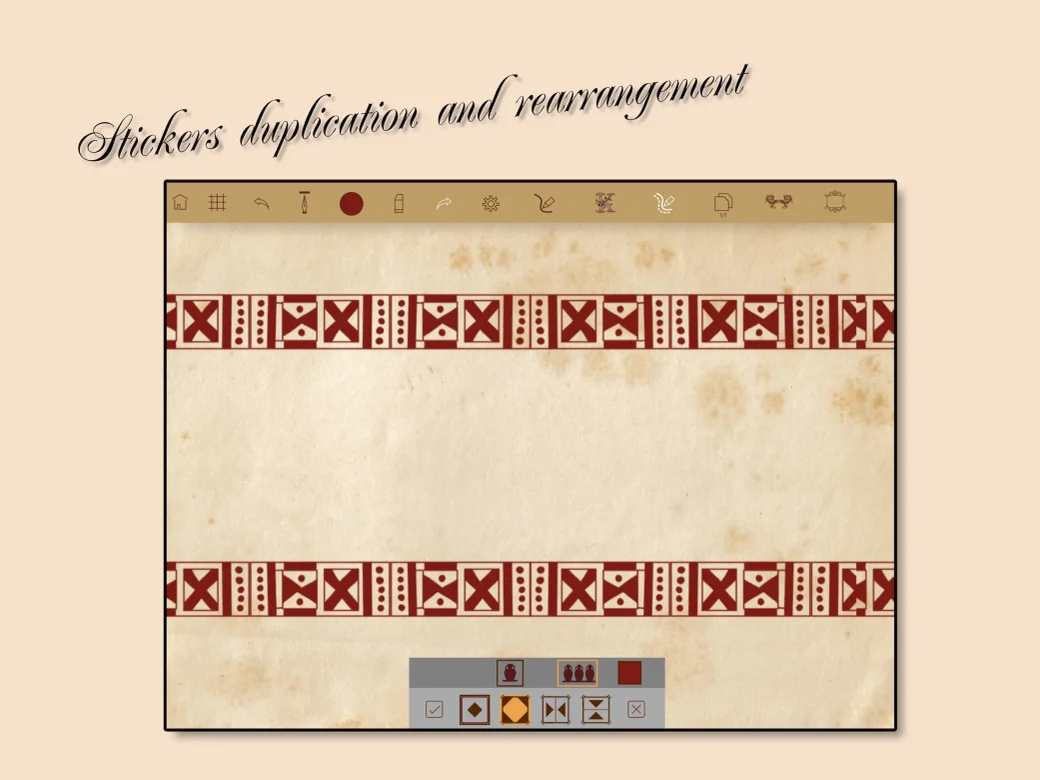
- Learn to decorate beautifully your lettering works. You can find simple patterns to trace, to change or to improve. With this updated version, you have the ability to create ornamental frames where to insert your works.
Frame creating is based on a multiple combination of different types of symmetry drawing. This function is really easy to understand and practice.
- Want to create your own lettering words and quotes ? Try out the text typing keyboard. How it works: type your text, validate, then trace them with embellishments and ornaments.
- A set of plain color for your pen. But also two specific effects: gradient and alternated colors. This is on of our best deal for unique lettering creations.
- A 3 day free trial is activated when you open the app for the first time. Enough time to have the pleasure to perform your lettering.
What's your next project ? Why not sending a beautifully framed quote or invitation to a friend, entirely created with your lettering ?
Warning: even you can draw with your fingers, this app offers the best experience with the Apple Pencil.
新機能
バージョン 4.5 · 2026/2/25
Version 4.5:
General performance improvement
User interface enhancement
アプリのプライバシー
このアプリのデータの取り扱いについて、Yongjie HUがApp Storeで申告している内容です。
-
データの収集なし
開発元はこのアプリからデータを収集しません。
プライバシーの取り扱いは、ご利用の機能やお客様の年齢などに応じて異なる場合があります。
情報
- 販売元
- Yongjie HU
- カテゴリ
- エンターテインメント
- バージョン
- 4.5
- 更新日
- 2026/2/25
- リリース
- 2016/5/28
- サイズ
- 305.7 MB
- 必要条件
- iOS 9.0以降
- 対象年齢
- 4+
- 価格
- 無料
- アプリ内課金
- あり
- 言語
- 英語, フランス語, 簡体字中国語
- 著作権
- © Topdune Studio 2016
こちらもおすすめ
-
 Handwriting Practice Appエンターテインメント
-
 大人の塗り絵:数字で塗り絵とマンダラ・花のアートを楽しむリラックス・ストレス解消・カラーセラピーとお絵かき体験
-
 千手観音イラストレータエンターテインメント
-
 Amaziographエンターテインメント
-
 Coloring Book∘ Color Partyエンターテインメント
-
 Swear Coloring Book for Adultsエンターテインメント
-
 Adult Coloring Book: Chromaエンターテインメント
-
 大人のための塗り絵. +最高の塗り絵帳 − 秘密の花園
-
 花の塗り絵 - 大人のぬりえ癒しのカラーセラピー&ストレス解消
-
 大人のための塗り絵帳大人のためのぬりえの本