- 対象年齢4+
- カテゴリ写真/ビデオ
- 開発元AppMosaic.com
- 言語英語
- サイズ635.0 KB
App Storeの公式ページにリンクしています
Download.orgはCamera Remote Watchのファイルを一切ホストしていません。ボタンを押すと、AppMosaic.comが公開しているApp Storeのアプリページが開きます。ページの最終確認:2026/11/14。
スクリーンショット

概要
開発元はこのテキストをお使いの言語で提供していません。
Remote control the phone camera shutter from your Fitbit or Garmin smartwatch and take a picture without touching your phone.
Please watch the video and read the FAQ:
http://www.CameraRemoteWatch.com/
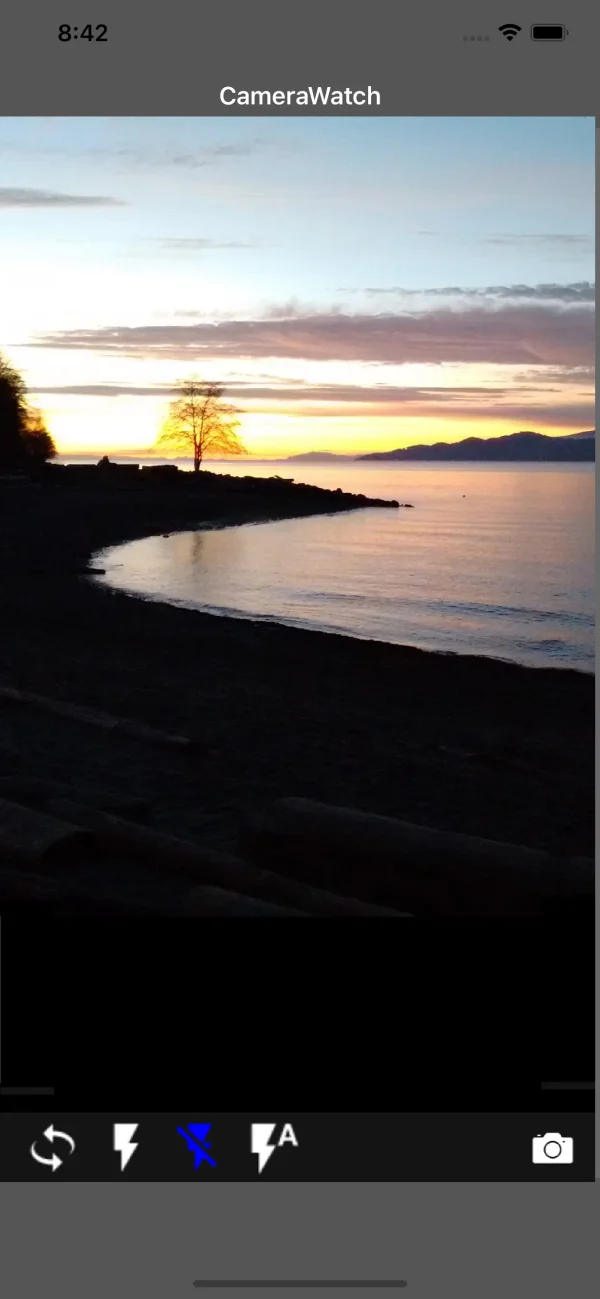
Open the phone app "Camera Remote Watch" and adjust the camera view.
On your watch: open the app "Camera Remote Watch" and tap the Camera button to trigger the camera shutter on your phone.
The photo will be stored in your phone photo gallery and you can access it with the iOS "Photos" app.
A copy of the photo will be shown on your watch, so that you can check if it looks good or if you should take another picture.
Please make sure that the watch and the phone are connected before starting to take pictures.
The Fitbit phone app "Sync" step, shown in the video, is very important. Don't skip it and make sure that the watch app Camera Remote Watch is closed during the Sync.
Please be patient when downloading the new photo (the Fitbit is slow). If the watch display goes black during the download of the photo, just tap the watch screen to switch the display on again.
Please read the FAQ:
http://www.cameraremotewatch.com/faq/
新機能
バージョン 1.1.0 · 2026/9/3
Please watch the video and read the FAQ:
http://www.CameraRemoteWatch.com/faq/
The "Sync" step, shown in the video, is very important. Don't skip it and make sure that the watch app Camera Remote Watch is closed during the Sync.
アプリのプライバシー
このアプリのデータの取り扱いについて、AppMosaic.comがApp Storeで申告している内容です。
-
データの収集なし
開発元はこのアプリからデータを収集しません。
プライバシーの取り扱いは、ご利用の機能やお客様の年齢などに応じて異なる場合があります。
情報
- 販売元
- Guenter Wolf
- カテゴリ
- 写真/ビデオ
- バージョン
- 1.1.0
- 更新日
- 2026/9/3
- リリース
- 2018/2/21
- サイズ
- 635.0 KB
- 必要条件
- iOS 15.6以降
- 対象年齢
- 4+
- 価格
- ¥400
- 言語
- 英語
- 著作権
- © Guenter Wolf