- 対象年齢4+
- カテゴリユーティリティ
- 開発元Matthew Notley
- 言語英語
- サイズ23.9 MB
Campus Commandは現在App Storeで入手できない可能性があります
前回の確認時、ストアのページにアクセスできませんでした。リンク先は引き続きApp Storeの公式ページです。
スクリーンショット


概要
開発元はこのテキストをお使いの言語で提供していません。
Campus Command lets you control compatible network audio devices directly from your iPhone and iPad.
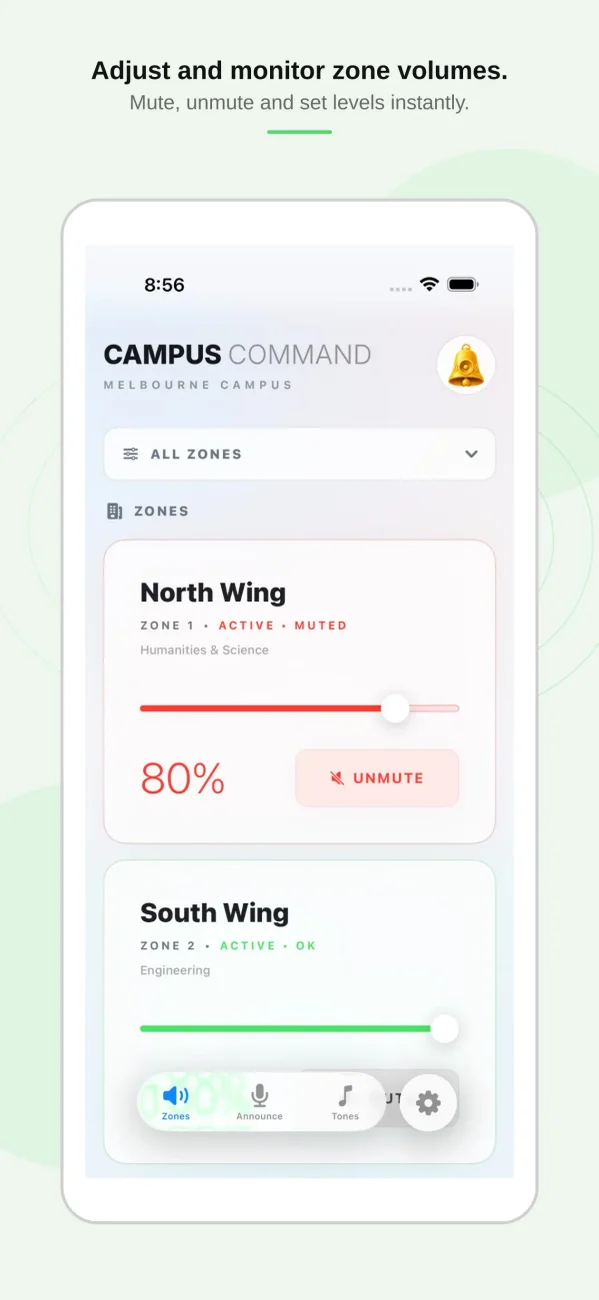
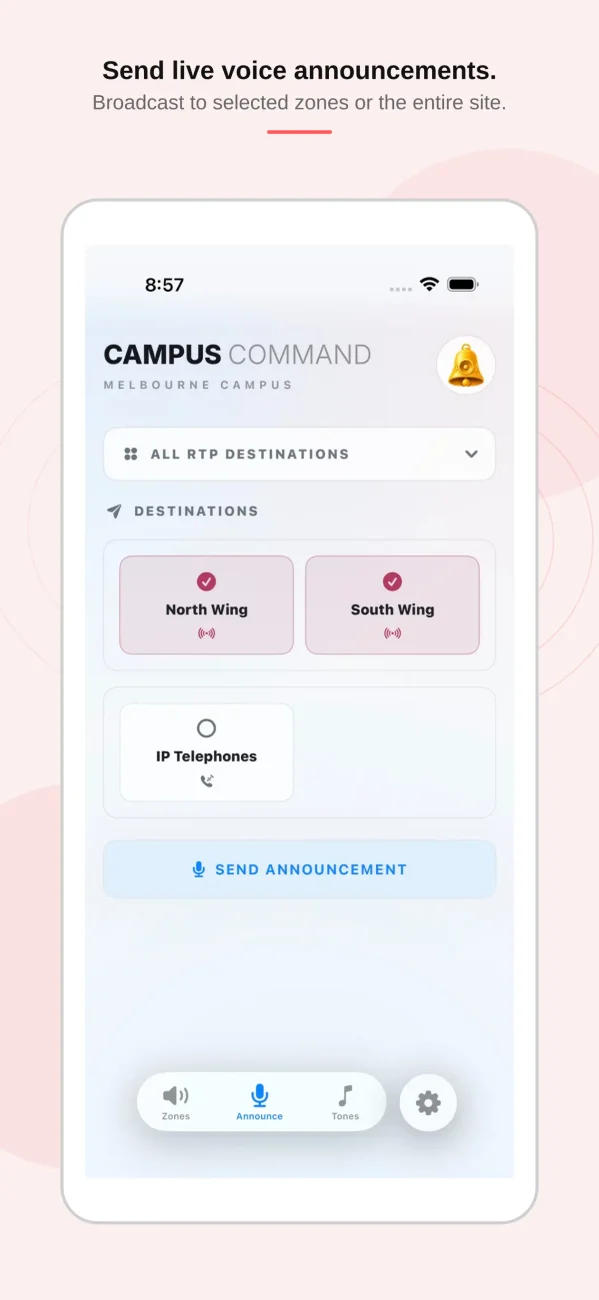
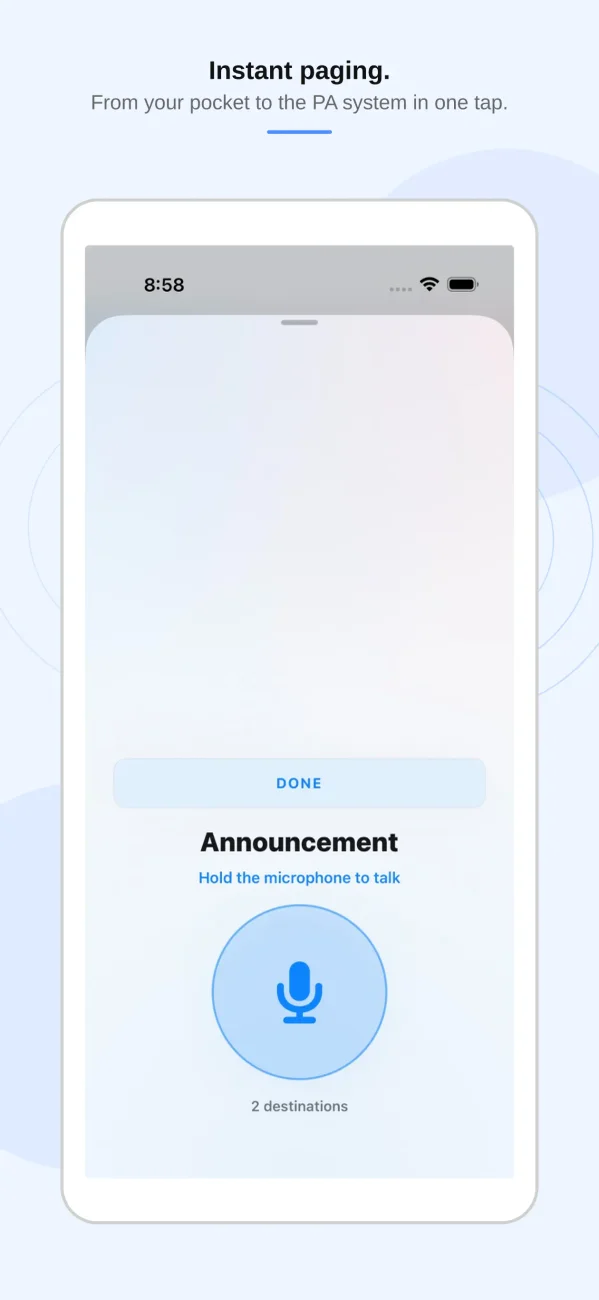
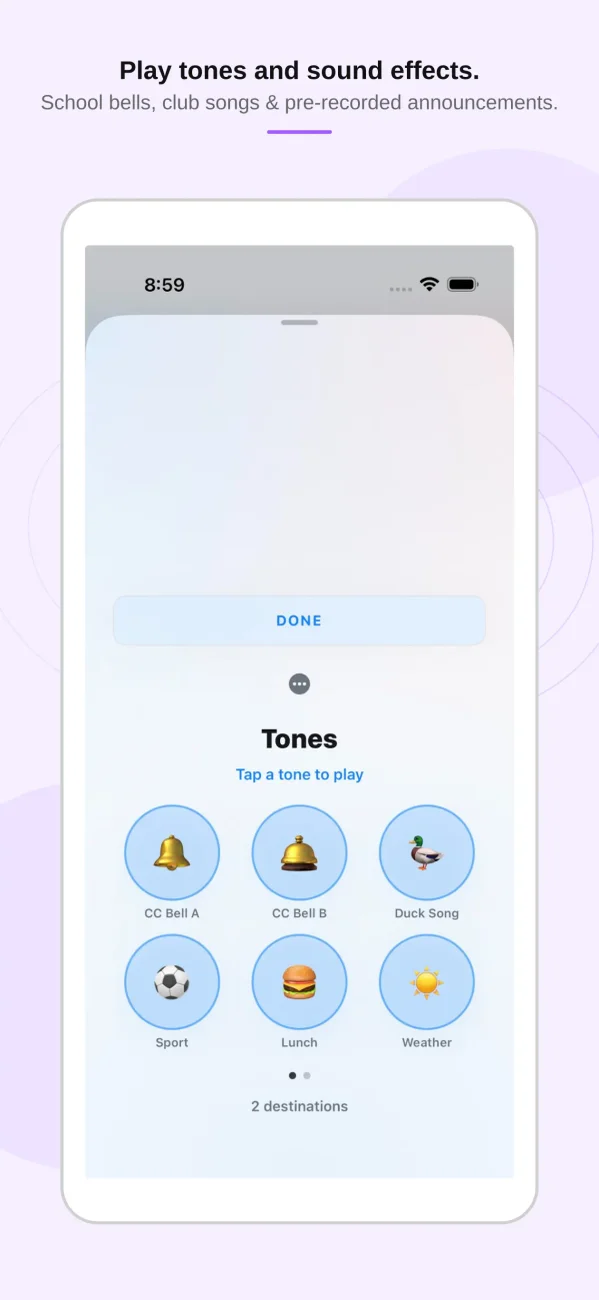
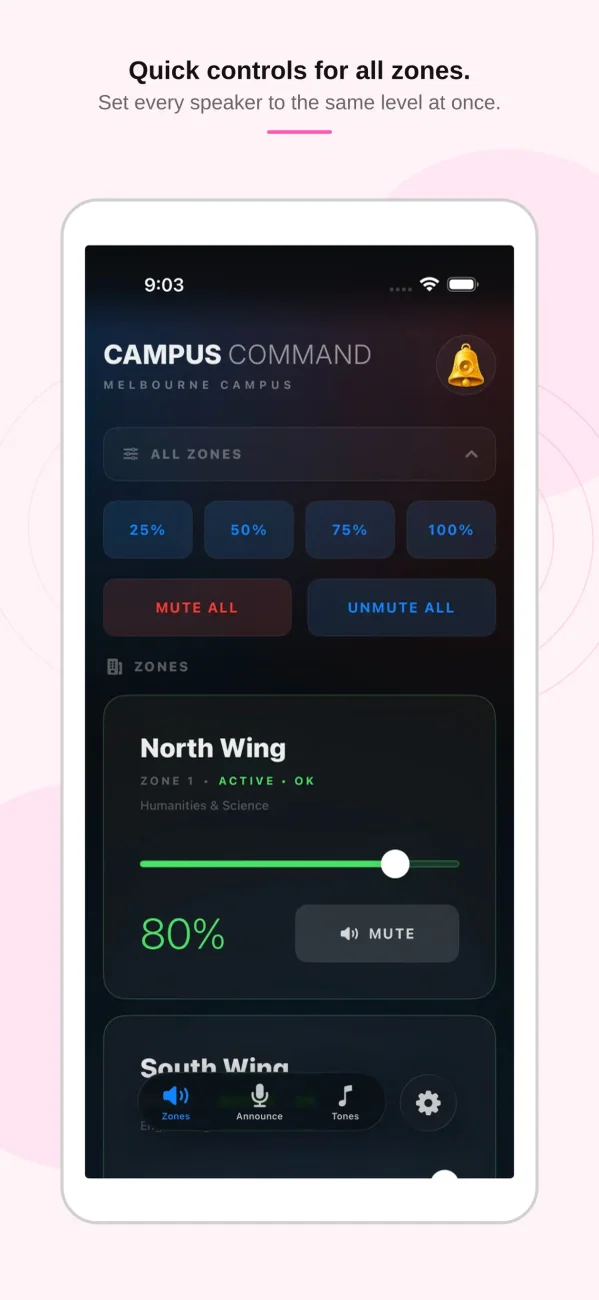
Adjust and monitor volume across multiple audio zones and send live audio announcements - all through a fast and intuitive interface. You can also play your own tones and sounds from a tap-to-play sound board, and even record your own tones and messages right in the app.
Designed for schools, businesses, and other places that use network audio, paging, or public address (PA) systems. Ideal for use as a wall-mounted audio controller or for quick access from a mobile device.
Your announcements and tones reach a wide range of compatible devices over RTP or SIP. You can also set up your phone or tablet as a Local zone to play them through AirPlay, Bluetooth, and Google Cast™ speakers, headphones, or wired audio outputs. Remote volume control and monitoring are available with compatible Barix audio devices (see the supported models below).
Features:
• Control and monitor volume across multiple audio zones
• Send live audio announcements
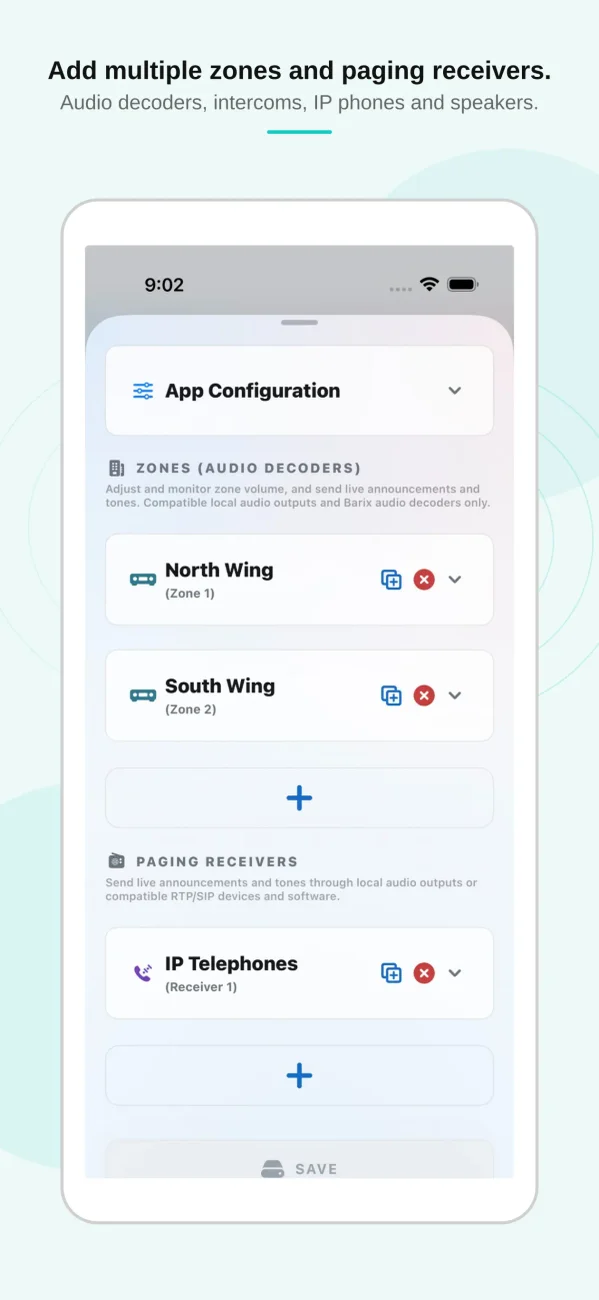
• Reach network speakers, IP phones, intercoms, and more
• Play tones and sounds from your own tap-to-play sound board
• Record your own tones and messages with the microphone
• Play announcements and tones through AirPlay, Bluetooth, and Google Cast speakers connected to your device
• Send announcements from the Apple Watch companion app
• Add multiple audio zones and paging receivers
• Receive in-app notifications when zones go offline
• Save connection settings for quick access
• Simple, responsive interface
Compatible volume-control hardware (IP Audio Client firmware 2.12.0 or later):
• Exstreamer M400
• Exstreamer MPA400
• Exstreamer MR400
• IP Former TPA400
• Annuncicom MPI400
Note: The model list above applies to volume control and monitoring only. Live announcements and tones (RTP/SIP) work with those same models and a broad range of other standards-based receivers.
Barix, Exstreamer, and Annuncicom are registered trademarks of Barix AG, Switzerland. Campus Command is an independent application and is not affiliated with or endorsed by Barix AG. All product names are referenced for compatibility and identification purposes only and remain the property of their respective owners.
Google Cast is a trademark of Google LLC.
新機能
バージョン 1.3.3 · 2026/8/7
• Consistent bottom bar sizing on iOS 18 and earlier
アプリのプライバシー
このアプリのデータの取り扱いについて、Matthew NotleyがApp Storeで申告している内容です。
-
ユーザーに関連付けられないデータ
収集される場合がありますが、ユーザーの識別情報には関連付けられません。
- 位置情報
- 診断
プライバシーの取り扱いは、ご利用の機能やお客様の年齢などに応じて異なる場合があります。
情報
- 販売元
- Matthew Notley
- カテゴリ
- ユーティリティ
- バージョン
- 1.3.3
- 更新日
- 2026/8/7
- リリース
- 2026/5/29
- サイズ
- 23.9 MB
- 必要条件
- iOS 17.0以降
- 対象年齢
- 4+
- 言語
- 英語
- 著作権
- © 2026 Matthew Notley