- 対象年齢4+
- カテゴリ仕事効率化
- 開発元Nicolai Kummer
- 言語英語ほか4言語
- サイズ44.3 MB
App Storeの公式ページにリンクしています
Download.orgはCanvasNoteのファイルを一切ホストしていません。ボタンを押すと、Nicolai Kummerが公開しているApp Storeのアプリページが開きます。ページの最終確認:2026/11/17。
スクリーンショット

概要
開発元はこのテキストをお使いの言語で提供していません。
The Ultimate Note-Taking App
CanvasNote is the indispensable app for everyone who loves to write with a pen and seeks the ultimate note-taking experience. This app is specifically designed for use with a pen and offers a plethora of features to perfect your handwritten notes. It naturally supports the Apple Pencil, as well as alternatives compatible with the iPad or iPad Pro. Here is a detailed overview of everything CanvasNote has to offer:
Outstanding Note-Taking Features:
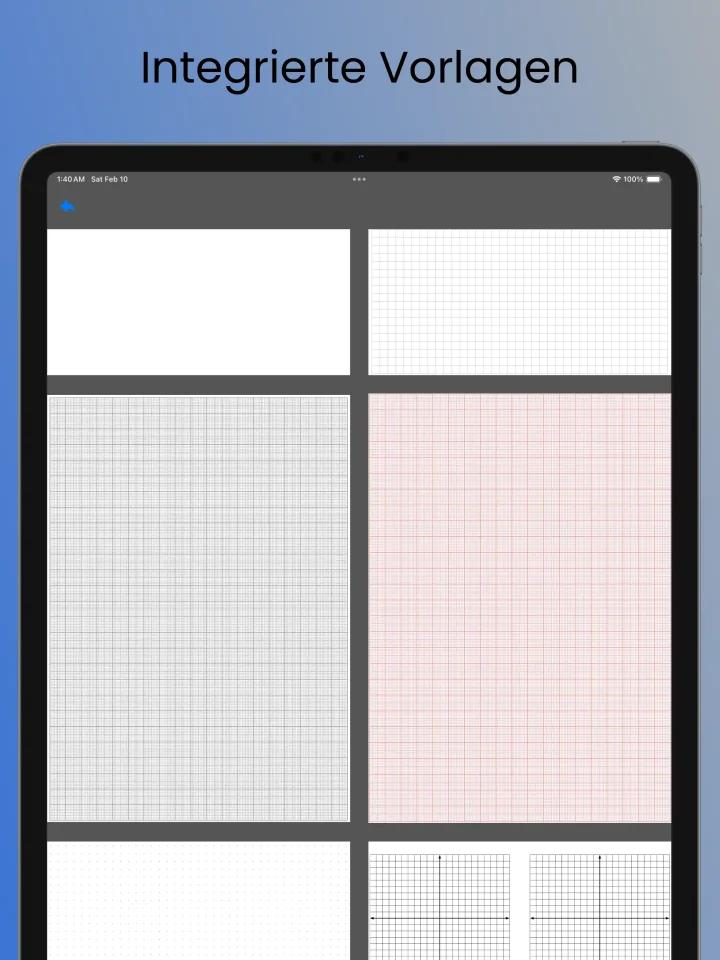
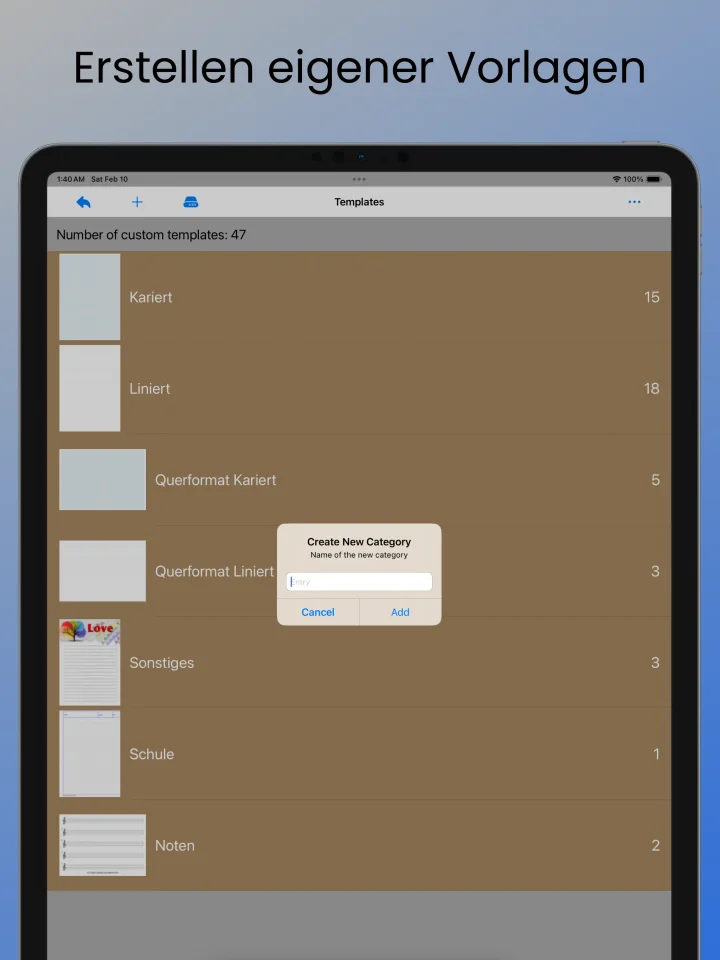
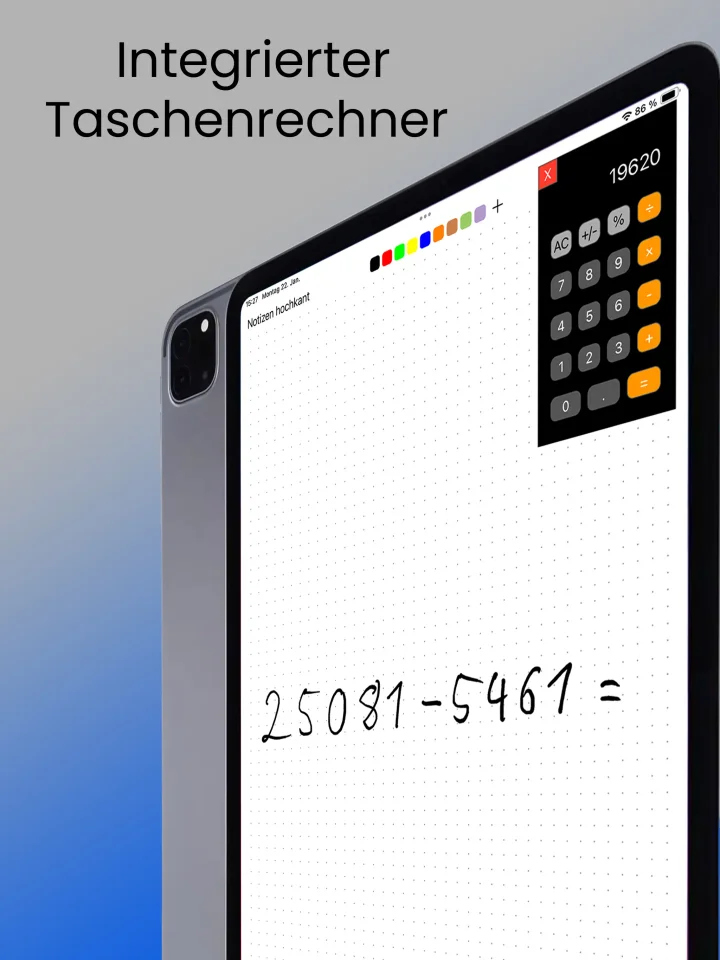
Integrated Templates: Choose from a selection of templates, including squared or lined paper, as well as special templates for music notes and mathematics. You can write in both portrait and landscape orientation.
The innovative "Own Templates" area: Here, you can not only create individual categories but also share your templates with other users and save them directly on the iPad. A backup of the template folders can also be created to easily restore them on a new device. Effortlessly import templates via the iPad's photo gallery or as a PDF document and explore the variety of free note templates available online in image format or as PDF templates, to save on the iPad and import into CanvasNote. Create your own template collection, neatly divided into categories, to quickly find and apply them in your notes.
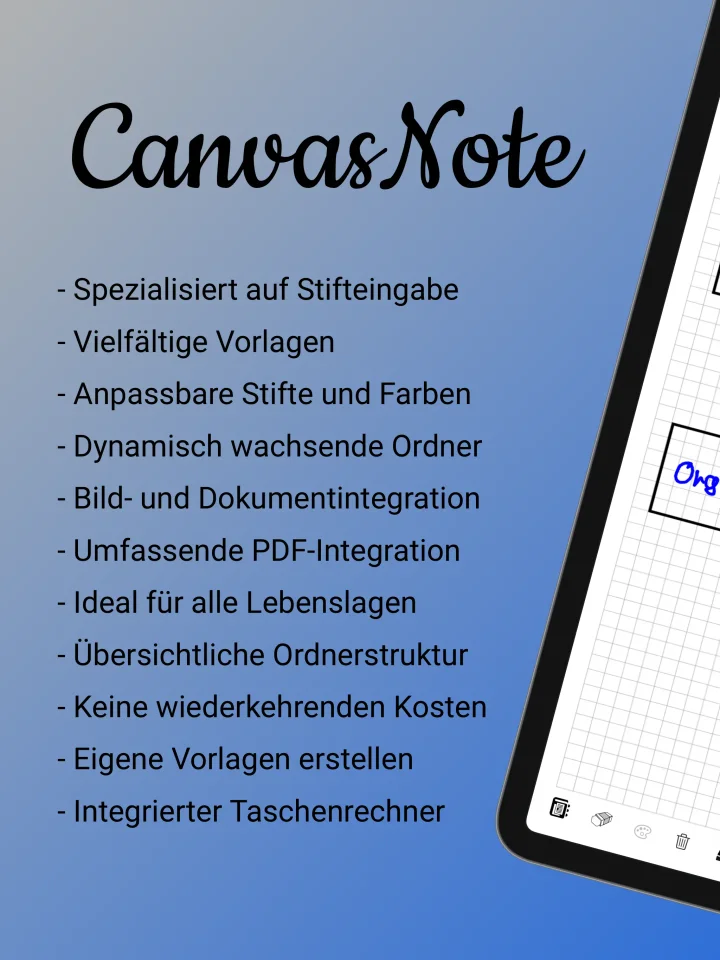
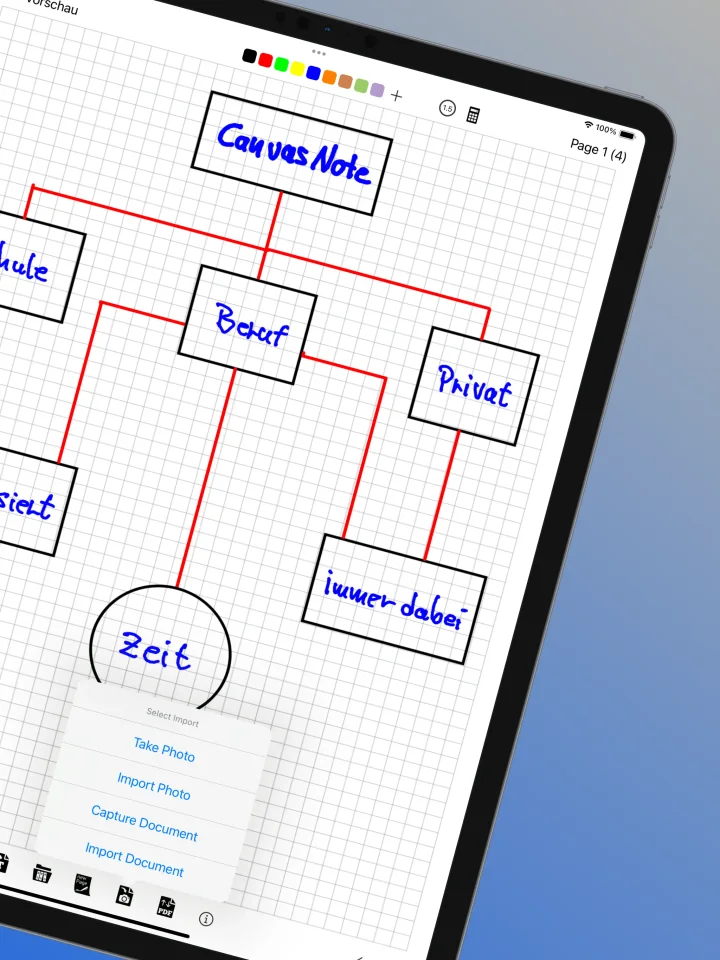
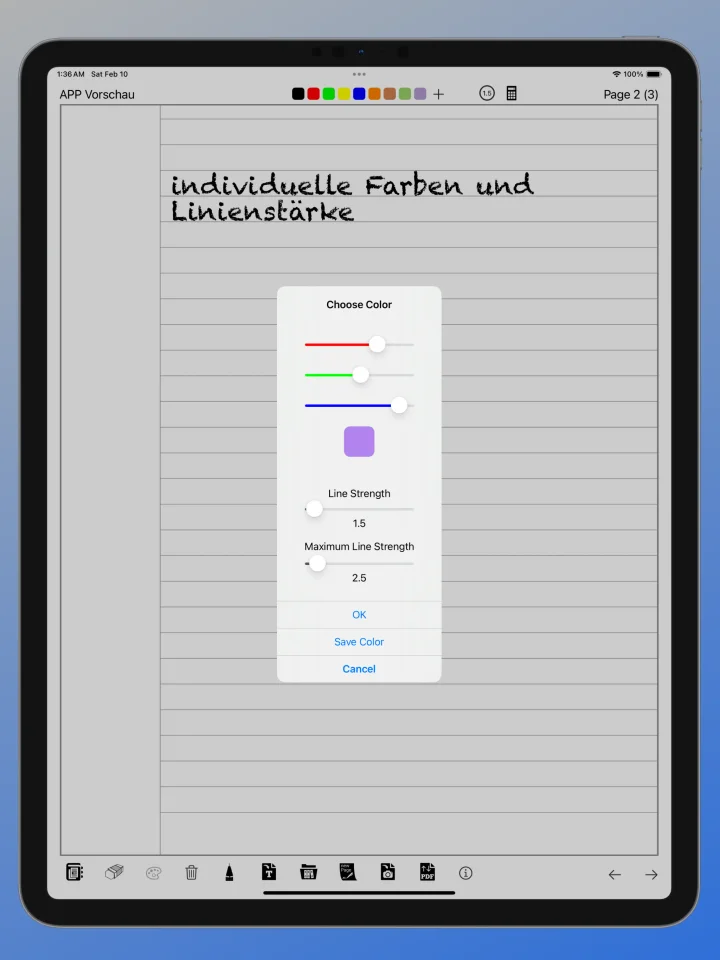
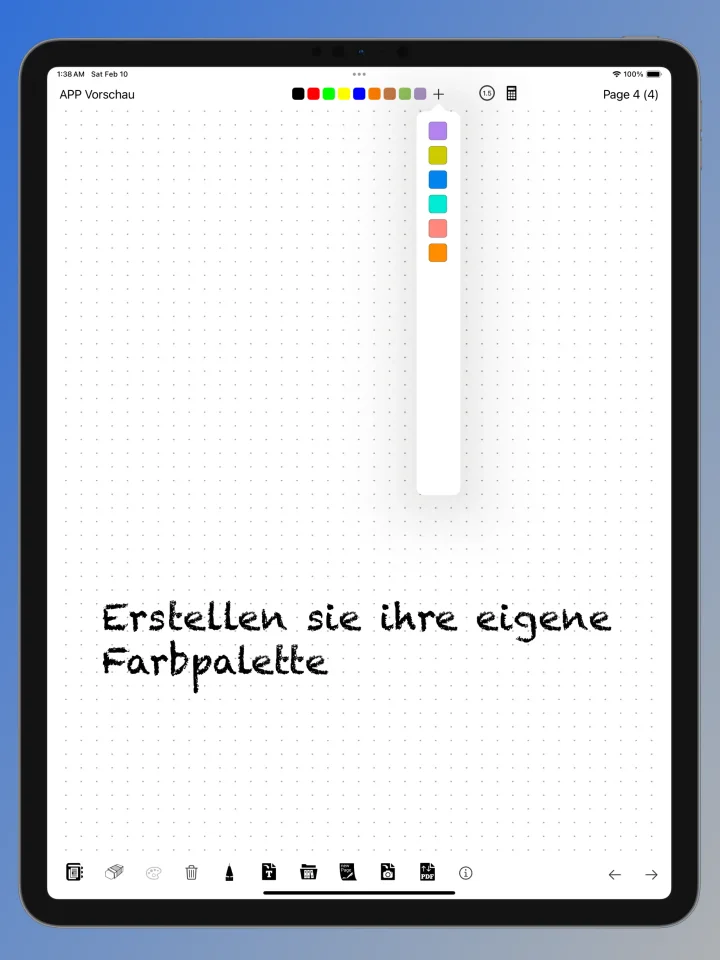
Customizable Pens and Colors: Switch between different pen types, tools, and colors to give your notes a personal touch. Creating your own color palette is also possible. With three integrated sliders for the individual RGB channels, any conceivable color can be mixed. There are tools for circles, rectangles, and a special line pen that allows for the perfect drawing of vertical and horizontal lines. The line thickness and pressure sensitivity of each pen and tool can be individually adjusted via sliders. The eraser function is also available.
Organization and Management:
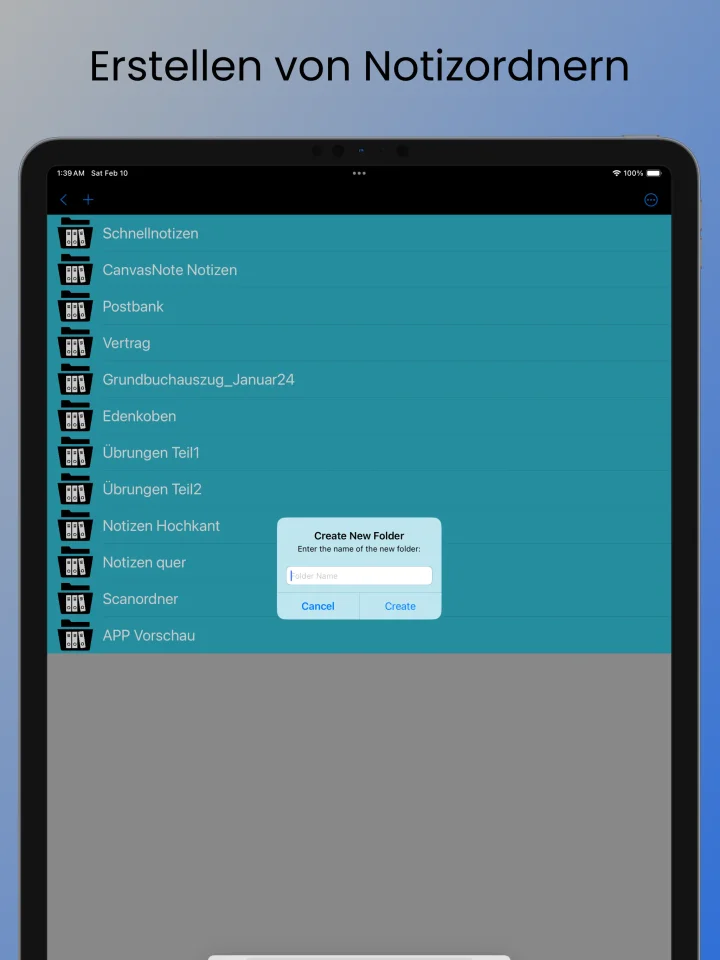
Dynamically Growing Folders: Create folders for different notes that dynamically expand as you add new pages. This keeps you always organized.
Image and Document Integration: Add images from the iPad's photo gallery and write directly on them. Use the iPad's internal camera to capture documents and insert them into your notes. The integrated scan function allows for perfect capture of external documents via the iPad camera or photo gallery.
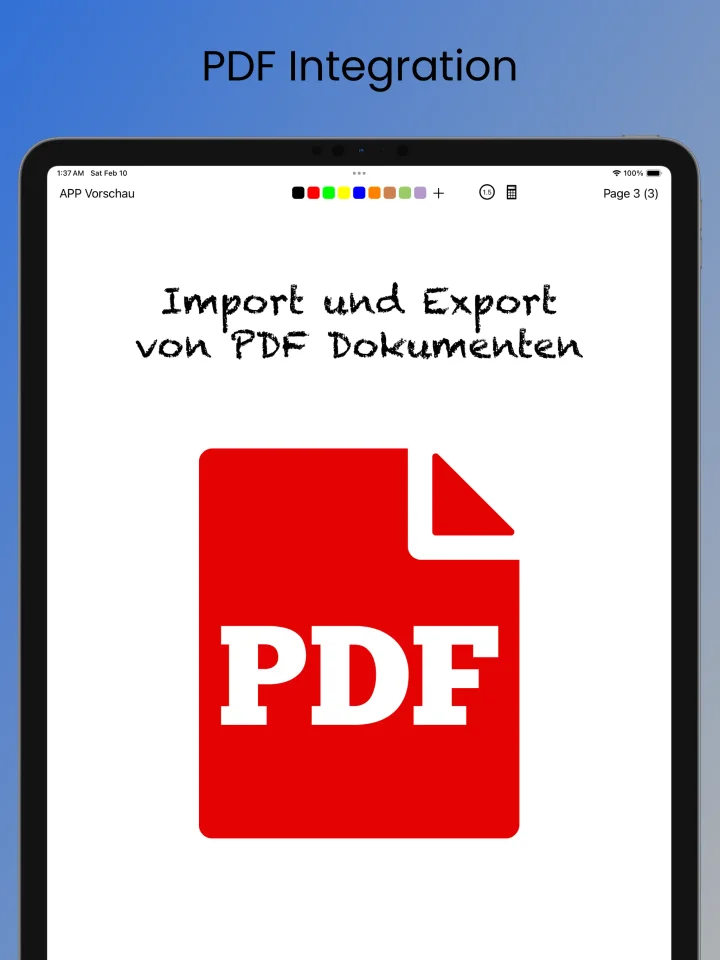
Comprehensive PDF Integration: CanvasNote offers extensive PDF features. Import and edit PDF files with ease and export your edited documents in no time.
Versatile Application Areas:
Perfect for School, Work, and Personal Use: CanvasNote is excellent for use in school, at work, and for personal notes. Whether you want to create lecture notes, ideas, or drawings, this app is the right choice.
Intuitive Management:
Clear Folders: All your notes are stored neatly in folders within the app and can be easily viewed and organized.
Requires a Digital Stylus: Please note that CanvasNote requires a stylus for input (Apple Pencil or iPad-compatible alternative) and cannot be written or drawn on with fingers.
Experience the ultimate note-taking experience with CanvasNote and enhance your productivity and creativity. Get CanvasNote now and dive into the world of digital handwritten notes!
新機能
バージョン 2.4 · 2025/2/20
Stability improvements and adjustments for the latest iPadOS version.
アプリのプライバシー
このアプリのデータの取り扱いについて、Nicolai KummerがApp Storeで申告している内容です。
-
データの収集なし
開発元はこのアプリからデータを収集しません。
プライバシーの取り扱いは、ご利用の機能やお客様の年齢などに応じて異なる場合があります。
情報
- 販売元
- Nicolai Kummer
- カテゴリ
- 仕事効率化
- バージョン
- 2.4
- 更新日
- 2025/2/20
- リリース
- 2023/10/22
- サイズ
- 44.3 MB
- 必要条件
- iOS 15.0以降
- 対象年齢
- 4+
- 価格
- 無料
- 言語
- 英語, オランダ語, フランス語, ドイツ語, トルコ語
- 著作権
- © Nicolai Kummer
こちらもおすすめ
-
 NoteWork仕事効率化
-
 Notator | 手書きノート& PDFアノテーションノート作成、PDFアノテーション& PDFエクスポート
-
 StoneNote - ビデオ学習ノートビデオノート & 手書き & ビデオブックマーク & PDF
-
 Pencil - ペンで書くPDFノート手書き、文字入力、お絵描き、マークアップ
-
 MXTNote仕事効率化
-
 OurNotesかわいいテンプレートと手書きノート
-
 Reader's BenchPDF・ePubリーダー、手書きノート
-
 MindExtend Visual Mind Mapping仕事効率化
-
 Notestudio - ノート取り、PDFマークアップノート作成、PDF注釈、マークアップ
-
 Note X - Notepad仕事効率化