Capture Studio: Stop Motion
Frame by frame animation maker
iPhone, iPad向けに設計
無料 · アプリ内課金
- 対象年齢4+
- カテゴリエンターテインメント
- 開発元Anton Khusnutdinov
- 言語英語ほか1言語
- サイズ8.0 MB
App Storeの公式ページにリンクしています
Download.orgはCapture Studio: Stop Motionのファイルを一切ホストしていません。ボタンを押すと、Anton Khusnutdinovが公開しているApp Storeのアプリページが開きます。ページの最終確認:2026/11/12。
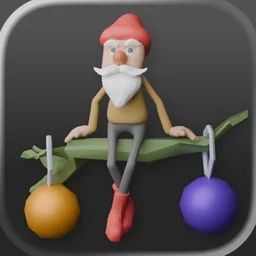
スクリーンショット
概要
開発元はこのテキストをお使いの言語で提供していません。
Capture Studio is the stop-motion tool from AMontage by Ant3Dstudio — our animation suite, broken out into one app that does a single job properly.
Stand your iPhone or iPad on a tripod. Move your subject a little. Take a frame. Repeat. That is an animation, and this app is built around making those few seconds feel effortless.
WHAT YOU GET WITHOUT PAYING
• Unlimited projects and unlimited frames. No counters, no frame packs.
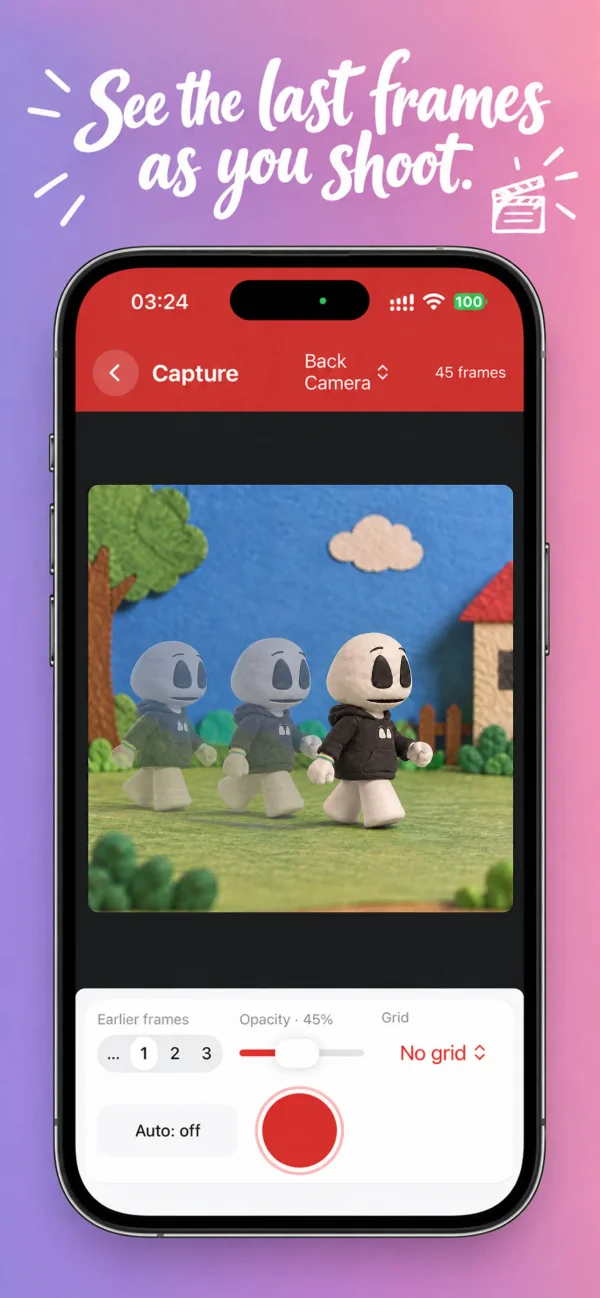
• Onion skin — the previous frames glow under the live camera, so nothing ever jumps.
• Auto shutter that waits for the scene to go still and then fires by itself.
• Shoot with the volume buttons or a Bluetooth remote, so you never nudge the tripod.
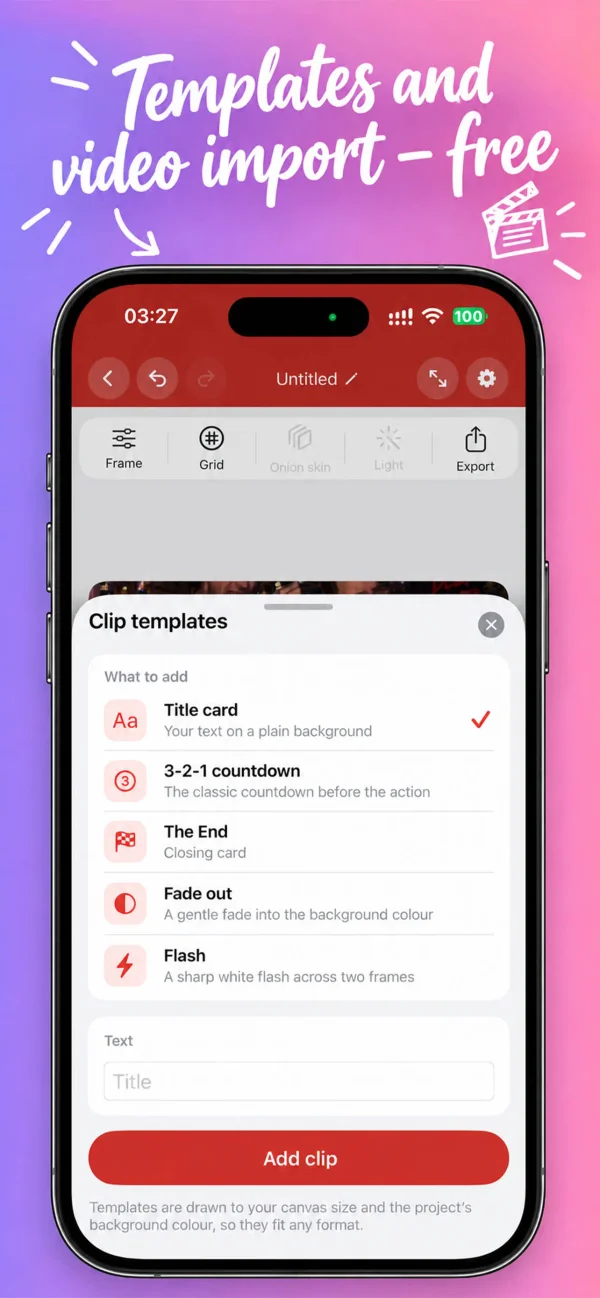
• Clip templates: title cards, a 3-2-1 countdown, "The End", fades and flashes.
• Import a video and turn it straight into frames.
• Grid overlay with centre and thirds guides.
• Frame editor: scale, position, brightness, contrast, saturation.
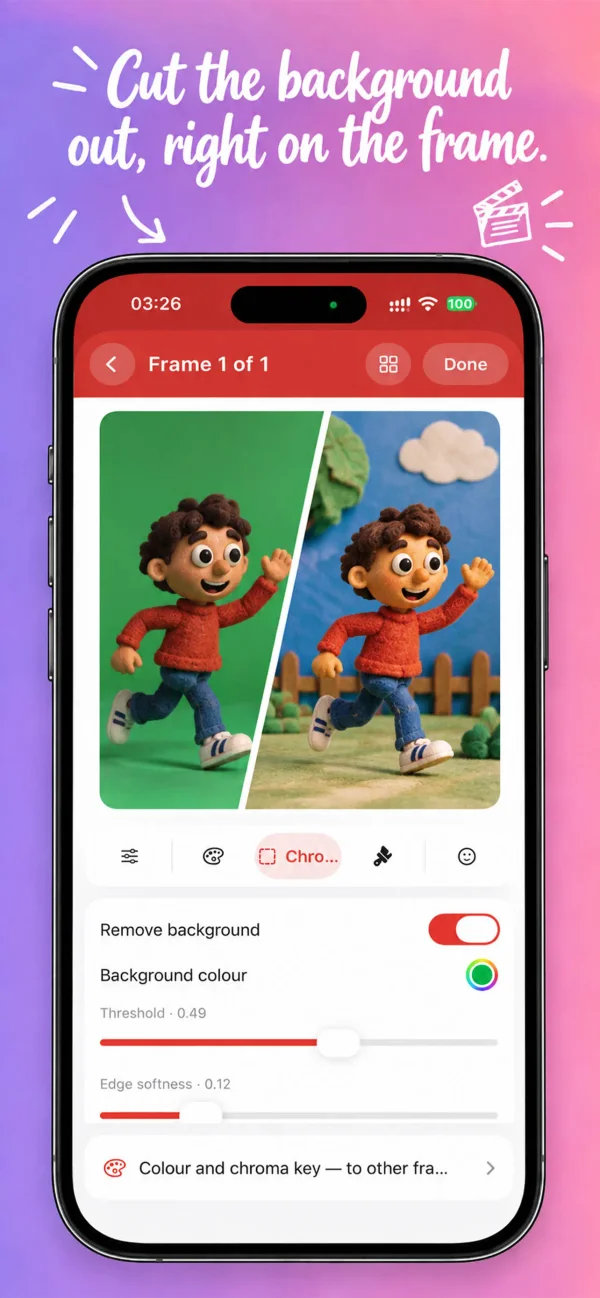
• Chroma key with an adjustable threshold and soft edge.
• Draw right on a frame — pen, marker, pencil, eraser — plus stickers.
• Hold any frame longer without duplicating it.
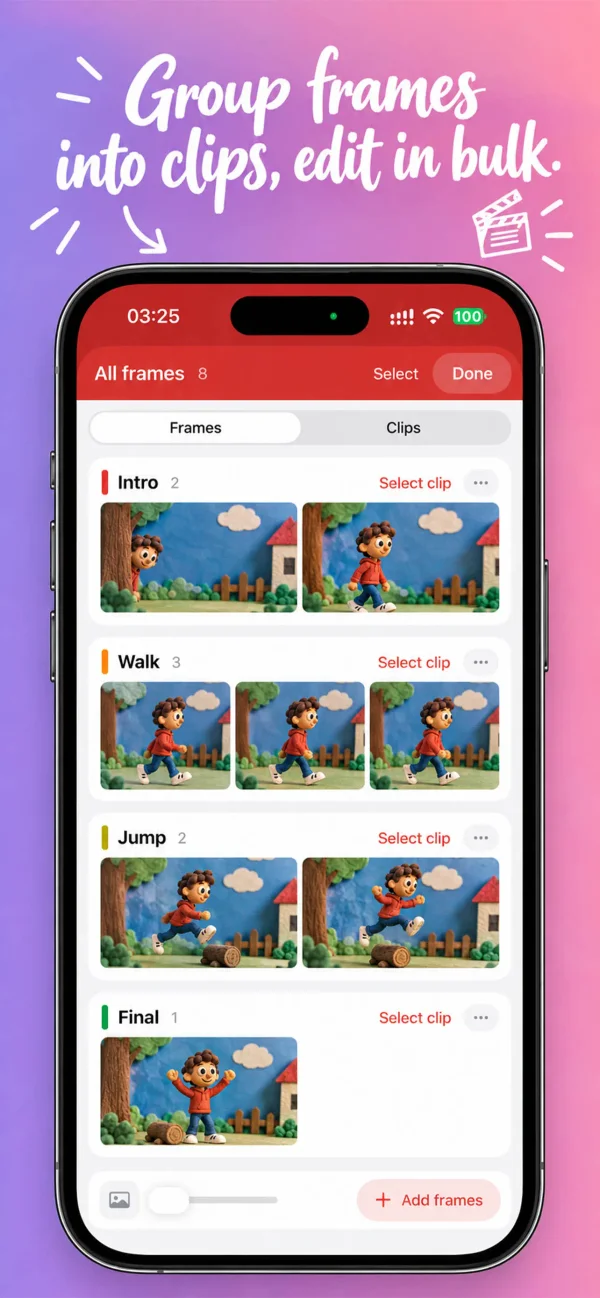
• Clips: group your frames, name and colour them, repeat, reorder, edit in bulk.
• Light levelling to even out flicker between shots.
• Smooth motion: add in-between frames for a softer transition.
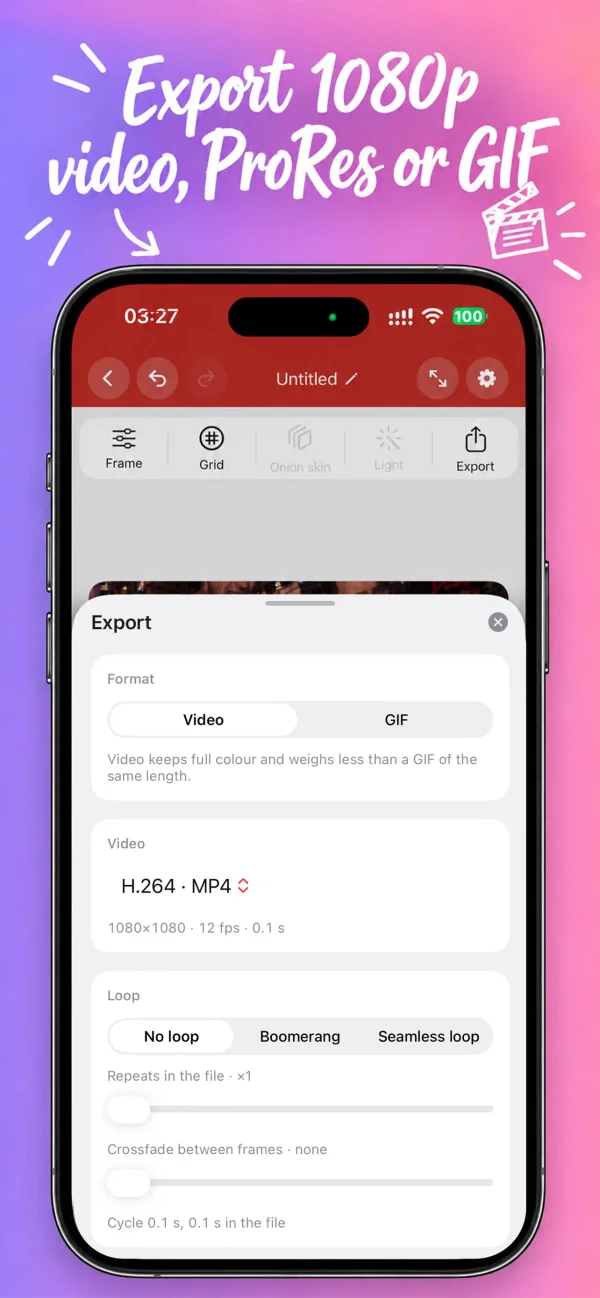
• Loops: a single pass, a boomerang, or a seamless cycle with crossfade.
• 9:16, 1:1 and 16:9, at whatever frame rate you set.
• Export to video and GIF. Save to Photos or to Files.
Templates and video import are free here. So is everything above. We would rather you finish your animation than hit a wall halfway through it.
CAPTURE STUDIO PRO
One payment, once, forever. No subscription.
• Exports without the watermark
• Full 1080p instead of 720p
• ProRes 422 for editing elsewhere
• GIF up to 1080 px instead of 480 px
That is the whole difference. Pro raises the quality of the file you export — it never takes a tool away from you.
BUILT FOR THE WAY YOU SHOOT
On iPad the tools sit in a side rail, so the viewfinder keeps the whole screen. On iPhone everything falls to the bottom, within thumb reach. Projects are ordinary documents: open them in Files, copy them to a folder, back them up however you like.
PRIVACY
No account. No ads. No analytics and no tracking. Nothing you shoot leaves your device.
Have questions?
Ask them on our official Facebook:
* facebook.com/amontageapp
or visit our website:
* amontage.ant3dstudio.com
Also we have an animated Instagram
* instagram.com/amontageaaps
Subscribe and use our hashtag #AMontage
Be creative - use AMontage!
Made in Ukraine by Ant3Dstudio.
新機能
バージョン 2.1 · 2026/9/29
- Brought back the classic gradient design
- Added AMontage integration: export projects directly to the editor
- Added dark mode support
- Added the ability to preview the animation of a single clip
- Fixed bugs
Be Creative!
アプリのプライバシー
このアプリのデータの取り扱いについて、Anton KhusnutdinovがApp Storeで申告している内容です。
-
データの収集なし
開発元はこのアプリからデータを収集しません。
プライバシーの取り扱いは、ご利用の機能やお客様の年齢などに応じて異なる場合があります。
情報
- 販売元
- Anton Khusnutdinov
- カテゴリ
- エンターテインメント
- バージョン
- 2.1
- 更新日
- 2026/9/29
- リリース
- 2018/10/27
- サイズ
- 8.0 MB
- 必要条件
- iOS 17.6以降
- 対象年齢
- 4+
- 価格
- 無料
- アプリ内課金
- あり
- 言語
- 英語, ウクライナ語
- 著作権
- © 2026, Ant3Dstudio