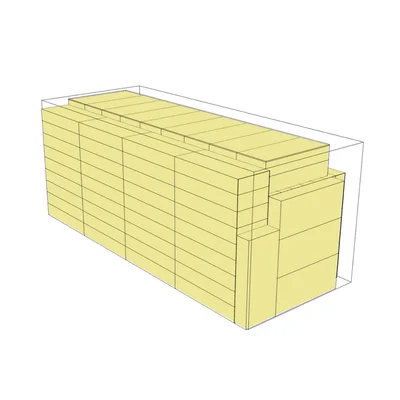
- 対象年齢4+
- カテゴリビジネス
- 開発元DREAMSOFTS OPTIMIZATION LIMITED PARTNERSHIP
- 言語英語
- サイズ29.4 MB
App Storeの公式ページにリンクしています
Download.orgはCargo Optimizer for iPhoneのファイルを一切ホストしていません。ボタンを押すと、DREAMSOFTS OPTIMIZATION LIMITED PARTNERSHIPが公開しているApp Storeのアプリページが開きます。ページの最終確認:2026/11/12。
スクリーンショット
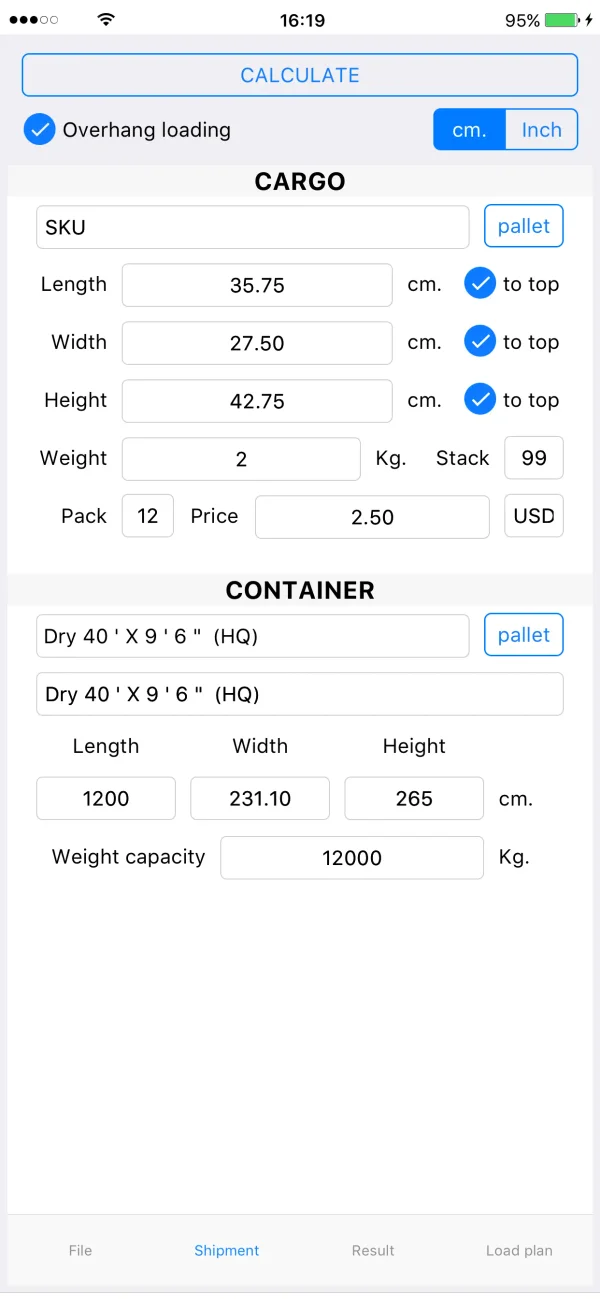
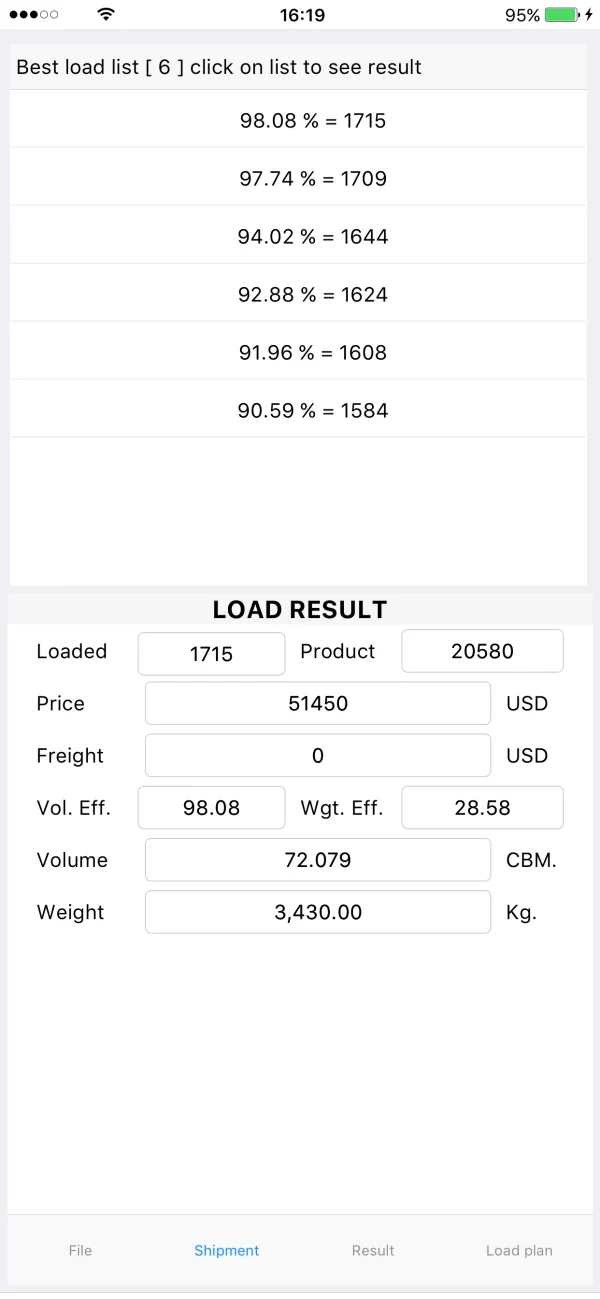
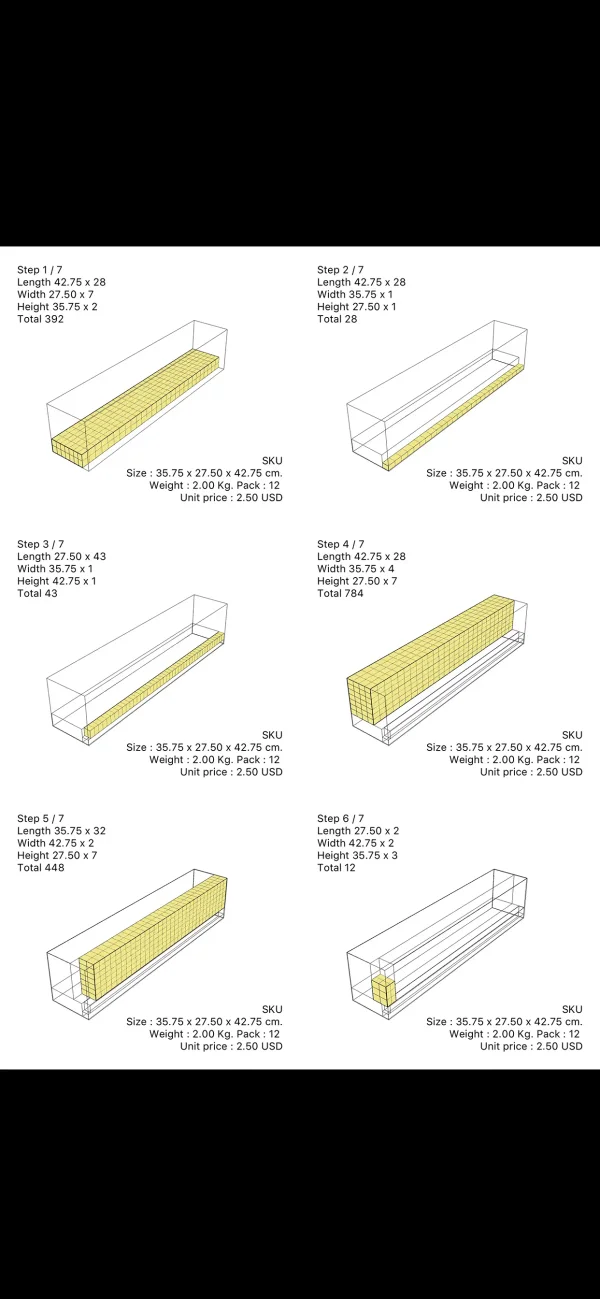
概要
開発元はこのテキストをお使いの言語で提供していません。
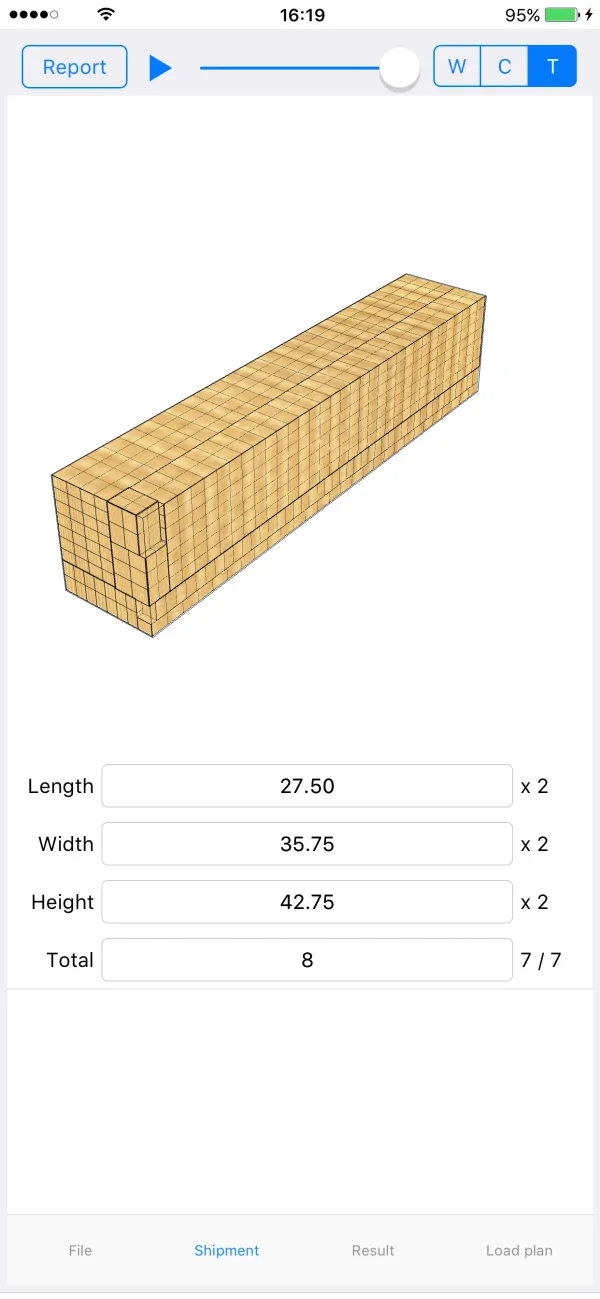
First container loading and pallet loading on iPhone (support to single size of cargo per loading). You have found the easiest container/pallet loading optimization application. Simulate loading your cargo in minutes, not hours or days!
Maximize your shipping with boxes and container/truck/pallet and save money and time.
General information
1. Support for both Imperial (inch/lbs) and Metric (cm./kgs.)
2. Support for loading Cargo>Pallet, Cargo >Container and Pallet>Container
Cargo detail
1. User can define cargo type between box or pallet
2. User can define Cargo SKU
3. User can define Cargo length, width and height
4. User can define Cargo weight
5. User can define pack (number of product in package)
6. User can define max stack (number of layer of cargo place on itself)
7. User can define unit price and currency
8. User can define pallet height (for pallet cargo)
Container/Pallet detail
1. User can define container type between Container or pallet
2. User can choose standard container/pallet type
3. User can define custom container/pallet detail
4. User can define container/pallet length, width and height (max height)
5. User can define container/pallet maximum weight capacity
6. User can define pallet height (for pallet type)
7. User can define freight.
Calculation
1. User can allow/not allow overhang loading
2. Support to interlock / pinwheel load pattern
3. Limit cargo to container weight capacity
View option
1. Display loading in 3D view
2. User can rotate to any view (360 degree) by use gesture control
3. Display mode between BW/Color/Real
4. Loading step control (automatic/manual)
Report option
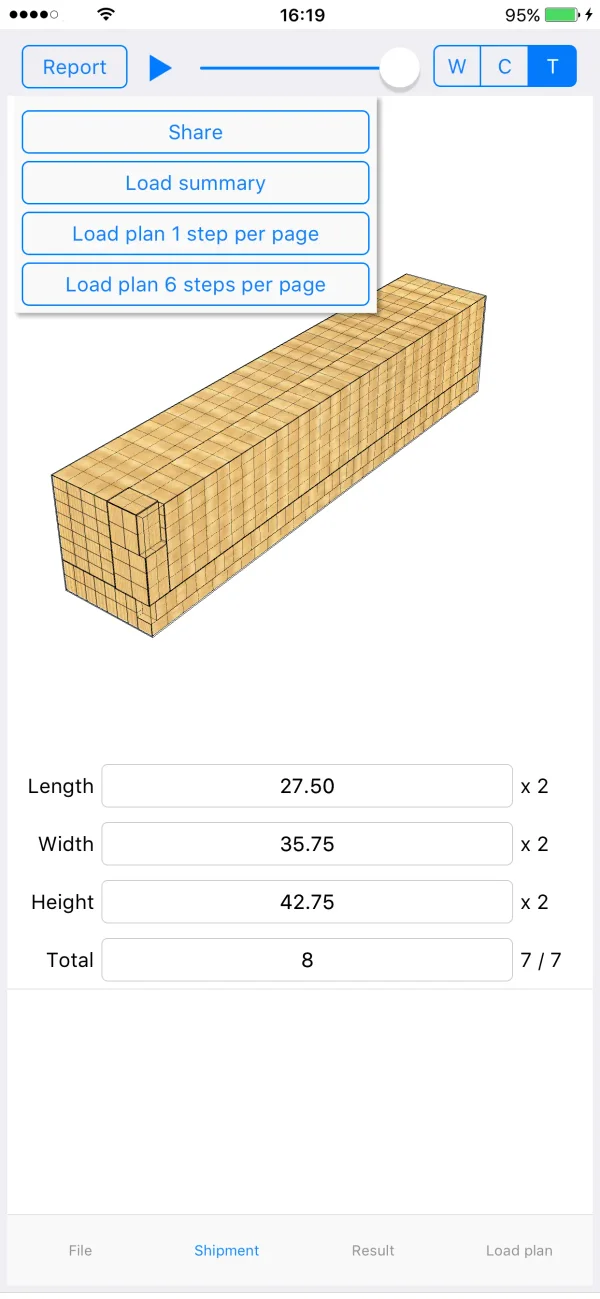
1. User can share with standard share data of platform (save/share/email etc.)
2. Load summary report
3. Load plan with 1/6 step(s) per page.
Load result
1. Show all necessary information
- Number of loaded cargo
- Number of loaded product (loaded cargo x pack)
- Total loaded value (loaded cargo x pack x unit price)
- Freight per product
- Percentage of volume efficiency
- Percentage of weight efficiency
- Total loaded volumn
- Total loaded weight
2. list of top loading pattern with option to choose any load pattern
3. Loading step will all neccesary data
新機能
バージョン 1.6.0 · 2026/6/16
Fix bug to save report
アプリのプライバシー
このアプリのデータの取り扱いについて、DREAMSOFTS OPTIMIZATION LIMITED PARTNERSHIPがApp Storeで申告している内容です。
-
データの収集なし
開発元はこのアプリからデータを収集しません。
プライバシーの取り扱いは、ご利用の機能やお客様の年齢などに応じて異なる場合があります。
情報
- 販売元
- DREAMSOFTS OPTIMIZATION LIMITED PARTNERSHIP
- カテゴリ
- ビジネス
- バージョン
- 1.6.0
- 更新日
- 2026/6/16
- リリース
- 2016/11/12
- サイズ
- 29.4 MB
- 必要条件
- iOS 8.0以降
- 対象年齢
- 4+
- 価格
- ¥1,500
- 言語
- 英語
- 著作権
- © 2026 DREAMSOFTS OPTIMIZATION